Finder

Mac tip: preventing Login Items and Finder windows from opening when you log in

Like Windows, macOS makes having apps, documents, folders or server connections launch automatically whenever you log in to your Mac as easy as dragging them to the System Preferences → Users & Groups → Login Items section.

Sometimes, one or more Login Items may cause software problems or prevent your computer from starting up properly.

Rather than remove all of your Login Items permanently, here's how you can temporarily prevent them from opening automatically when you log in, without needing to adjust your settings.

How to hide device icons on your Mac desktop

If you're a minimalist type of person, then you might prefer to keep your Mac's desktop free of any icons.

Yes, you can easily drag documents and other files that have been cluttering your desktop and put them in a folder on your Mac. However, that doesn't change the fact that icons for external hard drives, USB thumb drives and other hardware devices will still pop up on the desktop as soon as they're connected to your Mac.

Wouldn't it be nice if you could do something about that? Thankfully, Apple's engineers though of that, too, because macOS makes it easy to optionally remove desktop icons for different types of devices with just a few clicks.

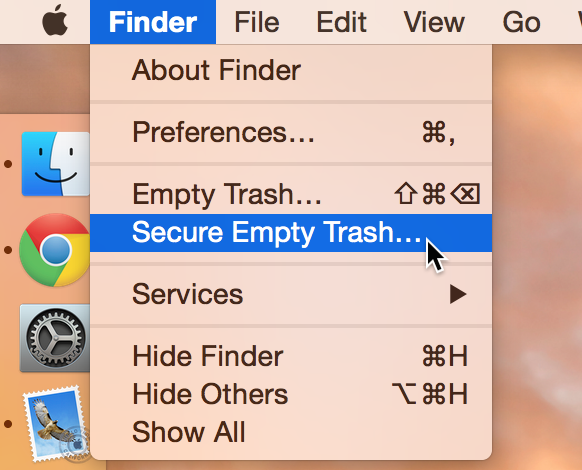
Empty Trash versus Secure Empty Trash – what’s the difference?

Did you know that there are actually two ways to empty the trash on your Mac? Perhaps you've seen both options before, but never gave it much thought. Just what is the deal with Empty Trash versus Secure Empty Trash? Which one should you use? By knowing what each empty trash command is capable of doing, you'll be able to make more informed future decisions with regard to handling your Mac's sanitation needs.

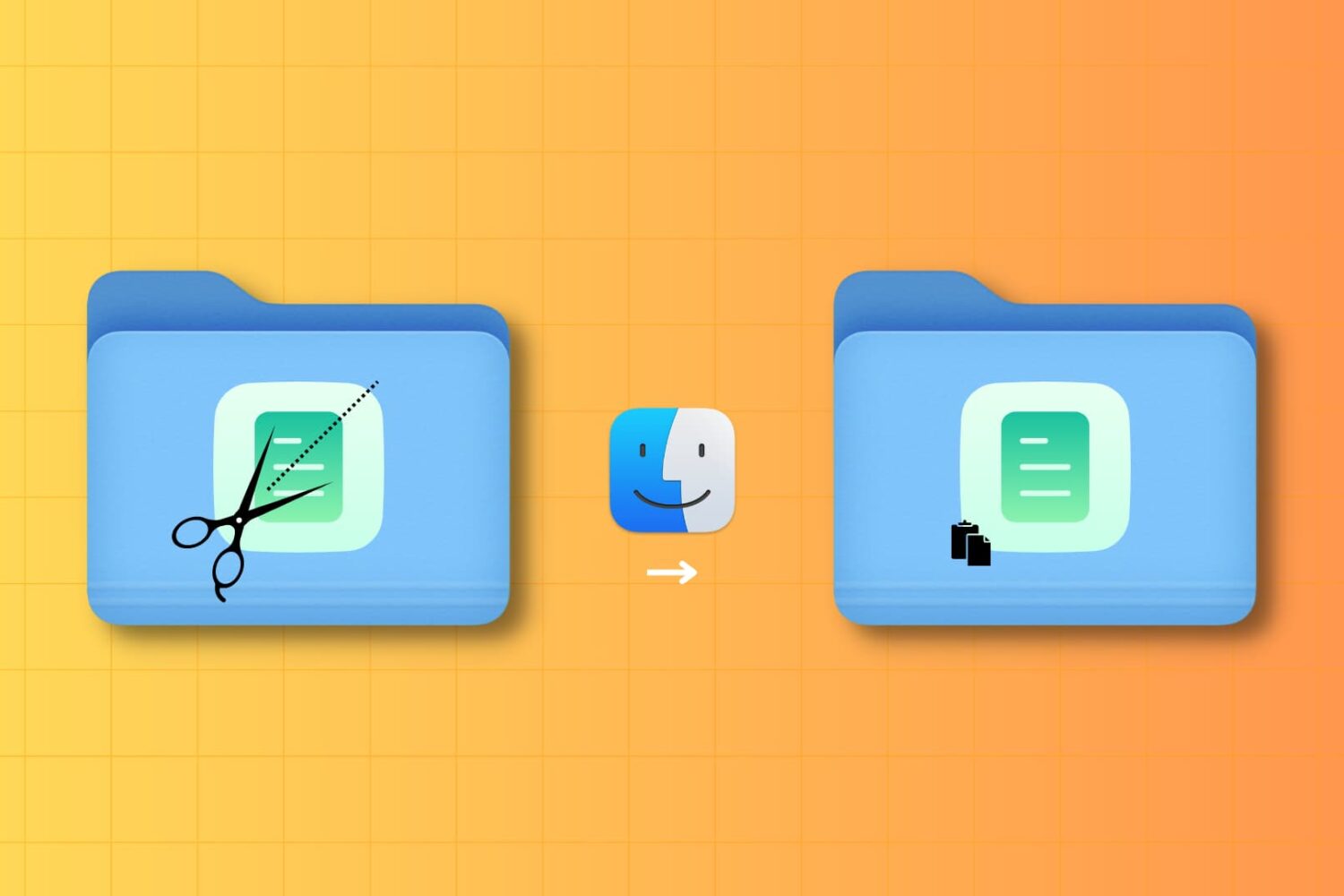
How to Cut and Paste files on Mac

Cut and Paste on Mac

It may not be obvious, but your Mac has the option to cut a file and paste it to a new location in Finder. In this tutorial, we’ll show you four different ways to use cut and paste files on a Mac.