Mac Apps

Apple’s Notes app in OS X 10.11.4 El Capitan can import files from Evernote

The forthcoming OS X 10.11.4 El Capitan software update, currently in testing, will bring out the ability to import Evernote content into the stock Notes application, Apple's Vice President of Marketing, Brian Croll, has confirmed in an interview with Japanese publication PC User, as relayed yesterday by the Japanese blog Mac Otakara.

Through a new Import Notes menu command, Mac owners will be able to import Evernote files into Notes, which in OS X 10.11.4 supports Evernote's proprietary .enex file format.

Browserism review: quickly switch between browsers on Mac

Some people have different needs from different web browsers. One may have a specific function that another does not. But, you may like them both for different purposes.

Browserism is a shortcut app for OS X that makes it possible for you to quickly switch between web browsers with just a click or the stroke of a key. We've got a full app review of Browserism for you below. Find out if it is right for you.

How to move your iTunes library to an external drive

You'd be amazed how much of your Mac's storage is wasted on the iTunes library. All those apps and media you have purchased and downloaded over the years pile and clog up your Mac's precious storage.

But with one-terabyte external hard drives retailing for less than $60 on Amazon, there are no excuses not to spring for external storage to move that humongous iTunes library of yours on.

This post takes you step-by-step through the process of consolidating your iTunes library and moving it to an external drive in a way that will preserve your playlists, ratings and other interactions, so you won't miss a beat.

How to measure Mac frame rates and enable HiDPI display modes on older models with Quartz Debug

Have you ever wanted to benchmark the graphics performance of your favorite Mac apps and games, or measure the refresh rates of macOS's user interface?

If so, you'll be delighted to learn that Apple provides a free application, called Quartz Debug, which has a built-in live frame rate monitoring tool that can measure the refresh rate of the graphics subsystem in frames per second (FPS).

Here's how you can download Quartz Debug to your Mac and use it to display the number of screen updates per second, see the FPS and CPU gauges changing as you perform different actions on your Mac, enable HiDPI display modes on non-Retina Macs and adjust other settings related to the computer's GPU.

Aura for Mac brings Quick Replies to your Gmail conversations

Unlike most desktop notifiers that merely send you to Gmail's mobile interface on the web, the most recent update to a cool Mac app called Aura actually implements Quick Reply functionality so you can reply to messages, or add a new message to any thread—right from its notification banner.

This nifty little app can save you time when you need to fire off a one-line response. It supports Gmail and Google Apps accounts, it's fully native and optimized for OS X Yosemite and El Capitan.

Remote Buddy review: control your Mac from Apple TV via Siri Remote

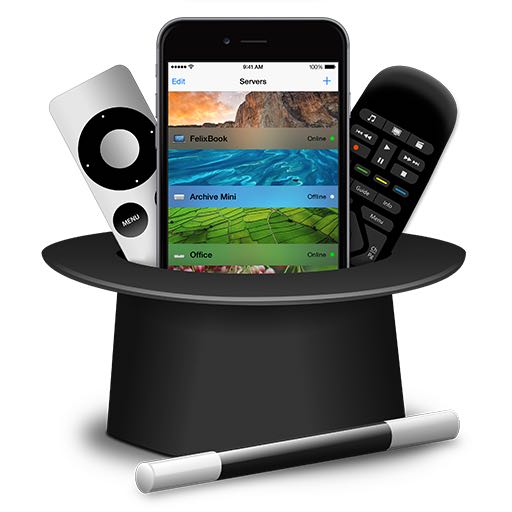
Don't you wish there was a hassle-free way to bring your Mac apps, documents, media, games and more to the big screen—and control them? Enter Remote Buddy, a sweet little app by Roth, Germany based developer Felix Schwarz.

This high-performance screen sharing software—along with its tvOS, watchOS and iOS apps—streams your Mac's screen to the new Apple TV and turns the Siri Remote into a trackpad, a full virtual keyboard and an advanced remote so you can control Mac apps with gestures and shortcuts, without getting off that couch of yours.

Building on the latest GPU and CPU technologies, Remote Buddy uses a proprietary engine to deliver up to 60 frames per second with a latency of around 0.1 seconds so you really get a smooth, high-speed screen sharing experience.

Having taken Remote Buddy for a quick spin, I'm happy to report that it works incredibly well and really comes in handy when you want to do simple tasks on your desktop-bound Mac without actually sitting in front of your computer.

Bring iOS 9.3’s new Night Shift mode to your computer with f.lux for Mac

Yesterday, Anthony blogged about a cool app that lets you dim your Mac's display brightness even further and beyond the minimum allowed by OS X.

Today, we discuss an app for adjusting the brightness and colors of your Mac's display, called f.lux, which essentially replicates functionality provided by Apple's new Night Shift mode on iOS 9.3.

Like Night Shift mode, f.lux helps prevent eyestrain when using your Mac at night (it's also available on jailbroken and non-jailbroken iOS devices)

The best ways to store your iPhone photos in the cloud

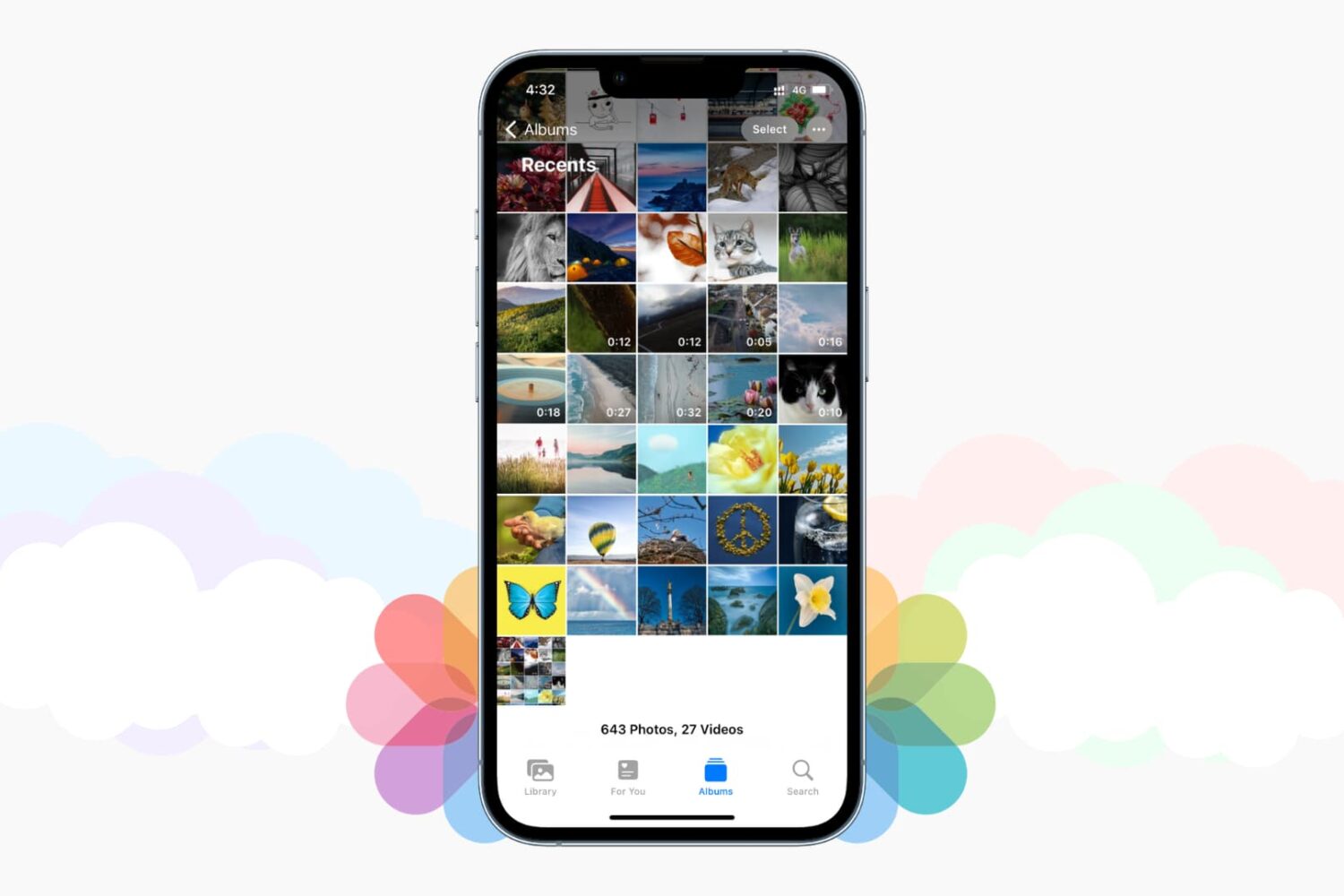
Save iPhone photos to best cloud storage options

Those high-quality snaps and videos you take on your iPhone, iPod touch or iPad can pretty quickly eat up all of the available storage space on your device.

There are a number of techniques to increase your free storage, like deleting apps you no longer use, emptying system caches and so forth, but they all pale in comparison to the simplest of solutions—actually moving storage-hungry photos and videos off your device to safely store them in the cloud.

In this post, we'll tell you all you need to know about the most popular cloud storage solutions. We're going to detail backing up your media to each of them and discuss recommended strategies for freeing up as much storage space as possible without destroying your personal memories or changing your workflow much.

Outlook for iOS gains Skype integration, Mac app updated with Split View and full-screen support

Microsoft Outlook is an excellent email client, not just for mobile devices but on desktop platforms, too. And now, it's about to get a lot better. According to Microsoft, Outlook for Mac now now officially supports Full Screen view for OS X Yosemite and up and OS X's native full-screen view.

On the mobile front, Outlook for iOS has received a nice little update which brings Skype integration for calendar events so users can now make any meeting a Skype call that can be launched from the calendar event in Outlook.

Remix OS alpha is here: run Android on your Mac

Remix OS, a software platform created in partnership with the Android-x86 project, is now available for download from the Jide website. Remix is basically a custom engineered version of Android Lollipop that can be installed onto a USB thumb drive to boot your Mac right into Android.

This is a pre-release alpha version of Remix intended for developers so it may be a bit rough around the edges and exhibit some hiccups. That being said, Remix OS is pretty cool: it has a custom user interface with built-in Amazon App Store, but you can sideload Google Play services to run virtually any Android app on your Mac.

Goofy offers a native Facebook Messenger client for Mac

Earlier this week, what appeared to be a leaked photo of Facebook's future Messenger client for OS X became all the buzz. Facebook may finally be in the works of developing a client for Apple's Mac platform that works just like the mobile app on iOS, allowing users to stay connected with their friends and family right from their desktop without having to have all the distractions of the full web site open in a web browser.

But that's not to say you have to wait until Facebook is good and ready to release such an app to start using such an app on your Mac.

Remix OS will bring Android to your Mac

Are you itching to see for yourself what life is like on the “other” mobile platform, Google's Android, but the very thought of switching sends shivers up your spine? Enter Remix OS, a software platform founded by three ex-Google employees that lets you boot straight to Android on your Mac or Windows PC.

Unlike similar solutions that let you run Android apps in a windowed mode, Remix OS has a dedicated desktop user interface, runs a custom engineered version of Android Lollipop with Google Play services, meaning you can download and run just about any Android app no your desktop, including Microsoft Office, YouTube, Google Maps and many more.