Learn all the ways to launch the macOS Terminal app if you’d like to interact with your Mac using a command-line interface.
6 simple ways to open Terminal on Mac
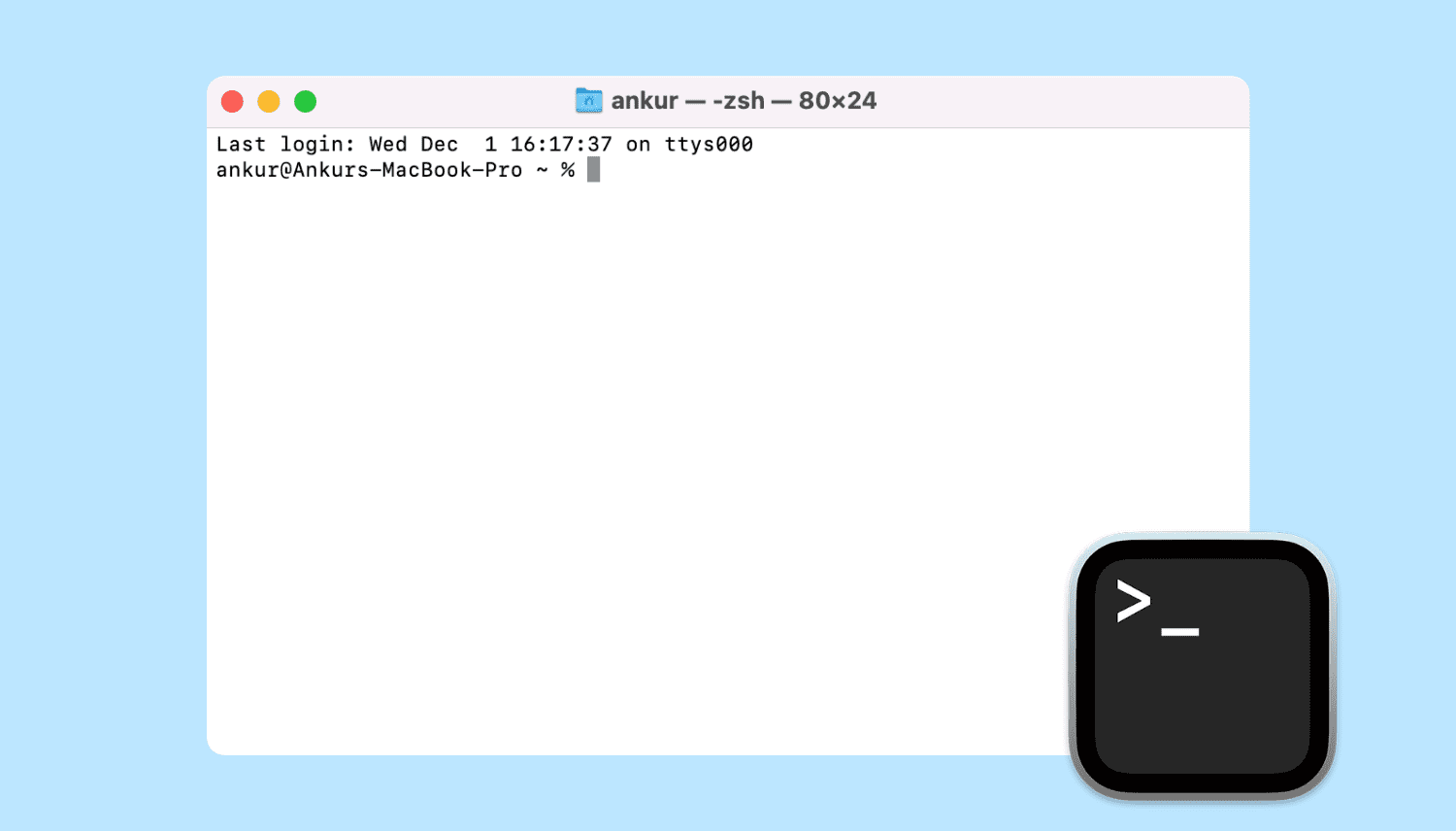
Learn all the ways to launch the macOS Terminal app if you’d like to interact with your Mac using a command-line interface.
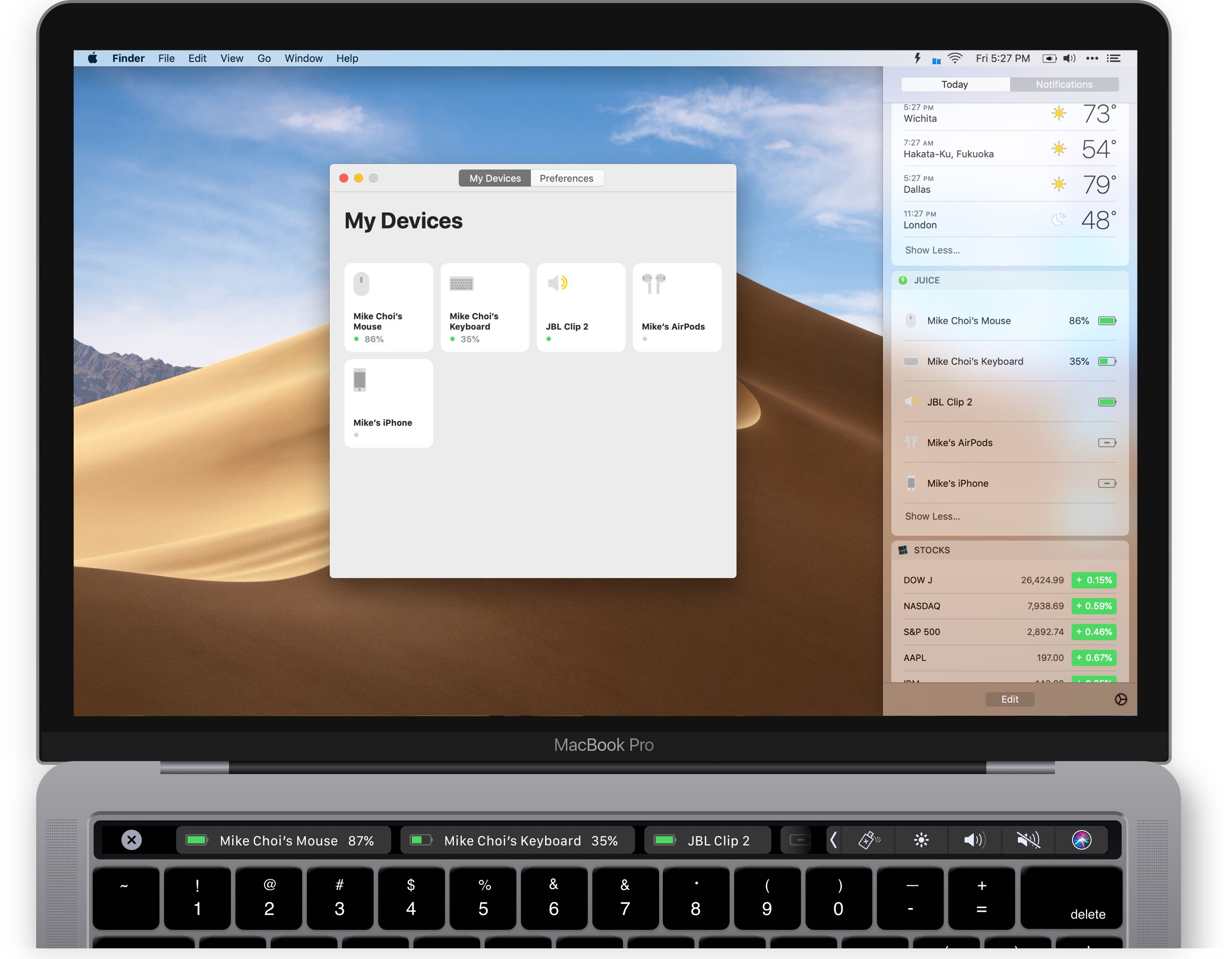
Displeased with the Mac's rudimentary interface for Bluetooth devices, developer Mike Choi took it upon himself to create Juice, his very own macOS Bluetooth manager for easier connecting to your favorite devices from places like the Touch Bar and Notification Center.
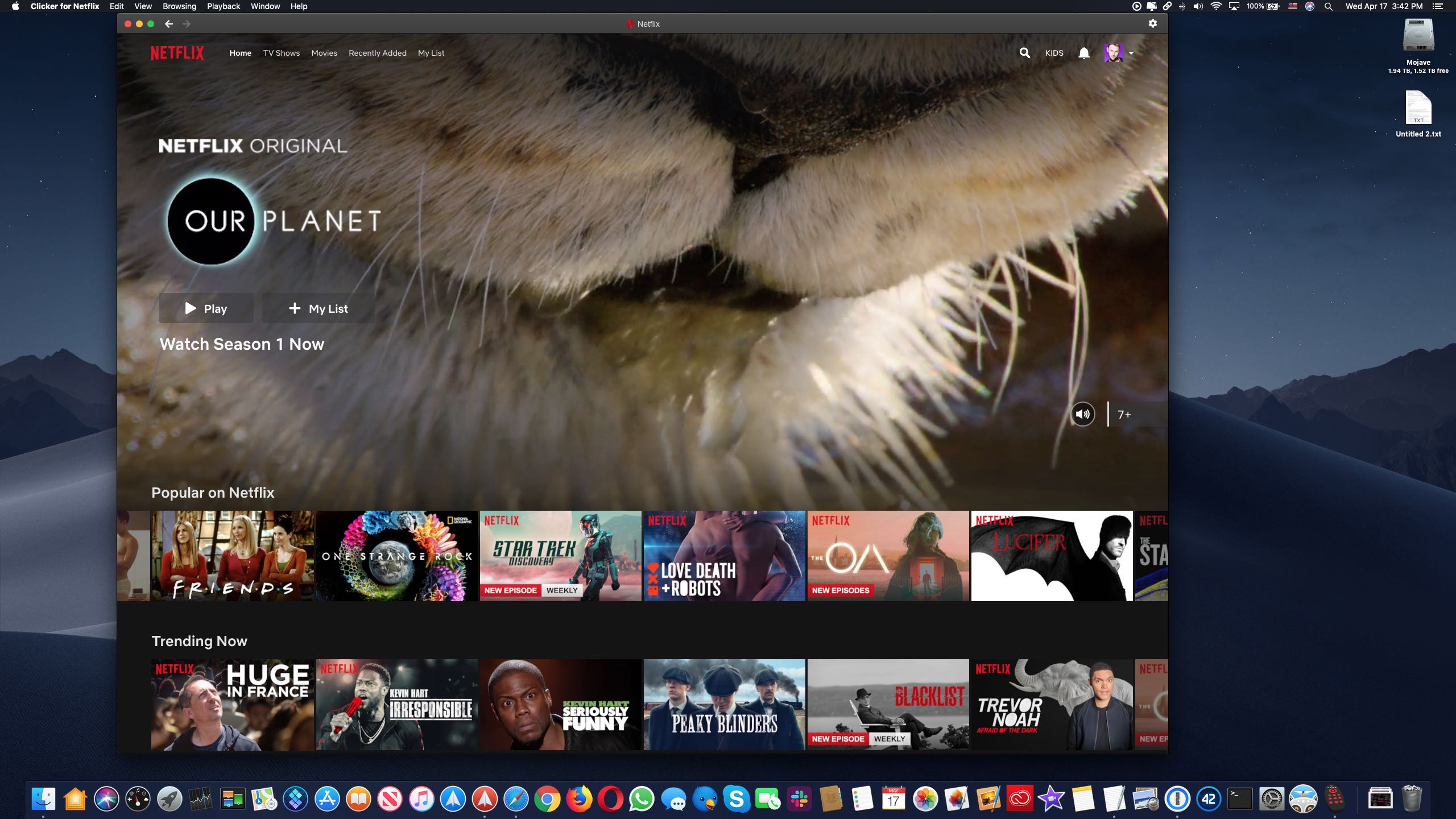
If you're looking for a great Netflix experience for macOS, look no further than Clicker, a streamlined Netflix player for your Mac that comes with time-saving Touch Bar shortcuts, Picture-in-Picture support and a bunch of preferences for things like automatically skipping episode intros, automatically starting the next episode and more.
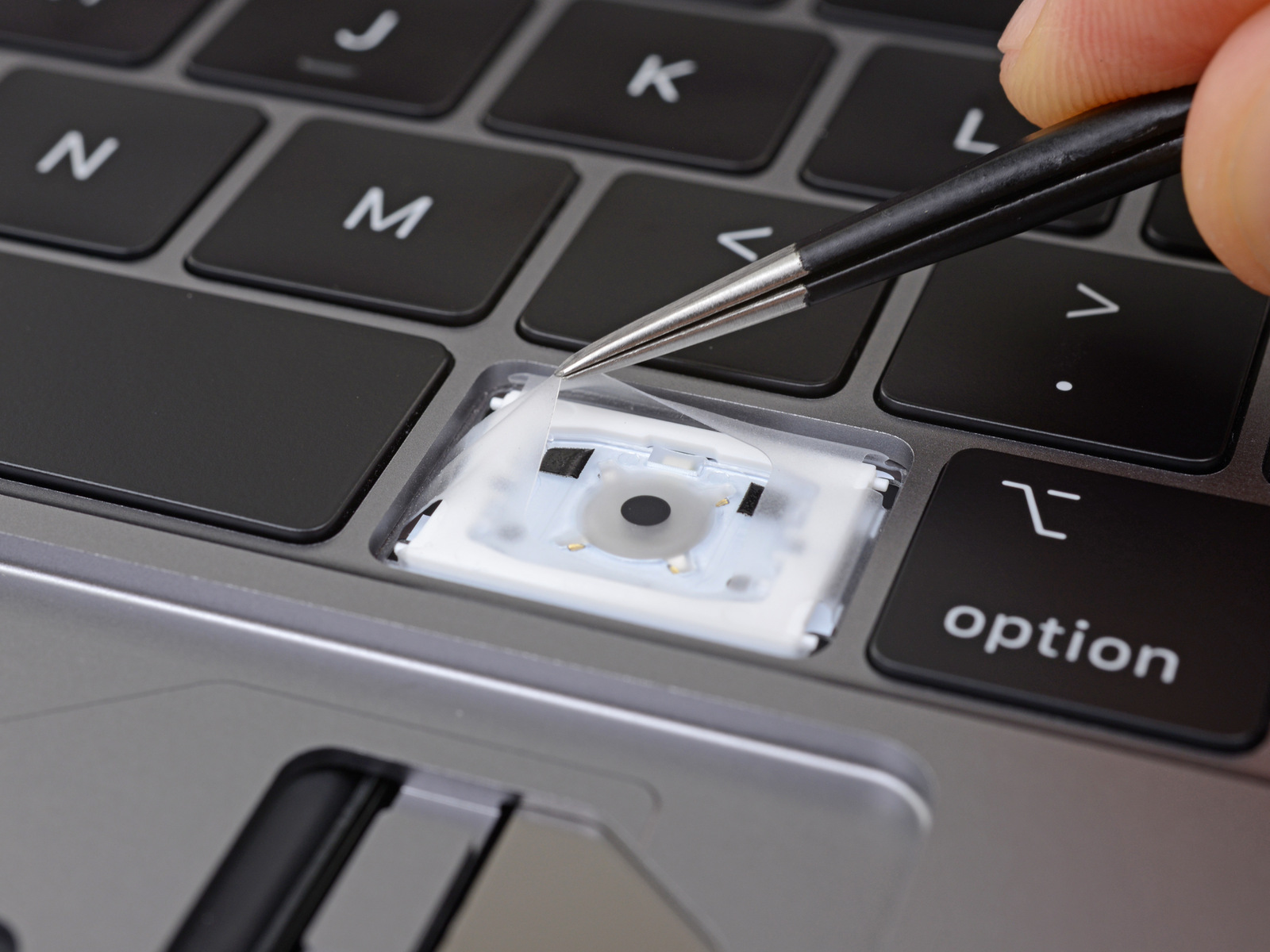
Apple’s third-generation butterfly keyboard was supposed to fix all the previous defects but buyers continue to experience problems with its design, as recently highlighted in The Wall Street Journals's damning column penned by the ever-amusing, unapologetic Joanna Stern.
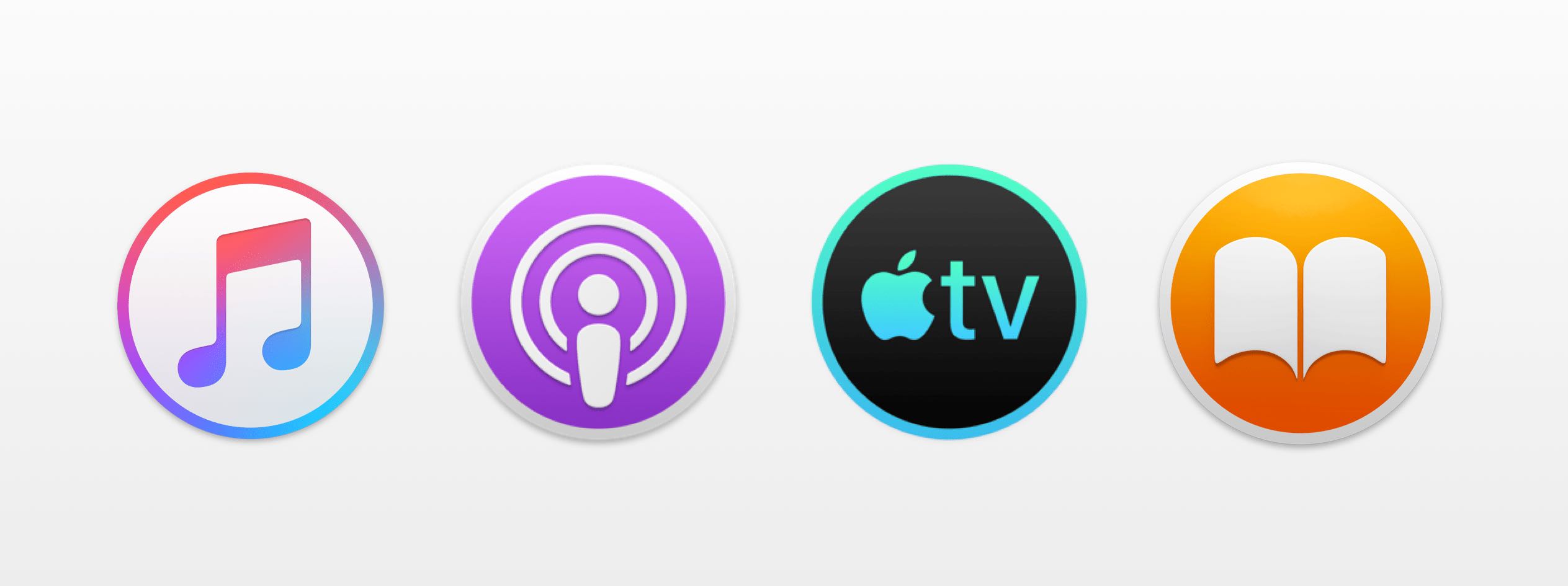
macOS 10.15, the next major update to the desktop operating system powering the Mac, will rock standalone apps for Music, Podcasts and TV, plus a redesigned Books app.
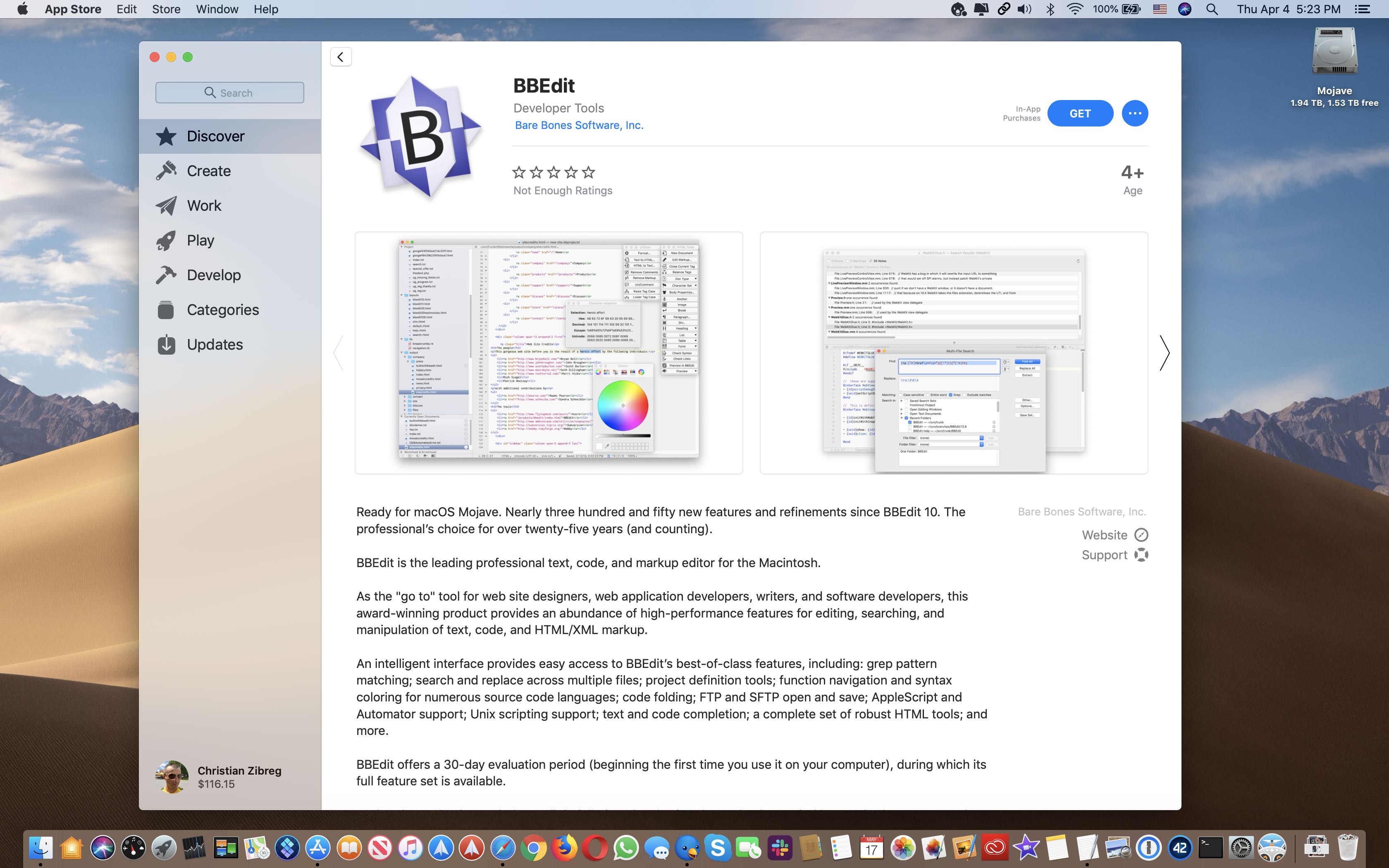
BBEdit, an advanced text editor made by Bare Bones Software, has returned to Mac App Store after a nearly five-year hiatus. BBEdit 12 packs in 300+ new features and refinements since BareBones pulled it from Mac App Store in October 2014, like full 64-bit support, Git integration and Mojave-specific features like Dark Mode support and much more.
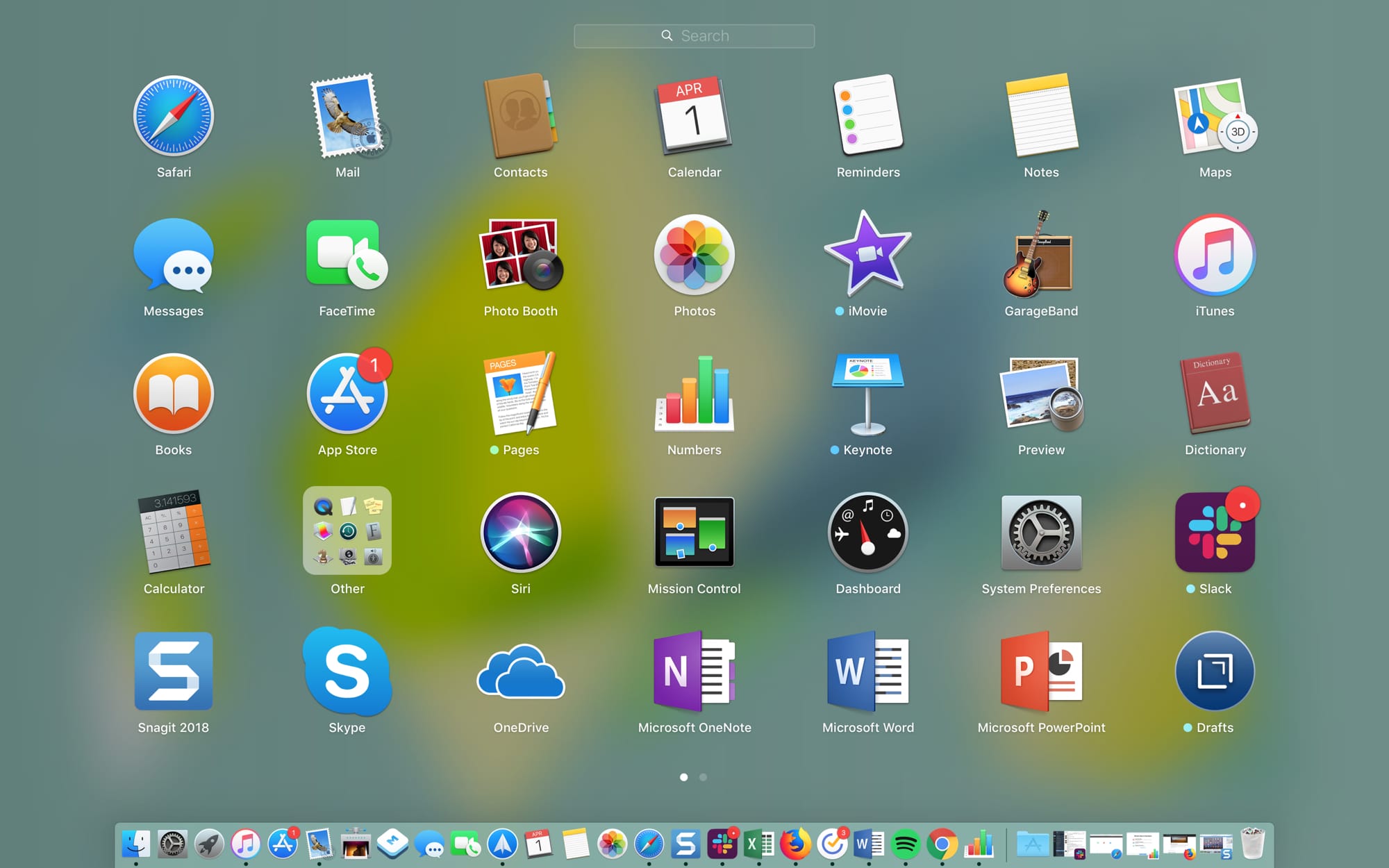
The Launchpad on your Mac might remind you of the Home Screen on your iPhone or iPad. There’s a nice and neat grid of your apps. When you download an app from the App Store, it pops right into the Launchpad, and you can take action on your apps from there.
The thing is, you have to access the Launchpad, so it’s not right on your screen when you use your Mac like the Home Screen is on your mobile device. This might keep you from using it as much as you could. But the Launchpad can be a handy tool.
We’ve put together some tips for making the most of the Launchpad on Mac in case you decide to make more use of it.
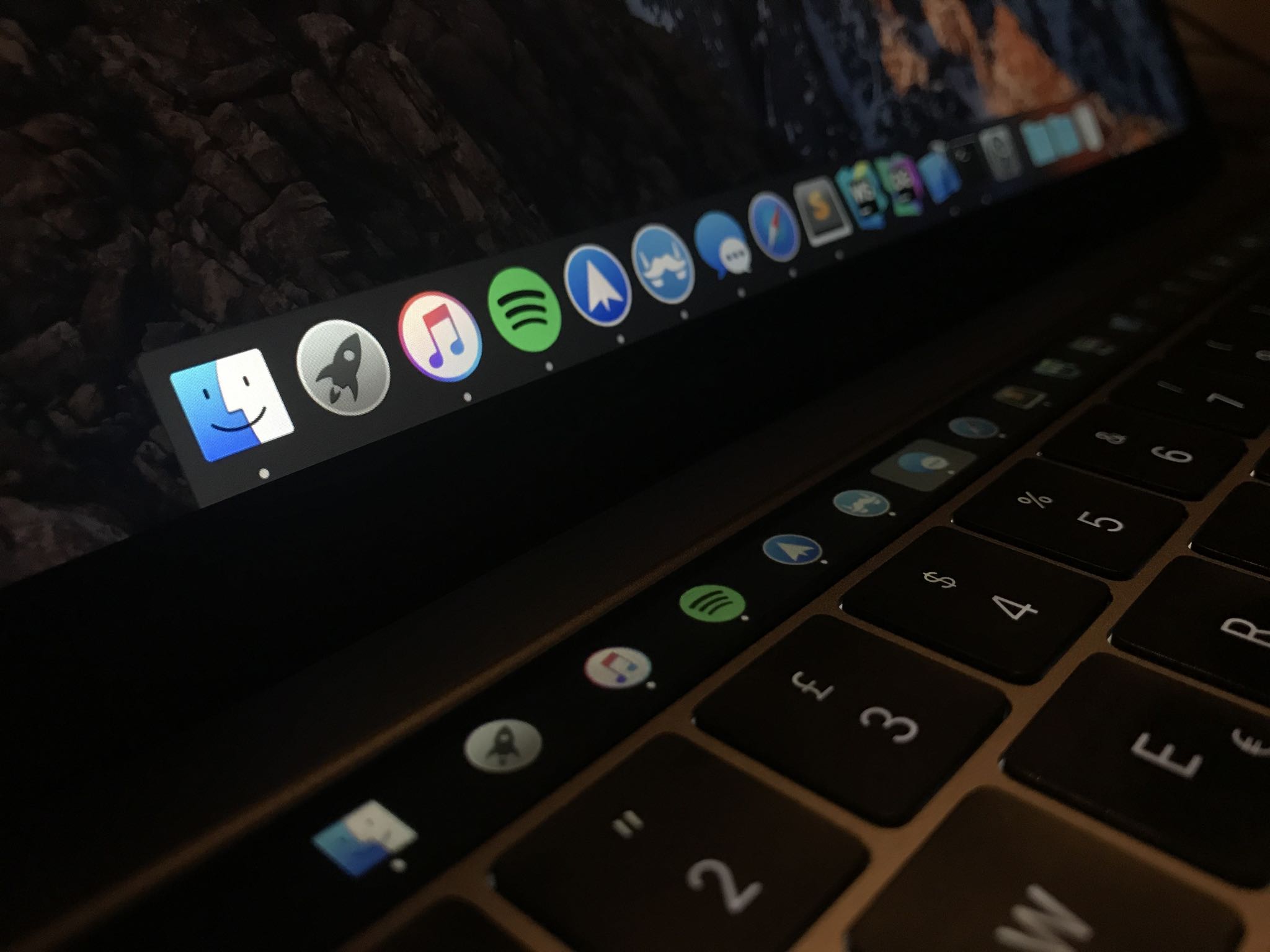
Many people disregard the power of Touch Bar shortcuts just because they're not willing to customize the shortcuts. If you're among that group, how about using that OLED strip in place of the function key row for something universally useful, like the Dock?
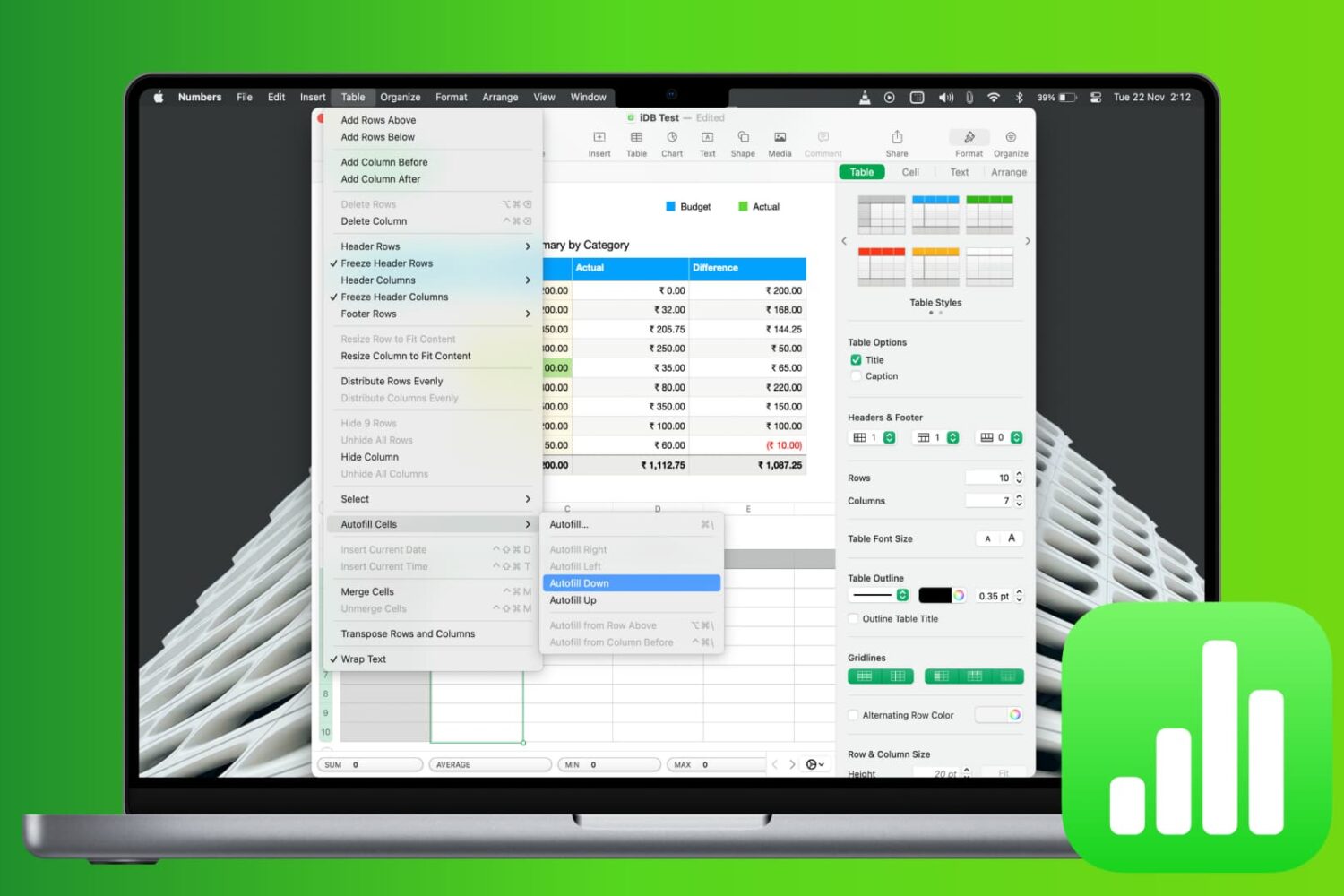
Learn how to save time and reduce errors by using the Autofill feature in the Apple Numbers app on Mac to fill cells with and without dragging.
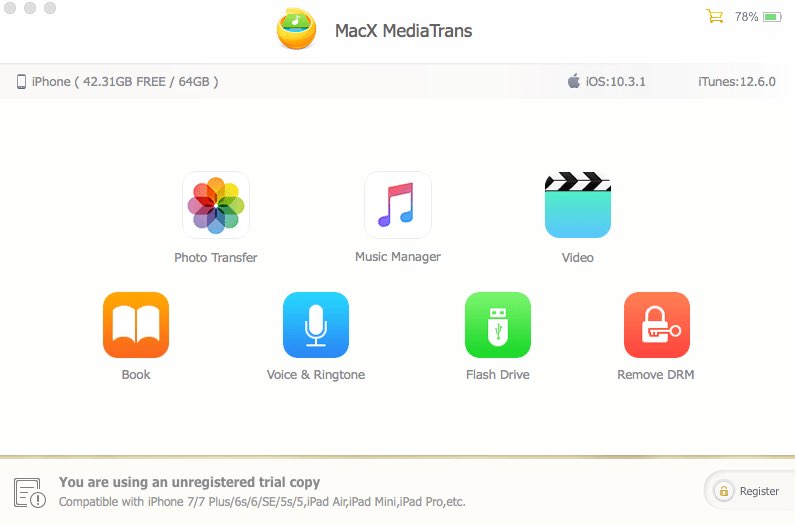
Transferring your iPhone data to a Mac or Windows PC isn't a hassle-free affair due to various iTunes syncing errors that can quite often result in duplicate files, syncing inconsistencies and even data loss. One viable option is MacX MediaTrans by developer Digiarty Software, a versatile iTunes alternative for your Mac that resolves iTunes syncing errors.
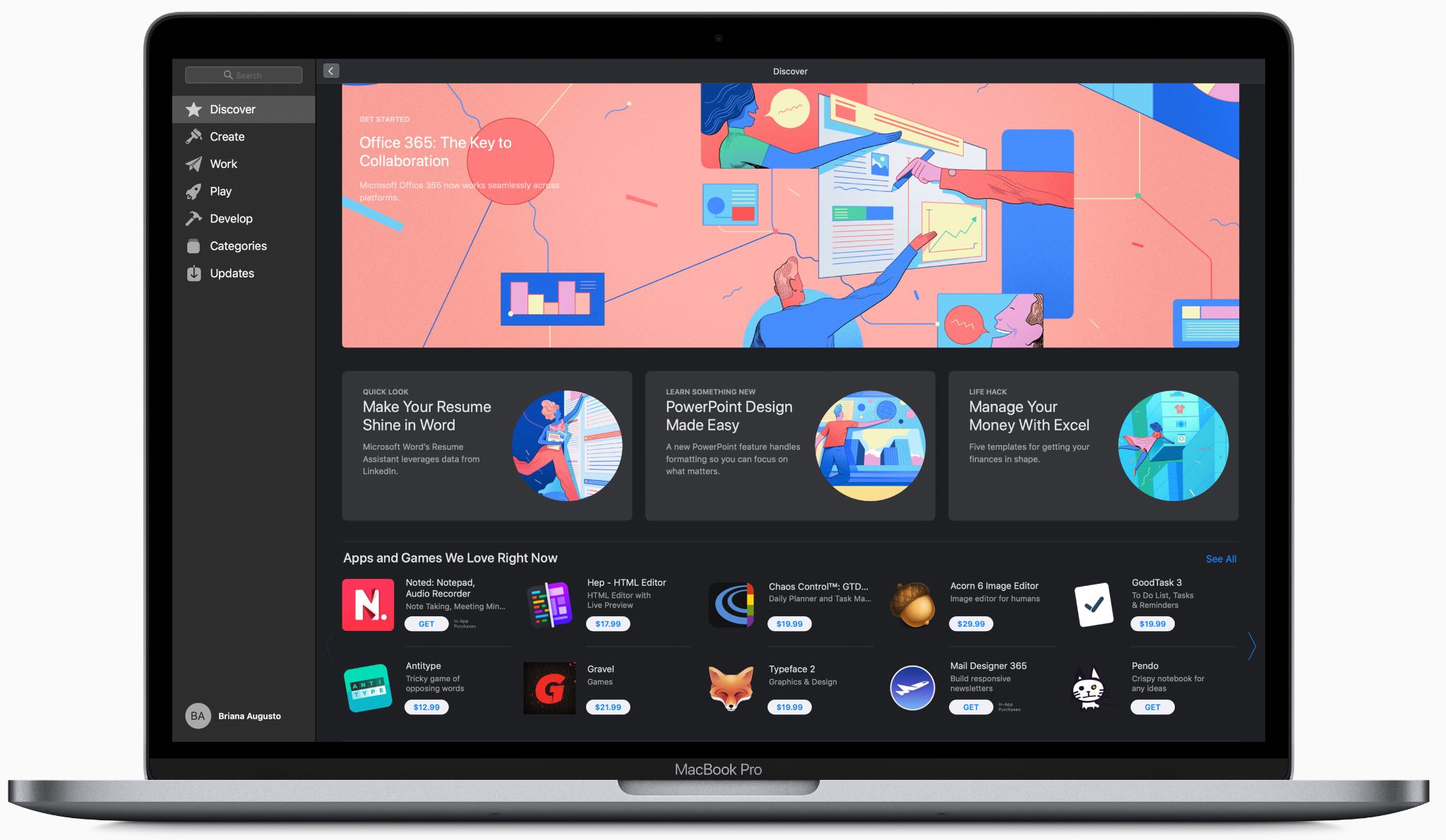
Registered macOS developers are now permitted to release Mac app updates to customers in stages, and even pause the phased release in case a major bug has been discovered.
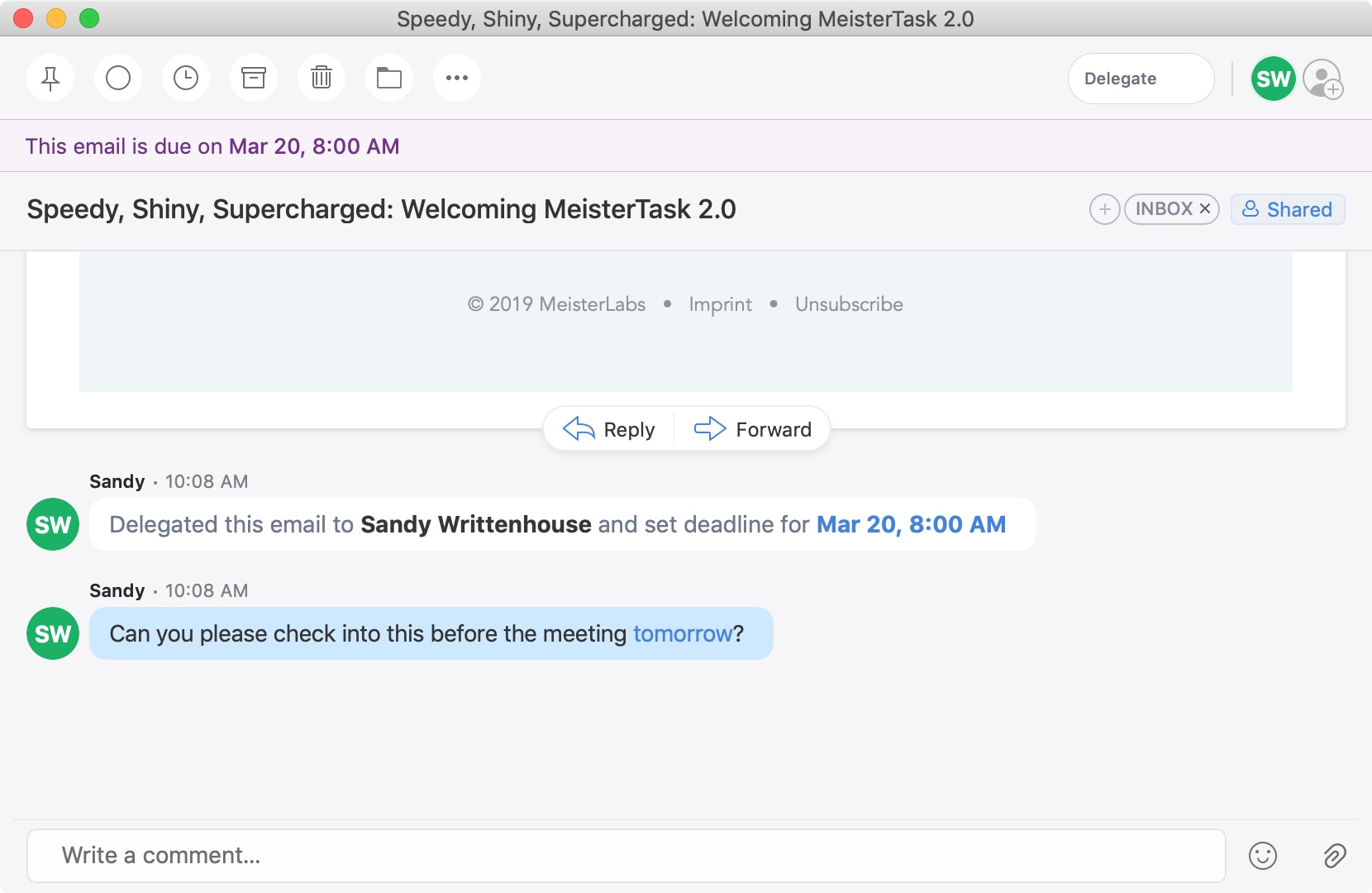
A recent update to the Spark email application brought a cool new feature. You can now delegate emails to your team or employees on iPhone, iPad, and Mac. Along with assigning emails to others, you can set due dates and times and keep track of what’s pending and completed.
This is a great new feature if you use Spark for business but is also handy for personal situations. You might want to delegate an email to a family member or friend like reminders for bills due, appointments made, or travel plans.
If you’re interested in this convenient feature, we’ll show you how to delegate emails in Spark to assign tasks to others.