Learn why the Auto-Lock display setting is grayed out on your iPhone or iPad, then follow our troubleshooting steps to fix this annoying problem.
How to fix grayed out Auto-Lock setting on iPhone
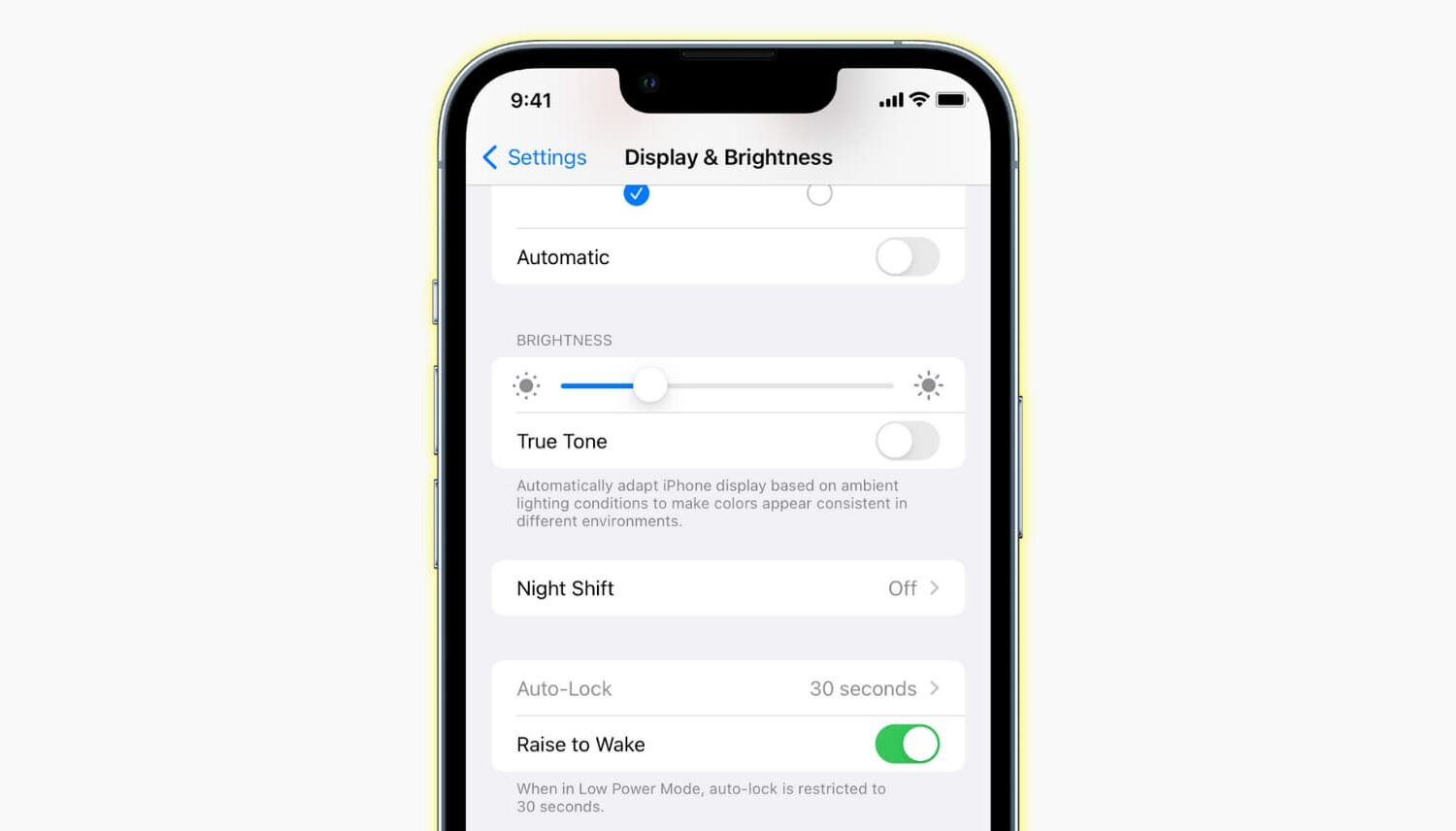
Learn why the Auto-Lock display setting is grayed out on your iPhone or iPad, then follow our troubleshooting steps to fix this annoying problem.
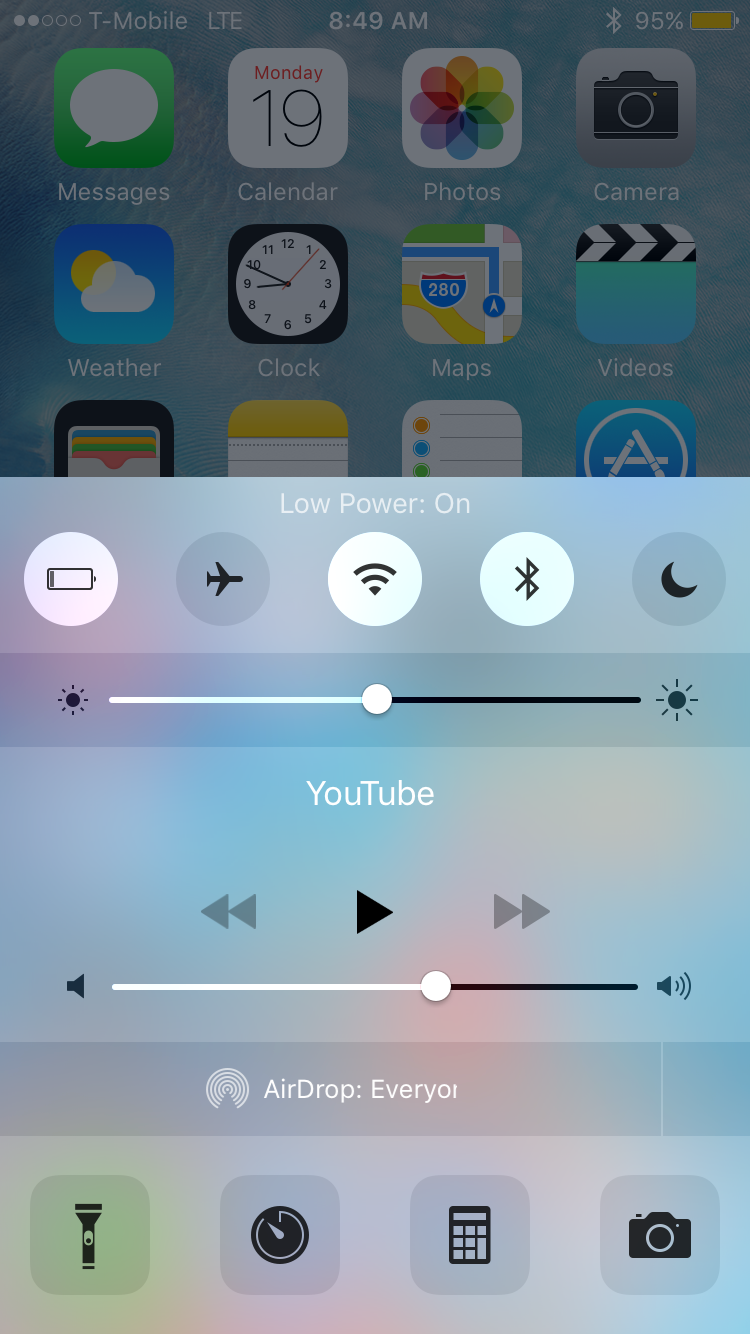
Low Power Flipswitch is a new Flipswitch toggle that allows you to quickly enable or disable Low Power Mode on iOS 9 devices. Flipswitch is the long-running framework that lets developers access standard toggles, and create new toggles.
With a tweak like Ryan Petrich's FlipControlCenter, which was recently updated to support iOS 9, users can easily enable a Low Power Mode toggle that's directly accessible via Control Center. Check out the rest of this post for more details.
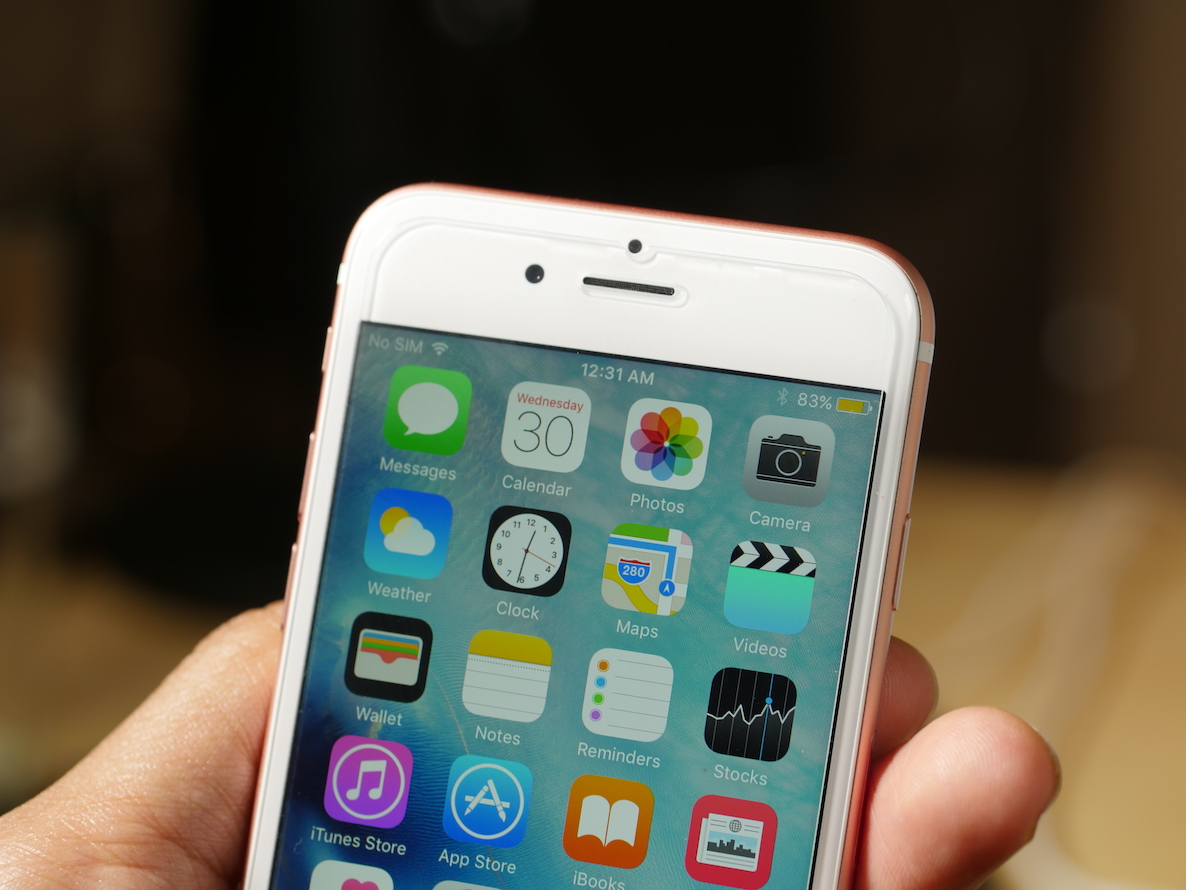
Low Power Mode allows iPhone users running iOS 9 to eke out more battery life when the battery is getting low. It doesn't just pull this ability out of thin air, it causes iOS to turn off certain features like mail fetch, background app refresh, automatic downloads, etc.
What's more, Low Power Mode significantly reduces the clock speed of your iOS device. We've seen before and after benchmarks with older iPhones involving Low Power Mode, but what about Apple's just-released iPhone 6s? How much of an impact does Low Power Mode have on it?
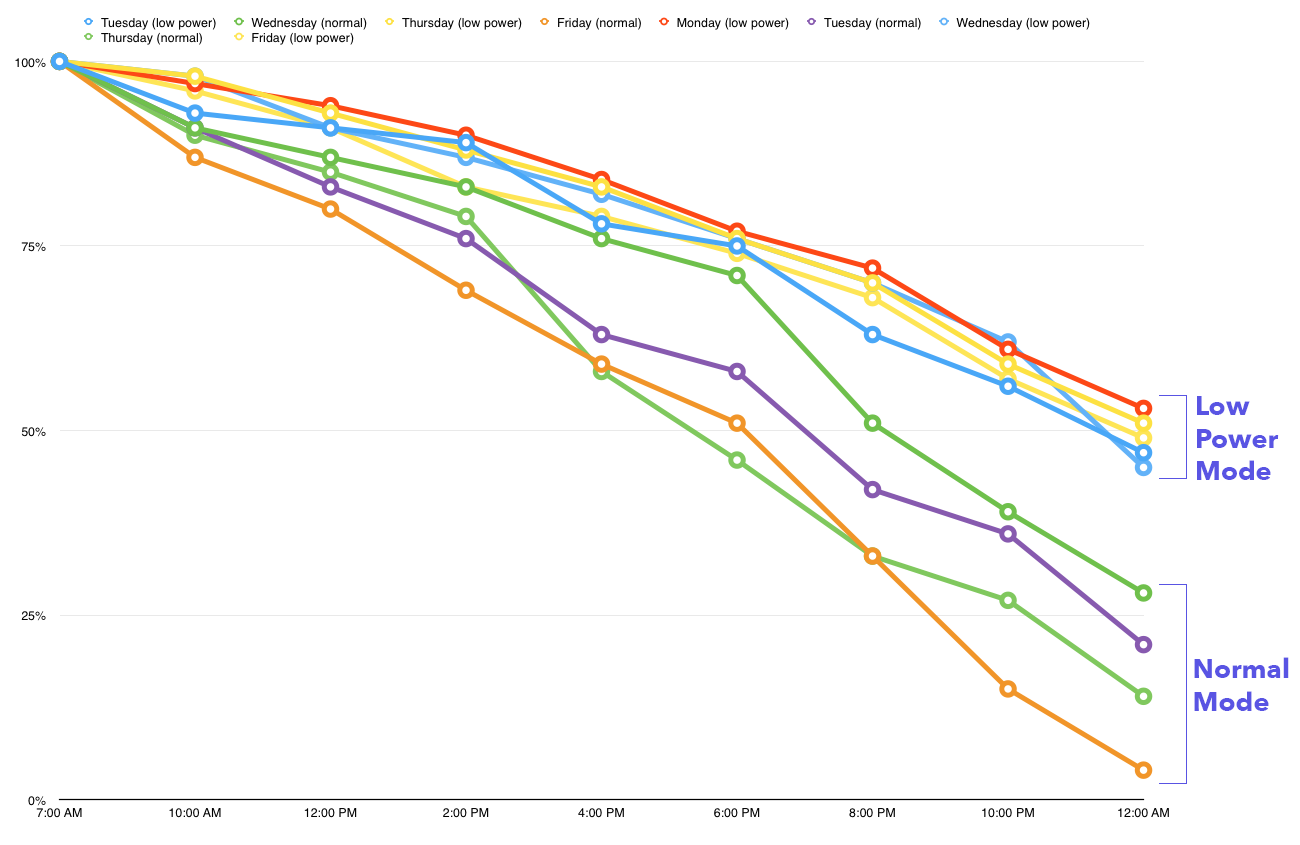
What if you ran Low Power Mode on your iPhone all of the time? That's the question that Matt Birchler asked, and he was curious enough to try the experiment for himself. The results are quite eye opening. Low Power Mode doesn't necessarily have to be a feature that you only use to eek by on a small percentage of remaining battery...
The new Low Power Mode option in iOS 9 allows users to eek out more battery life by disposing battery draining features such as parallax effects, throttling down CPU performance, and disabling background app refresh. In all, Low Power Mode can provide users with up to 3 additional hours of battery life.
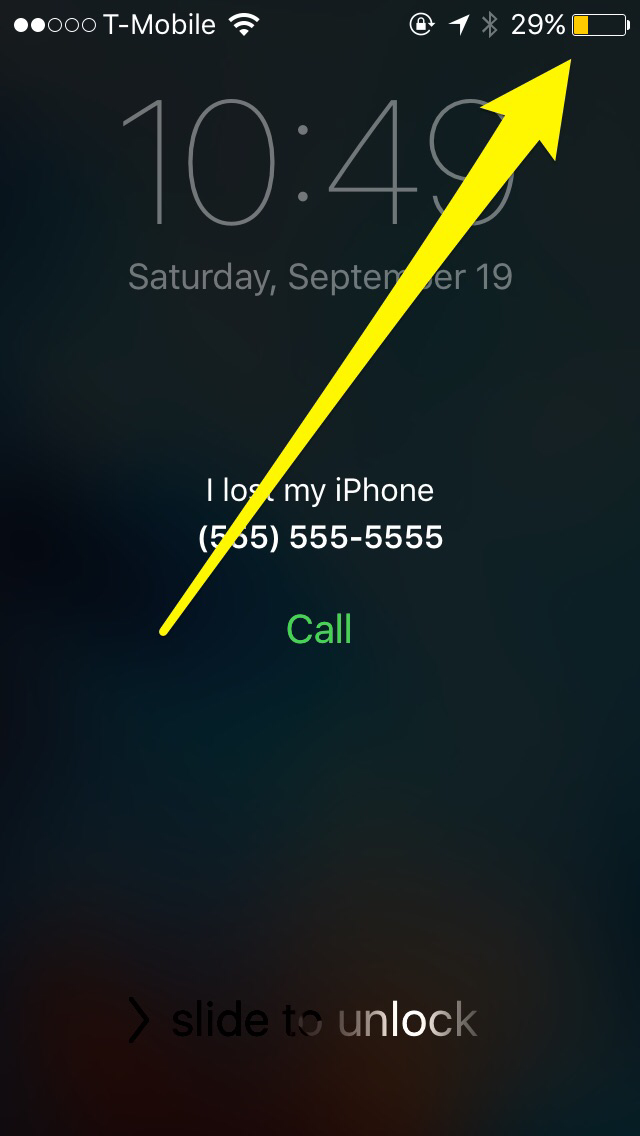
In iOS 9, Apple is allowing Find My iPhone's Lost Mode, a mode that lets you to mark your iPhone as being lost, to use Low Power Mode at the same time. By doing so, lost iPhones have an even greater chance of recovery due to being able to stay on for a longer period of time.
iOS 9 has some significant new power saving features that will lend users up to an additional three hours of battery life. Dubbed Low Power Mode in iOS 9, users can eek out up to an extra 3 hours of battery life with the option enabled.
Low Power Mode works by disabling animated wallpapers, Mail Fetch, Background App Refresh, motion effects, and, as recently discovered, throttling the CPU.
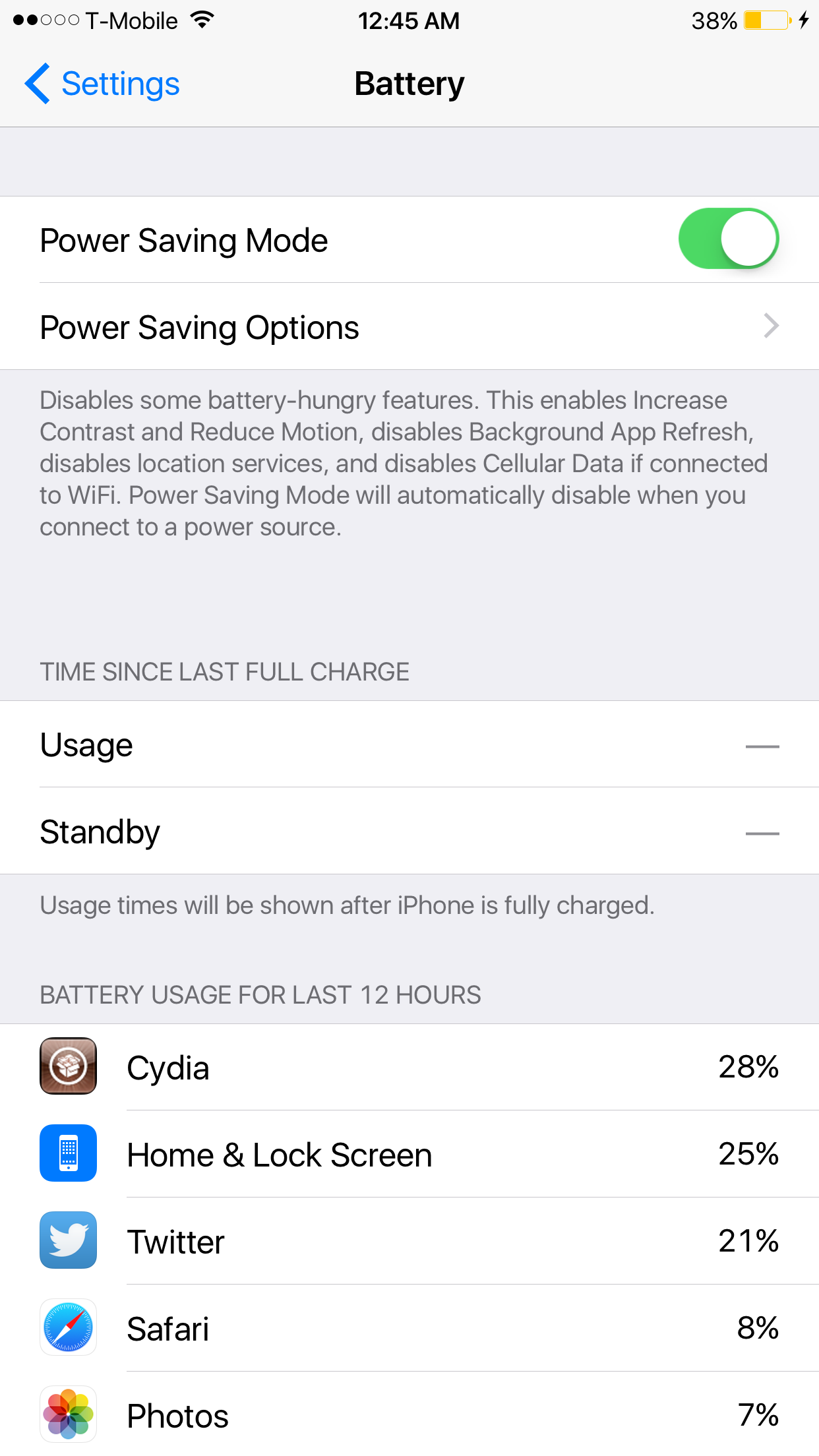
Power Saver Mode, a new iOS tweak developed by Elijah Frederickson, tries its best to provide many of the same benefits to jailbroken iPhone users on iOS 8. Power Saver Mode increases contrast, enables Reduce Motion, disables Background App Refresh, location services, Cellular Data when on Wi-Fi, and more.