Lockscreen

Easily post reminders to the lock screen with Reminders+

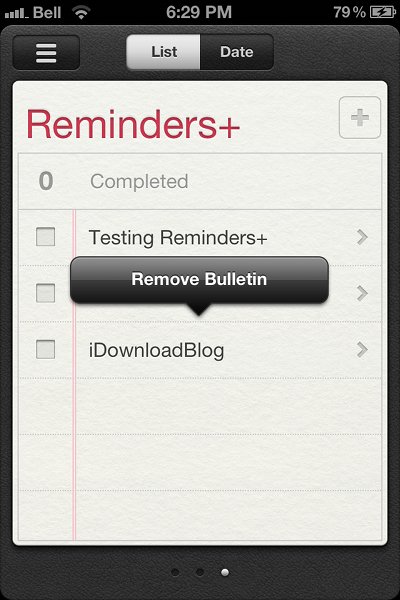
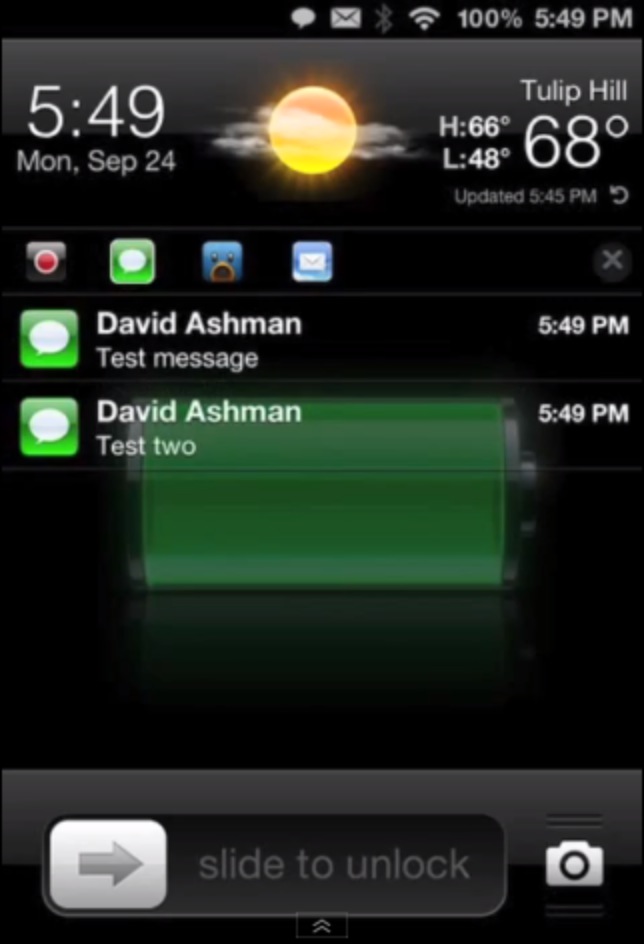
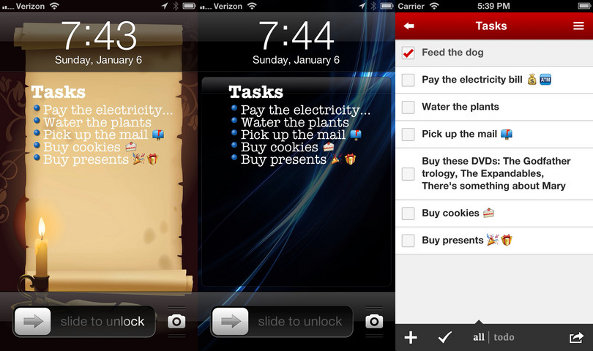
Reminders+ is a new jailbreak tweak recently added to Cydia that allows users to pin bulletins from Reminders+ to the lock screen. With the tweak installed, your reminders will stay on the lock screen; these notes won't be dismissed if you unlock your iPhone or go into the Reminders app.

To pin notes on the lock screen, all you need to do is go into the Reminders app, find a reminder you want to pin down, and then press down on the text. An Action Menu prompt for adding a bulletin will appear on top of the selected reminder. Once you tap the prompt, the reminder will appear on your lock screen...

“Tap to unlock” from the lock screen instead of sliding with ‘tapUnlock’

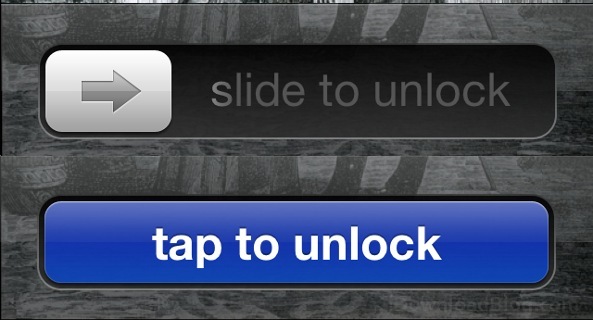
tapUnlock is a new jailbreak tweak from the makers of MapsOpener and BrightVol. The tweak replaces the 'slide to unlock' bar with a 'tap to unlock' button. Personally I'm a fan of the classic slider, as it's part of how Apple introduced a new paradigm of capacitive screens to the mass market, and it's something I will always associate with the iPhone.

Unfortunately 'slide to unlock' isn't for everybody. If you know someone who has difficulty using the 'slide to unlock' gesture on the lock screen, maybe because of arthritis or another fine motor control difficulty, you'll get good mileage out of tapUnlock. Alternatively, you might just want it to have something different...

Upcoming tweak puts customizable app shortcuts to your iOS lock screen

http://www.youtube.com/watch?v=q9MuVquYUUA

The iPhone's lock screen has got to be the source of endless inspiration for jailbreak developers and conceptual artists who are constantly coming up with new ways to broaden functionality of your iPhone, iPod touch or iPad. UI designer @Sentry_NC of the Auxo fame thought long and hard about juicing up the iPhone's lock screen and came up with this concept showing how the iOS lock screen pulley grabber could be for more than just the camera app.

What's best, we heard that jailbreak developer Rudolf Lichtner is already working on turning his idea into a reality. As always, our own Jeff Benjamin will be monitoring the progress of this tweak and sharing his hands-on impressions as soon as the finished code hits Cydia...

Binary Clock replaces your iPhone’s stock Lock screen clock

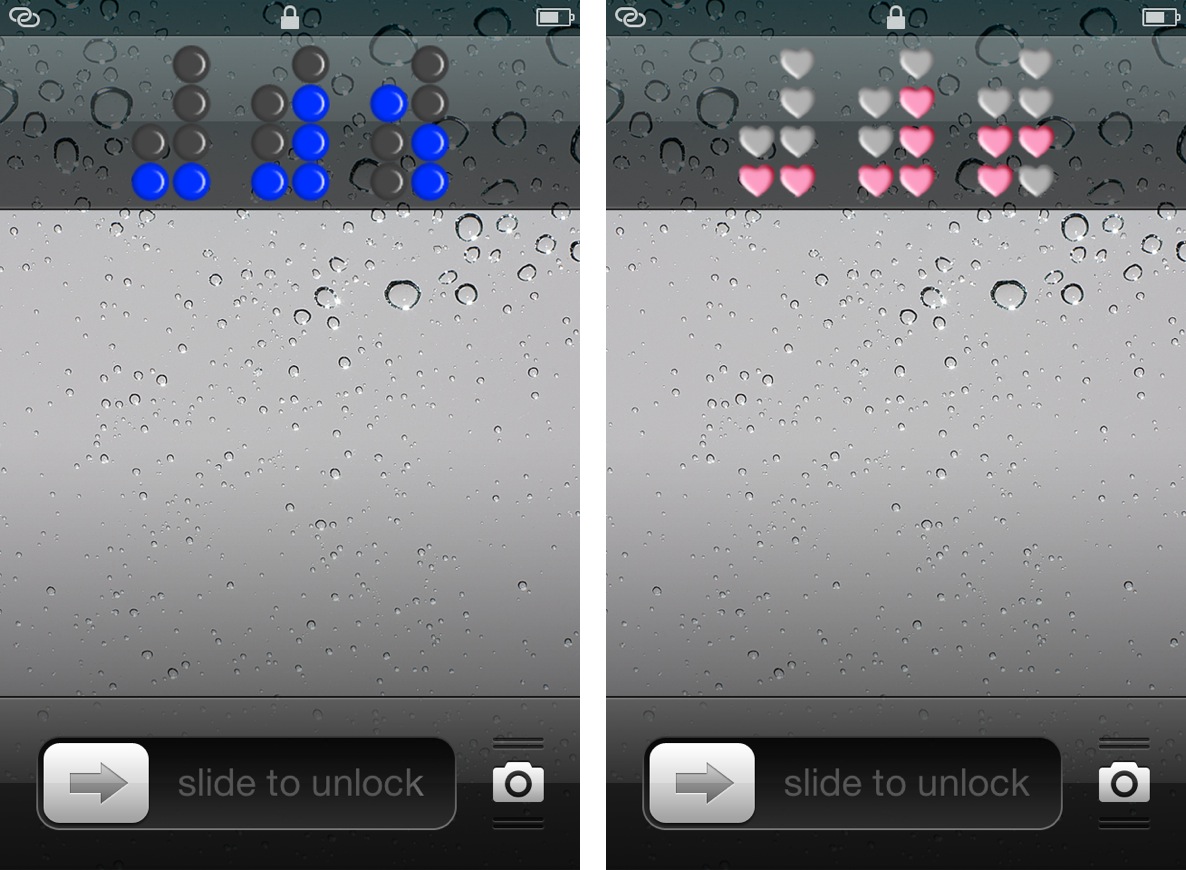
Binary Clock is a new jailbreak tweak that outright replaces the stock Lock screen clock on an iOS device. The tweak features over a dozen different themes of various colors or shapes, along with the ability to hide or show the Lock screen date string.

Obviously, you'll need to know how to tell time in binary, unless your plan is to simply stare aimlessly at the pretty flashing lights. Don't worry, inside I'll not only showcase this awesome tweak, but I'll also teach you how to tell time in binary in less than a couple of minutes.

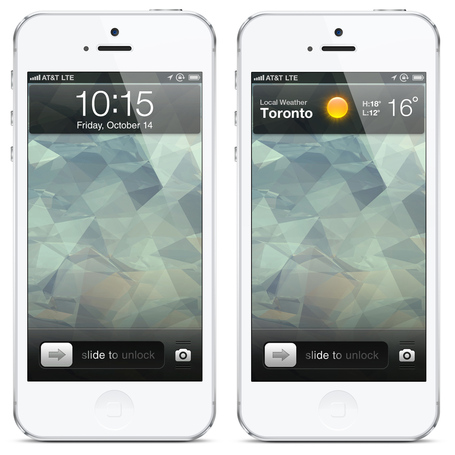
Check out this cool Lockscreen concept

As successful as iOS has been, and continues to be, for Apple, there's no question that it's getting a bit long in the tooth. After all, a majority of the operating system looks just like it did when the iPhone first debuted back in 2007.

And that's why we see so many concepts for iOS. Because there's several ways Apple could improve its mobile platform, from smarter notifications, to broader widgets. And that's proven once again with this new Lockscreen design...

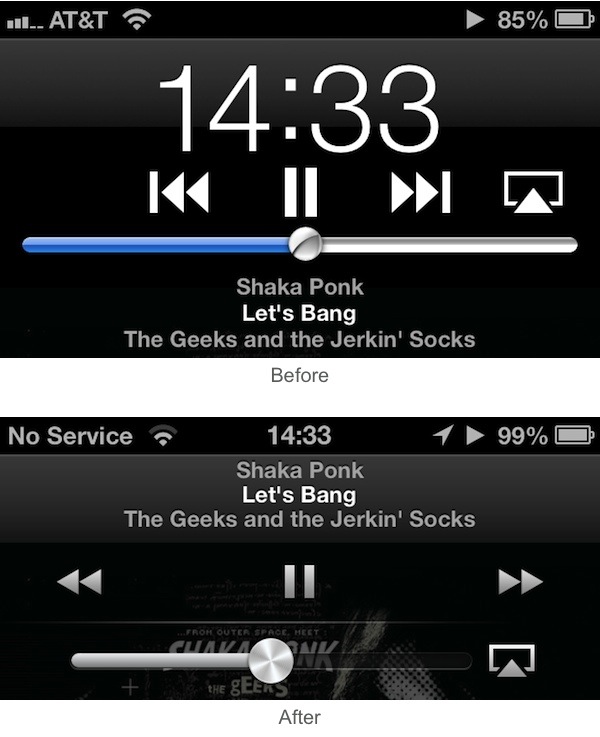
New in iOS 6.1: Lockscreen music controls

Apple released iOS 6.1 beta to developers earlier today and we've been on the hunt for new interesting features ever since. iDB reader Darryl R. sent us an interesting find that isn't life changing, but still deserves a little attention.

When playing a song from the Music app, if you are on the Lockscreen and double tap the Home button, you will notice the new music controls and layout that are now consistent with the controls you find inside the Music app itself...

This jailbreak tweak lets you unlock your iPhone with a pinch

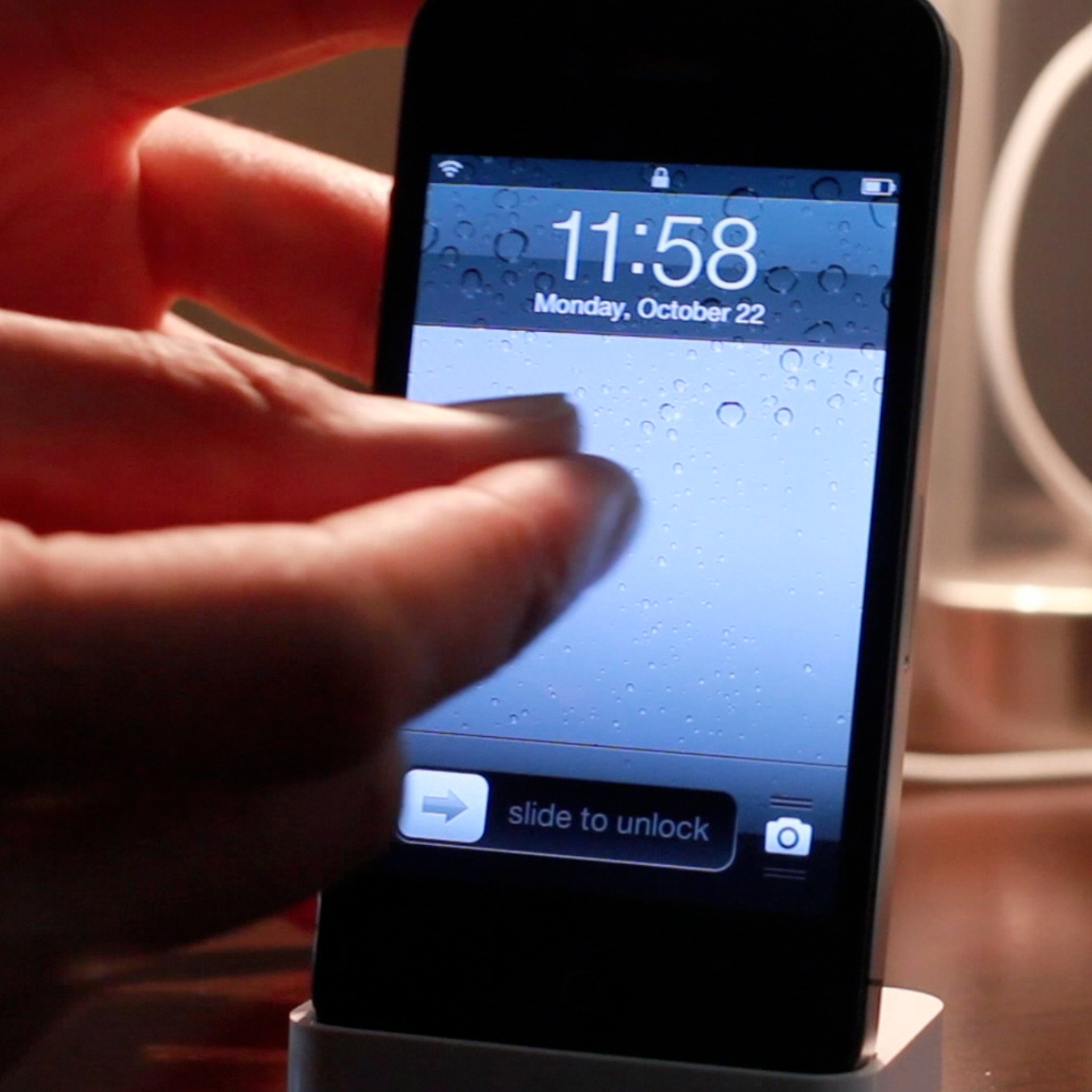
If you're looking for an alternative way to unlock your iOS device, there's no shortage of tweaks available on Cydia for you to do so. In fact, pinch to unlock is a recently released tweak that allows you to do just that. Instead of sliding to unlock, the tweak allows you to perform a two finger gesture as a means to unlock.

Interestingly, you don't have to actually perform a pinch gesture in order to unlock your device. Pinch to unlock readily accepts any two finger gesture on your Lock screen as a means to gain access to your device. Check inside for the full video...

Create a shortcut for any app on your iPad’s Lock screen with Zeus

Unless you happen to use the Slideshow feature on your iPad on a regular basis, there's a good chance that you don't need that shortcut on your Lock screen. So what do you do with it?

Well, you have a few choices. You can either disable the shortcut in Settings, by turning off Picture Frame. Or, you can use a tweak like Zeus, and turn the shortcut into something useful...

How to add animations to the Lock screen, Home screen, and Notification Center

Are you looking to take Lock screen boot logo animations to the next level? If so, then AnimateAll is a new tweak that's worthy of your attention.

AnimateAll is a follow-up (an actual outright replacement) to a tweak that we covered in the past called AnimateLockscreen. The prior tweak only allowed you to add boot logo animations to your Lock screen, while AnimateAll goes the extra mile and adds the Home screen and Notification Center into the mix as well.

‘Torch’ is a new flashlight toggle for your iPhone’s Lock screen

Whenever you find yourself in a dark place, chances are you don't have a flashlight on your person, but you do have an iPhone. For that reason, it's a good idea to install a jailbreak tweak that allows you to easily use the iPhone's built in LED flash as a flashlight.

There are already a handful of decent flashlight tweaks available on Cydia, but this latest one called Torch is one of the better implementations. Torch is a tweak that places an easily accessible flashlight button on your Lock screen that will enable or disable the LED flash.