Lockscreen

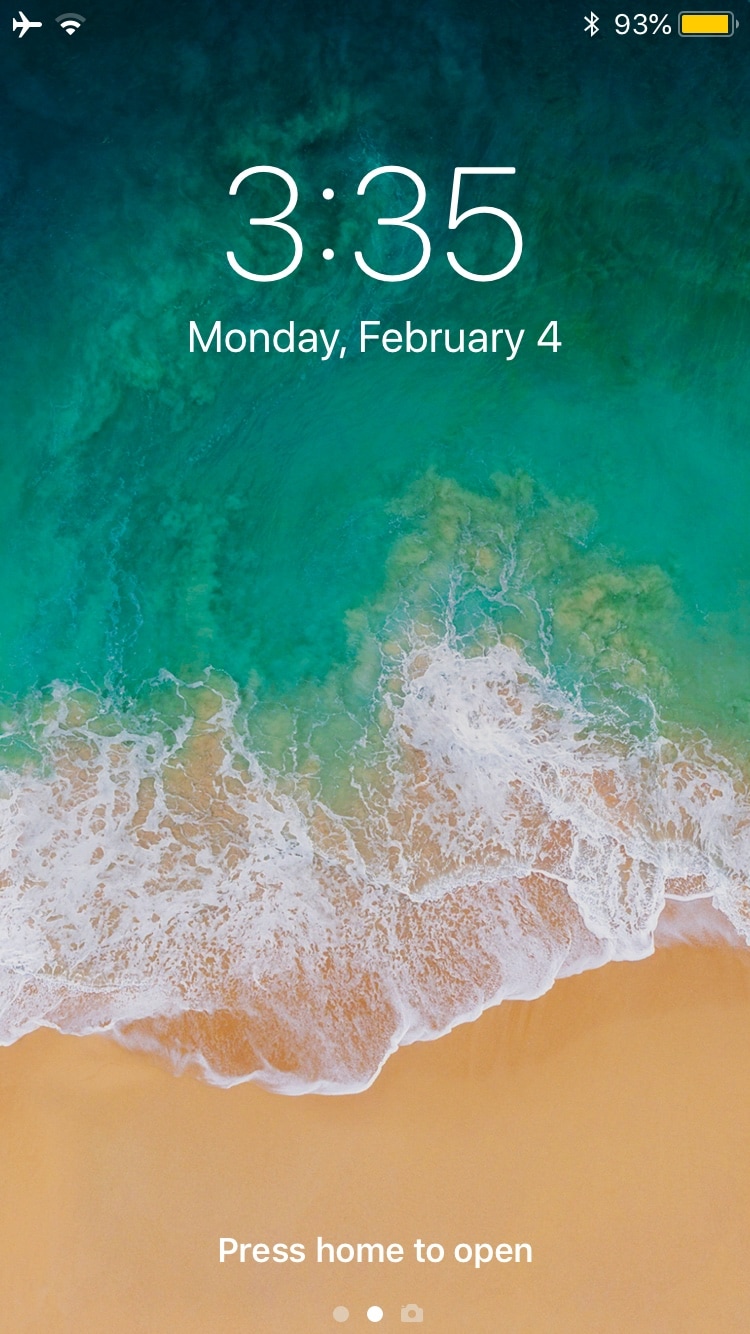
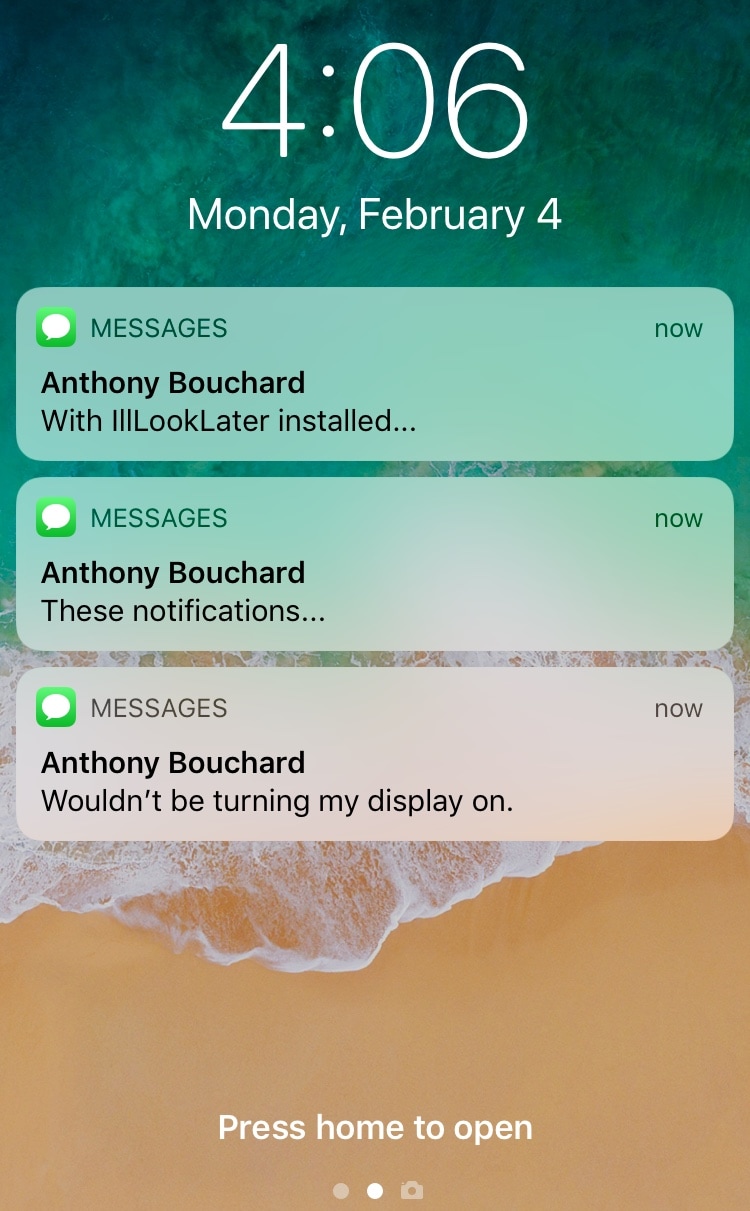
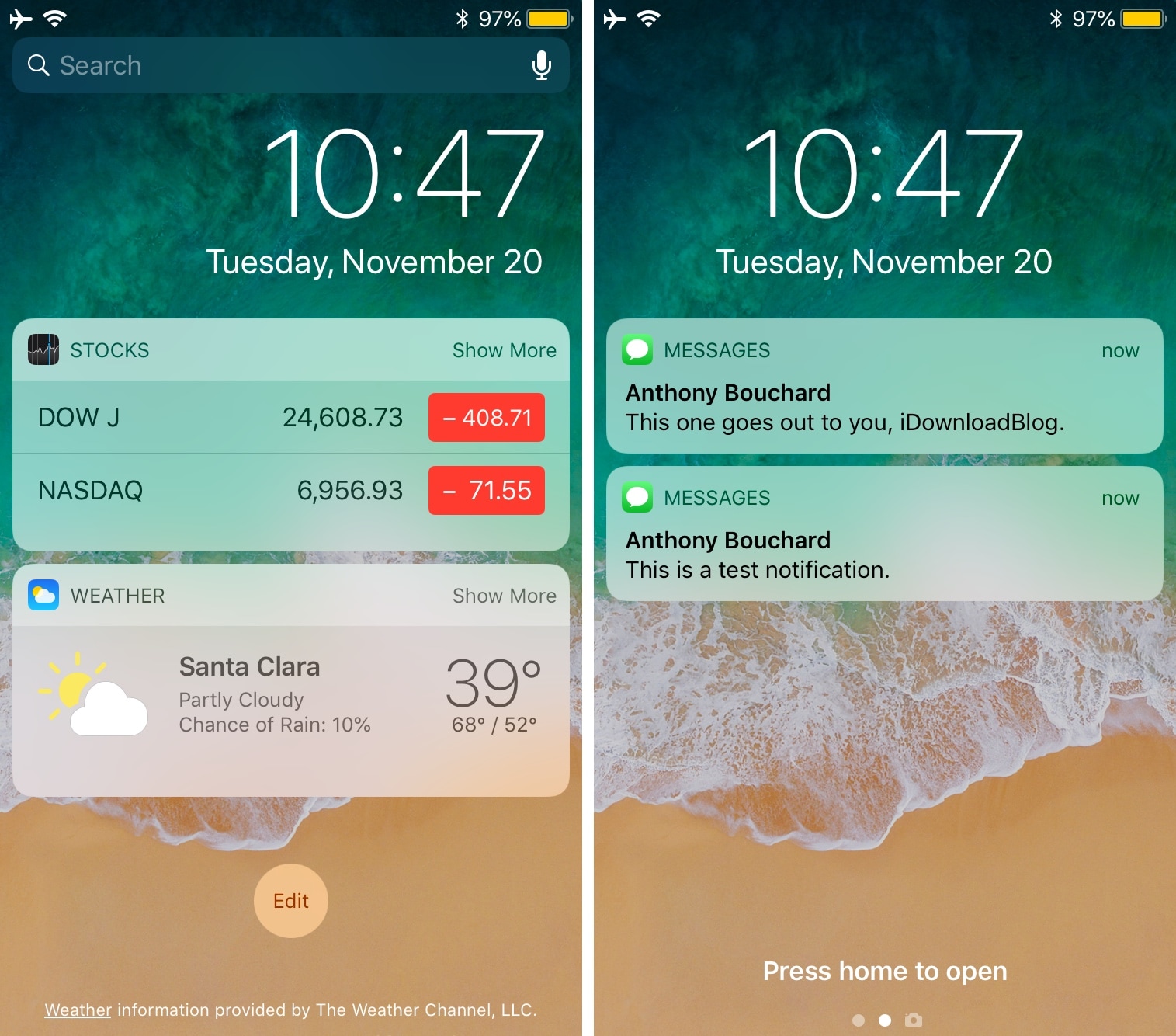
This jailbreak tweak prevents incoming notifications from waking the display

Apple designed iOS to wake your locked handset’s display in the wake of incoming notifications, and while this helps to grab your attention, it also tends to grab the attention of others. You can easily prevent this by turning notifications off, but then you run the risk of missing important notifications altogether.

Love it or hate it, Apple’s notification-oriented display-waking feature is probably here to stay; but with a free jailbreak tweak called IllLookLater (iOS 11) by iOS developers N104 and Julio Verne, you can better control what wakes your display and what doesn’t.

DashBored: A tweak to reduce your boredom with the iPhone’s Dashboard interface

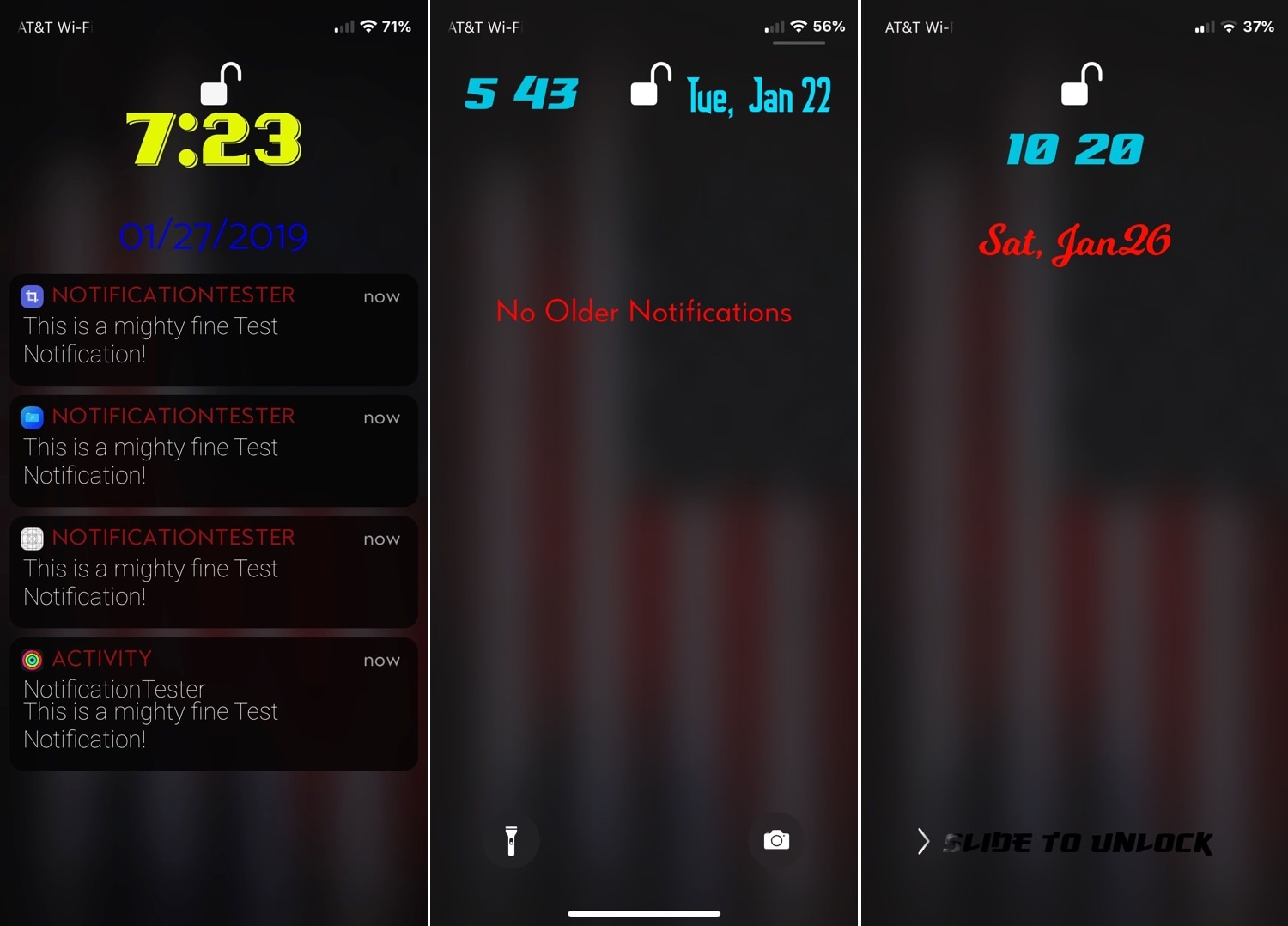
Your iPhone’s Lock screen and Notification Center are each home to a specialized interface for displaying the date and time along with a list of information notifications – this interface is known as the Dashboard.

That said, if you’re feeling a bit bored with the stock look and feel of the Dashboard, then perhaps you should try a new free jailbreak tweak called DashBored (pun intended) by iOS developer Smokin1337. As shown in the screenshot examples above, this tweak lets you customize the Dashboard’s colors, font, notifications, text, and much more.

Ventana brings a Windows 10-inspired Lock screen to jailbroken iPhones and iPads

If you like how the Windows 10 Lock screen looks and feels, then you’ll probably enjoy using a jailbreak tweak called Ventana by iOS developers CoolStar and Jeremy Goulet. This tweak redesigns your iPhone or iPad’s Lock screen to make interface elements appear more as they would on a Windows 10 device.

Right out of the box, Ventana themes the Now Playing interface, any incoming notification banners you might have waiting for your attention, and the date and time display. Ventana also provides you with a Siri shortcut akin to the Cortana shortcut that you might find on Windows 10.

Slyd: A new jailbreak tweak that cures your nostalgia for ‘slide to unlock’

It’s been quite a few years since Apple has used the classic ‘slide to unlock’ interface on any of its mobile handsets, and with the advancements in biometric authentication and software since then it should be safe to say it isn’t coming back; at least not officially.

But if you’re feeling a bit nostalgic about the slide to unlock interface, then you’ll be thrilled to learn about a new free jailbreak tweak called Slyd (SlideToUnlock) by iOS developer Nepeta. Just as the name implies, this tweak ports the classic slide to unlock interface from iOS 7 to iOS 11.

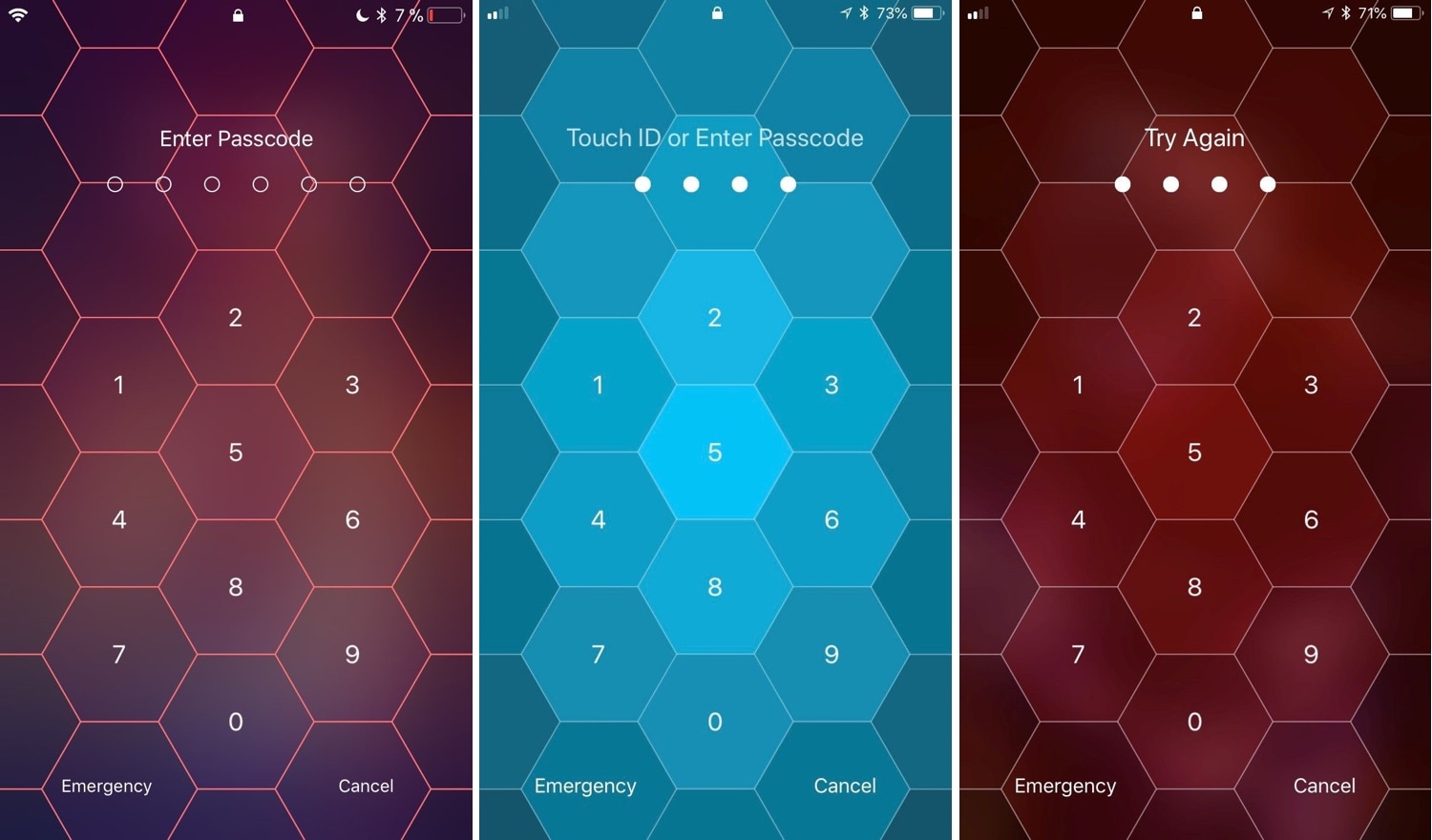
Hive: A hexagonal take on the iPhone’s passcode interface

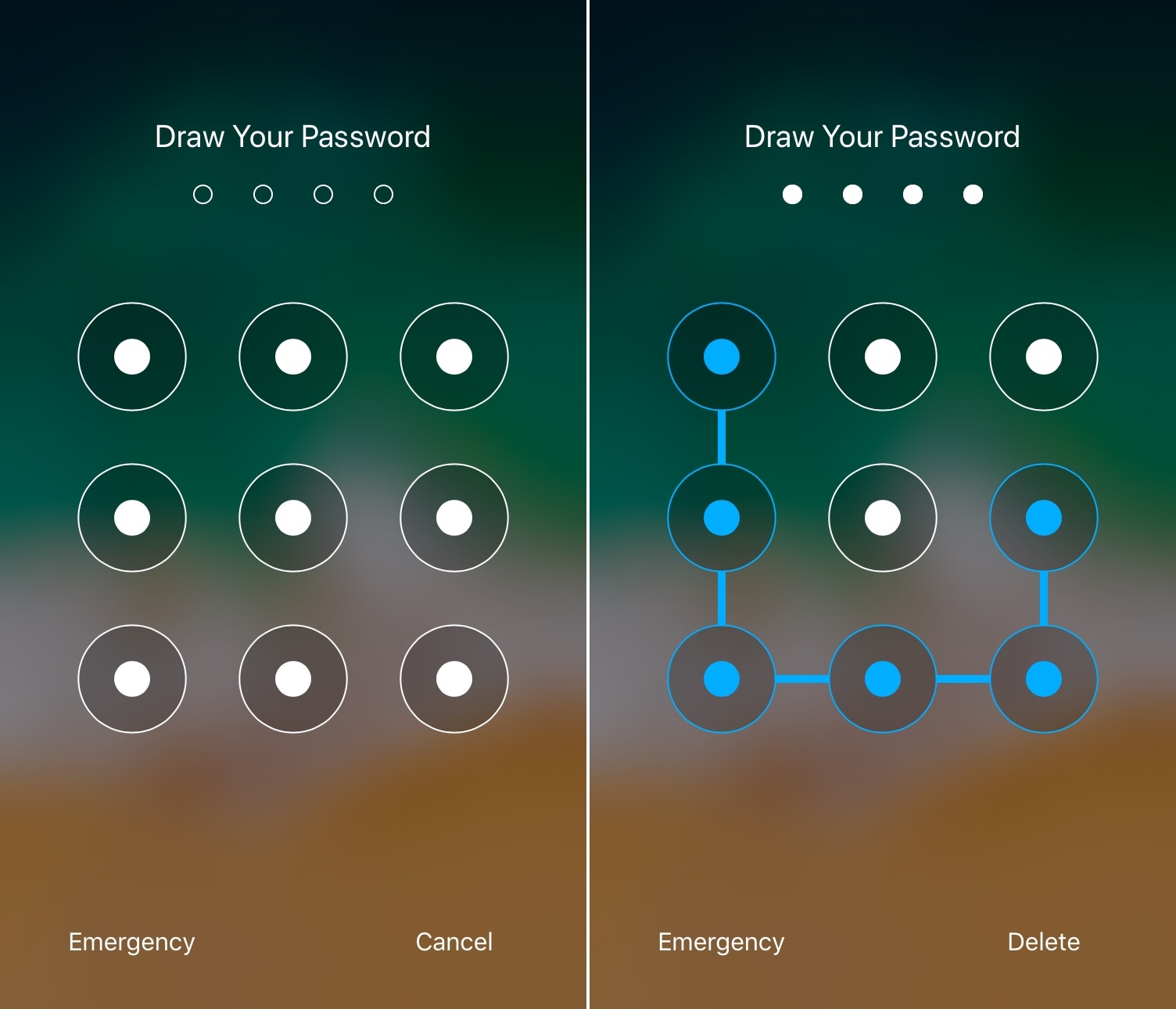
I use Face ID and/or Touch ID so often these days that I’ve all but forgotten what it’s like to need to enter a passcode manually. Still, iOS occasionally asks for it, such as after rebooting your handset and following a multi-day timeout period. That said, you'll still stumble upon the passcode entry screen at one point or another.

And that brings me to my next point; if you’re jailbroken, then you might want to customize the look and feel of your passcode entry screen. Fortunately, there’s a new jailbreak tweak in town that will let you do that.

Hide the Control Center grabber from the iPhone X’s Lock screen with NoCCBar

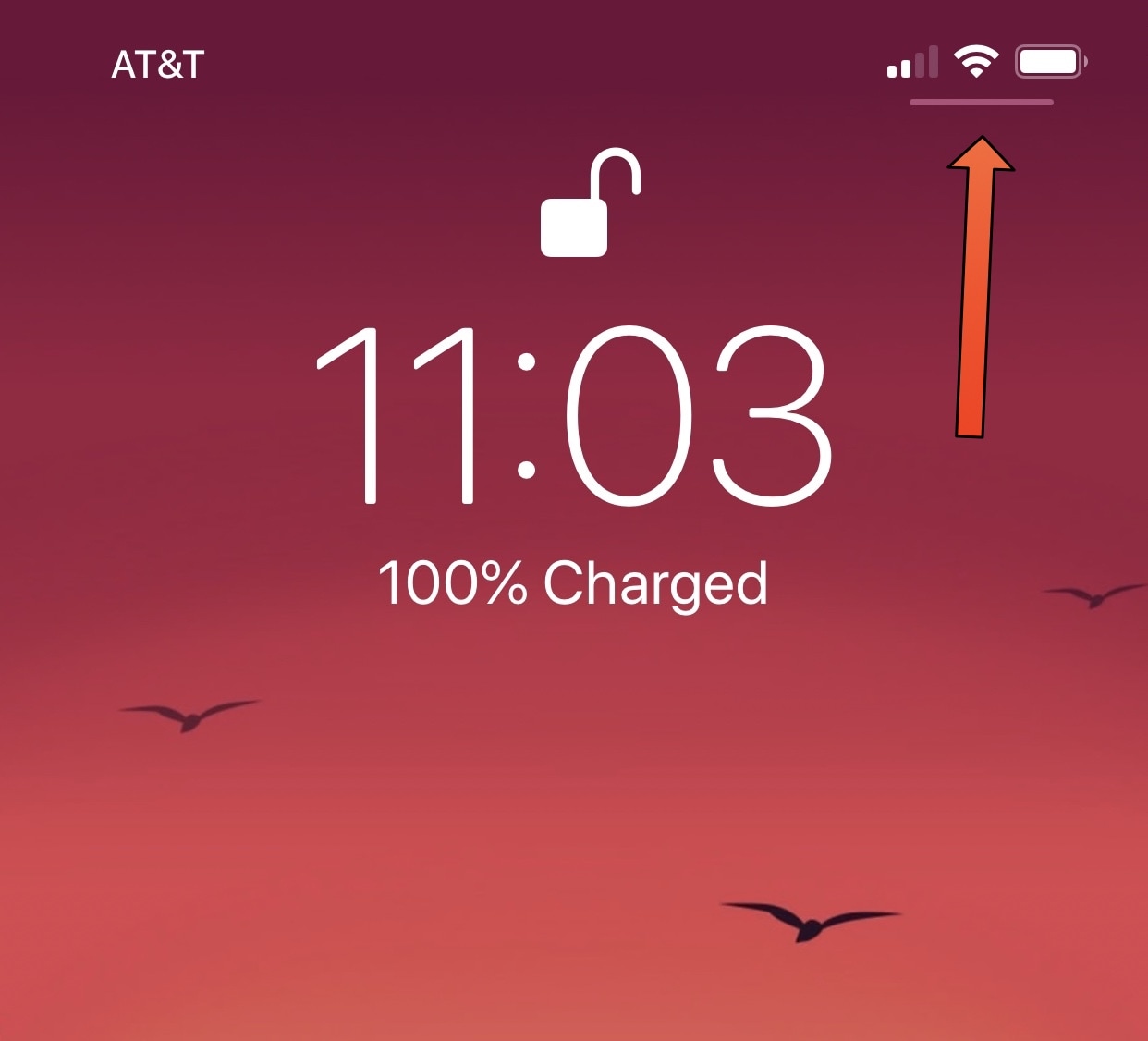
If you have any of Apple’s latest handsets with rounded-corner displays, such as the iPhone X, XS/XS Max, or XR then chances are you’re familiar with the tiny Control Center grabber that appears at the top-right corner of the Lock screen, as depicted above.

For whatever reason, this grabber doesn’t appear anywhere else in iOS besides the Lock screen; yet you can invoke Control Center from anywhere by swiping down from the top-right corner of the display.

Enable animated Weather-centric wallpapers and information system-wide with Asteroid

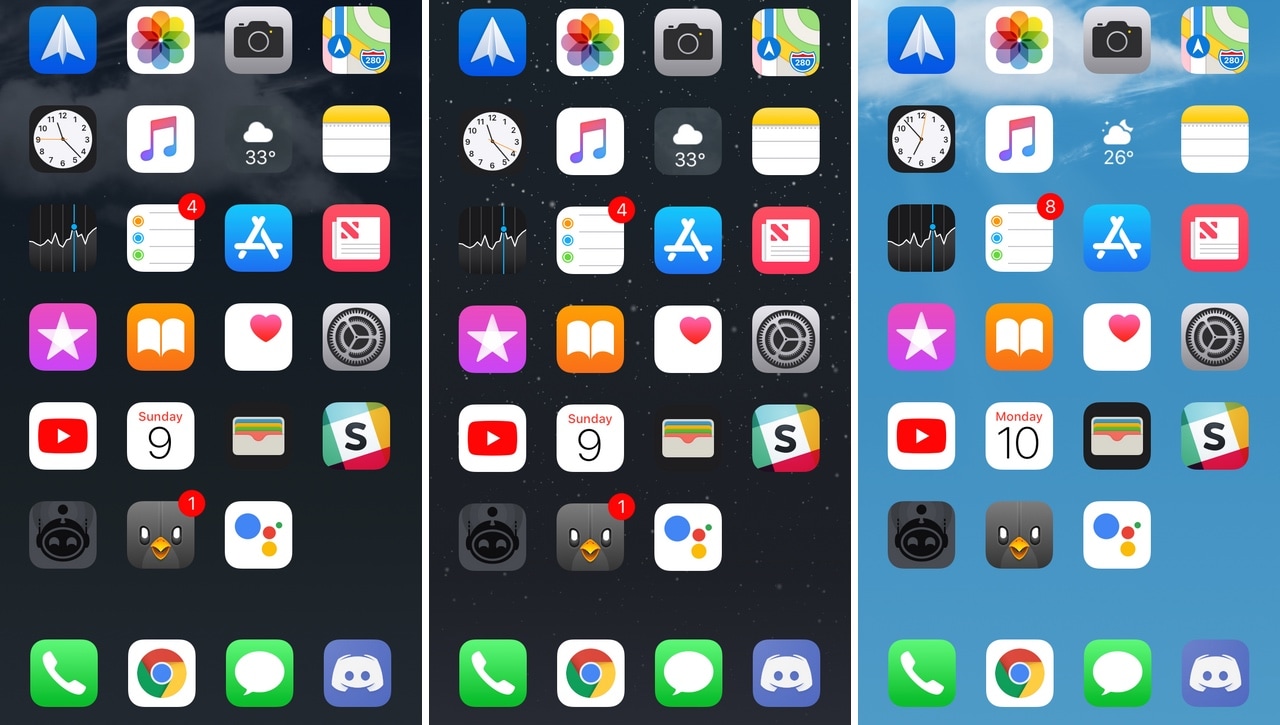
All iOS devices come standard with a finely-polished Weather app and a Weather-centric Notification Center/Today widget, but wouldn’t it be nice if that same weather information appeared in places that actually mattered?

Asteroid is a new free jailbreak tweak developed by MidnightChips and The Casle that brings live weather information to various interfaces found throughout iOS, such as the Home screen, the Lock screen, and the Weather app icon itself.

LSPullToDismiss clears all pending notifications from the Lock screen with a pull gesture

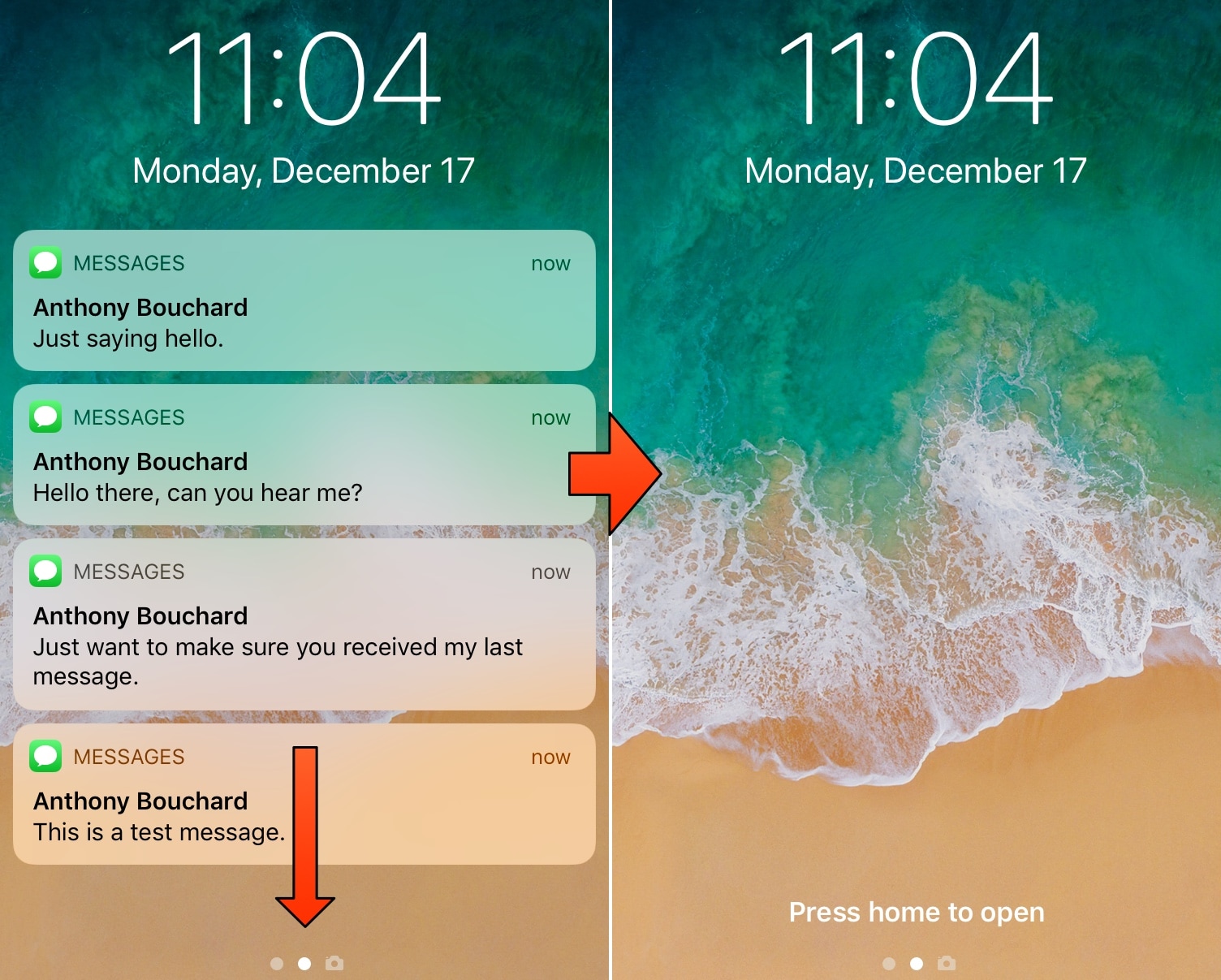
If you’re more popular than the average individual, then you probably get barraged with iMessages and other notifications as you sleep and throughout the day. iOS automatically stacks these missed notifications on your Lock screen to be reviewed later, and you can clear them individually or all in one fell swoop with a 3D Touch gesture.

Apple’s 3D Touch implementation in this regard is neat, but it’s not perfect, and it’s very much a two-step process. A free jailbreak tweak called LSPullToDismiss by iOS developer SparkDev reduces the number of steps required to clear all Lock screen notifications at one time, and it feels more natural than a 3D Touch gesture would.

NoLowPowerAutoLock disables the 30-second auto-lock when Low Power Mode is turned on

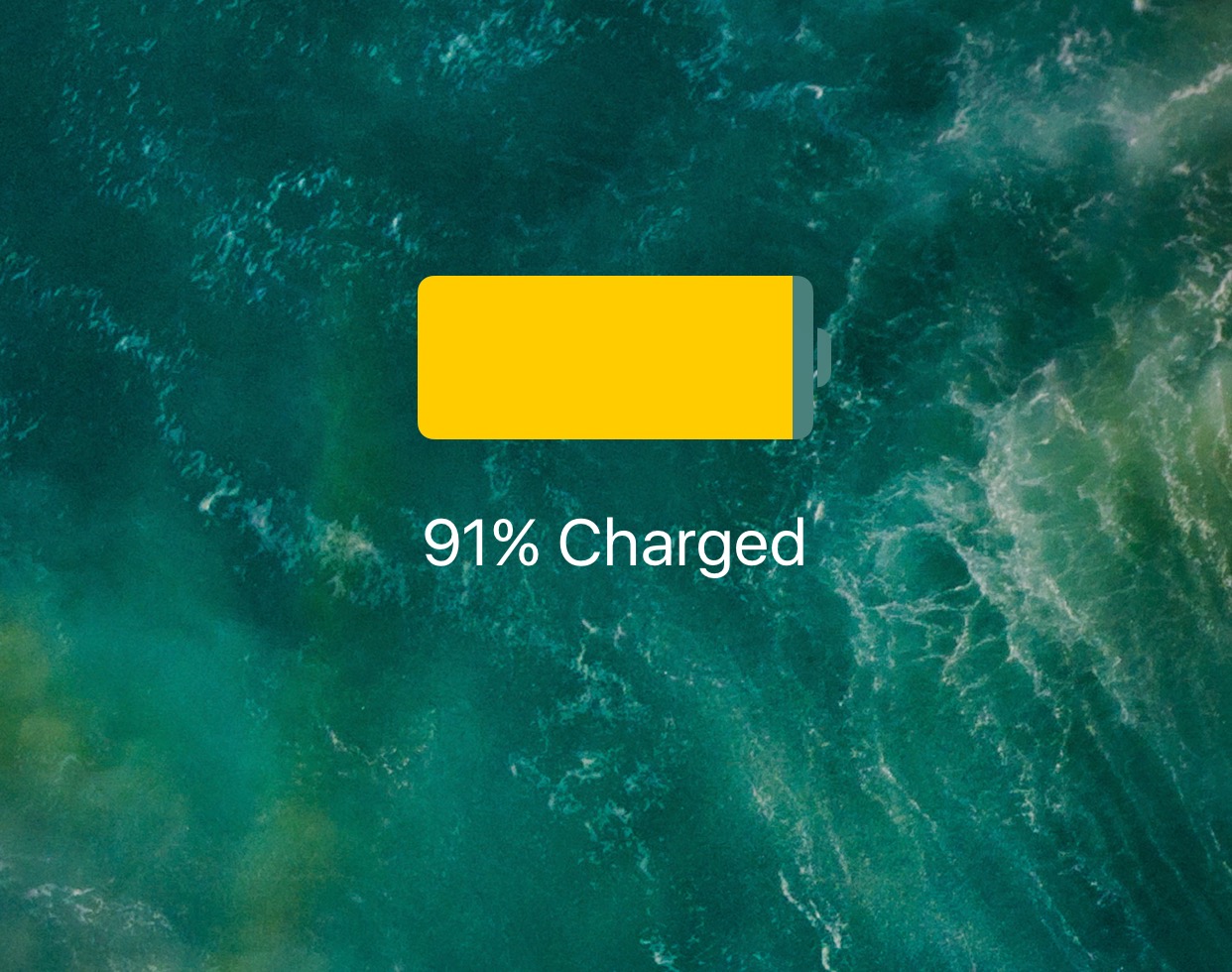
iPhone owners can use the included Low Power Mode to save battery life on their iPhone in a pinch, and while it can be useful, I don’t particularly care for how it forces a 30-second auto-lock down your throat.

Apple doesn’t give you a way to increase the auto-lock timeout on a stock device with Low Power Mode enabled, but jailbreakers can take advantage of a free jailbreak tweak called NoLowPowerAutoLock by iOS developer SparkDev to command differently.

Lace 2 provides jailbreakers with more control over the Lock screen

The Lock screen has come a long way in many of the most recent iterations of iOS. Instead of just being a place to tell the time and view your missed notifications, the Lock screen has become a hub for everything that matters, including app-centric widgets that can help you discern important information at a glance.

Depending on how much you utilize these aspects of your iOS device’s Lock screen, a new free jailbreak tweak called Lace 2 by iOS developer Andreas Henriksson can help you take better advantage of it all.

StackXI brings iOS 12’s stacked notification system to jailbroken iOS 11 handsets

Apple’s iOS 12 update brought several changes to the company’s mobile operating system, but perhaps my favorite of those is the new grouped notification feature that keeps your Lock screen and Notification Center interfaces free of unwanted clutter.

While this feature was initially native to iOS 12, those sporting jailbroken iOS 11 devices can now enjoy a similar notification grouping feature with a new free jailbreak tweak called StackXI by iOS developer Ominousness.