Learn how to hide the Today View and Spotlight Search from your iPhone or iPad Lock Screen to secure your app widgets or prevent accidental interactions.
How to disable Today View and Search on iPhone Lock Screen

Learn how to hide the Today View and Spotlight Search from your iPhone or iPad Lock Screen to secure your app widgets or prevent accidental interactions.
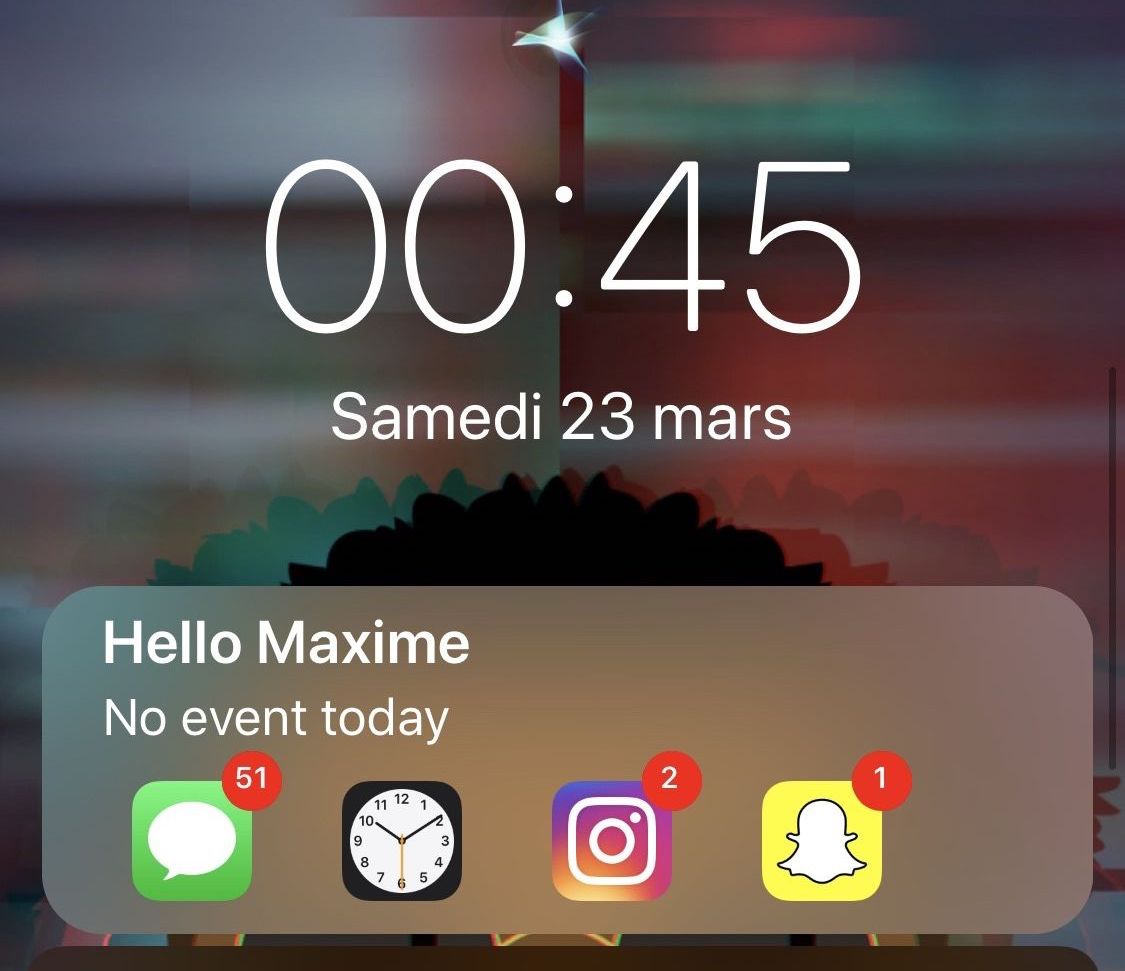
The iPhone’s stock Lock screen is as barebones as can be, and while some people love the minimalistic look, others with Apple would make better use of the available screen real estate. Those in the latter boat, much like myself, will come to appreciate a new jailbreak tweak called Centurion by iOS developer maximehip.
Centurion is essentially a new widget that appears just below the date and time on the Lock screen with an informative view regarding current/upcoming events and the number of missed notifications for some of your favorite apps.
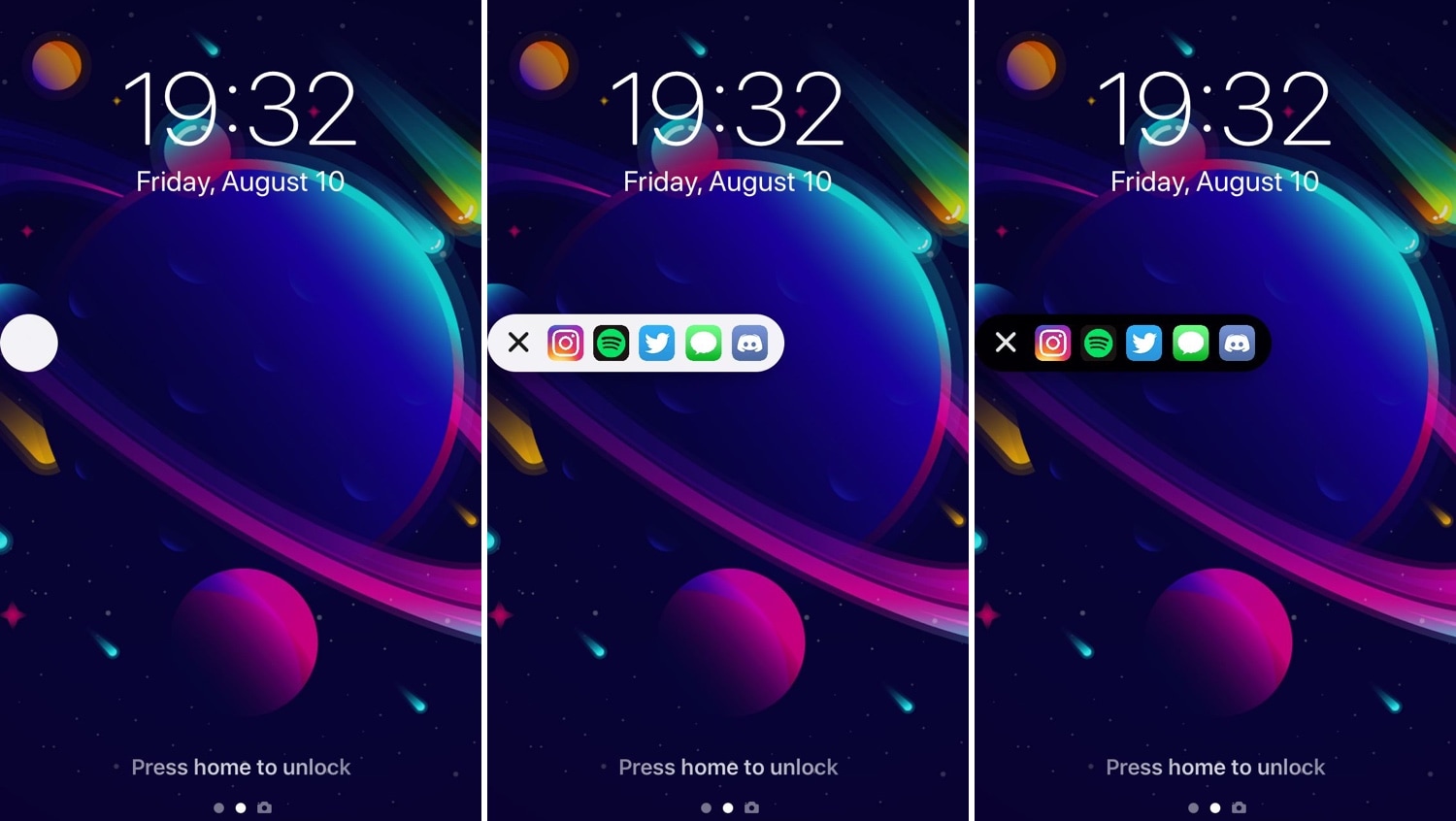
I’ve always been a fan of application shortcut-centric jailbreak tweaks, and that’s one of the reasons why I’m excited to show you a new release called AppShortcut by iOS developer donbytyqi.
AppShortcut is a customizable system-wide application shortcut interface that provides you with quick access to your favorite apps whether you’re on the Lock screen, Home screen, or in the middle of an app already.
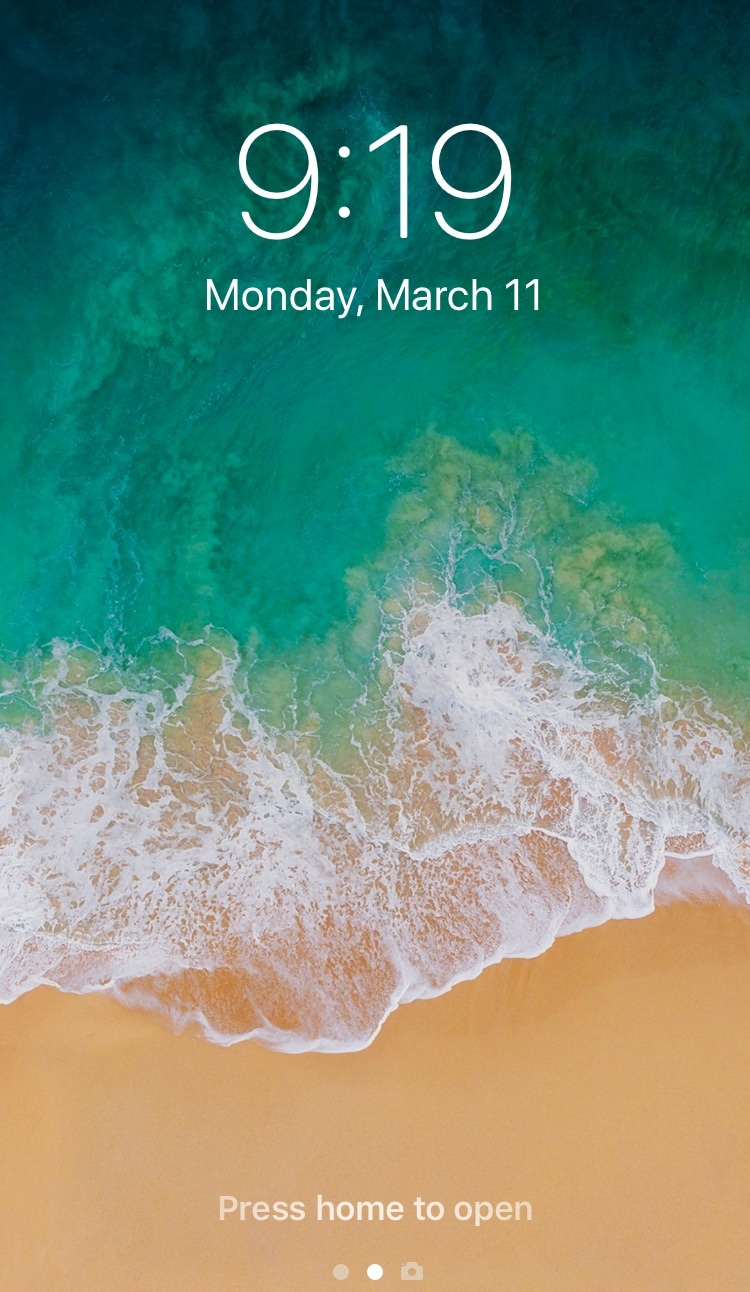
Those sporting jailbroken devices are always looking for fun and quirky ways to customize the iOS experience, and we’re right there with you. That’s why we’re excited to show you a new free jailbreak tweak called CustomLock by iOS developer TylerD3v.
Just as the name implies, CustomLock empowers users to change the locking sound of their jailbroken iPhone or iPad – effectively replacing the ‘lock’ sound that naturally transpires when using the sleep button to lock the device.

When I first started jailbreaking many years ago, you were the cool kid on the block if you had access to application shortcuts on your iPhone’s Lock screen. For whatever reason, application shortcut add-ons have all but disappeared in recent memory, but a new jailbreak tweak called LockDock by iOS developer Blake Boxberger appears to revive this once popular concept.
LockDock takes advantage of an application launcher that already exists on the iOS platform – the Home screen’s application Dock – and makes it accessible from the Lock screen in addition to the Home screen, as shown above.
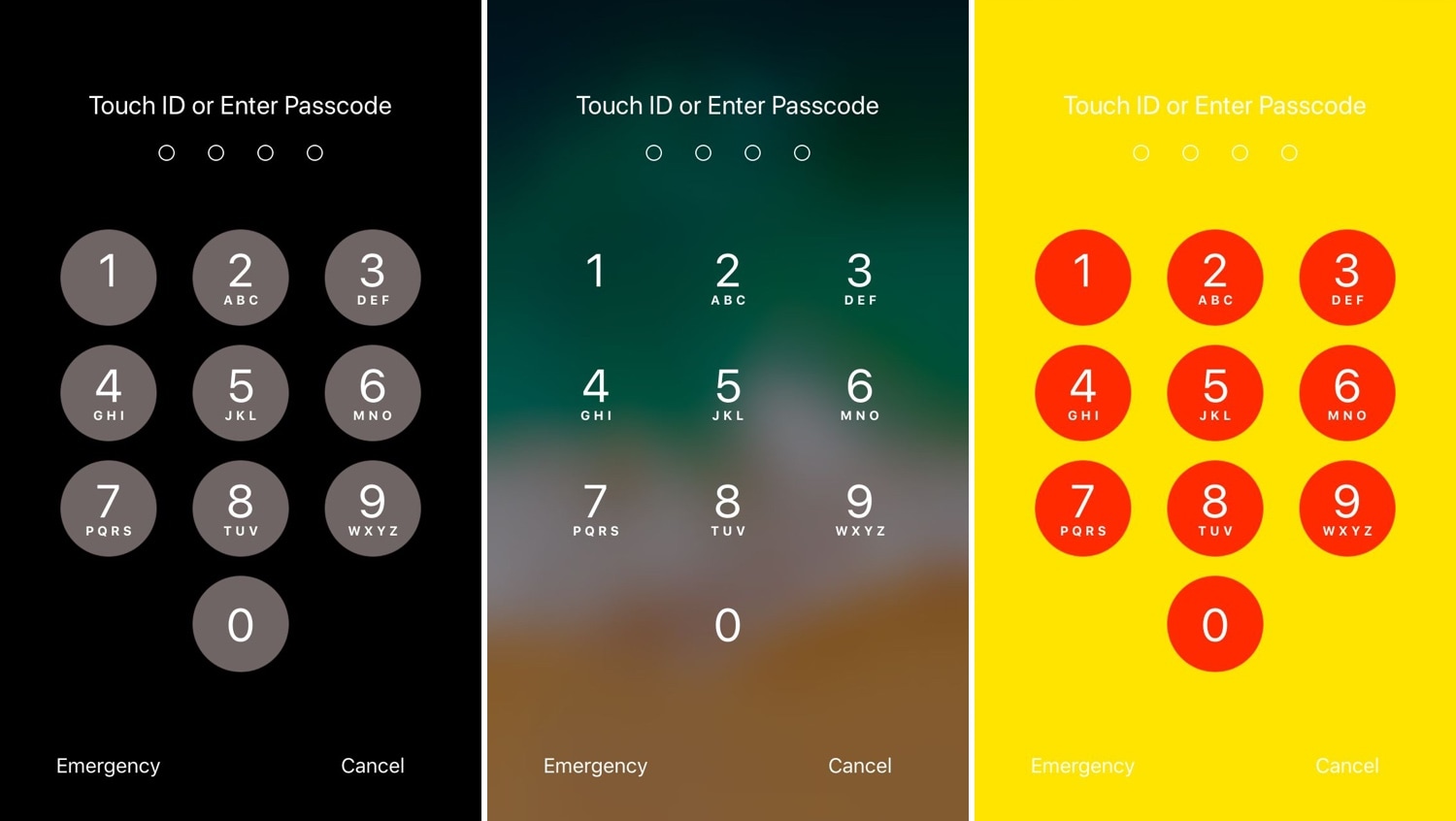
One of the most exciting parts of owning a jailbroken iPhone or iPad is having the freedom to customize the handset’s look and feel outside the realm of Apple’s stock parameters and disturb the monotony exhibited by most iOS devices. If you agree, then you might take a liking to a new free jailbreak tweak called NudePassScreen by iOS developer Kiran Patil.
As you might have discerned from the screenshot examples above, NudePassScreen empowers the user to colorize their handset’s passcode entry interface with virtually any color scheme they want, helping them to stand out from the rest of the crowd.
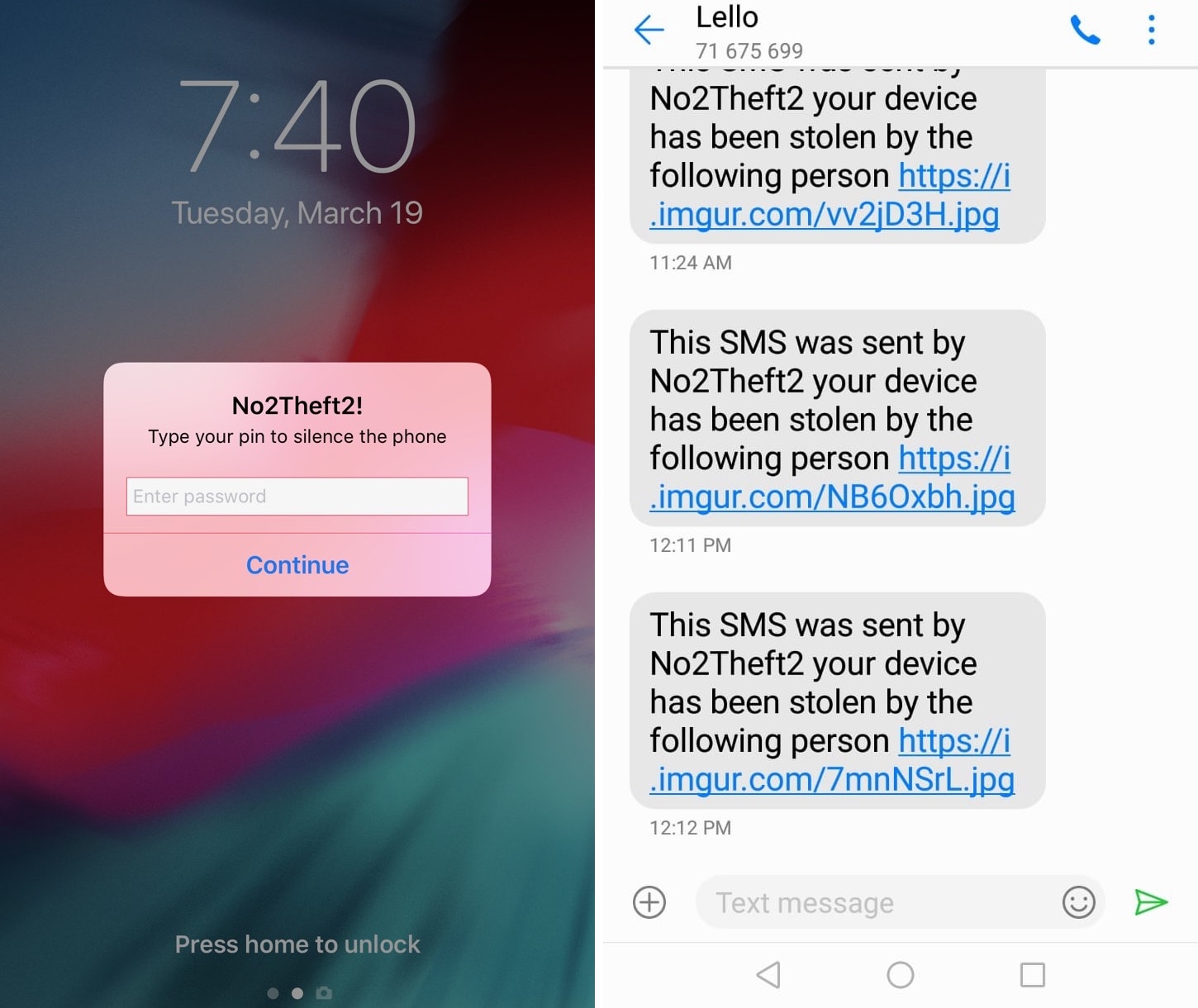
Whether you’re always paranoid about someone stealing your iPhone when you set it down on a table somewhere in public or you’ve just got lousy friends that like to play pranks on you, a jailbreak tweak called No2Theft2 by iOS developer Elias Sfeir promises to let you know whenever someone tries to be nefarious with your handset.
After you’ve installed and configured No2Theft2, you can rest assured that if someone’s doing something fishy with your iPhone behind your back, you’ll know about it. The tweak uses several methods to notify you whenever someone picks up your handset and enters the passcode incorrectly.
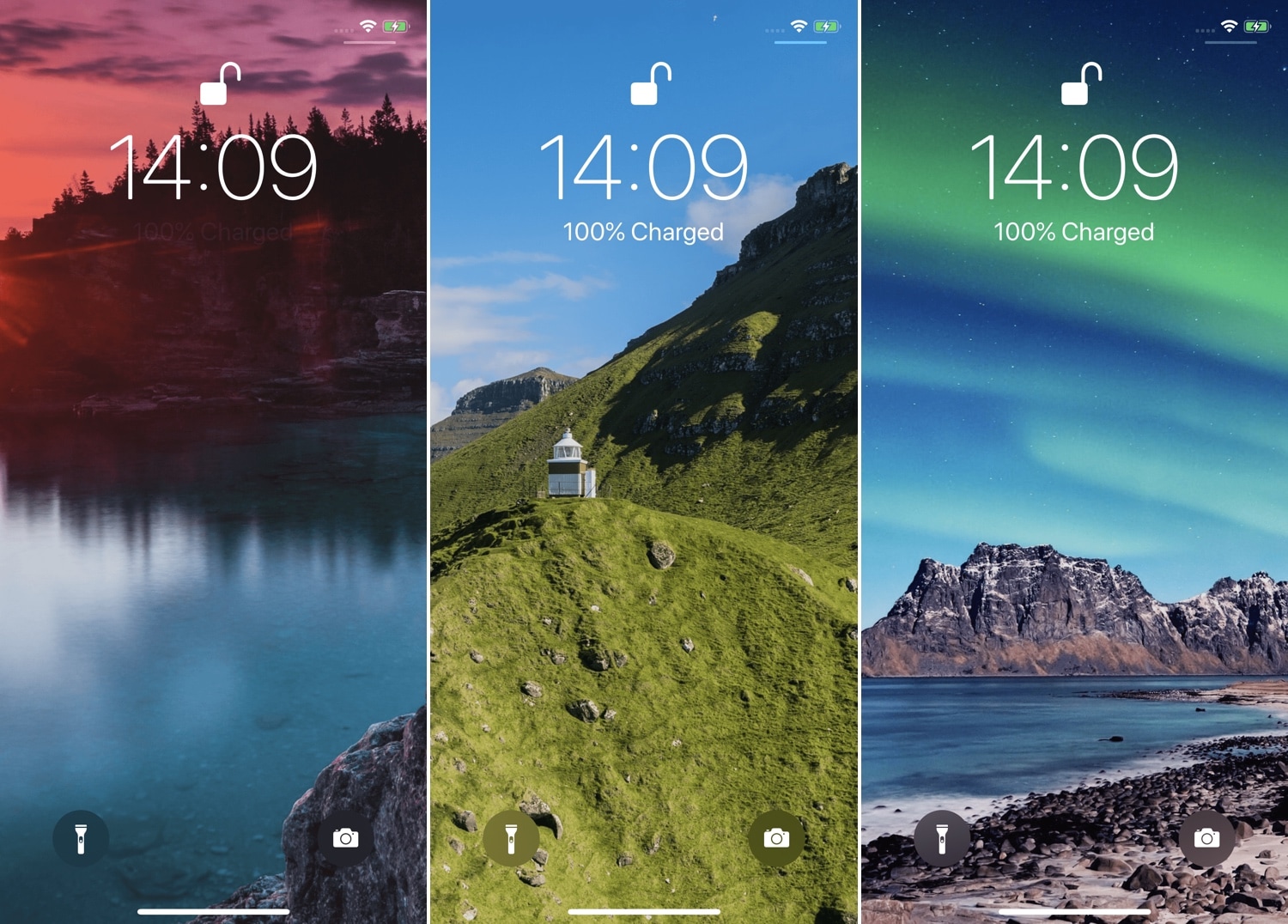
At iDB, we understand the importance of finding the right wallpaper for your handset, and that’s one of the reasons why we host a weekly wallpaper roundup. But if you have a jailbroken handset and feel the need for more frequent wallpaper changes, then you might take a liking to a new tweak release called FreshWall by iOS developer SparkDev.
As you might have inferred already from the context above, FreshWall keeps things ‘fresh’ by updating your wallpaper whenever you unlock your handset. The tweak makes use of numerous wallpaper sources to grab images, which ensures you get something fresh to look at each and every time.
Just yesterday we showed you a jailbreak tweak called DownLocker that permitted users to lock their handset by placing it face-down on a desk or tabletop; but today, we’re excited to show you a new free jailbreak tweak called XB-WakeDevice by iOS developer Oliver Crespo that lets users customize how they wake their handset back up again, among other things.
While the Raise to Wake feature reigns supreme on many of Apple’s latest handsets, the same can’t be said about all iPhones and iPads. Furthermore, not everyone uses Raise to Wake, and XB-WakeDevice appeals to both of these somewhat ‘niche’ audiences.
There are typically two ways to lock your iPhone when you’re finished using it: 1) press the sleep button; or 2) wait for the lockout timer time out. But with a new free jailbreak tweak called DownLocker by iOS developer Soh Satoh, you can add a third and practical method to that list.
DownLocker utilizes your iPhone’s accelerometer system to discern the handset’s orientation in space, and when it senses that your handset is lying face-down, it locks the device. This works with virtually any flat surface, whether that object is opaque or transparent, which is an apparent advantage over similar tweaks that would use the handset’s proximity sensor instead.
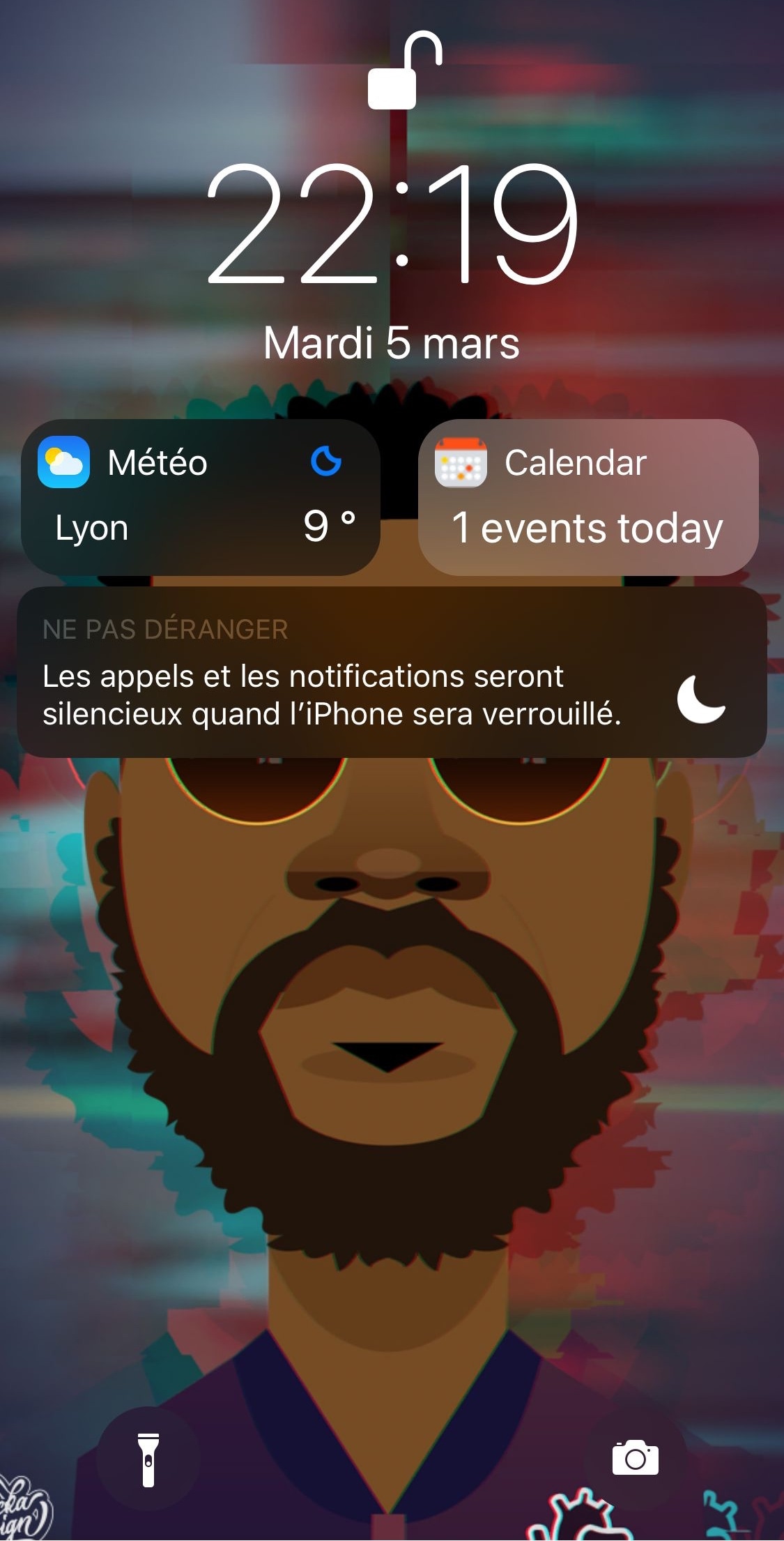
If you’re interested in transforming your iPhone’s Lock screen into a customizable quick-glance information hub, then you might enjoy a new jailbreak tweak called Talion by iOS developer maximehip.
Talion lets you add various widgets directly to your Lock screen, and unlike the ones that appear in iOS’ Today view, widgets that appear via Talion are optimized to display side-by-side in a lovely and compact manner, as shown above.
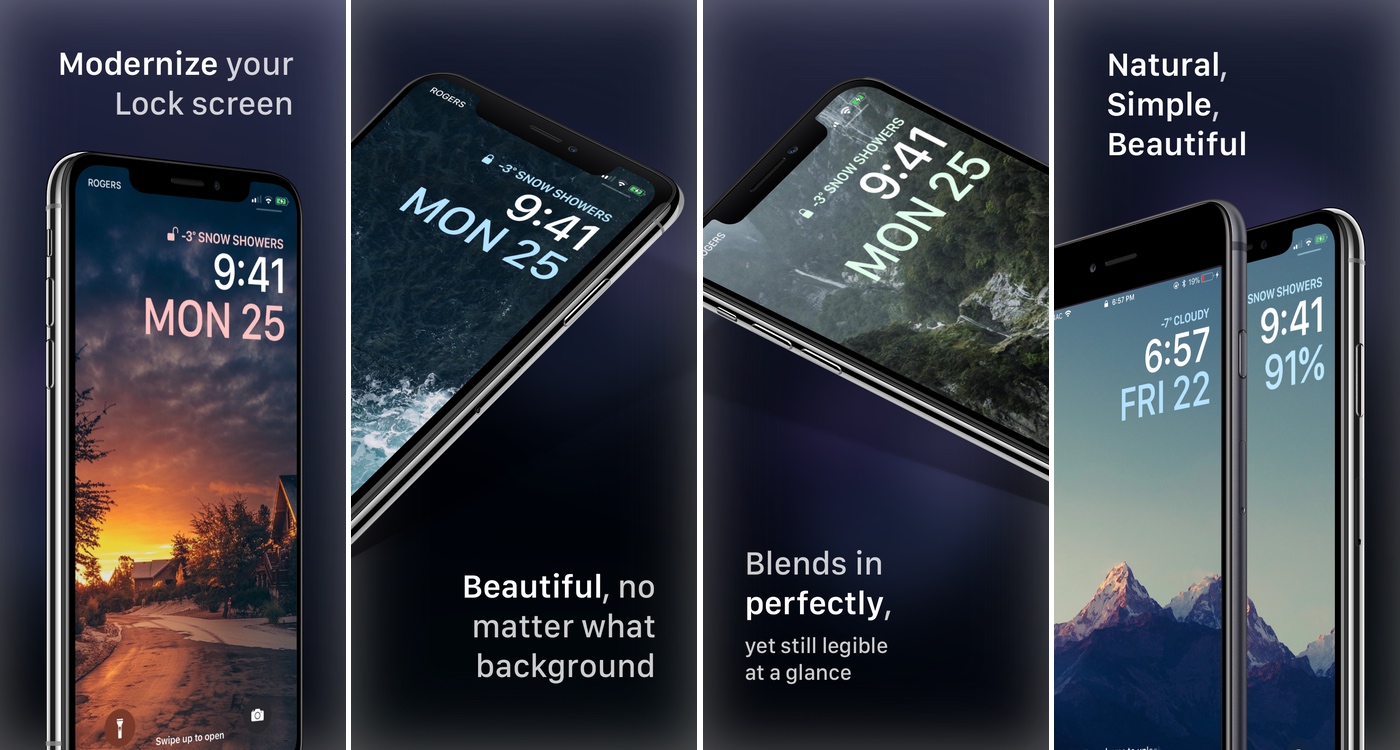
With each meaningful iteration of iOS, Apple slightly tweaks the aesthetic of the iPhone’s Lock screen, but these changes aren’t significant enough to warrant much praise. That said, if you’re looking for something extraordinary, then you might have more luck with a jailbroken handset.
Enter Jellyfish, a jailbreak tweak by iOS developers Justin Proulx and Ayden Panhuyzen that aims to modernize the look and feel of your handset’s Lock screen interface.