Lockscreen

This tweak lets you know when your iPhone will finish charging

Sometimes when I’m in a rush to go somewhere, I’ll plug my iPhone into a power source or set it on my Qi wireless charging stand while getting ready to juice it up as much as I can beforehand. But I’ll be the first to admit that waiting for the battery percentage to rise while charging can be a daunting process, especially since iOS doesn’t provide any sort of ETA for a full charge.

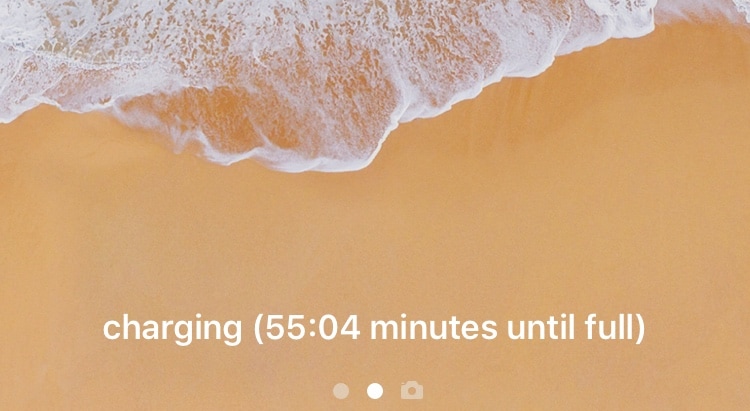
Here to change that is a new free jailbreak tweak called Remaining Charge Time by iOS developer Teun Strik, which adds a charging remainder to the bottom of the Lock screen whenever your handset is charging to let you know (approximately) how long you’ll need to wait before it’s done.

Augment iOS’ Do Not Disturb feature with LeaveMeAlone

I use Do Not Disturb mode all the time, because, like anyone else, there are times when I simply don’t want to be bothered by my smartphone. On the other hand, Apple’s Do Not Disturb feature is implemented in such a way that it can be an annoyance in and of itself.

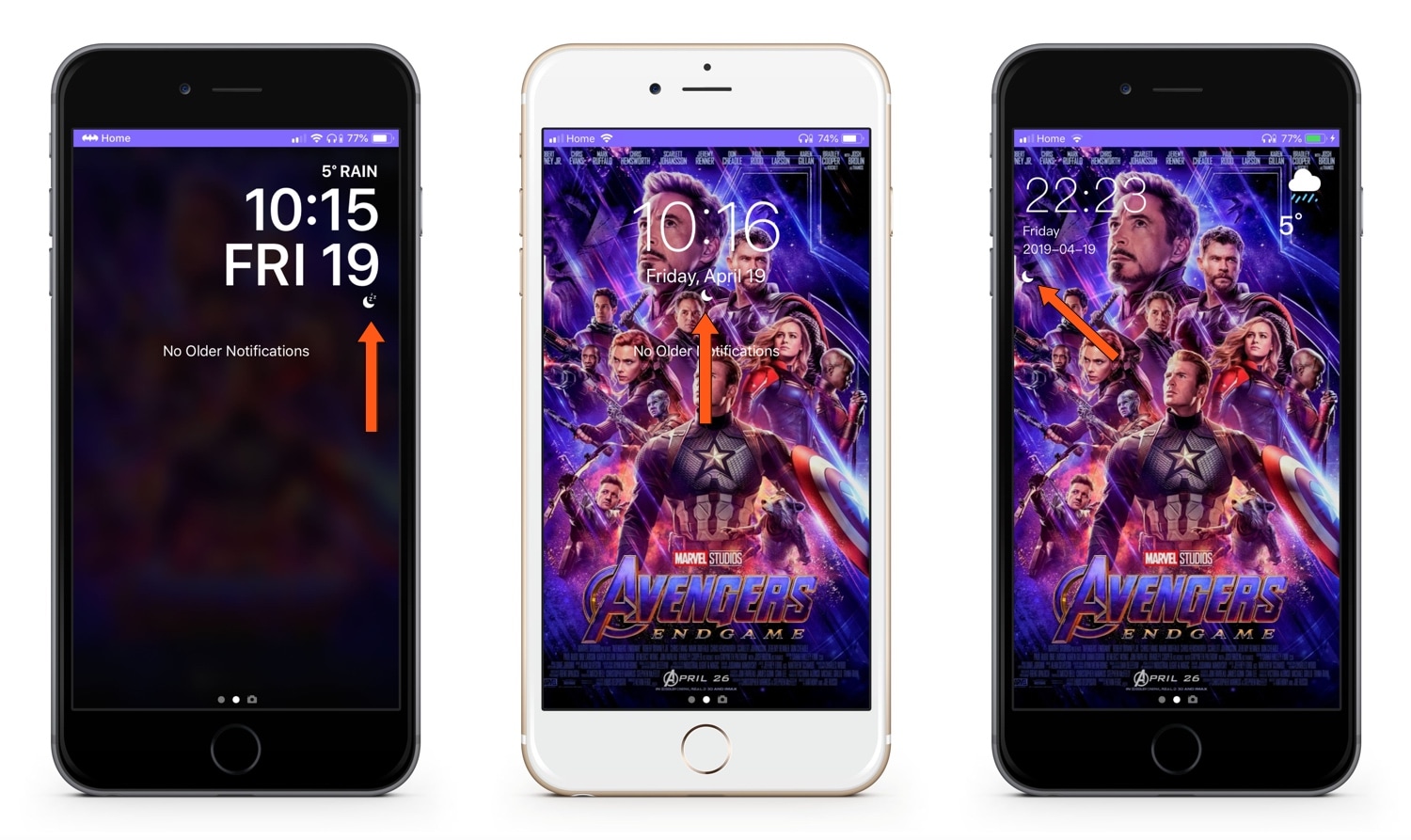
LeaveMeAlone is a new free jailbreak tweak by iOS developer Karimo299 that resolves some of these problems by making Do Not Disturb less of a distance. More specifically, it does away with iOS 12’s annoying Do Not Disturb banner and moves the Status Bar icon beneath the Lock screen’s date and time indicator, as shown above.

Unclutter your Lock screen’s Now Playing widget with Clean Player

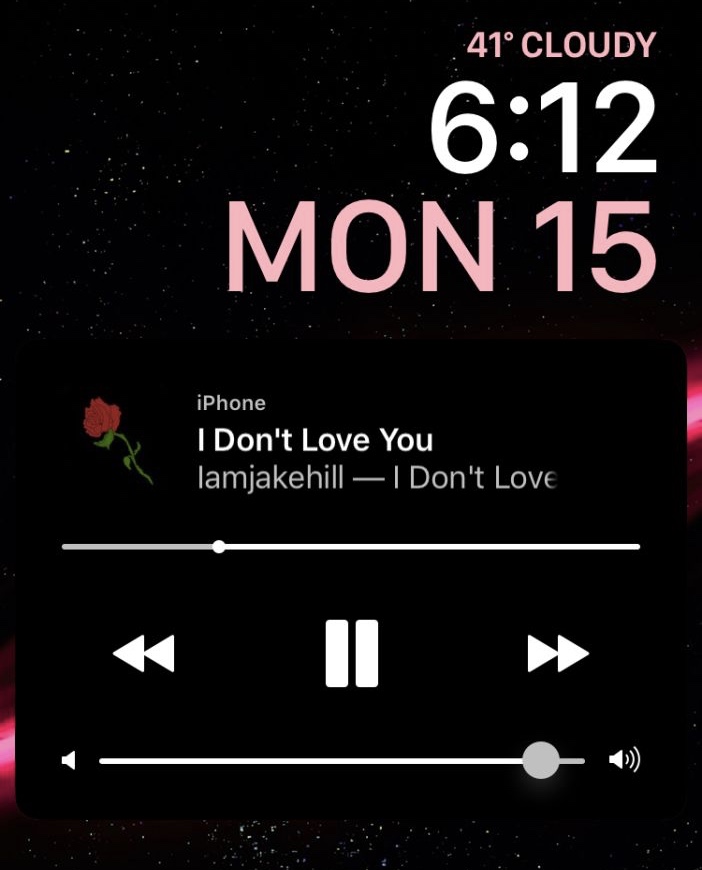
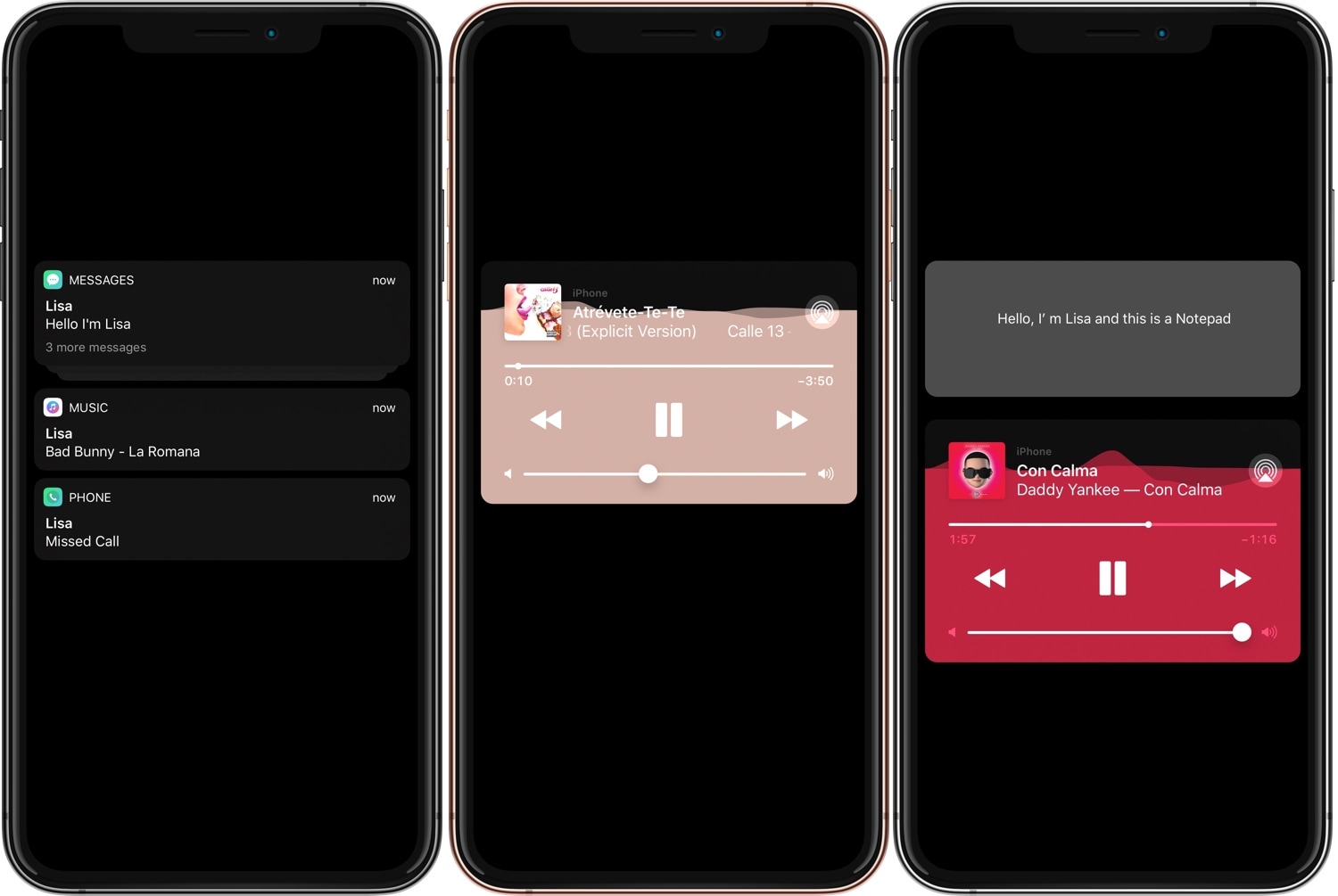
As you listen to music on your iPhone or iPad, your device displays an interactive Now Playing widget on the Lock screen so that you can view information about what’s playing and control your music playback. On the other hand, some people would argue that the widget shows more controls than it needs to.

Clean Player is a new free jailbreak tweak by iOS developers Easy-Z and CloudDev that aims to resolve this problem by providing users with the ability to configure what does and doesn’t appear in the Now Playing widget.

ShortcutEnabler brings iPhone X-inspired camera and flashlight shortcuts every handset’s Lock screen

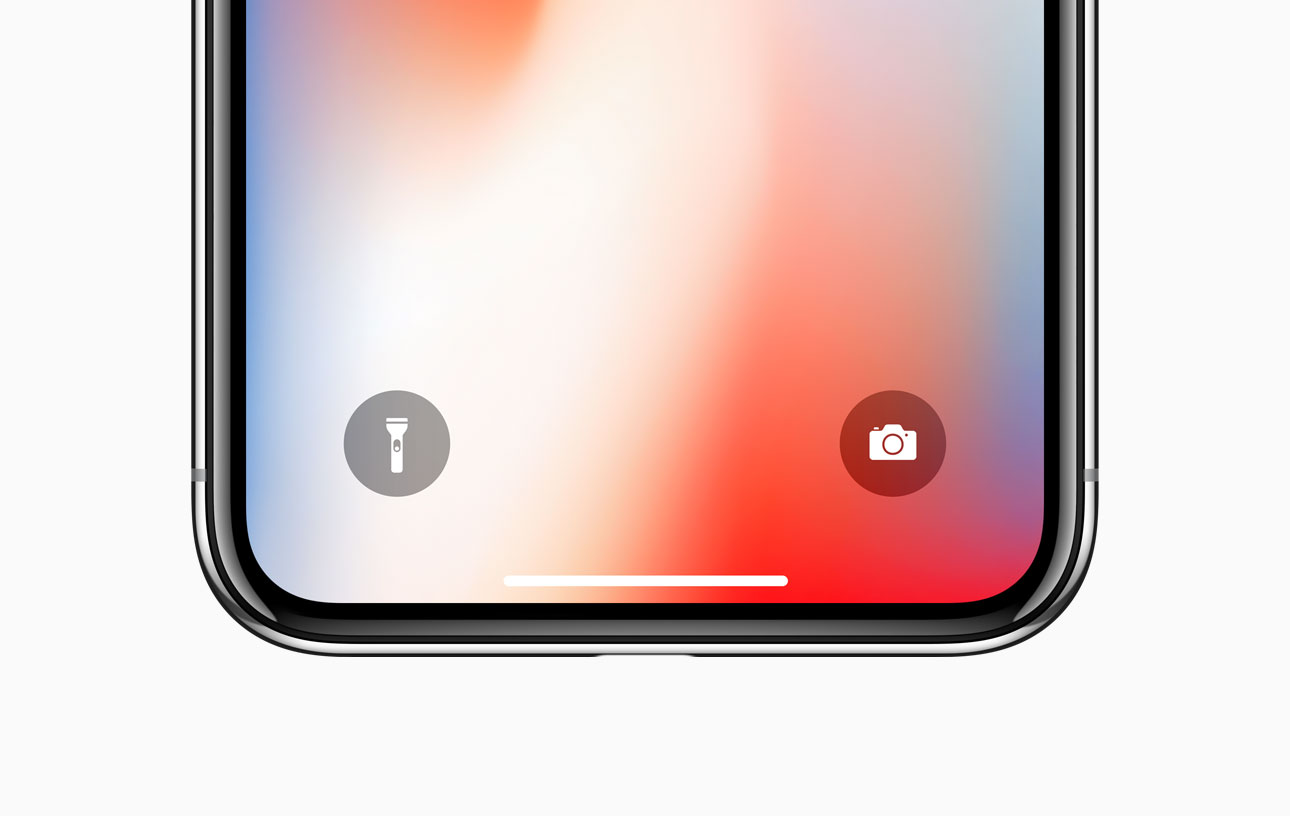
If you own any of Apple’s notched handsets, such as the iPhone X, XR, XS, or XS Max, then you’re already familiar with the two small shortcuts that appear on the bottom left and right of your Lock screen for the Flashlight and the Camera.

These shortcuts are incredibly useful in a pinch, and yet Apple never thought to provide them for users of older, non-notched handsets. Fortunately, you can now change that with the help of a free jailbreak tweak called ShortcutEnabler by iOS developer NoisyFlake.

Maple brings the AirPower charging interface to your jailbroken iPhone

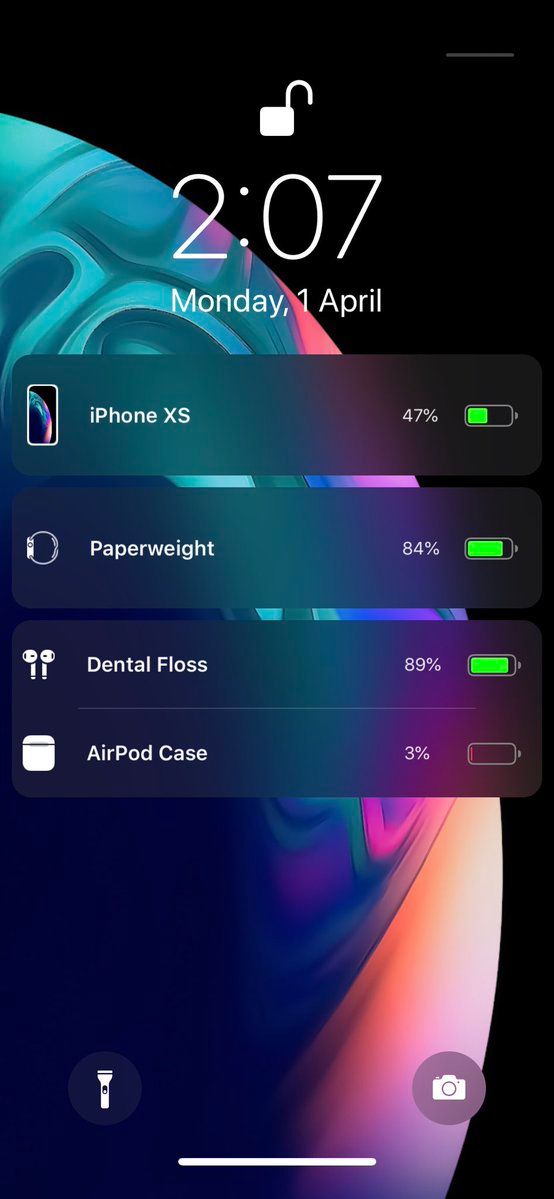
Apple may have officially canceled its AirPower concept due to manufacturing difficulties, but that doesn’t mean that jailbreakers can’t enjoy an AirPower-like experience when charging their multitude of Apple devices.

iOS developer LaughingQuoll has released Maple, a new jailbreak tweak that displays all actively-charging devices connected to your handset as individual AirPower-style banners on the Lock screen.

Protect your jailbroken iPhone from thieves with iCaughtU 12

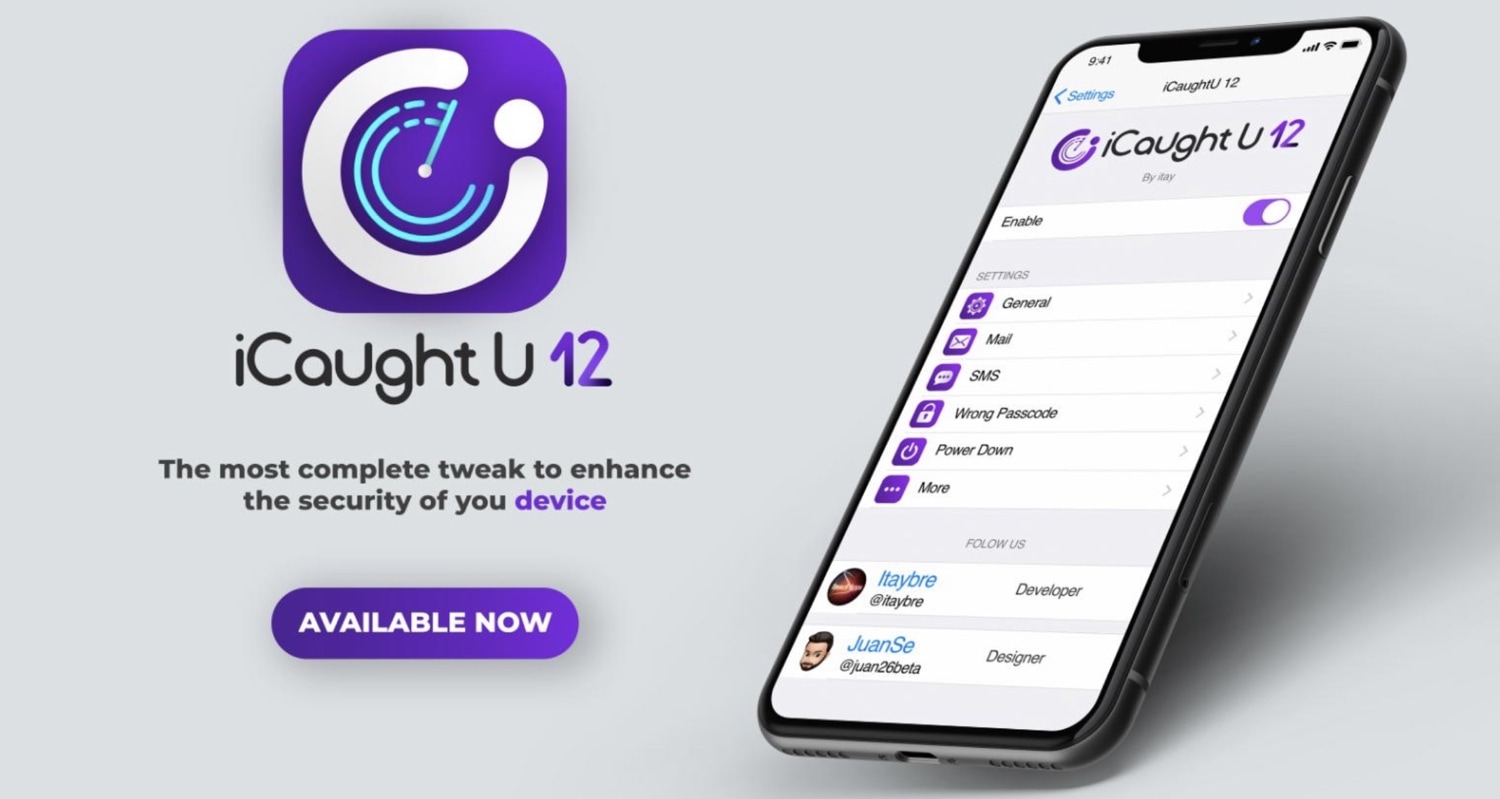
If you’re more anxious than most, especially concerning the safety of your jailbroken thousand-dollar smartphone, then you might be interested in a newly-released jailbreak tweak called iCaughtU 12 by iOS developer Itay.

iCaughtU 12 is an iOS 12-compatible remake of one of the most popular anti-theft jailbreak tweaks ever devised, and as you might come to expect, it provides many of the features that users have come to know and love since the original classic launched several years ago.

Customize your Lock screen’s text font with Lafon

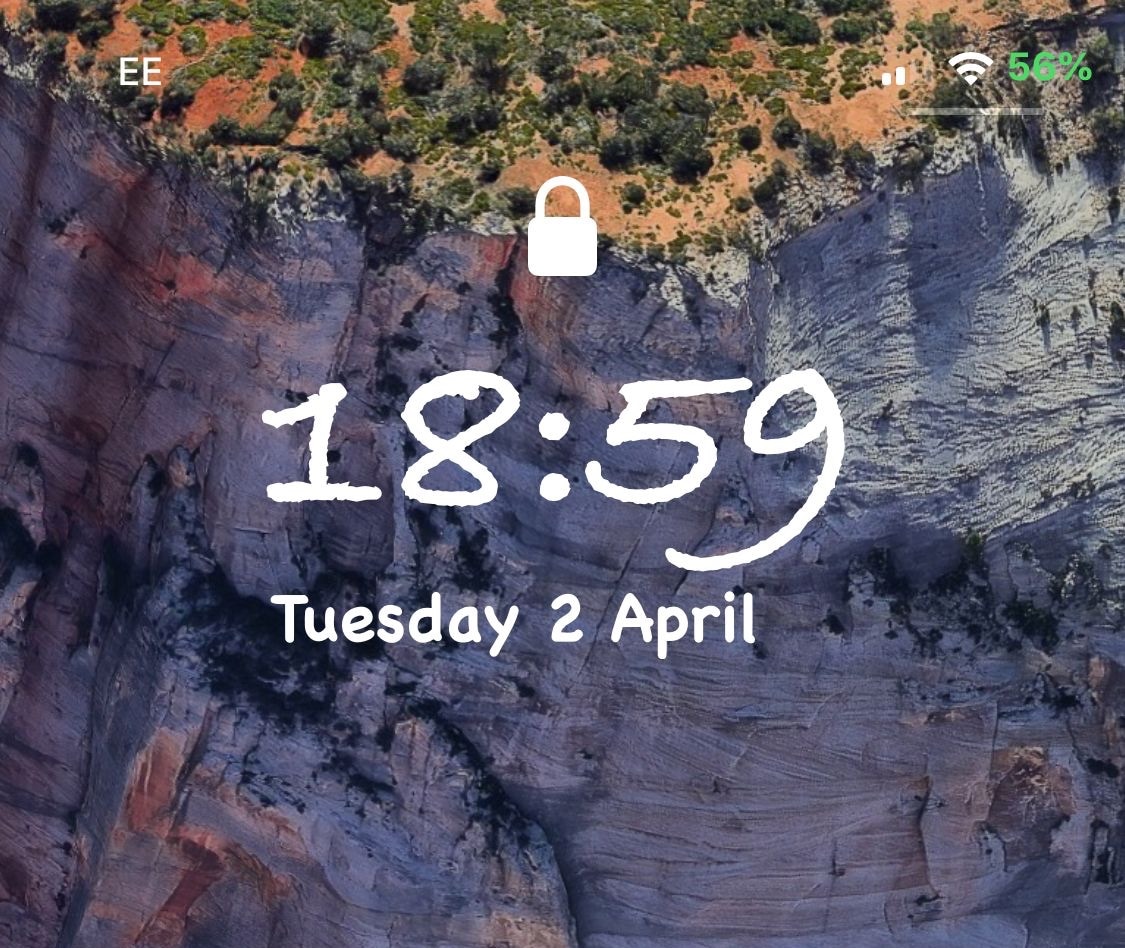
If you have a jailbroken iPhone or iPad and you haven’t customized it with third-party fonts yet, then you’re missing out. On the other hand, popular classics like BytaFont tend to take things a bit too far for minimalists, adjusting the handset’s font on a system-wide level.

Those who demand a subtler footprint in the name of font customization will take a liking to a new free jailbreak tweak called Lafon by iOS developer Aesthyrica, as it only impacts the font of the text strings that appear on your Lock screen.

ChargeAnimation brings a plethora of new charging animations to iOS

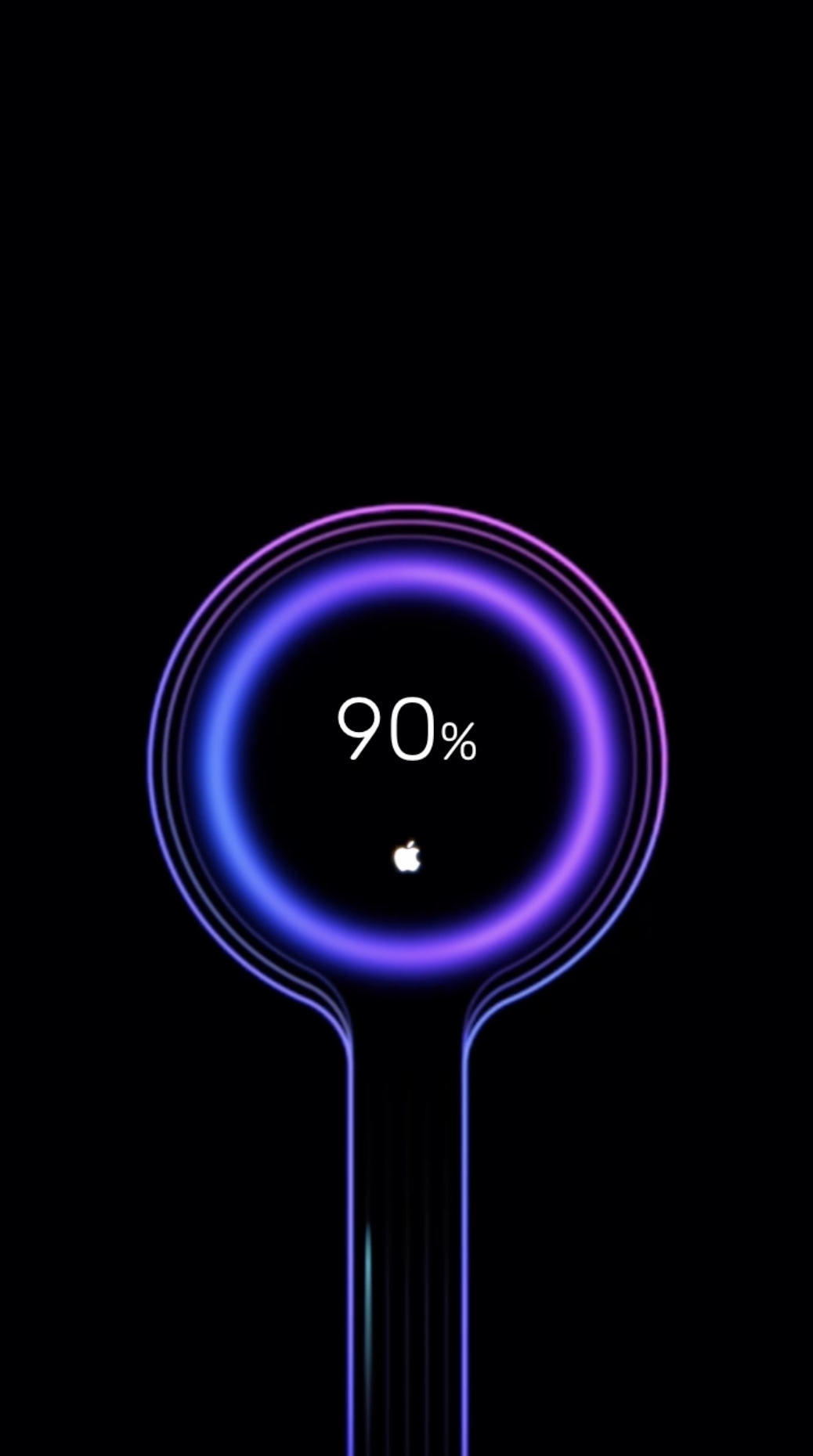
Whenever you plug your iPhone or iPad into a power source, a familiar battery icon appears on the Lock screen in place the date and time to depict your battery’s current charge. This implementation works, but it’s not quite as aesthetically pleasing as some would have hoped. Fortunately, jailbreakers now have a way to make this interface more interesting.

Say hello to a jailbreak tweak called ChargeAnimations by iOS developer c1der, which as you might have inferred already from the name, brings a bevy of new charging animations to your pwned handset.

Amour 2 lets you customize your locking and unlocking animations

If you’ve just jailbroken your iOS 12 device with unc0ver and you’re looking for new and exciting ways to customize the user experience, then you might take an interest in a newly-released jailbreak tweak called Amour 2 by iOS developers Luke Muris and Geometric Software.

With Amour 2, you can make your handset stand out from everyone else’s by customizing the handset’s locking and unlocking animations. The concept isn’t particularly new, but the apparent popularity of the original Amour tweak helped motivate the developer to release to the latest version.

NoIdleTimer negates the Lock screen’s lockout timer if your device is charging or playing music

Apple designed your iOS device’s Lock screen to go back to sleep after a predefined timeout period, and while this can be useful for battery savings in certain circumstances, there are some instances where this might be irrelevant or where you may favor performance over battery life.

For that reason, iOS developer Nepeta came out with a new free jailbreak tweak called NoIdleTimer that lets you disable the Lock screen’s automatic lockout period so long as certain conditions are met.

Centurion: A Lock screen widget that displays notifications and events at a glance

The iPhone’s stock Lock screen is as barebones as can be, and while some people love the minimalistic look, others with Apple would make better use of the available screen real estate. Those in the latter boat, much like myself, will come to appreciate a new jailbreak tweak called Centurion by iOS developer maximehip.

Centurion is essentially a new widget that appears just below the date and time on the Lock screen with an informative view regarding current/upcoming events and the number of missed notifications for some of your favorite apps.