Learn how to troubleshoot and fix issues with Live Activities not working or updating on your iPhone or iPad with these easy steps.
Fix app Live Activities not working or updating on iPhone
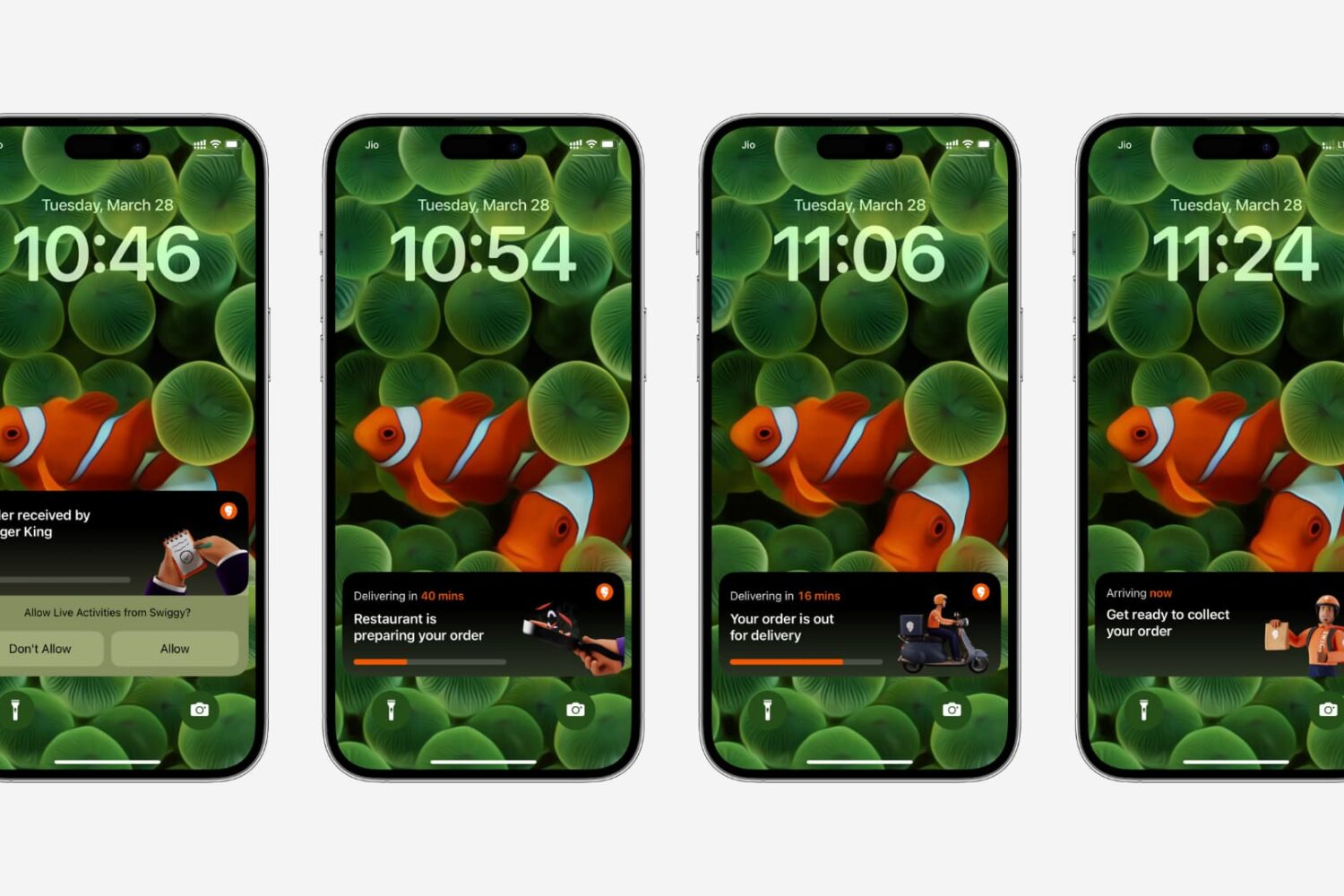
Learn how to troubleshoot and fix issues with Live Activities not working or updating on your iPhone or iPad with these easy steps.

Track your journey, get updated ETAs and see where to make your next trip with Google Maps—right on your iPhone’s lock screen, without opening the app.
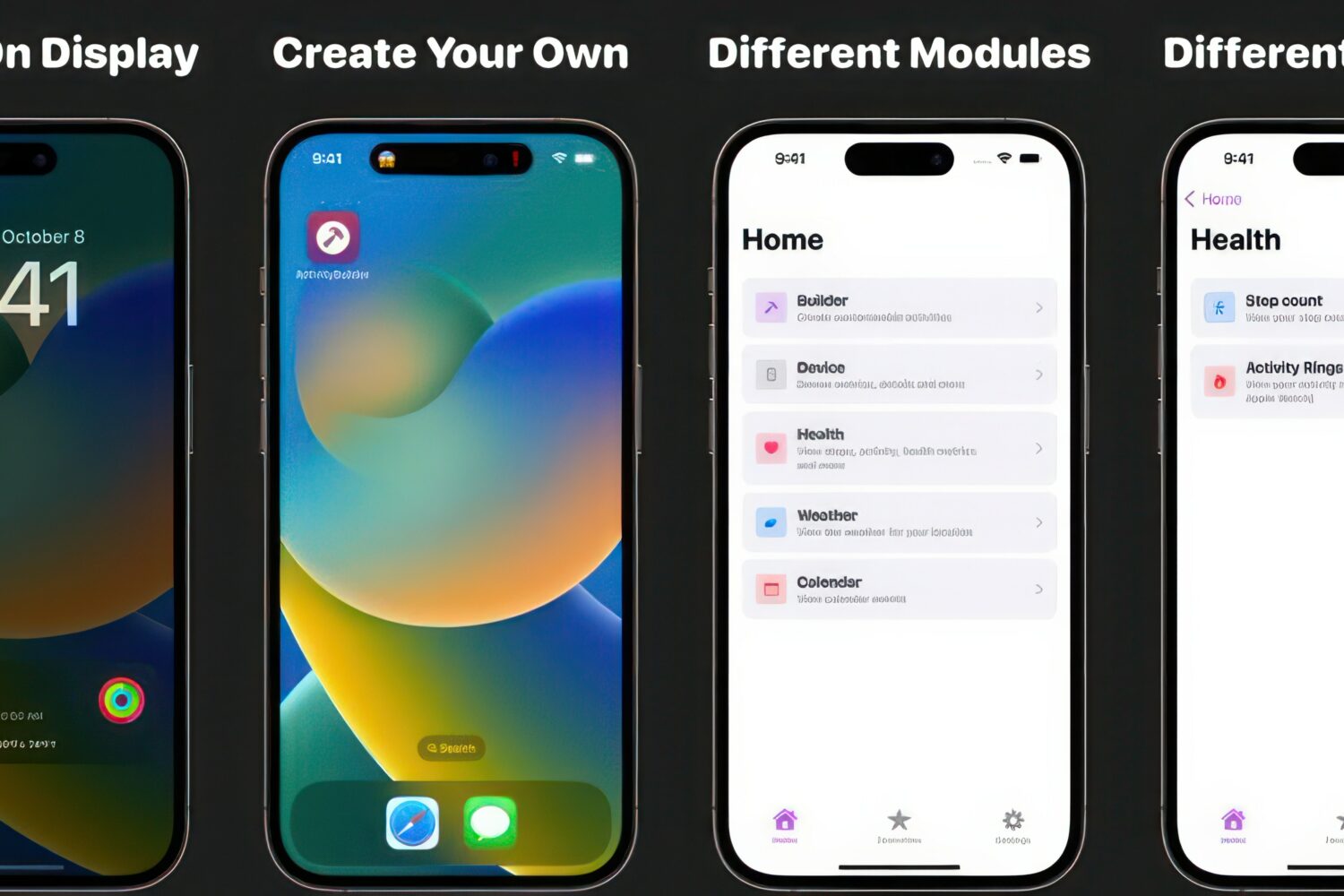
Live Activities are a feature introduced by Apple in iOS 16 to make your iPhone display useful information via the Lock Screen. Live Activities are interactive notifications that may show information such as your Uber progress, sports scores, or a wide array of other information types.
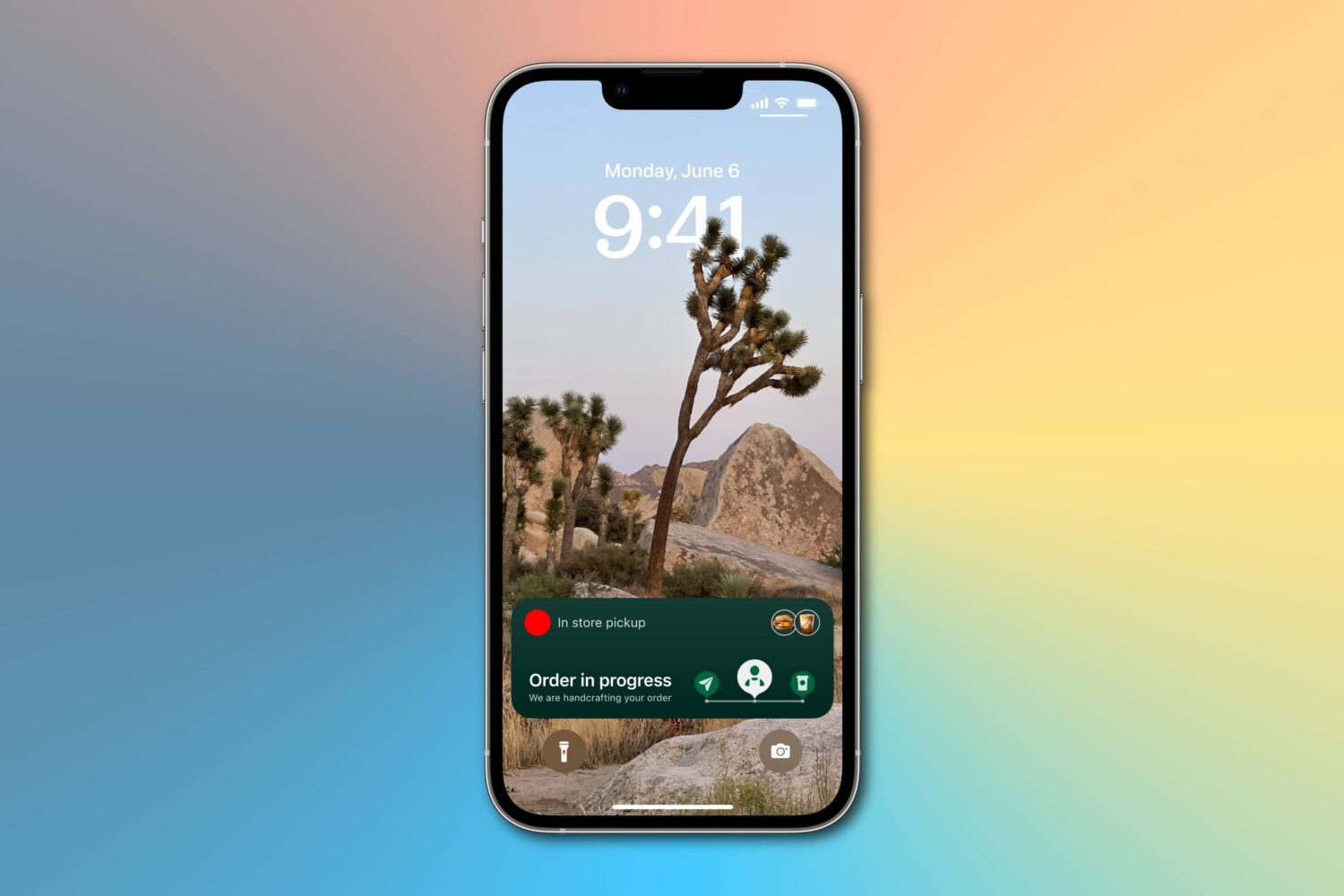
Learn how to enable more frequent Live Activity updates to receive even more timely updates from your favorite food, cab, sports, and other apps on the Lock Screen and Dynamic Island of your iPhone or iPad.
Your iPhone can display live data right on the lock screen. Consult this list to find out whether your favorite apps have added support for this new Apple feature in iOS 16.
Apple's cool new Live Activities feature won't be ready for prime time when iOS 16 launches this fall, but the company promises it'll arrive later in 2022.
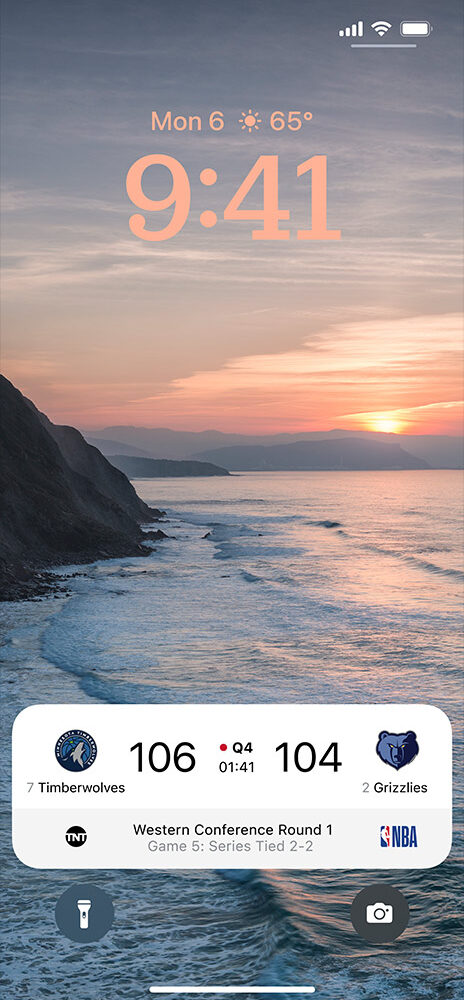
While iOS 16 is bringing with it a lot of different changes and new additions, one of the biggest focal points for Apple is the Lock Screen. Obviously the new widgets that can be implemented is a highlight, but so is a brand new feature called Live Activities. At face value, it's all about giving the user even more easily digestible information.

Apple Watch has a cool feature that lets it show a corresponding watchOS app on your wrist when you initiate audio playback on your iPhone. It’s called Auto-Launch Media Apps Live Activities (formerly called Auto-Launch Audio Apps), and we’ll show you how to turn it on or off.