Learn all the ways to quickly switch between open apps on your Mac and multitask like a pro.
How to quickly switch between windows and apps on Mac

Learn all the ways to quickly switch between open apps on your Mac and multitask like a pro.
Admittedly, I’m the type of person who enjoys an ounce of haptic feedback when operating my iPhone, and for that reason, I’m always testing out the latest haptic feedback-related jailbreak tweaks as they surface.
One of the newest add-ons in this department is one called Hapticker by iOS developer Soh Satoh, and from what we can gather, it provides haptic feedback for just about anything in iOS that you would ever want it for.

If you love keyboard shortcuts for navigating Safari, Mail, or Finder on your Mac, then this list is for you. We’ve compiled handy keyboard shortcuts that help you quickly move through your Dock and the apps that you keep in it.
Here are 13 Mac keyboard shortcuts to make better use of your Dock.
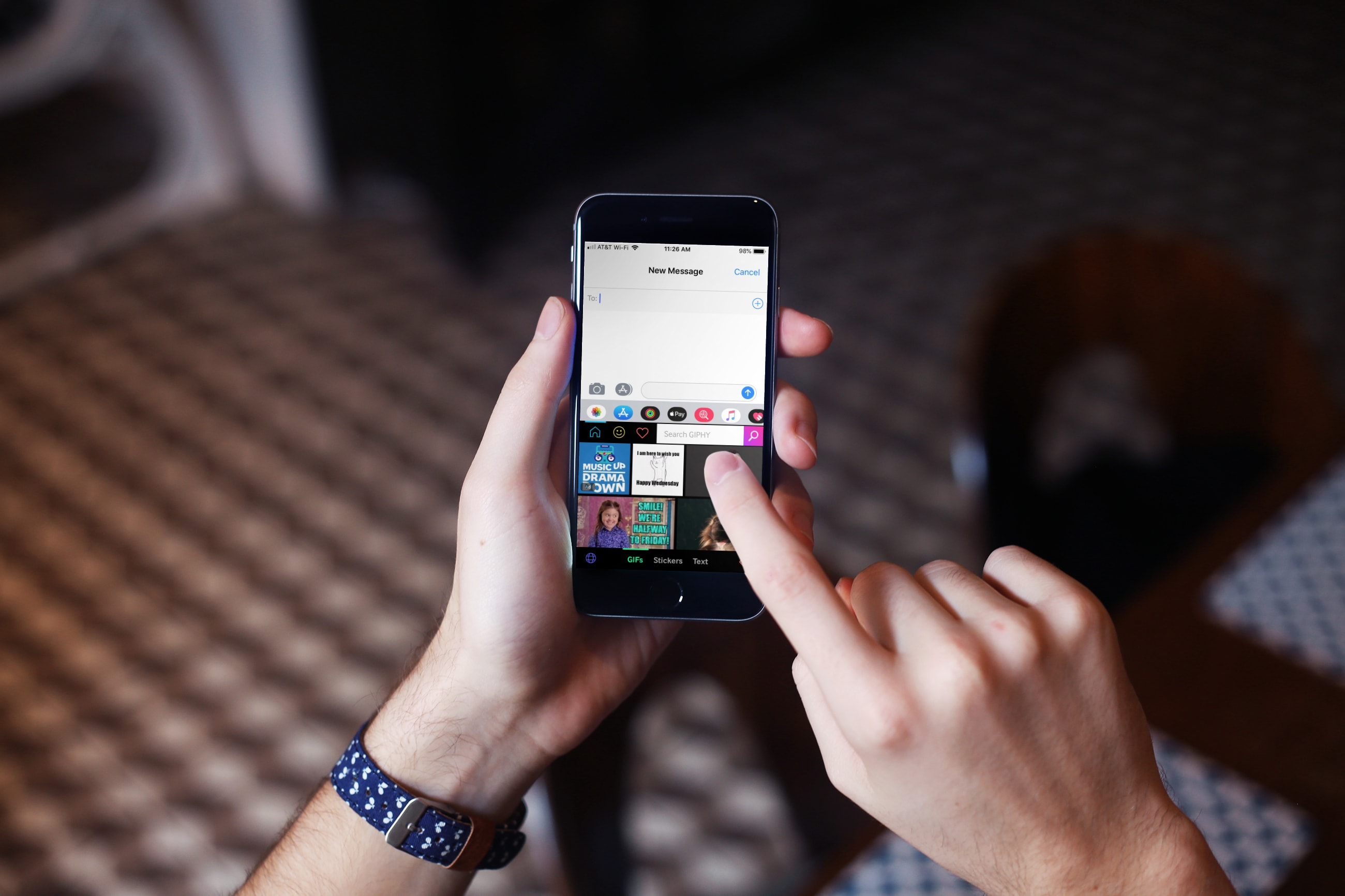
Animated GIFs seem to be one of the most popular things people share these days aside from photos. Whether on social media or in text messages, those short animations are everywhere. You can share something sweet, thoughtful, hilarious, sarcastic, or wacky, and the list goes on.
If you search Google, you’ll find tons of GIFs for the topic you need. But why bother when you can use a keyboard specifically for them? These are the best GIF keyboard apps for iPhone and iPad to bring fun to your messages.
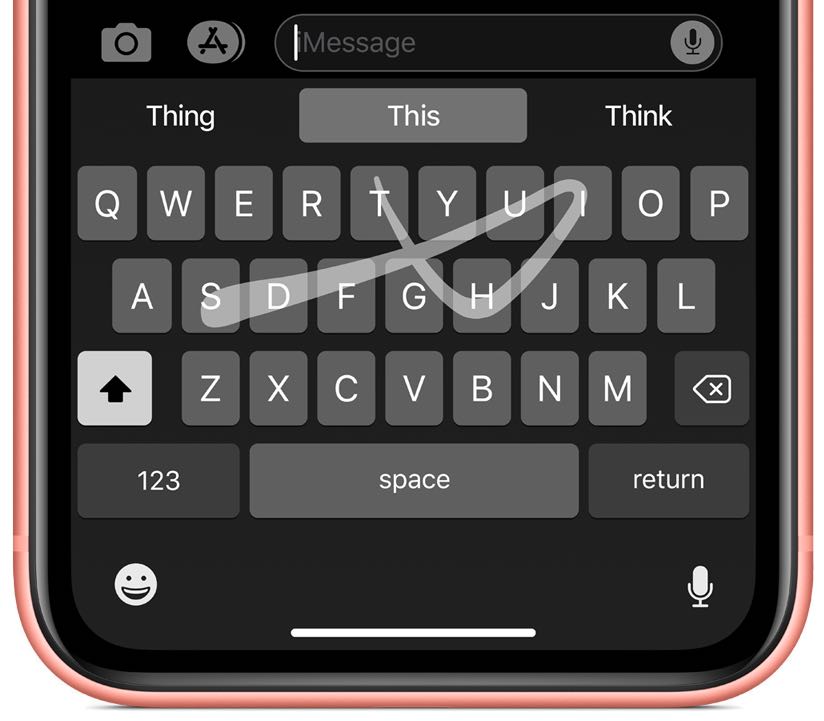
The system keyboard in iOS 13 has gained swipe typing, a dedicated Emoji key and more.
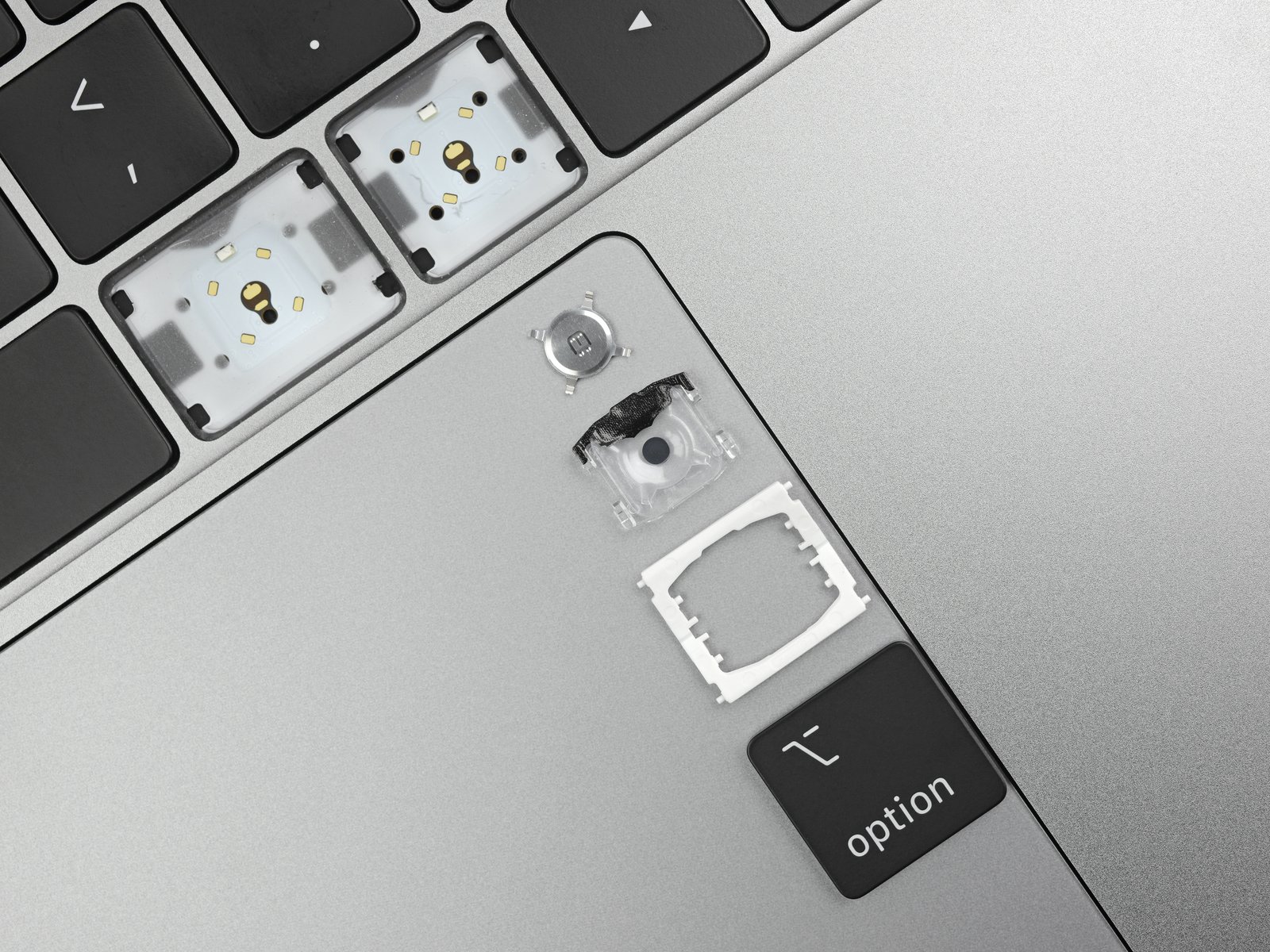
This year’s Mac keyboards were immediately added to Apple's newly expanded keyboard repair program following the speedy 8-core MacBook Pro models that dropped Tuesday.
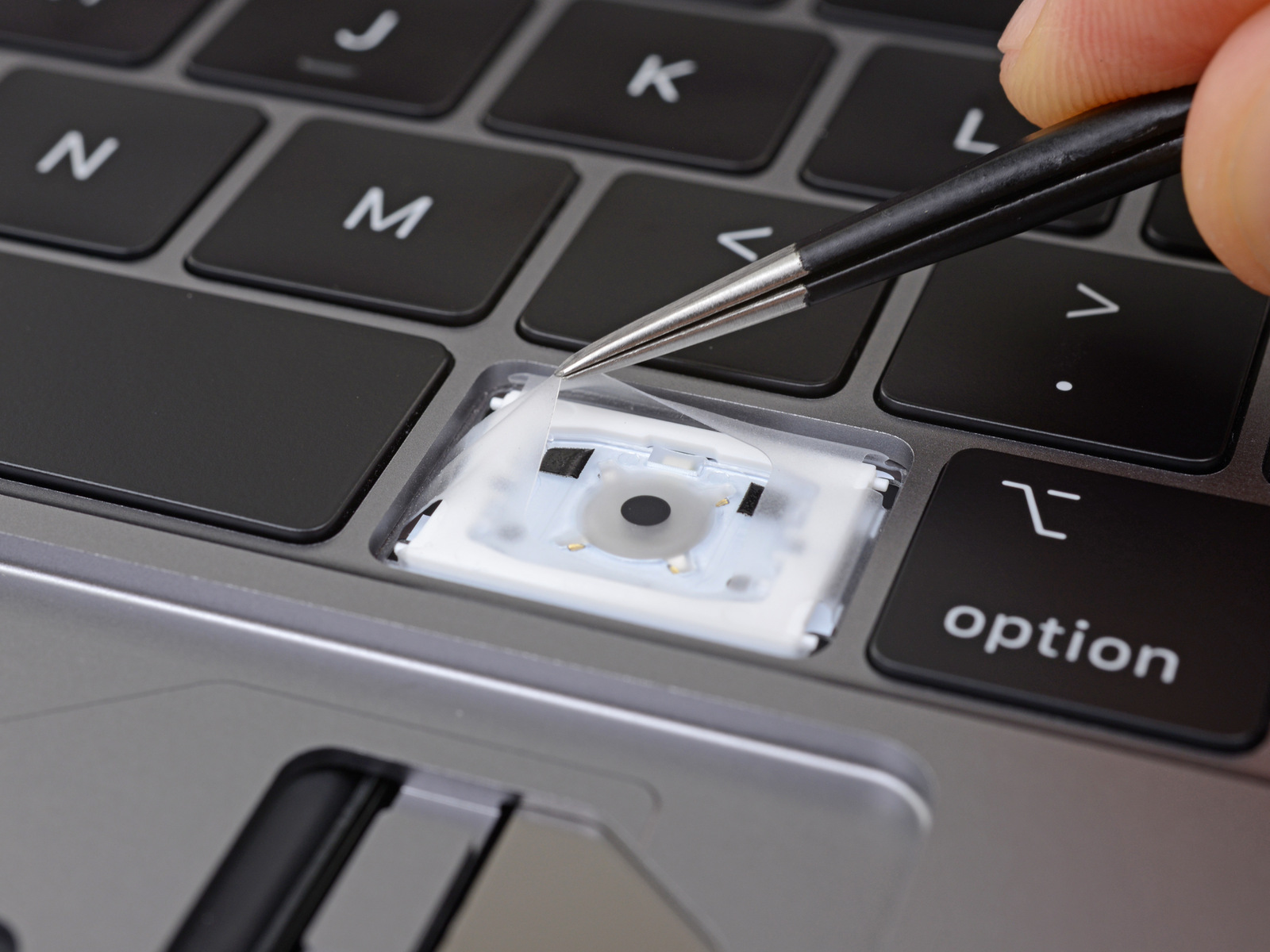
Apple launched a Keyboard Service Program in 2018, meant to help those afflicted with issues with the butterfly keyboard in select models. However, despite launching last year, the program didn't include any 2018 model Mac notebooks for service coverage, even by the time 2019 rolled around. But that's finally changing.
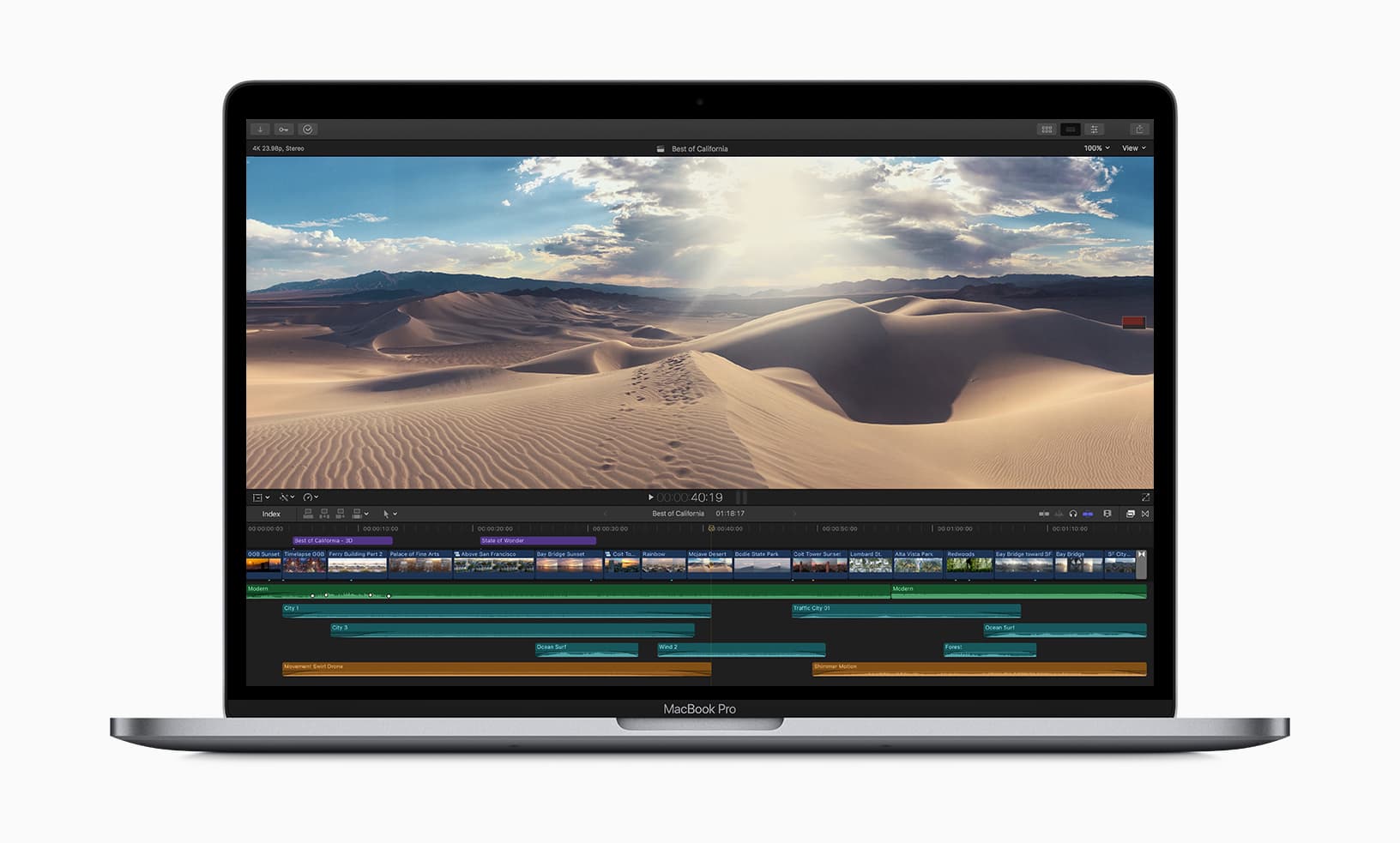
Apple has updated the MacBook Pro this week, adding in the newest eighth- and ninth-generation Intel-branded processors to speed up its machines.
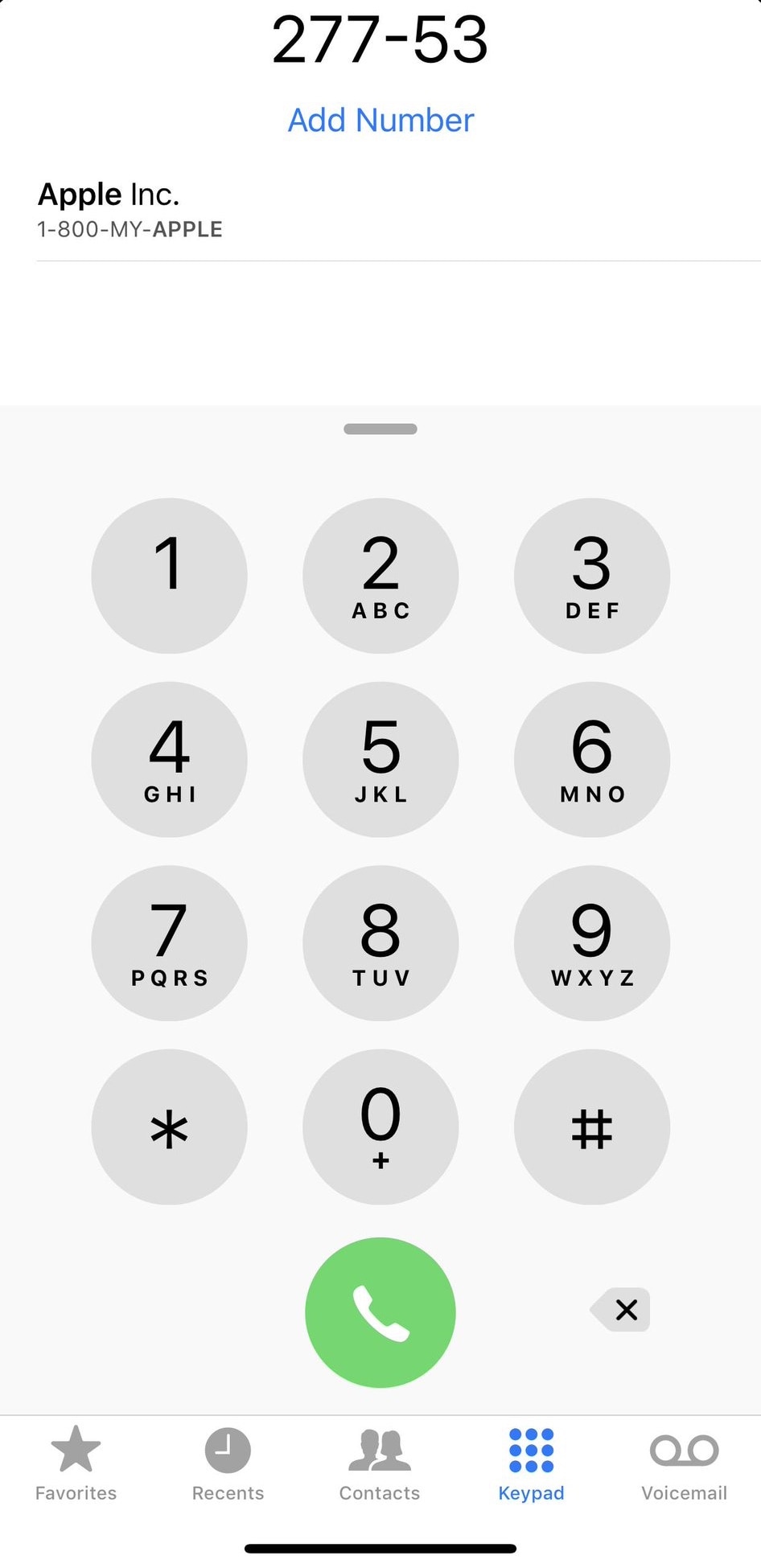
T9 dialing was initially introduced as a means of making text input easier on 3x4 numeric keypads, much like those found on old cell phones. Modern smartphones with their phone number hot-linking and advanced contact lists have all but phased out the need for such things, but to those wishing they could access T9 in the iPhone’s native Phone app: you’re in luck.
T9Dialer is a somewhat new jailbreak tweak released by iOS developer Jordan Koch (eskimo_dev) that ports full T9 functionality to the numeric keypad in the iPhone’s native Phone app.
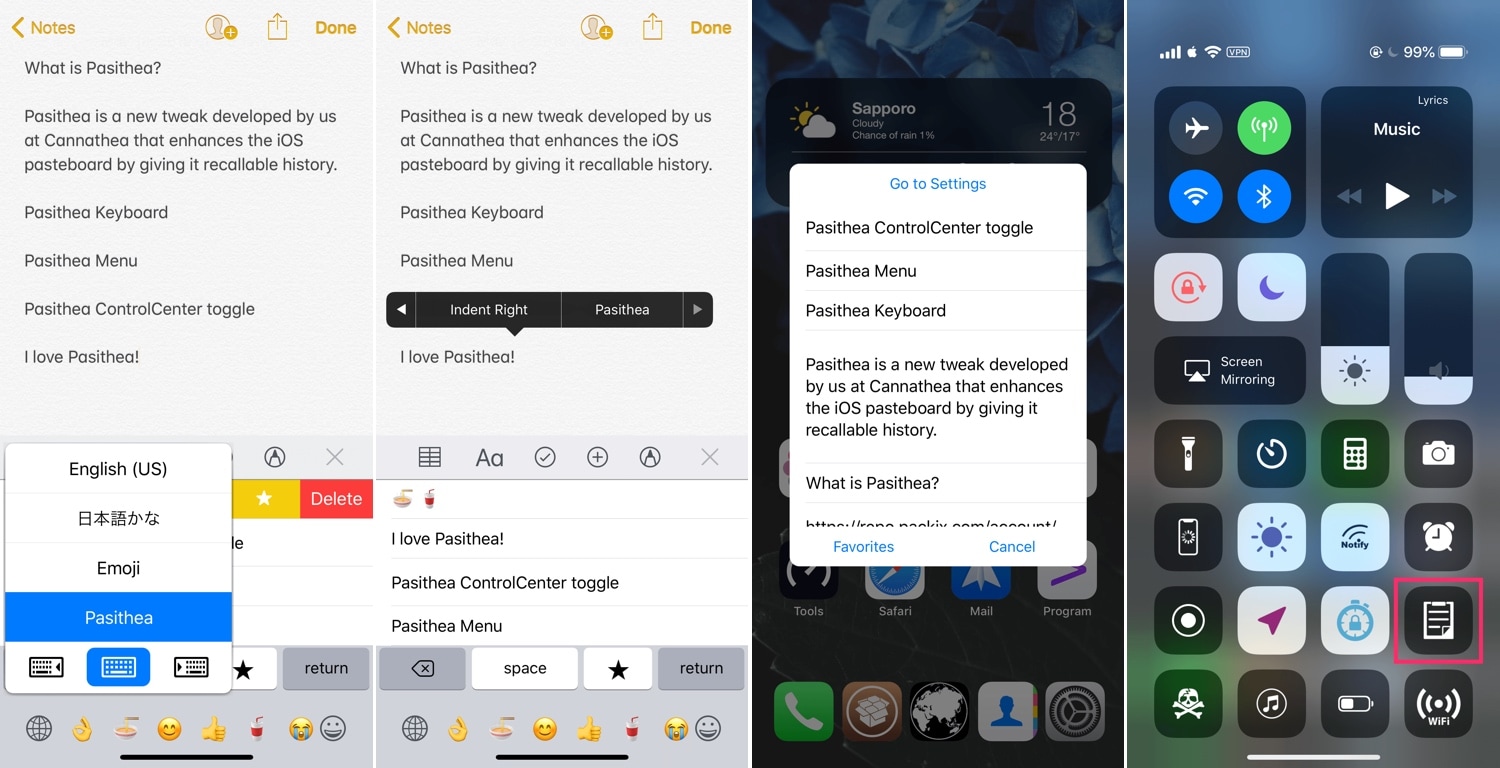
One of the weakest links in iOS’ native multitasking capabilities is the clipboard management system, and perhaps unsurprisingly, there’ve been a lot of jailbreak tweaks released in recent memory to address this problem, such as CopyLog and Copypasta to name a few.
As for those who favor the classics over newer and more lightweight releases, Pasithea 2 by iOS developer Cannathea can provide a more full-fledged clipboard-access experience, and with native keyboard integration at that.
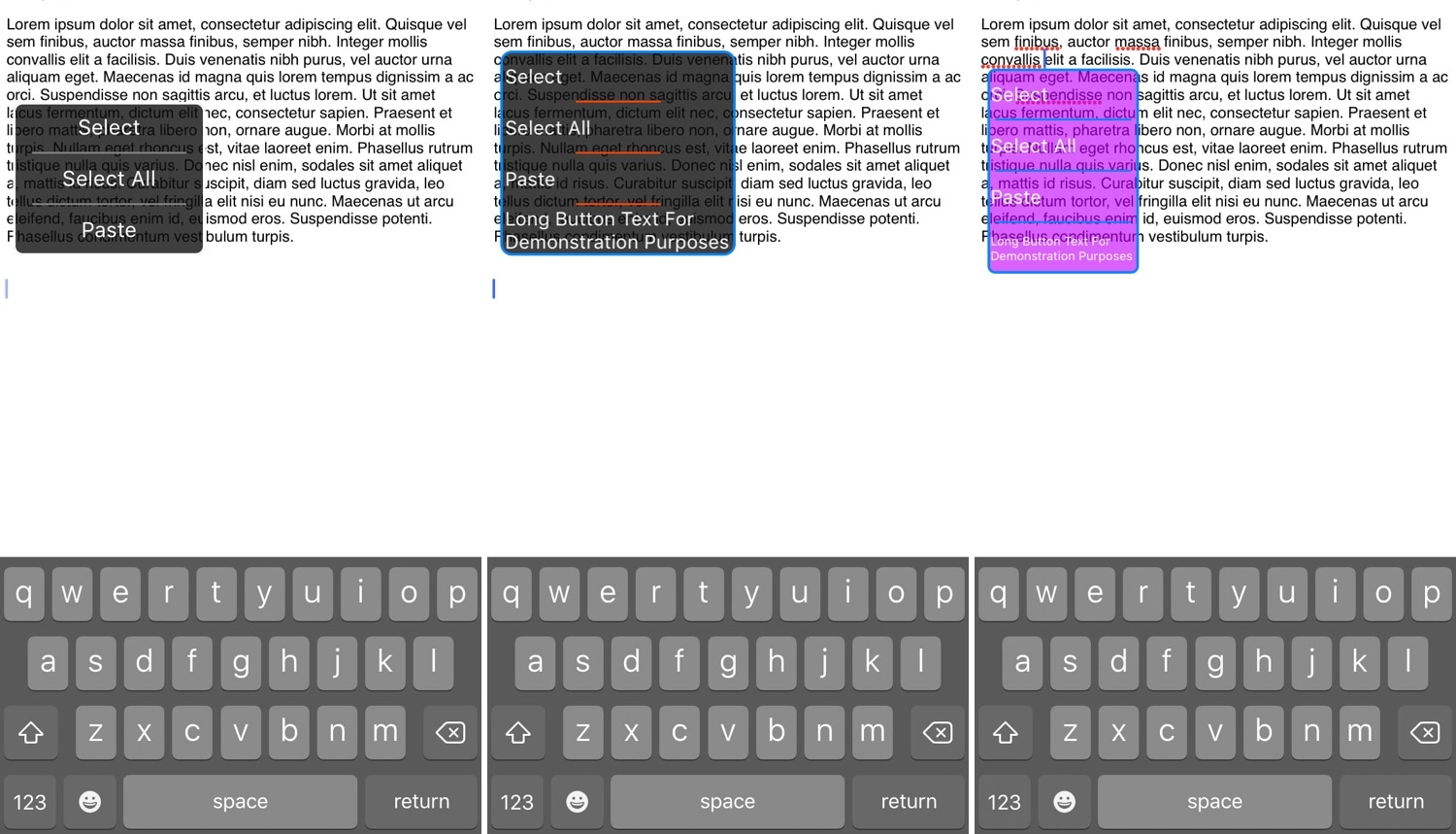
iOS’ native text selection menu is somewhat cumbersome to use, and so it should come as no surprise that jailbreakers have requested alternatives to it for eons. With that in mind, jailbreak tweak developer Satvik has come to the rescue with a new free release dubbed SelectionPlus.
As you might recall from the native text selection menu, users would need to tap and hold before releasing to invoke a column-oriented interface. A setup like this isn’t particularly useful on an iPhone because the handset’s display isn’t particularly wide, and it sometimes necessitates several taps to move between all the options.
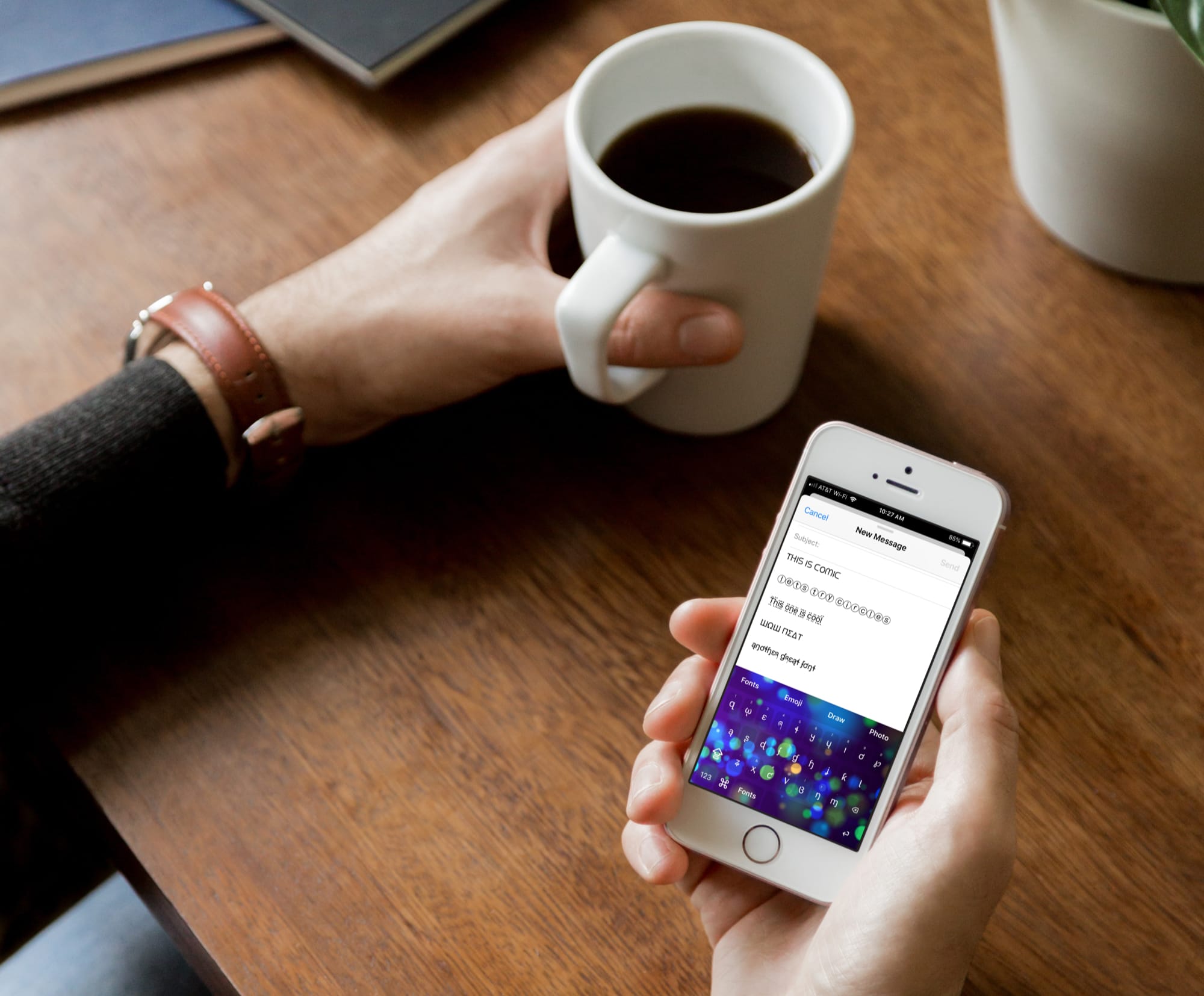
Just like emoji keyboards, font keyboards for iPhone and iPad bring fun to your messages. Whether you’re texting a family member or emailing a friend, you can make your words really pop by using different font styles.
There are tons of font keyboard apps on the App Store. But if you’re looking for the top ones, look no further. Here are four of the best free font keyboards for iPhone and iPad that don’t come with a bunch of strings attached.