Jailbreak

Check out the most comprehensive jailbreaking coverage on the internet, including the latest news, apps, tweaks, and detailed tutorials about everything jailbreak.

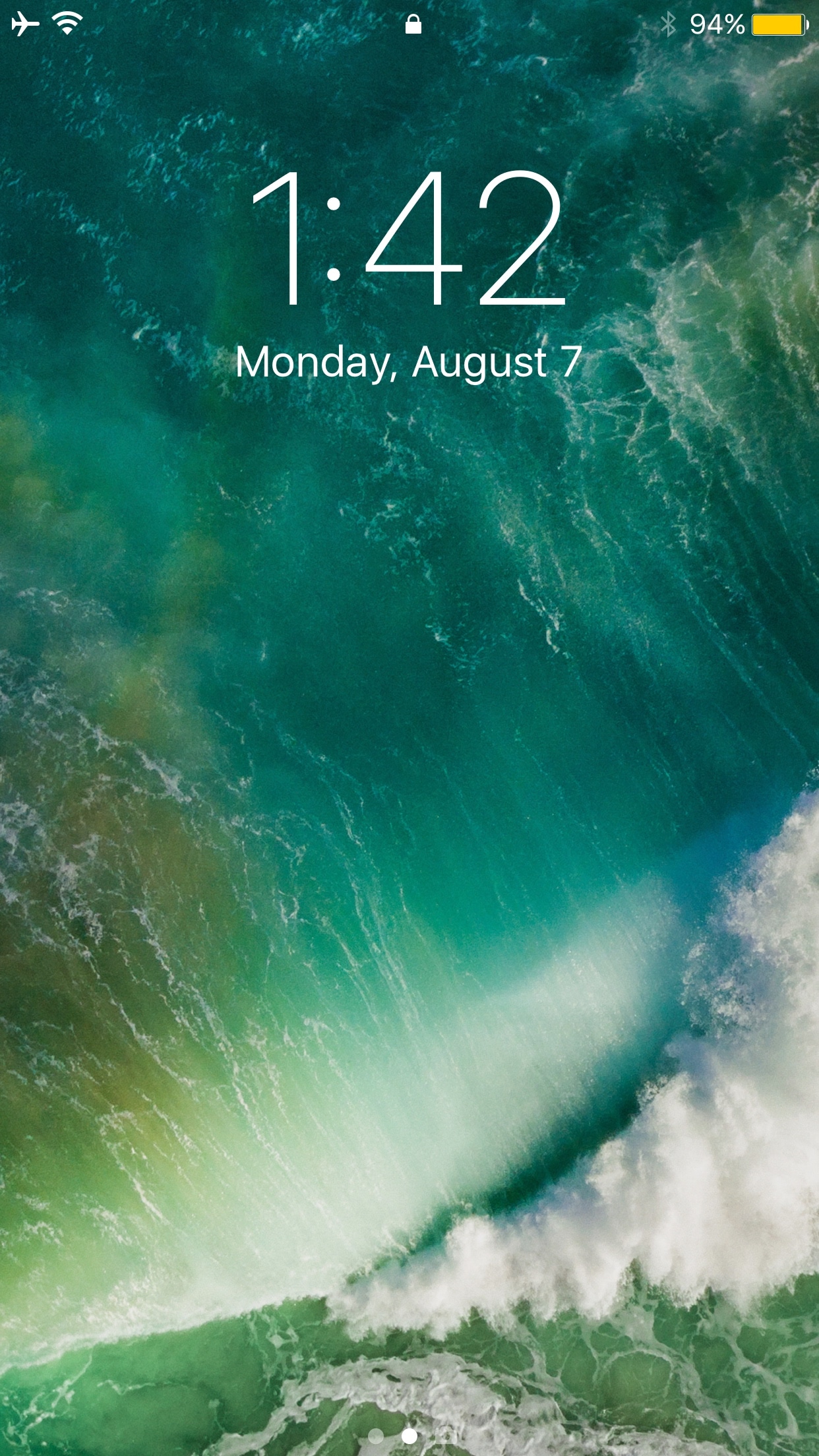
Prevent storage-filling Lock screen screenshot pranks with LSScreenshotLimit

First world problems differ from one person to the next, but having been in a situation before where someone pranked me by grabbing my iPhone and taking several screenshots of the Lock screen to fill up my storage space, I can’t recommend a new free jailbreak tweak called LSScreenshotLimit by iOS developer DGh0st enough.

This tweak helps you avoid issues like the one I described by limiting the number of screenshots that can be taken from the Lock screen at one time. In doing so, you'll also dodge unnecessary frustration and urges to strangle whoever filled your Camera Roll with repetitive screenshots.
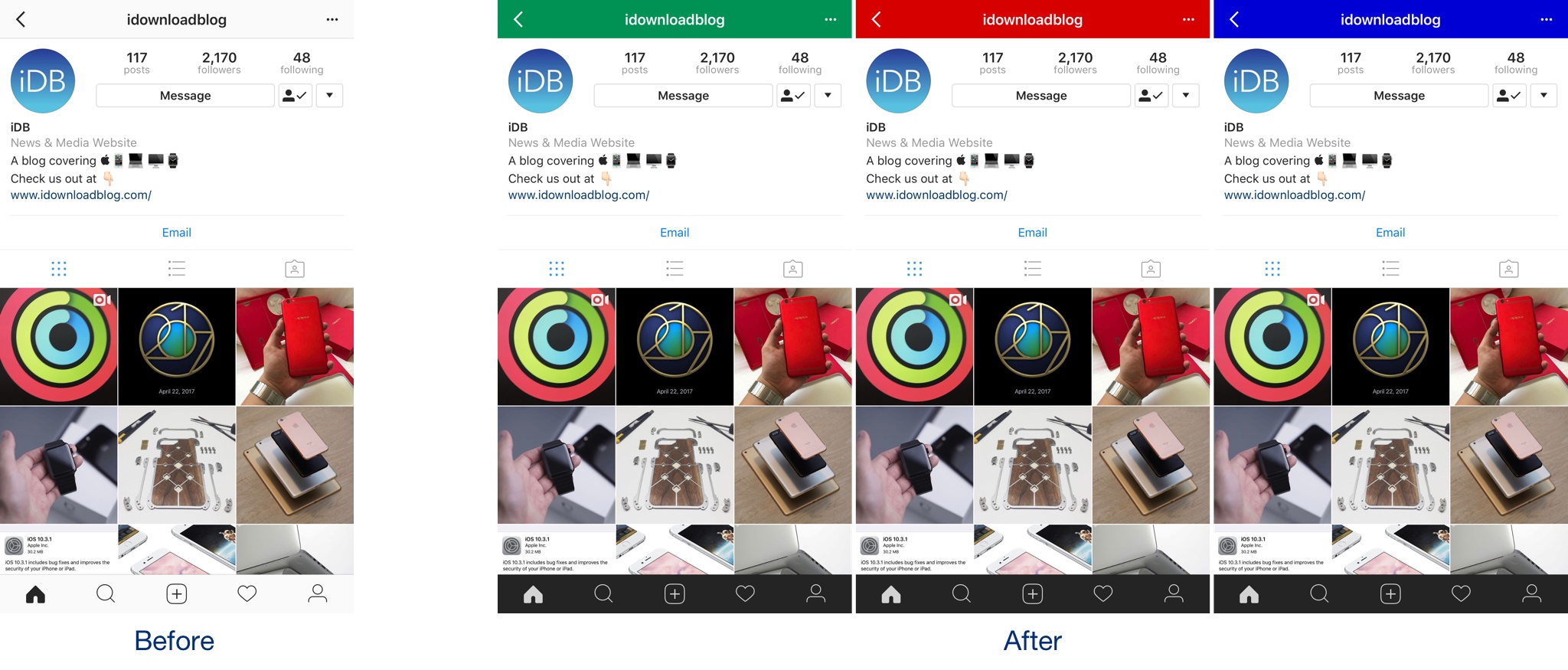

Colorize your Instagram app’s user interface with InstagramUICustomizer

If you want to colorize your Instagram app’s UI to something other than the bland white it comes with out of the box, then we’d recommend trying a new free jailbreak tweak called InstagramUICustomizer by iOS developer Wylliam Altman.

Once installed, you can change the default navigation bar color of your Instagram app to anything you’d like and choose whether the tab bar at the bottom of the app will be light or dark.

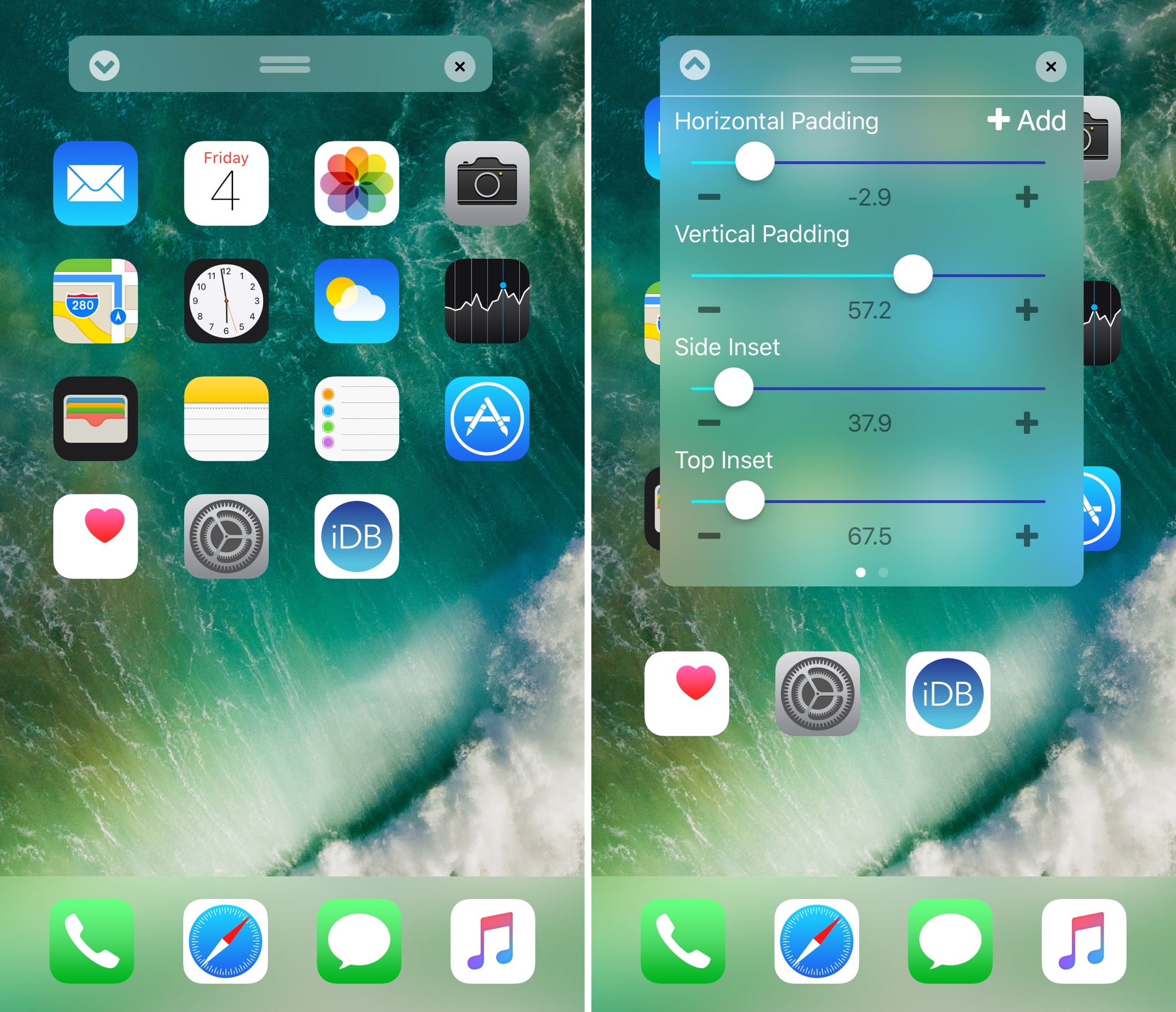
Boxy 3 lets you customize your Home screen layout

Perhaps one of the most popular things people do after jailbreaking their device is modify their Home screen app icon layout. Jailbreak tweaks of this nature have been released for almost every jailbreak iteration to date, and iOS 10 is no different.

With a new jailbreak tweak dubbed Boxy 3 by iOS developer William Vabrinskas, you'll have access to a whole host of Home screen app icon layout settings to your device.

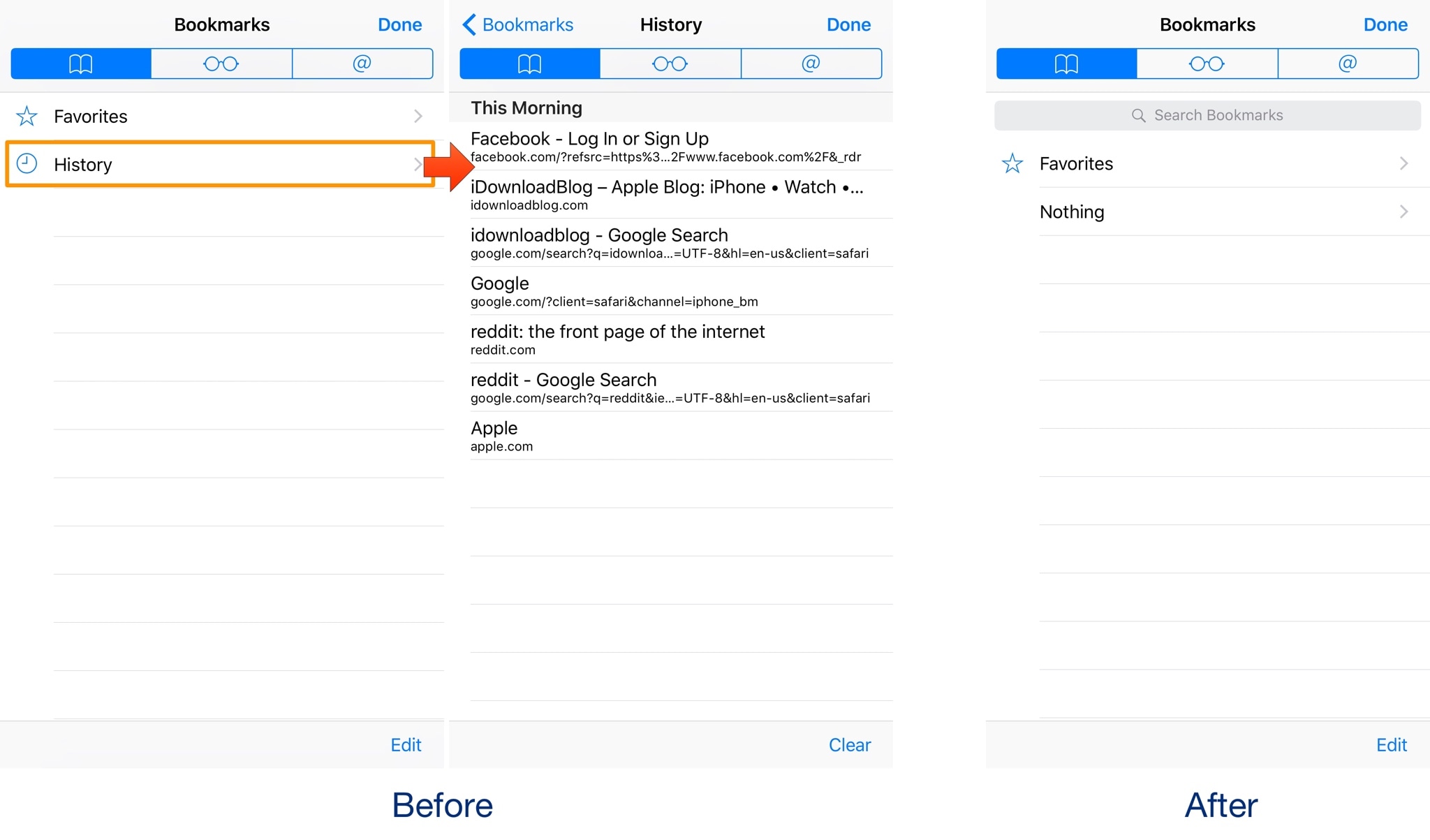
This tweak hides your Safari history without Private Browsing mode

Your web browsing history can say a lot about you, so it’s no surprise that people go great lengths to hide it. One way to do this on an iPhone is by using the Private Browsing feature in Safari, but this will do more than just protect your browsing history; perhaps more than most people want.

With a new free jailbreak tweak dubbed NoHistorySafari by iOS developer Wisy Channel, you can prevent Safari from keeping a history of the websites you visit without using Private Browsing mode.

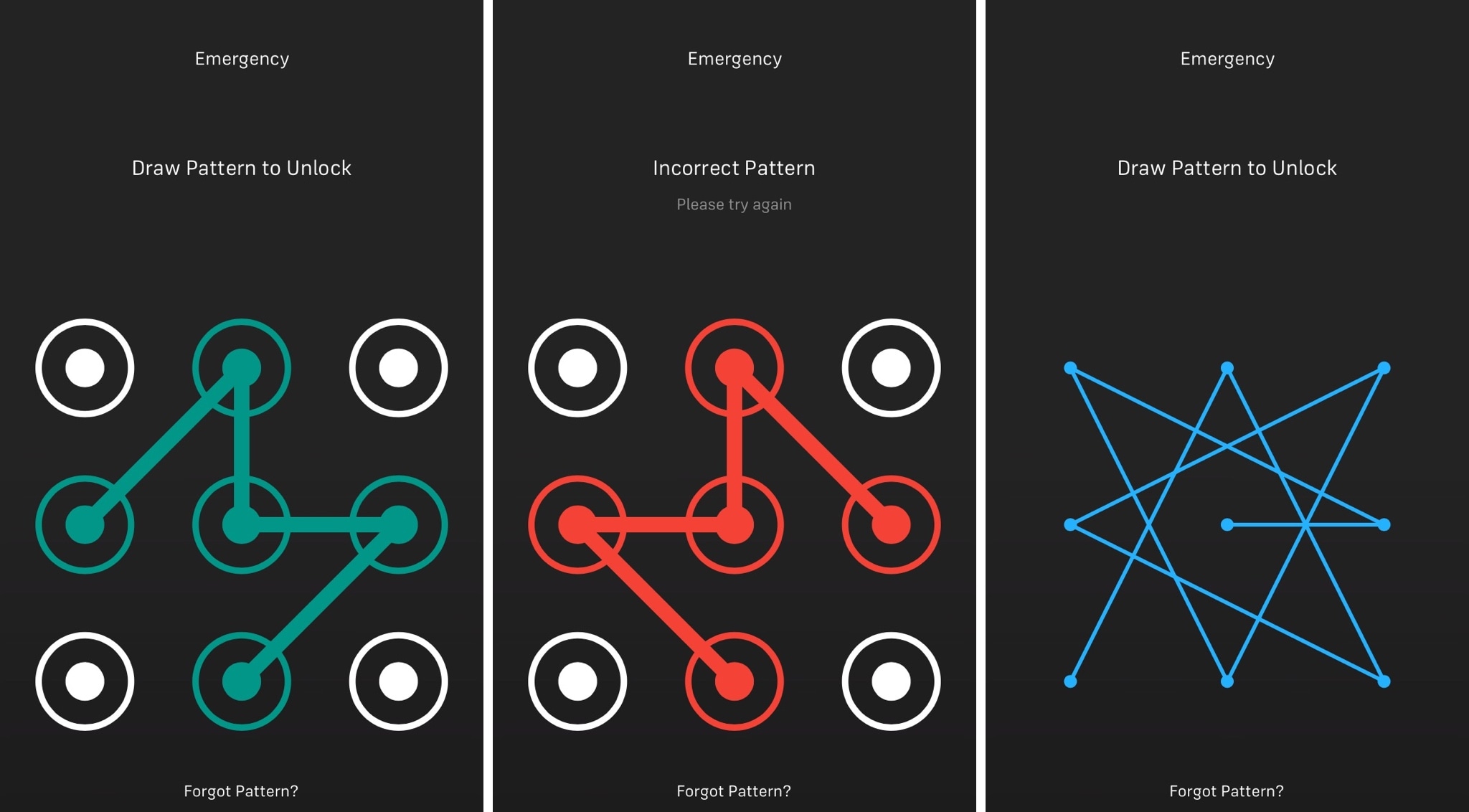
Musubi brings an Android-style passcode screen to jailbroken iOS 9 devices

iOS has had the same boring numeric passcode interface for what seems like an eternity, but other operating systems like Android let users ‘draw’ patterns to unlock their device instead.

Although most people are using Touch ID to unlock their Apple devices today, jailbreakers can now use a new free jailbreak tweak dubbed Musubi by iOS developer c0ldra1n to bring an Android-inspired pattern passcode interface to iPhones and iPads.

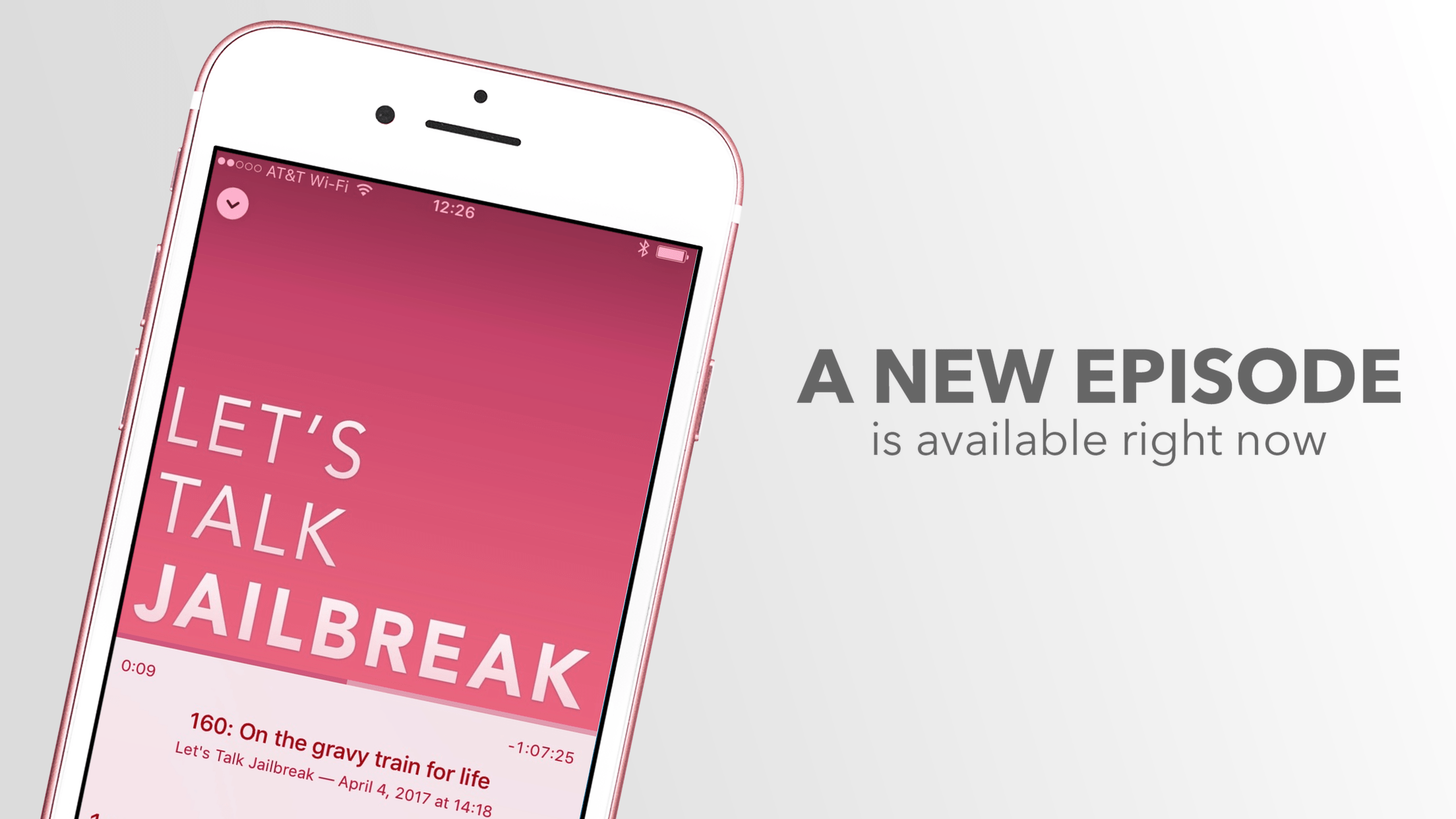
Let’s Talk Jailbreak 164: Slow as molasses

Joaquim and Sebastien get together for their monthly chat about jailbreak news and new tweaks that were recently released.

Subscribe via RSS

Support Let’s Talk Jailbreak: Get peace of mind knowing your files are backed up securely in the cloud. Backup your Mac or PC for just $5/month. Go to backblaze.com/iDB.

SwitcherCC merges the App Switcher and Control Center interfaces

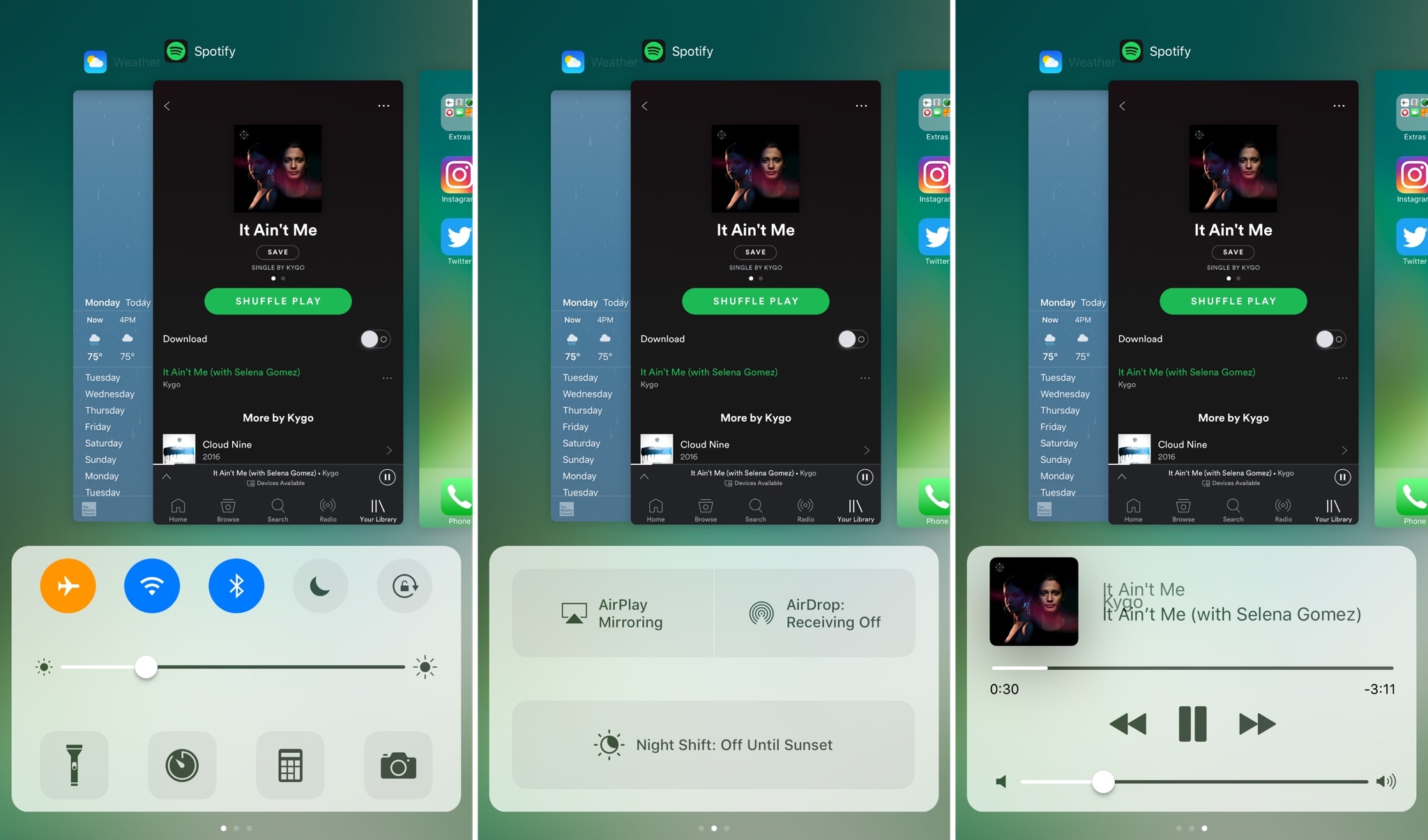
The App Switcher and Control Center interfaces are among some of the most important throughout iOS. Each is utilitarian by nature and serves a particular purpose, but as previous jailbreak tweaks like Auxo have demonstrated, they look and feel better when combined.

A new free jailbreak tweak called SwitcherCC by iOS developer Skittyblock brings both interfaces together, making it so you can access everything in one place.

This tweak lets you spoof your iPhone’s call history

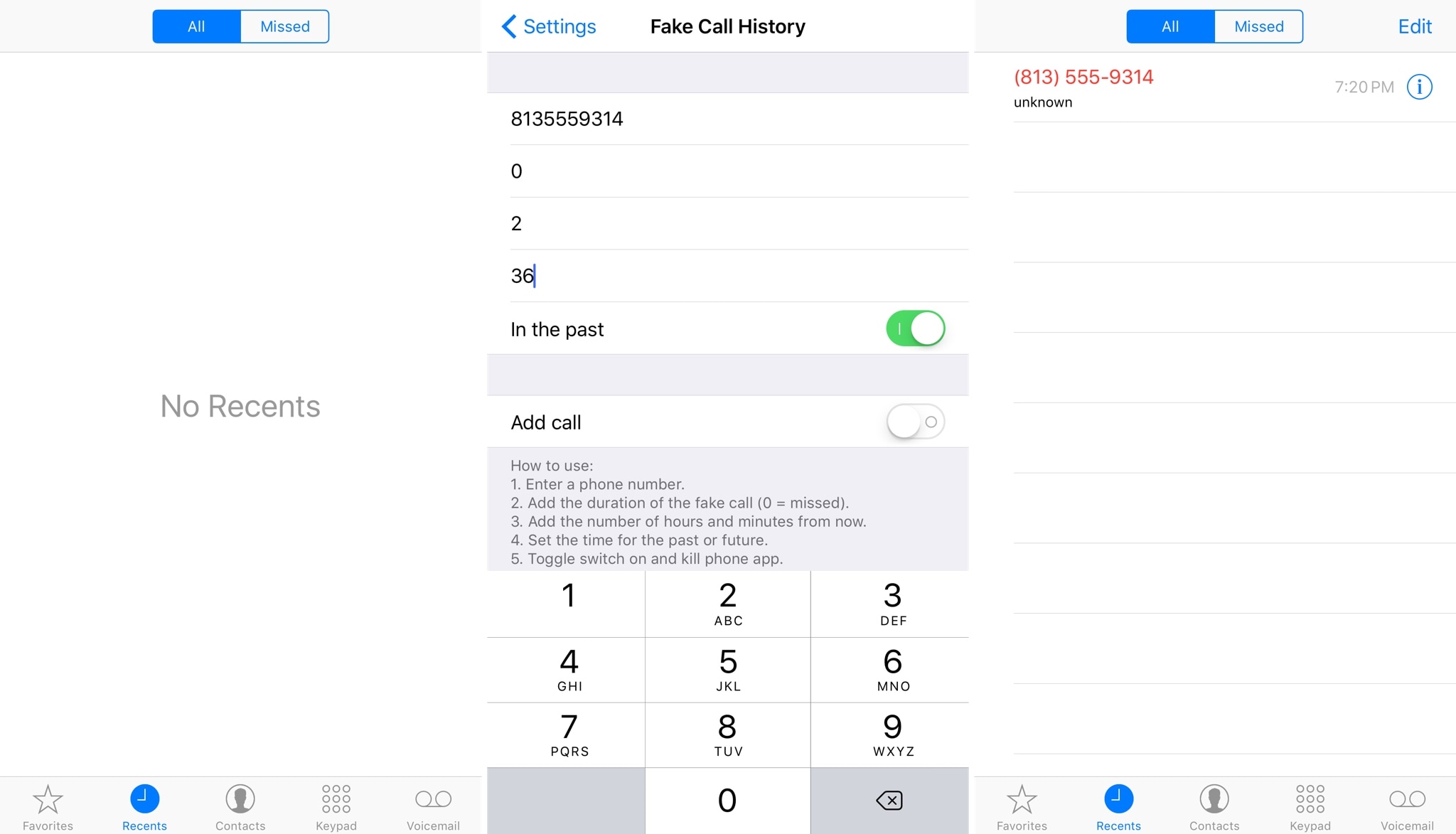
Fake Call History is a new free jailbreak tweak by iOS developer NeinZedd9 that lets you spoof the call history in your Phone app.

Once installed, you can spoof not only missed calls, but also outgoing calls to make it look like you talked to someone or missed a phone call even when you really didn’t.

IconKeyb10 inserts numeric Emojis when typing numbers from the iOS keyboard

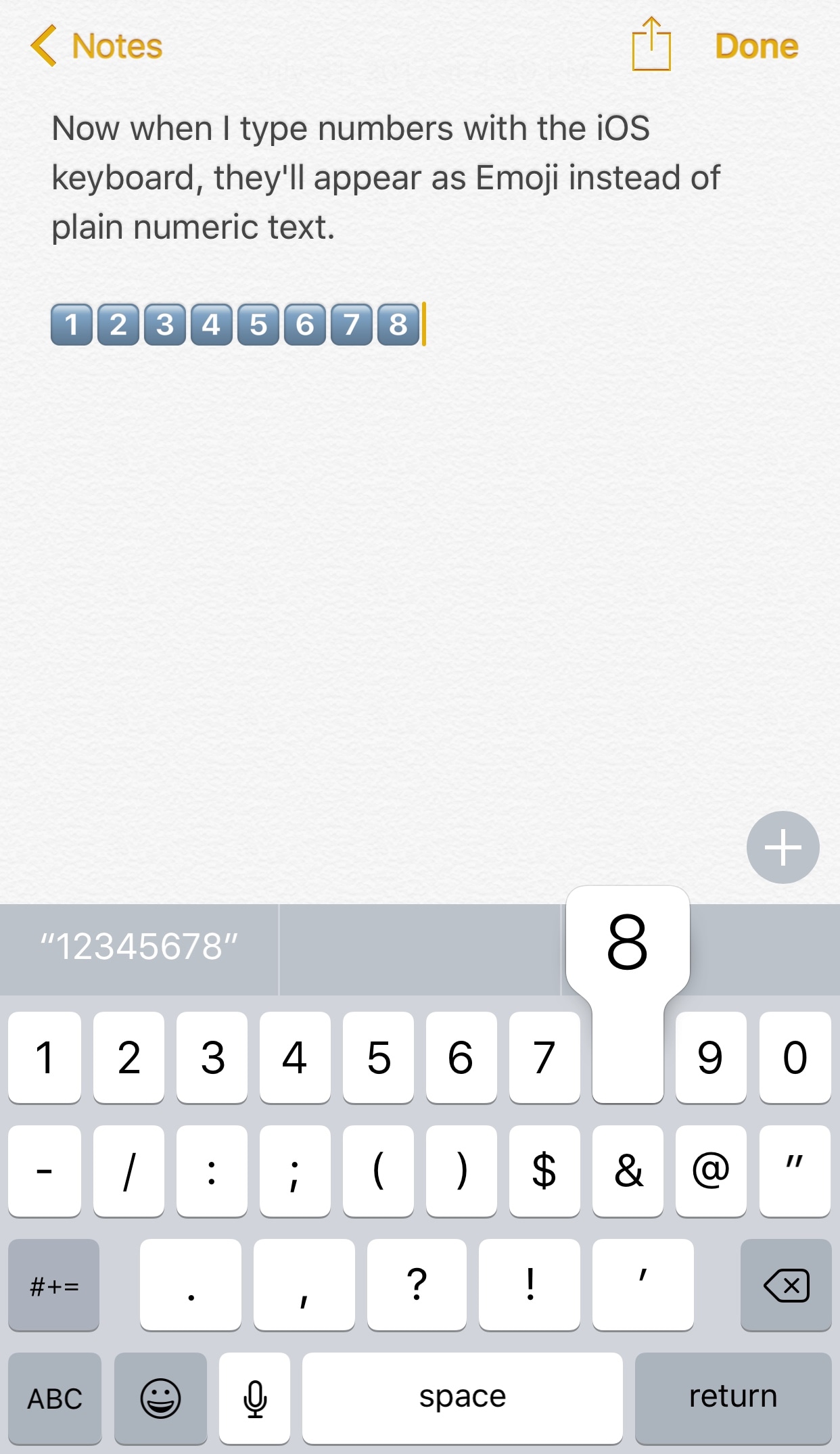
Emojis are quickly taking over in the world of texting, and a new free jailbreak tweak called IconKeyb10 by iOS developer GeoSn0w helps future-proof your texting habits by automatically inserting the Emoji equivalents of certain characters from the iOS keyboard.

The screenshot shown above is rather self-explanatory. Rather than typing the numeric characters “1,” “2,” “3,” etc. when you tap on those keys from the iOS keyboard, the tweak inserts the Emoji counterparts instead.