Jailbreak

Check out the most comprehensive jailbreaking coverage on the internet, including the latest news, apps, tweaks, and detailed tutorials about everything jailbreak.

Zebra package manager updated to v1.0.1 with bug fixes and improvements

The jailbreak community kicked off the new year yesterday with the first official public release of the Zebra package manager, an alternative to defaults like Cydia and Sileo that are traditionally pre-installed by jailbreak tools in order for users to install and manage jailbreak tweaks and extensions.

Today, however, Zebra received its first formal update to version 1.0.1 with a generous handful of bug fixes and improvements.

Get the iPhone X screenshot gesture on older iPhones with this tweak

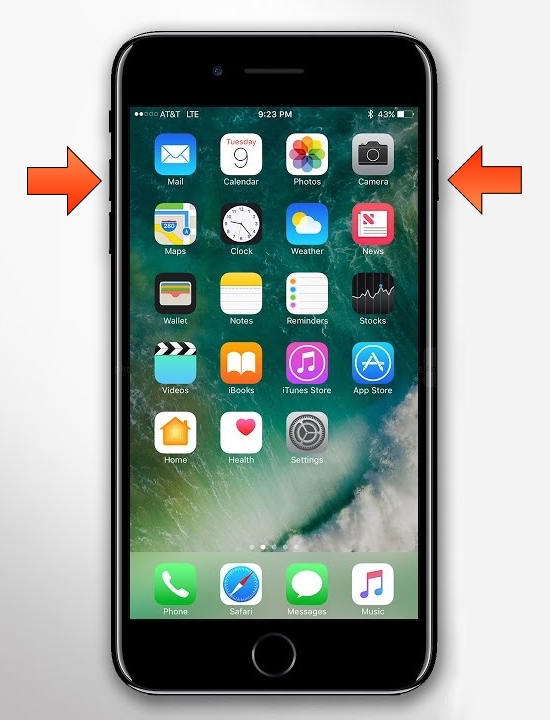
The removal of the Home button from Apple’s notched handset lineup compelled the company to adopt a new button sequence for snapping screenshots on those devices. I’ve gotten accustomed to the new button sequence since adopting notched iPhones as my daily drivers since the iPhone X debuted, and I’ve found it somewhat challenging to remember to use the old screenshot button sequence on Home button-equipped devices.

If you’re like me and wish Apple would simply update iOS to make the screenshot button sequence the same across all devices for consistency’s sake, then you might appreciate a newly released and free jailbreak tweak dubbed Shot Pro by iOS developer Arablag, as that’s exactly what this add-on does for older handsets.

How to install Zebra on your jailbroken device

The Zebra package manager for jailbroken handsets is officially out of beta as of today, and if you have any intention of installing it on your device(s), then you might be pleased to learn that it’s a fairly straightforward process with no strings attached.

In this tutorial, we’ll show you the steps necessary to install the all-new Zebra package manager on any jailbroken device running iOS 9 through 13.

Zebra package manager officially debuts for jailbroken iOS 9-13 devices

Cydia has enjoyed its throne as the king of package managers on jailbroken handsets for more than a decade, but are we quickly entering a day and age where the tried and true Cydia will pass on the torch to something new?

One might be inclined to think so; especially now that Zebra, a popular third-party alternative to Cydia, is kicking off the new year in 2020 with an official public release. Zebra has been in beta testing for quite some time, but as of Wednesday afternoon, the package manager is no longer in beta, and it should be safe enough for the general public to go ahead and try on their own.

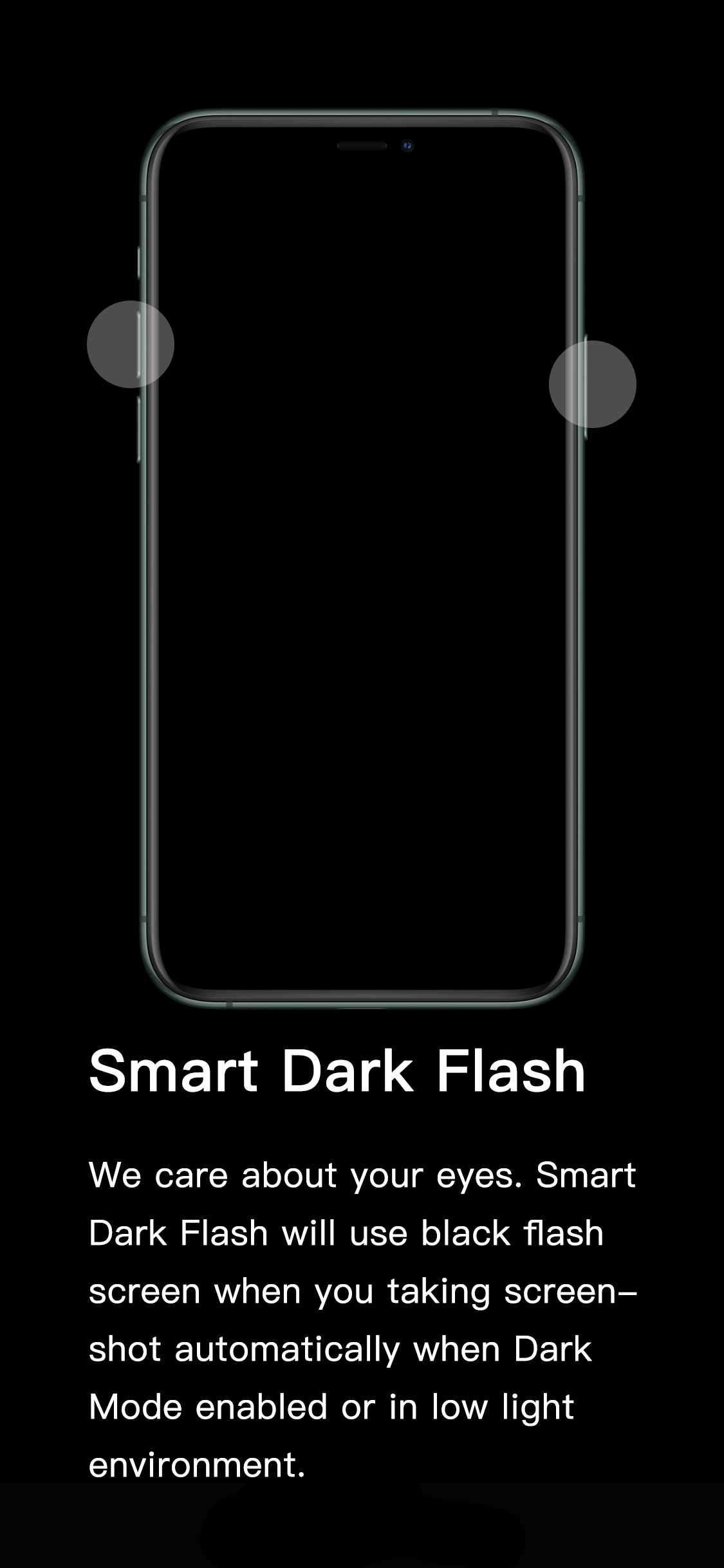
This tweak darkens the iPhone’s screenshot flash in dark environments

If you’ve ever wanted to show someone something from the display of your device without being in physical contact with them, then you might choose to capture a screenshot and send the resulting image to that person of choice. All iPhones and iPads support screenshot-taking, and if you’re familiar with the process, you should already know that iOS generates a bright white flash when the screenshot button sequence is invoked to simulate a camera flash.

It’s a nice touch to make the screenshot experience seem more realistic, but if you’re ever in a dark environment, such as peering at your phone while in bed, the bright white flash can be tear-jerkingly blinding. That’s why iOS developer XCXiao has released a new jailbreak tweak dubbed Smart Dark Flash.

Tint various aspects of the iOS UI with Accent

One of the subtle treats Apple provides to macOS users is the ability to set a custom accent color. This is the color that appears when selecting options in Menus, be it from the Menu Bar or when alt-clicking on items in Finder.

It’s clear that users have taken a liking to this minuscule customization-centric olive branch extended by Apple. That said, wouldn’t it make sense to have similar options in iOS? If you agree with that notion, then you might take a liking to a newly released jailbreak tweak called Accent by iOS developer Ivan Cristina.

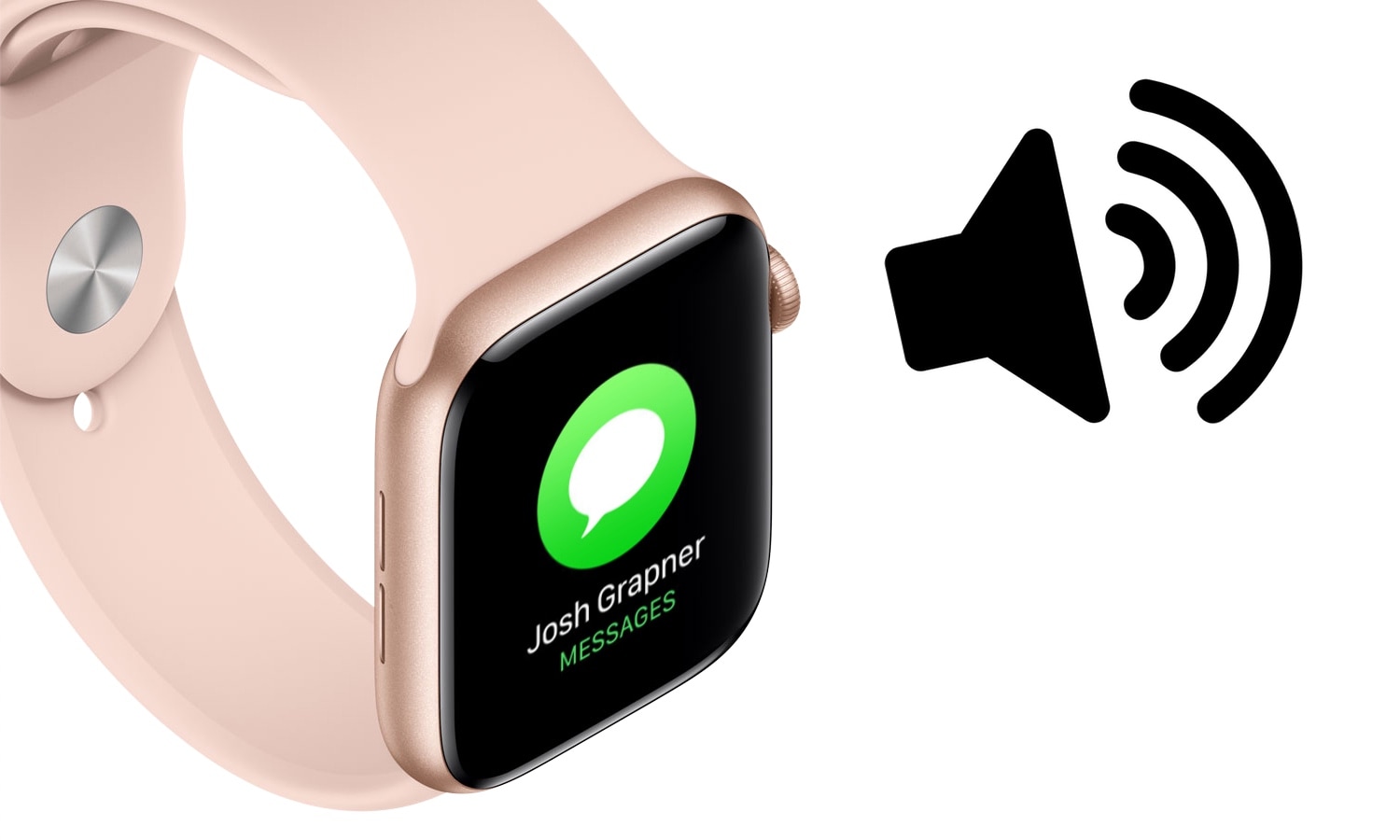
Customize Apple Watch’s notification sounds & vibrations with WatchSounds

The Apple Watch is quite frankly one of the best smartwatches, if not the best, on the market today. But one glaring downside to the popular wearable, even with the latest software update, is that users can’t customize the device’s notification sounds or vibration patterns out of the box like they can on the iPhone.

Fortunately for jailbreakers with Apple Watches, that’s changing with the help of a newly released jailbreak tweak called WatchSounds by iOS developer Gil Shahar. This add-on lets you change the behavior of your Apple Watch’s notification sound and vibration system directly from your jailbroken iPhone.

How to get Sileo on the checkra1n jailbreak

In case you haven’t already heard, the Sileo Team’s Sileo package manager is now officially available for iOS 13 for the first time on the bootrom exploit-based checkra1n jailbreak, and it’s the first time Sileo has been made available for a jailbreak not authored by the Electra Team.

If you’re interested in getting Sileo on your checkra1n device immediately, then you’ve come to the right place. This step-by-step tutorial will guide you through the steps to do so.

Sileo is now available for the checkra1n jailbreak

It was only a couple of days ago that the Sileo Team announced the upcoming release of the Sileo package manager for iOS 13 on the new bootrom-based checkra1n jailbreak. Early morning on this Christmas Day, the Sileo Team delivered on that promise.

In an announcement shared just this morning, the Sileo Team said that users could add a custom repository to their Cydia app on the checkra1n jailbreak to find everything they would need to install Sileo on their liberated iOS 13 device:

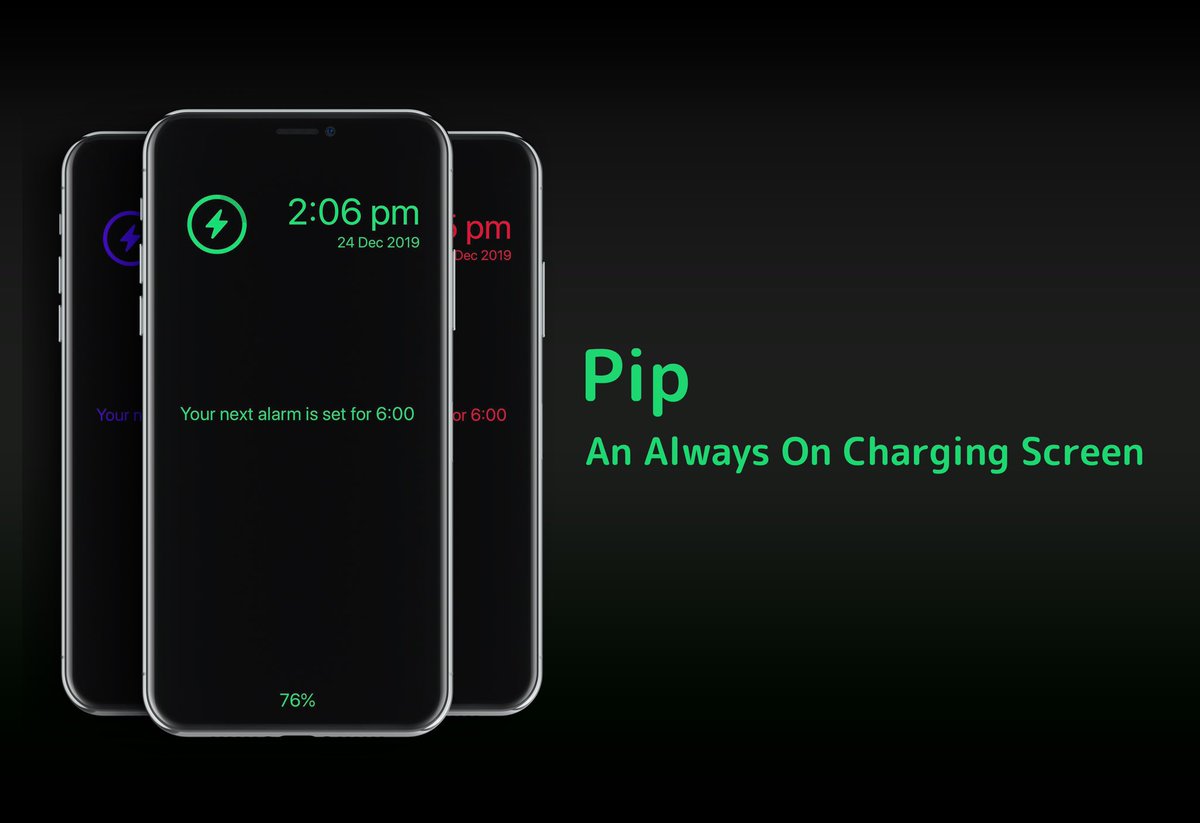
Pip brings Apple Watch’s Nightstand Mode to jailbroken iPhones

Anyone with an Apple Watch is likely to be familiar with watchOS’ native Nightstand Mode, a useful feature that displays the time, charge level, and a missed notification indicator (if there are any) in green font with a black background when the smartwatch is charging. But why doesn’t Apple give the iPhone have a similar charging experience?

If you’ve been asking yourself the aforementioned question since getting an Apple Watch, then we think you’ll come to appreciate a newly released jailbreak tweak called Pip by iOS developer Dylan Duff.