Jailbreak Apps

New jailbreak tweak lets you watch restricted premium videos via AirPlay

Doesn't it get under your skin when you try to watch a video on the big screen via AirPlay, and at the most, all you get is sound? Sometimes companies decide to restrict users from using AirPlay or HDMI output, which results in the frustrating scenario just mentioned.

This prevents certain apps like Amazon Instant Video, HBOGO, and DirectTV from being enjoyed on your television set via AirPlay using an Apple TV.

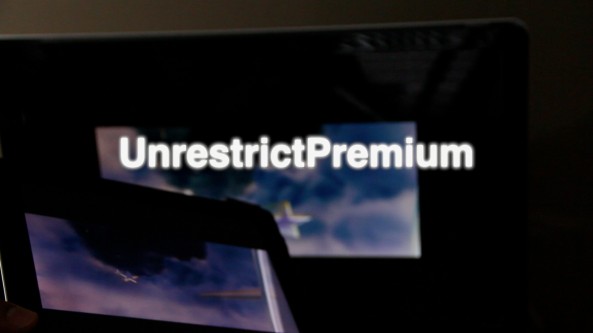
It's actually surprising that it took this long for a Cydia developer to come up with a fix for this, but it's finally here. UnrestrictPremium is a tweak that allows you to watch video via AirPlay mirroring or HDMI output, even if the developer of the app restricts users from doing so. Want to see how it works? Then step inside and watch our hands-on video walkthrough...
FireCore releases aTV Flash 4.5 for Apple TV

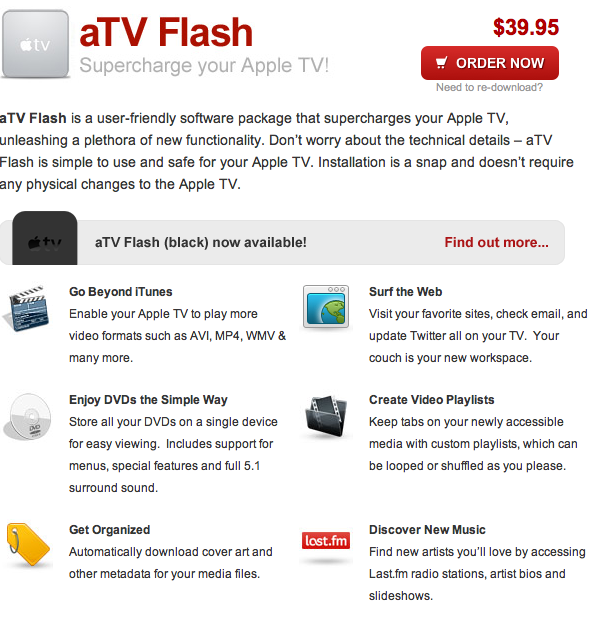
FireCore has today released a significant update for its first-generation Apple TV software known as aTV Flash. The app installs on jailbroken ATVs and adds a number of new features.

Among the changes in the update are Mountain Lion (or OS X 10.8) compatibility and some major performance enhancements. We've got the full change log after the break...

How to simplify banner notifications

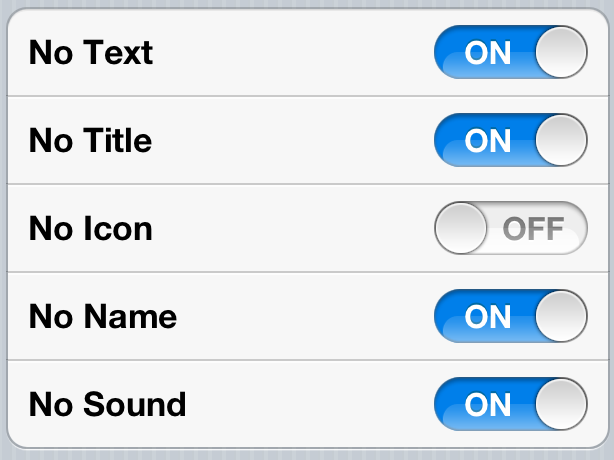
We already showed you how to miniaturize your banner notifications, but what about simplifying them? As you may have guessed, the appropriately named SimpleBanners steps up to the plate to handle that task.

SimpleBanners is a tweak that will allow you to remove certain facets of a banner notification. For instance, you can remove the body of text, the app icon, sound, etc. Check out the video walkthrough for the full scoop...

How to miniaturize banner notifications

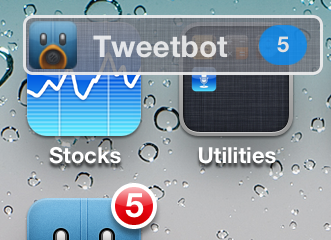
MiniBanners is a new jailbreak tweak that allows you to shrink your banners into miniaturized versions. To accomplish this feat, the contents of the banners are removed, leaving only the app icon, the name of the app pushing the banner, and the number of notifications received.

Along with this, MiniBanners retains all of the functionality of a normal sized banner. Check out our video walkthrough inside.

Increase iPhone battery life with ‘BattSaver’

BattSaver is a new jailbreak app from Xvolks — probably best known from his work on the Absinthe jailbreak tool.

He's been cooking up his latest effort for quite some time now, and it's received endorsements from many users, including fellow Chronic Dev Team associate, pod2g.

BattSaver touts the ability to increase the iPhone's battery life; up to double, and at times, even more. Does BattSaver live up to these lofty claims? Check inside for the full in-depth video walkthrough and analysis...

MuscleNerd confirms you can jailbreak iOS 6 beta 4 with RedSn0w

Earlier today, Apple released iOS 6 beta 4 to developers. We've discovered a handful of new features and other changes in the update, but there's one thing that stayed the same.

Dev Team frontman MuscleNerd has just confirmed that beta 4 is still jailbreakable with the latest version of RedSn0w (0.9.13 dev 3). There's just a few things to remember...

DownloadMove: Adjust the position of the download progress bar

DownloadMove is a new jailbreak tweak that allows you to adjust the position of the download bar that appears when downloading apps from the App Store.

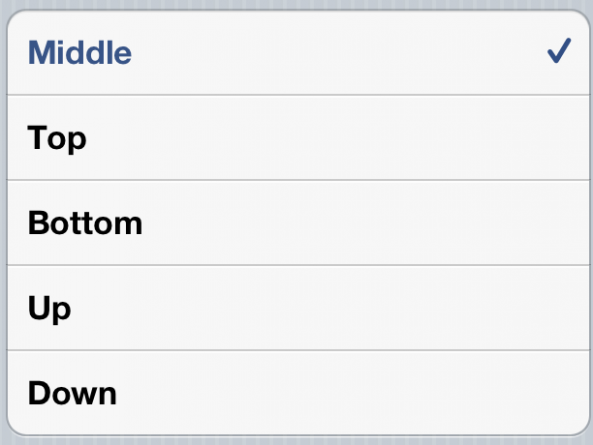
There are several positions included with DownloadMove; they include: Middle, Top, Bottom, Up, and Down. Sure, it's not the most impressive tweak from a functionality standpoint, but DownloadMove is a decent choice for those looking for this sort of change.

BrowseInApp: open links in-app without switching to Safari

When the developer for BrowseInApp contacted us, asking us to do a review of the tweak, I was a bit skeptical. I hadn't tried it before, and I feel like I've tried most of the jailbreak packages out there that are worth trying.

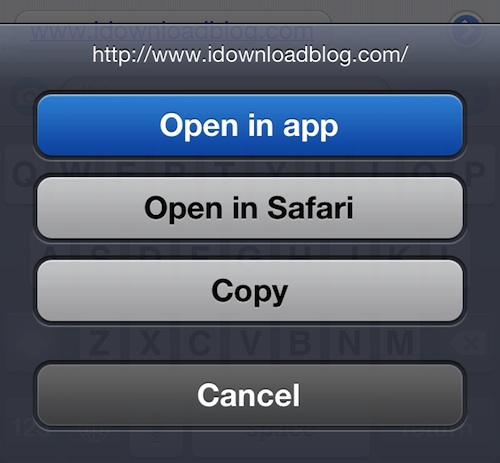
But boy was I wrong. After playing with BrowseInApp for a couple of days, the tweak has quickly become one of my favorites. It's well-built, convenient, and integrates seamlessly into iOS. Keep reading for my full review...

‘iOS X Ultimatum’ brings Mountain Lion-like theme to your iPhone

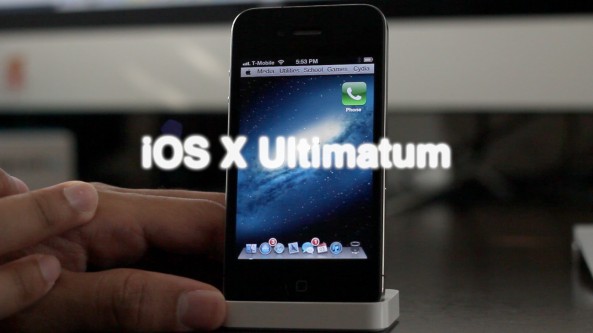
If you're searching for one of the best looking themes for the iPhone, then search no further than iOS X Ultimatum. The sequel of sorts to the original OS X Lion Ultimatum, this theme seeks to merge the desktop and the small screen into one environment.

Does this theme perform just as well as it looks? Check inside for the full scoop...

How to bypass iPad jailbreak detection on Amazon’s new video streaming app

Yesterday Amazon launched Amazon Instant Video, its new video streaming app for the iPad. The app lets you either stream or mark for download and later offline viewing any previously purchased video from Amazon. It also allows Amazon Prime users to stream over 120,000 videos for free.

Jailbreak users were quick to note that Amazon put a block in place to prevent them from using the app. As we reported this morning, Amazon even confirmed the problem, basically saying that if you are using a jailbroken iPad, there is nothing they can do for you.

But don't worry, as usual, the jailbreak community has your back...

biteSMS updated with new theme options and bug fixes

Those of you who have been around the jailbreak community for a while should be extremely familiar with biteSMS. The Messages app replacement has been around since the early days of iPhone hacking.

The app was updated today, bringing it to version 6.3.10 (or beta 10). The update features some new theming options, as well as several improvements and bug fixes. Full change log after the break...

‘Monocle’ provides true full screen mode for iOS apps

Monocle is a new jailbreak tweak from Ryan Petrich that allows you to enable a true full screen mode on many of your favorite apps.

I emphasize true full screen, because unlike Maximization — a tweak that lets your hide the status bar for full screen mode — Monocle goes the extra mile and hides the navigation bar, toolbar, and tab bar as well.

This produces a true full screen mode in apps like the App Store, where the navigation bar is still present when using Maximization. Check out our video walkthrough for a visual explanation...