Jailbreak Apps & Tweaks

These are the latest jailbreak apps and tweaks available for your iPhone or iPad. We save you time by highlighting only the best tweaks.

Upcoming tweak brings a Do Not Disturb Lock screen toggle to the iPhone

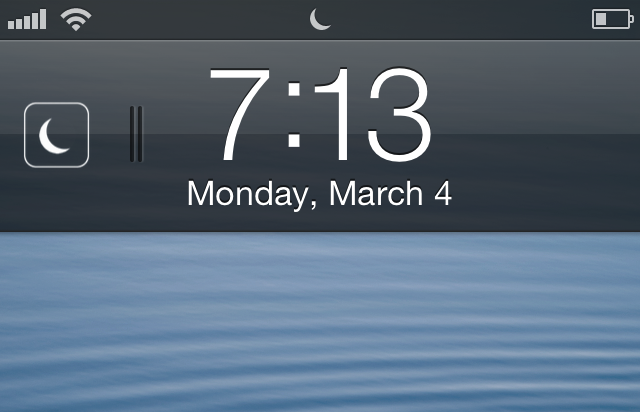
Flusterless is an upcoming jailbreak tweak that will bring a handy Do Not Disturb (DND) toggle to the iPhone's Lock screen. The elegantly designed tweak positions the toggle to the left of the Lock screen clock, and it is invoked using a simple swipe gesture.

Enabling DND using a swipe displays a moon icon that matches the status bar icon indicating that DND is enabled. Disabling DND using a swipe gesture briefly displays a sun icon, which quickly fades from view. If you're someone who often uses DND, then Flusterless is a jailbreak tweak that you should keep an eye out for.

Animer video walkthrough

http://www.youtube.com/watch?v=d1omc9QXusY We've already done a written review of Animer, but now it's time to bring you our traditional video walkthrough. Animer, as we already told you, is a jailbreak tweak that allows you to add different styles of animation to the app switcher, banner notifications, and the HUD. It's available for $0.99 on Cydia's BigBoss repo, and if you're viewing this from an iOS device, you can click here to be taken directly to the Animer page on Cydia. Be sure to let us know how you're digging it in the comments section.

How to link Fantastical to the stock Calendar app icon

I absolutely love Fantastical. It's a wonderful way to manage my week-to-week activities via my iPhone, and there's a desktop client as well. Fantastical uses "real" language when it comes to adding appointments to your calendar. This means that I can simply type: Dinner with the wife next Wednesday at six, and it knows to setup an appointment on March 13 at 6PM. That's really just the beginning of how useful Fantastical is, but this isn't meant to be a review of Fantastical, this is a tutorial that shows you how to link Fantastical to the stock Calendar app.

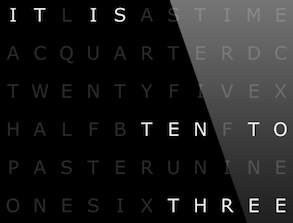
A beautiful verbal clock for your Lock screen

Continuing our Lock screen modding series, we take a closer look at an elegant verbal clock. Having an affinity for well-designed typographical imagery, this verbal clock is a perfect addition for my iPhone. A sleek black, gray, and white interface, I am impressed with the elegance of its minimalism. Follow us beyond the fold to find out how to set your iPhone up similarly...

Upcoming ‘LastPic’ tweak allows you to easily share your last taken photo

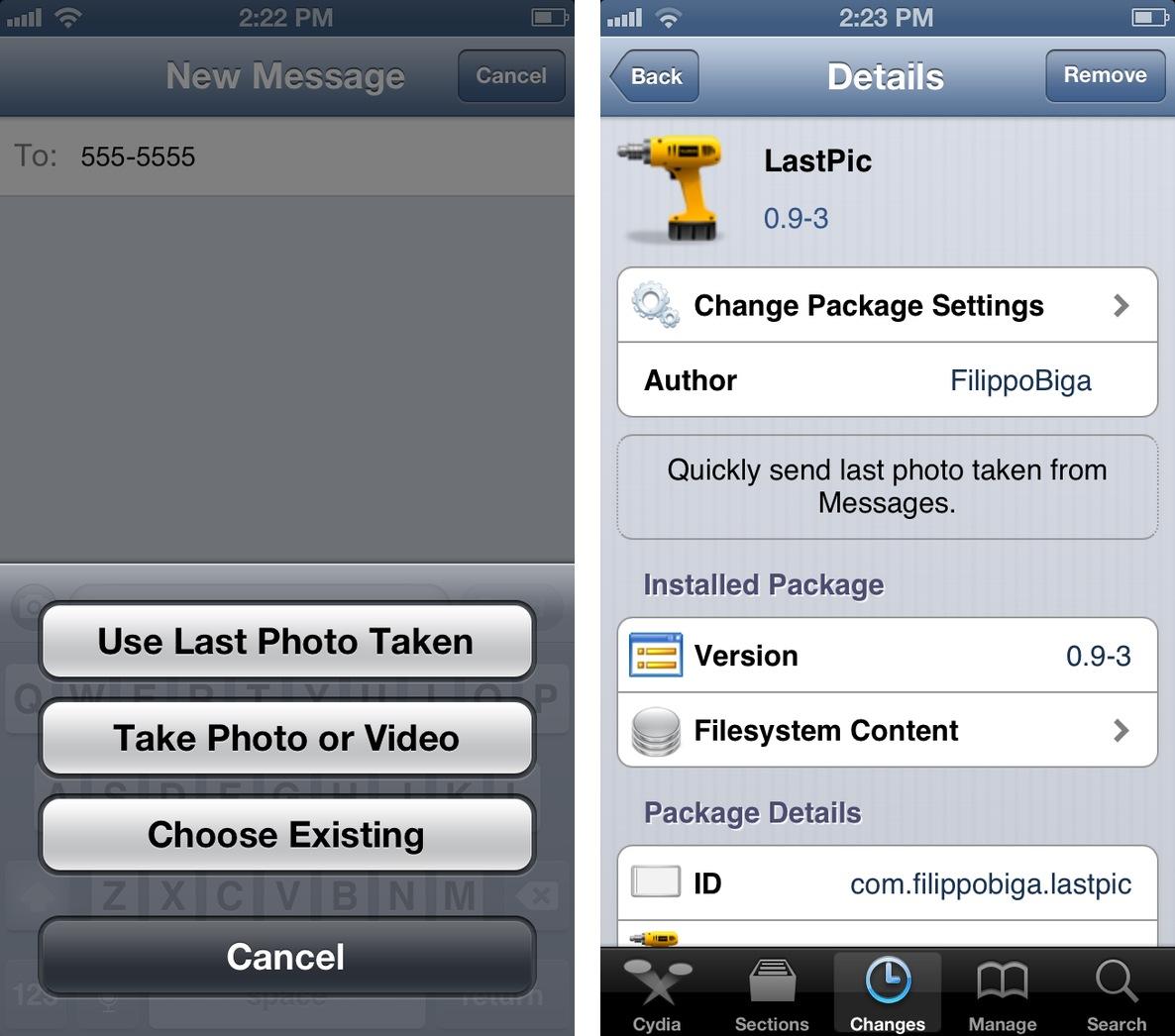
Filippo Bigarella has come up with another doozy, and this time it involves your photos. More aptly, this time it involves the last photo you snapped with your iDevice. LastPic, is an upcoming jailbreak tweak that will allow you to easily share the last photo you took when sharing a photo via the Messages app. It works a lot like Tweetbot, which features similar functionality when posting photos to your Twitter stream.

The tweak is currently still being worked on, but you can be rest assured that we will see it available on Cydia in the near future. Stay tuned for more updates.

‘PassIt’ allows you to open links directly within 1Password

As a newly converted 1Password user, it's always been sort of an annoyance to have to create a javascript bookmarklet in order to quickly open a website within 1Password's interface. If you happen to be jailbroken, however, this procedure just got a lot easier.

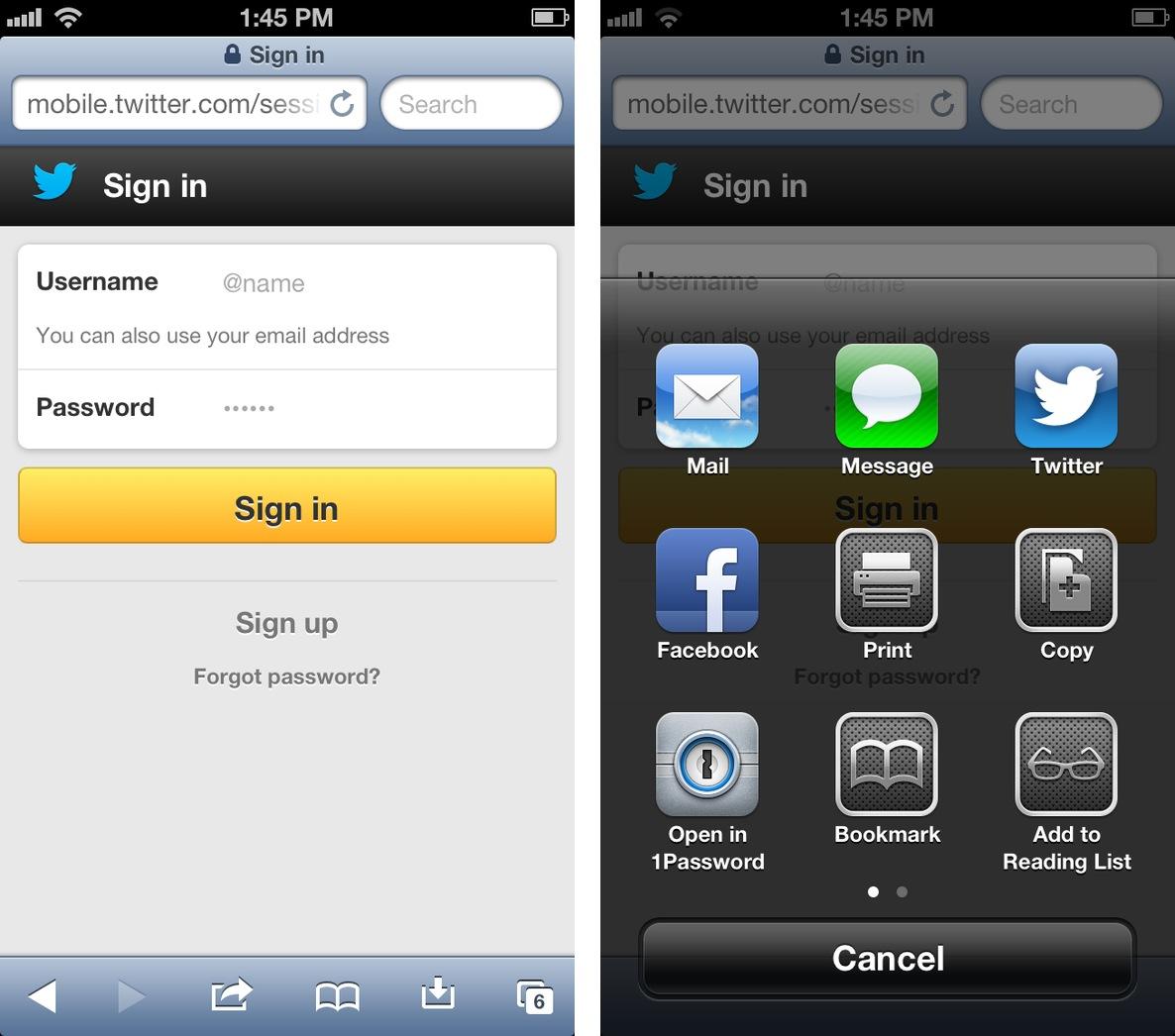
PassIt is a new jailbreak tweak that adds an "Open in 1Password" option to Safari's sharing menu. Yes, it's basically just a glorified javascript bookmarklet, but it's much easier to use, and it looks great too.

Customize your notification banner animations and more with Animer

Folks that are really into customizing the look and feel of their iOS devices will be happy to hear that a new tweak just hit Cydia this week that will enable them to take things a step further.

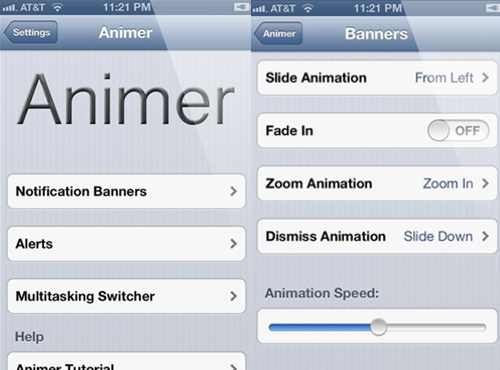
Animer, by Hashbang Productions, is a new jailbreak tweak that allows you to customize the animations for a handful of features in iOS including notification banners, and the app switcher...

Lockdown Pro now available in iPad, Lite versions

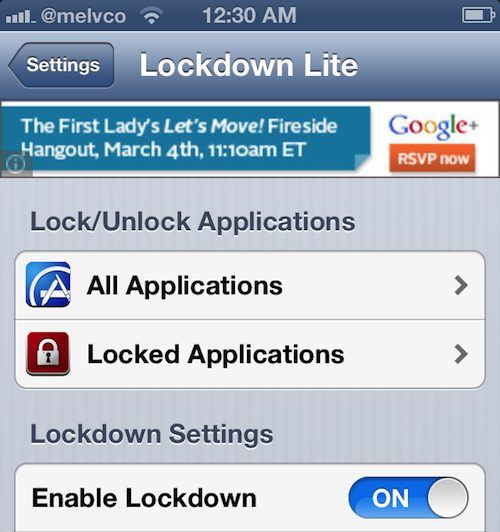
Lockdown Pro, the popular jailbreak tweak that allows you to password-protect individual apps and folders on your iPhone, was updated this week with some new features and improvements. It can now hide apps, and it feels much speedier.

But the big news is that in addition to the update, the developer has also released 3 new Lockdown Pro packages. There is now an iPad version of the tweak, as well as two free 'Lite' versions—one for the iPhone/iPod touch and one for the iPad...

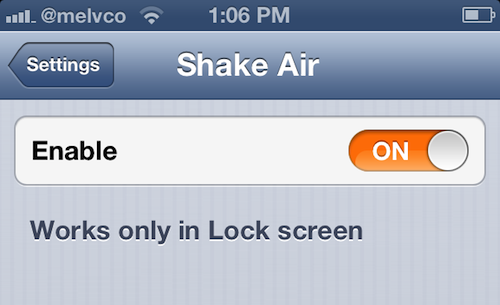
Shake your device into Airplane mode with ‘Shake Air’

For some reason, Apple insists on keeping frequently used settings toggles buried deep within the Settings app. From the Lock screen, doing things like enabling/disabling Bluetooth or Wi-Fi take more than a few steps.

Activating a device's Airplane mode, however, is a bit easier, as it sits on the top level in the Settings app. But for those who still find the process to be a pain, we've got a new jailbreak package for you called Shake Air...

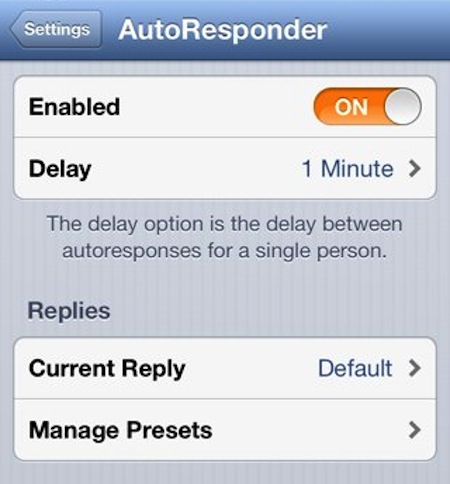
AutoResponder 2 for iOS is out, 50% off for a limited time

If you've been jailbreaking for a while, chances are you've heard of AutoResponder. The tweak allows you to set up an auto-reply for your text messages, sending a pre-generated reply to anyone who messages you.

Well good news for folks who love the tweak, and even better news for those that want to try it. It was updated this week, released as AutoResponder 2, with support for iOS 6. And for a limited time, it's 50% off...

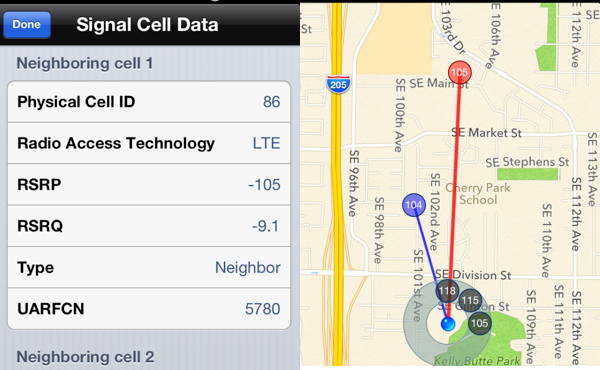
Planetbeing releases Signal 2, a Cydia app that maps out nearby cell towers

Planetbeing, known best for his work on the new evasi0n jailbreak, is also a developer of apps and tweaks. He helped write the popular IntelliScreenX tweak, and has an app called Signal, among other things.

And this afternoon, an update for Signal—aptly-named Signal 2—popped up in Cydia. Planetbeing announced its arrival on Twitter, saying that the new version now works with both CDMA and GSM devices.

So what does it do?

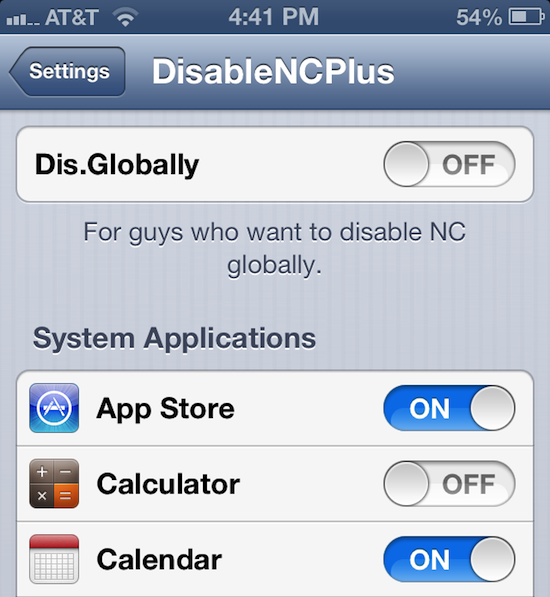
DisableNCPlus lets you kill Notification Center on a per-app basis

How many times have you been swiping through a level of Infinity Blade, or Fruit Ninja, and accidentally pulled down the Notification Center? I know it happens enough to me to be a nuisance.

Well the good news is, for all of you jailbreakers out there, there are tweaks that allow you to disable the pull-down menu. And a new one just hit Cydia that actually lets you do it on a per-app basis...