Jailbreak Apps & Tweaks

These are the latest jailbreak apps and tweaks available for your iPhone or iPad. We save you time by highlighting only the best tweaks.

Change up the look of your icon badges with Badge Customizer

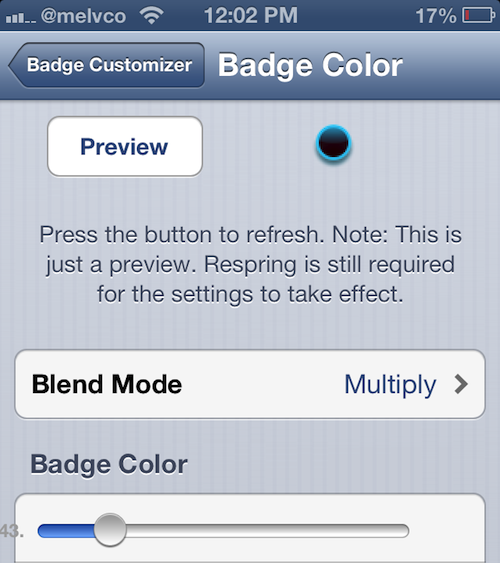
Today we're going to be taking a look at Badge Customizer, a new jailbreak tweak that allows you to customize the look of your app icon badges in iOS 6. You can alter their color, size and where they are positioned on your Home screen icons.

Now, I know what you're thinking: "Cody, there's already tweaks out there that do this." And you're right. There's AppTag, and I'm sure a few others. But I don't know how many of them work with iOS 6. Besides, it never hurts to have options...
Spice up your device’s unlock animation with LiveWire

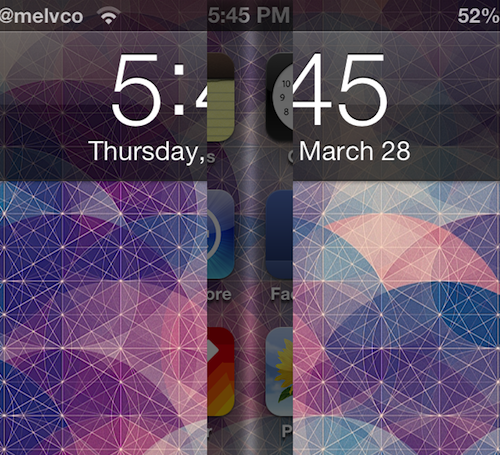
Tired of the standard zoom out animation that you see when you 'Slide to Unlock' your iOS device? You're not alone. Developers have created a number of jailbreak tweaks to spice up the unlock animation. And today, we're adding another one.

Introducing LiveWire, a new jailbreak tweak that modifies your device's behavior as it moves from the Lock screen to the Home screen. Where the default method kind of uses a zoom out effect, LiveWire looks more like stage curtains opening...

Limit your usage of up to 5 apps with AppCapPro

When we reviewed AppCap, a jailbreak tweak that offers digital willpower by allowing you to place limitations on the amount of time you spend using apps, back in February, we said we'd like to see multiple app support.

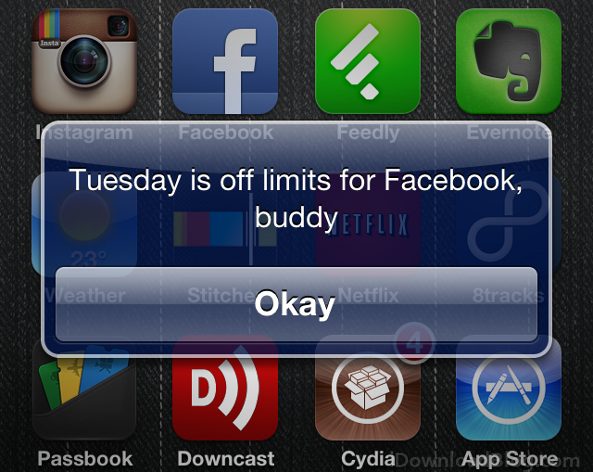
And it looks like the developer Binh Tran heard our plea, because he's just released a new 'Pro' version of the tweak that allows you to set up usage limitations—date, time, frequency—on up to 5 different applications...

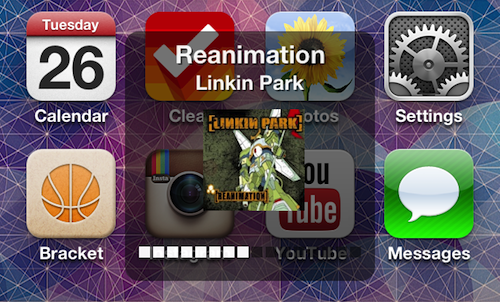
Music HUD offers current track album art and more at a glance

Those looking to spice up the volume HUD that pops up when you turn your iOS device's sound up or down might be interested in a recently released jailbreak tweak called Music HUD.

The tweak, which landed in Cydia last week, has the ability to display useful information for the iPod app's currently playing track in the HUD box like album art, artist name and more...

Let’s Talk Jailbreak – 03: What type of socks are you wearing?

Welcome to episode 3 of Let's Talk Jailbreak. In this episode, Sebastien and I discuss iOS 6.1.3, Apple's perception of jailbreakers, the previous week's jailbreak tweaks, how we met, a sleeper jailbreak tweak, an update on the progress of the podcast, and much more.

Like last week, this week's episode again takes into account some of your suggestions. For instance, some of you will be happy to find a brief introduction to the podcast. Take a look inside for the iTunes links, direct download links, and more.

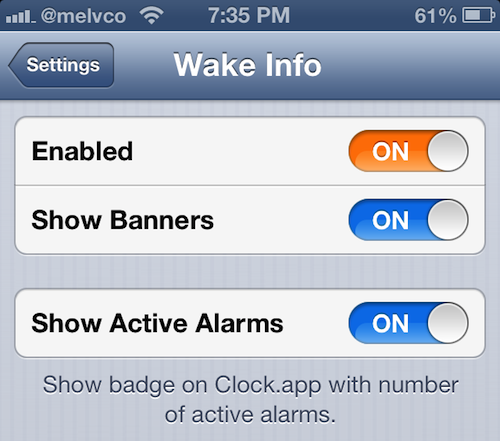
Wake up to the date, temperature and more with Wake Info

What's the first thing you do when you hear your alarm clock go off in the morning? If you're like me, then after hitting the snooze button a couple of times, you look at your phone to see what time it is and if you missed any messages overnight.

But wouldn't it be nice if you could get this kind of information without having to look at your phone? That way you could skip that part of your morning routine and go right to stretching, or whatever else you do. Well you can, with Wake Info...

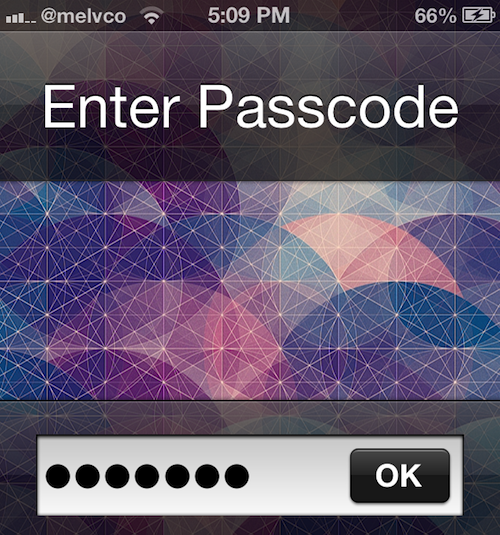
Quickly enable the Passcode on your device with TapTapPass

By default, it takes you at least 6 steps to enable your device's Passcode from your Home screen. You have to launch the Settings app, navigate through a couple of screens to the Passcode Lock window, and set it up.

While this process is just fine for folks who keep their iOS devices Passcode-protected at all times, it's fairly tedious for those that only enable the security feature every once in a while. Luckily, there's TapTapPass...

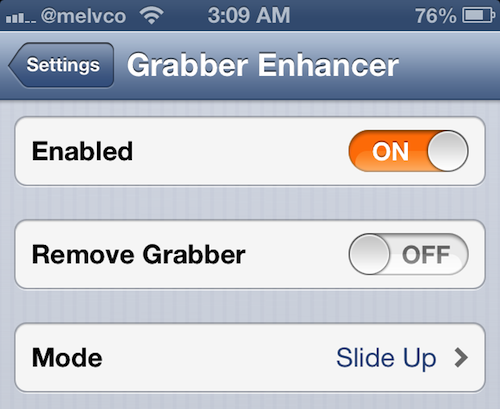
Teach your Lock screen a few new tricks with Grabber Enhancer

In iOS 5.1, Apple revamped the Lock screen Camera shortcut so that users could access the app with a single swipe. The icon, commonly referred to as the camera grabber, has been very popular with jailbreak developers.

We've seen a lot of tweaks involving the icon over the months, and today, we're adding another one to the list. Introducing Grabber Enhancer, a recently-released Cydia package that adds functionality to the camera grabber...

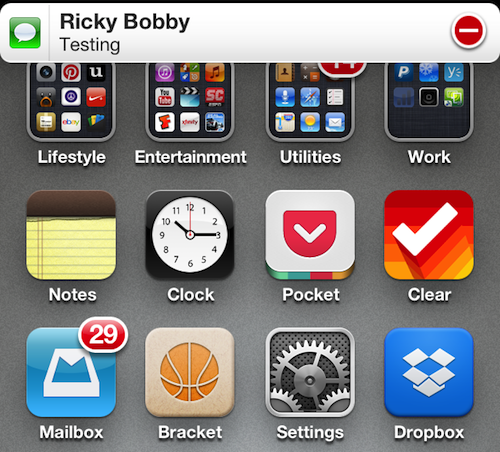
Make notification banners stick around with Sticky Icky

Folks who dislike the fact that iOS automatically dismisses notification banners after just a few seconds will be happy to hear that there is a jailbreak tweak out that makes them much more permanent.

Sticky Icky, written by developer Aleksander Azizi, lives up to its name by pinning new notification banners to the top of your iOS device's screen, and keeping them there until you manually close them...

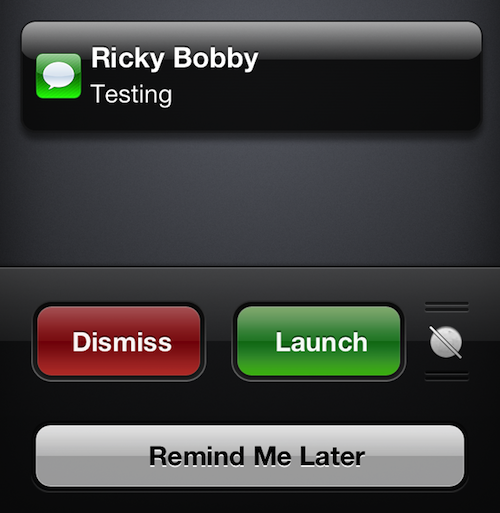
AnyReminder brings ‘Remind Me Later’ feature to Mail, Messages and more

In iOS 6, Apple introduced a handy new feature called Remind Me Later. It allows you, among other things, to set a time or location-based reminder when declining phone and FaceTime calls, so you don't forget to return them.

But what if you wanted to set similar reminders when declining messages or other notifications? Unfortunately, you can't. Apple has limited the feature to just the Phone app. Which is why, ladies and gentlemen, we jailbreak...

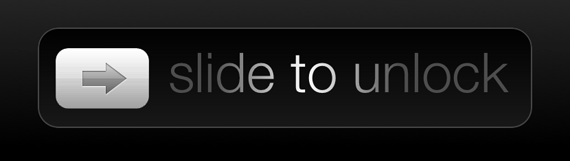
SkipLock: a jailbreak tweak that allows you to bypass the Lock screen

Just like TypeStatus has a special place in Jeff's heart, SkipLock holds a special place in mine. If you're wondering why, it's simply because this tweak was born from a request I made to jailbreak developer Filippo Bigarella, who was kind enough to create it specifically for me. And now, it's available for you too.

SkipLock is a very simple tweak that allows you to bypass the Lock screen altogether. Once SkipLock is installed, no more need to "Slide to Unlock" your device. Simply hit the Home button, and you're taken straight to your Home screen.

LSBackView: view the back of album art on the Lock screen

https://www.youtube.com/watch?v=fZPIWE5wljY

LSBackView is an upcoming jailbreak tweak that allows you to view the "back" of album art for music playing via the stock Music app. This rear view of the album art allows you to switch tracks within the same album when playing music using the Music app, but this feature is not available on the Lock screen. Of course, there are Lock screen controls, but those controls are linear, only allowing to you skip each track one by one. LSBackView, on the other hand, allows you to play the exact track you want to hear from an album.

The tweak can be activated using a simple double tap gesture on the album art found on the Lock screen. Another swipe brings you back to the main album art display. Although there's no solid ETA for LSBackView's release, I'd imagine that it will be soon, and it will be a free download. What are your thoughts?