Jailbreak Apps & Tweaks

These are the latest jailbreak apps and tweaks available for your iPhone or iPad. We save you time by highlighting only the best tweaks.

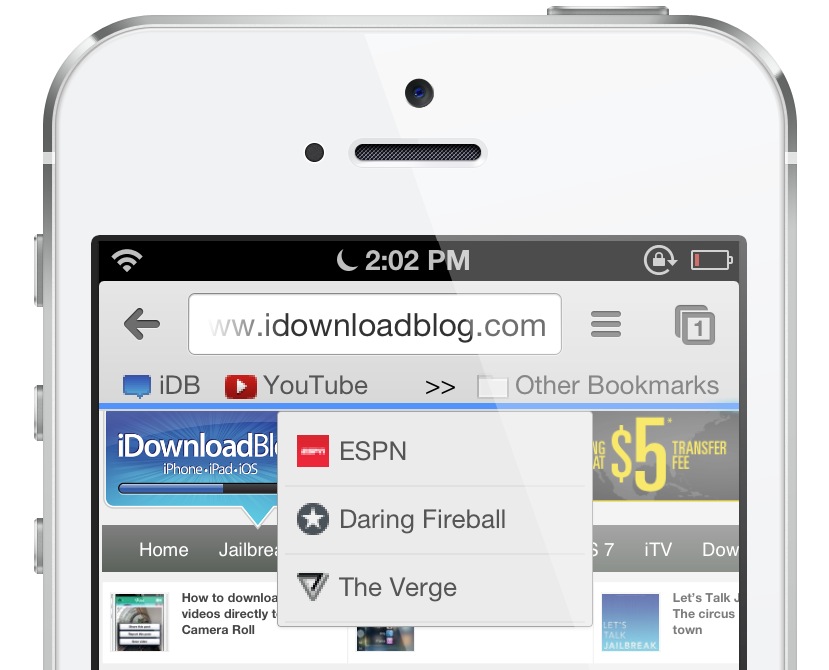
‘BMarks Bar – Chrome’ adds a bookmark bar to the Google Chrome app

Ladies and gentlemen, boys and girls; it hasn't been too often in the past few months that I've been genuinely overjoyed by a tweak; such an occurrence has been few and far between. But this new tweak, Thankfully, BMarks Bar - Chrome came out of nowhere and it genuinely surprised me with how good it is. Put it this way, if you're a Chrome user on iOS who happens to be jailbroken, stop reading right now, find a dollar, head over to Cydia and buy this thing.

BMarks Bar - Chrome places a true bookmark bar on your Google Chrome app, just under the address bar like it's supposed to be. Why Google has omitted such a feature thus far is anyone's guess, but who cares at this point? We now have such a feature. Take a look at our full video walkthrough inside.
How to download Vine videos directly to your Camera Roll

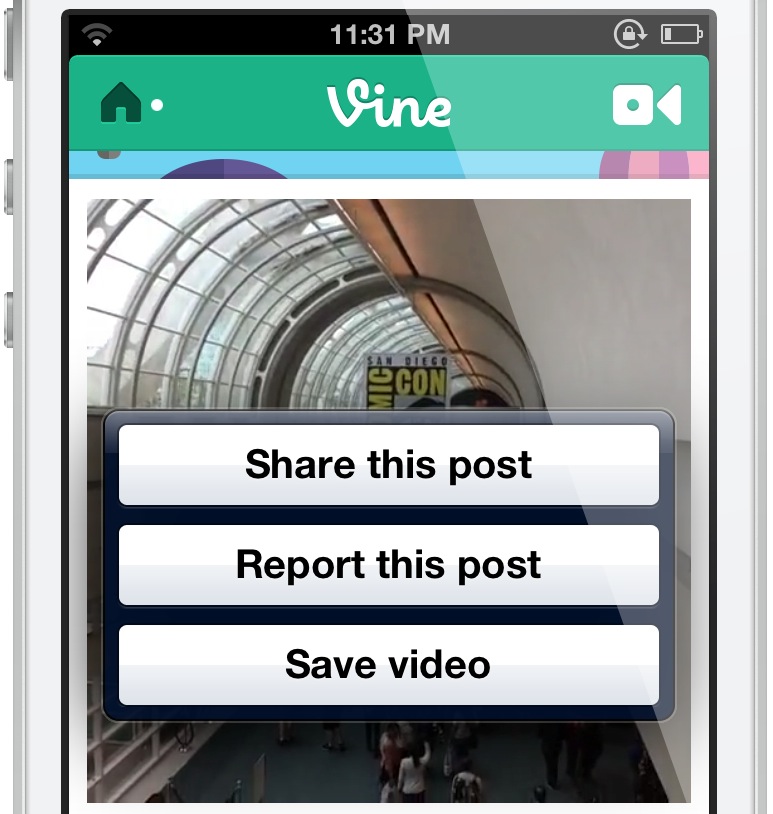
VineDownloader is a very simple jailbreak tweak that does exactly what its name promises that it will. If you've always wanted the ability to be able to save your favorite Vines, then you'll be happy to know that this tweak does it, and it does it quite well. VineDownloader is available right now on Cydia's BigBoss repo for $0.99. Take a look inside, as we go hands-on with the tweak on video...

Preview: InstaLauncher

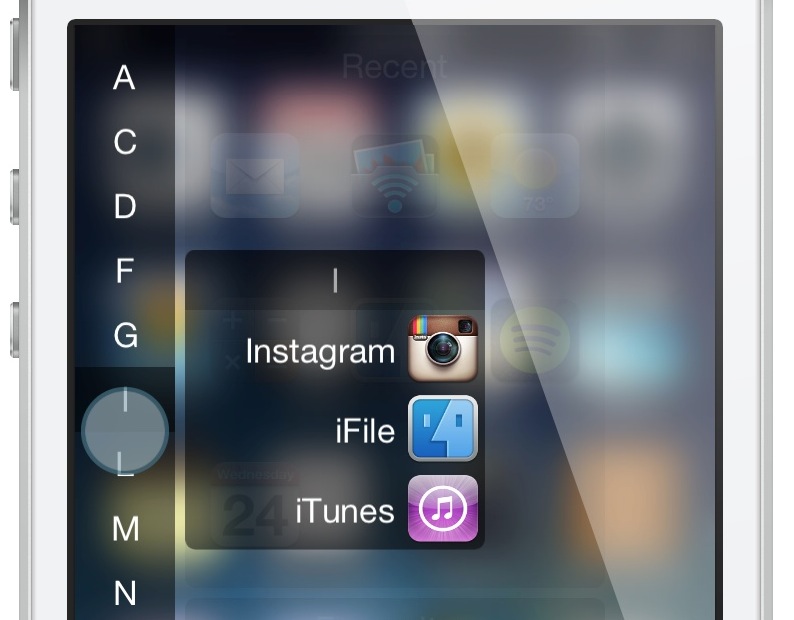
InstaLauncher is an upcoming jailbreak tweak that allows you to add a custom launcher to the iPhone. It a tweak that lets you launch any app on your device in a quick and efficient fashion. I think it's safe to say that many will be intrigued by InstaLauncher. Take a look inside at our preview before the tweak officially releases.

How to add iPad styled popovers to the iPhone

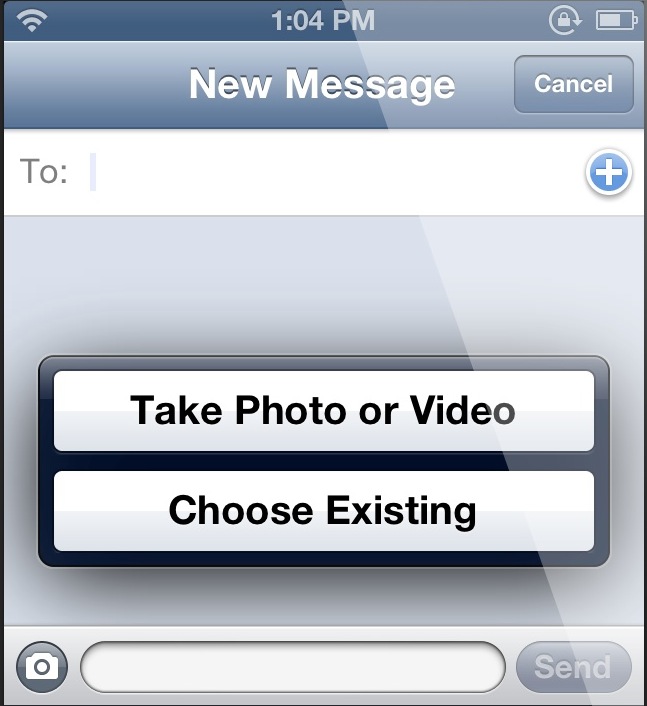
Have you noticed how iOS differs between the iPhone and the iPad when it comes to things like sharing images via the Messages app? On the iPhone, you're greeted with a simple sheet that slides up from the bottom of the screen. On the iPad, you're met with a popover style set of buttons. Both methods allow you to perform the same actions, but each has been designed to suite the screen size of the device in question.

What if you wanted to adopt the iPad's style of popovers on the iPhone? Now you can, with a new jailbreak tweak called Popoveractions. Check past the break for more details via our video walkthrough...

How to view all upcoming calendar events in Notification Center

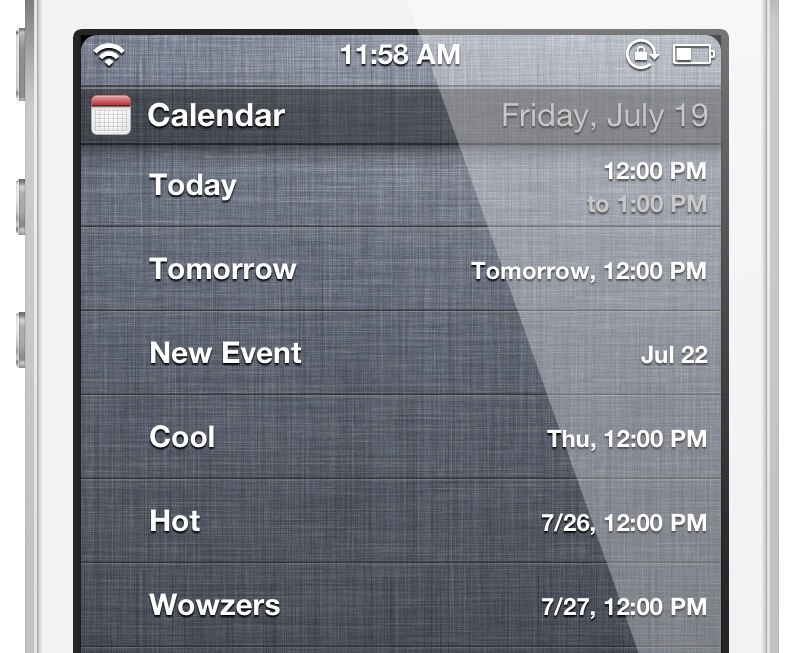
NCCalendar+ for Notification Center is a recently released jailbreak tweak that makes Notification Center a lot more useful when it comes to viewing upcoming calendar events. Instead of only being able to see 1 day of events, NCCalendar+ allows you to set specific timeframes for events. Instead of only being able to see 10 events at any given time, NCCalendar+ allows you to go beyond iOS' stock arbitrary boundary. Have a look inside as we showcase NCCalendar+ on video...

How to run a terminal session via Notification Center

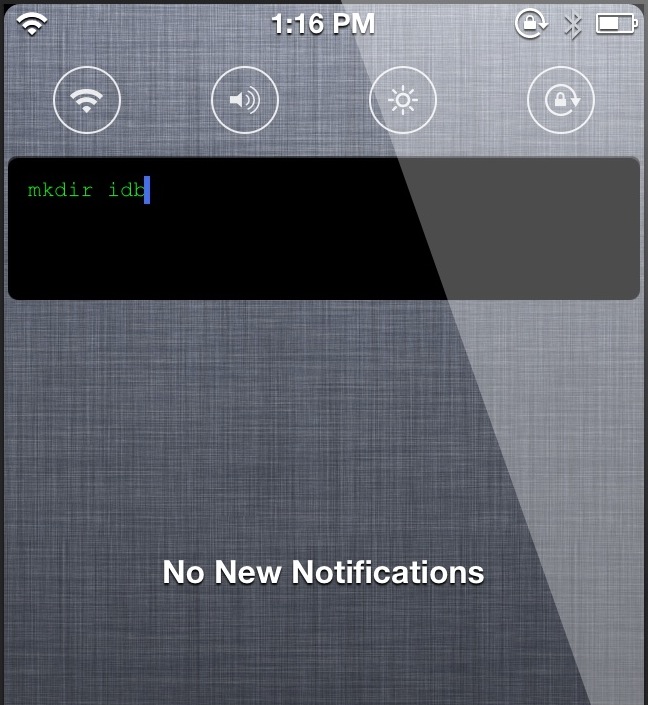
It's neat to see the terminal get lots of love from the jailbreak community this week. We just got the new MobileTerm Backgrounder tweak, and now we have another new tweak related to the terminal — NCTerminal. As you have probably figured out by now, NCTerminal allows you to run a terminal session directly in Notification Center. That being said, I will say that the tweak is a bit on the peculiar side, as you'll see in my full video walkthrough.

How to background the Mobile Terminal app

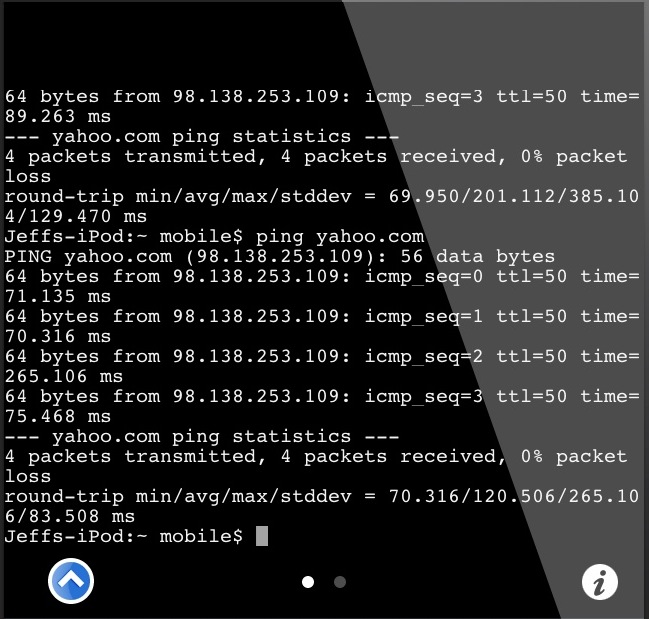
MobileTerm Backgrounder is a brand new jailbreak tweak that allows you to maintain a persistent connection to the Mobile Terminal app. If you've used Mobile Terminal in the past, then you know how frustrating it can be to close out of the app, return, and all of your previous data disappears. MobileTerm Backgrounder is a tweak that works with the jailbroken Mobile Terminal app, and it makes it much easier to continue where you left off when switching between apps. Have a look at our video walkthrough inside to see its ins and outs.

Let’s Talk Jailbreak 20: The circus is coming to town

This week, Jeff and Cody chit-chat about Apple's security problems, new carrier upgrade strategies, along with the rumors of a larger iPad. On the jailbreak side of things, we talk about the highly anticipated upcoming update to Auxo, the release of ayra, and a bunch of new tweaks for Spotlight search. Join us for the wild and crazy ride that is Let's Talk Jailbreak episode 20.

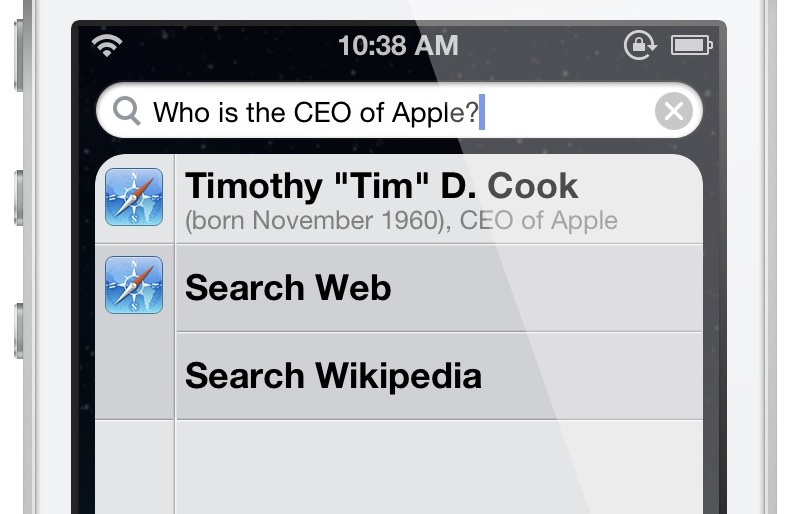
‘SmartSearch’ places Google results directly within Spotlight

What would it be like to receive instant query results from Google directly from within iOS's stock Spotlight search? A new tweak entitled SmartSearch provides a few clues as to what that might be like. It's far from a perfect execution of the idea, but it's an interesting idea nonetheless. Have a look at our video walkthrough, which shows SmartSearch in action.

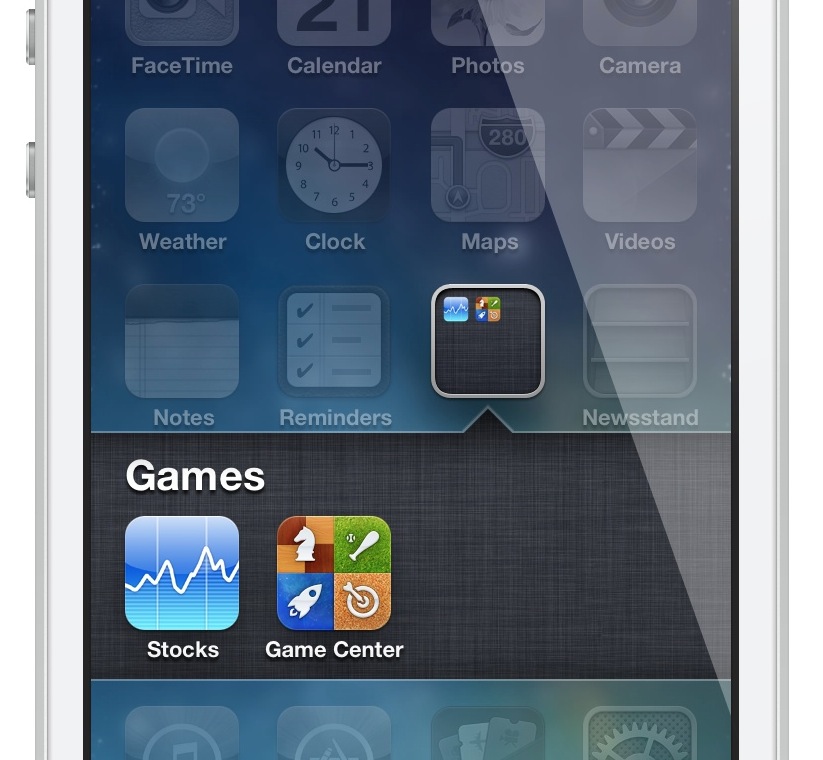
How to blur wallpaper when opening a folder

Looking for a way to blur your iPhone's Home screen wallpaper whenever a folder is opened? If so, then check out this brand new tweak from Hashbang Productions. FolderBlur, available on its development repo, is a new release from Hashbang Productions that fills what is obviously a very niche requirement. If you want to take it for a spin, then check out our video walkthrough inside, along with details on adding the development beta repo to your Cydia sources.

Add album art to your iPhone’s wallpaper with ‘HomeArtwork’

HomeArtwork is a newly released jailbreak tweak, which takes the "now playing" album artwork and uses it as wallpaper for the Home screen background. The tweak works with the stock Music app, but I'm also happy to report that it plays nice with streaming services like Spotify. HomeArtwork is a great tweak that allows you to constantly switch up the look of your Home screen wallpaper. Check out our video coverage inside...

Preview: Auxo’s new Slim Mode

If you know me, then you know that I love Auxo; it's one of my favorite jailbreak tweaks and I use it on my daily driver. Auxo is great, because it offers a redesigned app switcher, toggles, and the ability to easily kill apps using gestures. Perhaps the biggest feature of Auxo is its ability to present full previews of apps in the app switcher.

While most users enjoy the privilege of having full app previews, due to the ability to gain context as to what's running on the device, some have balked at the feature. Their beef stems from the fact that the app switcher takes up too much space with Auxo installed, or that it's difficult to quickly identify what's running. Well, folks; the creators behind Auxo have a solution to what ails you. Introducing Auxo's brand new Slim Mode.