Jailbreak Apps & Tweaks

These are the latest jailbreak apps and tweaks available for your iPhone or iPad. We save you time by highlighting only the best tweaks.

How to enable swipe-to-delete in the stock Clock app

I don't know about you guys, but I find it really annoying when there's not a swipe-to-delete option available in an application. One good example of this is found in the stock Clock app. On its world clock tab, you are forced to use the edit button in the upper left-hand corner in order to delete a clock.

Wouldn't it be nice if you could add swipe-to-delete functionality and cut the amount of gestures necessary to delete a clock down from three to two? That's the premise behind Edit Clocks—it makes deleting clocks found in the stock Clock app uber-intuitive and easy. Have a look at our video demonstration of the tweak in action after the break.
How to change the color of the Calendar icon’s text

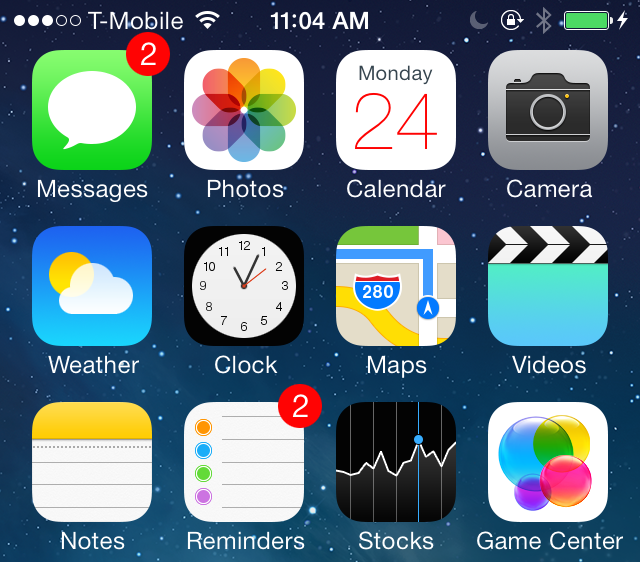
Colendar is a brand new jailbreak tweak from developer Julian Weiss that allows you to change up the color of the text present on the stock Calendar app. The tweak, which is geared towards themers, also works with Ryan Petrich's Gregorian calendar app.

Included in Colendar's preferences are options to adjust the color of the day and date text and offset parameters for adjusting the location of the text assets as well. Have a look at our video walkthrough inside for more insight...

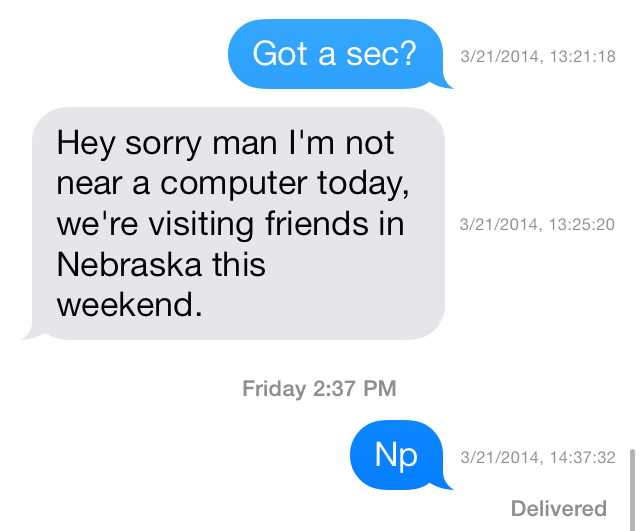
Dated: customize timestamps in the Messages app

The hidden timestamp feature that appears when you swipe from right to left while inside a Messages app thread just got customized. Dated is a new jailbreak tweak that allows its users to dynamically change the makeup of the timestamps that appear in the Messages app.

Using toggles found in the tweak's preferences, Dated users can add or remove the year, month, day, hour, minute, seconds and AM/PM indicator. All of this can be done on the fly without the need of a respring. Have a look inside as we take Dated for a spin in our hands-on video walkthrough.

DockFlow: add Barrel-inspired animations to your dock

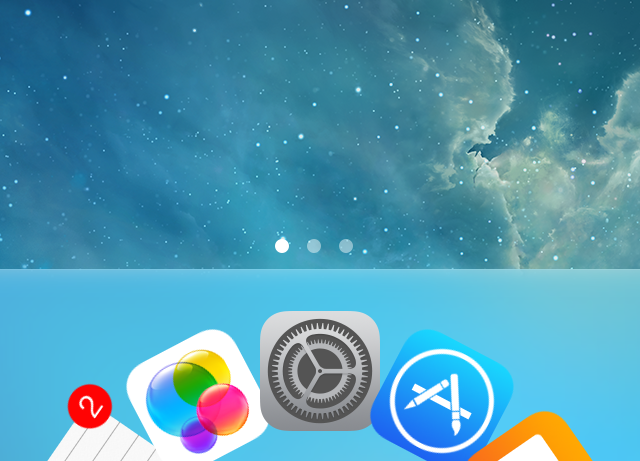
DockFlow is a great way to spruce up the iPhone's dock. It allows you to add Barrel-like animations to the dock in a way that genuinely works. If you're at all a fan of Barrel—the legendary jailbreak tweak by Aaron Ash—then you'll feel right at home with DockFlow.

The tweak, which is available for $1.99 on Cydia's ModMyi repo, lets users add as many app icons as they care to place into the dock. From there, you can switch between nearly a dozen different animations ranging from the tame to the not so tame. Have a look at our video walkthrough inside for a brief look at DockFlow.

Aria: a new take on the stock Music app

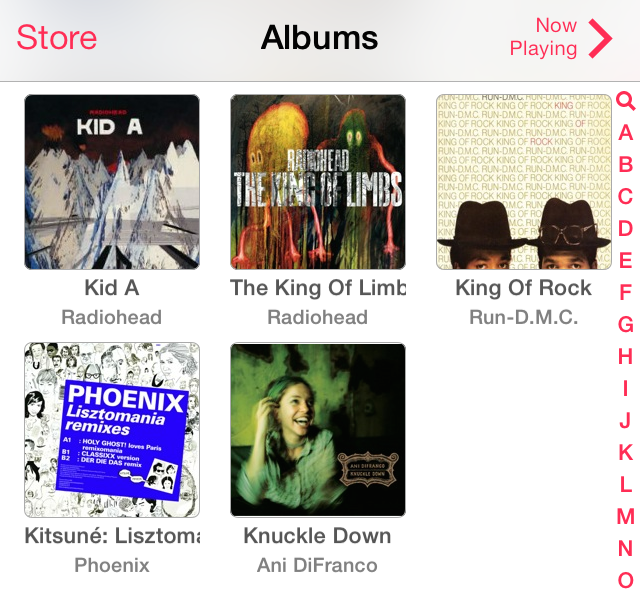
If you're looking for a way to significantly change the experience with the stock Music app, then you need to check out Aria, a new jailbreak tweak recently released on Cydia. Aria is a $1.99 release that's available on the BigBoss repo, and it allows you to use a stylish grid interface to display albums and artists.

Along with the interface changes, come more practical ideas. For example, you can add songs to your up-next queue using simple tap and hold gestures. But that's not all that Aria is capable of doing. Check out our full video walkthrough after the break for a look into what makes this tweak so interesting.

How to enable Drunk Mode on iPhone

You are out for a night on the town with your friends, and perhaps you've had one too many Long Island Iced Teas or Peppermint Schnapps. We're not judging you, but others might be when you send them a misspelled text message or perhaps worse. Fortunately, if you have an iPhone, this is an easily avoidable situation.

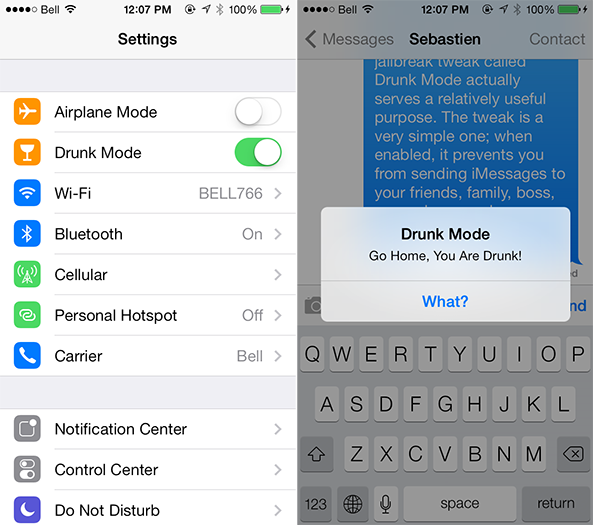
While it might sound stupid, a jailbreak tweak called Drunk Mode actually serves a relatively useful purpose. The tweak is a very simple one; when enabled, it prevents you from sending iMessages to your friends, family, boss, co-workers or whoever else you probably shouldn't be talking to at the time. Details ahead… 

Review: ProWidgets

One of the most highly anticipated jailbreak tweaks to surface in some time has been released on Cydia. I'm, of course, referring to ProWidgets—a brand new jailbreak tweak that we previewed extensively last week. To celebrate its release, we're bringing you our hands-on review.

ProWidgets is a release that we discussed in-depth on today's episode of Let's Talk Jailbreak as well. Be sure to have a listen to hear Sebastien, Cody's, and I talk about the pluses and minuses of the tweak.

Without further ado, step inside to read our take on the final version of ProWidgets. We'll show you what makes the tweak so compelling, and why the future is even more exciting.

How to mail more than five photos at once on iPhone and iPad

One of the biggest inconveniences that comes from using the stock Mail app on iPhone and iPad is the inability to attach more than five photos per email. But the areas where iOS has shortcomings is where the jailbreaking community proves its value; in this case, developer Pramod Mohandas has released MailUnlimitedPhotos, a new jailbreak tweak that removes the five photo restriction from Mail. We've got a closer look at the tweak ahead… 

Metaphrase: a quick way to translate text in iOS

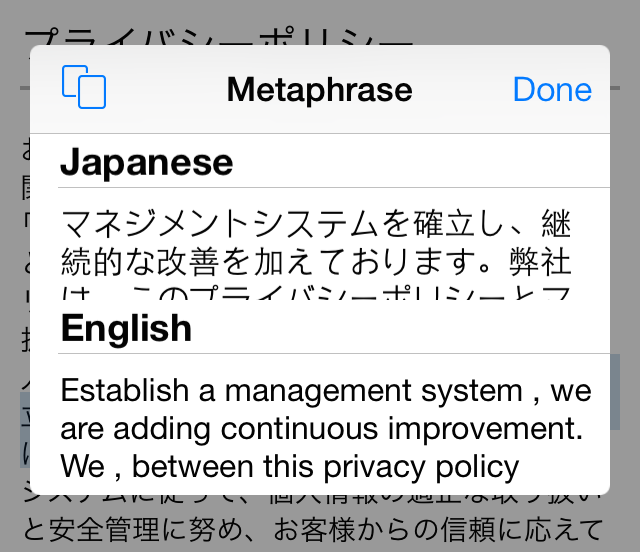
Metaphrase is a recently released tweak that lets you translate text on the fly within any application in iOS. The release, which works as an add-on to Ryan Petrich's popular ActionMenu tweak, lets you select text from the copy and paste menu to easily translate words from one language to another.

There are dozens of languages available to use in Metaphrase, and you can choose to have it translate words and phrases using the system language established in iOS' settings. For a video look into how Metaphrase works, check out our full walkthrough inside.

SlideWeather replaces “slide to unlock” with current weather conditions

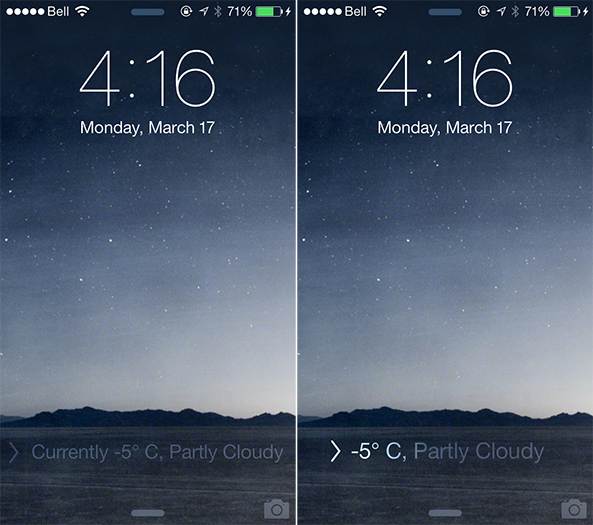
As someone who lives in Canada, which has been experiencing one of the coldest winters on record, it is safe to say that I have been checking the forecast a little more often than usual. That is part of the reason why I am a big fan of weather-related jailbreak tweaks such as SlideWeather, a new iOS extension that replaces the default "slide to unlock" text on the Lock screen with the current temperature and conditions.

SlideWeather pulls forecast information based on the location of your device, meaning that you must have Location Services enabled for the Weather app for this tweak to work properly. I only learned that by experimentation, as disabling Location Services caused the tweak to display no temperature and warn that a tornado was incoming. Fortunately, that is not the case. Details ahead… 

How to add quick compose widgets to Control Center

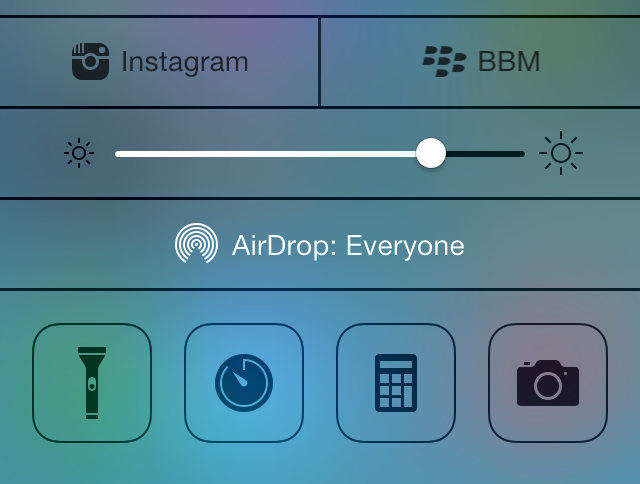
Compose—the jailbreak tweak that allows you to add quick compose widgets to iOS—has been updated for iOS 7. In prior versions of the tweak, the quick compose widgets appeared in Notification Center, but with iOS 7, the compose widgets have been relocated to Control Center.

The iOS 7 version of Compose features a bevy of quick compose shortcuts for apps like Tweetbot, BBM, WhatsApp, and more. It's a great tweak for quickly accessing the composition assets for many of your favorite App Store apps. To catch a glimpse of how Compose works on iOS 7, take a look at our video walkthrough past the break.

How to remove the ‘Near Me’ tab in the App Store app

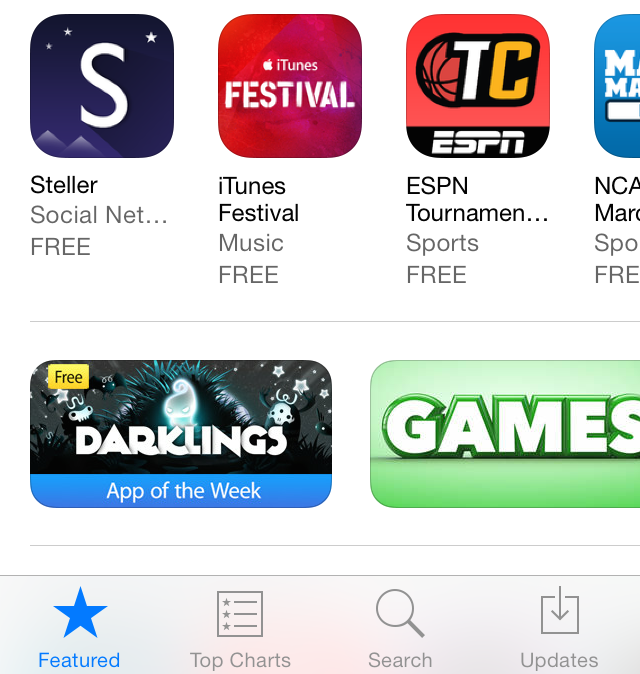
The 'Near Me' tab—which appears at the bottom of the App Store app in iOS 7—allows you to see what apps are most popular around your location. I've found the feature to be quite worthless and generally filled with local news apps that I'd never consider using.

With that in mind, wouldn't it be cool if you could get rid of the Near Me tab altogether? That's the premise behind a new jailbreak tweak entitled NoNearMe; it allows you to hide the Near Me tab using a simple Cydia install. Have a look inside as we show you how the tweak works on video.