Jailbreak Apps & Tweaks

These are the latest jailbreak apps and tweaks available for your iPhone or iPad. We save you time by highlighting only the best tweaks.

How to quickly shorten links using Action Menu

Have you ever wished for a native way to shorten URLs in iOS? Obviously, you can easily do so with third-party apps, but iOS lacks a native way to shorten links on stock devices.

If you're jailbroken, however, it's easy to shorten URLs directly from the copy and paste menu using a handy Action Menu add-on. The add-on, which is entitled Goo.gl shortener for Action Menu, allows you to shorten URLs directly from the copy and paste menu. Take a look at our video walkthrough to see how it works.

CamText: add a live camera to the Messages app background

CamText is a new jailbreak tweak that lets users text using the stock Messages app with a live camera background. The most obvious use for a tweak like this is to provide its users with a safe way to text while walking down a busy street.

Since the camera provides a live view of a user's surroundings using the Messages app background, it's possible to keep one eye on an impending obstacle, and another eye on the ongoing conversation. While I believe it's pretty sad that it's come to this—we can't even look up while crossing the street like a normal person—it's hard to deny the idea's usefulness in the face of the circumstances. 

How to add now-playing details to the iPhone’s status bar

PlayMe is a super simple jailbreak tweak with one goal in mind—it allows you to add now-playing information to the iPhone's status bar, such as album artist, and song title. PlayMe works well with the stock Music app, but it also plays nice with third-party applications like Spotify.

As you play music, PlayMe will rotate between the album artist name and the name of the song repeatedly. There are no options to configure to change the way the tweak displays the now-playing text, it's totally an install and go affair. Have a look at our video walkthrough after the break for a closer look into how PlayMe works.

Fleeting: an awesome jailbreak tool for speed reading

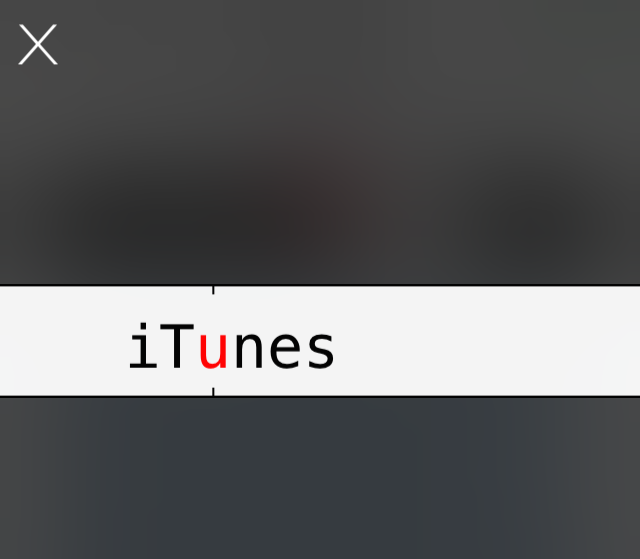
Fleeting is an Action Menu add-on that allows you to select a block of text for speed reading. It contains its own interface that displays one word from the block of text at a time in quick succession. It's done in a way that makes the text entirely legible, even when moving at hundreds of words per minute.

If you've ever been intrigued by the idea of speed reading, then you should check out Fleeting. Have a glance inside at our full video walkthrough for more details.

Auxo 2 is now available in Cydia

The long-awaited update to the hugely popular Auxo has just been released in Cydia. Designed by Sentry and developed by Qusic, Auxo 2 is poised to become one of these tweaks that will go down in history.

But don't just take our word for it. Go get it in Cydia now. It's available for $1.99 for those of you who owned the previous version. If you're new to Auxo, it will cost you $3.99...

Auxo 2 review: one of the best jailbreak tweaks ever gets better

Auxo is dead.

Perhaps that's what some of you thought last June, when you first saw Apple unveil iOS 7 at its 2013 Worldwide Developers Conference. You weren't alone. Even Sentry, the tweak's prolific designer, sat with a temporary moment of dejection as he watched Apple unveil its newest stride in mobile computing.

Less than a year later, Sentry is back, and he's brought along QusicS, a skilled developer who's helped him express a brand new take on a legendary tweak. Whereas the original version of Auxo gained popularity from its full app previews, Auxo 2 is much more of an evolutionary take on iOS 7's App Switcher as a whole.

Ultimately, this has proved to be a wise decision, because Apple's version of the App Switcher is nowhere near the limited mess that it was on firmwares below iOS 7. Auxo 2 is a serious refinement and feature-filled update, and I believe you'll find that it significantly improves the process of switching apps.

We've been testing Auxo 2 since Saturday. Does it live up to the hype? Check out our full review and video walkthrough for the answer.

How to enable five additional dynamic wallpapers in iOS 7

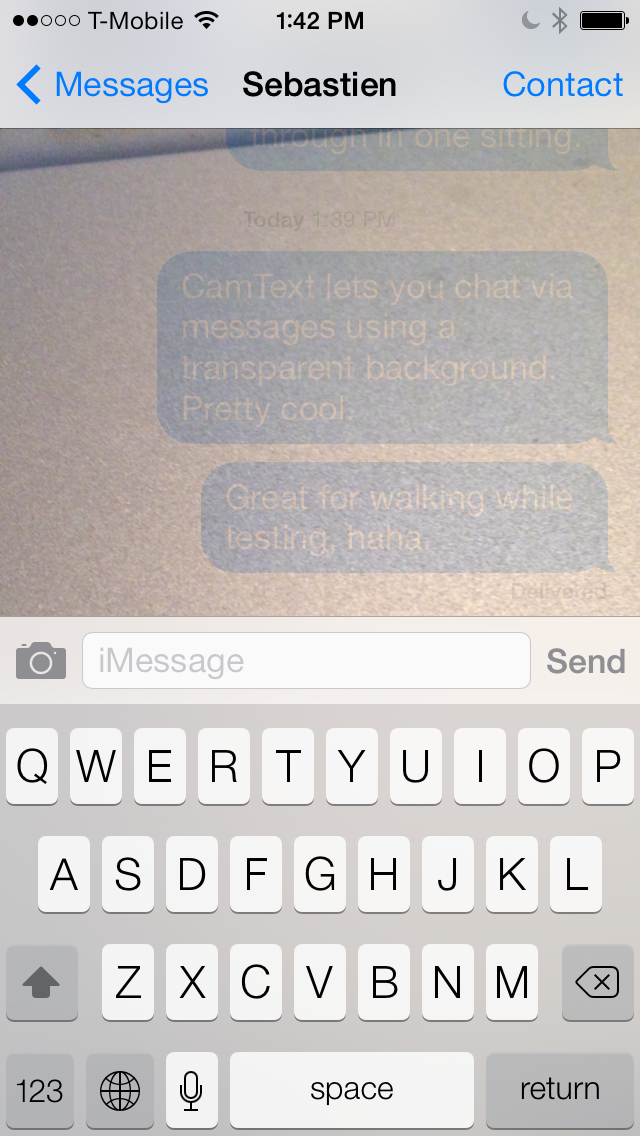
Do you enjoy using iOS 7's dynamic wallpaper feature? Would you like to get your hands on five additional wallpapers? If the answer to those questions was yes, then you definitely need to check out this jailbreak tweak.

HiddenWallpapers is a jailbreak tweak that's available free on Cydia, and it unlocks five additional dynamic wallpapers for your iOS 7 device. Three of the wallpapers are admittedly a bit pedestrian, but there are two that I think are quite special. Have a look at our video after the break to see the new wallpapers in action.

MathPass: use simple math problems to unlock your iPhone

MathPass is an interesting new jailbreak tweak that's perfect for those who are just beginning to learn multiplication, or for those who just want to stay alert and have a little fun doing it. MathPass asks you to answer simple multiplication problems from the Lock screen, with the product being the Passcode that will unlock your device.

For example, MathPass might ask: ten times one is? Your answer would then be 0010. It's 0010 and not just 10, because you're required to enter a four digit passcode in order to unlock your device. That's pretty much the whole gist of MathPass in a nutshell; check out more detail inside.

How to enable Facebook Chat Heads anywhere in iOS 7

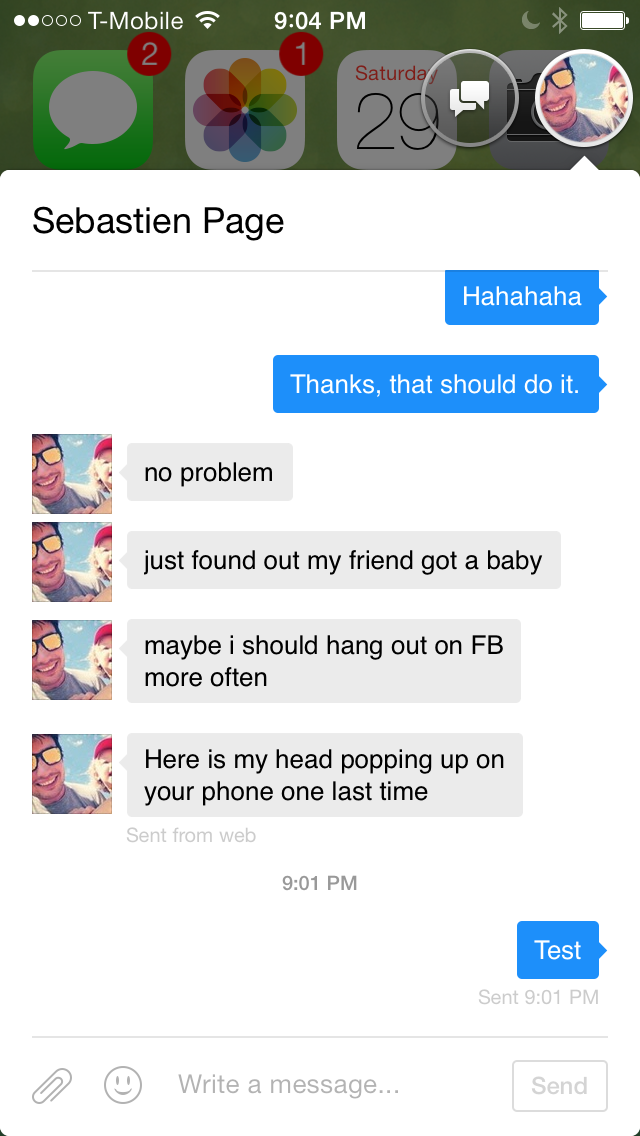
Facebook's Chat Head feature is now available to use anywhere in iOS 7 thanks to a timely update to the well-received MessageBox tweak. If you can remember, MessageBox was the jailbreak release that allowed users to enjoy Chat Heads anywhere in iOS, not just in the default Facebook app.

Developer Adam Bell has updated MessageBox to play nice with iOS 7, freeing the Chat Heads feature from the confines of Facebook's Paper app. Want to see how Chat Heads look in iOS 7? Step inside for our full video walkthrough.

Cylinder: the Barrel-inspired jailbreak tweak now available on Cydia

Cylinder—the jailbreak tweak inspired by Barrel—has been updated and listed on Cydia's BigBoss repo. The tweak, which we previewed back in February, allows you to add various animation effects to the icons on your iPhone's Home screen.

The awesome thing about Cylinder is that it allows users to create their own animations via special Lua scripts, and combine multiple animations by layering them on top of one another. Cylinder is a tweak that's much deeper than it might seem on the surface. Check out our updated video walkthrough inside to learn more.

How to remove the slide to unlock arrow on the Lock screen

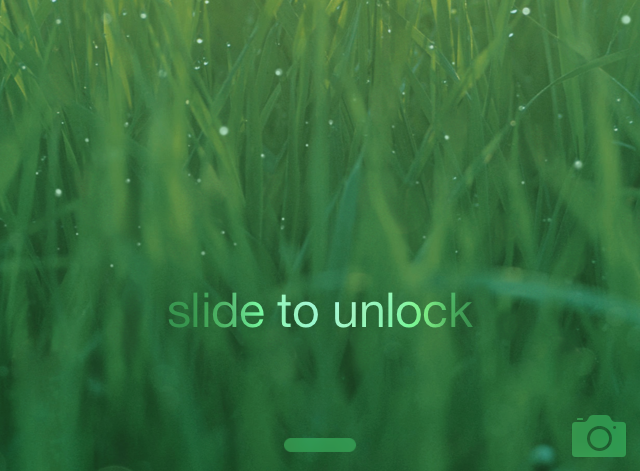
Have you ever wanted to remove the little arrow icon that resides to the left of the text on the Lock screen? Well, you can now do so by means a new jailbreak tweak entitled NoSTUArrow. As you may have already put together, the "STU" stands for slide to unlock.

Admittedly, this is one of the simplest jailbreak tweaks that you'll find on the Cydia store, but that's what's wonderful about jailbreaking; there's truly something there for everyone. Interested to see how NoSTUArrow works? Have a look at our video walkthrough inside.

Recent ‘ProWidgets’ update adds a simple Grey theme

A few weeks ago, we reviewed ProWidgets—a tweak that I believe is amongst the best of jailbreak releases. The tweak by itself is very well done, but my sentiments were also based on ProWidgets' potential with regard to expandability.

The version of ProWidgets that I reviewed didn't include the simple grey theme that's now available with the latest ProWidgets update. Although it's not technically a third-party theme, this is one of the first big changes that we've seen to ProWidgets since our initial review. Have a look inside as we showcase the tweak's simple grey theme on video.