Jailbreak Apps & Tweaks

These are the latest jailbreak apps and tweaks available for your iPhone or iPad. We save you time by highlighting only the best tweaks.

This tweak puts an audio visualizer on your Home screen

I’m a firm believer that the iPhone needs a native audio visualizer, and that’s mainly why I’m such a massive fan of a popular jailbreak tweak called Mitsuha Infinity that we showed you just last month.

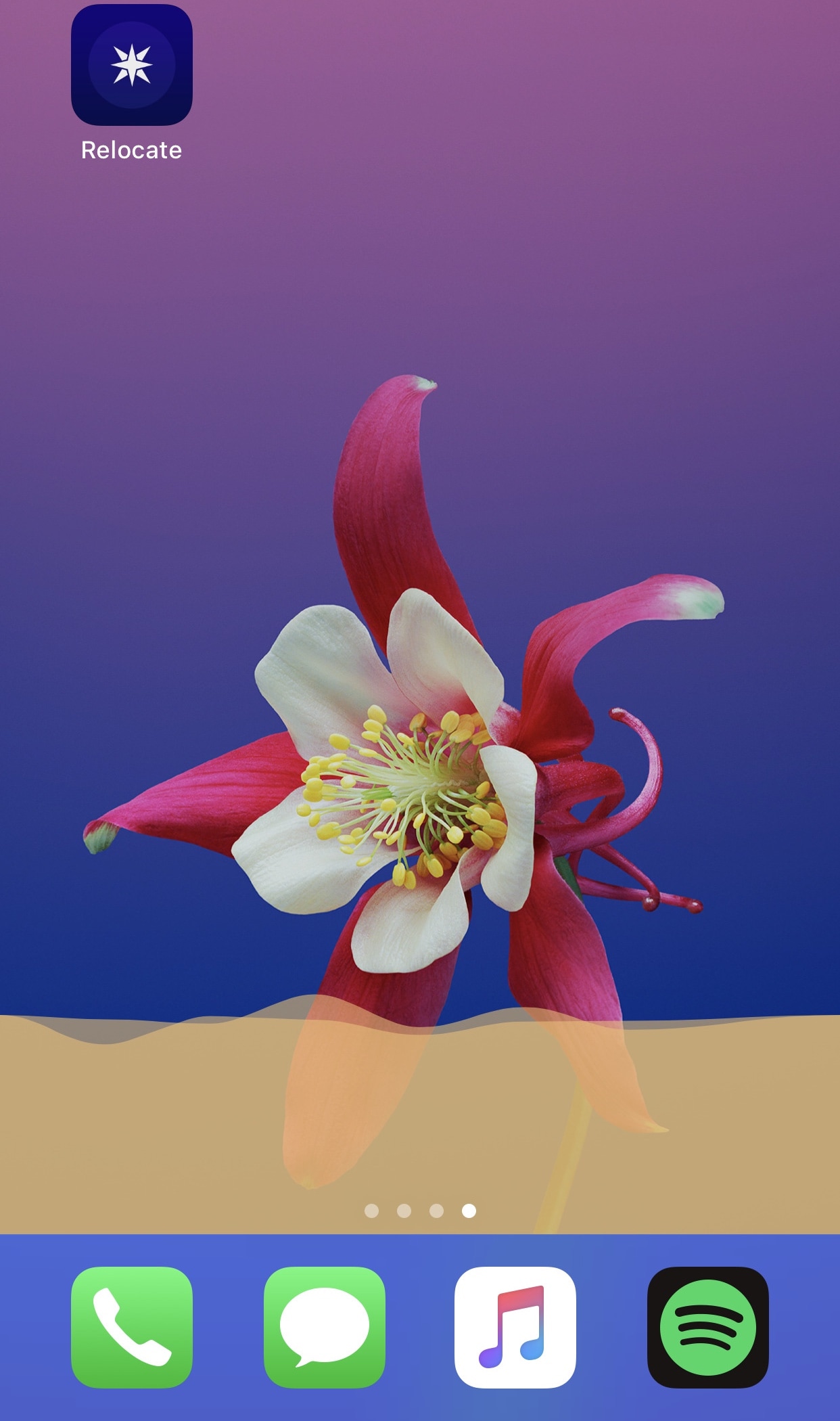
Mitsuha Infinity enabled the audio visualizer in the Now Playing app and on the Lock screen, but with a new add-on called Mitsuha Infinity – Home Screen by iOS developer Nepeta, you can now enjoy the same effect on your Home screen.
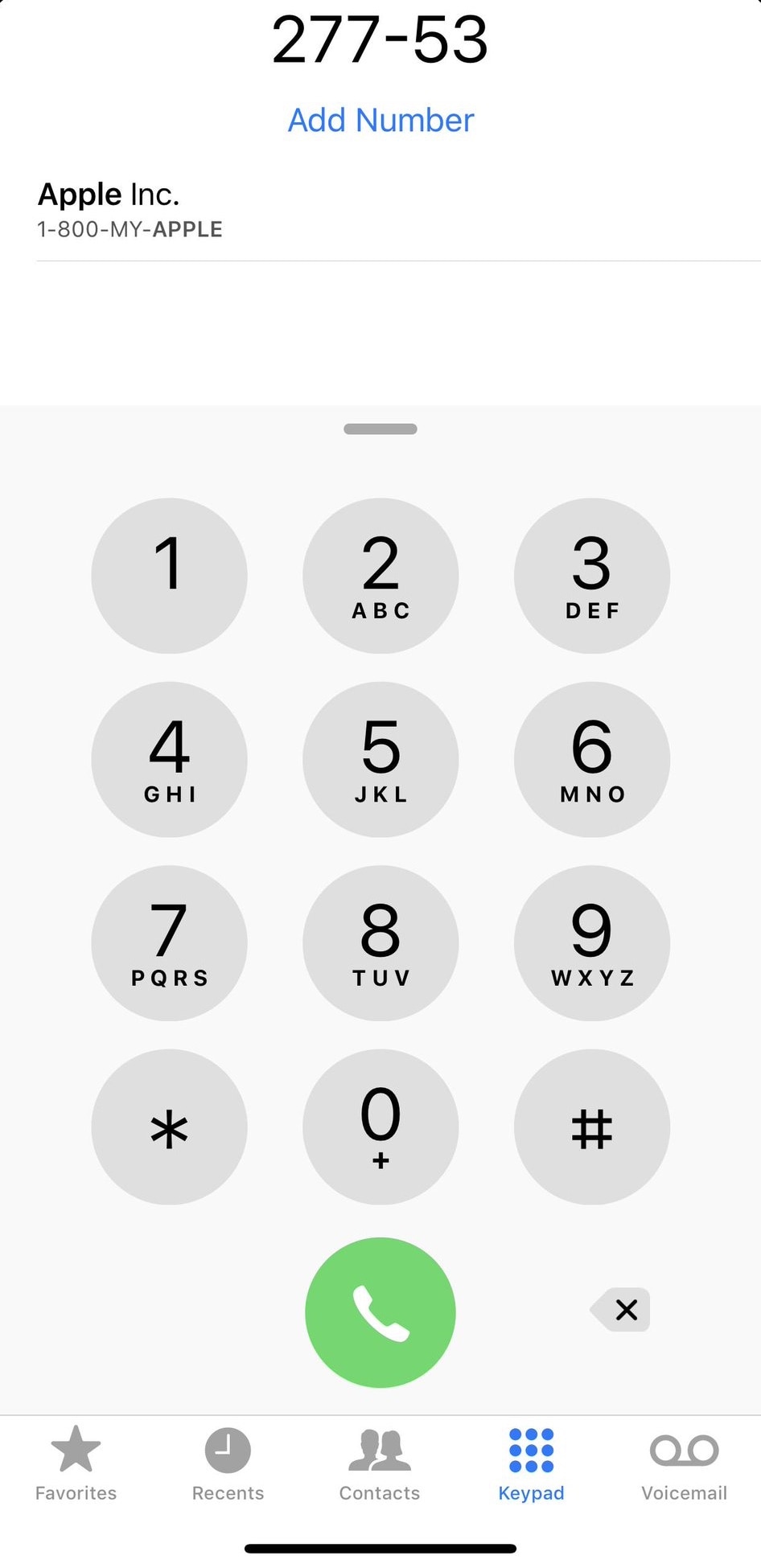
T9Dialer brings T9 dialing support to the iPhone’s native Phone app

T9 dialing was initially introduced as a means of making text input easier on 3x4 numeric keypads, much like those found on old cell phones. Modern smartphones with their phone number hot-linking and advanced contact lists have all but phased out the need for such things, but to those wishing they could access T9 in the iPhone’s native Phone app: you’re in luck.

T9Dialer is a somewhat new jailbreak tweak released by iOS developer Jordan Koch (eskimo_dev) that ports full T9 functionality to the numeric keypad in the iPhone’s native Phone app.

Centaur supercharges Notification Center with modules and other new features

There’s no better place in iOS to look for missed notifications than the Notification Center itself, but you wouldn’t be alone if you thought that the native Notification Center interface could benefit from a facelift.

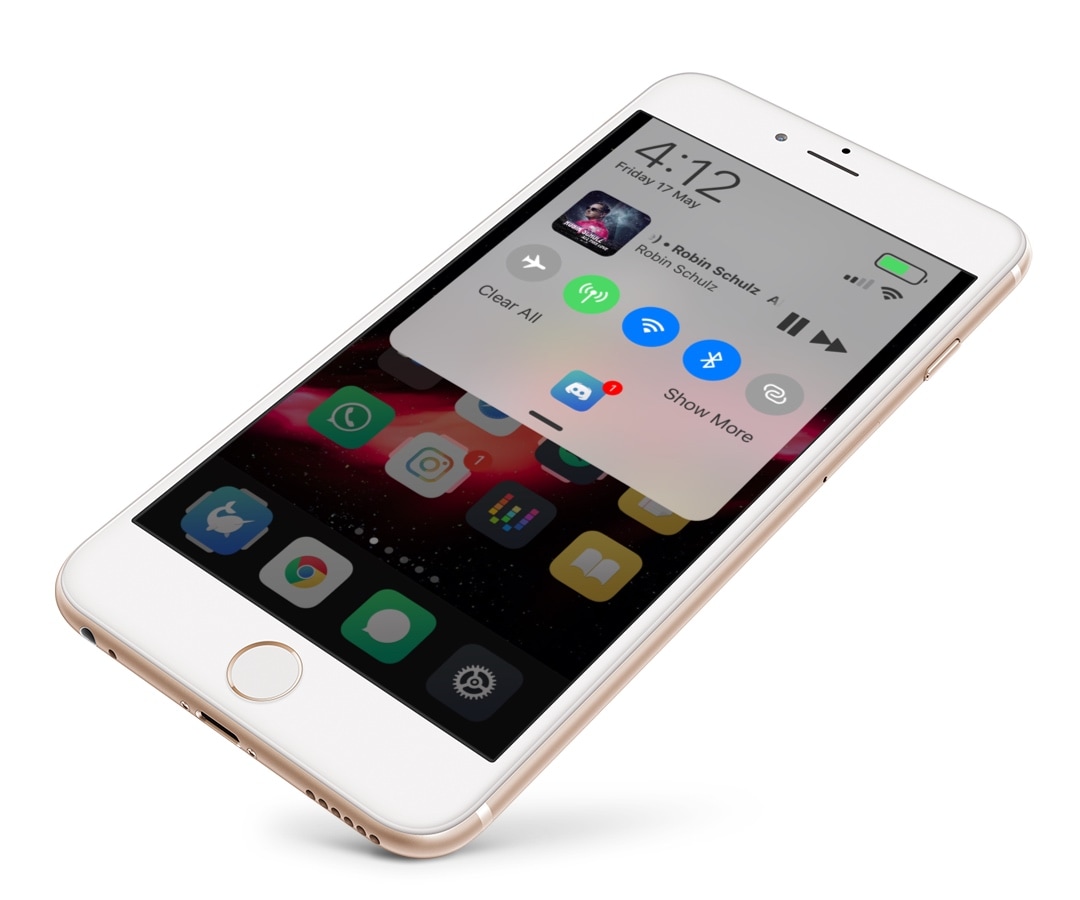
If you’re in the market for a refreshed Notification Center interface, then you just might come to appreciate a newly-released jailbreak tweak called Centaur by iOS developer Muirey03. Centaur reimagines Notification Center by incorporating a slew of useful features like Control Center toggles, device information, and music controls, to name a few:

This tweak transforms the Home Bar into a Now Playing progress indicator

All notched handsets, including the iPhone X, XR, XS, and XS Max, ditch the traditional Home Button in lieu of the new Home Bar, which is a software-centric ‘grabber’ that lives at the bottom of your display. The Home Bar is used to unlock your handset, return to the Home screen, and access the App Switcher, but that’s about it.

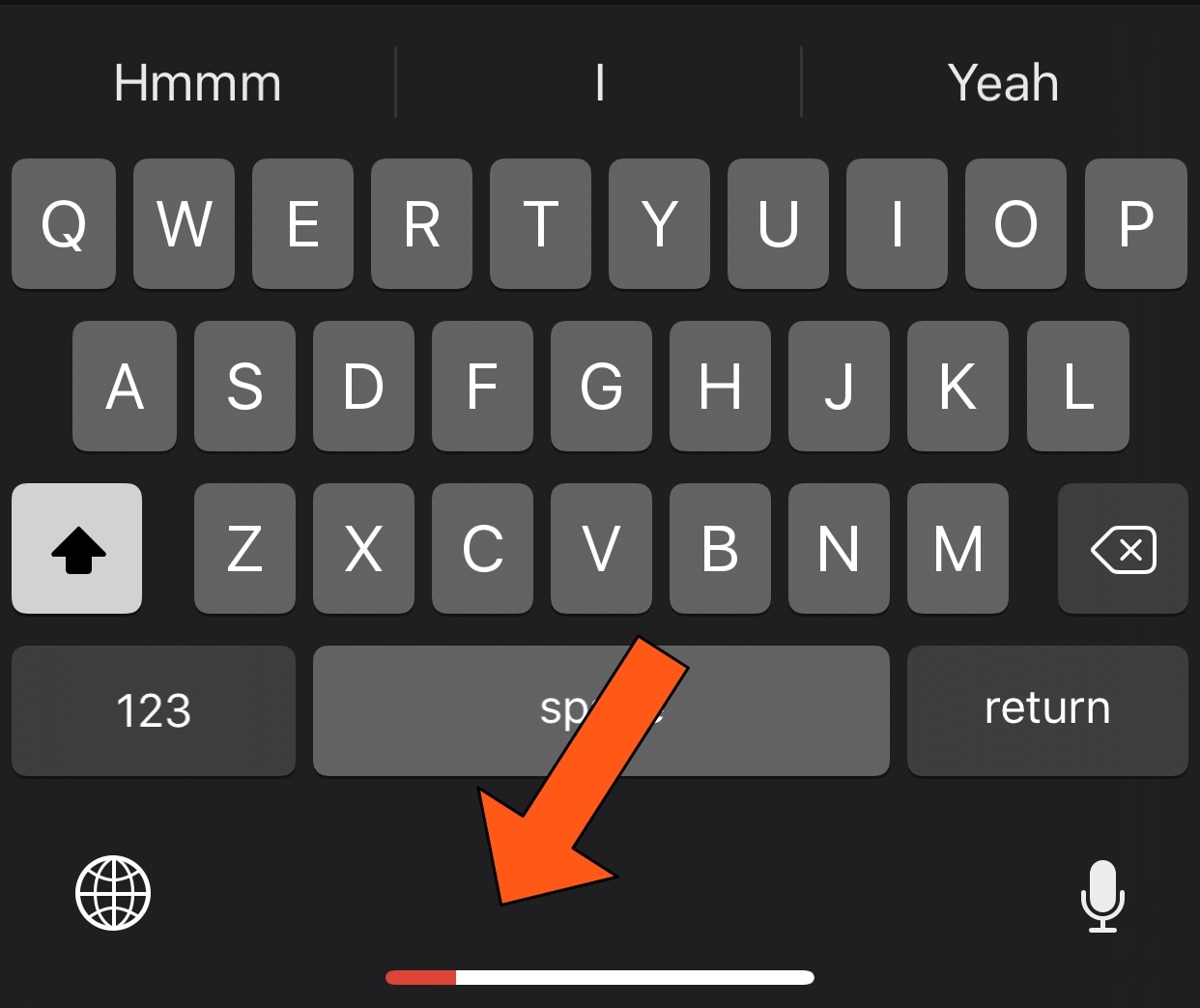
It seems like the Home Bar could be made to do so much more, and that's why we were particularly fascinated by the release of a new free jailbreak tweak called HomeBarMediaProgress by iOS developer Jordan Koch (eskimo_dev), as it aims to give the Home Bar an added purpose. More specifically, the tweak transforms the Home Bar into a status indicator for any Now Playing media that might be playing in the background.

DockRemover hides the application Dock from your Home screen

Most people use the Dock on their Home screen for fast access to their favorite apps, but that isn’t the case for everyone; some jailbreakers, for example, run custom Home screen setups and may prefer to hide the Dock altogether.

If you fall into the latter group above, then you may take an interest in a new free jailbreak tweak dubbed DockRemover by iOS developer Blake Boxberger. As you've probably inferred from the name already, DockRemover hides the  Dock from your iOS device’s Home screen, offering a cleaner overall aesthetic.

Jailbreak tweaks of the week: AirPort, HideYourApps, Springtomize 4, and more

We’ve witnessed an unprecedented number of high-quality jailbreak tweak releases in the last several weeks, and for that reason, we like to cap off each weekend with a roundup to ensure that you don’t miss anything good.

In this roundup, we’ll showcase all the most notable jailbreak tweaks released from Monday, May 12thto Sunday, May 19th. As usual, we’ll discuss our favorite releases first and then outline the rest afterward.

Make certain aspects of iOS look a lot nicer with Modernize

Apple works hard to make each incremental iOS release look spiffier, but some places that don’t receive as much attention as they should include the native power down menu and volume HUD interfaces, just to name a few.

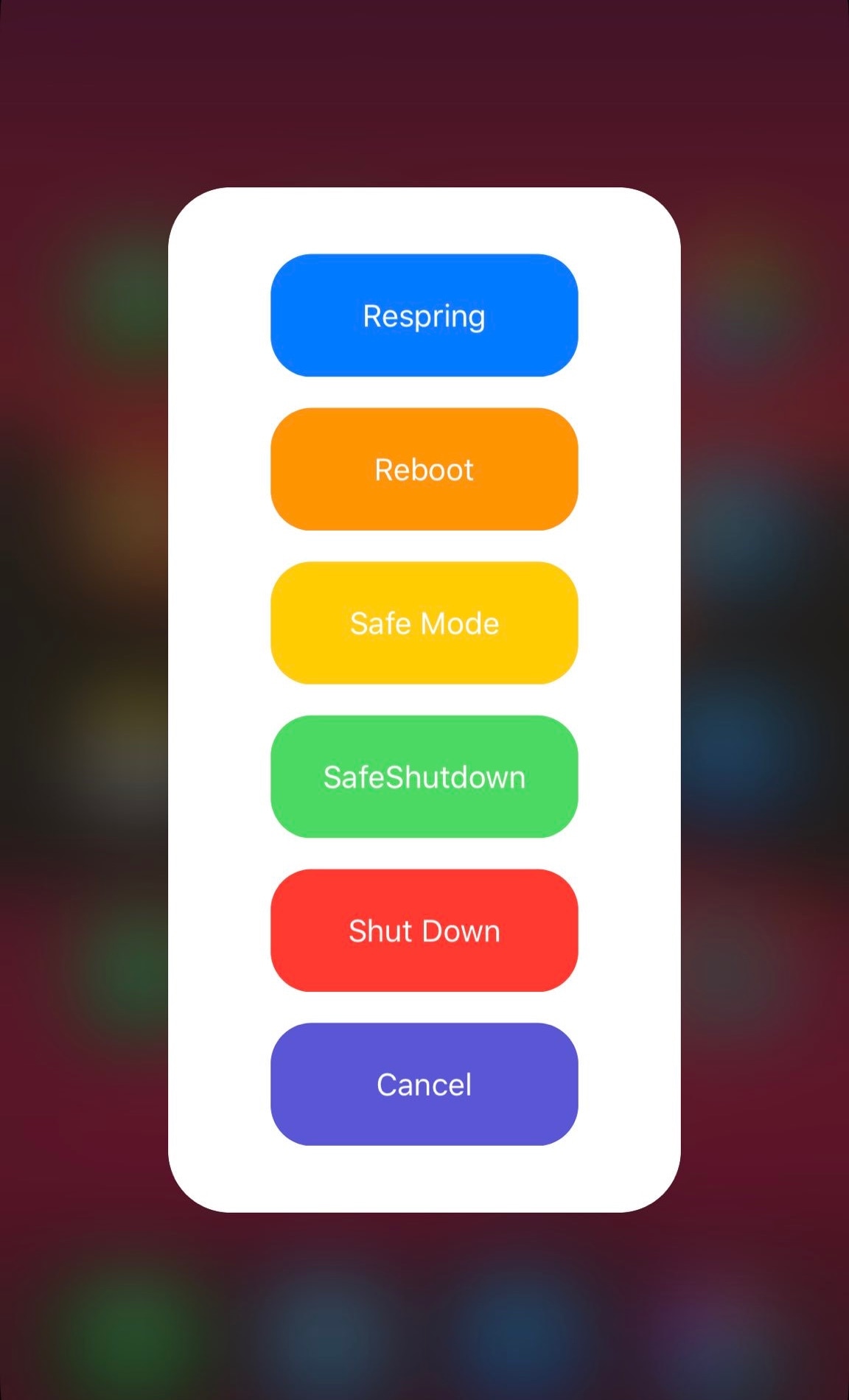
With a newly-released jailbreak tweak called Modernize by iOS developer tylerd3v, you can change that. Just as the name implies, it can make the aforementioned interfaces more useful and aesthetically pleasing.

Pasithea 2 clipboard manager for jailbroken devices gets powerful new features & support for iOS 14

One of the weakest links in iOS’ native multitasking capabilities is the clipboard management system, and perhaps unsurprisingly, there’ve been a lot of jailbreak tweaks released in recent memory to address this problem, such as CopyLog and Copypasta to name a few.

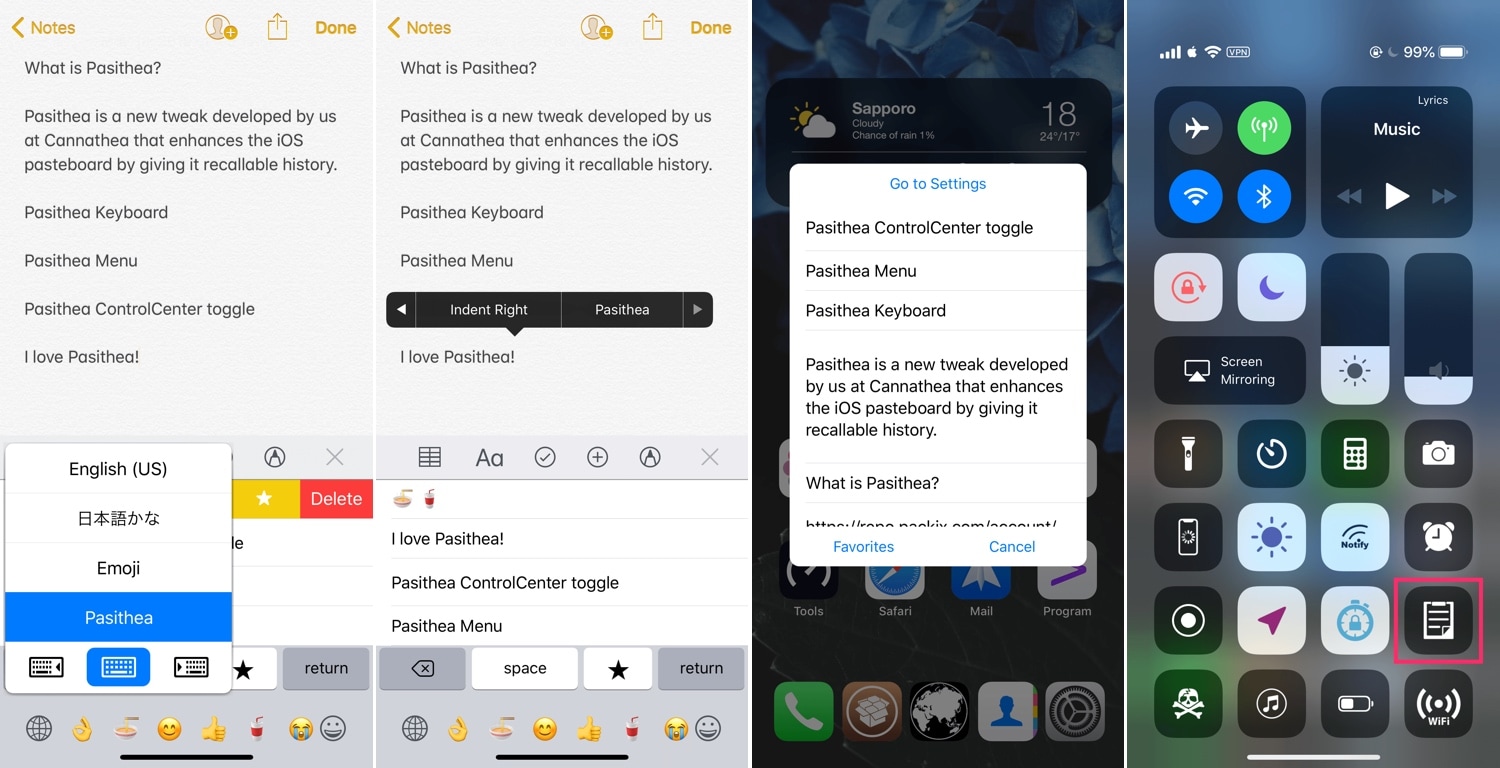
As for those who favor the classics over newer and more lightweight releases, Pasithea 2 by iOS developer Cannathea can provide a more full-fledged clipboard-access experience, and with native keyboard integration at that.

Springtomize 4 moves to Packix, picks up official support for iOS 11 & 12

Springtomize is a name that veteran jailbreak enthusiasts should be firmly familiar with. Not only is Springtomize one of the most popular all-in-one tweaks ever conceived in the history of the community, but it’s still being maintained to this very day.

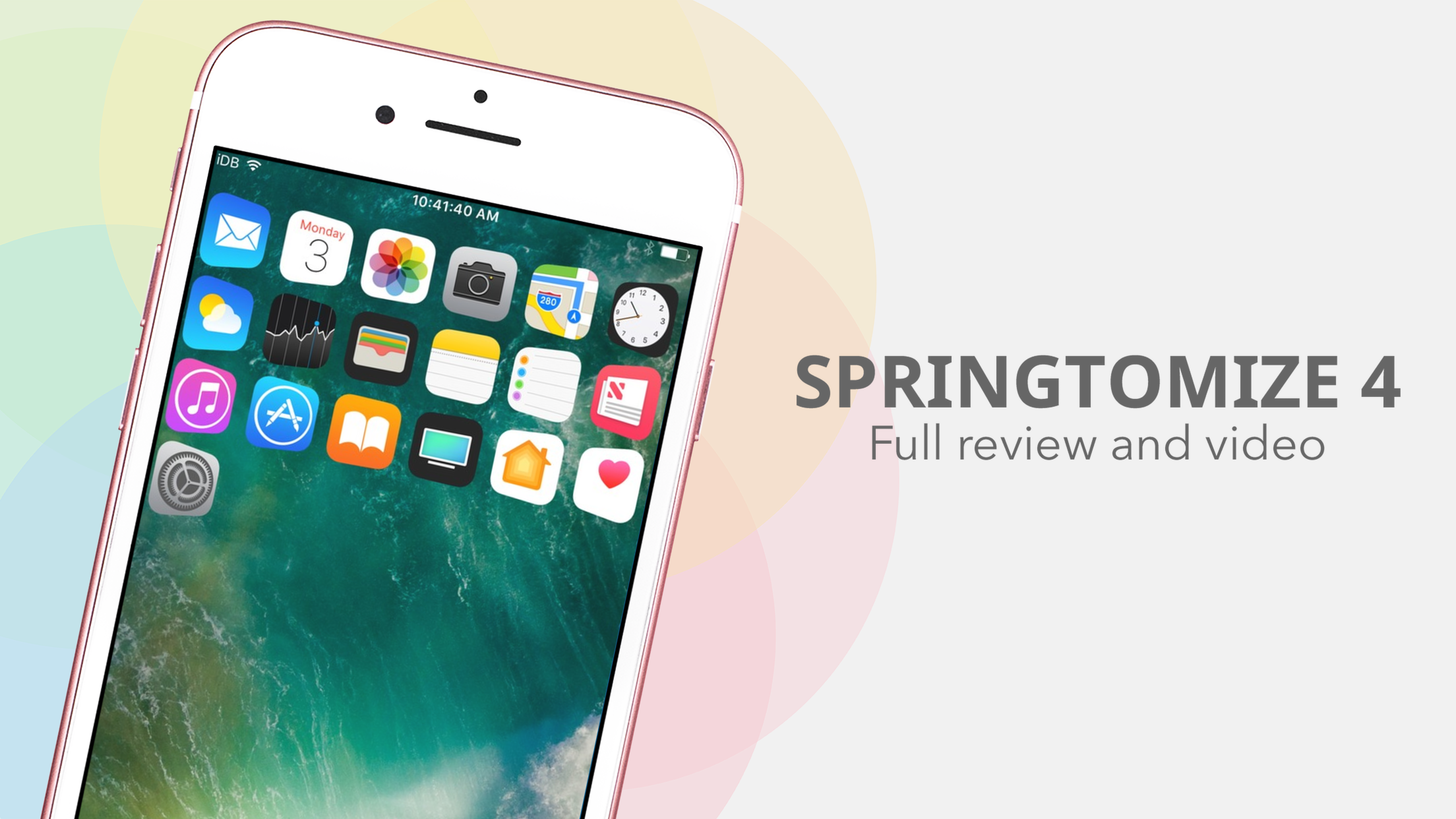
iOS developer Janosch Hübner (sharedRoutine) released an updated version of Springtomize 4 in the Packix repository on Friday with full support for iOS 11.0-12.1.2, and as you might come to expect, this update incorporates support for A12(X) handsets.

This tweak enables Apple’s native pairing UI for the new AirPods on pre-iOS 12.2 devices

If you’re trying to use a pair of second-generation AirPods with an iOS handset running any firmware below iOS 12.2, then you’re likely all too familiar with the ‘limited’ functionality that ensues. Fortunately, it doesn’t have to be that way, especially for jailbreakers.

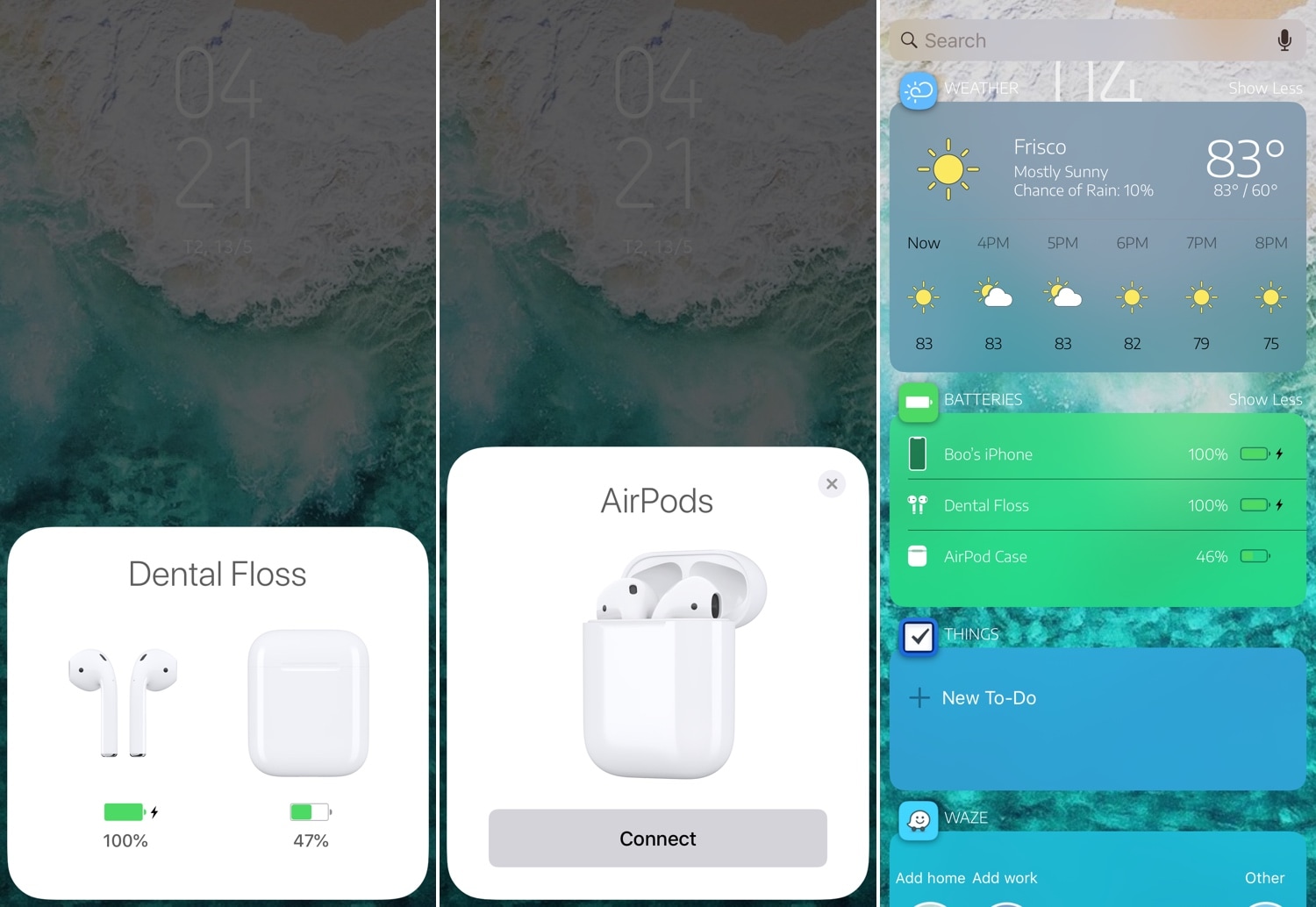
AirPort is a newly-released jailbreak tweak by iOS developer Boo that makes second-generation AirPods behave more like the original AirPods on pre-iOS 12.2 firmware. More specifically, it ensures that the beautiful pairing UI appears when you open your AirPods in the proximity of your handset and displays the proper AirPods-style glyphs in the Battery widget on the Today page.

BrowserDefault lets you change the default web browser on your iPhone

Safari Private Browsing Button Missing iPhone

Some people love iOS’ Safari web browser, but if you’re the type of person who would rather use a third-party alternative like Chrome or Firefox, then you might be disappointed to learn that Apple doesn’t let you configure a default web browser apart from Safari. On the other hand, those with jailbroken handsets can have their cake and eat it too.

With the help of a new jailbreak tweak called BrowserDefault by iOS developer lpane, you can choose the default web browser apart from Safari that your handset will use to launch web links when tapped.