Issue

Wi-Fi issues continue to persist for some after updating to OS X Yosemite 10.10.1

After upgrading their Macs to yesterday's OS X Yosemite 10.10.1 software update, some users continue to experience a range of intermittent Wi-Fi issues that have been plaguing Apple's latest desktop operating system since its release, according to user feedback over at Apple's Support Communities containing more than a thousand posts.

Issues vary on a case-by-case basis and include dropped or unreliable wireless connections, slow data transfer speeds, connections randomly dropping every few minutes or so, inability to connect to a Wi-Fi network after waking from sleep and more.

Apple apparently changes flash storage tech in 128GB iPhone 6 and 6 Plus over alleged issues

Following unconfirmed reports that an unknown portion of iPhone 6 and iPhone 6 Plus units with 128 gigabytes of storage exhibit random boot looping and unexpected crashes, Apple has reportedly switched to using a different type of NAND flash technology.

The new iPhones use triple-level cell (TLC) NAND flash technology, but BusinessKorea reported Friday that the Cupertino firm will be switching to multi-level cell (MLC) NAND flash in the iPhone 6 and iPhone 6 Plus going forward.

Apple Pay glitch causing some Bank of America users to be double charged

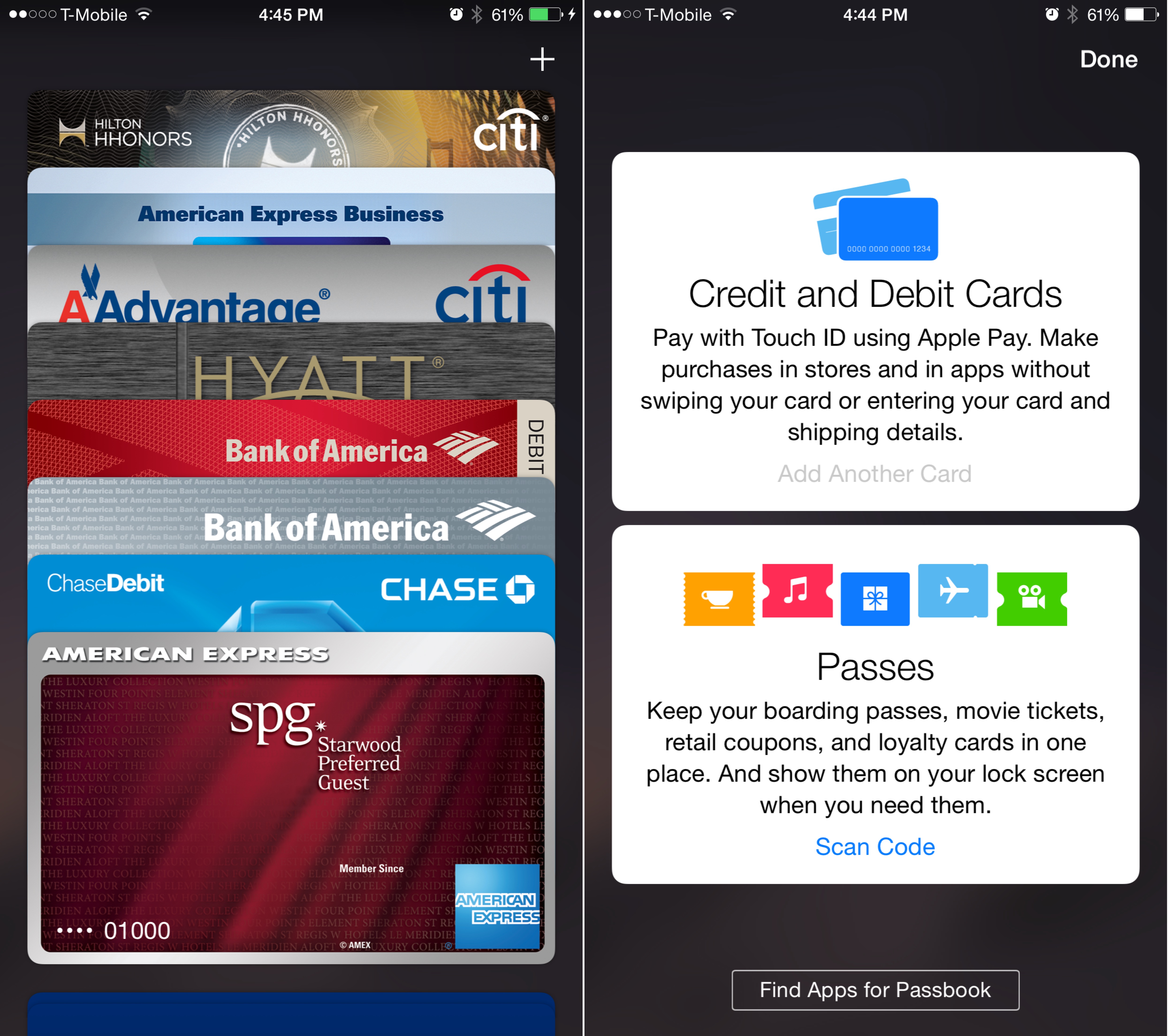
There is a glitch in Apple Pay that is causing some Bank of America customers to be charged twice for purchases, reports Bloomberg. A number of BOA card holders have come forward saying that they are seeing duplicate charges on their statements for Apple Pay-related transactions.

While some teething issues are expected with any new service launch—particularly on Apple Pay's—this has proven to be a serious problem. Customers affected by the glitch found themselves stuck between Apple and Bank of America customer service, with both sides passing the buck.

Cannot activate iOS 8’s Text Message Forwarding and iPhone Cellular Calls? Here’s a fix.

As soon as iOS 8.1 hit two days ago, I immediately went about checking out a pair of new features I care about the most, Text Message Forwarding and iPhone Cellular Calls.

As a quick reminder, Text Message Forwarding lets me mirror text messages sent to my iPhone in the Messages app on the Mac or iPad. With iPhone Cellular Calls turned on, I can finally make and receive phone calls on my other Mac and iOS devices through my iPhone's cellular connection.

But something was amiss, or so I thought, because I just couldn't get either feature to work. While attempting to enable Text Message Forwarding, the system prompted me to enter a confirmation code my Mac was supposed to generated, but didn't.

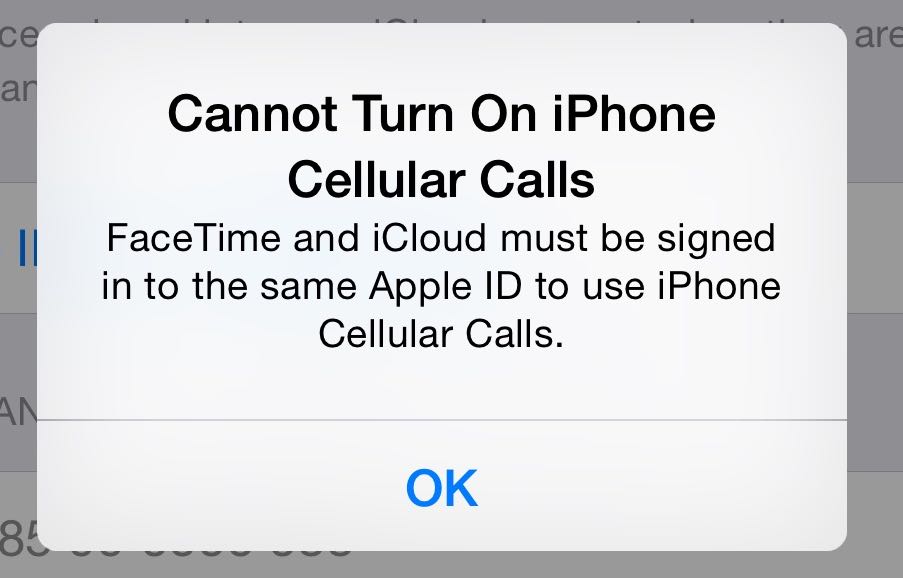
Likewise, trying to enable iPhone Cellular Calls yielded a FaceTime error message saying my devices must use the same iCloud account, even though I was using FaceTime without any problems before.

Having spent a few hours restoring my devices as new, reseting network settings, changing settings on my router and checking the status of iCloud services, I eventually came to the same realization as did the other affected users: Text Message Forwarding requires you to use an email address and for iPhone Cellular Calls to work properly, FaceTime must be signed in with your Apple ID.
Apple to temporarily remove ability to track blood sugar levels over iOS 8 Health bug

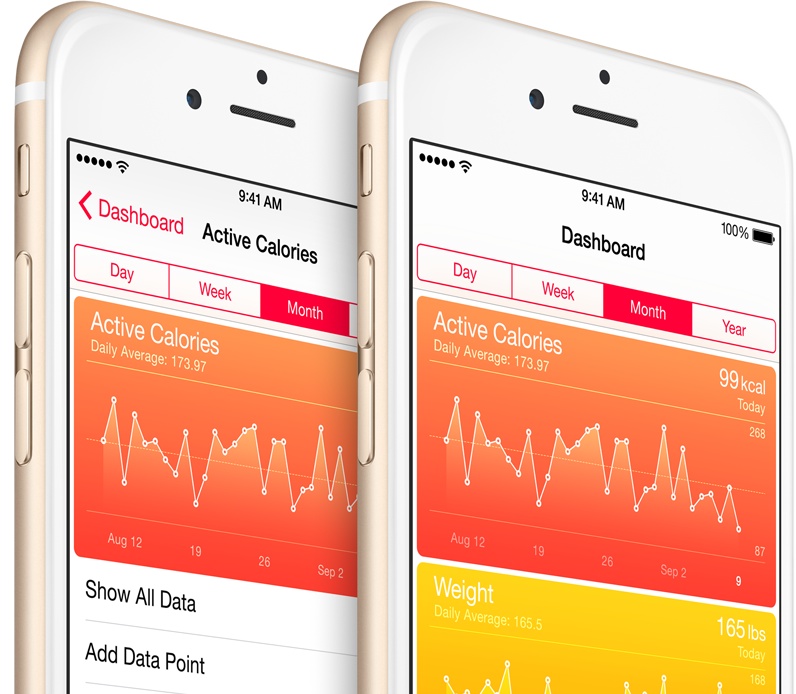
Apple will soon issue a software update that will temporarily remove the ability to track blood glucose levels in iOS 8's Health app following reports from users in the United Kingdom and Australia that the software is incompatible with standard measurements in these countries, Cnet reported Wednesday evening.

Existing blood glucose data won't be deleted from users' devices, said Apple in a support document detailing the issue. “Third-party apps will continue to be able to support both units of measurement and can continue to use HealthKit APIs to store blood glucose data,” reads the document.

A fix for the issue is being worked on and will be released in due time. Once the patch has been released, the previous blood sugar data will reappear in the Health app.

iOS 8 causing Bluetooth issues for some users

If you're having problems with Bluetooth in iOS 8, you're not alone. A number of users are reporting Bluetooth connection bugs after updating to the firmware, or purchasing a new iPhone 6 or 6 Plus—particularly when trying to pair their handsets to their vehicles.

Looking at this lengthy thread on Apple.com, and this one in the MacRumors forums, the issues appear to be fairly widespread. Within the last two weeks, users have complained of hitches including not being able to pair their devices at all, and random disconnects.

iOS 8 bug in ‘Reset All Settings’ feature deletes iCloud Drive files

A new bug has been discovered in iOS 8 that will indadvertedly delete iCloud Drive documents. MacRumors reports that selecting the 'Reset All Settings' option from the Reset menu in the Settings app of iOS 8 will erase iWork-related files in iCloud Drive.

The issue here is that when the 'Reset All Settings' option is selected, users are specifically told that "no data or media will be deleted." But that doesn't seem to be the case with iOS 8, as MacRumors says it has confirmed the process is also deleting select files.

Poll: has iOS 8.0.1 update broken Cellular + Touch ID for you?

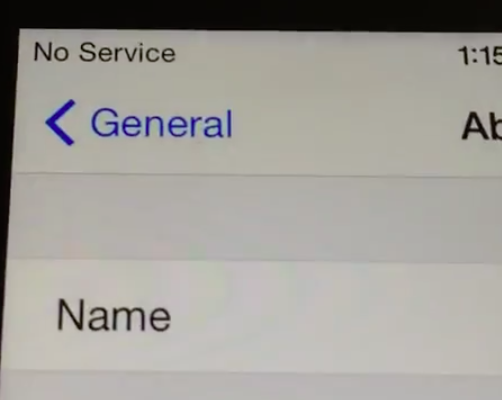
If you have just updated your trusty iPhone to the just-released iOS 8.0.1, chances are you may have ended up with a device that can't connect to the cellular network (shows No Service in the status bar) or read fingerprint data through the Touch ID sensor on the iPhone 5s, iPhone 6 and iPhone 6 Plus. As you could imagine, social media is awash with complaints from disgruntled users who are venting their frustration over the cellular and Touch ID issues.

At any rate, your best bet is to steer away from this update until Apple address the situation and releases a fix. Not everyone is affected, of course, but keep in mind we have no real indication as to how widespread those issues are because Apple, at the moment, isn't talking much.

That's why we're asking you, our readers, to tell us whether iOS 8.0.1 has broken cellular connectivity and Touch ID for you.

Don’t update to iOS 8.0.1

Warning: we are noticing that after installing iOS 8.0.1, our iPhones are showing 'no service' and Touch ID no longer works. We've confirmed this with several readers as well, so until we know more, we recommend holding off on the update. Video below.

Apple has released iOS 8.0.1 to the public this morning. The update comes exactly one week after the official iOS 8 release, and includes a myriad of bug fixes pertaining to third-party keyboards, the Reachability feature for newer iPhones, and uploading content in Safari.

Another notable item in the 8.0.1 change log is that the bug that prevented HealthKit-enabled apps from entering the App Store has been remedied. Apple says that it will now start approving HealthKit apps, meaning it shouldn't be too long before they start popping up.

Apple: we’re delaying HealthKit apps until month’s end over a software bug

Several health and fitness focused apps were updated in the App Store this morning with plenty useful new features that take advantage of the new HealthKit framework for developers, introduced alongside iOS 8.

An hour later, Apple pulled these newly-updated HealthKit apps from the store due to various software issues with its framework and has now told one journalist that a fix is underway and promised to put them back on the store by the month's end.

Some extensions not working yet in iOS 8-optimized apps

After announcing last week that iOS 8 will be released to the public on September 17th (that's tomorrow), Apple invited developers to begin submitting their apps and app-updates for the new firmware. In fact, it's already approved a number of iOS 8-optimized apps into the App Store.

But there's a problem that you've probably noticed if you're running a beta version of iOS 8 right now: extensions for many iOS 8 apps aren't working properly. According to MacRumors, the issue seems to be related to code-signing on Apple's end, and it's currently working on a fix.

iCloud Mail down for a small number of users for 17 hours now

If you use iCloud Mail, you may have noticed by now that your emails are not arriving, or are having difficulties accessing the web interface or your account in Apple's stock iOS Mail app and third-party email clients.

If so, you're among a tiny 0.1 percent of users who've been unable to receive mail for 20 hours and counting, according to Apple's iCloud dashboard on the web...