Issue

Are your Apple Watch resting calories all over the place?

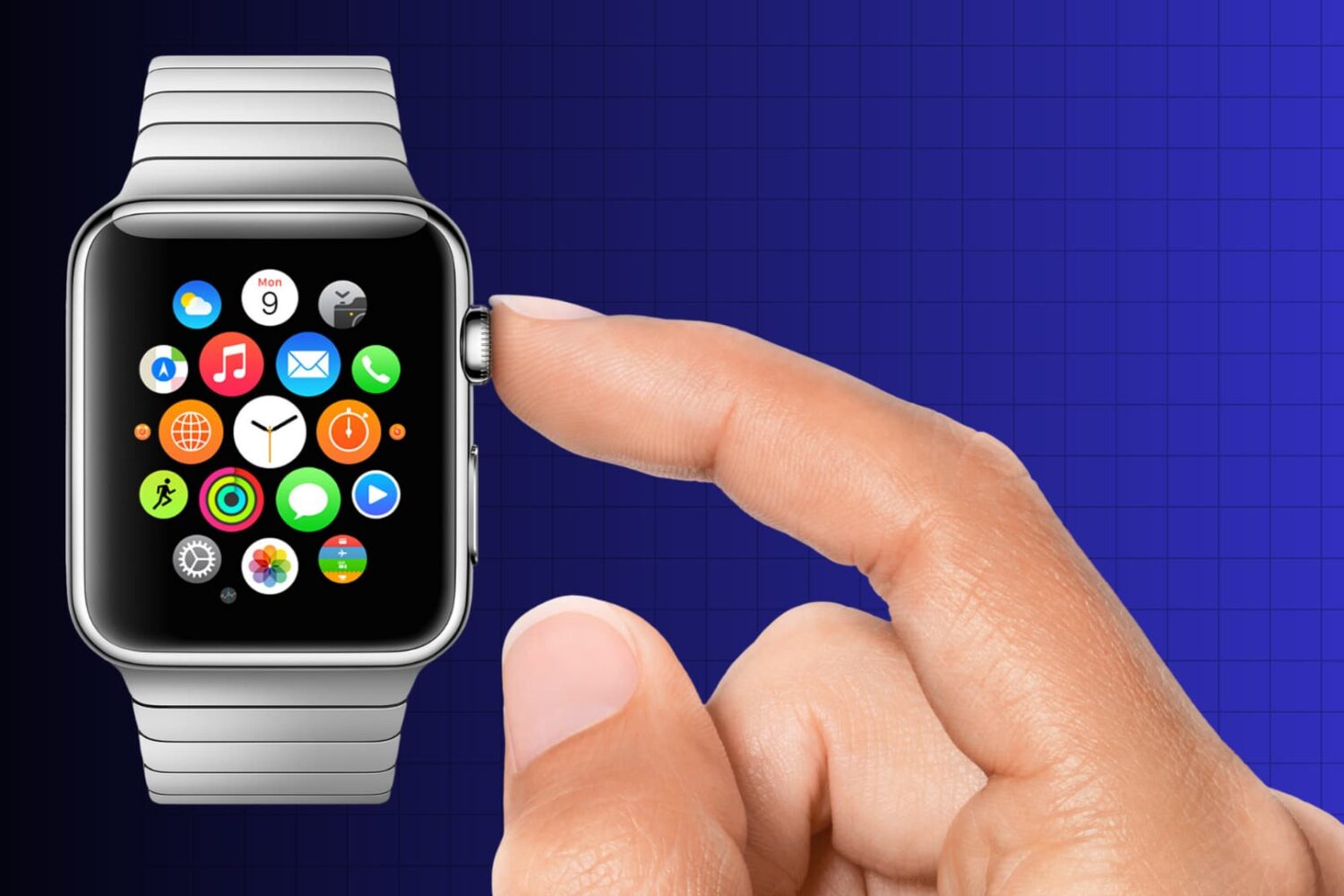
Calories on Apple Watch

According to numerous posts over at Apple Support Communities, as well as a huge thread on MacRumors' forum, an unknown subset of Apple Watch owners are complaining about their resting calories in the Activity and Workout apps being all over the place.

As opposed to active calories burned when working out or performing basically any other activity other than breathing and lying in bed, your body needs resting calories to sustain itself and digest food when you're reclining with your muscles relaxed.

In other words, resting calories are burned when you're doing absolutely nothing aside from being alive.
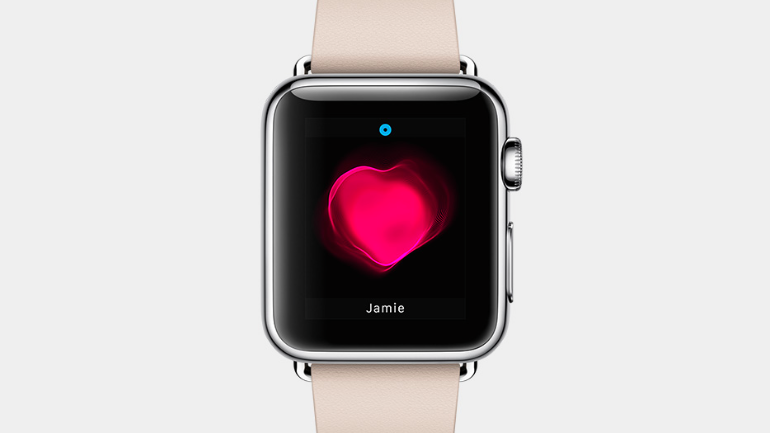
Users report less consistent heart rate readings after updating to Watch OS 1.0.1

In addition to fixing performance issues and a number of problems related to the accuracy of fitness tracking, the first software update for the Apple Watch seem to have introduced an unintended bug.

The affected owners have flocked to Apple Support Communities and MacRumors' forums to report that the device is now capturing their heart rate readings less frequently than before after updating to Watch OS 1.0.1.

Apple says the device's heart rate sensor should capture heart rates every ten minutes throughout the day — even more frequently during workouts — but there are now noticeably larger gaps of time between data, some as long as an hour or more.

More than a dozen iCloud services were unavailable or responding slowly for 7 hours

According to Apple's status page, multiple iCloud services have been experiencing various issues for six hours straight. “Users may experience slower than normal response when using most iCloud services,” reads a notice on the webpage.

More than a dozen iCloud services were affected at post time, with many services going completely offline.

UPDATE: Apple said that all services were restored as of 6:30am PT, adding that the outages affected a whopping 40 percent of iCloud users.

WSJ: slow Apple Watch rollout due to faulty Taptic Engine

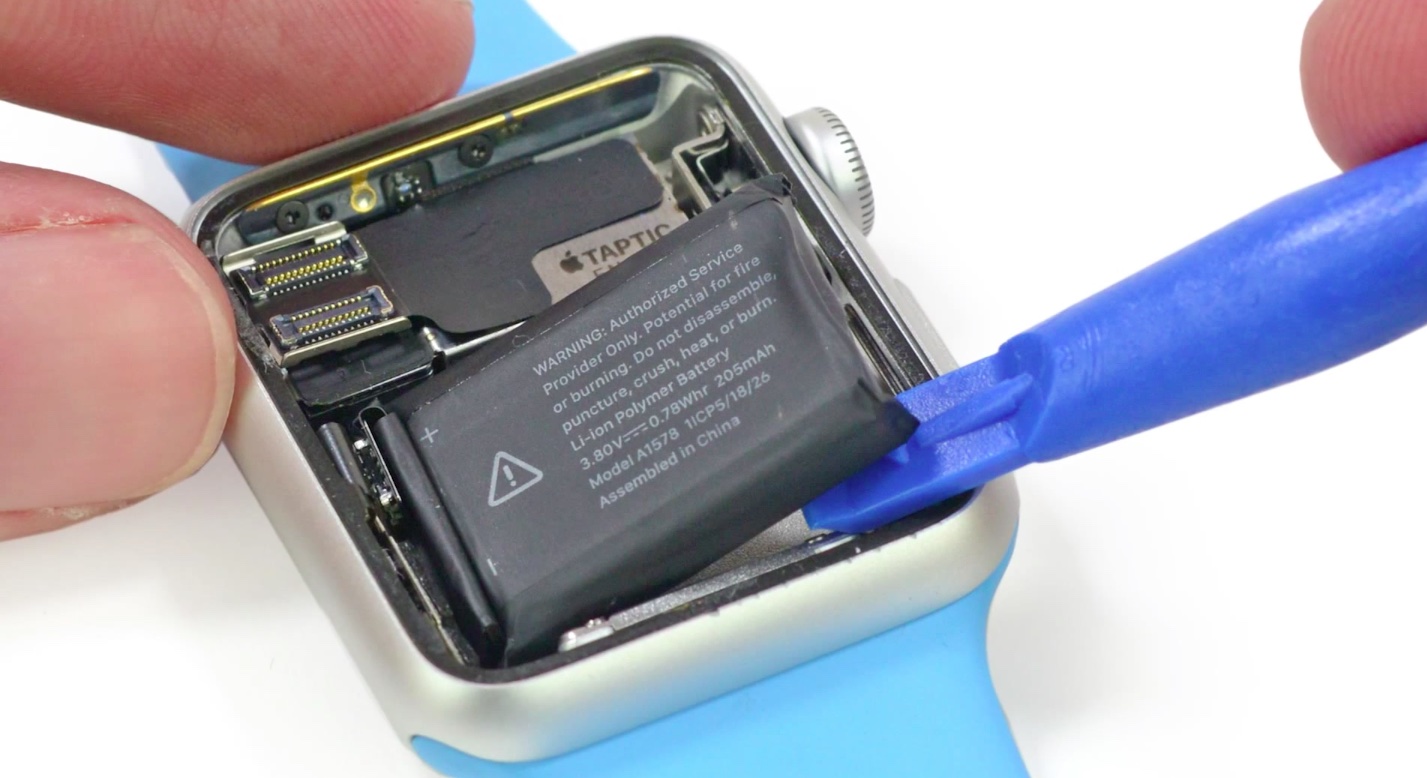
Faulty Taptic Engines may be behind the extremely limited availability of the Apple Watch, The Wall Street Journal reported on Wednesday. Citing sources familiar with the matter, the publication says that after mass production of the Engines began in February, quality testing found some of them to be unreliable.

The component, which Apple uses in its Watch to produce the sensation of being tapped on the wrist, is made by two suppliers: AAC Technologies Holdings Inc. and Nidec Corp. Apparently some of AAC's Taptic Engines were found to break down overtime, so Apple has moved a majority of its production over to Nidec.

Tattoos reportedly confusing Apple Watch heart rate sensor, Wrist Raise feature and more

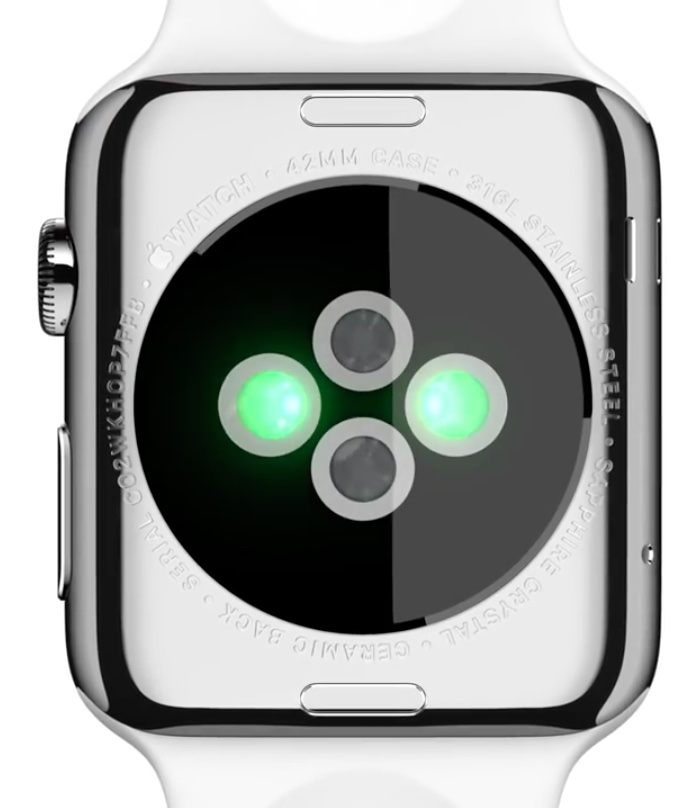
Your Apple Watch can wake to the watch face, or your last activity, when you raise your wrist. Called Wrist Raise, this handy feature uses the heart rate sensor, which requires skin contact.

But according to users on social media channels like Twitter and Reddit, tattooed wrists fool the Apple Watch into thinking it's not on a wrist in the first place, causing all sorts of issues.

For starters, the Activate on Raise Wrist function may stop working or may perform erratically. More problematic than that, people with tattooed wrists may stop receiving notifications. In addition, inaccurate heart rate readings have been reported, too, as dark tattoos can throw off Apple Watch's heart rate sensor and cause the Workout app to pause every now and then.

And because the sensor interferes with dark-inked tattoos, the device will request your passcode after mistakenly thinking it's lost skin contact. Another side-effect: Apple Pay, another feature that requires skin contact, gets disabled, causing you to re-enter the security PIN.

Touch ID for App Store purchases stops working for many after updating to iOS 8.3

A growing number of users are complaining about the inability to use Touch ID fingerprint scanning to authorize purchases in the App Store after updating to iOS 8.3.

As reported on Twitter, Reddit and detailed in a thread on Apple's Support Communities forums, iOS 8.3 appears to be asking for an Apple ID password for each and every purchase made in the App Store.

This is regardless of whether or not the option to use Touch ID in the App Store is enabled in Settings. What gives?

Users reporting problems accessing App Store and iTunes (update: back up again)

A growing number of users are taking to Twitter this morning to complain of yet another outage affecting Apple's App Store and the iTunes Store. Several folks around the world have reported problems purchasing new applications, with the App Store and iTunes returning a "The item you've requested is not currently available” error message.

Others complain about not being able to conduct searches for content on the iTunes Store and App Store and download apps and other content.

UPDATE 11:35am ET: all systems seem to have become operational again following a brief outage that lasted about an hour or so.

Apple fixes long-standing keyboard issue in iOS 8.3 beta

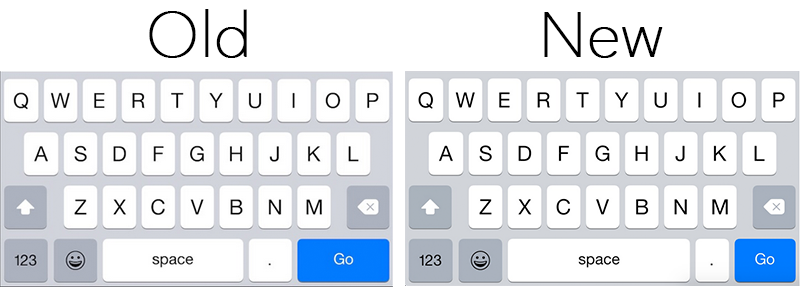
It appears Apple plans to fix a long-standing keyboard issue which caused users to inadvertently tap the period key when aiming for the space bar in Safari. As noted by MacRumors, beta versions of iOS 8.3 feature a design change that should resolve the problem.

In 8.3, Apple has made the space bar longer on the keyboard that pops up when inputting text in Safari's omnibar, and the 'Go' button shorter. This should make it less likely for users to encounter accidental period key presses when typing out their web searches.

Apple issues an apology for iTunes/iCloud downtime, blames outage on internal DNS error

Chances are you've by now realized that Apple's content stores and other iCloud services are experiencing widespread downtime.

Earlier this morning, Twitter lit up with complaints from users around the world who reported being unable to download apps, music, movies, TV shows and books, as well as buy in-app content, with some even unable to sign in to online service like iCloud Mail.

In an official statement issued to CNBC, Apple's apologized for inconveniencing customers and said the multi-hour outage is caused by “an internal DNS error” at the firm. As you could imagine, they're scrambling to produce a fix.

UPDATE: following what became an eleven-hour long outage, the App Store and iTunes services are now back online.

App Store, Mac App Store iTunes/iBooks Store and other iCloud services experiencing outage

If you're unable to update your apps or buy books and music on Apple's content stores, you're not alone — there's trouble in iCloud. Apple's App Store, Mac App Store, iTunes Store and iBooks Store services have been experiencing widespread outage for straight six hours now.

At first, the company's iCloud Status Page would not acknowledge the downtime. Earlier this morning, the company refreshed the dashboard which now shows the App Store, Mac App Store, iTunes Store and iBooks Store as being unavailable “for all users”.

UPDATE: following what became an eleven-hour long outage, the App Store and iTunes services are now back online.

YouTube issues affecting Yosemite’s Safari

According to user-submitted posts over at both Apple Support Communities and Google Product forums, an unknown portion of Mac owners who run Yosemite are having issues playing certain YouTube videos, with some getting Safari crashes when attempting to watch a clip.

It seems to affect some, not all, HTML5 videos and does not manifest itself when using the resource-hog Flash Player, causing Safari to fall back to Flash for video delivery.

Other browsers are unaffected by the annoying problem. Neither Apple nor Google have commented on the matter yet. Digging deeper, it would seem the hiccup could be traced to the YouTube backend because HTML5 videos in Google Chrome and other browsers play without a problem.