Issue

Error 53: Apple warns iOS 9 bricks iPhone 6 in case of unauthorized Touch ID repair

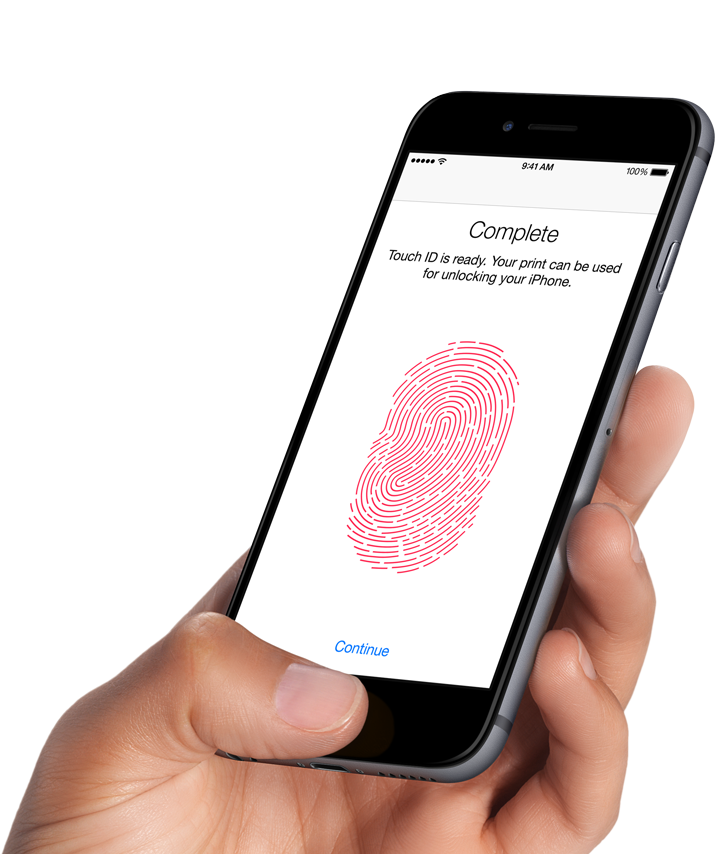
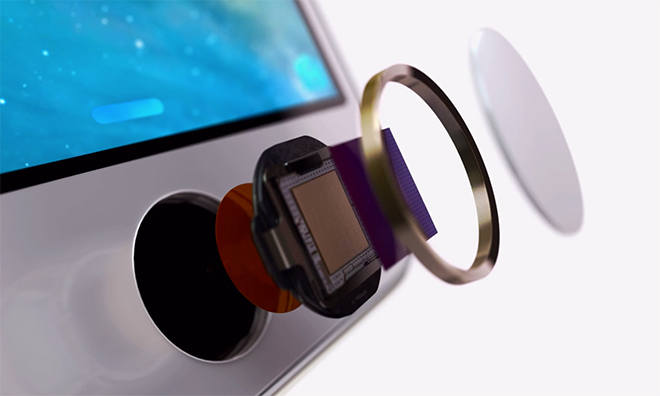
The Guardian on Friday reported that unauthorized third-party repairs to the iPhone 6's Touch ID Home button will brick the device as soon as iOS 9 is installed. Of course, we all know that using an unauthorized repair service not only voids warranty but puts oneself at risk of having a sub-par component that isn't sanctioned by Apple.

But is deliberate bricking really necessary here? Should users be inconvenienced just because they trusted someone to change their phone's Touch ID button or the cable connecting the Home button to the logic board? According to Apple, this is a security-related feature of iOS 9.

Some Apple Music subscribers experiencing issues with music search feature on iOS

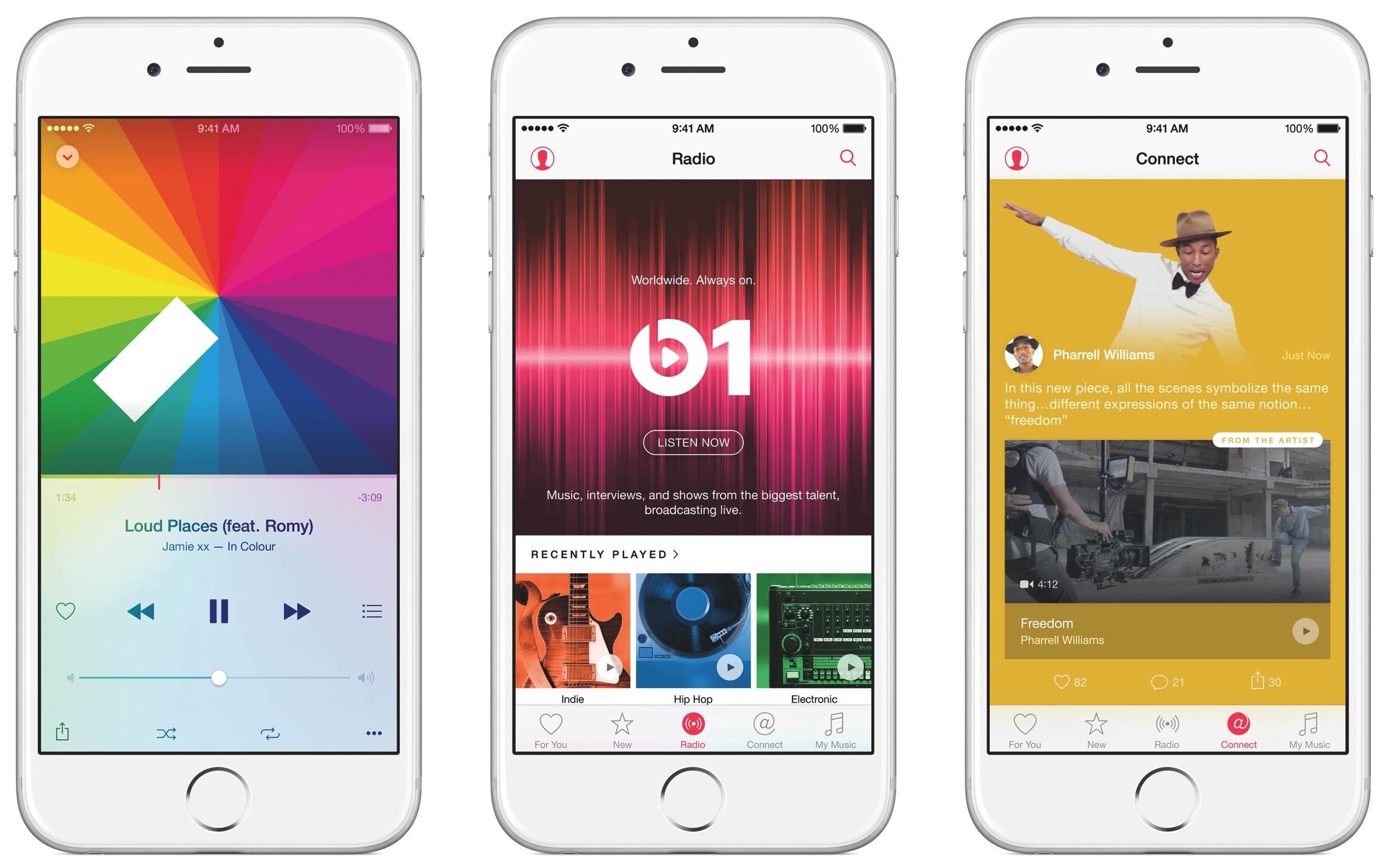
Some Apple Music subscribers are experiencing issues with the music search feature this morning, as first noted by MacRumors. The issue appears to exhibit itself when searching for new music in the Music app on the iPhone, iPod touch and iPad devices. At post time, the iCloud status webpage did not indicate there was a problem with Apple Music but Apple is usually slow to report problems with online services on that page.

Apple issues a recall of AC wall plug adapters in some countries, announces exchange program

Apple on Thursday announced a voluntary recall of AC wall plug adapters designed for use in Argentina, Australia, Brazil, Continental Europe, New Zealand and South Korea that shipped with Mac and certain iOS devices between 2003 and 2015 and were also included in the Apple World Travel Adapter Kit.

“In very rare cases, affected Apple two-prong wall plug adapters may break and create a risk of electrical shock if touched,” notes the company.

This prank webpage will crash your iPhone, iPad and Mac

Jokers on Twitter are tweeting out links to a new prank webpage that, when clicked, will crash your iPhone, iPod touch, iPad or Mac, or cause the device to become unresponsive.

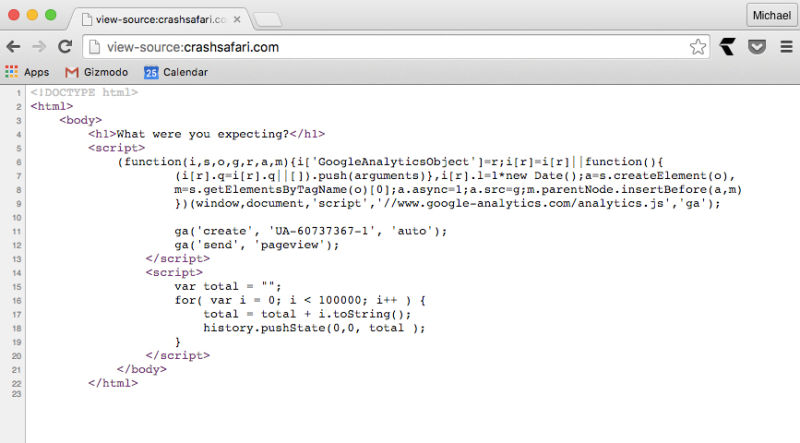
As Gizmodo explains, the aptly named website CrashSafari.com uses just four lines of code to crash Safari for iOS and OS X by running a script which adds thousands of characters per second into the address bar, causing Safari to overload its memory.

In the case of the Mac, you'll see the beach ball spinning and your computer will become unresponsive. On the iPhone, iPod touch or iPad, Safari will hang and start heating up your phone until it reboots itself.

Safari for Mac not resolving Twitter’s shortened “t.co” links? Apple’s identified a fix.

If you prefer to browse your Twitter timeline in Safari for Mac, you must have noticed the irritating issue where the browser won't resolve shortened “t.co” links, resulting in an error message informing you that “Safari can't open the page because the server where this page is located is not responding”.

What's really surprising is that this persistent Safari bug, which basically renders most Twitter links unreadable, has been around since last November, as evidenced by the Apple Support Communities.

According to an Apple engineer, a fix has been identified but it's unclear when an OS X software update, or a Safari patch, that would squash the bug might be issued.

Apple investigating iPhone 6s battery percentage issue, offers temporary fix

Has the battery percentage indicator been acting up lately on your iPhone 6s or iPhone 6s Plus? If so, you're not alone: this is a known issue, according to Apple's newly published support document.

“If you change the time on your iPhone 6s or iPhone 6s Plus manually or change time zones when traveling, you might notice that the battery percentage doesn’t update,” reads the document.

Apple is aware of the problem and working hard to deliver a permanent fix.

App Store acting up and not showing updates correctly? Try this workaround…

Have you experienced an annoying hiccup in the App Store where it shows that one or more apps need updating but you can't actually apply the updates? Or perhaps the App Store's icon on your iPhone, iPod touch or iPad's Home screen is showing a badge even though you've just successfully downloaded all app updates?

I first noticed this odd behavior back in the summer and thought it was a temporary problem that would get fixed soon, but it persisted. As it turns out, this is a caching issue that can be easily circumvented with a simple, cool trick.

Apple provides interim fix for iPad Pro sluggishness after long charge

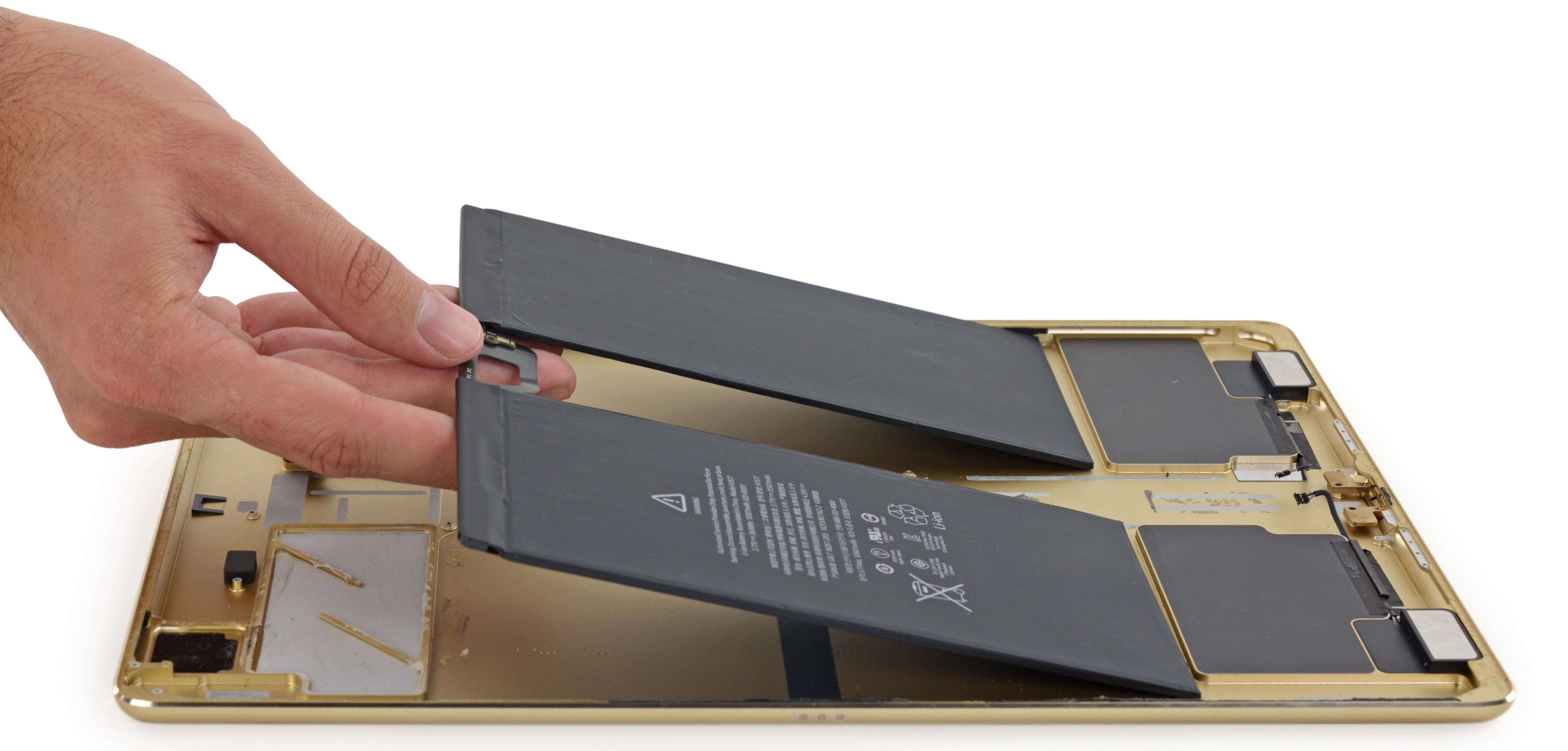
Following reports from iPad Pro owners who have been complaining about the device becoming unresponsive after being charged for a lengthy period of time, which typically occurs during overnight charging, Apple has now acknowledged the issue and confirmed it's working on a permanent fix.

In the meantime, the company has provided an interim fix that it says will temporarily restore normal operation after the iPad Pro becomes unresponsive.

Many iPad Pro owners are complaining about unresponsiveness after long charge

A couple of threads are currently growing on Reddit and the Apple Support Communities forums, with a significant number of lucky owners of the iPad Pro complaining that their device becomes unresponsive after being charged for a lengthy period. This typically occurs during overnight charging.

The annoying issues causes the device to require a hard restart to restore functionality. Apple had not commented on the hiccup publicly at the time of this writing, and almost certainly will not.

Mac App Store authentication glitches forcing users to reinstall apps

As first spotted by Tweetbot developer Paul Haddad, some Mac owners are being forced to download and reinstall apps on their computer following what appears to be a security glitch in the Mac App Store.

The affected users are seeing a message saying that their app has been damaged and cannot be opened, with the prompt advising folks to download the app again from the Mac App Store.

Here's what you can do about it.

Some users are complaining about Touch ID issues after updating to iOS 9.1

A growing number of iPhone and iPad users are taking to Apple's Support Communities forums to complain about slow or unreliable Touch ID performance after applying Apple's iOS 9.1 software update to their devices.

In addition to slow response times and unreliable performance, other issues plaguing an unknown number of users include Touch ID stopping working altogether on their iOS 9.1 devices.

No, it’s not just you; the iTunes Store is experiencing issues [Updated]

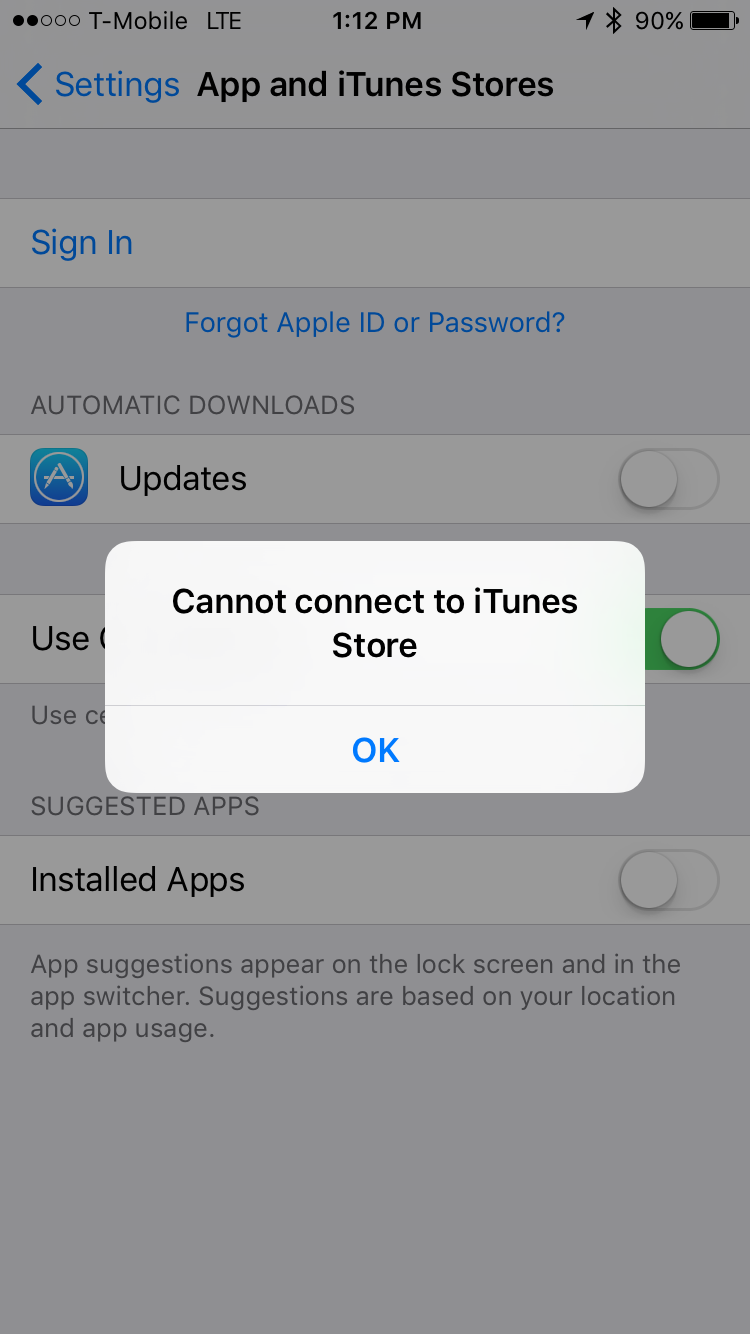
If you're having problems downloading apps or installing updates from the App Store, you're not alone. I am not able to download apps or install updates, and another colleague has verified the same. Also, if you check Apple's system status page, you'll see where the iTunes Store is experiencing issues.

This issue appears to be affecting iTunes Store, App Store, and Mac App Store purchases and updates. Best advice? Just be patient until Apple gets things resolved.