iPod Touch

Popular Spark email client is now available on iPad

Spark, a powerful email client from Ukrainian developer Readdle, has received a much-needed refresh in the App Store today, finally bringing out a native user interface on the iPad, so now you can experience Spark's email magic on all your devices, including the 12.9-inch iPad Pro.

Spark 1.6 also includes other refinements and improvements, such as an even better wrist app with fully native watchOS 2 support, landscape mode across all iOS devices, nine new languages, the ability to keep your email accounts and settings synced across all devices via iCloud and more.

The update is being rolled this morning so don't panic if you don't see it yet in your local App Store as these things take time to propagate.

This app lets you crop, zoom and trim Live Photos without destroying the live part

The Photos app on your iPhone, iPod touch, iPad and Mac lets you use the Auto Enhance and Remove Red-Eye tools with Live Photos in a non-destructive manner, which is nice.

But use filters, or perform a crop or trim on your Live Photo and it'll get turned into a still image because Apple's Photos solution isn't advanced enough (yet) to support these editing operations in conjunction with Live Photos.

This can be quite cumbersome for two reasons. A) You must manually restore your Live Photo by tapping Edit → Revert; and B) these stills only include the motionless part of your Live Photos.

With Live Crop, a nifty little app by developer MobiLab, not only can you trim and crop out parts of your Live Photo without destroying its live component, but also crop, zoom, trim and resize Live Photos, your videos as well as animated GIFs.

iOS 9 adoption slowing, stays at 77% of devices

The adoption rate of iOS 9 appears to be stalling at 77 percent of devices, according to the most recent stats published on Apple's dashboard for developers. The figure was derived from device logs capturing iOS hardware that has accessed the App Store on February 22, and is literally unchanged from the same 77 percent mark recorded two weeks ago.

iOS 8 continues to comprise seventeen percent of devices while older editions of iOS accounted for six percent of devices—again, same as two weeks ago.

Instead of a much-wanted Dislike button, Facebook adds six reactions to its Like button

Facebook on Wednesday announced a move that has been long in the making: the company is extending the functionality of its ubiquitous Like button with six different reactions that help describe users' mood and express how something they see in the News Feed makes them feel.

Available to all users globally across all mobile and desktop platforms, the six new reactions—Like, Love, Haha, Wow, Sad or Angry—can be applied by holding down the Like button on mobile or hovering over the Like button on desktop.

Viber gains more 3D Touch goodies, Split View and Slide Over multitasking on iPad Pro and other perks

Viber, the popular instant messaging application, has received an update in the App Store. Bumped to version 5.8, the app now works side-by-side with other apps in iOS 9's new Split View and Slide Over multitasking on the iPad Pro.

On the iPhone 6s and iPhone 6s Plus, your most recent chats are now available right from the app's 3D Touch shortcut menu on the Home screen.

This edition of Viber also packs in some other improvements related to 'read' and 'liked' icons in group chats and an all-new media browser for chats.

YouTube picks up native resolution support on iPad Pro

Google on Tuesday issued a small update to its YouTube client in the App Store, adding support for the iPad Pro's 12.9-inch 2,732-by-2,048 pixel resolution screen, bringing the app's version number to 11.0.6.

Unfortunately, advanced iPad-only features provided by iOS 9 are not yet supported in YouTube for iOS, namely the new Slide Over and Split View multitasking modes.

This edition of YouTube also fixed a bug that caused the keyboard to freeze while commenting and another one which caused the app to crash after adding a Google or YouTube account on iOS 7.

Elgato Eve Energy review: a HomeKit-enabled wireless sensor & switch

Apple’s HomeKit has had a bit of a rocky start. The home automation platform that was meant to tie all of your smart home devices together was plagued by delays from Apple, as well as manufacturers. Devices started to hit the market in the middle of last year, and this year at CES, we saw many new options that are slowly starting to trickle out. Today, we are going to take a look at one of those devices, Eve Energy from Elgato. It is a simple solutions for those who want to start or grow their smart home, without breaking the bank.

iOS 9.3 beta 4 and OS X 10.11.4 El Capitan beta 4 now available for public beta-testing

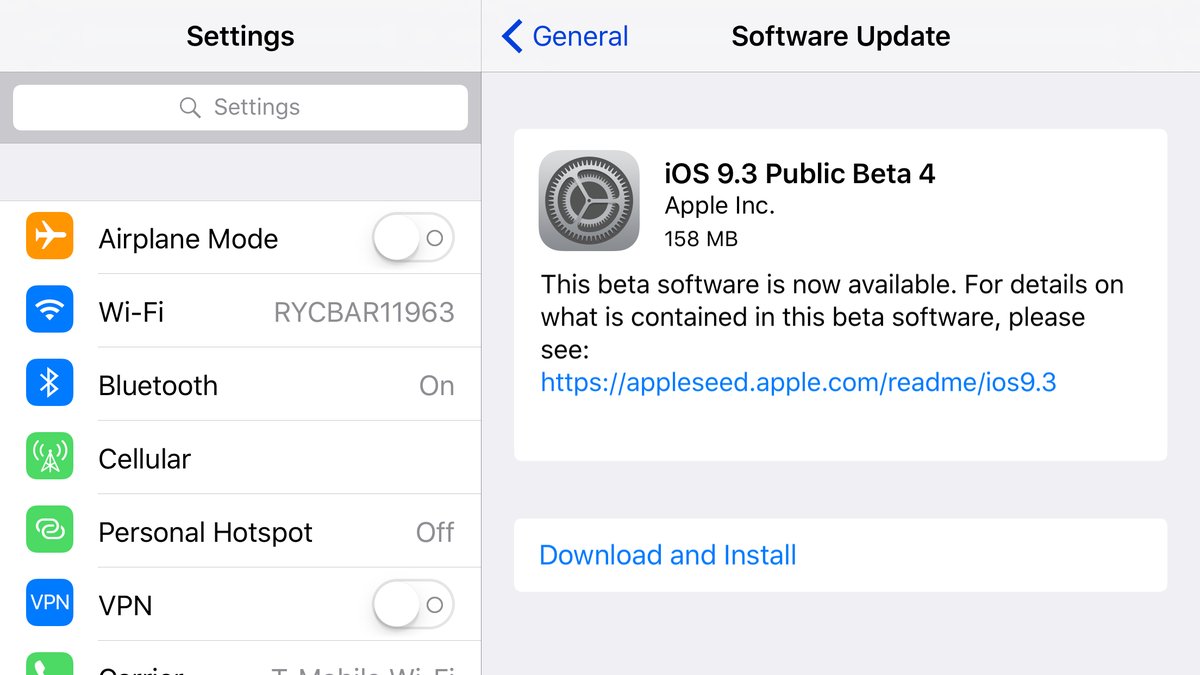
A day after it has released a fourth beta of iOS 9.3 and a fourth beta of OS X 10.11.4 to its registered developers, Apple today has made both software updates available to users who are signed up for the Apple Beta Software Program.

Public beta builds of both iOS 9.3 beta 4 and OS X 10.11.4 beta 4 can be downloaded directly on devices that are enrolled in Apple's beta program through the Software Update mechanism.

Skype is shutting down Qik

Microsoft has confirmed that it it will be shutting down Qik, its ephemeral mobile video messaging app which debuted on mobile in October of 2014. Marketed under the Skype brand, the app promised to make video conversations “more spontaneous and fun so you don’t have to wait until your next call to connect with your favorite people.”

Following a few updates, the app has introduced support for the iPhone 6/6s screen sizes and added some new languages and video effects, but not much in way of new features.

How to install emulators on your iPhone or iPad, no jailbreak required

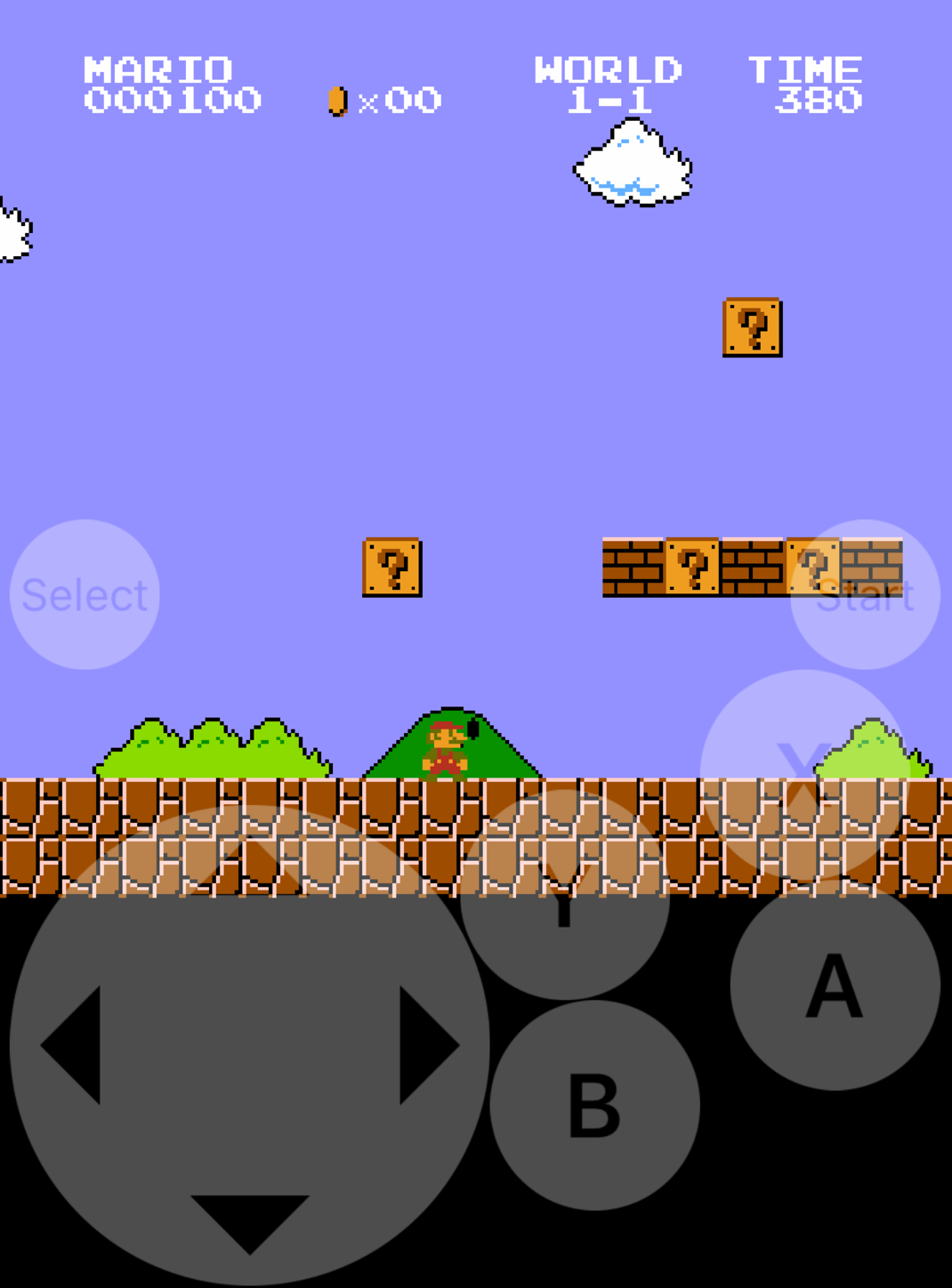
Emulators are a way to play your favorite childhood games on your iPhone, iPod touch, or iPad without carrying the game disks or cartridges and game consoles around with you. Instead, they sideload the games on your device as a piece of software, and they're given controls that are adapted for the touch screen.

In this tutorial, we'll be showing you a method that still works to this day for getting emulators on your iOS device, and the best part is, you don't even have to be jailbroken to do any of it.