Learn how to change the default save location where Apple's Safari browser stores files you download on your iPhone, iPad, or Mac.
How to change where the downloaded Safari items are saved
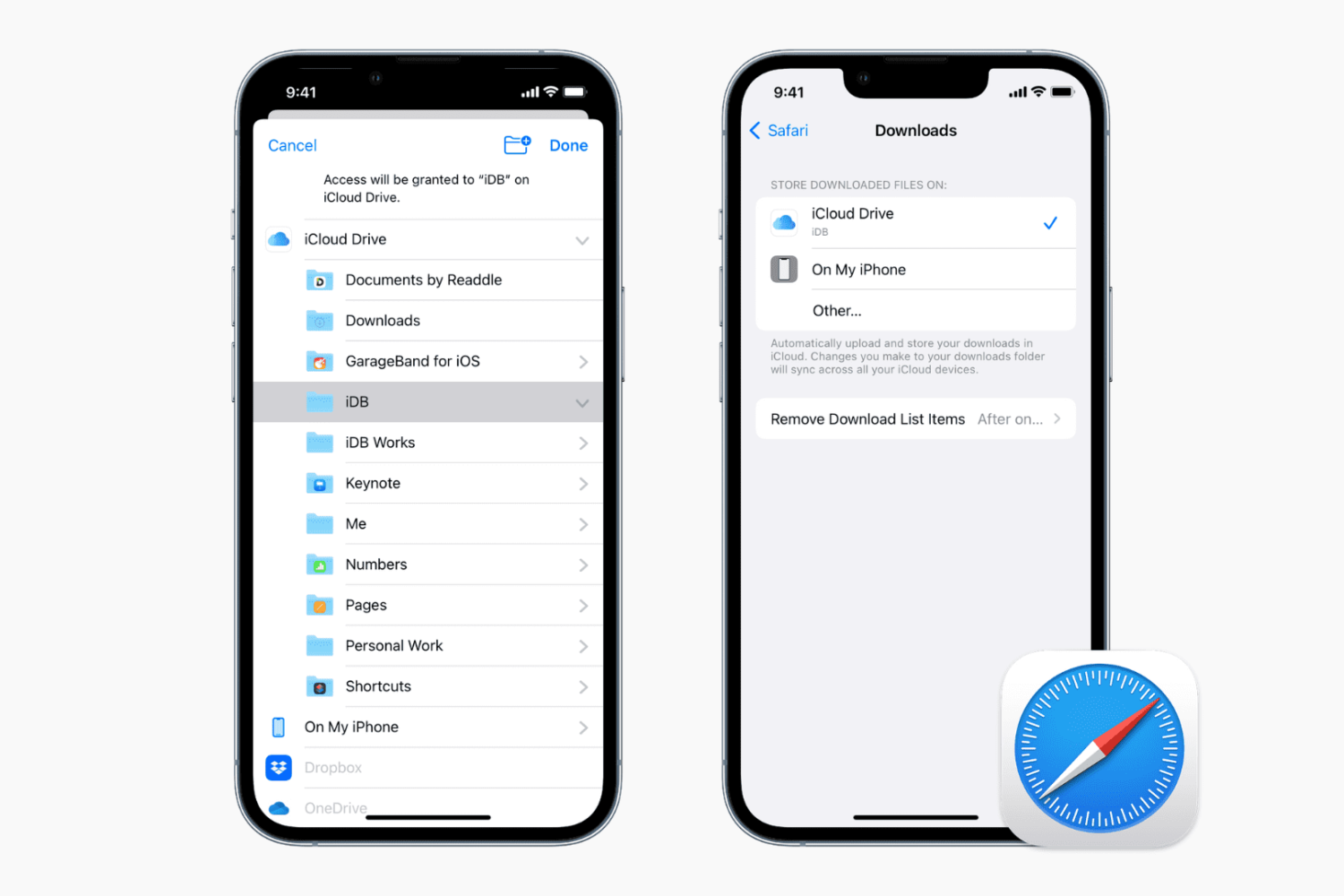
Learn how to change the default save location where Apple's Safari browser stores files you download on your iPhone, iPad, or Mac.
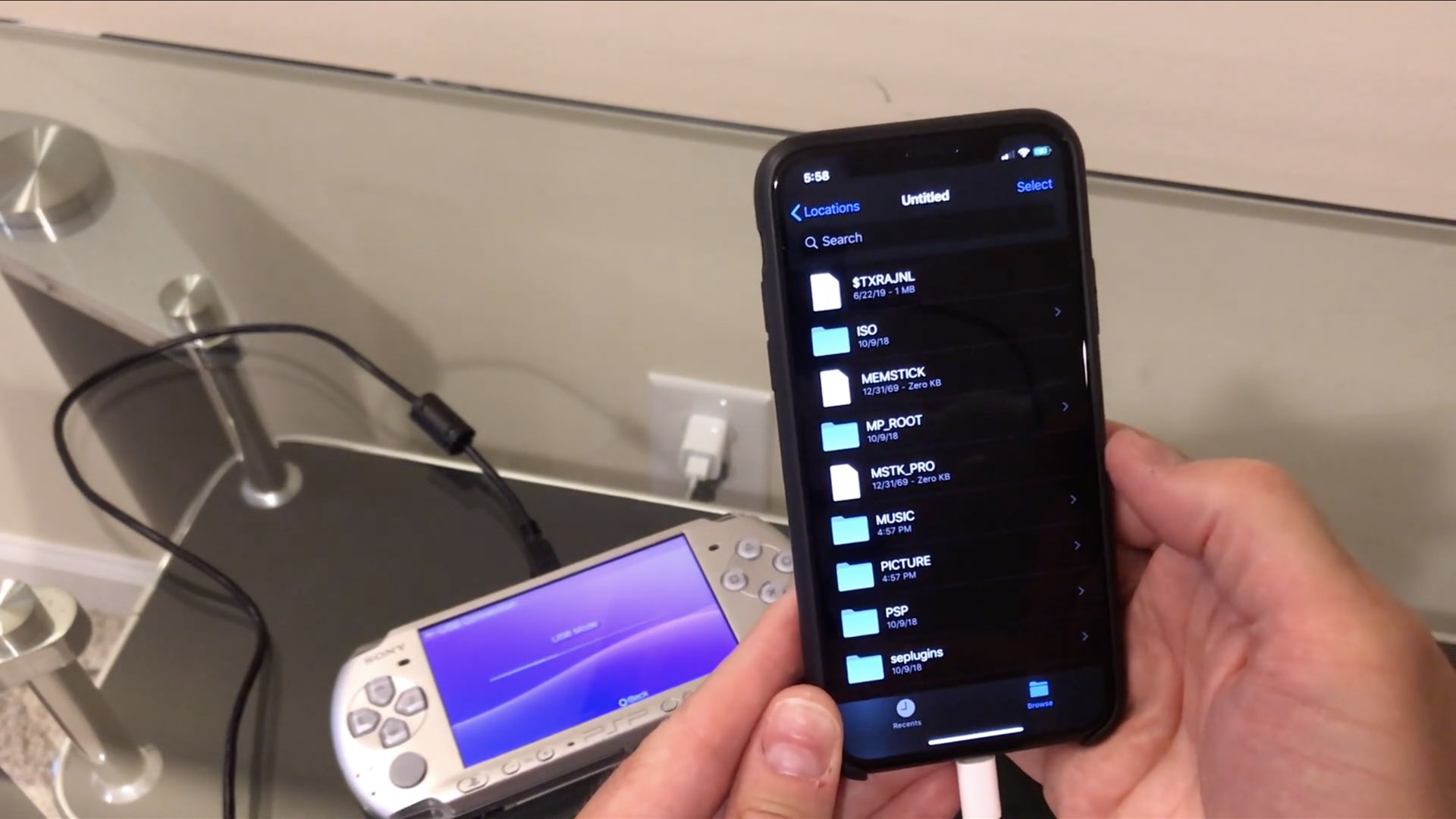
One enthusiast has so far been able to connect an Iomega Zip drive and even an Amazon Kindle to his iPhone running iOS 13 and access them through the much-improved Files app. But how about connecting some really old stuff to an iPhone or iPad, like a floppy drive?
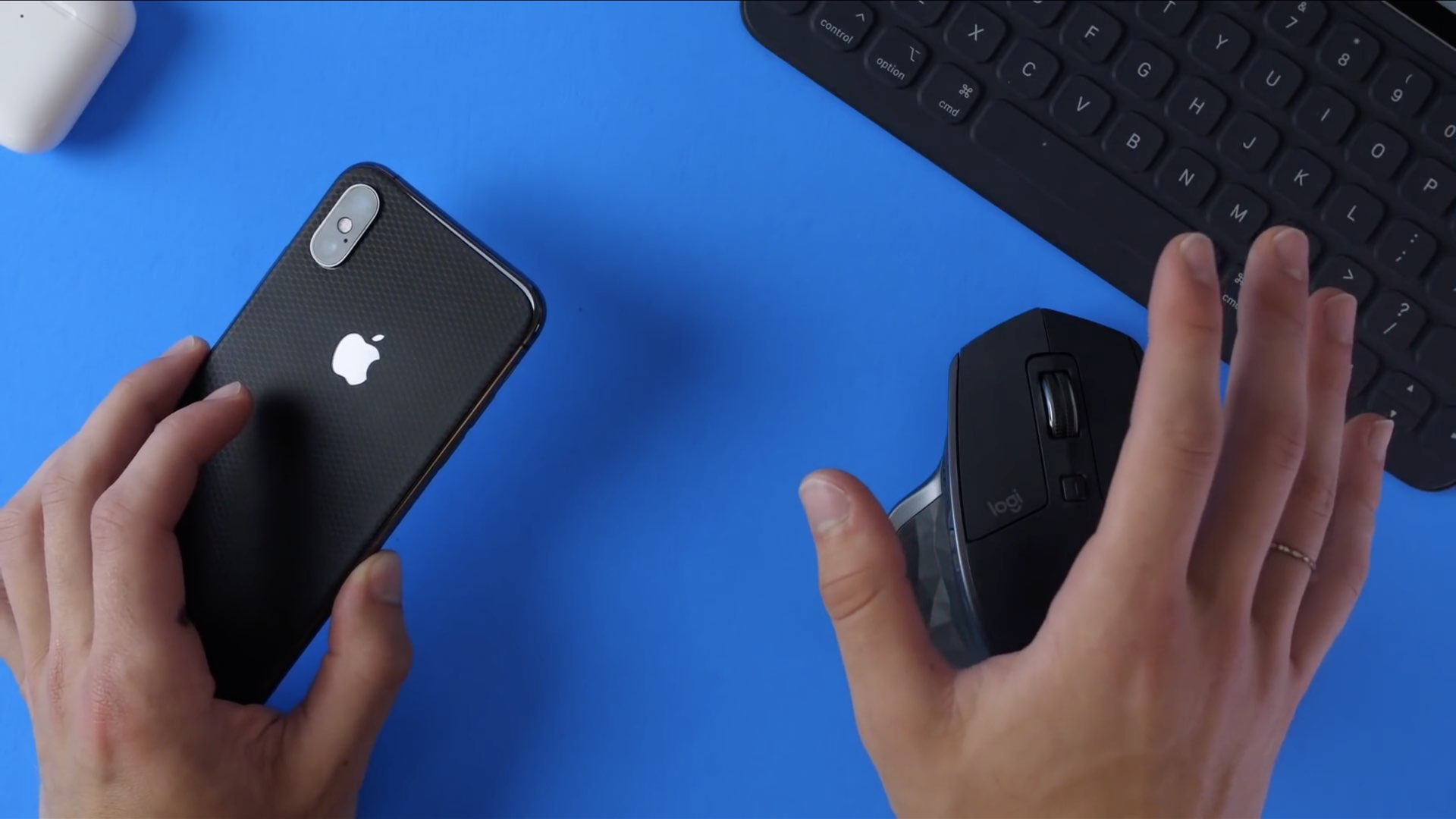
With the iOS 13 beta now available to both developers and public beta testers, we thought it prudent to put a spotlight on some of the smaller yet essential improvements that Apple didn't talk about at WWDC 2019 but we think deserve a quick mention, from auto-naming your scans to iPhone mouse support to Family Sharing in Personal Hotspot and beyond.
iOS 13 and iPadOS have changed how you get to your accessibility settings.
The Siri live radio feature that was announced during the June 3 WWDC 2019 keynote is now being quietly rolled out across HomePod, iPhone and iPad ahead of iOS 13's launch this fall.
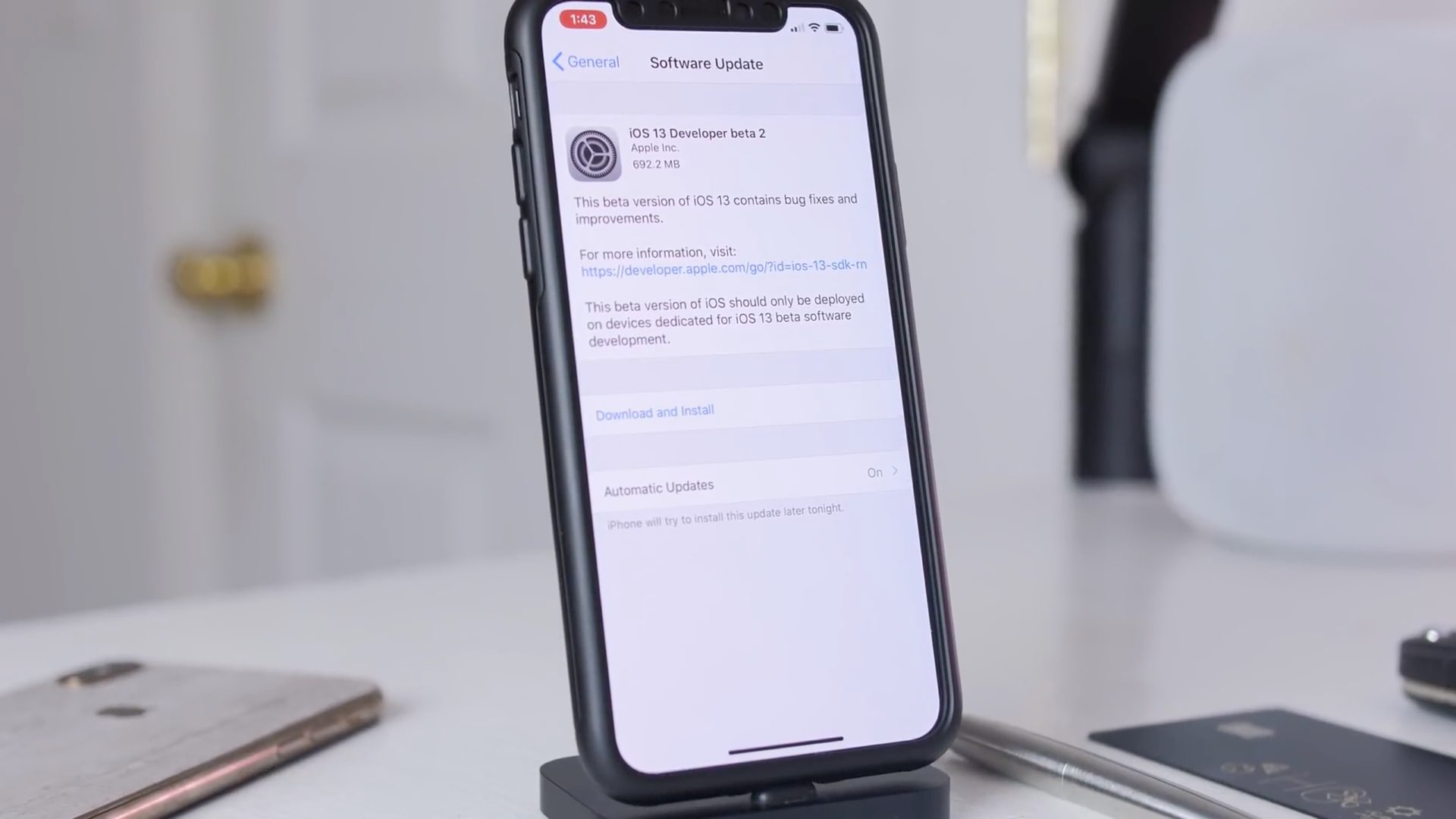
Sit back and relax as iDownloadBlog's Harris Craycraft takes you on a quick tour of some of the biggest changes in the second developer beta of iOS 13.
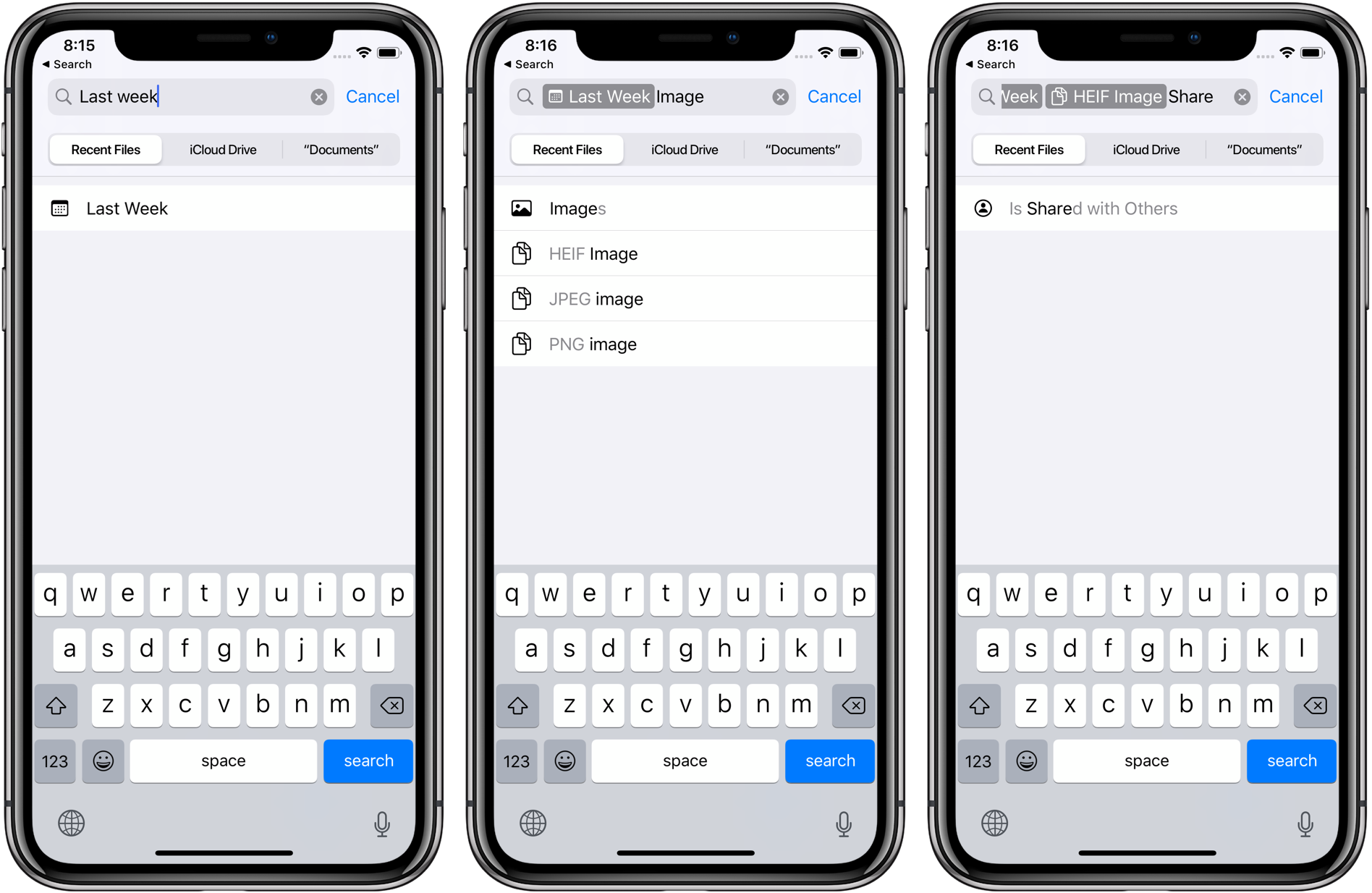
iOS 13 brings a more advanced Files app for iPhone that lets you access external storage devices, including SD cards and USB flash drives, as well as use file servers, archive and unarchive files, share iCloud folders via a link, manage Safari and Mail downloads, and more.
Apple has replaced the itunes.apple.com URLs when accessing listings from App Store and Mac App Store through a web browser with the new apps.apple.com domain in yet another sign that the iPhone maker is unshackling itself from the past and moving forward.
iOS 13's Safari lacks the iPad-only capabilities afforded by the iPadOS software, such as the ability to create multiple browser windows by dragging, but there are plenty of other feature enhancements to make it a worthwhile update, like a dedicated download manager.
Apple on June 3, 2019 released developer betas of the new iOS 13 and iPadOS software. You're advised to avoid deploying the betas onto your daily drivers, but if you do happen to have a spare iOS device laying around somewhere - or you're the type who prefers to live on the bleeding edge of technology - follow the instructions in our step-by-step guide to learn how to download and install the iOS 13 beta on your iPhone and the beta of iPadOS 13 on your iPad.
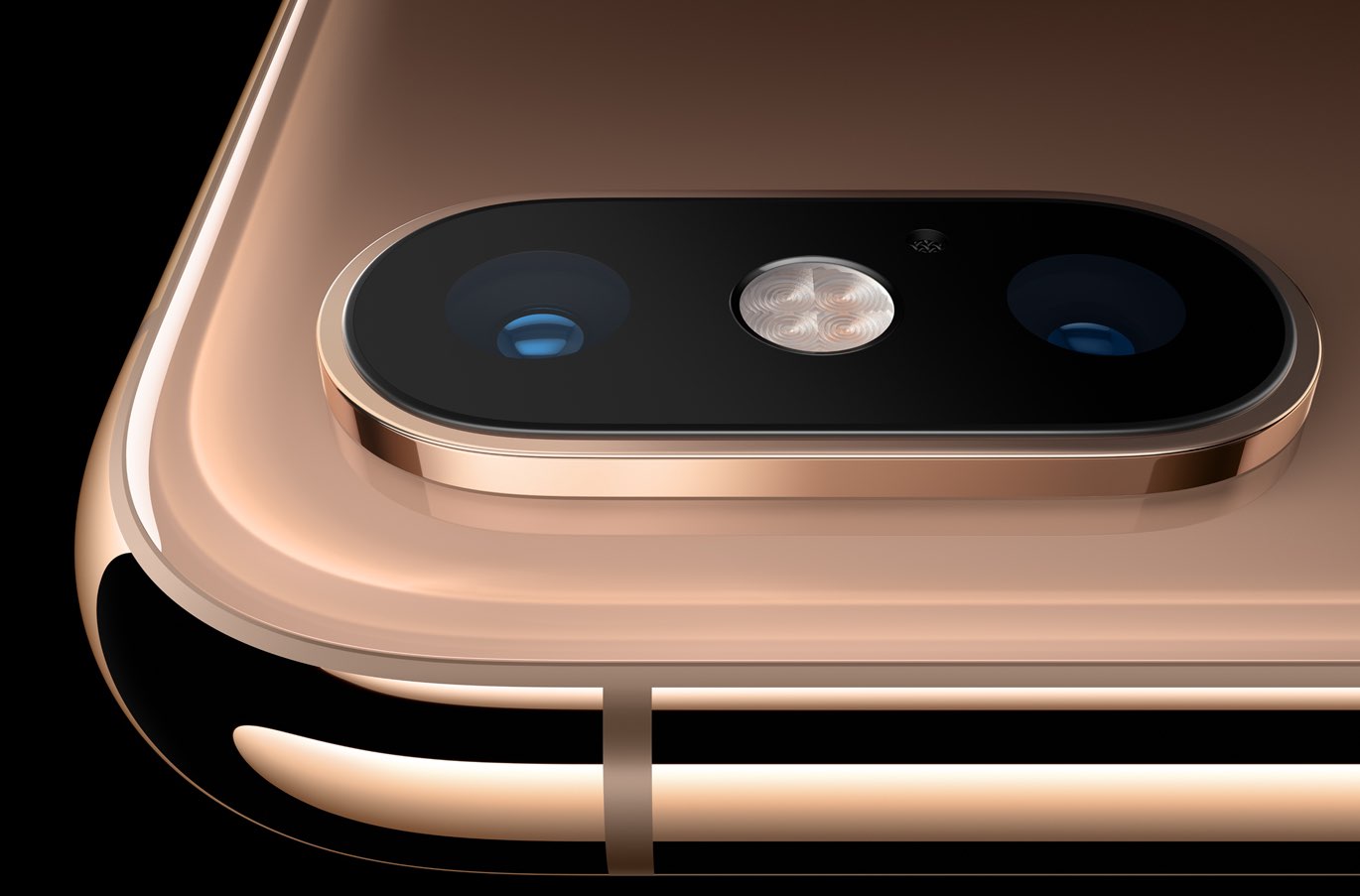
The Camera app in iOS 13 has received some love, too, although not as much as we've been hoping for. There are two main new user-facing enhancements. First, a new monochromatic image effect is available in-camera during capture, creating a classic look by setting a monochromatic subject agains an all-white background. The other new feature allows you to adjust the intensity of any Portrait Lighting shooting mode, while taking an image.
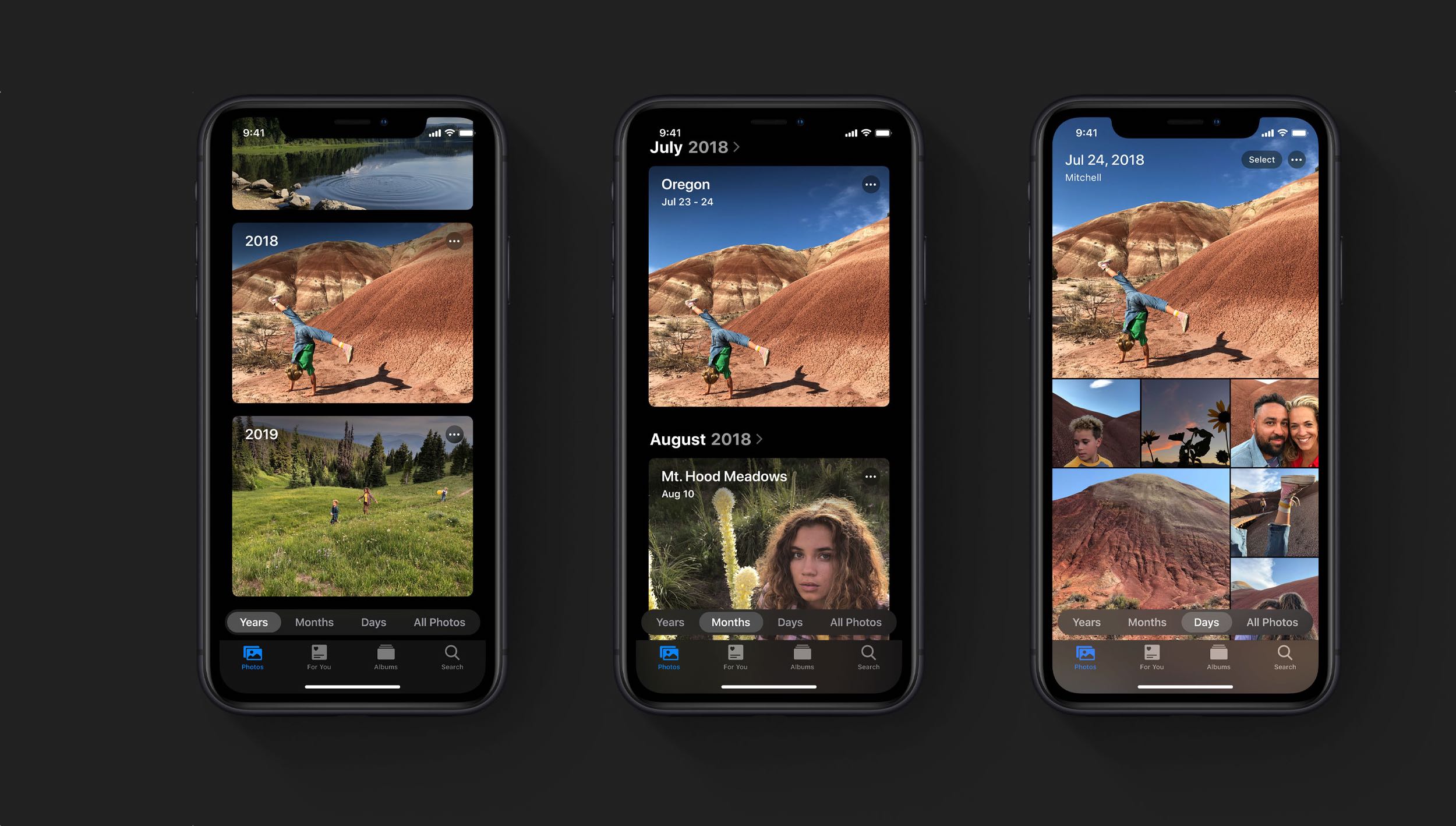
iOS 13's Photos app brings new ways to browse and edit not just images, but videos too.