iPhone

Stay up-to-date on the latest iPhone news and learn new tips and tricks with our comprehensive tutorials. From software updates to new features, we’ve got you covered.

How to decrease ‘Other’ storage on iPhone or iPad

The infamous 'Other' storage section displayed in iTunes after connecting an iPhone, iPod touch or iPad to a computer is definitely one of the pain points for users mainly because it keeps increasing on its own.

'Other' storage is a combination of system settings, caches and various files that iOS stores temporarily to speed up system performance and minimize your dependency on network connectivity.

This all happens automatically and without any intervention on part of the user. That said, software can (and will) break and so these files may not get cleaned out properly. And when that happens, a large amount of storage will be lumped into the 'Other' category. The good news is, your proactiveness in dealing with this issue should pay off.

It's actually fairly easy to recover your usable storage lost to 'Other' space hogs by specifically targeting certain items. In this post, we'll lay out a few different techniques to decrease 'Other' storage on your iPhone or iPad.

How to open ZIP files on iPhone using the Notes app

Although neither Apple's Safari nor Google's Chrome browser can extract files from ZIP archives on iOS, it has been discovered that Apple's Notes app lets users view the contents of ZIP files by taking advantage of iOS's built-in file attachment viewers.

Starting with iOS 9, Notes has received several new features, among them support for adding content to a new or existing note through iOS's multi-purpose Share menu in apps like Safari, Maps, Pages and more.

As it turns out, you can also use iOS's Share menu in conjunction with the “Open In” feature to add a downloaded ZIP file to a note on your iPhone, iPod touch or iPad.

Rumor: iPhone 7 chips to be encapsulated in EMI shielding

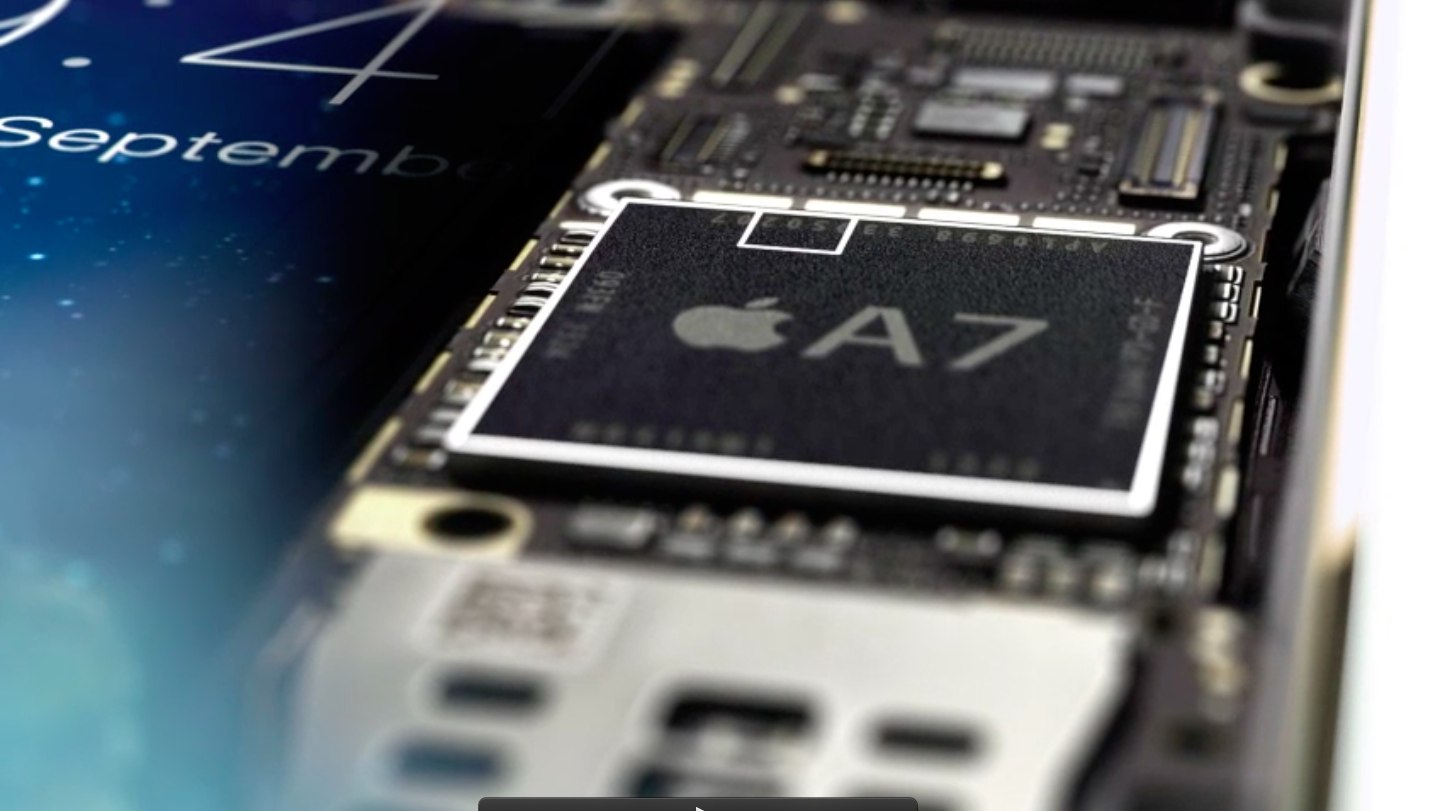
Korean publication ETNews is claiming that Apple's upcoming iPhone 7 smartphone refresh will reduce electromagnetic interference by encapsulating major chips, including its application processor, into an electromagnetic interference (EMI) shielding.

According to ETNews, key iPhone 7 chips such as the main 'A10' processor, Wi-Fi and Bluetooth modules, cellular modems and RF chips will be protected by EMI shielding, which involves covering a chip's surface with ultra-thin metal. Prior iPhones have used EMI shielding on the printed circuit board and the connectors to reduce electromagnetic interference.

A closer look at some of Speck’s most popular iPhone cases

Speck makes some awesome cases for the iPhone lineup, and if you've been itching for a new one, don't count these guys out.

You've probably seen plenty of people using Speck cases on their iPhones, and for the most part, the cases have retained the same design over the years, generation after generation – it's a tried and true design so simplistic that there isn't much that needs to be changed.

In this roundup, we'll show you the pros and cons of some of Speck's most popular iPhone cases, such as the CandyShell, CandyShell Grip, CandyShell Clear, and the MighyShell.

Apple promises a fix for iPhone bricking stemming from date and time bug

A newly published support document from Apple, which was first discovered by German blog Apfelpage.de, has acknowledged an issue where any 64-bit iPhone could be bricked by setting the date back to a specific time, causing it to fail to boot properly and requiring a physical repair to put the device back into working order.

According to the document, a permanent fix for the problem will be released as part of a future software update. Meanwhile, the affected iPhone owners are advised to contact Apple Support.

How to share iCloud calendars

Apple's Calendar application for the iPhone, iPod touch, iPad, Mac and iCloud.com makes it simple to share events and to-dos with select people, or let anyone with a link subscribe to a read-only calendar.

For example, you could share a “To Do” calendar with your significant other, create a calendar for your entire family so every member can put errands on it, invite your wife to a shared “Kids” calendar to keep parents in the loop about school activities and more.

Not only do shared calendars increase your productivity in the workplace, they help those who use them become more organized in everyday life. You can assign edit privileges to invitees, adjust how participants access the calendar and more.

Invitees have a myriad of options at their disposal to view shared calendars, including the iCloud Calendar web app, the stock Calendar app on the iPhone, iPad, iPod touch and Mac or Microsoft Outlook on a Windows computer.

In this tutorial, you will learn how to share a calendar privately or publicly on iPhone, iPad, Mac and iCloud.com. You will also learn how to manage calendar sharing by adding or removing participants, changing privileges, adjusting calendar notifications, and more.

3D Touch shortcuts for the Camera app

Whenever an awesome photo opportunity presents itself, I instinctively grab my iPhone, launch the Camera app and press the shutter button.

But boy, way too many times did I find myself in the wrong camera mode. One time, I would realize I was shooting video instead of taking a great picture. Other times I would snap a selfie, whereas I wanted to take a quick photo of my neighbor's dog jumping in the air catching her frisbee.

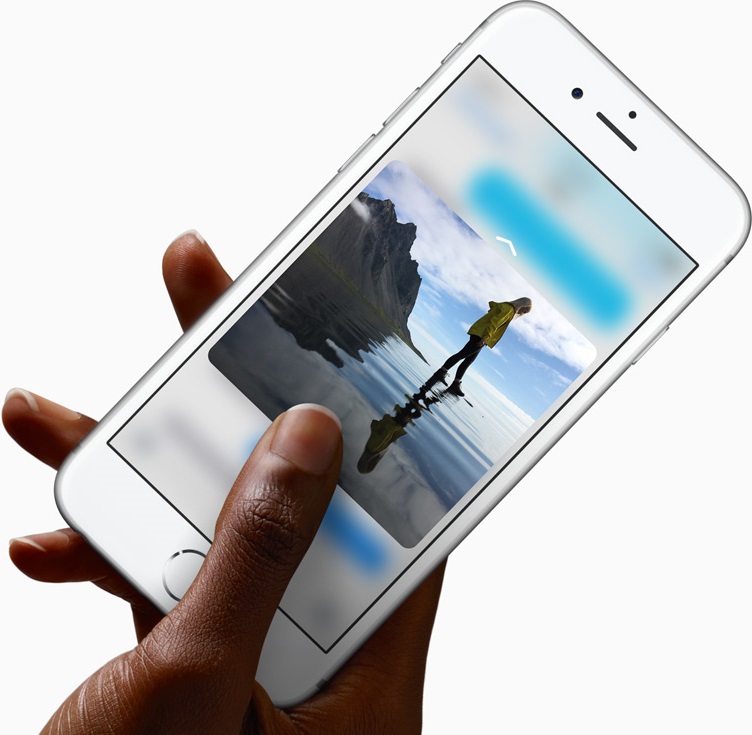
3D Touch can help avoid such distractions when you're in the middle of your photography moment. With a little help of 3D Touch shortcuts and gestures, iPhone owners will hopefully never miss that important shot again.

3D Touch lets you take a selfie or start shooting video from the Home screen, review the photos you’ve taken without leaving the Camera app, play Live Photos with a press and more. In this tutorial, we'll take you through every 3D Touch-enhanced feature that's available to iPhone photography fans in Apple's built-in Camera app.

iPhone 5se and iPad Air 3 expected to launch March 18

Apple is planning to launch the iPhone 5se and iPad Air 3 on Friday, March 18th, reports 9to5Mac. Citing sources familiar with the matter, the outlet claims the launch of the long-rumored 4-inch iPhone and third-gen iPad Air will follow their unveiling at an event on Tuesday, March 15th.

If true, this would mark a departure from Apple's usual launch cycle, in which products are introduced one to two weeks before they are available for sale to the public. Unsurprisingly, 9to5Mac's Mark Gurman says that because of the quick turnaround, Apple is unlikely to offer pre-orders.

AT&T unveils 5G roadmap, says it’ll be 10-100 times faster than 4G

AT&T on Friday issued a press release detailing its 5G network roadmap. The carrier says it is partnering with Ericsson and Intel to work on 5G solutions in its labs starting in Q2 of this year, and it hopes to be ready for outdoor tests and trials by early summer.

5G speeds are expected to be 10-100 times faster than current 4G LTE connections. AT&T says customers will see speeds measured in gigabits per second, not megabits. For reference, at one gigabit per second, you can download a TV show in less than 3 seconds.

iPhone 7 may ship with wired EarPods after all

Apple's upcoming iPhone 7 will include an all-digital, wired edition of the EarPods headphones that will connect to the handset's Lightning port, not the wireless edition as previously rumored.

According to an analyst note from Barclays, a copy of which was obtained by Business Insider, Apple has not yet purchased a license from its supplier Cirrus Logic that would permit the company to use Cirrus' active noise-canceling software.

Cirrus technology would be needed to filter out background noise during phone calls were Apple to ditch the traditional 3.5mm headphone jack in favor of wireless Bluetooth headphones.