iPhone

Stay up-to-date on the latest iPhone news and learn new tips and tricks with our comprehensive tutorials. From software updates to new features, we’ve got you covered.

Some great minimalist cases for iPhone 7 and iPhone 7 Plus

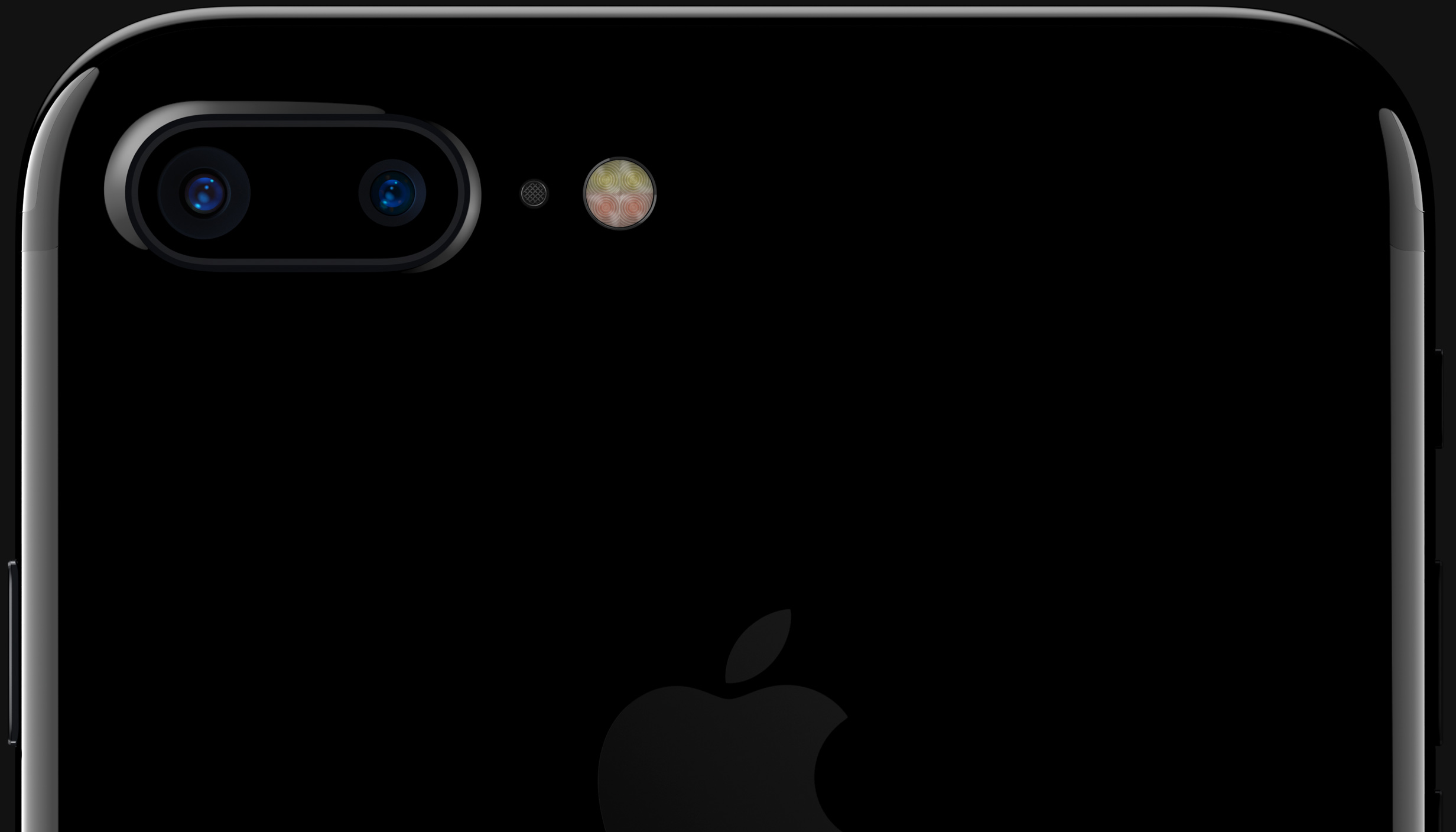
If you recently purchased an iPhone 7 or 7 Plus, and are in the market for a minimalist case, this post is for you. We've rounded up some of our favorite minimalist cases for Apple's new handset based on price, personal experience and customer reviews.

So what qualifies as a "minimalist" case? Obviously the term is a bit subjective, but to us this means it has a subtle, unassuming design free of complex patterns and unsightly branding. They're typically thinner, made of a single material, and solid in color.

Apple’s free app of the week: AG Drive

Apple on Thursday updated its App of the Week promotion with the game AG Drive. This means from now through next Thursday, you can pick up the popular futuristic racing title for free—a solid savings of $4.

AG Drive puts you behind the wheel of a blazing fast anti-gravity craft and up against opponents on gorgeous tracks. It features amazing graphics, easy-to-learn controls, and it works on both iOS and Apple TV.

How to adjust iPhone Home button “clicks”

The iPhone 7 came with a shiny new Home button to take advantage of built-in pressure sensors and an enhanced Taptic Engine to detect and simulate clicks. Because the button no longer uses any moving parts, you’re less likely to break it. A new “Meet the new Home button” section in the iOS installer allows you to “make your iPhone experience even more personal by choosing the click that’s right for you”.

Of course, you can select between three degrees of haptic feedback that simulate clicks at any time using the stock Settings app, here's how.

Facebook Messenger gains iOS 10 integration on the Lock screen and in Phone app

Facebook just pushed a major update to its Messenger software in the App Store. On iPhones with iOS 10, the app now takes advantage of Apple's new CallKit framework to make audio (VoIP) calls from Messenger look and behave like normal cellular calls with full support for Lock screen and Phone integration.

Bumped to version 89.0, the app now shows incoming VoIP calls from Messenger contacts right on your Lock screen complete with fullscreen contact images, standard controls like the Mute, Keypad, Speaker, Add Call and Video buttons and more.

Snapchat rolls out Sticker Search

Snapchat recently rolled out a minor refresh to its iPhone application in the App Store, bumping version number to 9.39.3.0 and bringing out a new Sticker Search feature. As the feature's name suggests, this lets you find precisely the sticker you want simply by typing its description. A previous Snapchat update introduced a few tweaks, including support for caption styling with the new bold, underline and italic options.

Google’s Allo messaging app hits the App Store and it logs all your chats

At the annual I/O developer conference in April 2016, Google previewed two new mobile apps: a one-to-one video calling app called Duo, which released in mid-August, and a messaging software called Allo, which surfaced on the App Store this morning as a free download.

It sports features commonly found in messaging apps and includes a built-in Assistant, Google's conversational artificial intelligence helper, an Incognito mode and more.

While Google originally promised Allo would only store messages transiently and in non-identifiable form, the firm's had a change of heart as Allo logs all chats by default.

Some great ultra-thin cases for iPhone 7 and iPhone 7 Plus

Have a new iPhone 7 or 7 Plus? The first thing you're going to want to do—unless you don't care about scratches or abrasions—is find a case for it. And if you're like me, you don't want some big bulky case. You want something ultra-thin that won't get in the way.

So we've put together a list of several great ultra-thin cases for both the iPhone 7 and iPhone 7 Plus. These obviously aren't the only available cases for Apple's new handsets, but we picked these specifically based on personal experience, user feedback, features and pricing.

Tip: use Messages low quality image mode to conserve precious cellular data

Apple's Messages app provides an optional iOS-only mode which cuts down your cellular data consumption to a bare minimum when sending image attachments. I don't know about you, but I worry about sharing high-resolution images when cellular data is on. In my experience, most normals are oblivious to the fact that sending a single shot-on-iPhone photograph through iMessage burns through one to five megabytes of data, sometimes even more.

In low quality mode, Messages uses only 100KB per image attachment. Another way to think about it: you can send 30 to 50 images for the same amount of data required to share a full-resolution attachment in Messages. In this brief tutorial, we'll teach you how to tell Messages to send lower quality images in order to optimize your cellular data consumption and prevent unwanted overage fees.

Apple seeds first beta of iOS 10.1 with new Portrait camera mode

Apple on Wednesday issued the first beta for iOS 10.1. Registered developers can grab the new software via the over-the-air update mechanism in the iOS Settings app, or via Apple's online developer portal.

Perhaps the most significant change in this first 10.1 beta is the addition of Portrait camera mode— a software feature for the iPhone 7 Plus Apple showed off earlier this month that creates a 'bokeh' effect.

How to save drafts of Instagram posts to work on later

With Instagram drafts, you can save any half-finished photo edits and work on them later, which is handy for those times you get too busy to post right away. And if you run an Instagram account for your business, letting your social media manager save a post as a draft makes it easy for you to review it in advance of publishing.

How to use voicemail transcription on iPhone

One of the more useful features for iPhones that comes packed inside of Apple’s new iOS 10 release is voicemail transcription, which transcribes your voicemails into text so you can read them rather than listen to them.

The feature is available to users in the United States and it’s very much still in its beta stages despite the fact that iOS 10 is now a public firmware, but if you want to know how to use it, or to see if you can use it yet, then you’ll be happy to know it’s quite easy to follow.