iPhone

Stay up-to-date on the latest iPhone news and learn new tips and tricks with our comprehensive tutorials. From software updates to new features, we’ve got you covered.

Latest iPhone 8 schematics show a lip at the top where 3D sensors/earpiece are located & more

Prolific leakers Benjamin Geskin on Monday shared some fresh new images, allegedly showing off latest iPhone 8 schematics and a CAD rendering based on the technical drawings of the phone. The schematics depict a lip at the top of the handset's OLED display where 3D sensors for the front FaceTime camera along with the earpiece would presumably be located.

On the back, we can see a circle which indicates neither a rear Touch ID sensor nor wireless charging support. According to Geskin, the circle is simply a placeholder for the Apple logo.

And here's a CAD rendering of the device based on the schematics.

Other iPhone 8 features hinted at by this technical drawing include no physical Home button out the front, a vertically-stacked dual-lens camera out the back with an LED flash integrated directly in the bulge, an elongated Power button on the right side and more.

Today, Slashleaks shared a few images showcasing yet another iPhone 8 dummy wrapped in a protective case allegedly “confirming” the device would come with no physical Home button.

It also hints at a Touch ID sensor integrated directly into the display and a vertically-oriented cutout on the back for a redesigned dual-lens camera system, aside from other features.

Apple will preview iOS 11 at WWDC next month.

It'll be interesting seeing what user interface changes Apple has added to iOS to make room for the rumored function area at the bottom of the display and to possibly take advantage of the tiny regions at the top of the device.

New images show iPhone 8 dummy wrapped in a protective case

Accessories vendors are no strangers to designing cases for unreleased iPhone models based on rumors alone, and this particular leak is no exception. Even though we're still months away from iPhone 8's likely introduction this fall, Slahleaks today published a few images of another iPhone 8 dummy wrapped in a protective case.

The dummy unit appears to reflect Apple's rumored final iPhone 8 design with no physical Home button, Touch ID integrated directly into the display and a full-screen face, among other features. A vertically-oriented cutout on the back for a redesigned dual-lens camera system is displayed prominently.

As you can see for yourself, the dummy unit shown on the photos is virtually all glass on the front, with only a physical slit within the OLED display, likely for an embedded earpiece. The side bezels, as per the annotations, should be only three millimeters wide.

It's been speculated that iPhone 8 would use 2.5D cover glass like the iPhone 6/6s/7 series that's slightly rounded on sides rather than have the OLED display extend all the way to the left and right edges of the device, like with Samsung's Galaxy S8. Apple is said to be releasing the iterative LCD-based iPhone 7s and iPhone 7s Plus devices alongside iPhone 8.

Economic Daily News said last week that Apple has solved all technical issues related to its next-generation fingerprint reader, meaning iPhone 8 is likely to integrate an optical fingerprint sensor to enable authentication directly on the handset's OLED screen.

SpotAngels, Ditty, Gaia GPS, and other apps to check out this weekend

This week's edition of our Apps of the Week roundup includes an app for preventing parking tickets, a musical meme-maker, and an off-road GPS app. And as usual, we have two great new games for you to check out this weekend.

SpotAngels

This isn't a new app, but it's worth checking out for those who aren't familiar with it. SpotAngels detects when you park and sends you alerts if and when you have to move your car. It does this by using your phone's motion sensors and Bluetooth (as it disconnects from your car) to know that you've parked, and then it checks your location against its data base of trouble spots. These include meters, to away zones, street cleaning, permit parking and other rules in dozens of major cities like New York, Dallas and Portland. The app also helps you find free parking around you, and since it's crowd-sourced, anyone can submit an update. SpotAngels is available for free.

Ditty

Here's another not-so-new app that you might find fun to play with this weekend. It's called Ditty, and it allows you to make goofy songs and music videos using a mix of GIFs, photos, videos and more. The app will actually sing anything you type, and there are tons of famous songs to choose from, with new content added weekly. Add your friends to follow their feeds, or post a Ditty yourself for a chance to be featured in the app. Ditty is available for free (with some IAPs).

Gaia GPS

Established GPS apps like Apple Maps and Waze do a nice job of getting you around the streets. But what about getting you around off road? That's where Gaia GPS comes in. This app features a beautiful and well-thought out interface that makes navigating the backcountry simple. Features include worldwide topo, road and satellite maps, syncing of photos, tracks and waypoints, a database with hiking trails, parks and other natural sights, and several customization options. This is a freemium app, and unfortunately most of the features are tucked behind an in-app purchase. But, Gaia has a great track record in this space and the app is getting rave reviews. If you need something like this, check it out. Gaia is available for free (with some IAPs).

Zombie Gunship Survival

The long-awaited sequel to Zombie Gunship is here! Zombie Gunship Survival has you as one of the few survivors in a devastating zombie apocalypse. To stay alive, you must take the gunner seat aboard a heavily-armed AC-130 ground attack aircraft and blow up the undead in this intense, high-definition shooter experience. You'll build up your remote airfield as a base for operations, defend that base, deploy your troops to annihilate the undead, and try to survive one of the most hostile environments ever. This is another freemium title, so there are a lot of in-app purchases, but the game itself has nearly a 5-star App Store rating on 1,200 reviews. Zombie Gunship Survival is available for free.

Goat Simulator PAYDAY

The goat is back! Goat Simulator: Payday is the most criminally realistic goat simulation ever! There are 3 new thugs, including a flying flamingo that can control people's brains, a wheelchairing dolphin that can climb almost any surface, a spitting camel, and of course the goat. You can meet up with your Pranknet crew, buy masks to disguise your identity, carry out "jobs" to collect cash to buy things, and you can even steal and drive cars. There's no real elaborate story line here, just a GTA-style open world adventure game that encourages you to inflict the maximum amount of destruction. Goat Simulator PAYDAY is available for $4.99.

More apps to check out Apple’s free app of the week: klocki You can now drag and drop files on iPad between Readdle’s productivity apps 1Password’s Travel Mode protects your private data from unwarranted searches Not to be outdone by Instagram, Snapchat unveils custom Stories of its own Duet Display brings even more desktop power to your iPad drawing experience YouTube TV app gains AirPlay support New Pokémon game is based on Magikarp, the weakest Pokémon ever At long last, Konami’s Pro Evolution Soccer 2017 hits App Store

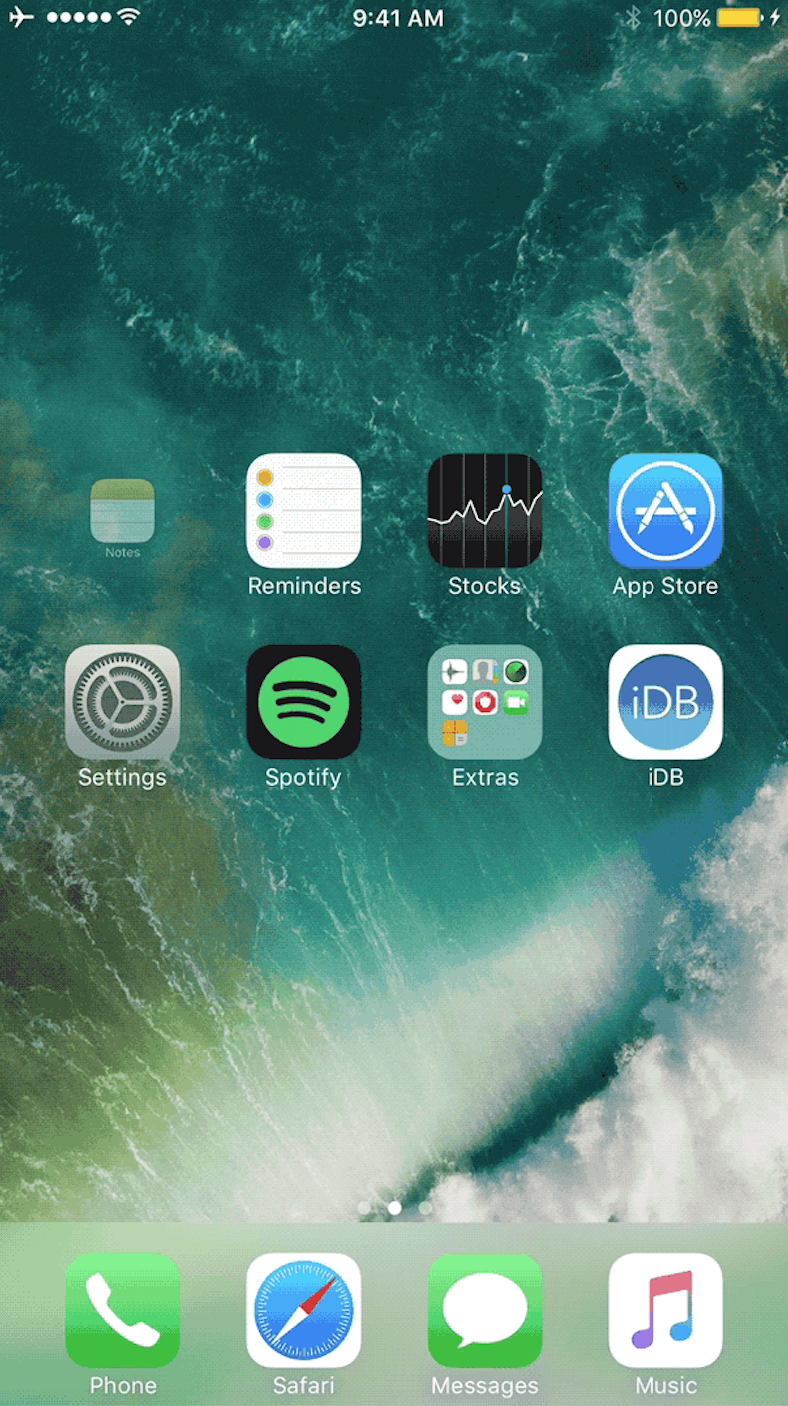
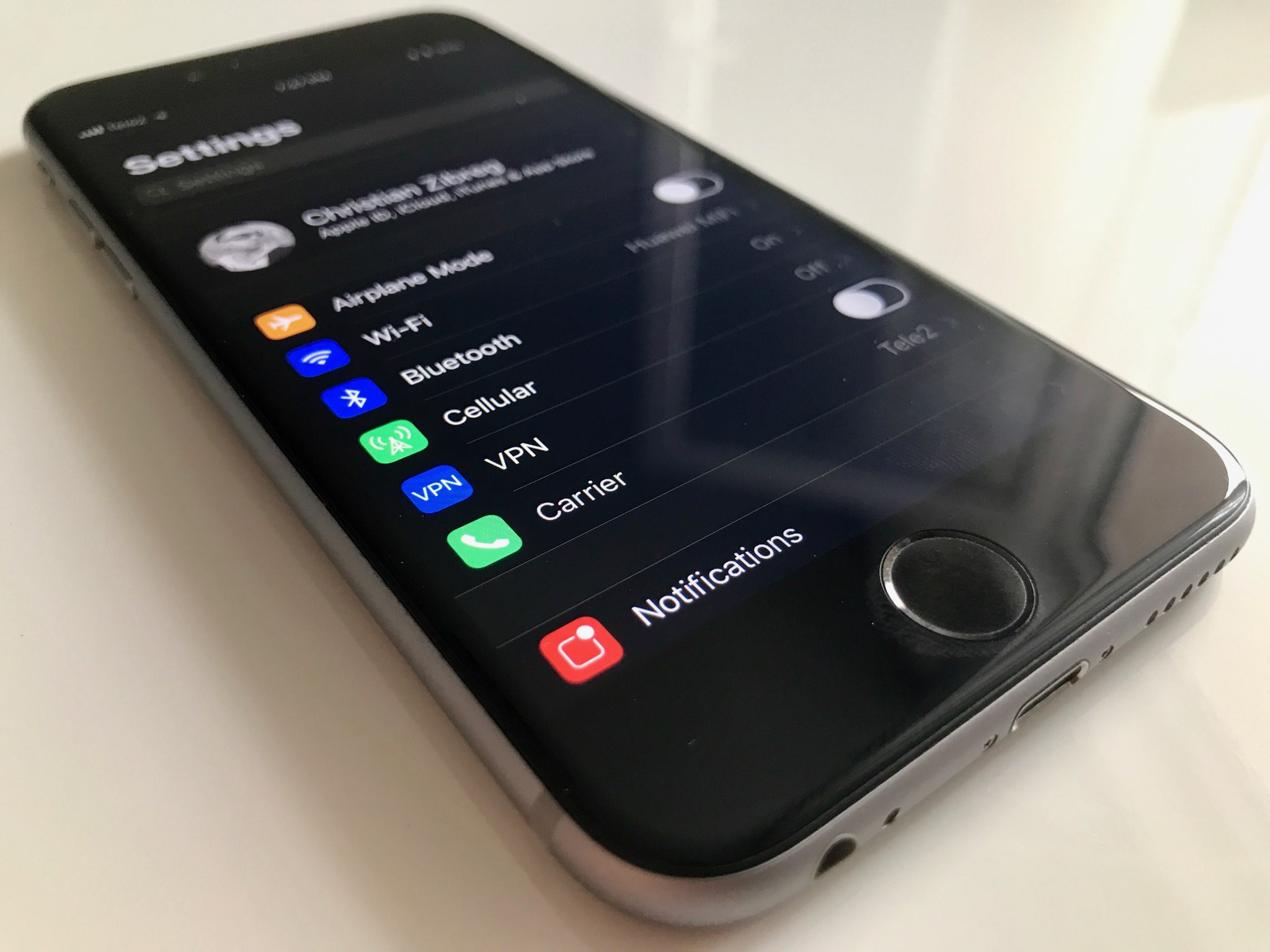
Minimalists can put the Settings app on a diet with SkinnySettings

Most people use the Settings app on a daily basis given just how much functionality is packed inside of it from both Apple and the jailbreak tweaks you’ve installed from Cydia.

That said, if you find the Settings app is more cluttered up than it needs to be out of the box, then you might like the concept behind a new free jailbreak tweak called SkinnySettings by CydiaGeek.

Vibrancy makes your Lock screen clock subtler

Given just how often people use their Lock screen clock to see what time it is, it’s a shame that Apple doesn’t give users visual customization options to tailor its looks around the user's personality.

Nevertheless, those with a jailbreak can use a new free jailbreak tweak dubbed Vibrancy (iOS 10) by iOS developer NeinZedd9 to make the Lock screen clock text subtler, giving the illusion that the time is fading away into the wallpaper.

Tweet your Now Playing music from anywhere with NPTweet

The rhythmic souls out there who listen to their songs on a daily basis generally like to talk about and share their music with other connoisseurs.

Fortunately, a new free jailbreak tweak dubbed NPTweet by iOS developer ichitaso is now available that makes it super easy to Tweet a Now Playing track from anywhere in iOS by calling upon the help of Flipswitch.

You can now order photo books and archive images on Google Photos

At its annual developers conference earlier in the month, Google announced three new features for its Photos app: automatically curated albums, photo books and sharing suggestions.

Today, the company pushed an update to its Photos app for iOS, Android and the web, bringing support for ordering printed photo books comprised of your best photographs. You can make a photo book in minutes with automatic photo curation and easy customization.

Photo books

To order a printed photo book, select the images you’d like to fill your album with. Google’s machine learning picks the best shots for your, removing duplicates and poor quality images.

In fact, the app will even offer personalized suggestions for photo books, like your trip to the Grand Canyon, time with family during the holidays, your puppy and so forth.

You can order a seven-inch square softcover book for $10 a piece or its nine-inch hardcover version for twice as much. Each has twenty pages though you can buy additional pages if you'd like:

Softcover—$0.35 per additional page Hardcover—$0.65 per additional page

Photo books are currently available to users in the US only.

However, the search company has made promises to bring them to more countries soon.

Google photo books key highlights:

Quickly find your best shots— Start from an album or search for a person, place or thing. Then, Google Photos can automatically pick out your best photos—helping you save time. Perfect your book in minutes—Easily move around your photos, add a book title and tweak your cover design. Beautifully crafted for you—Just choose a size and get started on your phone or computer. Photo books are made in the USA from premium, responsibly sourced materials.

Apple's Photos app supports photo books, too. As a matter of fact, ordering photo books has been part of the now phased-out iPhoto app for almost a decade.

Archive photos

Aside from photo books, today's update includes the Archive feature.

Chances are your photo library includes not only your selfies, food shots and cherished memories, but the more mundane pictures as well, like recipes, receipts, scanned documents and so forth.

Now you can move images to the app's new Archive section to tidy up your photo grid.

To get started, simply select a few photos you'd like to archive, tap the Menu icon and choose Archive from the popup menu. This simply moves the selected photos to your archive rather than delete them. Any archived images and videos remain visible in search and albums.

Aside from the image archival feature and photo books, this update includes performance improvements and reduces the amount of on-device storage space used by the app.

Instagram Direct now lets you send links and images in landscape and portrait orientations

Instagram yesterday announced a pair of minor updates for Direct, a direct-messaging feature built into its mainland mobile app for iOS and Android. For starters, Instagram Direct now supports sending images and videos in portrait and landscape orientations.

Plus, Instagram is just now offering support for sending links in direct messages.

The ability to send a permanent photo or video in landscape and portrait orientations through Direct means you no longer have to worry about weirdly cropping it as it will now show up properly in its intended orientation.

“We’ve added support for links in Direct,” noted the company. “You can share website links with friends and preview them directly from your thread.” As a bonus, the team also has implemented automatic links to phone numbers and addresses send through Direct.

Landscape and portrait uploads in Direct are available today on iOS, with Android coming soon. Links in Direct messages are available today on both iOS and Android.

Today's features are part of Instagram's version 10.22 update.

Grab Instagram for free via App Store.

iPhone 8’s Touch ID said to use on-screen optical fingerprint scanning

Apple is said to have developed a next-generation Touch ID sensor where an OLED display of the device doubles as a fingerprint sensor. This should enable users to rest their finger on the display to authenticate themselves.

According to a Chinese-language Economic Daily News report, citing sources from Apple's chip supplier Taiwan Semiconductor Manufacturing Company, Apple has managed to develop an optical fingerprint sensor to enable authentication directly on the screen.

KGI Securities analyst Ming-Chi Kuo first called it in January.

He said because Touch ID’s capacitive sensor does not work through the display’s cover glass, Apple could go with an optical sensor which doesn’t require physical contact with a user’s finger.

Other iPhone 8 features, according to a TSMC source, include no physical Home button, the screen ratio of 18.5:9 instead of the previous 16:9 and invisible infrared image sensors to enhance camera functionality and enable augmented reality features.

Apple is understood to have been plagued with yield issues regarding the new optical fingerprint sensor. It's unclear if the company has managed to resolve those technical issues.

New video compares alleged iPhone 8 case to iPhone 7

Mac Otakara on Thursday published a slew of photos and a video comparing the size of an alleged iPhone 8 case to the iPhone 7 and 7 Plus. The noted Japanese outlet says it purchased the case from Alibaba, and its dimensions match up with previous information.

The case itself is pretty uninteresting, but seeing it next to both a 4.7-inch and 5.5-inch iPhone gives us a good idea of how big the iPhone 8 could be, should the leaks prove authentic. Notice how the iPhone 8 case is only slightly taller and a hair wider than the iPhone 7.

https://www.youtube.com/watch?v=T-vzLBN3K-Y

Rumor has it that the iPhone 8 will house an edge-to-edge display, with ultra slim or no bezels, allowing Apple to fit a much larger screen in a smaller body. The case in these photos seemingly corroborates that theory, as it sits significantly smaller than the iPhone 7 Plus. Other details worth noting in regards to the case include a cutout for the often-rumored vertically-stacked dual lens camera, and the usual openings for volume rocker and power switches.

The iPhone 8 isn't expected to be revealed until September, and Apple is known to test multiple prototypes, so it's impossible to tell if this case is truly based on the handset's final design. We should see more leaks as Apple ramps up production later this summer.

Source: Mac Otakara