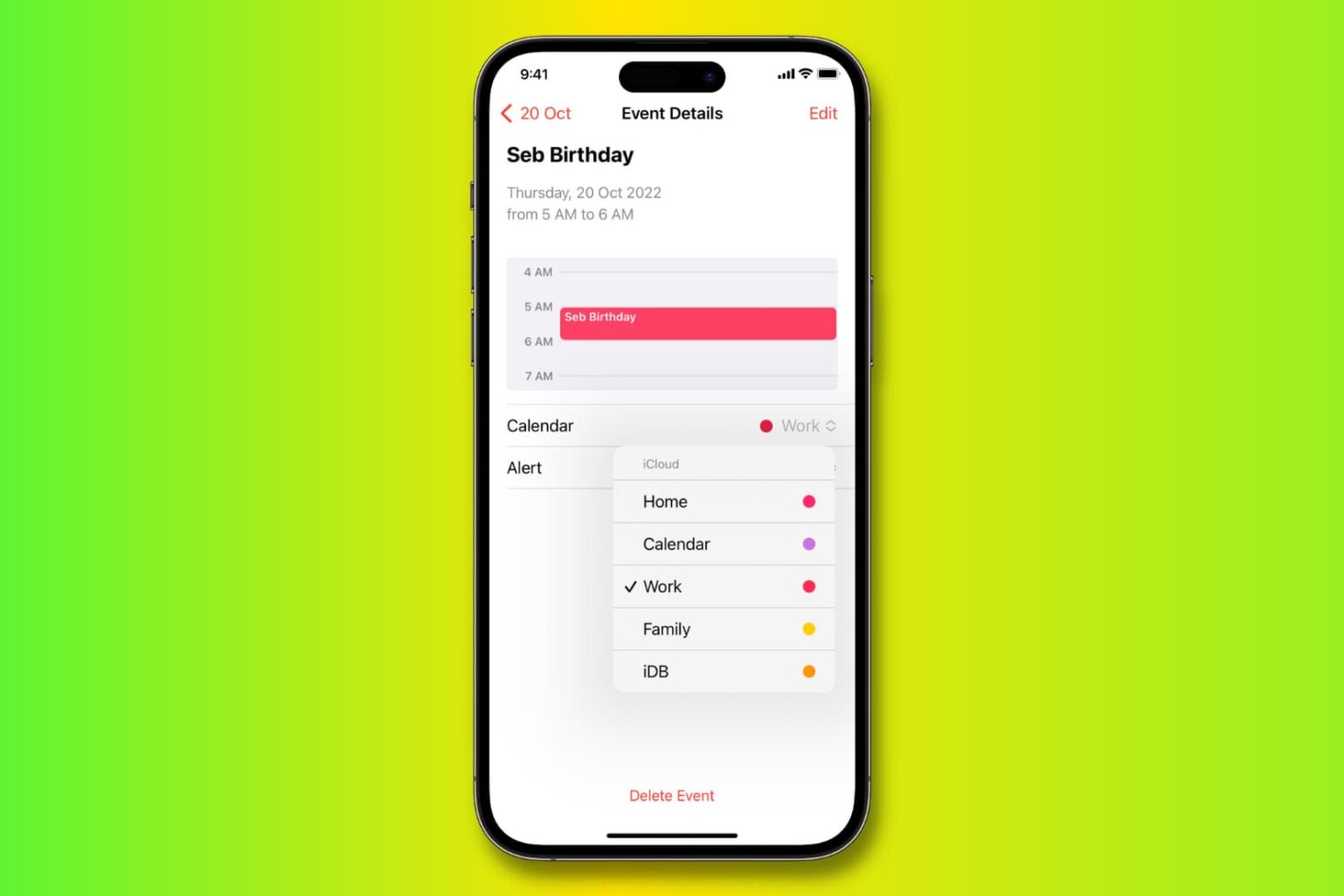
Learn how to move, copy, and duplicate events in the Apple Calendar app on iPhone, iPad, and Mac to stay organized across all your different calendars.
How to move, copy, or duplicate Calendar events on Mac and iOS
Stay up-to-date on the latest iPhone news and learn new tips and tricks with our comprehensive tutorials. From software updates to new features, we’ve got you covered.
Learn how to move, copy, and duplicate events in the Apple Calendar app on iPhone, iPad, and Mac to stay organized across all your different calendars.
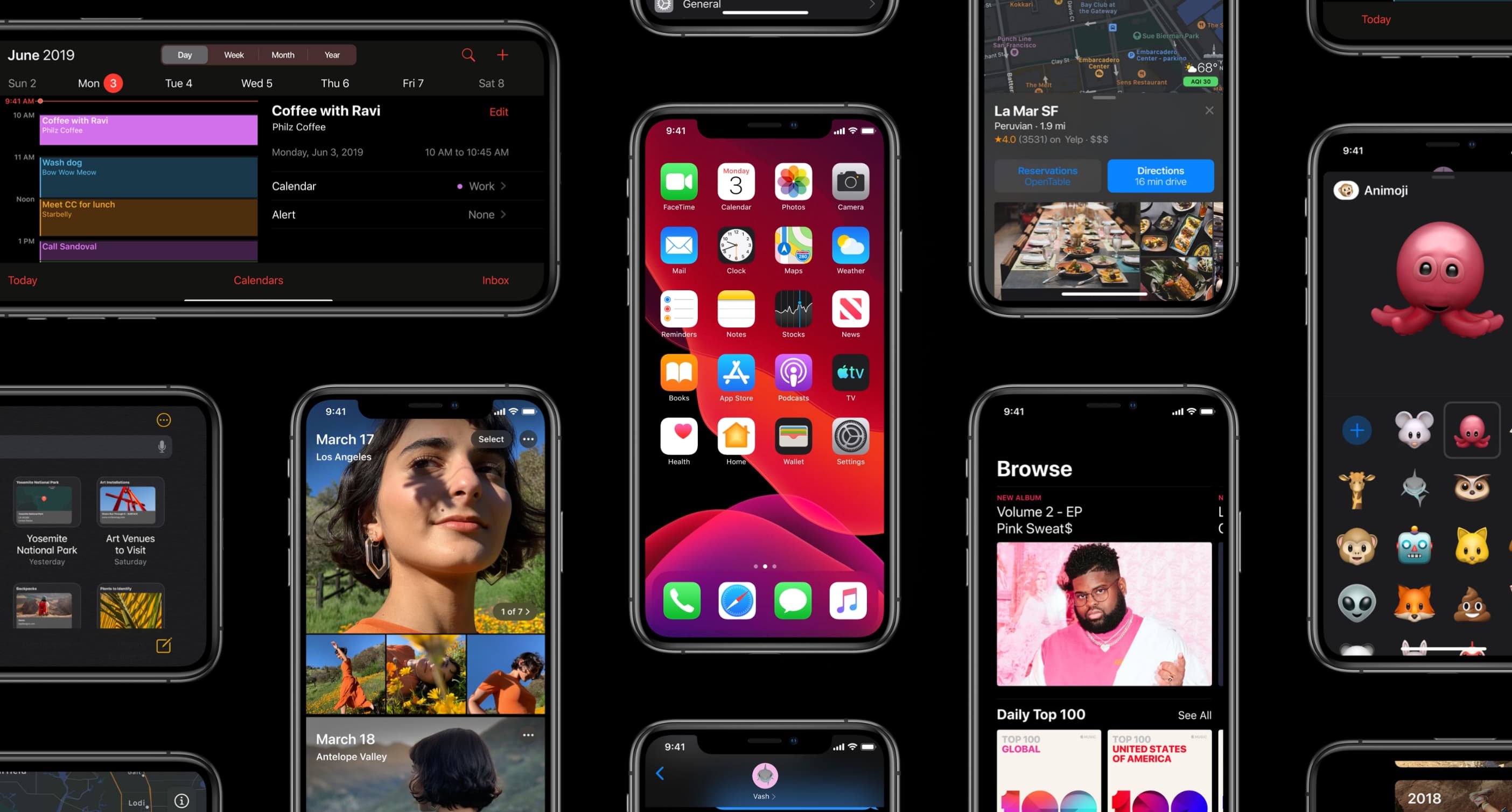
The iOS 13.4 software update, along with its matching iPadOS 13.4 counterpart, enables more than a dozen major new capabilities on your iPhone, iPad and iPod touch.
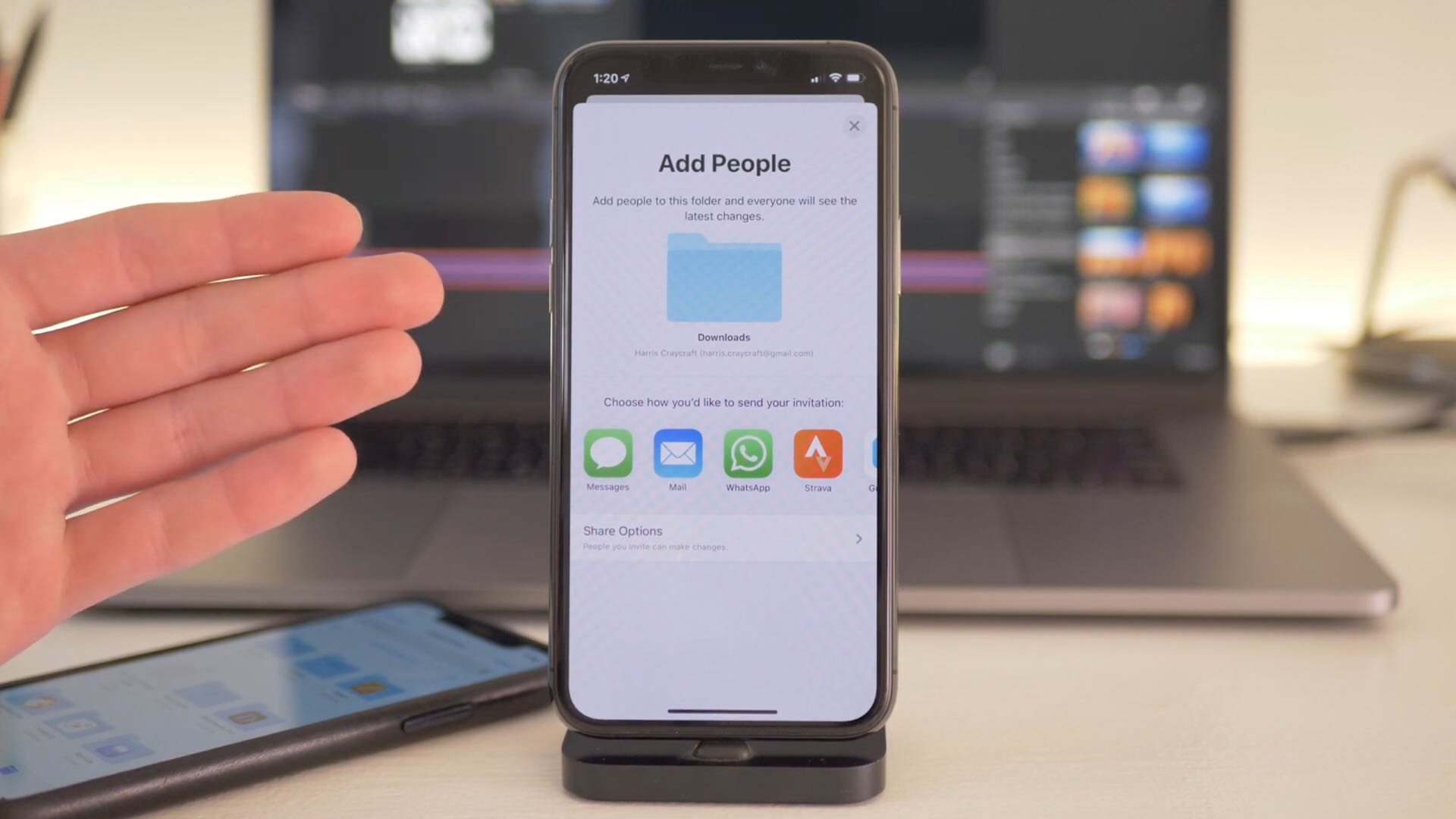
iOS 13.4 and iPadOS 13.4 were released publicly this morning. Be sure to watch our quick hands-on video walkthrough to quickly familiarize yourself with all the enhancements.

Universal purchase support for Mac apps that was announced on February 5, 2020 is now officially available, Apple announced yesterday via a blog post on its developer portal.
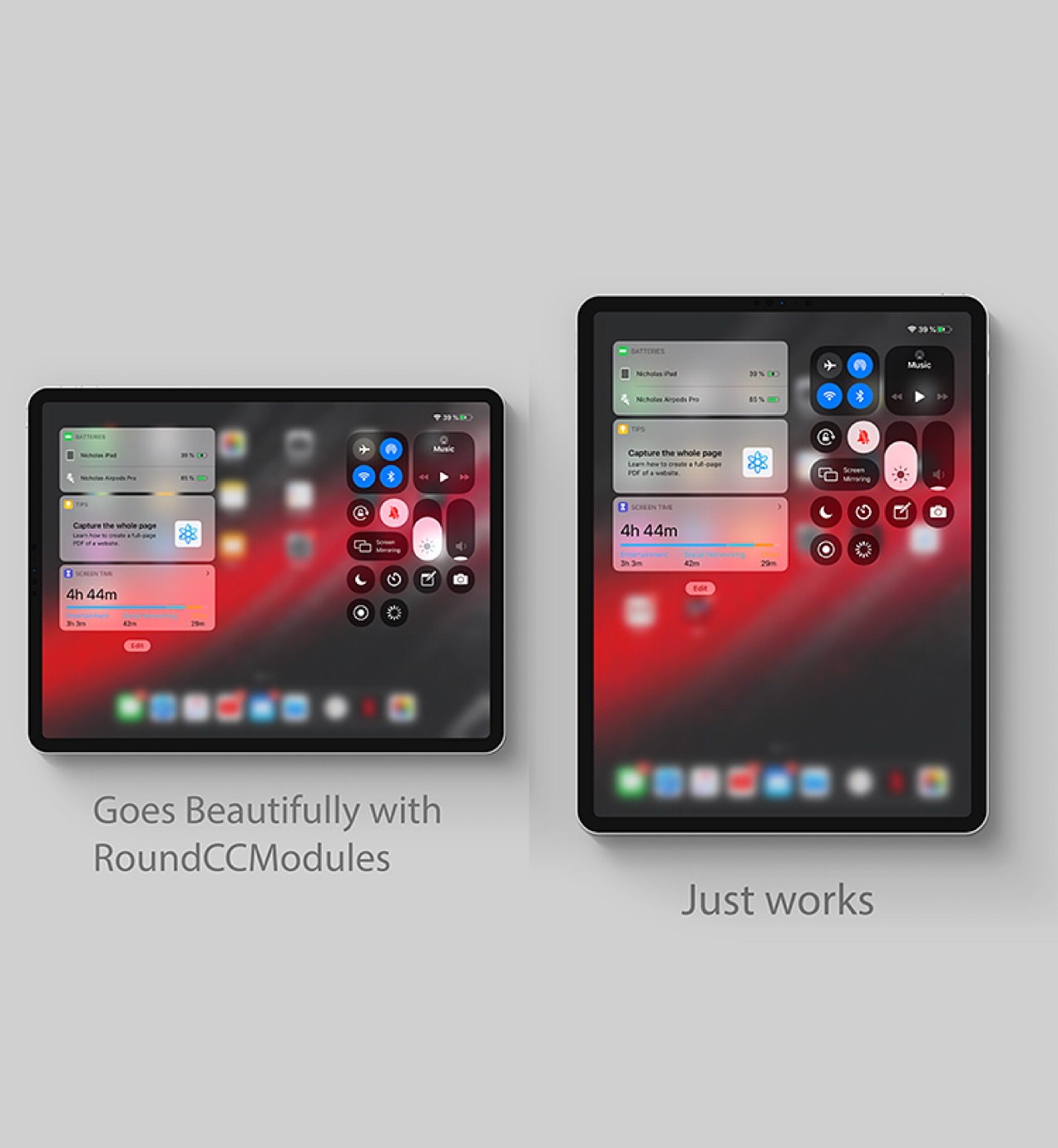
Two of the most useful on-demand interfaces in all of iOS are Control Center and the Today widget page, and if you’re any bit familiar with how iOS works, then you’d know that these interfaces are entirely separate from one another. But they don’t have to be… at least not anymore.
Enter Dyadic a newly released jailbreak tweak by iOS developer nicho1asdev that combines the two interfaces into one for a slicker user experience. What’s more is the tweak works seamlessly on both iPhones and iPads alike, ensuring a seamless ‘just works’ experience across all your jailbroken iOS devices.
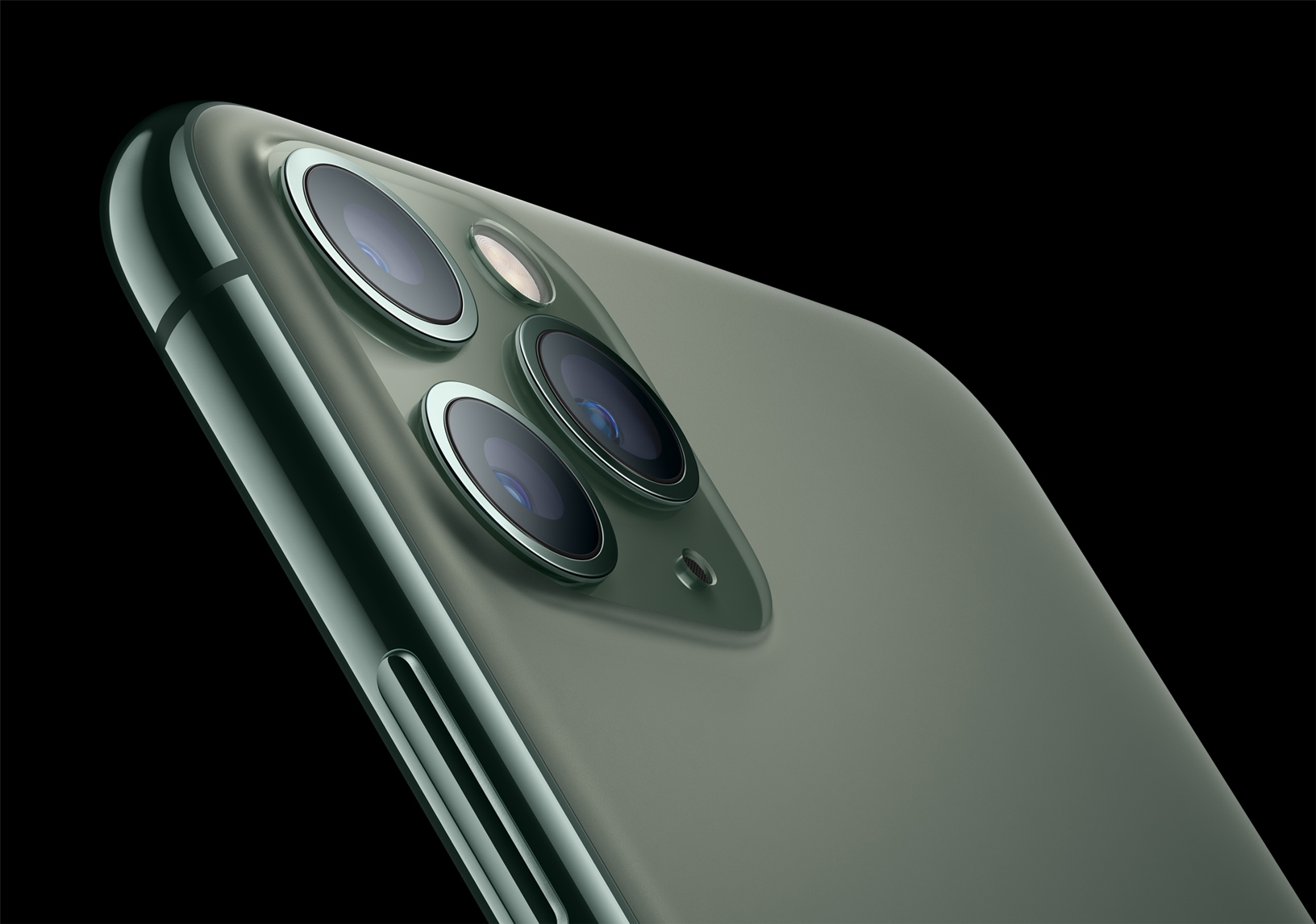
Apple is allegedly working on interesting photography improvements for future iPhones.
After placing per-customer restrictions on bulk iPhone, iPad and Mac orders last week, the company has now lifted restrictions on purchasing multiple devices by a single customer.
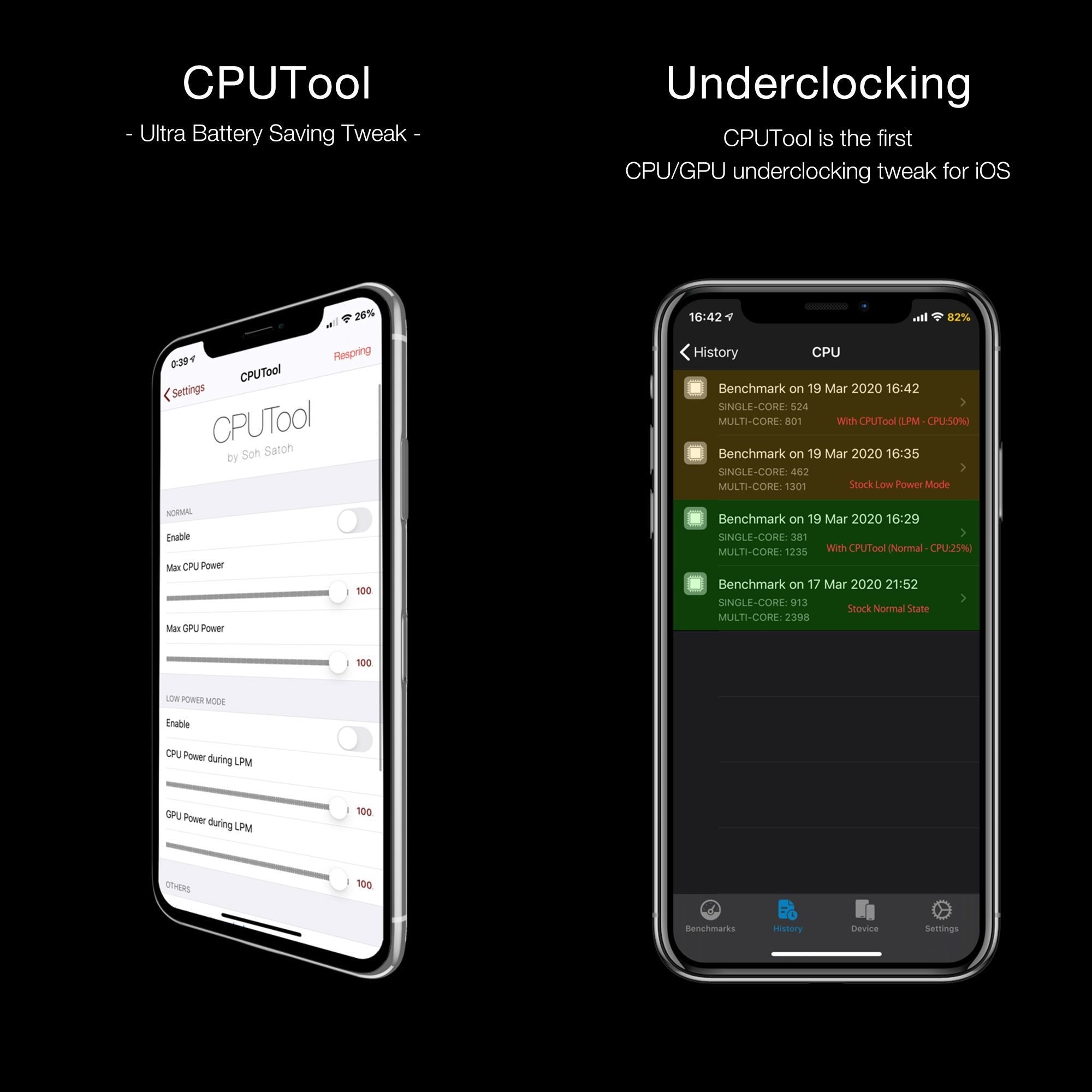
Apple doesn’t provide much by way of power savings on the iOS platform apart from the Low Power Mode feature and the use of general common sense with regard to reducing battery drain. Fortunately, those looking for more than what Apple seems willing to provide out of the box might be in luck as of this week.
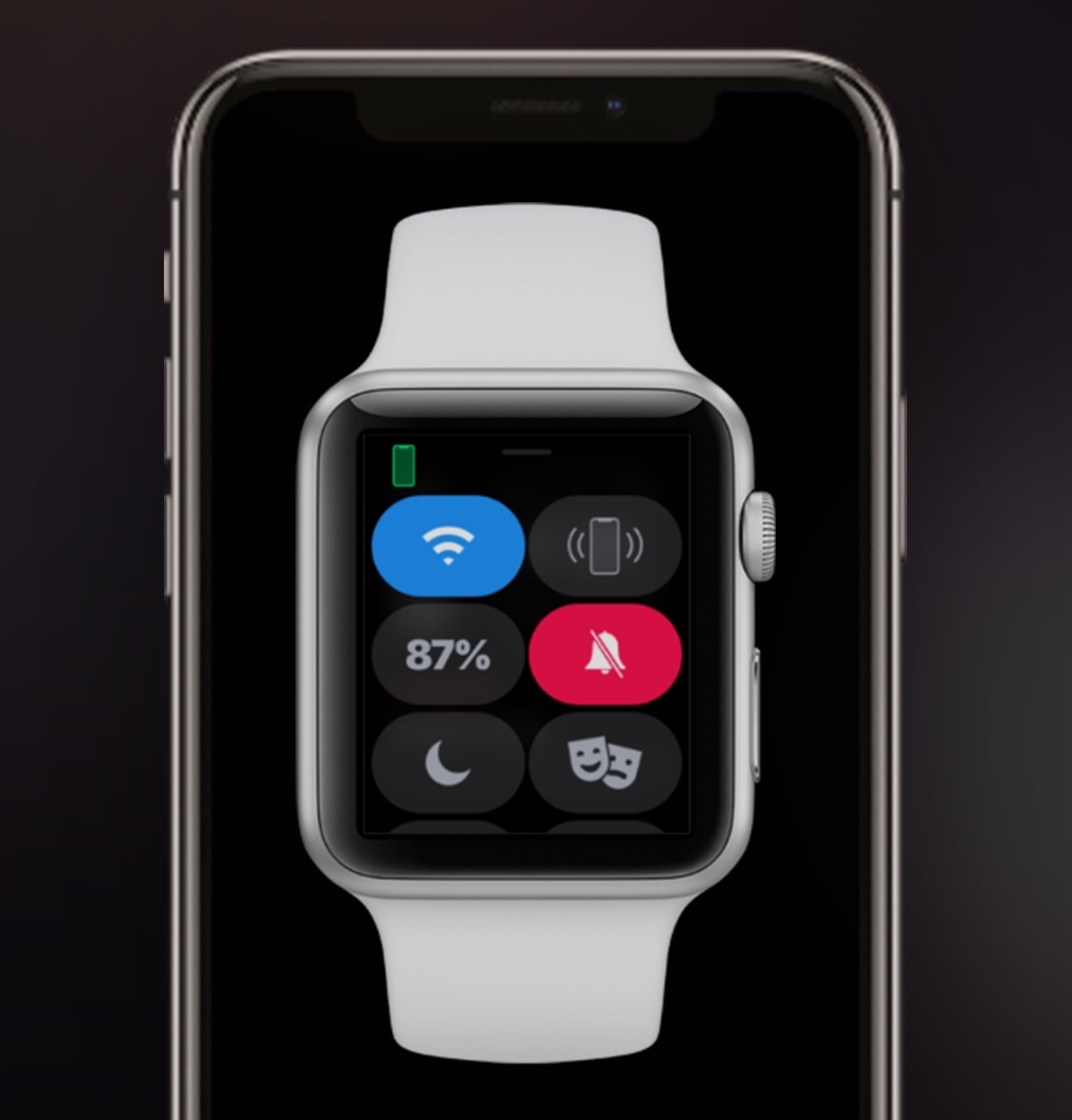
Both the Apple Watch and iPhone support silent mode – a feature that mutes all incoming notification sounds to prevent awkward situations in certain predicaments, such as a ringtone going off in the middle of class or disturbing participants during a work conference. Unfortunately, this handy feature doesn’t stay in sync between both devices, necessitating manual input for each.
This is a problem that a newly released jailbreak tweak called WatchMuteMirror by iOS developer Cardboard Face aims to resolve. As you may have inferred already from the tweak’s name, WatchMuteMirror keeps silent mode in sync between your iPhone and your Apple Watch so that the latter doesn’t make a bunch of noise even after you toggle the mute switch on the side of your iPhone.
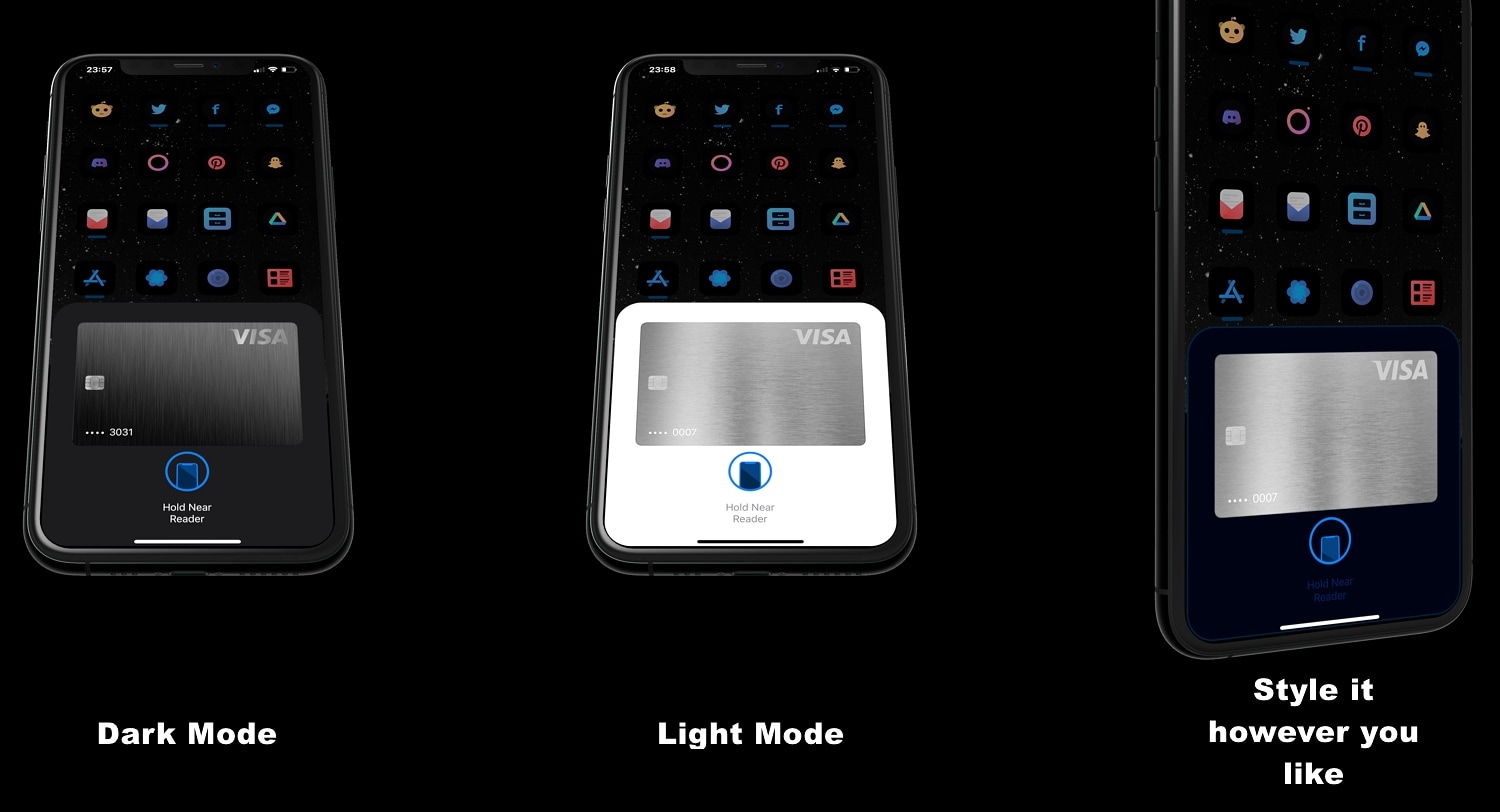
If you use Apple Pay via your jailbroken iPhone frequently, then you’re unquestionably familiar with the prompt that appears when it comes time to authenticate yourself with Face ID or Touch ID. While the native interface doesn’t necessarily look that bad, it’s somewhat unfortunate that Apple didn’t design it to be uniform with other interfaces that appear on the iOS platform, like the AirPods pairing prompt for example.
Those interested in a redesigned Apple Pay interface that has been heavily inspired by iOS’ native AirPods pairing interface are likely to appreciate the user experience that comes along with using a newly released jailbreak tweak dubbed AirPay by iOS developer Dylan West (@iOSthemem0d).
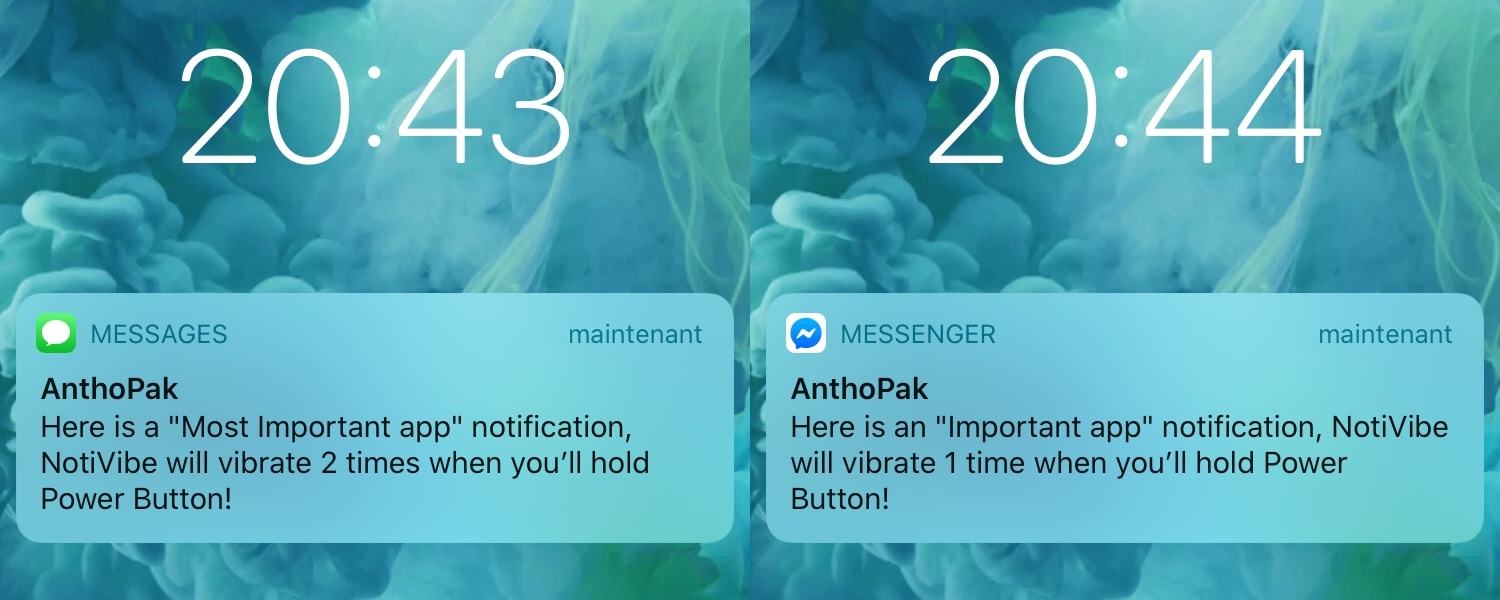
Your iPhone probably lights up with push notifications all day long, but only a small fraction of those are likely to be important. Unfortunately, there’s no easy way to discern between important and non-important notifications without looking at your display, and this means that if you’re smack in the middle of something important and can’t look at your handset, you won’t know what you’re missing.
The aforementioned situation doesn’t come up too often, but it may happen more frequently when you’re at work and stuck in meetings all day or when you’re in class and don’t want to make it obvious that you’re checking your iPhone for notifications. For that reason, a newly released and free jailbreak tweak called NotiVibe by iOS developer AnthPak may come in clutch.
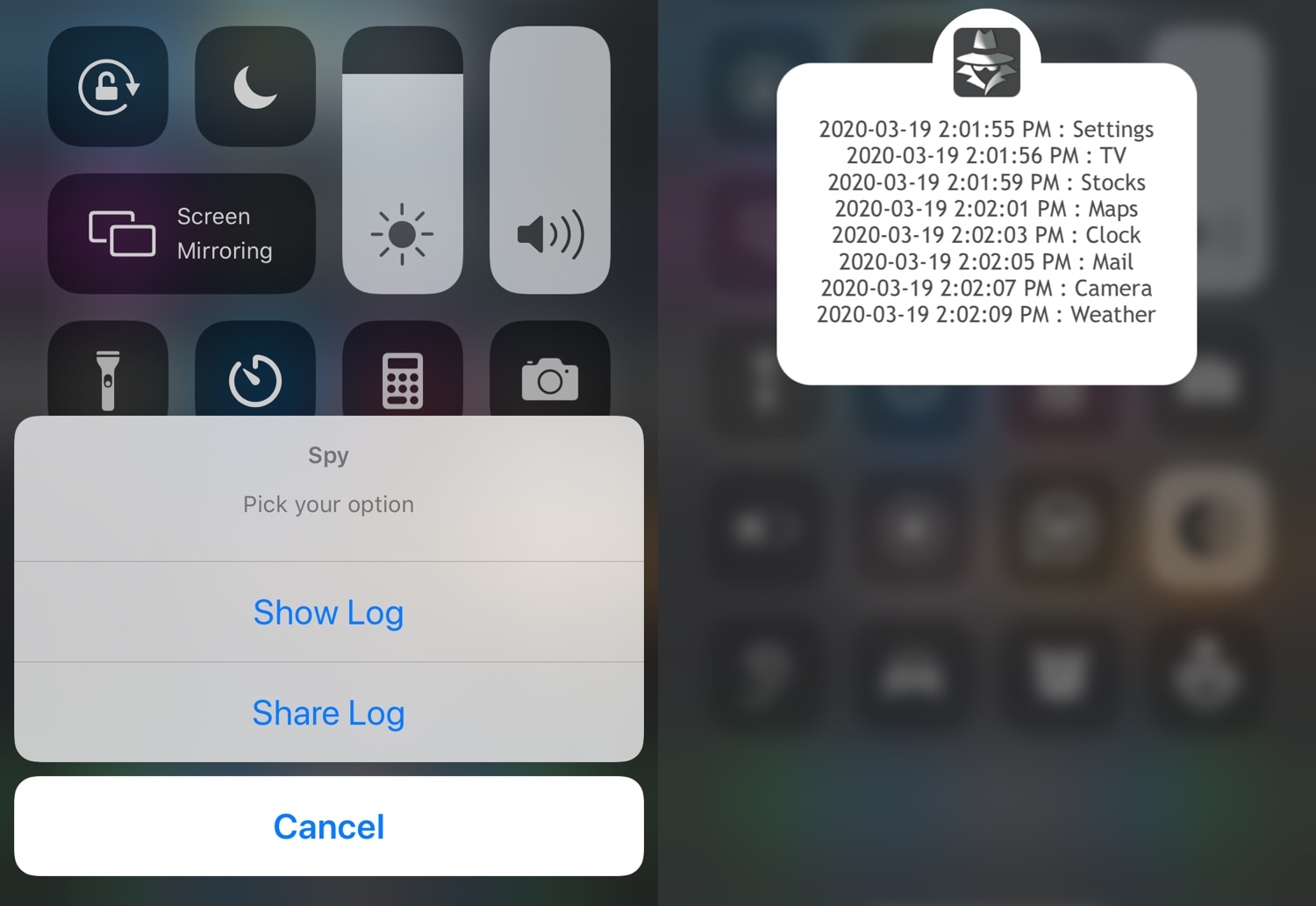
When you’re generous enough to loan your iPhone to a friend or family member, or even worse a complete stranger to make a phone call, one thing that probably weighs heavy on your mind is whether that person is invading your privacy by launching apps they shouldn’t be, such as Messages, Notes, or Photos to name a few.
I’ve found myself in this situation quite a few times myself, and that’s why I’m particularly excited about a newly released jailbreak tweak dubbed Spy by iOS developer Elias. This tweak works to your advantage in situations like the one above by logging the apps that a user opens with the mere flip of a toggle switch.