iPhone

Stay up-to-date on the latest iPhone news and learn new tips and tricks with our comprehensive tutorials. From software updates to new features, we’ve got you covered.

iOS 13.5.1-13.7 exploit to be discussed by 08Tcw3BB at HITB CyberWeek 2020

Those paying close attention to the jailbreak community as of late would already know that there’ve been a number of recent developments that could eventually spell out the jailbreakability of iOS 13.5.1-13.7. If you missed the news, FreeTheSandbox is working on a public jailbreak supporting these firmware versions while security researcher @08Tc3wBB plans to release a dedicated exploit for use by the jailbreak community.

Neither of the aforementioned things have happened yet, but for those trying to keep tabs on everything as it happens, it might be worth mentioning that @08Tc3wBB plans to discuss his iOS 13.5.1-13.7 exploit on November 19th via HITB CyberWeek in a talk entitled “Jailbreaks Never Die: Exploiting iOS 13.7.”

Eliza gives the Status Bar’s battery icon a wider array of colors to use

Apple makes it easy to discern the state of your iPhone’s battery, not only with a convenient icon in the Status Bar that depicts the current charge level, but also with unique colors that hint about its current condition. For example, a green battery icon indicates a good charge, while a yellow battery icon means that Low Power Mode is turned on and a red battery icon suggests a low charge.

Apple has used the same colors to depict battery states for as long as I can remember, and so it tends to be somewhat monotonous. Fortunately, a newly released and free jailbreak tweak dubbed Eliza by iOS developer WilsontheWolf provides the Status Bar’s battery icon with a wider range of colors to help it express your current battery state.

Video: Quick tips and tricks to get the most out of your brand spanking new iPhone 12 mini

The iPhone 12, Apple's smallest handset in their 2020 lineup, is finally here! The entry-level device cuts corners when it comes to battery life, but makes up for it with extreme pocketability. At just 5.4-inches diagonally and near fullscreen design with Face ID, this is going to be the beloved iPhone for many. Here are a few tips for making the most out of it.

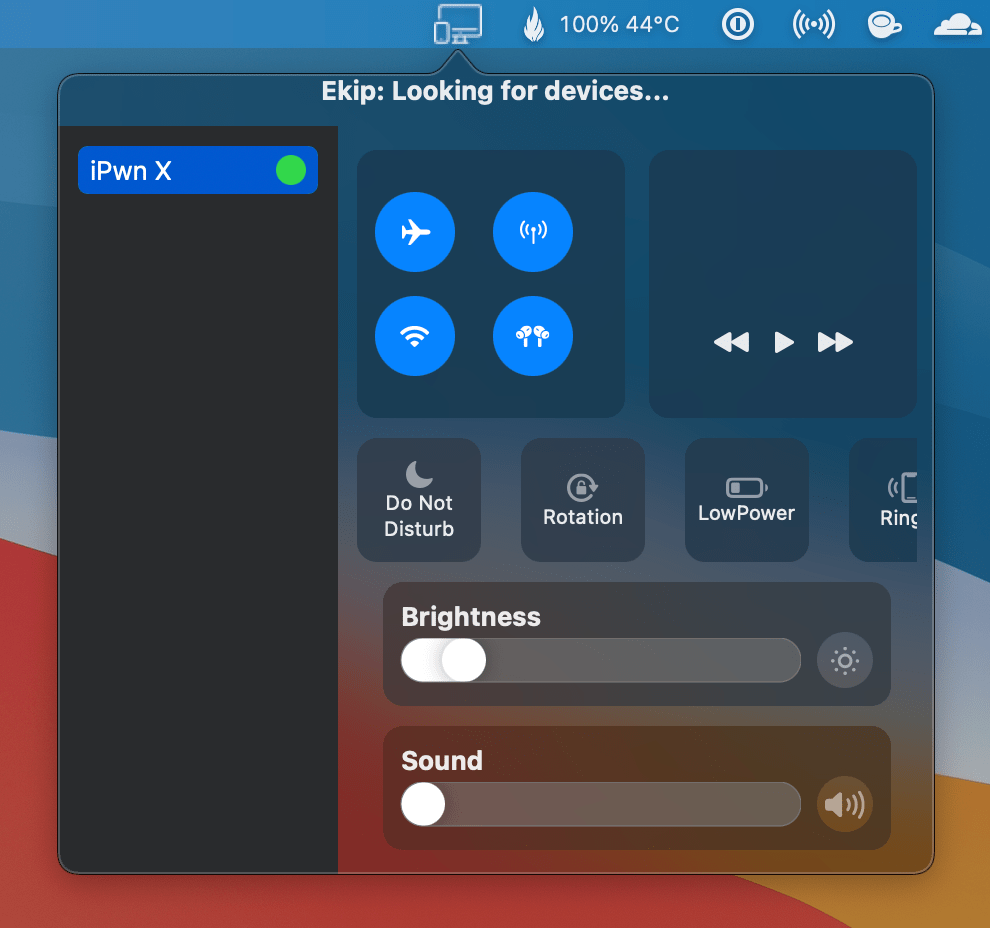
CCCounters adds usage information to iOS’ Control Center toggles

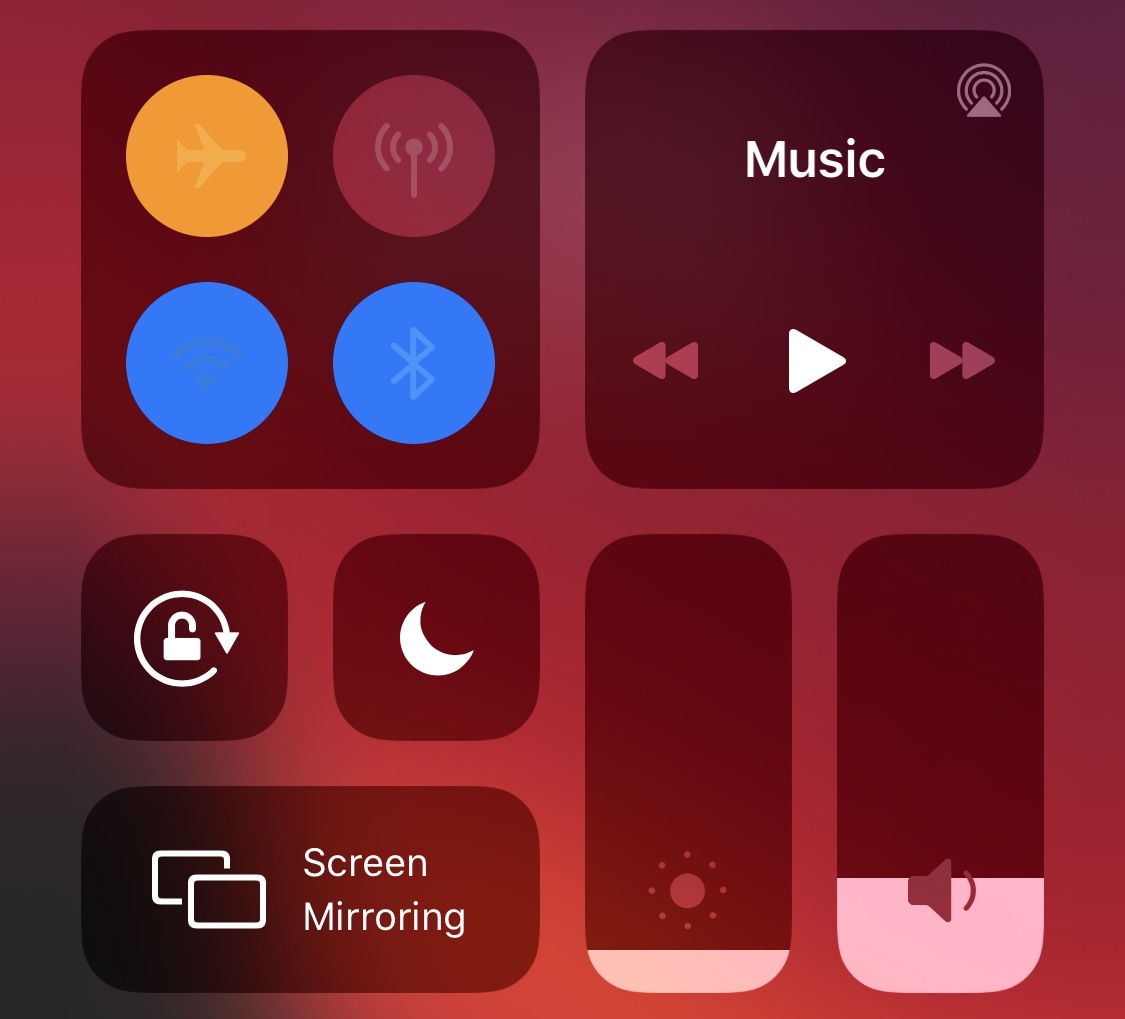
It goes without saying that Control Center would be one of the more advantageous additions to iOS over the years. But despite how great Control Center is, that hasn’t stopped the jailbreak community from tweaking it in imaginative ways to make it better for the end user.

One such example is a newly released and free jailbreak tweak known as CCCounters by iOS developer 0xkuj. Once installed, CCCounters monitors Control Center toggle usage and displays the most recent instance in which those toggles were switched on or off.