Shortly after Apple released iOS & iPadOS 16.1 to the general public on Monday, we saw requests by /r/jailbreak users to port the newly redesigned Status Bar battery level indicator to jailbroken devices.
Stay up-to-date on the latest iPhone news and learn new tips and tricks with our comprehensive tutorials. From software updates to new features, we’ve got you covered.
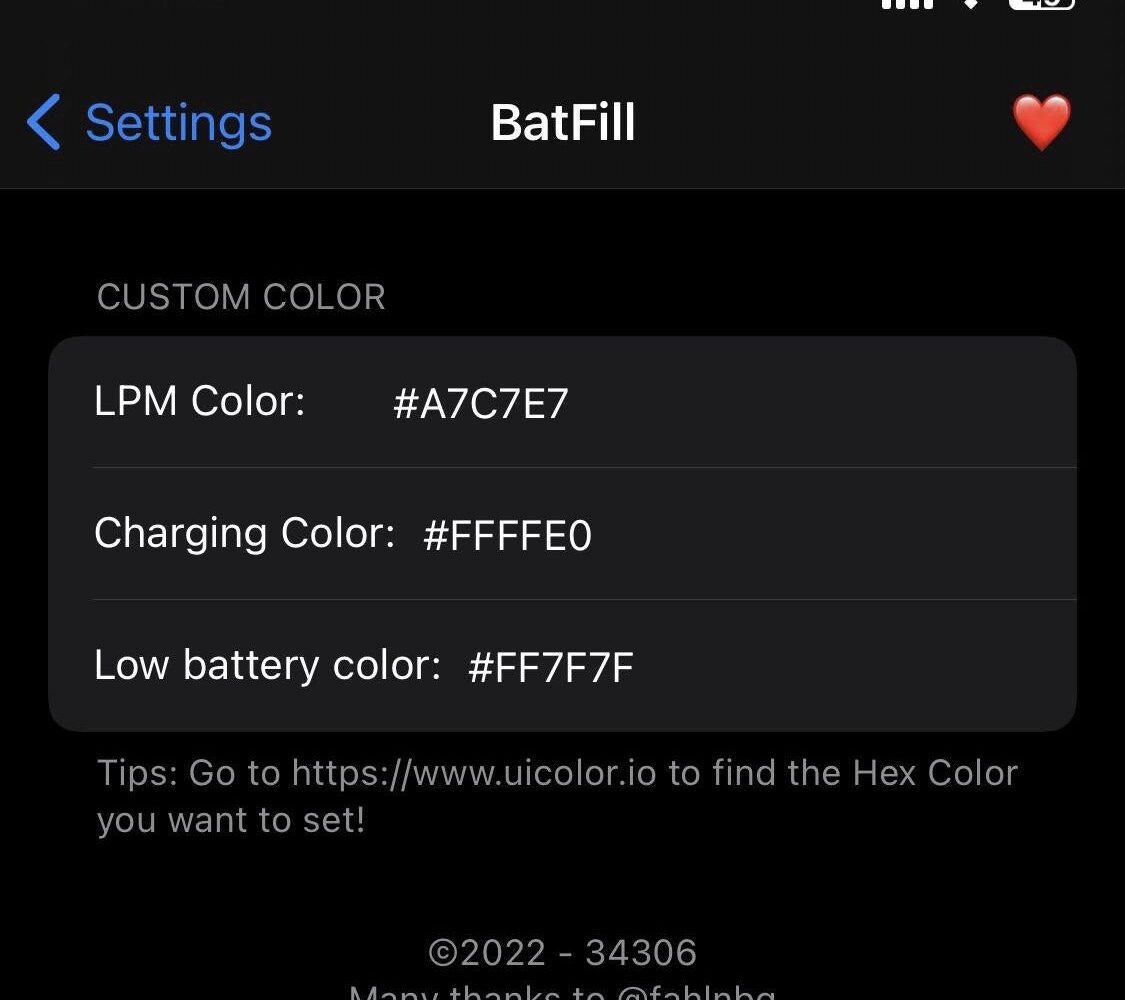
Shortly after Apple released iOS & iPadOS 16.1 to the general public on Monday, we saw requests by /r/jailbreak users to port the newly redesigned Status Bar battery level indicator to jailbroken devices.
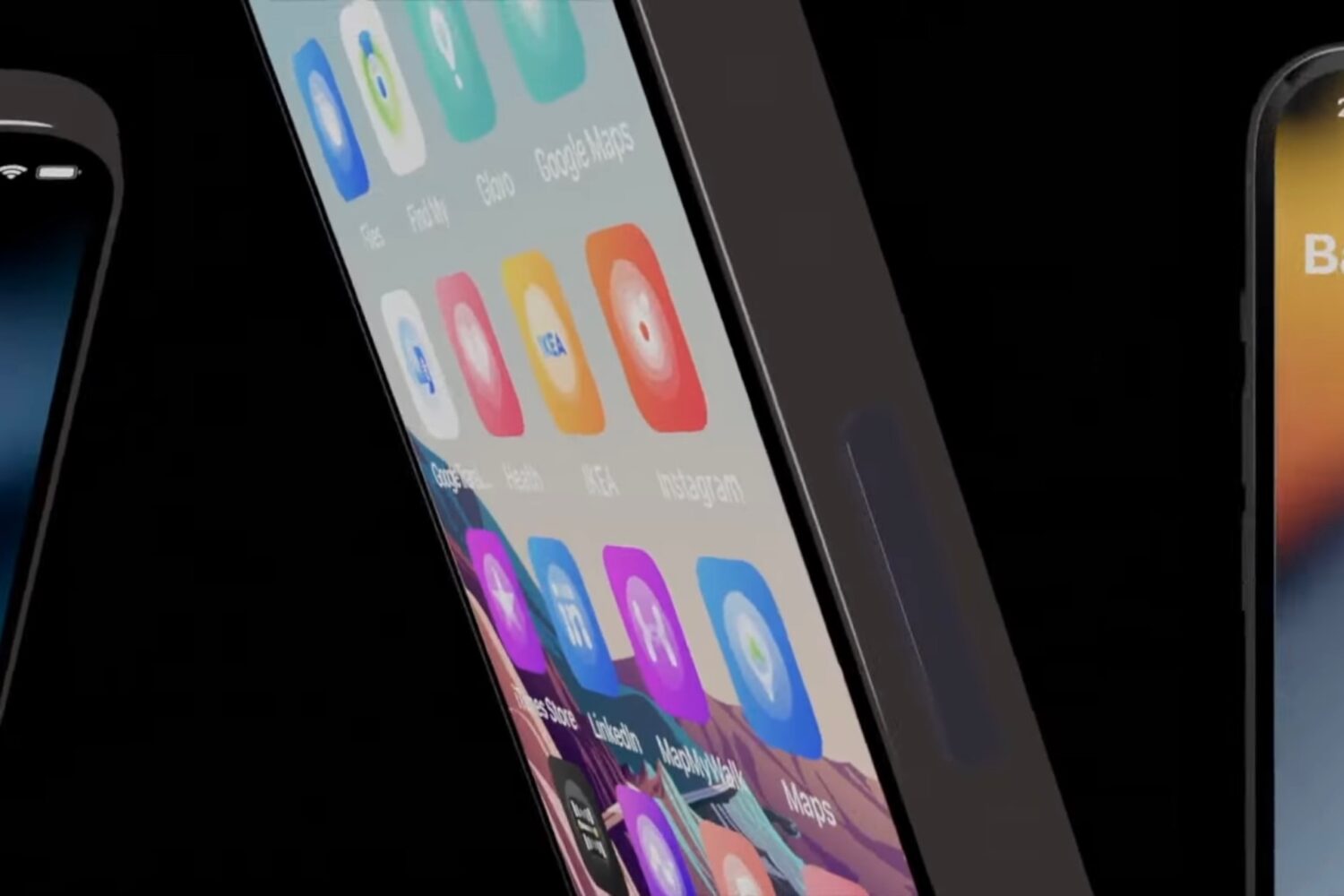
We recently showed you a new TrollStore add-on called TrollTools by iOS developer SourceLocation that permitted users to customize app icons, notification badges, and passcode buttons. Today, the developer announced via an /r/jailbreak thread that TrollTools was being updated to version 2.0.
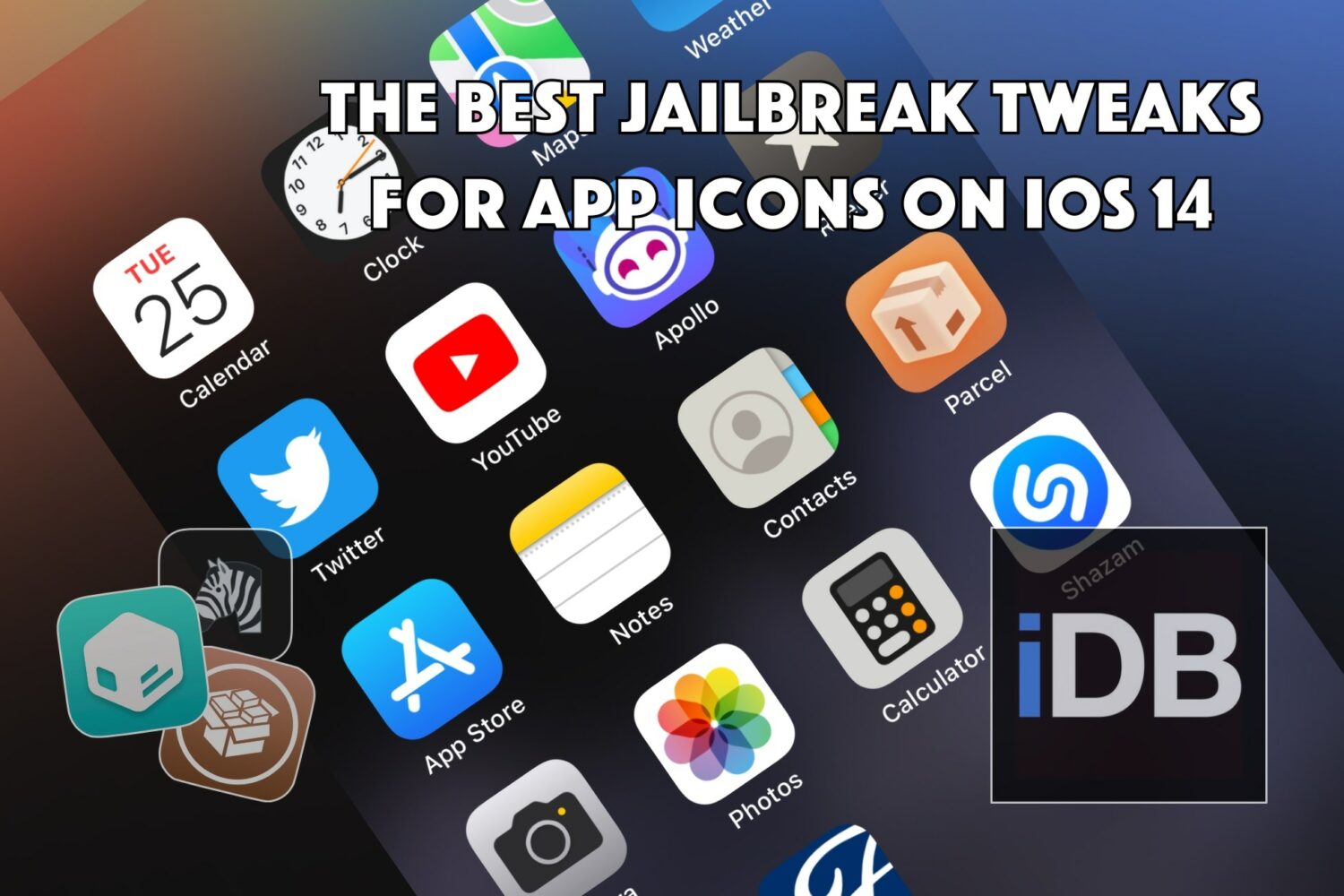
The app icons on your Home Screen are something that you use on a regular basis whether you’re a jailbreaker or not, and with that in mind, it seems like a notable niche of Apple’s mobile operating system to modify with jailbreak tweaks.
AirPods Max firmware labeled “4E71” has reduced the strength of active noise cancellation, blocking less noise between the mid and high bass.
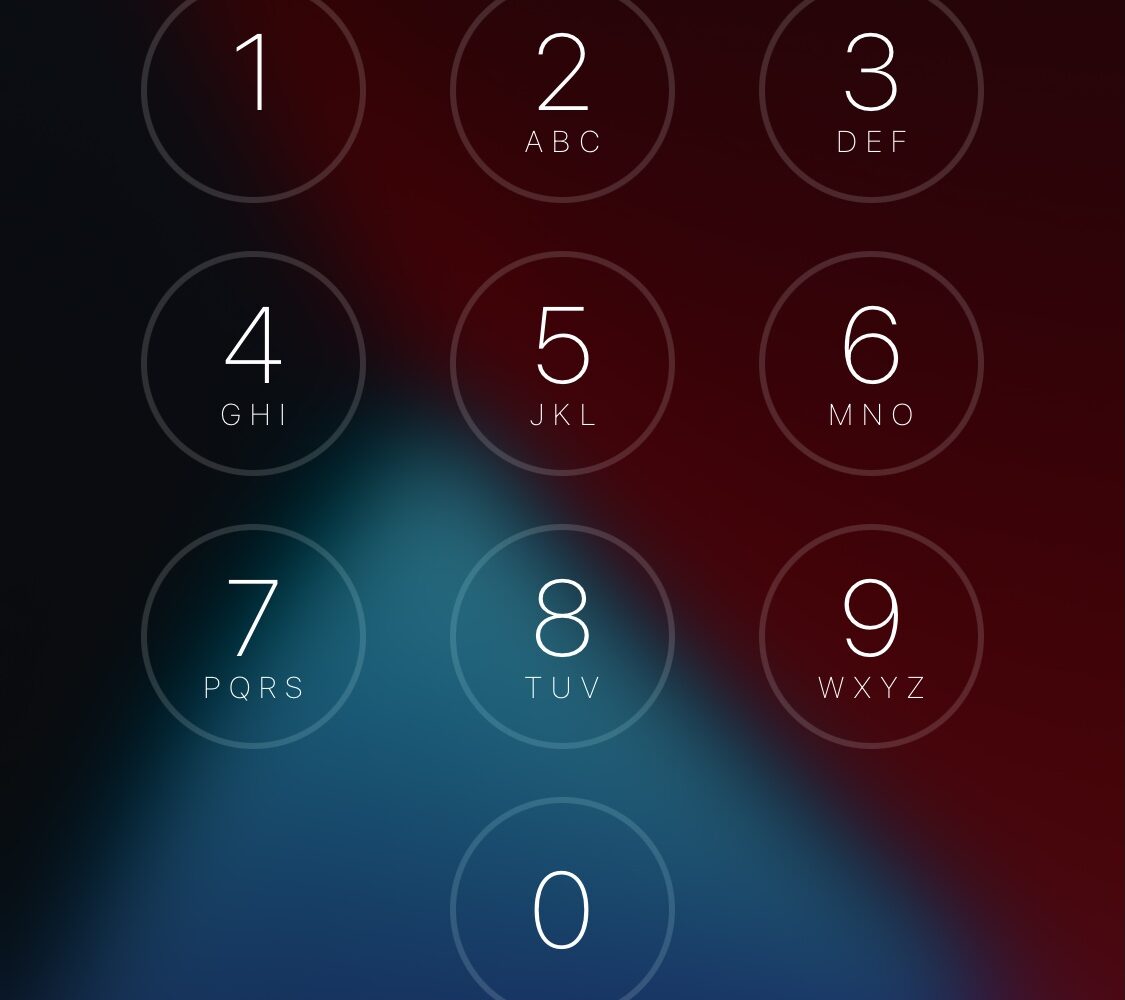
Trying to cope with an onset of nostalgia for the iOS 10-style passcode entry interface in a post-iOS 10 world? If you answered yes, then a new and free jailbreak tweak release dubbed 10Passcode by iOS developer level3tjg is precisely what you need.
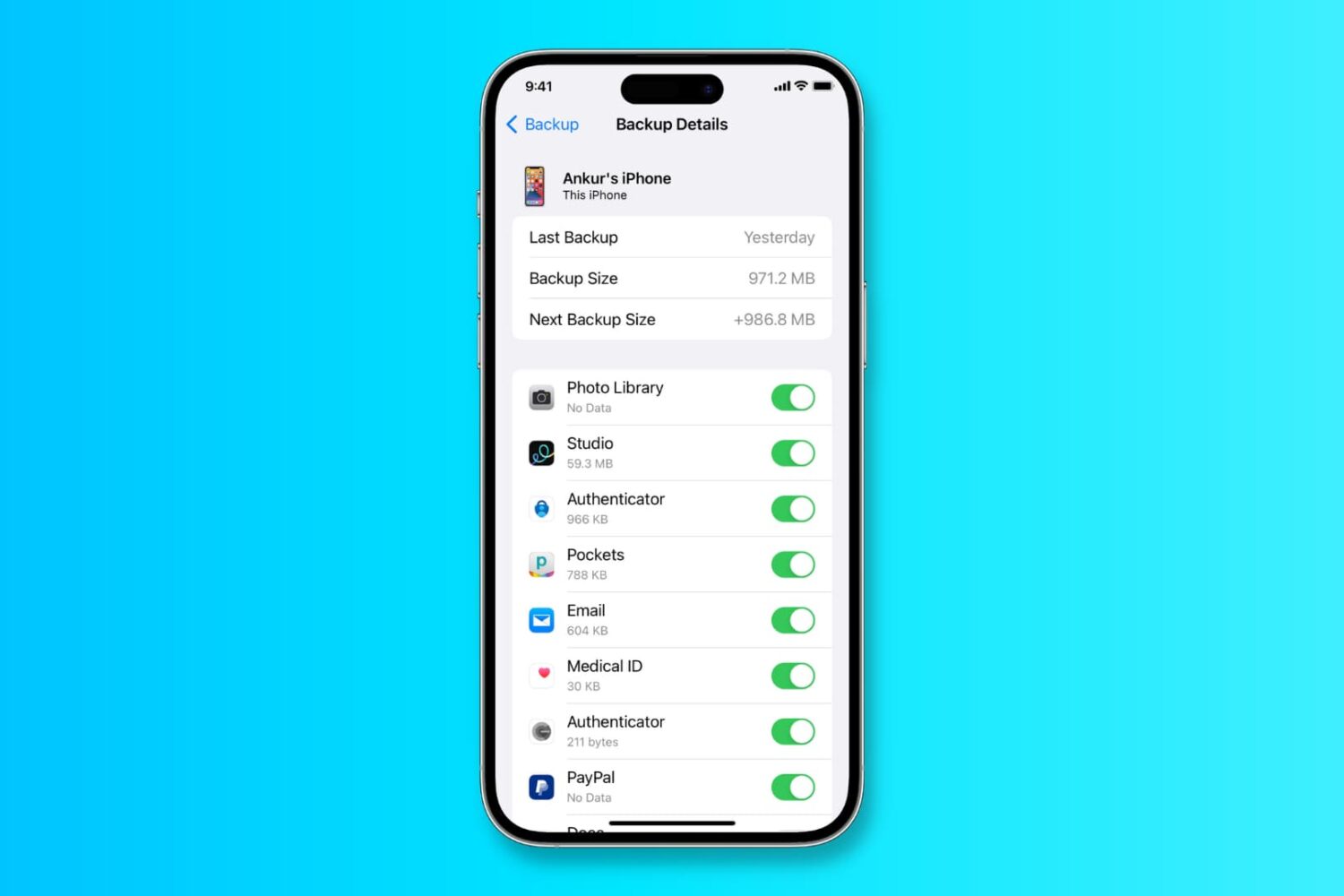
In this tutorial, we’ll show you how to back up your iPhone or iPad to iCloud, a Mac, or a Windows PC.
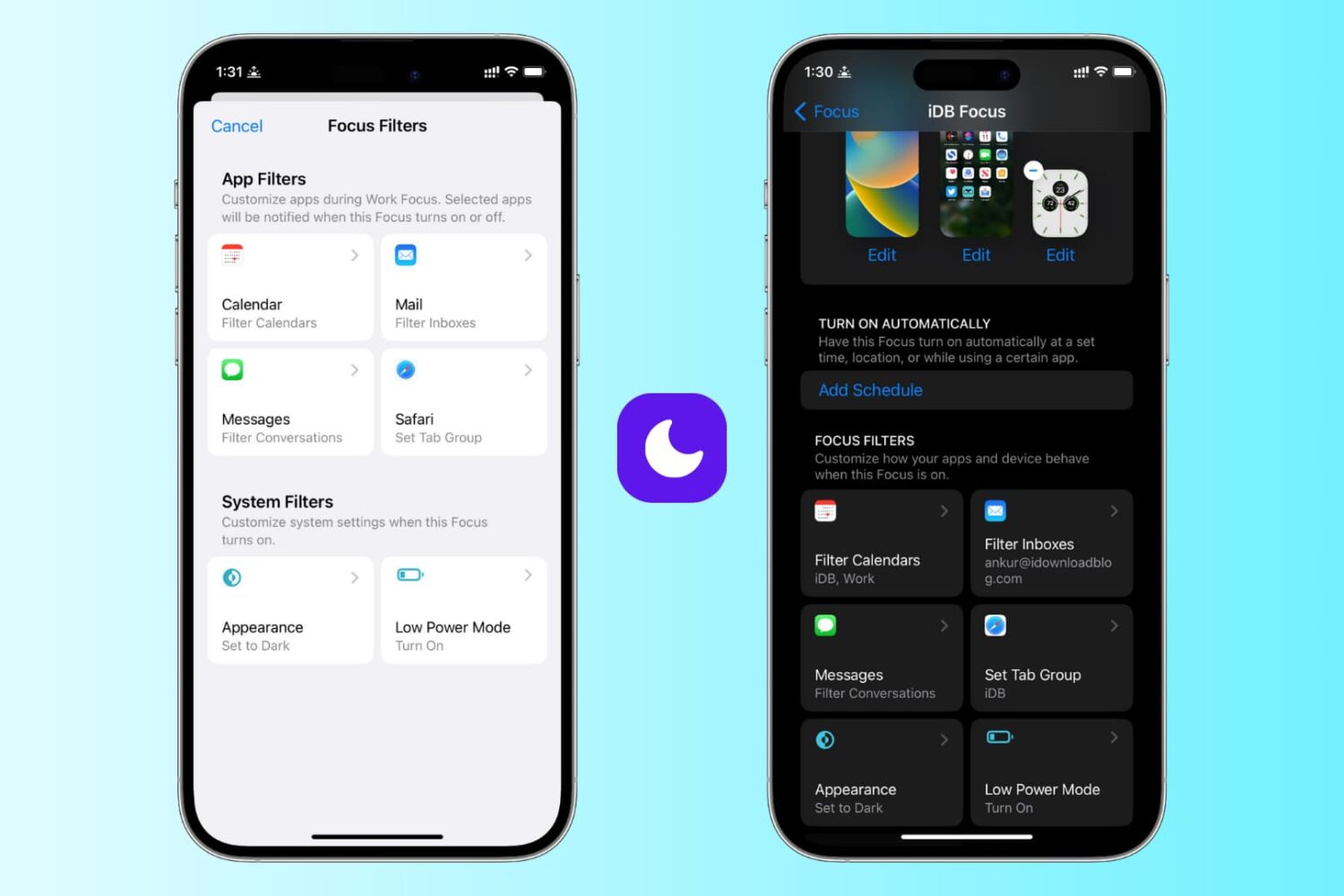
Learn how to use focus filters on iPhone and iPad to increase your productivity and limit outside distractions when a Focus mode is active.
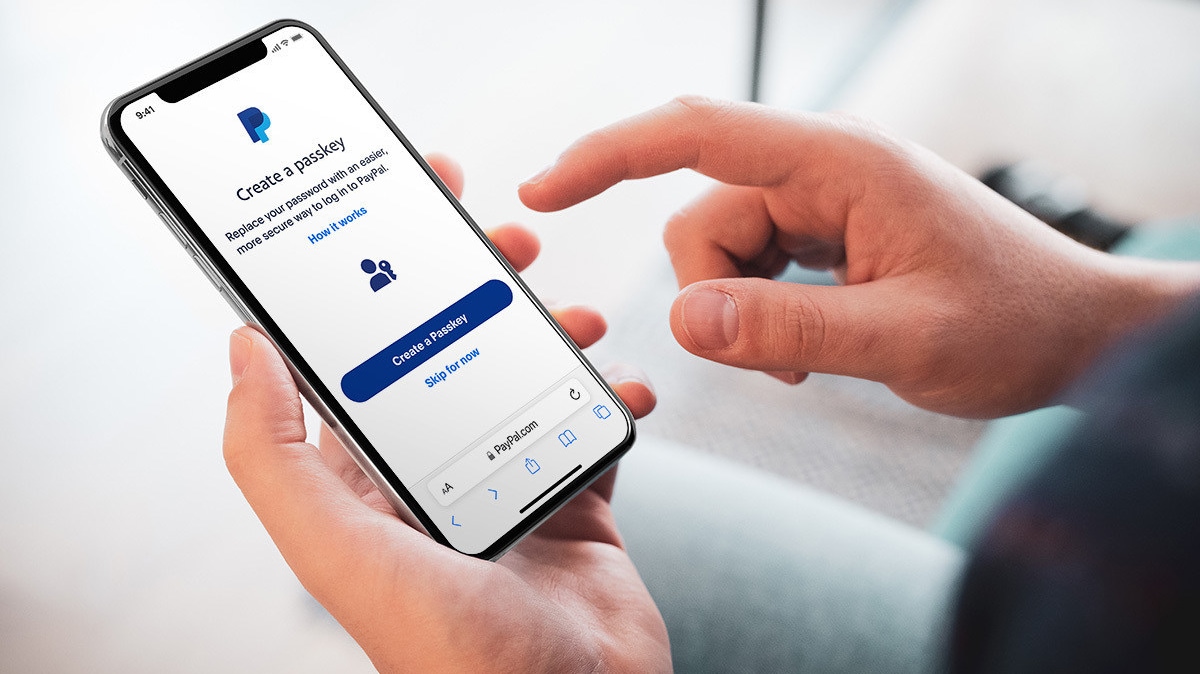
Authenticating yourself with the PayPal website using passkeys technology works on the iPhone, iPad and Mac in the US, with additional countries coming later.
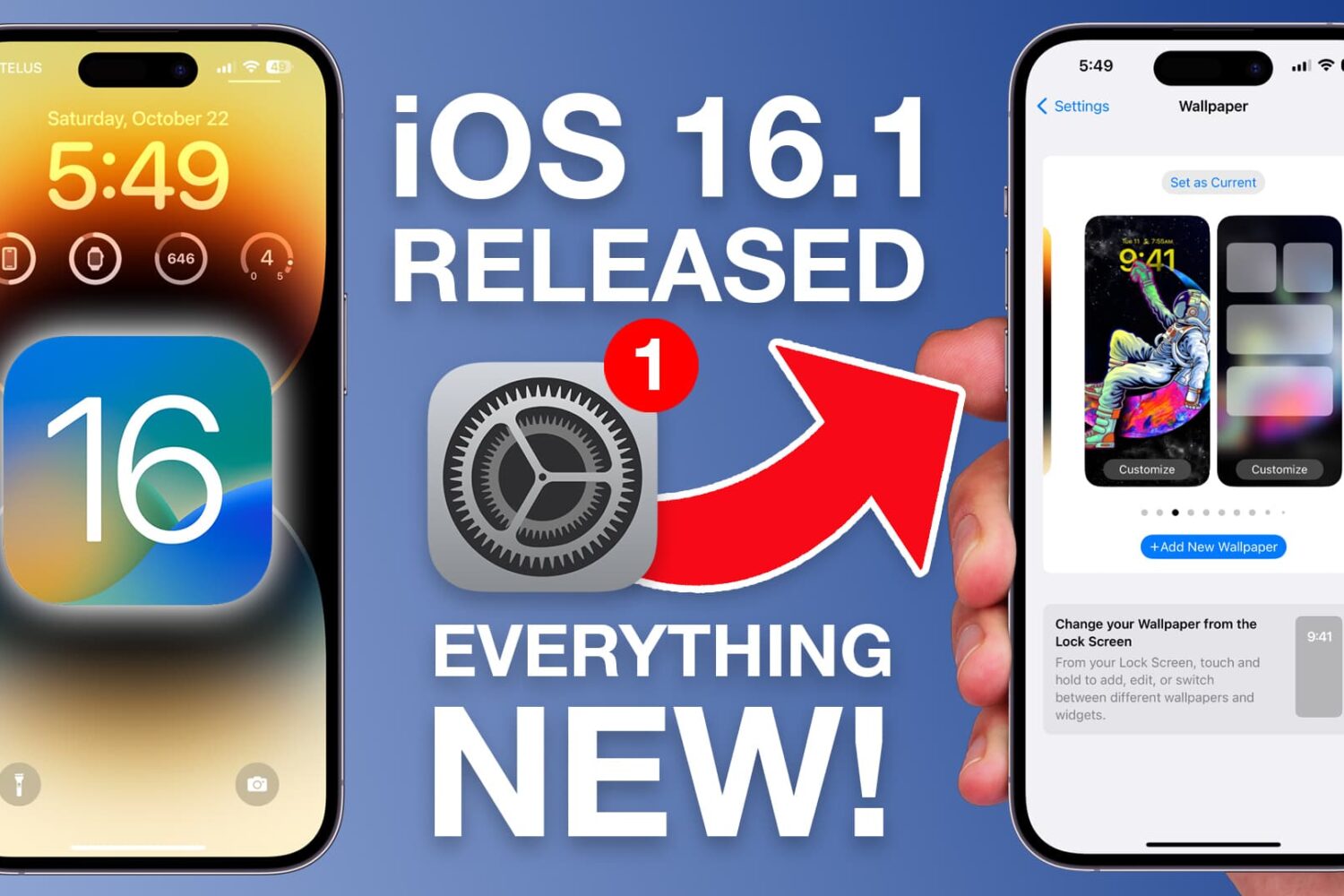
New iOS 16.1 features include Fitness+ on iPhone, iCloud Shared Photo Library, the Live Activities API, Matter support, battery percentage changes and more.
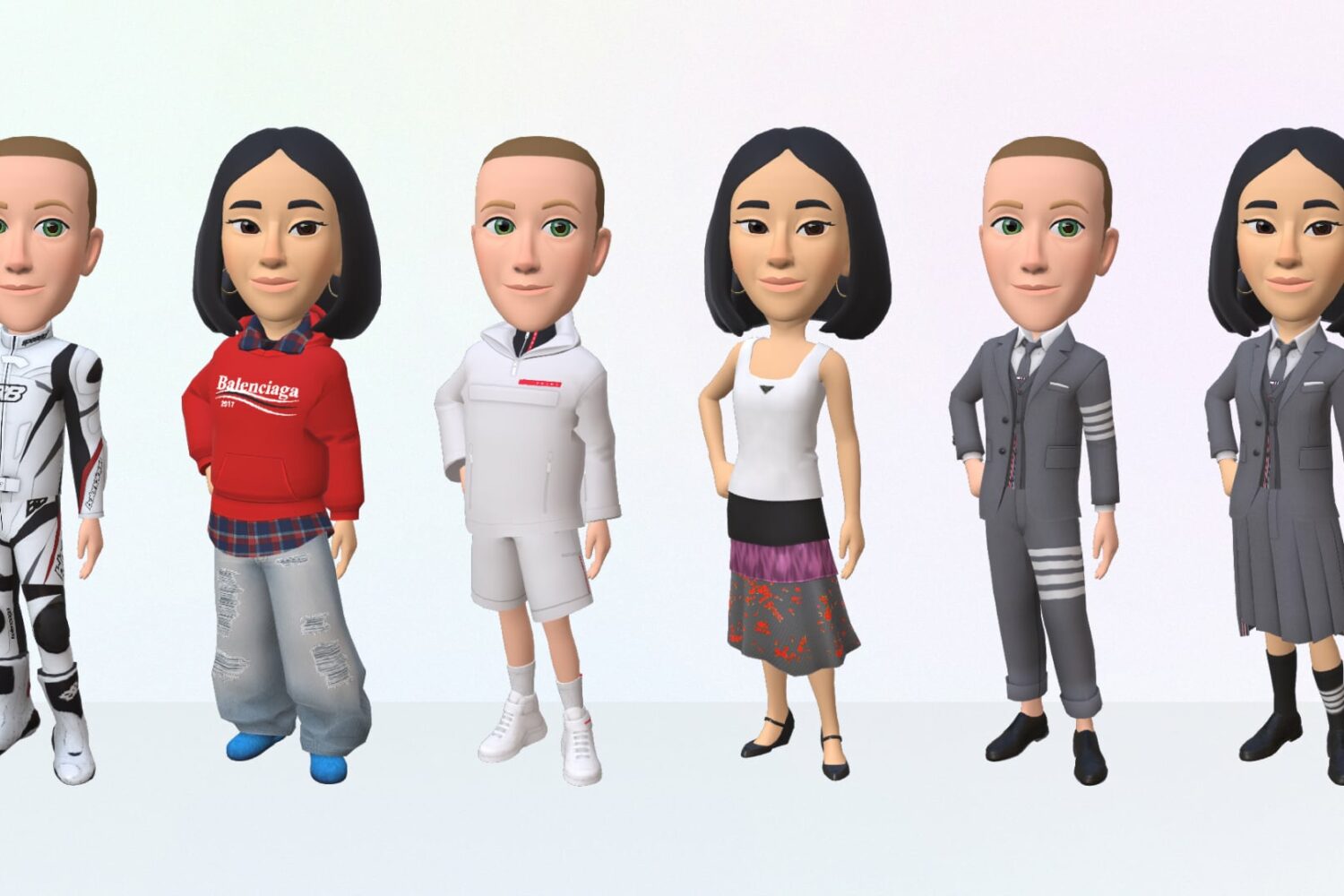
Your WhatsApp avatar is customizable and comes in various attractive poses, allowing you to be even more expressive when messaging family and friends.
Prospective jailbreakers have been salivating for some good news for months, and while there might not be a public jailbreak for iOS 15.x just yet (with the exception of palera1n for developers with checkm8-compatible devices), we do at least have TrollStore to hold us over as we wait.
The wonderful thing about TrollStore is that you can use it to perma-sign apps even on non-jailbroken iOS & iPadOS 15.0-15.4.1 (and some 15.5 beta) devices, and with its elevated privileges, you can install apps to customize the operating system in ways you would otherwise need a jailbreak for.