The rumored Action button may have prompted Apple to create new button press combinations to force restart or reboot your iPhone 15 Pro or iPhone 15 Pro Max.
iPhone 15 Pro may bring new button combinations to power off and force restart
Stay up-to-date on the latest iPhone news and learn new tips and tricks with our comprehensive tutorials. From software updates to new features, we’ve got you covered.
The rumored Action button may have prompted Apple to create new button press combinations to force restart or reboot your iPhone 15 Pro or iPhone 15 Pro Max.

Following the lead of the Sileo Team’s decision to end support for the XinaA15 jailbreak this past weekend, it now seems that the popular Zebra package manager is going down the same path.
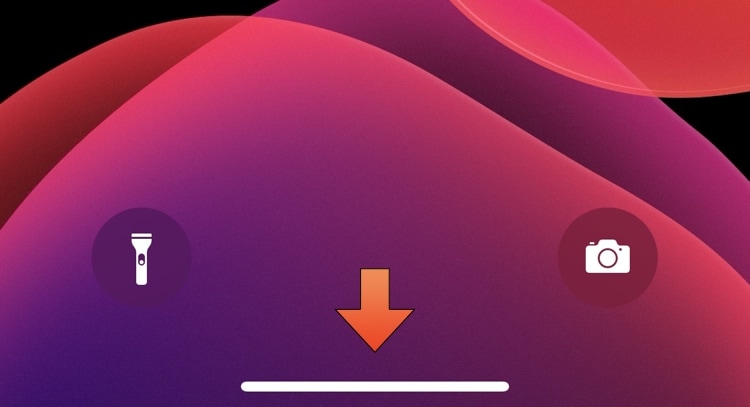
On notched devices that lack a physical Home Button, users instead rely on a software-based Home Bar at the bottom of the display to leave apps and multitask.
The Sileo Team pushed an update for the Sileo package manager on Monday, officially bringing it up to version 2.4.2.
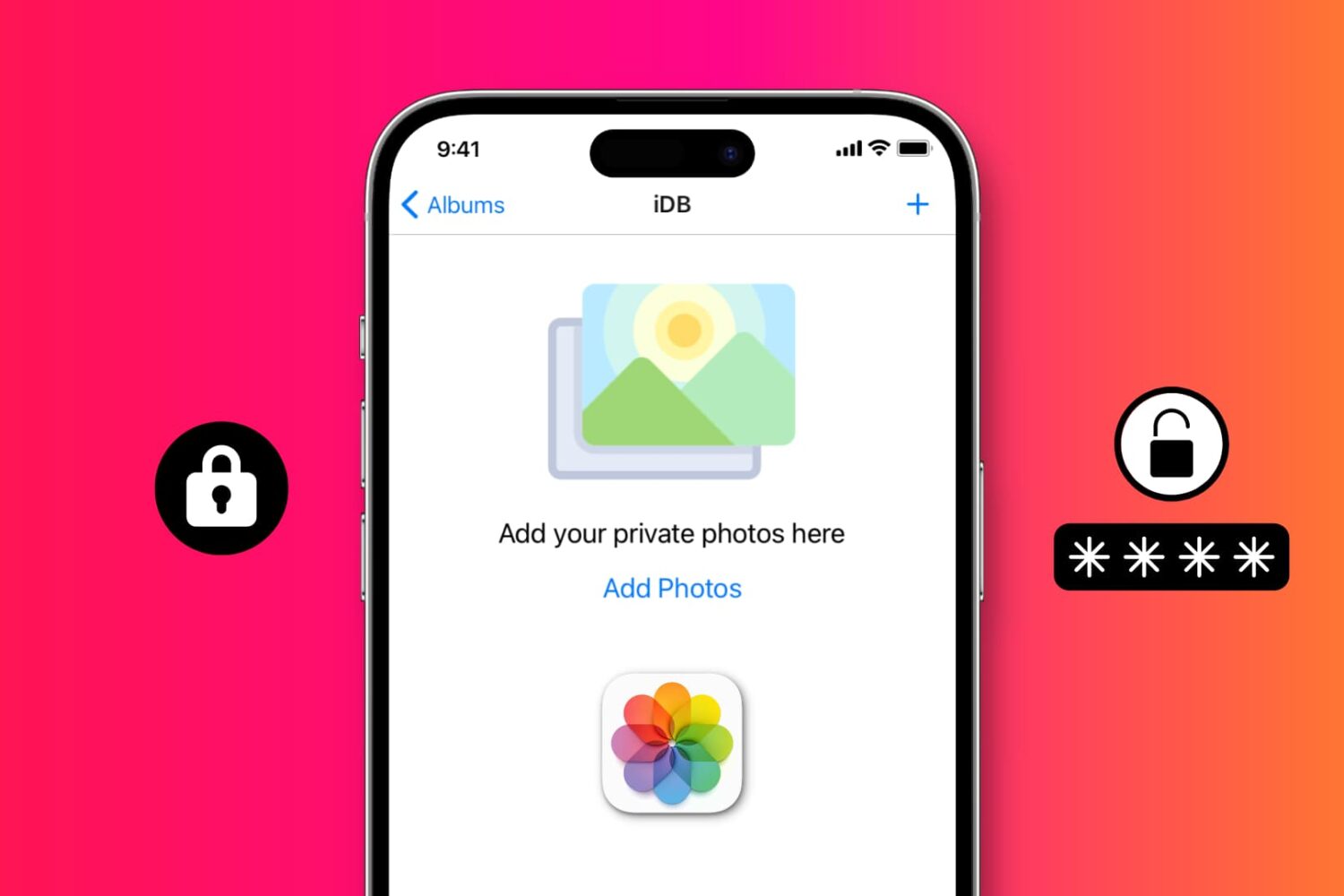
Want to prevent people from looking at your photos and videos? Check out these 5 free ways to restrict access to your photos and videos on iPhone or iPad with a password or Face ID.

Depending on the amount of pressure applied to the force-sensitive Action button, you'll invoke different features of the stock Camera app on the iPhone 15 Pros.
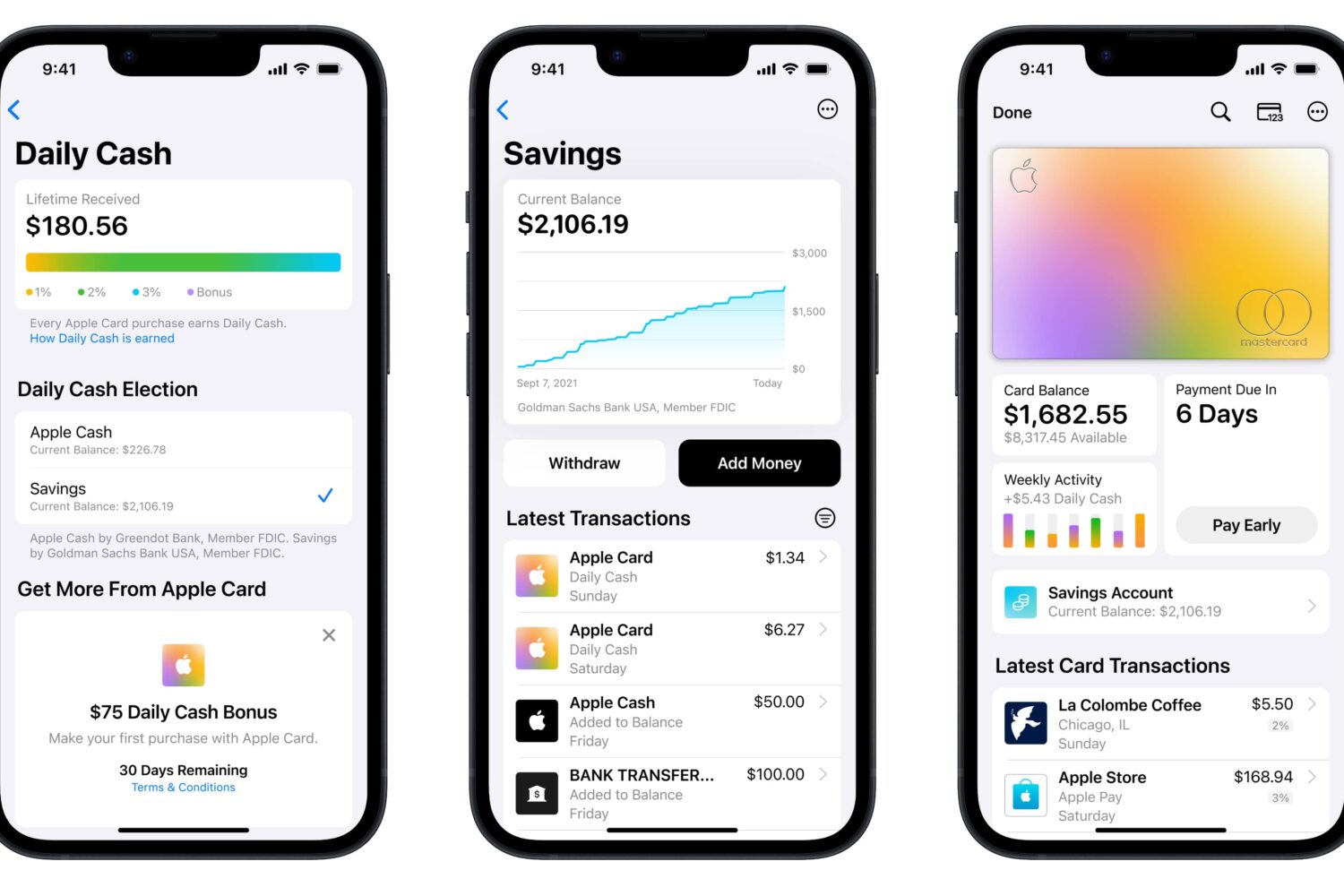
Deposit your Daily Cash automatically into the Apple Card savings account, or transfer funds from Apple Cash balance or your linked bank account.

Libhooker, the tweak injection method frequently used by CoolStar-associated jailbreaks including Odyssey for iOS & iPadOS 13 and Taurine for iOS & iPadOS 14, has been officially open-sourced.

Ahead of new EU regulations next year, Apple's iOS 17 software will reportedly pave the way for app sideloading and alternative app stores on the iPhone.
The iPhone and iPad's native Translate app incorporated support for more languages starting with iOS & iPadOS 16, which may be a bummer for anyone who’s currently jailbroken on iOS or iPadOS 15 by comparison.
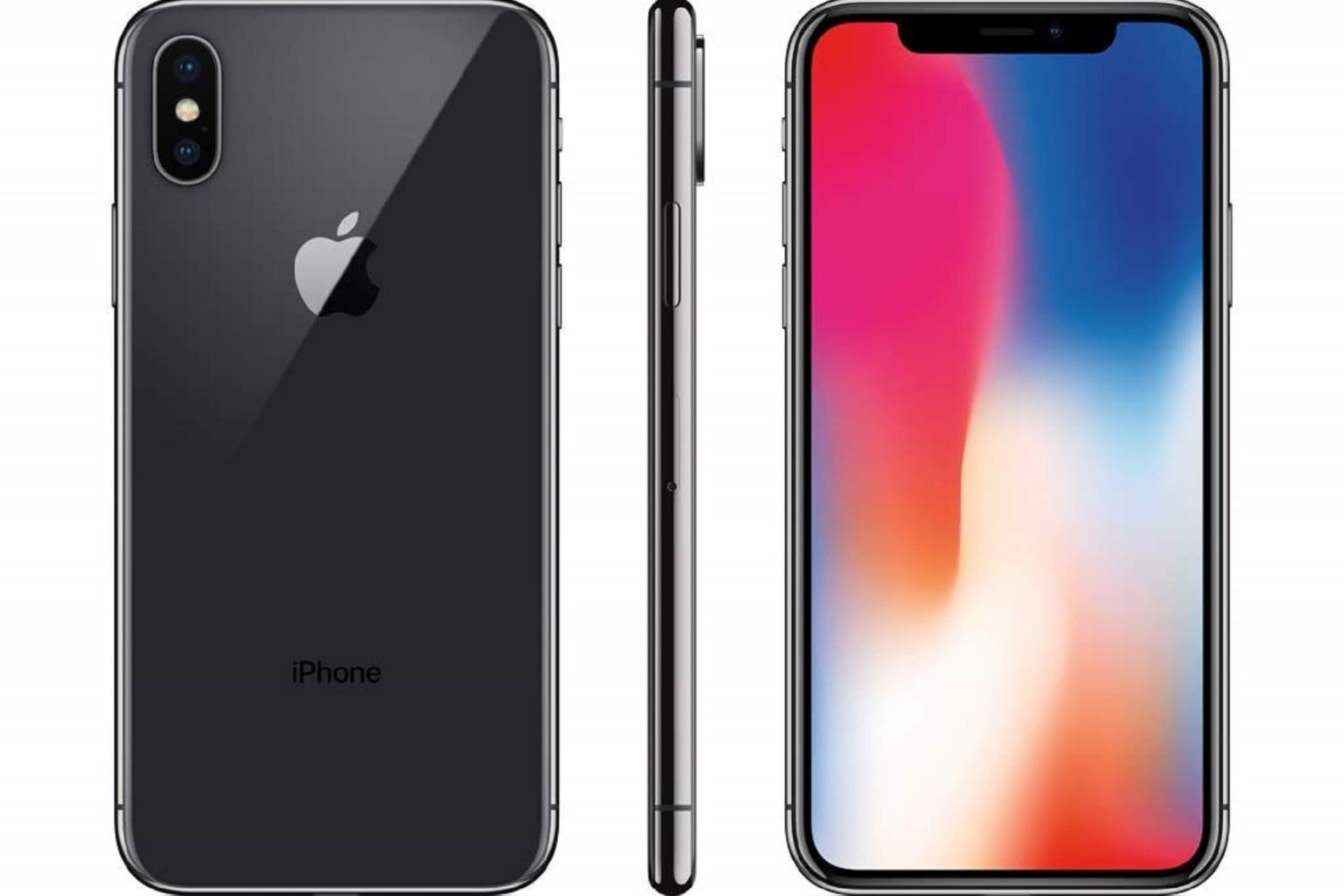
You can always use your iPhone’s sleep/wake button to lock it when you’re finished using it, but what if that button is broken or you want a flashy new way to lock your jailbroken device?
The jailbreak community has been full of surprises recently, and if you’re a busy person, then it can be easy to miss important details that could pertain to you and your device(s).