We have another exciting theme for those of you out there who enjoy the thrill of a customized Home Screen experience, and if you’re a dark mode lover, then you won’t want to miss it.
Stay up-to-date on the latest iPhone news and learn new tips and tricks with our comprehensive tutorials. From software updates to new features, we’ve got you covered.
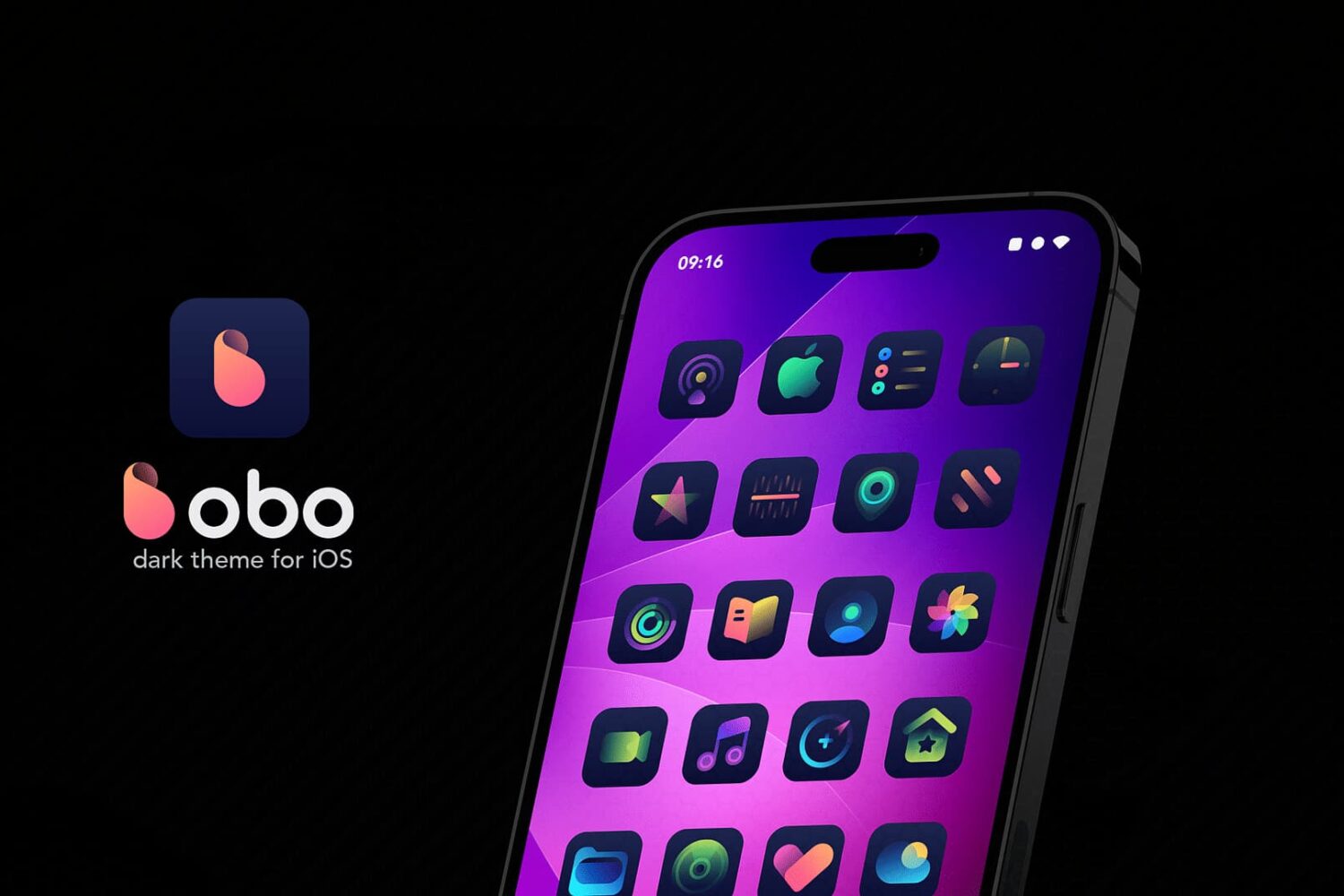
We have another exciting theme for those of you out there who enjoy the thrill of a customized Home Screen experience, and if you’re a dark mode lover, then you won’t want to miss it.
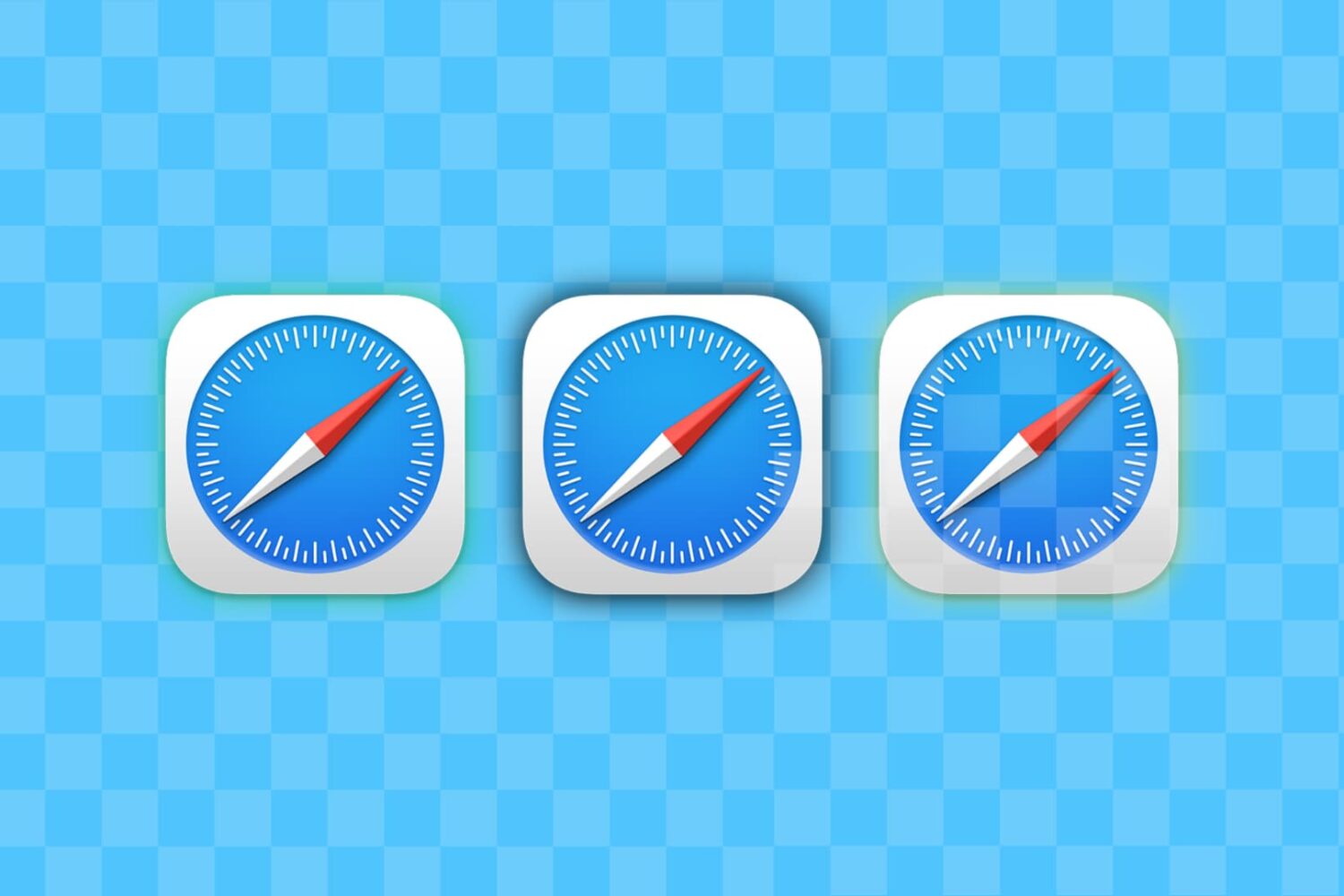
Learn how to use multiple profiles in Safari on your iPhone, iPad, or Mac to keep your personal and work browsing separate.
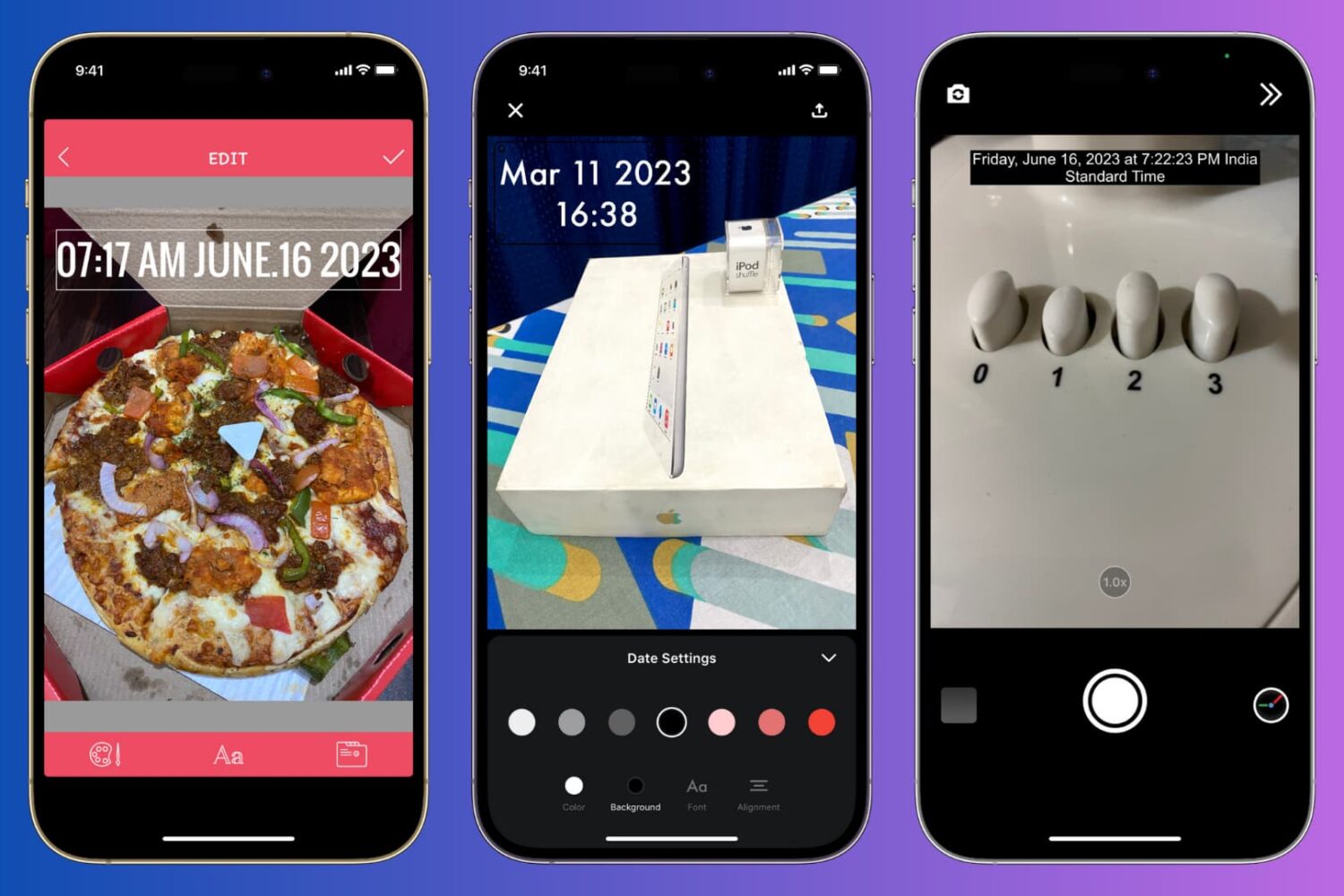
Learn how to manually add the current date and time to your iPhone photos or use a third-party app to automatically timestamp your snaps.

An improved U1 chip in the iPhone 15 family and support for Wi-Fi 7 on iPhone 16 should optimize the integration with the new Apple Vision Pro headset.

The Zebra package manager for jailbroken iPhones and iPads received a couple of updates this past weekend to versions 1.1.34 and 1.1.35 respectively, which introduced a few minor changes to how the app works.
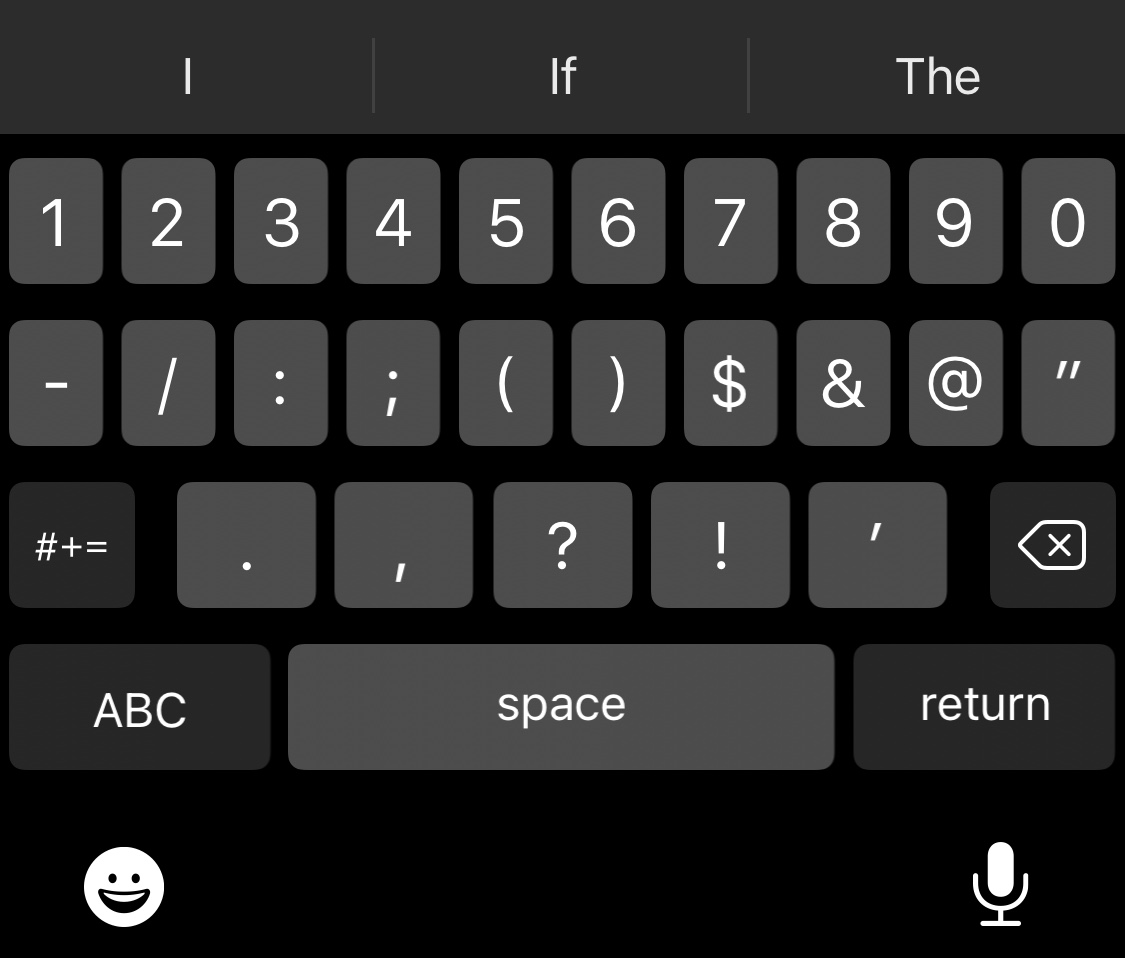
One of the things you might notice about the keyboard on notched iPhones, such as the iPhone X and newer, is that the keyboard interface leaves a lot of unused pixels at the bottom of the screen.
At iDownloadBlog, we like to keep an eye on jailbreak community developments because we know a lot of our readers are heavily invested in this exiting hobby. But we also recognize how easy it can be to miss something in this fast-paced world we live in today.
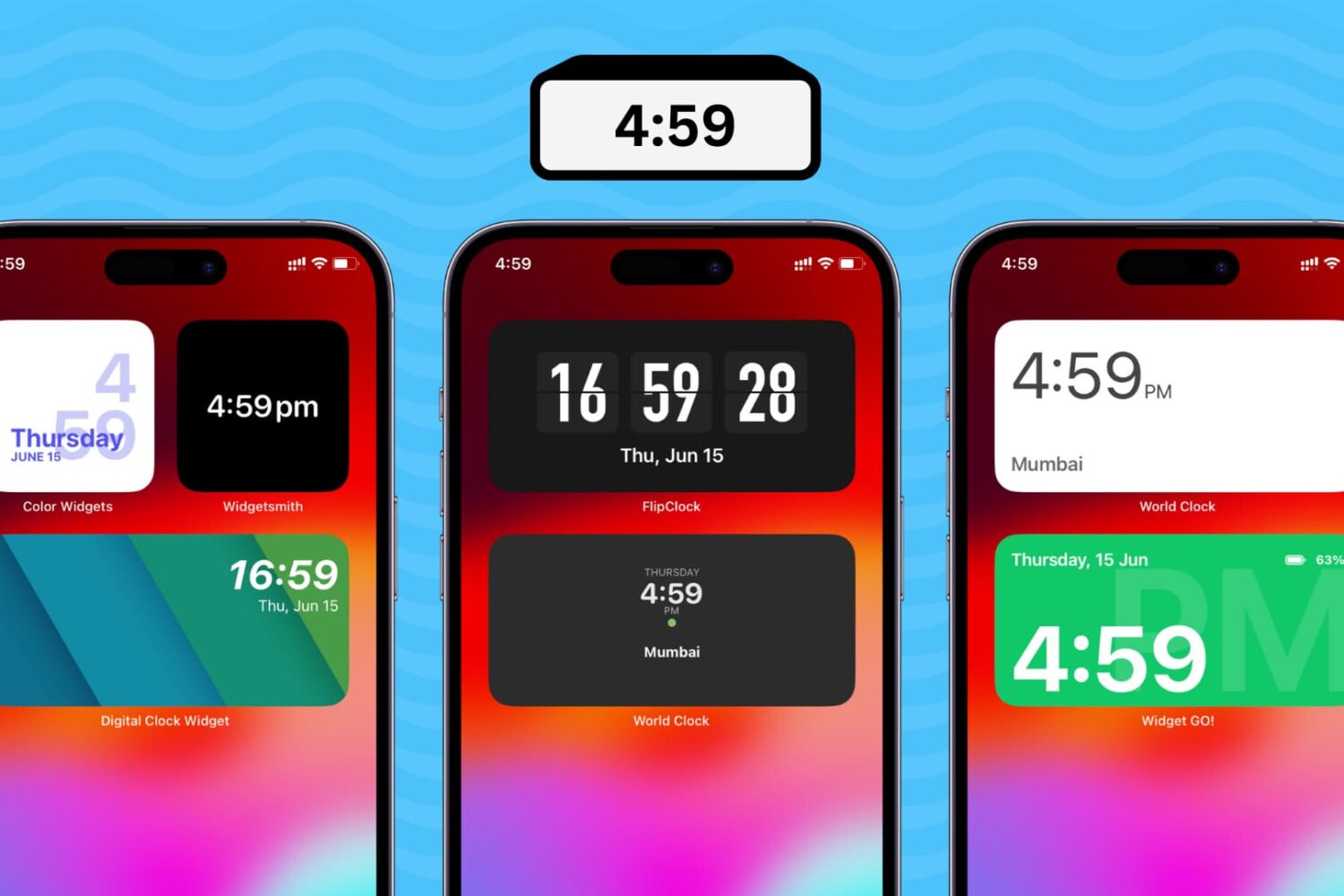
Learn how to add a digital clock widget to the Home Screen of your iPhone and iPad so that you never lose track of time and date.
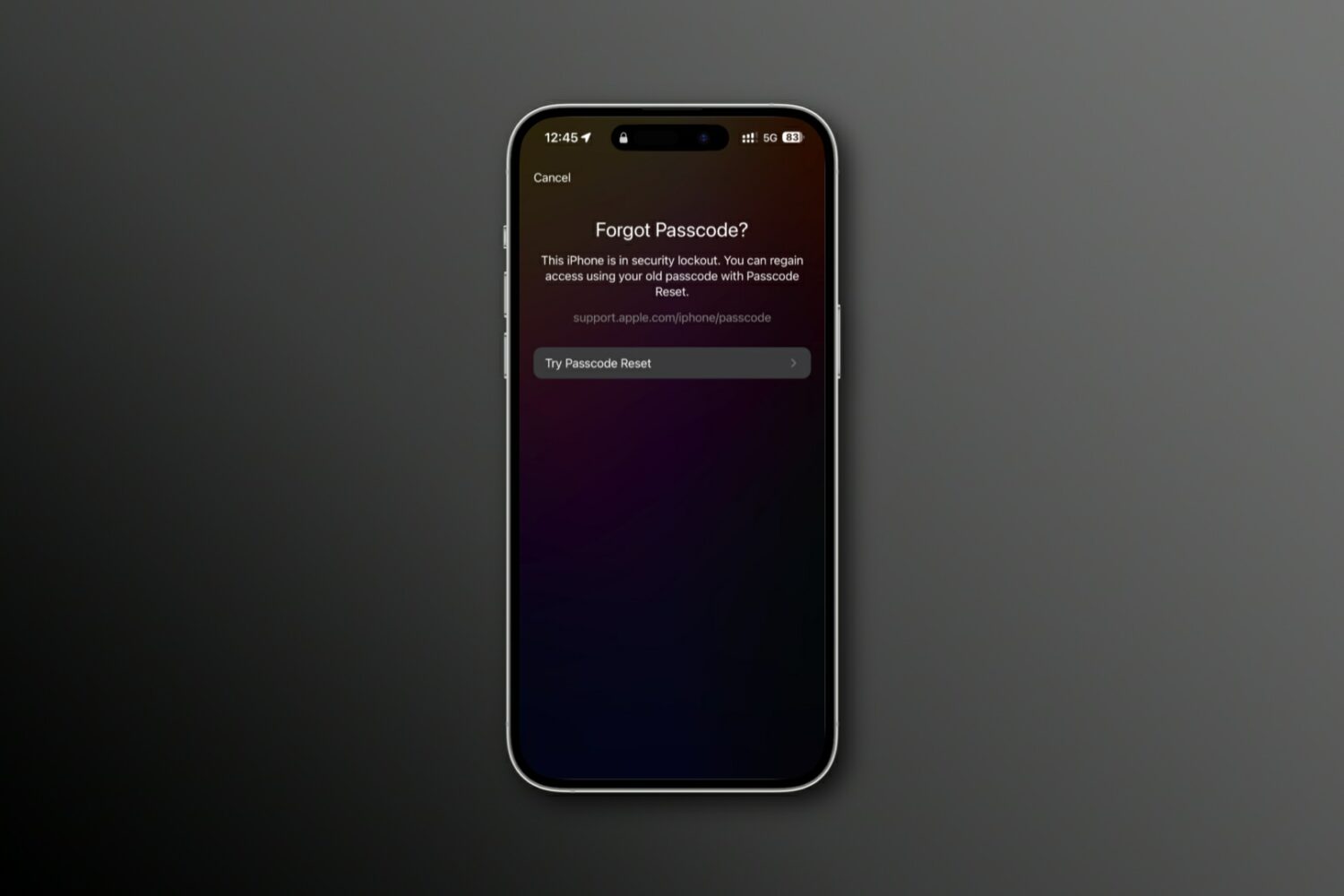
Learn how to reset your forgotten iPhone passcode using your previous passcode to regain access to your device.
Developer Lars Fröder, also known as @opa334dev, pushed an updated version of the Dopamine jailbreak tool on Friday, officially bringing it up to version 1.1.

If you’re someone who likes to keep all your data backed up so that you can quickly restore it in a moment’s notice, then we think you might appreciate a new app for iPhones and iPads called Data Manager by iOS developer Sezo.
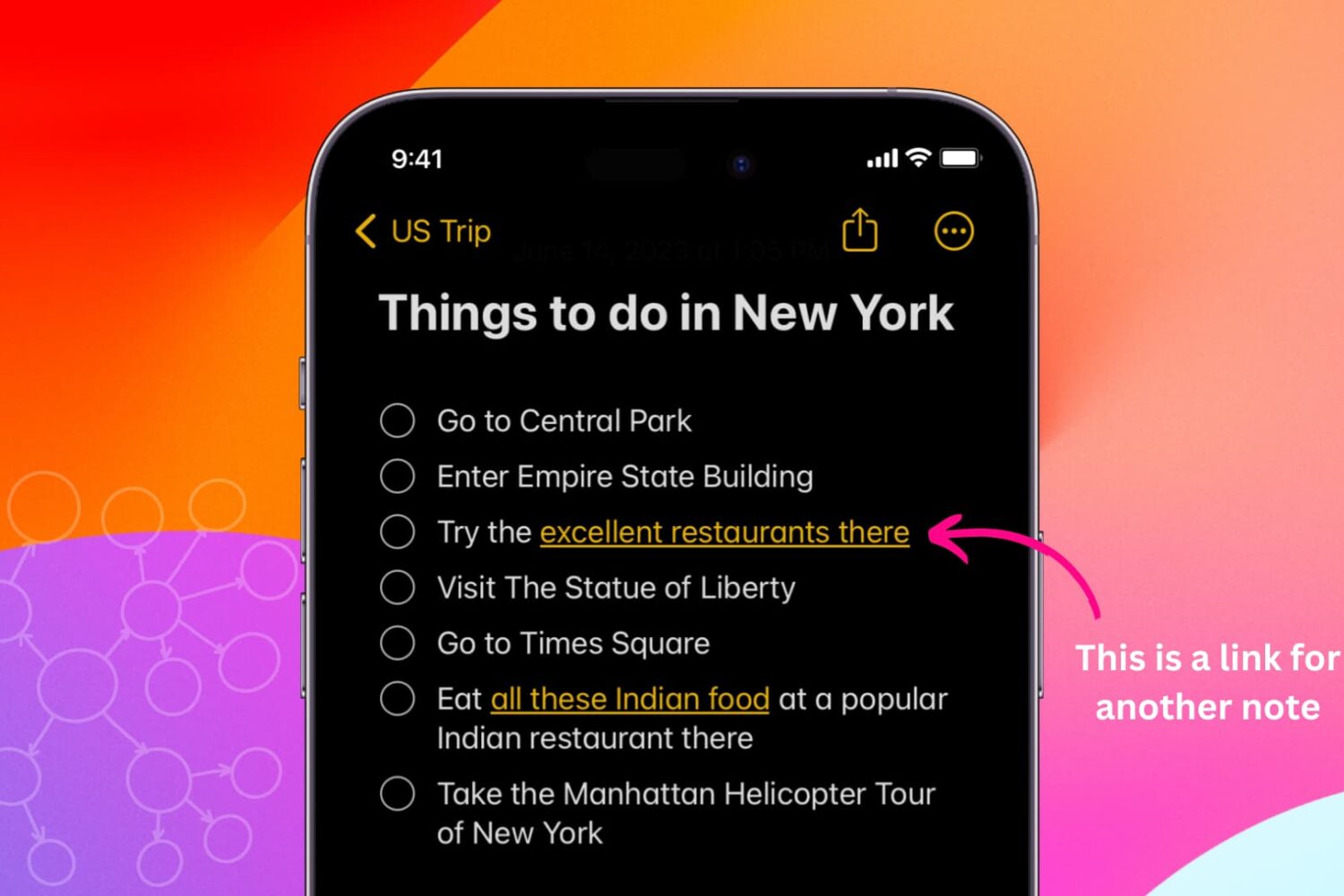
Learn how to link related notes in the Notes app on iPhone, iPad, and Mac for better organization and easier navigation.