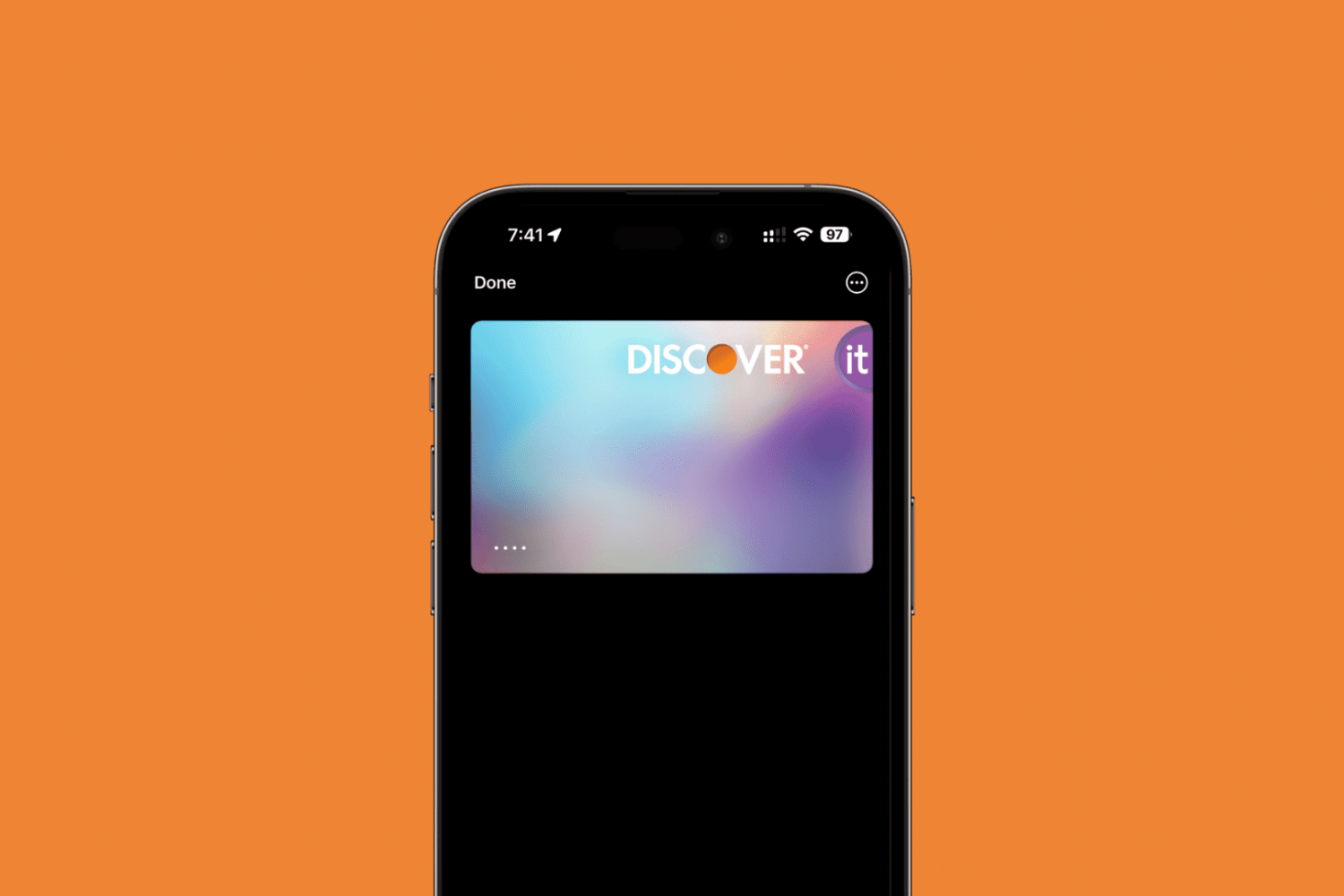
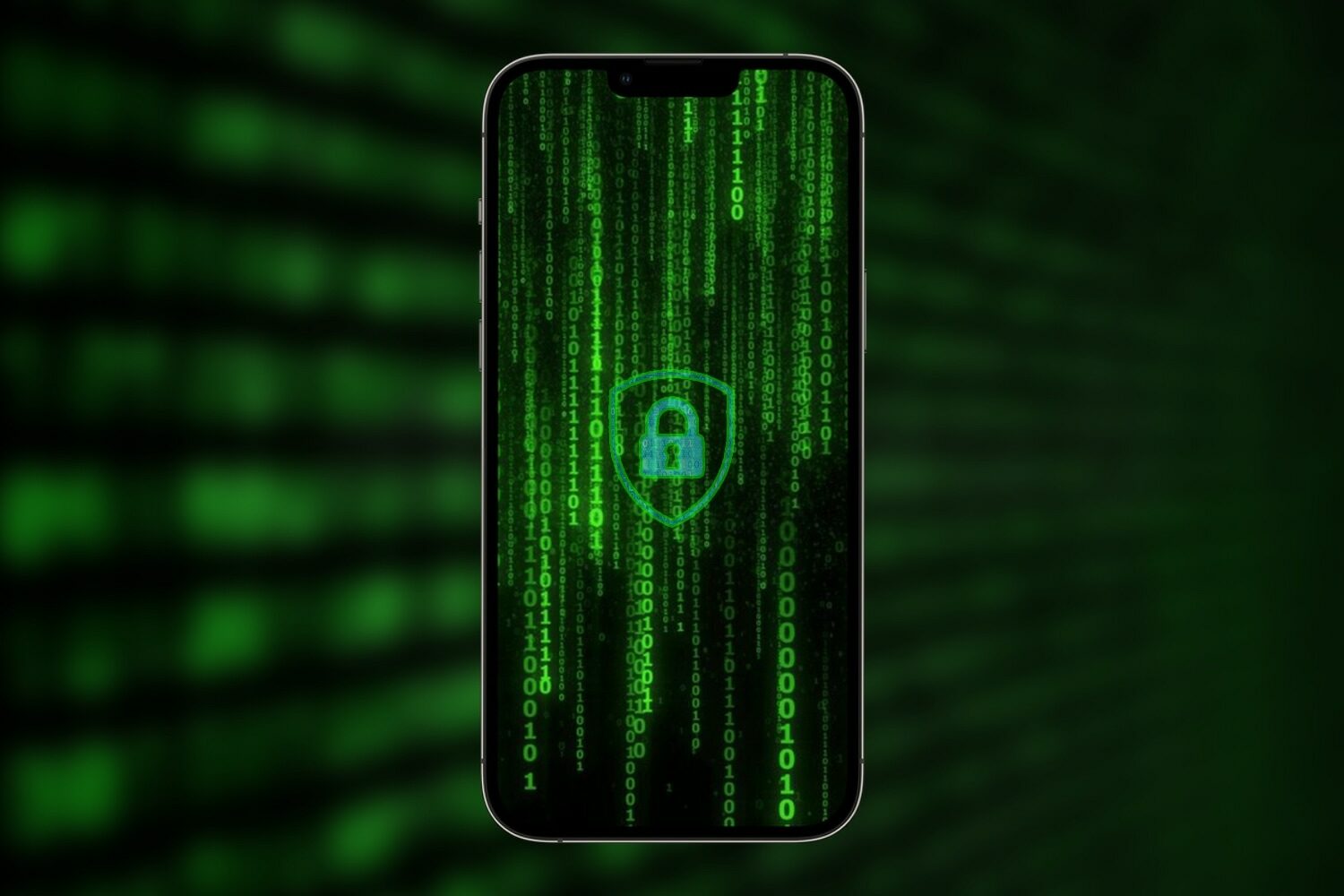
Learn how to recover deleted passwords, passkeys, and two-factor verification (2FA) codes from the Passwords app or iCloud Keychain on your iPhone, iPad, and Mac.
How to recover deleted passwords, passkeys, and 2FA codes on Apple devices
Stay up-to-date on the latest iPhone news and learn new tips and tricks with our comprehensive tutorials. From software updates to new features, we’ve got you covered.
Learn how to recover deleted passwords, passkeys, and two-factor verification (2FA) codes from the Passwords app or iCloud Keychain on your iPhone, iPad, and Mac.
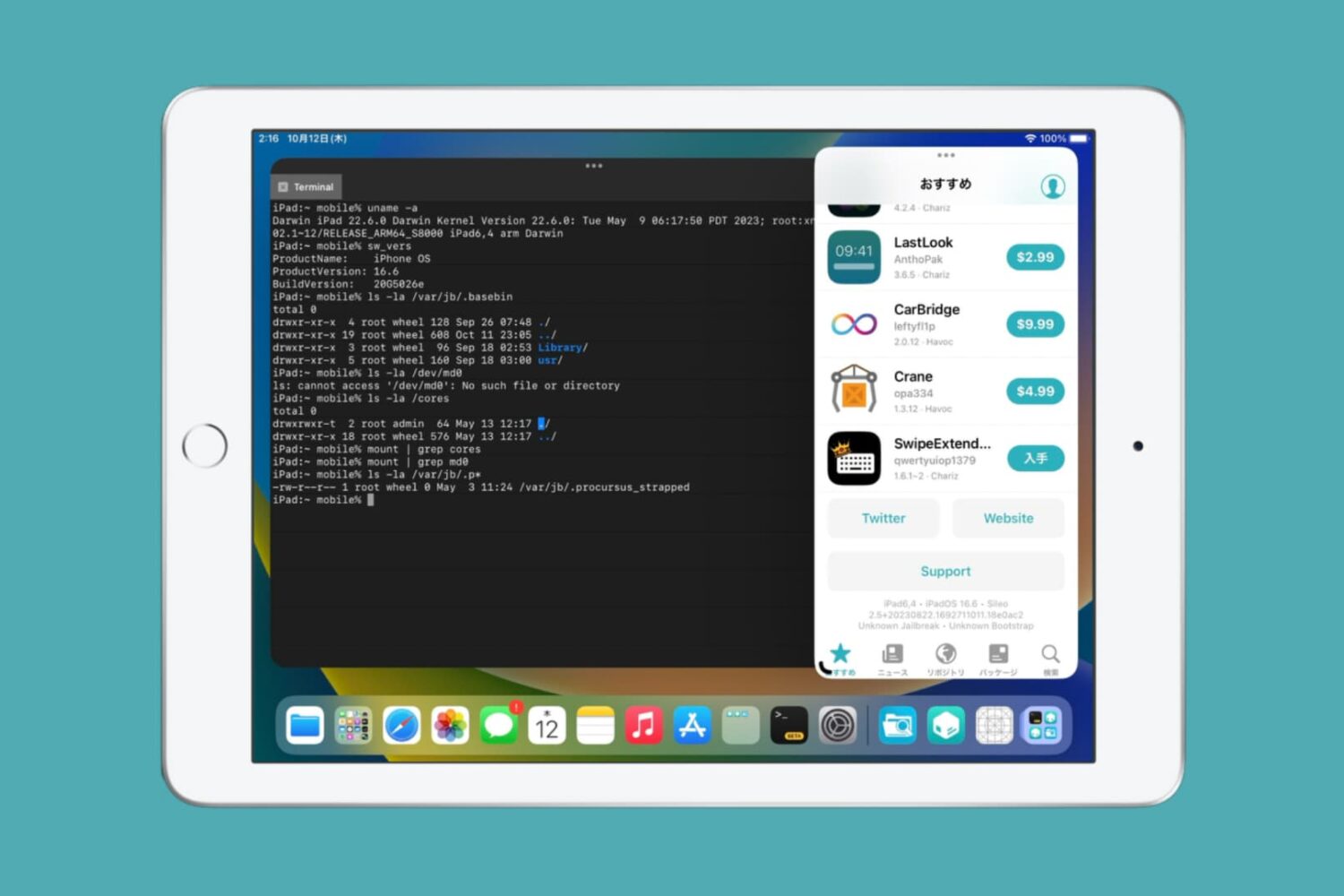
At the start of the week, the Odyssey Team released an updated version of the Taurine jailbreak to add support for iOS & iPadOS 14.4-14.8.1.
Casetify offers customizable protective cases for the new iPhone 15 and iPhone 15 Pro models, including new Apple Watch accessories such as straps.
If you were a huge fan of this past week’s Apple event and loved everything about what you saw and what Apple announced, then chances are you might appreciate a new add-on for the MacDirtyCow & kfd exploits dubbed AppleEvent Lock 2023 by iOS developer Kumiki.
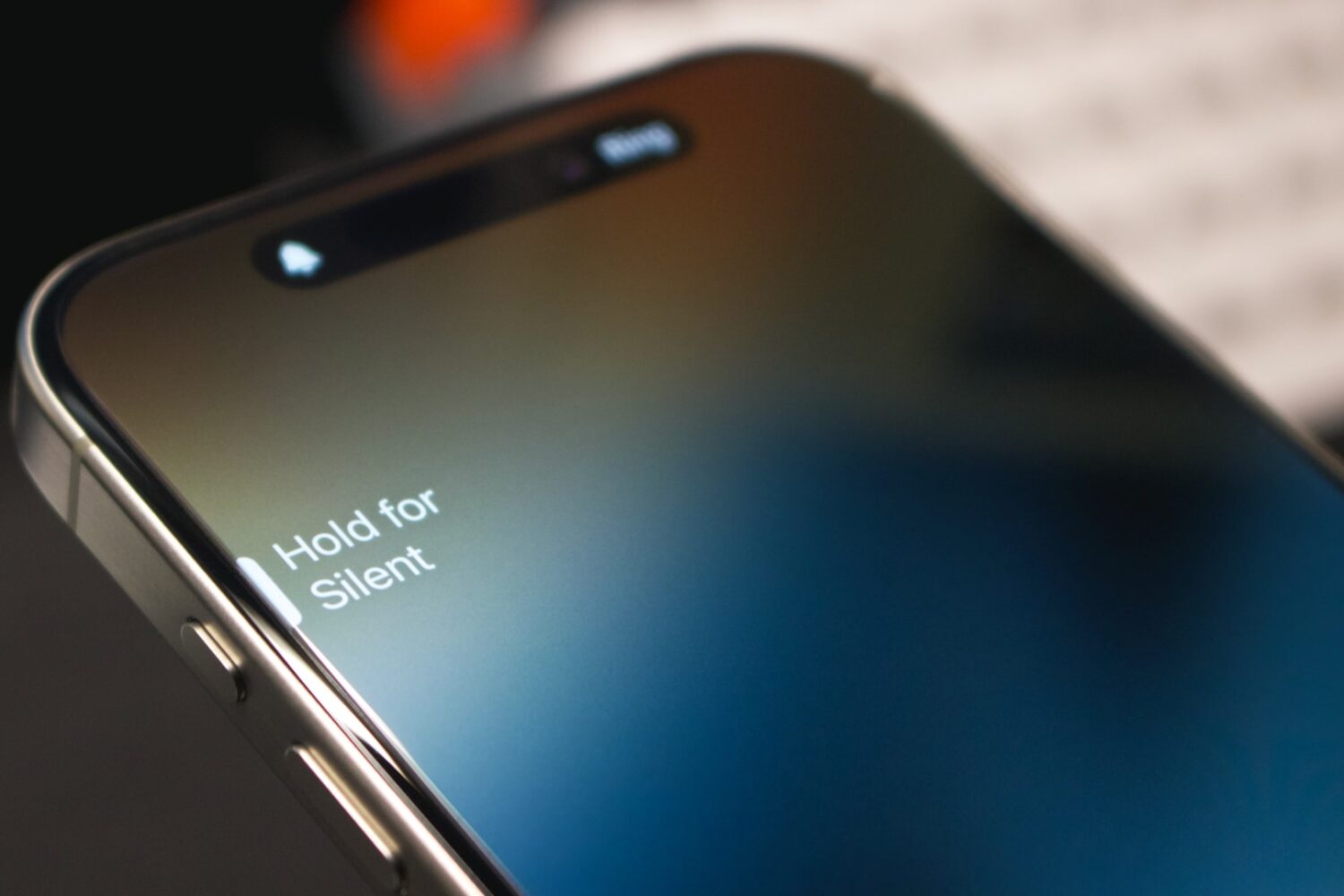
Learn how to assign different ringtones to each SIM line on your iPhone, making it easier to identify which phone number is receiving a call.
Totallee's latest cases for the iPhone 15 and iPhone 15 Pro models offer protection while being impossibly thin, lightweight, transparent and branding-free.
In this tutorial, we'll show you how to view the cycle count, manufacturing month, and the first use month of your iPhone battery to assess its health and age.
Learn how to automatically convert pictures to the JPG format and videos to MOV on the fly when you share them via AirDrop or other means on an iPhone or iPad.
Supervised mode is an important thing for not only prospective jailbreakers, but for folks who want to upgrade to unsigned firmware using the DelayOTA method to take advantage of kernel exploits that make add-ons possible, with two recent examples being MacDirtyCow for iOS & iPadOS 15.0-16.1.2 and kfd for iOS & iPadOS 16.0-16.6 beta 1.
Learn how to use the built-in Live Voicemail feature on your iPhone to view real-time transcription as the caller is still on the line, leaving their voice message.
Learn how to find a misplaced Siri Remote for your Apple TV using your iPhone instead of looking under the pillows and underneath the couch.
The up and down volume buttons on your iPhone are not just limited to changing the volume, and in this article, we will tell you about several other things you can do by using these physical keys.