iPhone

Stay up-to-date on the latest iPhone news and learn new tips and tricks with our comprehensive tutorials. From software updates to new features, we’ve got you covered.

Apple’s new Taptic Engine inside iPhone 6s blasted with X-rays, captured in action on video

When Apple says that a redesigned vibrator inside the iPhone 6s and iPhone 6s Plus, branded as the Taptic Engine, gives you “real-time feedback” in the form of subtle taps, the company is not exaggerating. The new oscillating mechanism, now enclosed with its own aluminum shell, reaches its full power in just one cycle (and stops just as quickly) versus ten or more oscillations for most other smartphones.

This allows for a more precise level of haptic feedback to accompany the new Peek and Pop deep-presses provided by 3D Touch. As part of iFixit's detailed teardown analysis of the new iPhones, the repair wizards have blasted the Taptic Engine with X-rays to show it in action.

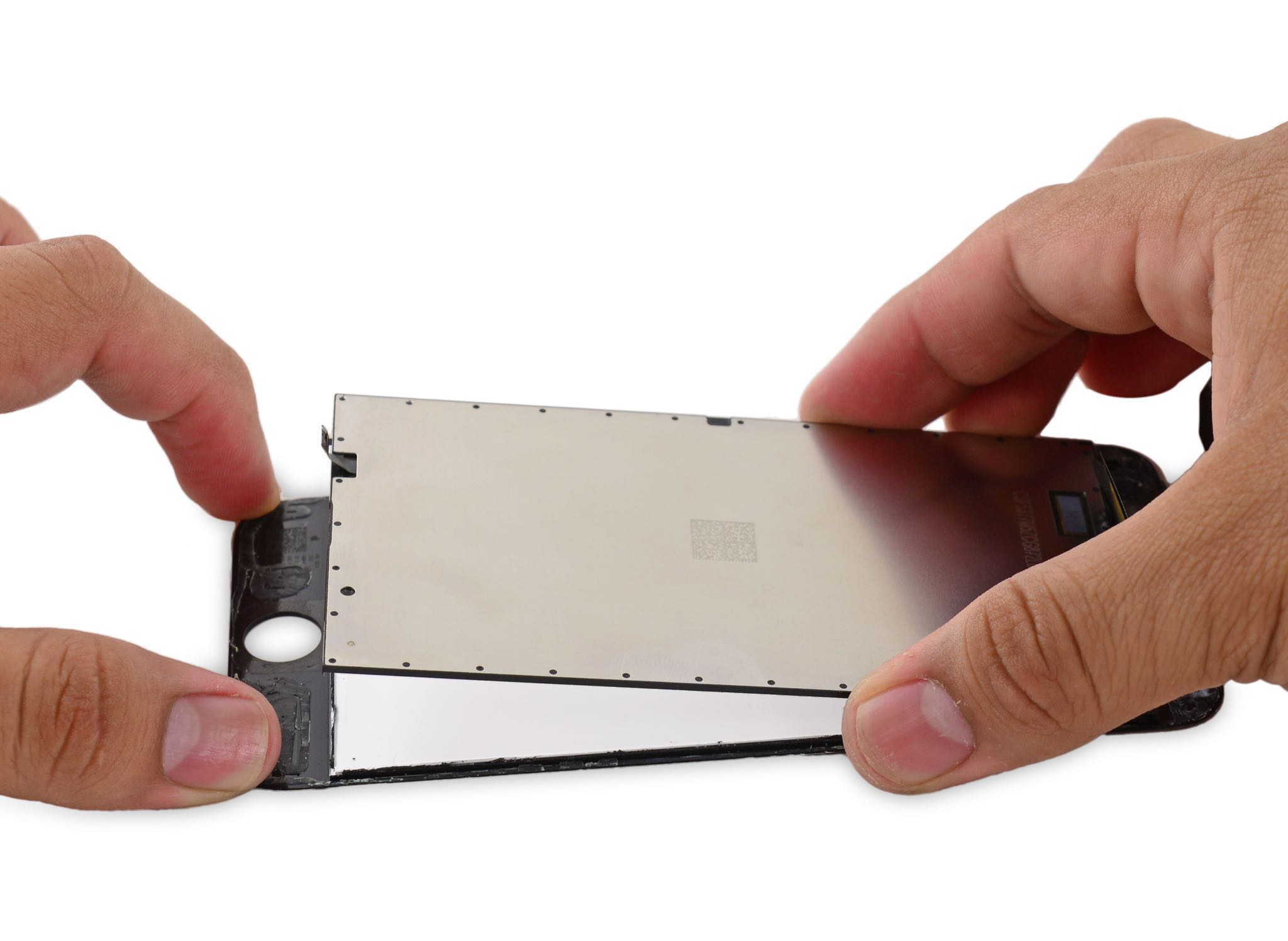
iPhone 6s teardown: smaller battery, heavier display, fewer chips and same repairability

Repair wizards over at iFixit have performed their teardown routine by prying open the 4.7-inch iPhone 6s (model A1688/A1633) in an effort to identify its components, analyze their internal layout and calculate the device's repairability score.

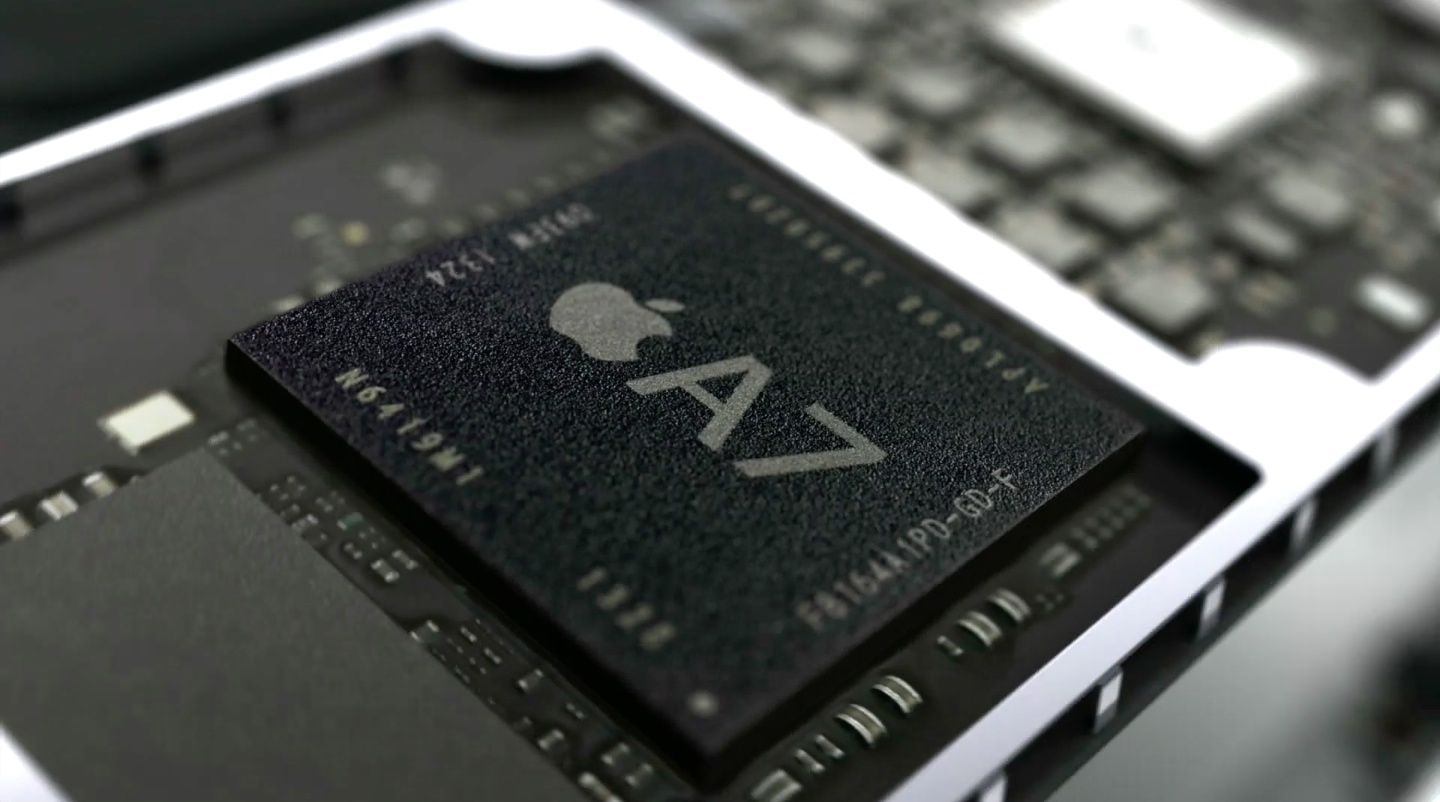
While the new phone does feature a slightly smaller battery due to a heavier display with additional capacitive sensors, Apple's new Taptic Engine and a bigger 'A9' system-on-a-chip, the device packs in fewer chips overall and has the same repairability score as last year's iPhone 6.

So, how bendy iPhone 6s Plus is in real life?

Answer: far, far less than the previous model. Apple hasn't focused much on a lot stronger body of the iPhone 6s and iPhone 6s Plus so, naturally, we've been eager to find out just how Bendgate-proof the new devices are. A new non-scientific stress test video from Australia demonstrates that the iPhone 6s Plus is nearly unbendable versus the iPhone 6 Plus.

The new Series 7000 aluminum body can apparently withstand a significant amount of force being applied without bending. But don't take our word for it, watch the embedded video and post your impressions in the comment section.

10 apps with 3D Touch for your iPhone 6s

The new iPhones are upon us and with them comes a headline feature: 3D Touch. Its name might suggest a marketing gimmick though 3D Touch is anything but, thanks to Apple's clever, elegant implementation.

In a word, 3D Touch is fast and instantaneous, unlike the tap-and-hold gesture, and responds to different levels of pressures. It's used to access app-specific shortcuts right from your Home screen.

Within apps, 3D Touch lets you peek something without leaving the context of what you're doing or pop from a content preview into the full view. We've put together a quick list of ten popular third-party applications for your brand spanking new iPhone 6s that have been graced with 3D Touch shortcuts and gestures.

Download them now and start peeking and popping like there's no tomorrow.

Samsung tries to troll iPhone 6s launch outside Apple’s flagship London store

Here we go again...

In what could only be described as a continuation of its miserable anti-Apple advertising campaign, Samsung has hired people to wear backpack-mounted banners advertising its Galaxy smartphones to folks who queued up for iPhone 6s launch this morning outside the Apple Store in London’s Regent Street, The Inquirer reported.

The banners promote Samsung’s latest Galaxy S6 edge and S6 edge+ flagships and carry the provocative tagline “The itch to switch just got bigger.” In addition, International Business Times is reporting that Samsung even gave queued customers bright blue pillows and bottles emblazoned with the hashtag #NextIsNew.

But wait, there's more.

Doodle Jump SpongeBob SquarePants goes free as Apple’s App of the Week

Apple has named Nickelodeon's "Doodle Jump SpongeBob SquarePants" its App of the Week for this week. This means that from now through next Thursday, you could grab the special SpongeBob edition of the popular platformer for free—a solid savings of $2.

In the game, players are tasked with restoring order to Bikini Bottom after Plankton and his crew steal the Krabby Patty Secret Formula. You do this by helping Doodle Jump SpongeBob jump up and across the sea, blasting bubbles at anyone who gets in his way.

Microsoft releases Invite for iPhone for organizing and scheduling group meetings on the go

Not to be outdone by Google which just released a note-taking iPhone and iPad app called Keep, software giant Microsoft today rolled out a brand new productivity app of its own, Invite for iPhone.

A Microsoft Garage project, Invite was designed to help groups “agree on a time to meet, even when they can’t see each other’s schedules.”

Recognizing that scheduling group meetings is no easy task on desktop, let alone on mobile, Invite keeps things simple enough to help you effectively coordinate multiple people’s schedules on a small screen.

You simply suggest times that work for you, and then invite attendees. After attendees select all the times they can attend, and once everyone has responded through Invite or via the web interface, you simply pick the time that works best for everyone and your group meeting is a go.

Google’s Keep app makes its way into App Store

Following its Android debut nearly two and a half years ago, Google's note-taking mobile software, called Keep, is now available to download from the App Store.

Featuring Google's Material Design, the iPhone, iPod touch and iPad app offers a nicely rounded set of features commonly found in other note-taking apps but with less bloat and clutter. Needless to say, Keep benefits tremendously from seamless integration with other Google products and technologies.

Notes created in Keep can be accessed, edited and managed on iOS, Android and on the web, via a Keep web app. Google Keep is a free download so give it a try and let us know how you like it in comments.

Tip: ask Siri to remind you about things you’re looking at in your apps

Siri's Proactive features let you do so much more, and in a more intelligent fashion than ever before. In addition to suggesting apps, people, locations and more when you use Spotlight Search, iOS also lets you ask Siri to actually create context-aware reminders for what you’re looking at on the screen of your iPhone, iPod touch or iPad.

Asking to be reminded about things you’re looking at in apps like Safari, Mail and Notes that you want to follow up on later can be a tremendous productivity boost.

The feature is a great time-saver when you cannot currently deal with what you're doing right now, and would like to get reminded about it at a later stage, but are too lazy to create a reminder yourself. Here's how it works.

Apple lists top 25 apps infected by XcodeGhost

Apple today refreshed its official XcodeGhost FAQ webpage, listing the top 25 iPhone and iPad apps on the App Store that contain the widely reported though mostly harmless XcodeGhost malware.

In addition to WeChat, one of the top messaging apps in the world, Rovio's Angry Birds 2 and China Unicom’s Customer Service app, most of the listed apps are distributed on the Chinese App Store only.

“If users have one of these apps, they should update the affected app which will fix the issue on the user’s device,” writes the company. “If the app is available on App Store, it has been updated, if it isn’t available it should be updated very soon.”

Apple has pulled many of the infected apps and said it's working closely with developers to get impacted apps back on the App Store.

How to import your old Health and Activity data into your new iPhone

Moving over your existing Health and Activity data from your old iPhone to a new one can be a tricky business unless you know exactly what you're doing. The problem stems from the fact that Health and Activity data is not stored in regular iTunes backups, which are unencrypted by default, unless you remember to turn on encryption manually. It's a security precaution to prevent malicious users with access to your computer to mine your sensitive medical data from unencrypted iTunes backups.

The approach also poses a major challenge to folks who log their fitness and health data in Apple's Health and Activity apps. Surely you don't want to start from scratch and lose all the Health and Activity data that you'e amassed in the past year or so.

As it turns out, there is a way—actually, two ways—to preserve your complete Health and Activity data logs when you switch to a new iPhone.

Twitterrific update with iOS 9 and iPad multitasking support, new features and improvements

Twitterrific 5, The Iconfactory's freemium Twitter client for iOS and OS X platforms, has received its iOS 9-focused update this morning.

The app is now fully optimized for iPhone, iPod touch and iPad devices running iOS 9 and supports new Slide Over and Split View multitasking modes on compatible iPads. If you own an iPad Air 2 or an iPad mini 4, you can now run Twitterrific and another app side-by-side in iOS 9's new Split View mode.

This is a great feature as you can now pin Twitterrific on the right and configure it to use Safari as your browser instead of in-app. In addition to iOS 9-specific support, this edition of Twitterrific includes other changes and improvements listed further below.