iPhone Photography

FancyCam review: use real-time filters for great photos

Now that the holiday season is underway, many of us are going to be snapping shots of friends and family in various mistletoe-related poses, package-opening frenzies, and food coma portraits. To add a little extra fun to your picture-taking season, you can take advantage of photography apps with filters.

FancyCam is a real-time filter app that lets you pick the look you want before you take the shot. Plus, you can edit, collage, and doodle your way to the perfect holiday pictures…

The 10 best photography apps of 2013

The year is coming to a close. We’ve spent the past 52 weeks talking about jailbreaks, rumors, new products, gear, Apple news, and apps. Apps are my specialty around here. I find them, test them, and tell you all about them.

That’s why it is my job to tell you about apps and games that the writers of iDownloadBlog think are the cream of the crop for the entire year. For the rest of this year, and probably into 2014, we will have lists of our favorite apps in the most popular categories that released in 2013. This week, the category is photography…

Get inspired to take photographs with OKDOTHIS

It happens to everyone. You’ve got your fancy DSLR camera and a brand new lens that you’ve only used once. It sits by the front door, waiting for you to take it with you the next time you head out for a walk, but it seems like the only time you take pictures anymore is when you go on vacation.

OKDOTHIS is a photography app that inspires you to go out and take pictures that are outside of the box. It is not just for DSLR enthusiasts either. If you enjoy iPhone photography, this app could inspire you as well…

Good deal: 62% off 4-piece iPhone camera lens kit

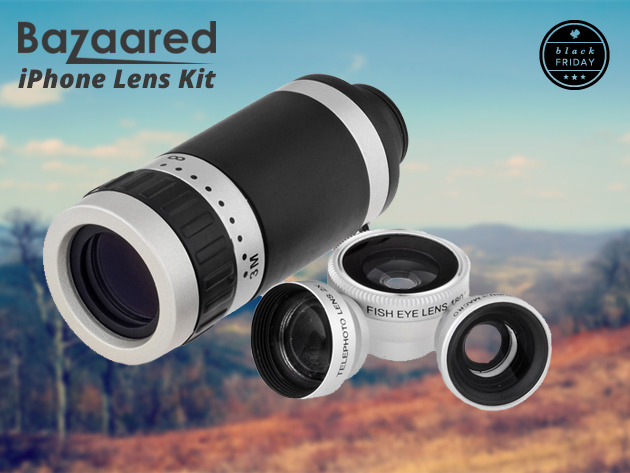
Looking for something special to get that someone special in your life for the holidays? Well if they're an iPhone 5/5s user and like taking photos, we may have just the thing for you: a 4 piece iPhone lens kit.

The kit includes an 8x telephoto lens with custom snap-on mounting case, a fisheye lens, a macro/wide angle lens, and a 2x telephoto lens. And for a limited time, Stack Social is taking 62% off the bundle's usual price...

50 things I have learned about iPhone photography

In this post you are going to discover the 50 most important things I have learned about iPhone photography. Over the past two years I have taken some really great photos, and at least ten times more photos that did not turn out the way I wanted. I have done a lot of photo editing, which often only made my photos worse. I have spent countless hours on social media sharing my work and following the work of other photographers. And I have learned many things in the process.

I hope that by sharing the most important lessons I have learned I can accelerate your learning and help you avoid some of the mistakes that I made. But most importantly, I hope to inspire you to become a more active iPhone photographer. Let’s get started!

baseCam, another fun realtime photo and video filters app

Filter apps can be found by the truckload in the App Store, and while some of them really stand out for the effects they offer or by their usability, others sometimes go unnoticed. Earlier today, I found out about baseCam, yet another camera app that brings real time video and photo filters to your iPhoneography.

After playing around with it for a few minutes, I have to say that I really enjoy its elegant and simple UI, as well as a few of the live filters it offers. The app description touts 25 unusual filters/effects, and I must say there are a few of them I really like, specifically the Dots, Pixelate, Red, Yellow, Green, and Blue ones...

New ways to awesomize your Google+ Photos

Photography fans are in for a nice treat as Google today rolled out a series of photo-related announcements. iDB already told you about full size uploads and background sync, coming soon to Google+ for iOS, and the new HDR Scape effect in Google-owned Snapseed app which can deliver results comparable to high dynamic range imaging, but working from a single photo.

But Google's only warming up. The company has also unveiled scheduled Hangouts On Air and rolled out a bunch of enhancements to Google+ Photos on the web such as Auto Awesome Movie, Auto Enhance Action and Eraser and much, much more.

I've got a quick rundown for you ready right after the jump...

How to edit beautiful Fall photos with your iPhone

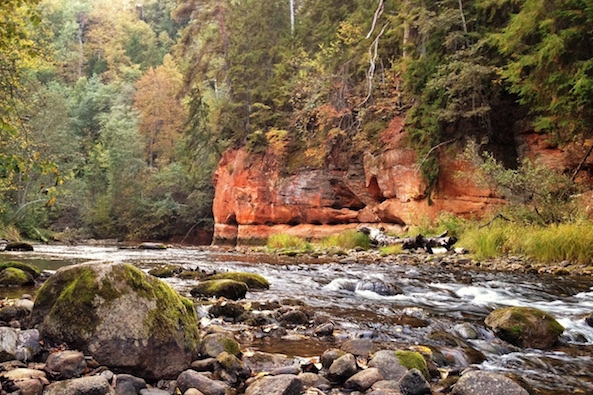
As the leaves turn from green to bright yellow and red, the fall is one of the best times of the year for landscape photography with the iPhone. When ordinary landscapes change into magnificent vistas, it’s really hard not to take photos of all that beauty.

However, when you look back at your photos, you’ll often be disappointed to see that the iPhone hasn’t reproduced the fall colors as you expected, and the photos just look boring in comparison to the same scene in real life. Fortunately, this can be corrected in post-processing, and in this article I’ll show you a simple Snapseed post-processing workflow that will bring your fall photos back to life by making their colors much more vibrant.

While the fall is well on its way in most of Europe and North America, other parts of the world have different seasons. It’s spring in Australia and permanent summer in tropical regions. However, the same editing workflow can also be used to greatly improve sunset photos, so you should also give it a try if you live in other parts of the world...

Mobile Photography Awards now accepting entries for this year’s contest

We're big fans of iPhoneography here at iDB—you've probably noticed our weekly segment on the subject. We love learning different tricks and techniques to help us take better-looking photos with our iPhones, and then sharing them with others.

So with that in mind, we thought we'd pass along the news that the MPA has begun accepting submissions for its 3rd annual Mobile Photography Awards. The contest is the largest of its kind, open to everyone, and features $15,000 in cash and prizes...

7 tips for taking landscape photos with your iPhone

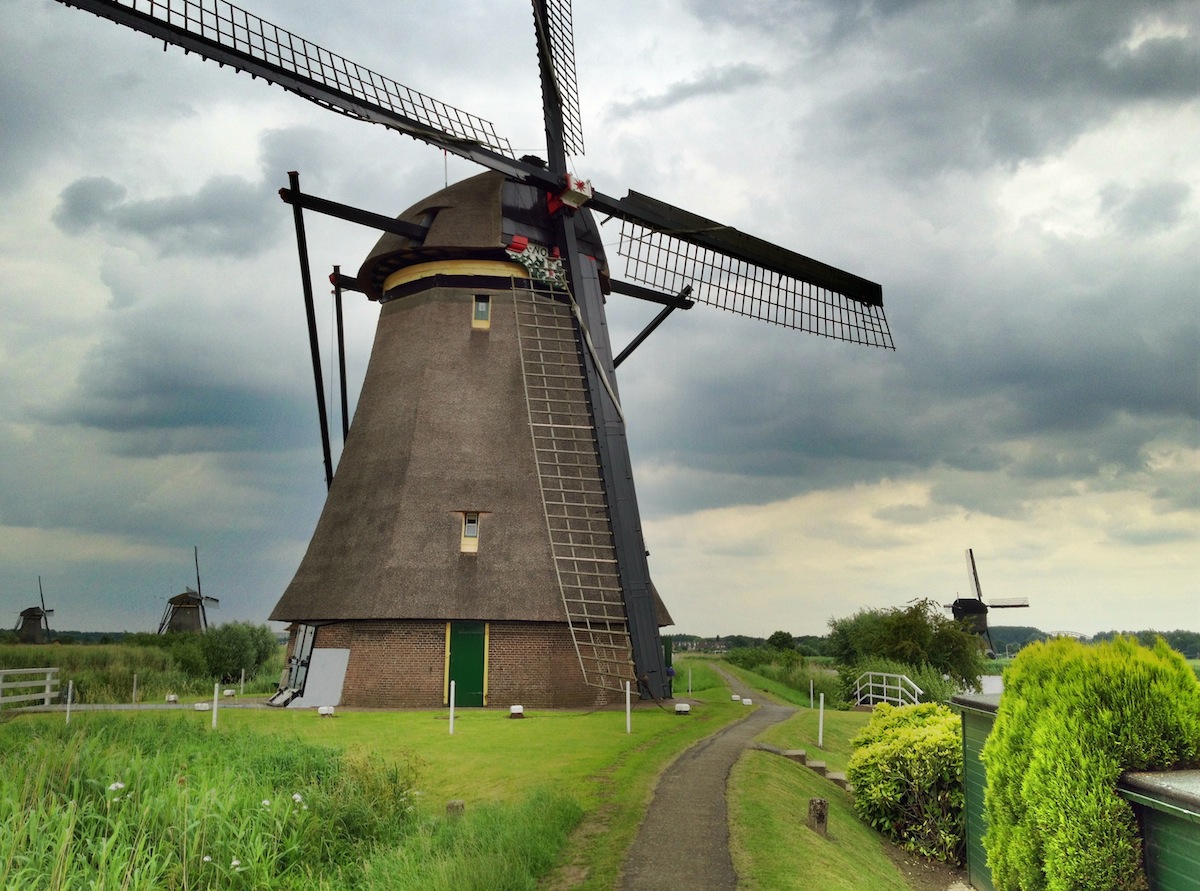
Have you ever taken a photo of a magnificent vista, only to find out that the image doesn’t look nearly as good as in real life? While all of us have experienced that at some point, there are some tips that can dramatically improve the quality of the landscape photos you take with the iPhone.

The iPhone (or any other smartphone) has a small digital sensor which inevitably leads to poor image quality in low-light conditions. However, landscape photos are almost always taken in abundant light, making them practically indistinguishable from photos taken with an expensive DSLR. If you follow the tips outlined in this article, you will be able to take landscape photos that look just as good, if not better, than the same scene in real life.

Smartphone Spy Lens review: sneak pics and videos without getting caught

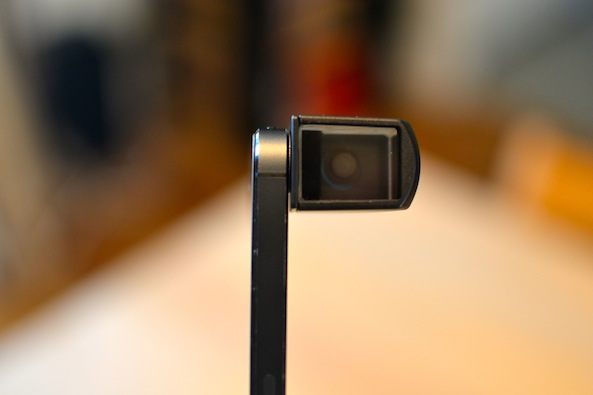
Photojojo, for those that may not already know, is a website dedicated to finding the best new stuff for all of your photography needs. The company has dozens of cute, awesome, and creative accessories designed specifically for iOS and other mobile devices.

The Smartphone Spy Lens is one such accessory that mounts to any mobile device with a camera so you can snap pictures of people standing right next to you, without them even knowing…