iPad

From the latest news to the most comprehensive tutorials, learn how to get the most out of your iPad with our step-by-step guides and expert tips.

FullSafari brings iPad-like tabbed browsing to iPhone

There's a significant difference in usability between the tabbed browsing experience in Safari on the iPad versus the paged browsing experience in Safari on the iPhone; with that in mind, some might prefer the former.

A new free jailbreak tweak dubbed FullSafari by iOS developer Bensge gives even iPhone and iPod touch users access to the iPad-like tabbed browsing experience in Safari, providing a more capable web browser in the palm of your hand.

Google prepping new app for backing up your Mac to Drive

Are you a fan of Drive, the search giant's cloud-storage service? If so, a new app from Google will soon let you back up any folder(s) on your computer to Drive and keep them in sync.

This is welcome news because Drive's current desktop client does not allow for selective sync of any folders that don't live inside of the Google Drive folder on your Mac or Windows PC.

The forthcoming Backup and Sync app is better integrated with your computer than the existing client and will replace it on Wednesday, June 28.

According to the search firm, Backup and Sync is intended to “help everyday users back up files and photos from their computers, so they’re safe and accessible from anywhere”.

As mentioned, you'll be able to continually back up any items found in custom folders on your computer, like the Desktop, Photos, Documents and so forth.

Backup and Sync will replace Google's existing desktop uploader for Photos, too.

Basically, you could use the new app to back up and sync your entire Mac account's home folder to Drive and use Google's powerful search engine via Drive's web interface to quickly identify that needle in the haystack you were looking for.

However, you'll probably need to upgrade your cloud storage to keep your Mac safely backed up to Drive. Each Google account gets 15GB of free Drive storage versus Apple's 5GB free tier.

If you need more storage, you can upgrade to one of the paid Drive tiers:

100GB for $1.99 per month 1TB for $9.99 per month 10TB for $99.99 per month

And here are Apple's recently refreshed iCloud storage upgrades:

50GB for $0.99 per month 200GB for $2.99 per month 2TB for $9.99 per month

Google Drive for Mac and Windows is available via google.com/drive/download.

Google Drive for iPhone and iPad is a free download from App Store.

Do you use Google Drive? If so, are you looking forward to backing up your Mac to the Google cloud? If not, what's your preferred online service for storing files, documents and other data?

Tell us in comments!

IBM’s new Garage initiative aims to accelerate development of iOS enterprise apps

Building upon the Apple-IBM enterprise mobility partnership established three years ago, Big Blue (that's a nickname for IBM) today announced a new initiative to help accelerate the development of MobileFirst enterprise apps for iPhone and iPad.

Upcoming app development studios, called Garages, will soon go online in Shanghai, China and Bucharest, Romania, in addition to IBM's existing MobileFirst for iOS studio in Bangalore, India.

IBM's other app studios and Garages can be found in US cities Atlanta, Cupertino, Toronto and Chicago. Plus, the company has committed to establishing new app studios in Shanghai, China and Bucharest, Romania. Lastly, mobile enterprise apps designed by IBM can now be embedded with the cognitive capabilities of its Watson cognitive system.

Bridget van Kralingen, Senior Vice President, IBM Industry Platforms, said:

Four years ago, we made enterprise mobility a reality, and we’ve seen how transformative mobile can be. Today, companies are now reigning in mobile faster than ever, creating a critical need for powerful innovations that will reinvent how they do business. We’re combining the power of mobile with cognitive and analytics to continue to push the market forward.

IBM has officially named some of the clients adopting iOS enterprise apps for their own employees, such as Lufthansa Group, City Furniture, Singapore Airlines and Japan Airlines.

Since its introduction three years ago, the partnership between Apple and IBM has resulted in several billion dollars in signings with more than 3,800 client engagements supported by market-ready and custom iOS apps designed for professions across all industries, including store associates, flight attendants and field technicians.

Twitter revamped with dynamically updated Reply/Like/Retweet counts, Safari Reader support & more

Twitter today announced a major overhaul, making the app feel lighter, faster and easier to use with faster navigation via a new side menu, bolder headlines, revamped icons and more.

The new side navigation menu lets you quickly access your profile, accounts, settings and privacy. As a bonus, you can now add filters and stickers on your profile image, if you'd like.

Tweets now update dynamically with Reply, Retweet and Like counts so that you can easily see conversations as they’re happening, in real-time. The app now features support for opening links to articles and websites in Safari’s in-app viewer.

This lets you log in to websites using your saved Safari passwords and enjoy articles in the browser's Reader mode, all within the Twitter app.

New switches in Twitter's settings interface let you turn on increased color contrast, decided whether or not you'd like links to open in Safari's Reader View and more.

Accessibility settings are now in a more prominent location.

So fresh. So clean. So live.

Check out our new look.https://t.co/ClWbwi8CEH pic.twitter.com/nR27POQkEi

— Twitter (@Twitter) June 15, 2017

Here's an overview of the new features and design:

Profile, additional accounts, settings and privacy—all in one place. A new side navigation menu and fewer tabs at the bottom of our app=less clutter and easier browsing. You told us you loved this change on Android last year and we’re excited to now bring it to iOS. Links to articles and websites now open in Safari’s viewer in the Twitter app so you can easily access accounts on websites you’re already signed into (iOS only). We’ve refined our typography to make it more consistent and added bolder headlines to make it easier to focus on what’s happening. Also, rounded profile photos make it clearer to see what’s being said and who’s saying it. More intuitive icons make it easier to engage with Tweets—especially if you’re coming to Twitter for the first time. For example, people thought the Reply icon, an arrow, meant delete or go back to a previous page. We switched to a speech bubble, a symbol most know and love. We also made the icons lighter for more seamless interaction Tweets now update instantly with Reply, Retweet and Like counts so you can see conversations as they’re happening, live (not available on twitter.com and Twitter Lite).

The aforementioned changes are rolling out across twitter.com, Twitter for iOS, Twitter for Android, TweetDeck, and Twitter Lite over the coming days and weeks.

Twitter for iOS is a free download from App Store.

Facebook for iOS now lets everyone use animated GIFs in comments

Facebook today announced that users of its mainland mobile app can now use animated GIFs in comments. This sought-after feature has been enabled for all people on Facebook globally.

“We know people love communicating with GIFs on Messenger and we’re also making it easier to use GIFs on Facebook,” said the social network. When making a comment in Facebook for iPhone, iPad or iPod touch, tap the new GIF button to spice up your message with animations.

Additionally, Facebook rolled out some new and exclusive GIFs they’ve created featuring some of the Internet’s biggest stars, including DNCE, Logan Paul, Amanda Cerny, DREEZY, Patrick Starr, Violet Benson, Wuz Good, Brandi Marie and Landon Moss.

To use them, search #GIFparty when sharing a GIF on Facebook or Messenger or visit GIPHY.com/Facebook.

Since rolling out support for animated GIFs on Messenger back in 2015, users have sent nearly thirteen billion GIFs in the last year alone via the messaging app, or nearly 25,000 GIFs every minute. GIF sends on Messenger have tripled in the past year and New Year’s Day 2017 was the most popular day ever for GIF sends on Messenger, with more than 400 million GIF sends.

Facebook for iOS is available at no charge in App Store.

Eleven: an upcoming collection of iOS 11-like jailbreak tweaks

If you’re jailbroken on iOS 10 and yearn to make your device look like it's running iOS 11, then you’re in luck because prominent developers are taking on a full-scale project to bring several iOS 11 features to the jailbreak community before the operating system update is released this Fall.

The project is being undertaken by iOS developers LaughingQuoll and Antique_Dev, and will be called Eleven. It will be a collection of multiple different jailbreak tweaks that each focus on specialized features of iOS.

How to disable ‘Behind the Lyrics’ pop-ups in Spotify

Spotify is perhaps one of the largest names in the music-streaming industry, and while Apple Music is indeed catching up, a large number of iPhone users are still using the third-party alternative.

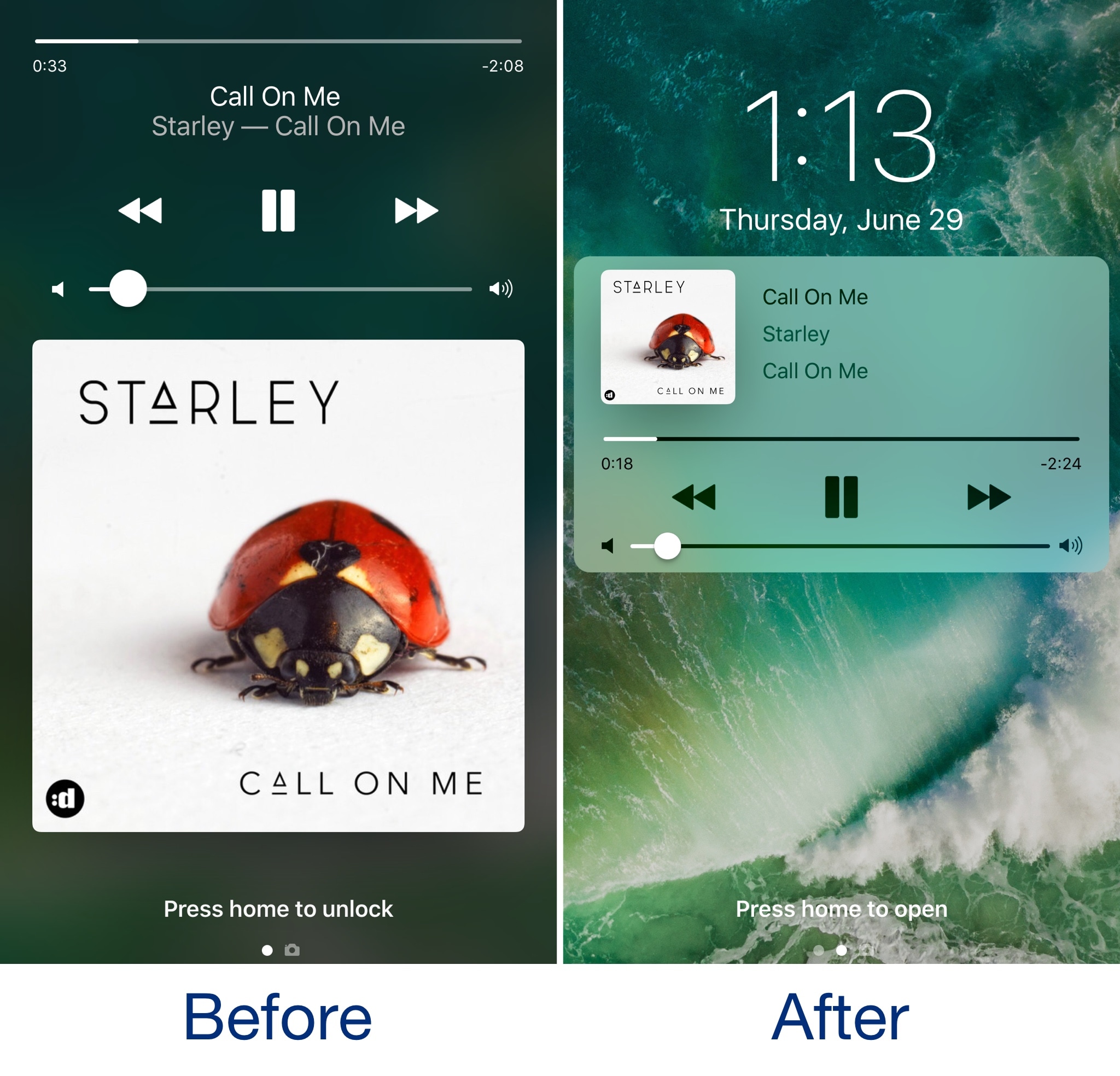
Despite its popularity, many Spotify users aren’t fond of the persistent Behind the Lyrics feature that interrupts your view of the album artwork whenever music is playing.

Hands-on with 10.5″ and 12.9″ iPad Pro: unboxing and first impressions

Introduced at Apple's Worldwide Developers Conference last week, Apple's new 10.5-inch iPad Pro model and a second-generation 12.9-inch iPad Pro are now both available for purchase via company-owned retail stores around the world.

Our video reviewer Andrew O'Hara has managed to get his hands on these pro tablets. His hands-on video takes you through  some of the headlining new features like the super bright, less reflective display with ProMotion technology at an insane 120Hz refresh rate and more.

Watch Andrew's video embedded below.

https://www.youtube.com/watch?v=5mj2Oy-seGI

Subscribe to iDownloadBlog on YouTube

If you're wondering about the brand of knife Andrew is using to cut through the cellophane, it's the Kershaw Reverb lightweight pocket knife (it's pretty cheap on Amazon).

According to iFixit's teardown analysis, the new 10.5-inch iPad Pro model has four gigabytes of RAM, just like the original 12.9-inch iPad Pro model, which enables smoother multitasking.

The cameras on both new iPads are the same as those found on the iPhone 7 series (sans dual lenses and Portrait depth-of-field mode), meaning you're getting photography features like 12 megapixel photos, 4K video capture and more.

Other capabilities of these new tablets that are worth mentioning include a faster Touch ID authentication, Apple's A10X Fusion chip with 30 percent faster CPU and 40 percent faster GPU performance than the previous generation, plus much more.

The real story, of course, is iOS 11 which turns these new iPads into productivity powerhouses with such features as a dynamic Dock, a new app switcher, drag and drop, improved multitasking and more. Unfortunately, iOS 11 is currently being beta-tested and it won't release for public consumption before the fall.

Are you liking these new iPads?

Let us know in the comment section below.

10.5″ iPad Pro teardown finds 4GB of RAM, Toshiba flash storage & more

A teardown analysis of Apple's new 10.5-inch iPad Pro was shared earlier today by repair experts at iFixit. According to the analysis, the new iPad Pro is essentially a scaled-down, streamlined version of its 12.9-inch predecessor when it comes to the internal layout.

Considering the 12.9-inch iPad Pro had a completely new internal layout relative to the 9.7-inch iPad Pro, the new 10.5-inch iPad Pro is not just a scaled up version of the 9.7-incher.

“One move we’re particularly happy with is the retention of the 12.9-inch iPad Pro’s danger-free display cable placement,” notes the analysis.

Here's an excerpt from the teardown analysis:

Apple put the display cables right down the center, out of harm’s way. We’ve seen this arrangement in an iPad only once before, in the 12.9-inch iPad Pro model, and it appears Apple finally managed to unify the Pro line around this somewhat more symmetrical design.

As for the device's ProMotion display with 120Hz refresh rate, double the other iPads, it requires double the number of connecting cables on the display.

120 Hz is a blisteringly fast refresh rate for this many pixels, which is probably why it needs four (!) connecting cables. (Its ginormous older brother got by with just two.)

They found a 30.8-watt-hour battery inside, a slight downsize from the 38.8-watt-hour battery powering the 12.9-inch iPad Pro, but an upgrade from the 27.91-watt-hour battery in the 9.7-inch iPad Pro. The battery package is pinned under the logic board and firmly adhered in place, lacking the 12.9-inch iPad Pro’s removal tabs.

The iFixit team was able to identify 4GB of 1600MHz LPDDR4 RAM from Micron Technology, Toshiba-manufactured flash storage and more. The only other iOS device with 4GB of RAM is the 12.9-inch iPad Pro. The 9.7-inch iPad Pro still has 2GB of RAM.

The display cable bracket is secured using Phillips screws rather than the three-point screws used in iPhone 7. iFixit also noted that their Wi-Fi-only model had plastic blocks where the antennae might be found in an LTE model.

“We're speculating that they add support to the display assembly, as opposed to the usual empty space seen in earlier iPads,” noted iFixit.

Because of Apple's use of strong adhesives for the display, logic board, speakers, ribbon cables and other components, the 10.5-inch iPad Pro earned a repairability score of a rather low 2 out of 10 on iFixit's scale.

iWork apps gain editing improvements, 500 shapes & more in latest update

Apple's iWork productivity suite was updated today on Mac App Store and App Store with several new editing features and other improvements available across iPhone, iPad, iPod touch and Mac devices.

For starters, Pages, Numbers and Keynote for Mac, along with their iOS counterparts, now come with a brand new library of over 500 professionally drawn shapes that you can readily use in your documents, spreadsheets and presentations.

Across all the iWork apps, users can now reply to comments and join threaded conversations, making collaborative editing even easier than before, while new auto-correction and text replacement options save time while typing.

In Numbers, the new Insert Stock Quote feature and the Stock and Currency functions let you get data from the previous market day’s close. Keynote now lets you scroll like a pro on your Mac's trackpad with new pan and zoom options and your presenter notes can be edited while displaying slides in Light Table view.

Here's the full list of new features, fixes and enhancements in Pages 6.2, Numbers 4.2 and Keynote 7.2 for Mac, iPhone and iPad listed in release notes accompanying these downloads:

What's new in Pages 6.2 for Mac Enhance your documents using a library of over 500 professionally drawn shapes Reply to comments and join threaded conversations Add linked text boxes so text easily flows from one place to another New auto-correction and text replacement options save time while typing Export documents as fixed layout ePub books Change margins, headers, footers and paper size while collaborating Improved support for Hebrew and Arabic languages

Learn more about the new Pages for Mac features on Apple's website.

What's new in Numbers 4.2 for Mac Enhance your spreadsheets using a library of over 500 professionally drawn shapes Reply to comments and join threaded conversations Support for print preview in collaborative spreadsheets New auto-correction and text replacement options save time while typing The Insert Stock Quote feature and the Stock and Currency functions now return data from the previous market day’s close

Learn more about the new Numbers for Mac features on Apple's website.

What's new in Keynote 7.2 for Mac Enhance your presentations using a library of over 500 professionally drawn shapes Reply to comments and join threaded conversations New auto-correction and text replacement options save time while typing Scroll anywhere with new pan and zoom options Edit presenter notes while displaying slides in Light Table view Improved support for Hebrew and Arabic languages The Stock and Currency functions now return data from the previous market day’s close

Learn more about the new Keynote for Mac features on Apple's website.

What's new in Pages 3.2 for iOS Enhance your documents using a library of over 500 professionally drawn shapes Reply to comments and join threaded conversations Add linked text boxes so text easily flows from one place to another New auto-correction and text replacement options save time while typing New page thumbnail view allows you to easily navigate your document Export documents as fixed layout ePub books Change margins, headers, footers and paper size while collaborating

Learn more about the new Pages for iOS features on Apple's website.

What's new in Numbers 3.2 for iOS Enhance your spreadsheets using a library of over 500 professionally drawn shapes Reply to comments and join threaded conversations Support for print preview in collaborative spreadsheets New auto-correction and text replacement options save time while typing The Insert Stock Quote feature and the Stock and Currency functions now return data from the previous market day’s close

Learn more about the new Numbers for iOS features on Apple's website.

What's new in Keynote 3.2 for iOS Enhance your presentations using a library of over 500 professionally drawn shapes Easily rearrange your slides with the new Light Table view Edit presenter notes while viewing slides Reply to comments and join threaded conversations New auto-correction and text replacement options save time while typing Improved support for Hebrew and Arabic languages

Learn more about the new Keynote for iOS features on Apple's website.

These apps used to be paid downloads, but Apple recently made them free for all users.

Grab Pages, Numbers and Keynote for free from Mac App Store.

Pages, Numbers and Keynote for iPhone and iPad are available free on App Store.

New iPads hit Apple retail stores around the world

If you're in the market for a shiny new tablet with an Apple logo on it, the new 10.5-inch iPad Pro model and a second-generation 12.9-inch iPad Pro are now available for purchase at company-owned retails stores around the world.

The tablets were announced at last week's Worldwide Developers Conference in San Jose and feature Apple's in-house designed A10X Fusion chip, Apple's brightest display ever with True Tone technology, a whopping 120Hz refresh rate they're calling ProMotion and other features.

Along with the new tablets, Apple is also offering a leather case for Apple Pencil which prevents rolling and broken tips.

You can buy your iPad either at a nearby Apple Store or purchase it online, via the “Buy iPad Pro” webpage, and have it optionally delivered to a nearby Apple Store for pickup.

https://www.youtube.com/watch?v=tOtaLAFngmg

Subscribe to iDownloadBlog on YouTube

The new 10.5-incher is available from $649 and its bigger brother starts at $799.

Add an extra $130 if you'd like an LTE-enabled model. The devices come in 64/256/512GB capacities and in Gold, Silver and Space Gray color finishes. The new 10.5-inch iPad Pro also comes in Rose Gold, unlike the 12.9-incher.

It's worth keeping in mind that these new tablets ship with iOS 10.3. iOS 11, which really unlocks the full iPad potential, will release as a free update for everyone this fall.

Are you planning on upgrading your tablet computing to one of the latest iPads?

Let us know in the comments section below.

Choose your default web browser in iOS with BrowserChanger10

Everyone has a favorite web browser they prefer to use on their computer, but when it comes to the iPhone or iPad, Apple forces all URL links to open in Safari by default.

You can change this with a new free jailbreak tweak called BrowserChanger10 by iOS developer HiDaN, which lets you choose a new default web browser for opening URL links.