Apple's listened: iOS 13 and iPadOS make it possible to delete apps right from the update list!
How to delete installed iPhone and iPad apps right from the update list on iOS 13 and iPadOS
From the latest news to the most comprehensive tutorials, learn how to get the most out of your iPad with our step-by-step guides and expert tips.
Apple's listened: iOS 13 and iPadOS make it possible to delete apps right from the update list!

Learn how to remove a member from your Family Sharing group on iPhone, iPad, or Mac, or leave the group yourself and disband your digital family setup.
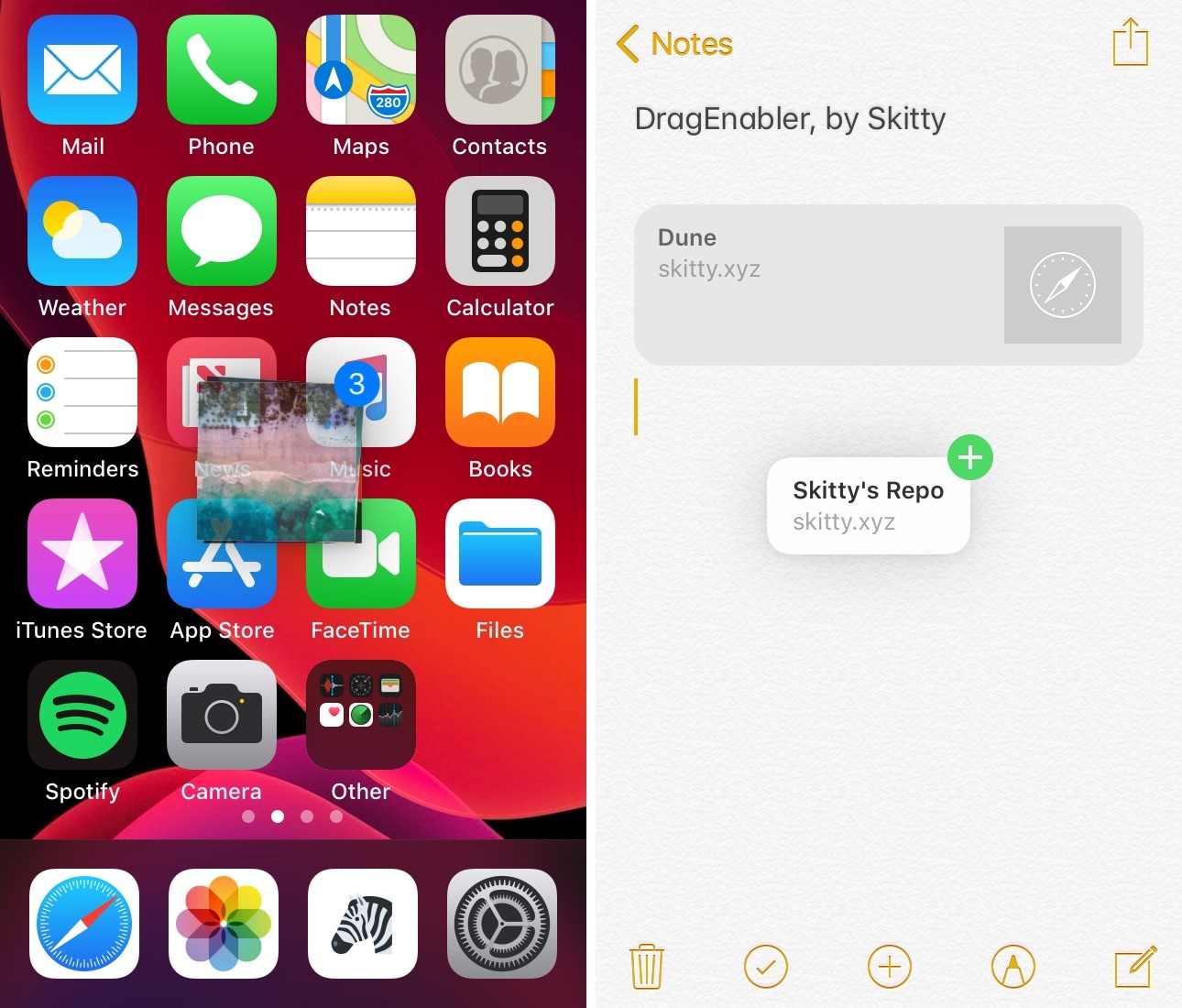
iPad users have long been able to enjoy multitasking-centric features such as Drag and Drop and multi-window interfaces, but iPhone users have been somewhat unlucky in this department, mostly because Apple limits these features to the iPad since it’s marketed as a mobile productivity device.
If you’re jailbroken, however, then you don’t need to play by these asinine limitations. A newly-released and free jailbreak tweak dubbed DragEnabler by iOS developer Skitty permits iPad-like drag and drop functionality on unsupported devices, including the iPhone and iPod touch.
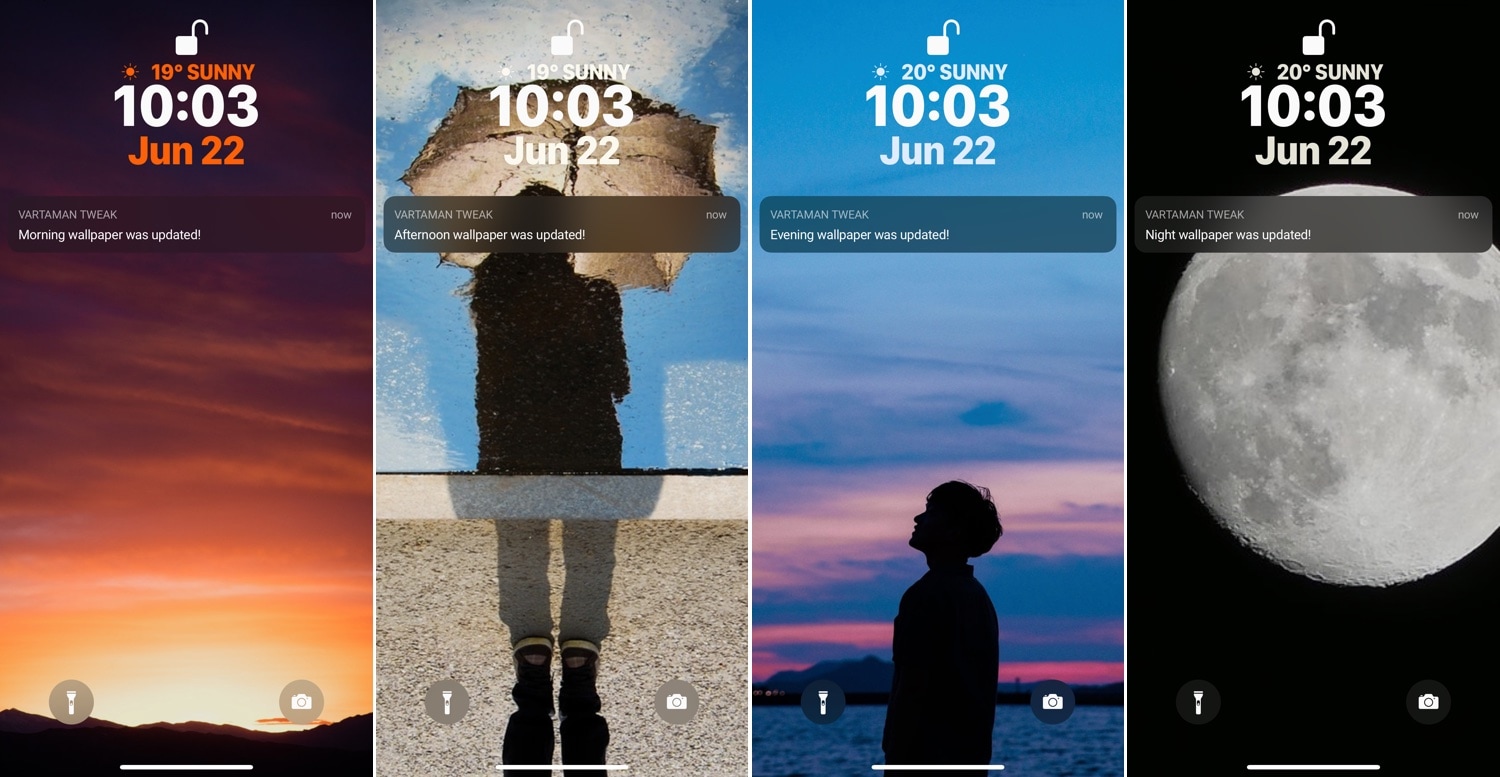
If you’re anything like me, then you probably like changing your wallpaper periodically to keep your iPhone’s appearance looking fresh over time. On the other hand, finding the right wallpaper can be a long and daunting task for many.
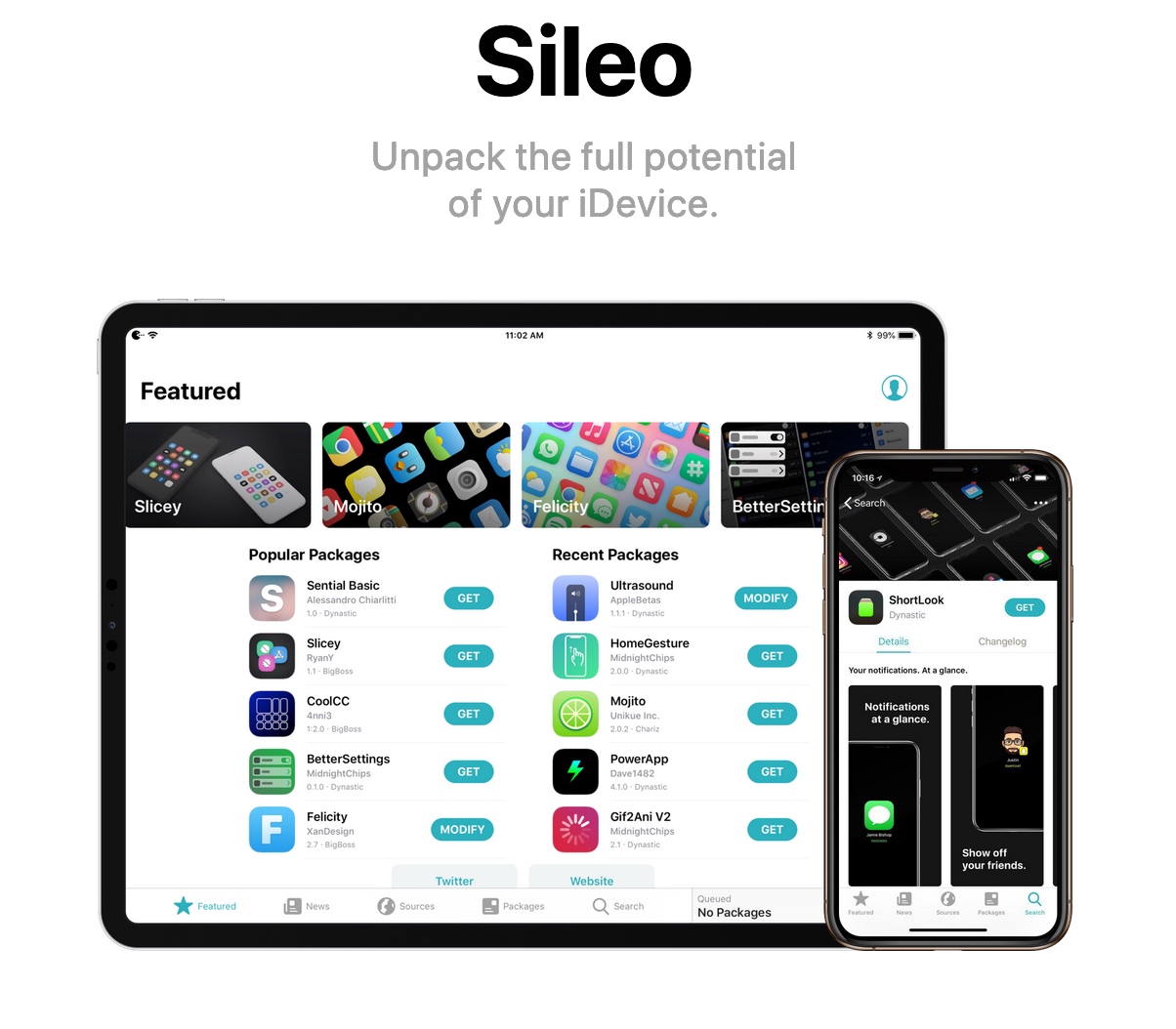
If you’re using either the iOS 11-based Electra jailbreak or the iOS 12-based Chimera jailbreak, each published by the Electra Team, then you just might have some exciting news ahead.
The Sileo Team announced just this morning that an upcoming slew of updates to the Sileo package manager will migrate the app from an Objective-C backbone to Apple’s Swift programming language instead:

With @0ptimo updating the BigBoss repository to be compatible with the Sileo package manager, and teasers coming from all the major players in the jailbreak community as of late, it's a great time to own a pwned handset.
In this roundup, we’ll discuss all of this past week’s jailbreak tweak releases in one convenient place. As usual, we’ll kick things off by discussing our favorite releases in detail and then we’ll outline the rest of them afterward.
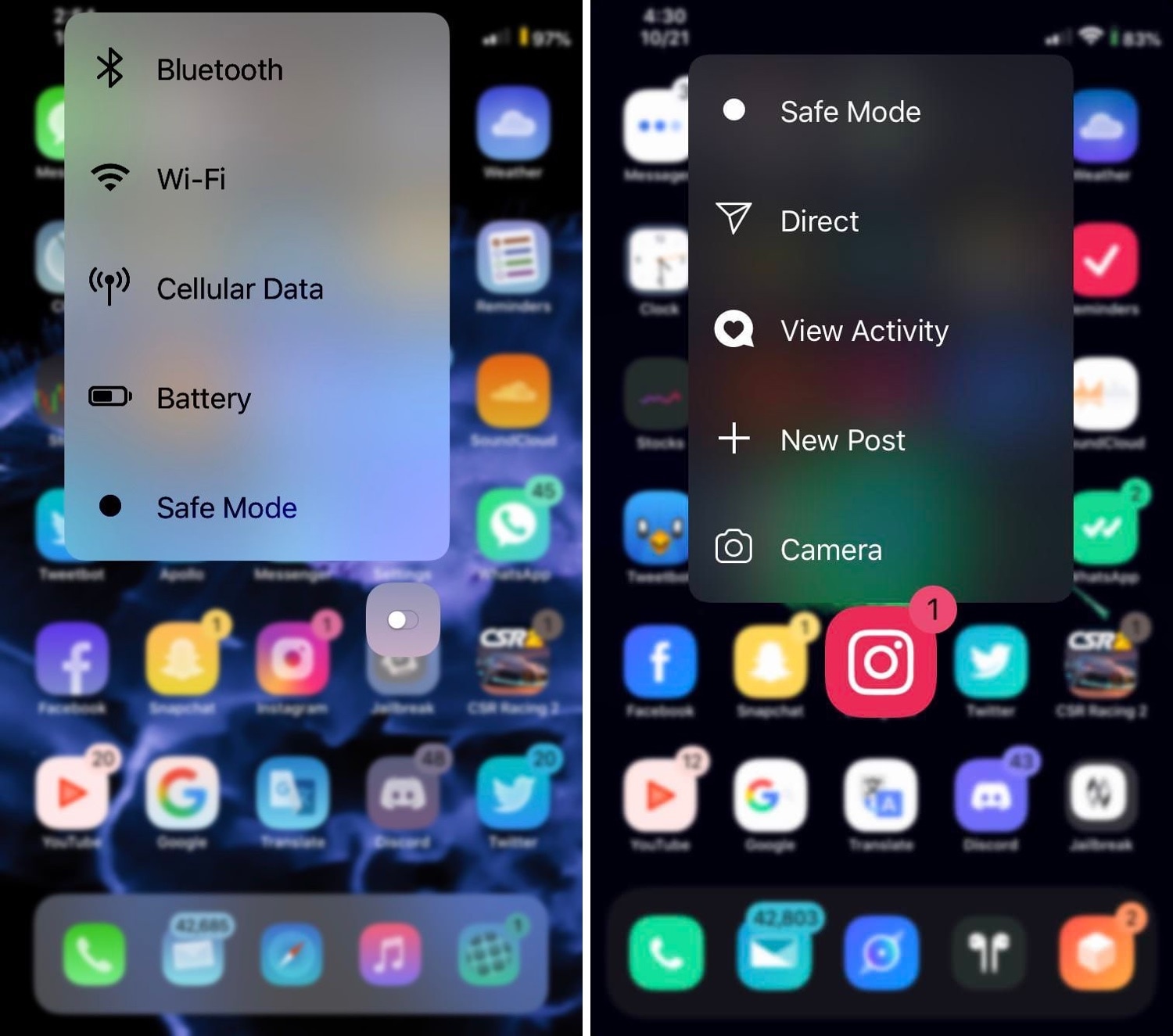
You can press firmly on your Home screen’s app icons on any 3D Touch-compatible handset to access handy shortcuts pertaining to that specific app, and while they can be useful at times, it’s equally valid that Apple provides little or no customizability in this department.
If you’re in the market for a way to make your handset’s 3D Touch menus stand out from the rest of the crowd, then you just might come to appreciate a newly-released jailbreak tweak called Baylor by iOS developer dpkg_.
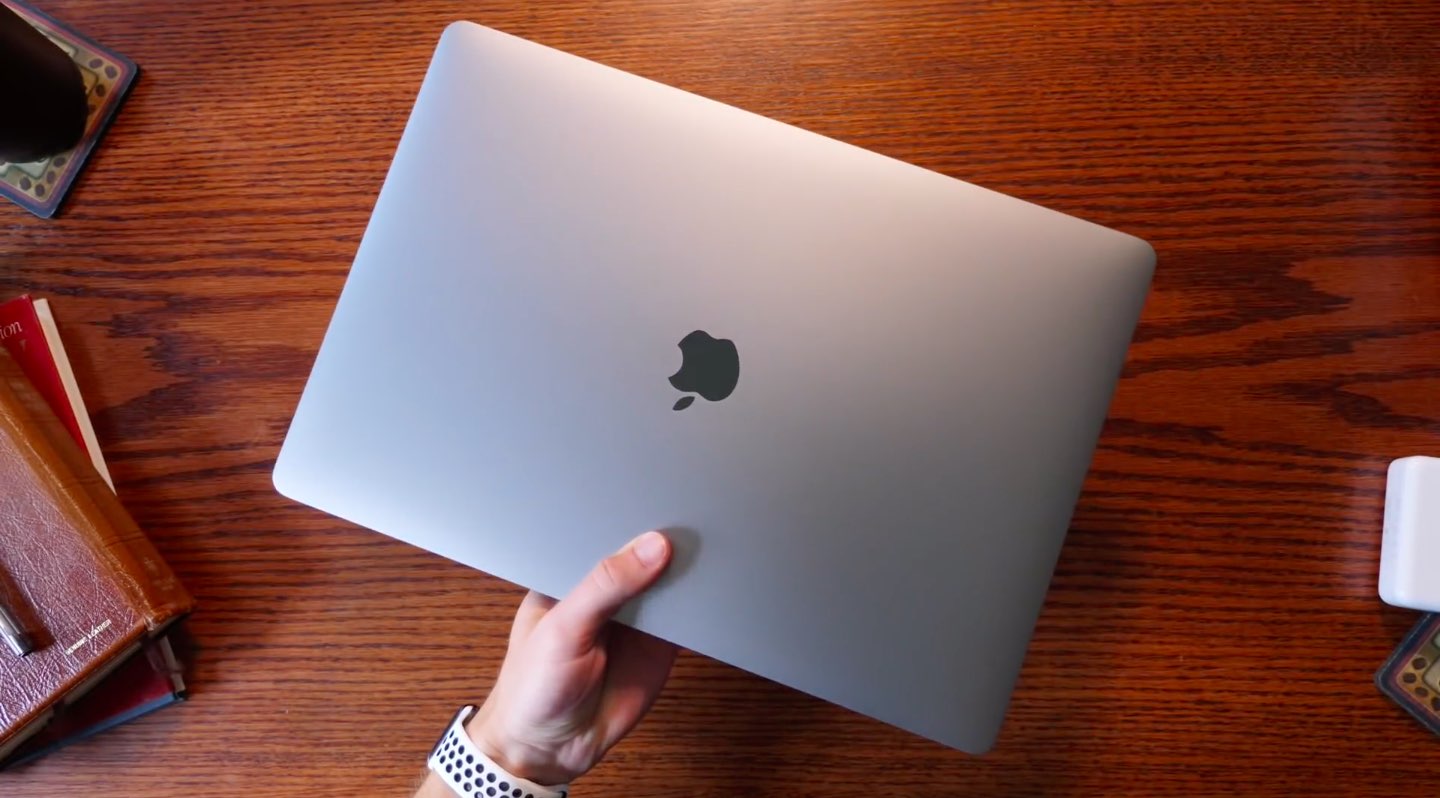
Korea's ETNews reports that Apple is destined to order additional OLED panels for future products like "tablets and notebooks" from Samsung.
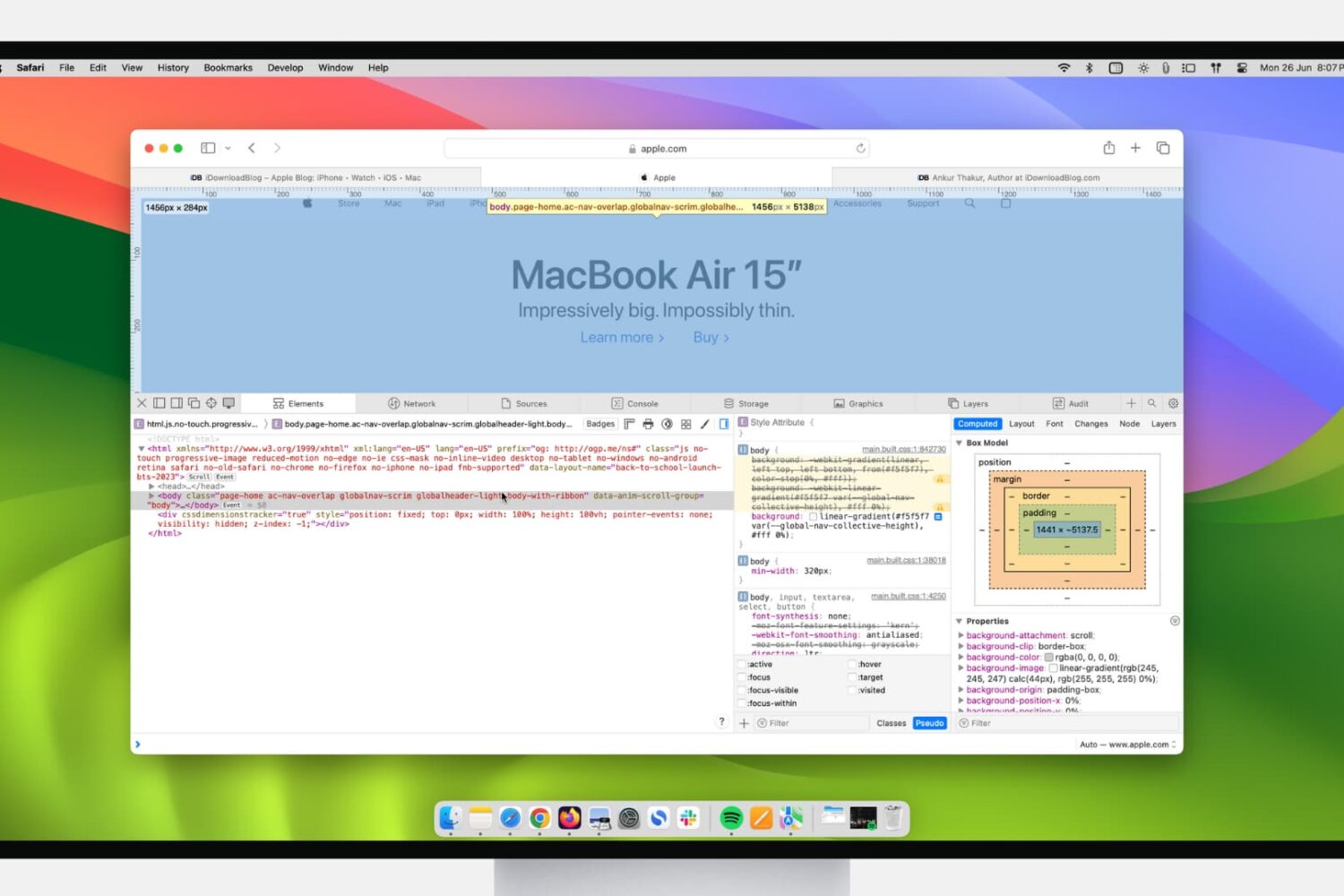
If you’re a web developer, then you likely already know about Safari’s Web Inspector. But if you’re just starting to use Safari for development or have just begun your Web Development career, this guide will show you the basics for getting started with the Safari Web Inspector on iOS and Mac.
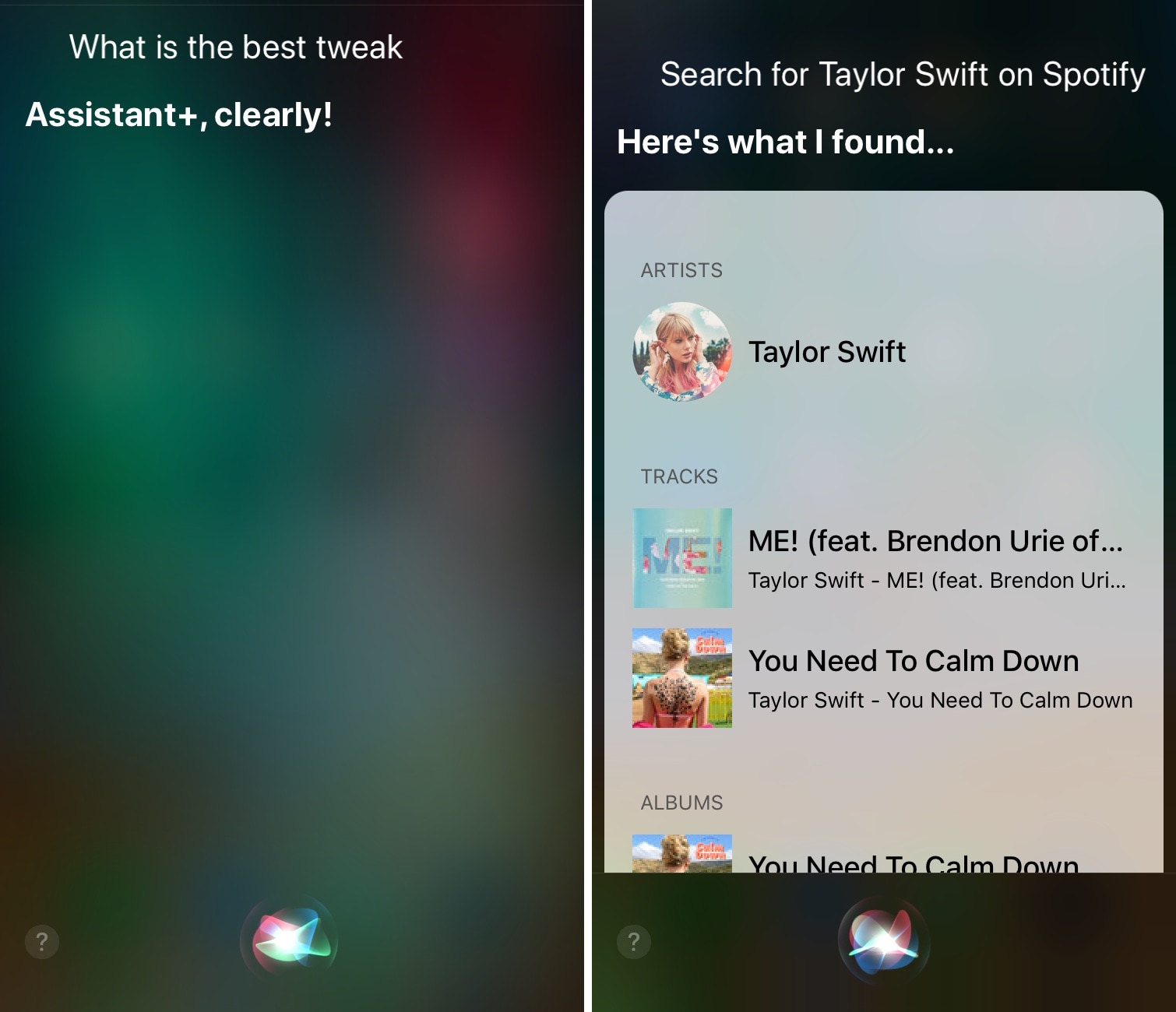
If you have a jailbroken handset at your disposal and you feel like Siri is a bit underpowered out of the box, then you just might come to appreciate a newly-released jailbreak tweak called Assistant+ by iOS developer Zaid Elkurdi.
From what we can gather, this tweak brings a plethora of personalization options to the Siri voice assistant, empowering users to assign custom actions and responses to almost any query they can think of.
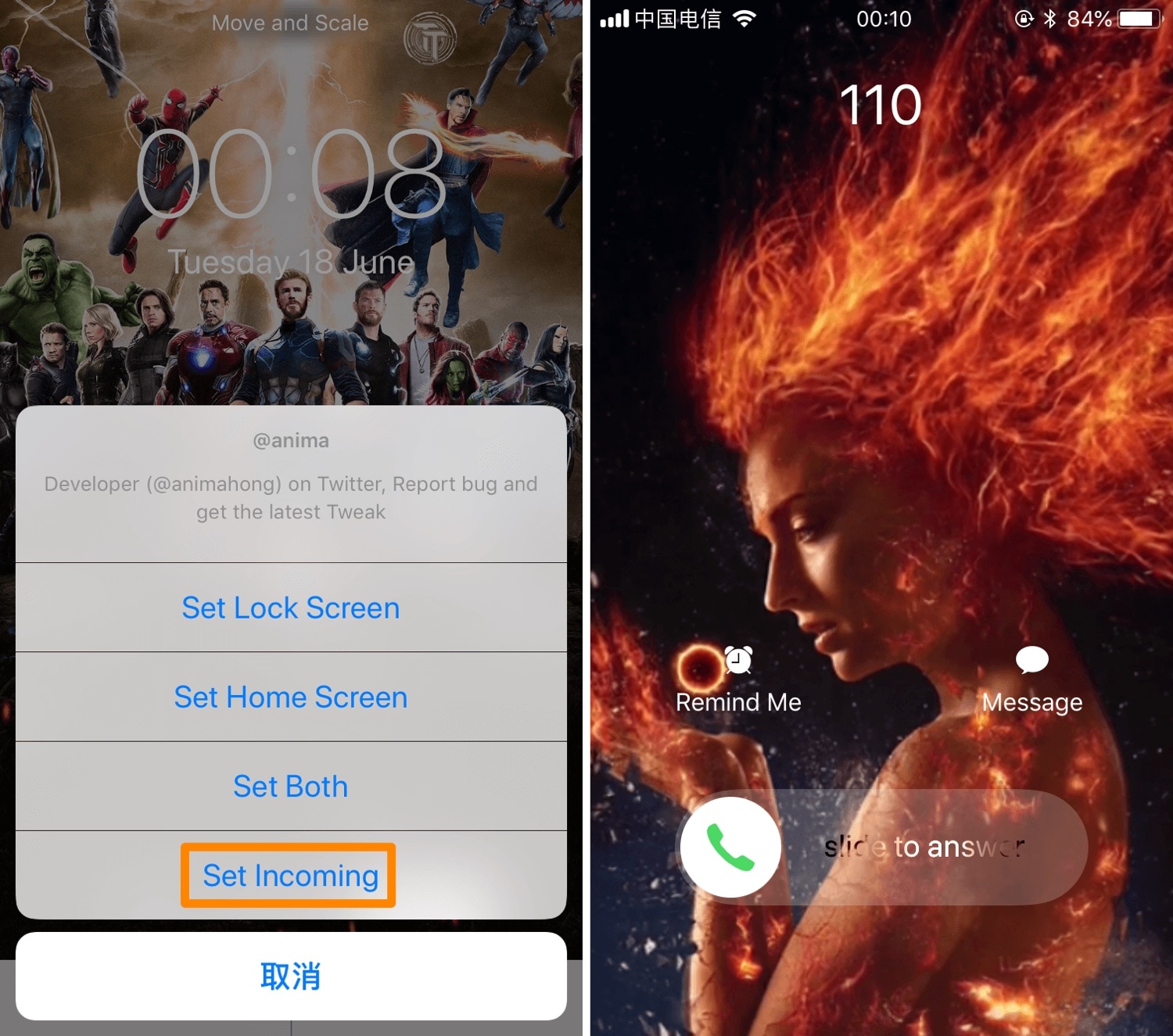
iOS’ native incoming call interface can be somewhat bland at first glance, and that’s precisely why iOS developer Anima has released a new jailbreak tweak dubbed Incoming Call LivePhoto (A12 Support).
Just as the name implies, Incoming Call LivePhoto replaces the bland incoming call background with a Live Photo of your choosing, ensuring that you always have something cool to look at when your iPhone starts ringing.
The iPad has been leading the tablet industry for many, many years. And while companies like Google have tried their hand at changing that, Apple's tablet lineup continues to reign supreme. So much so, it looks like Google is giving up on tablets altogether.