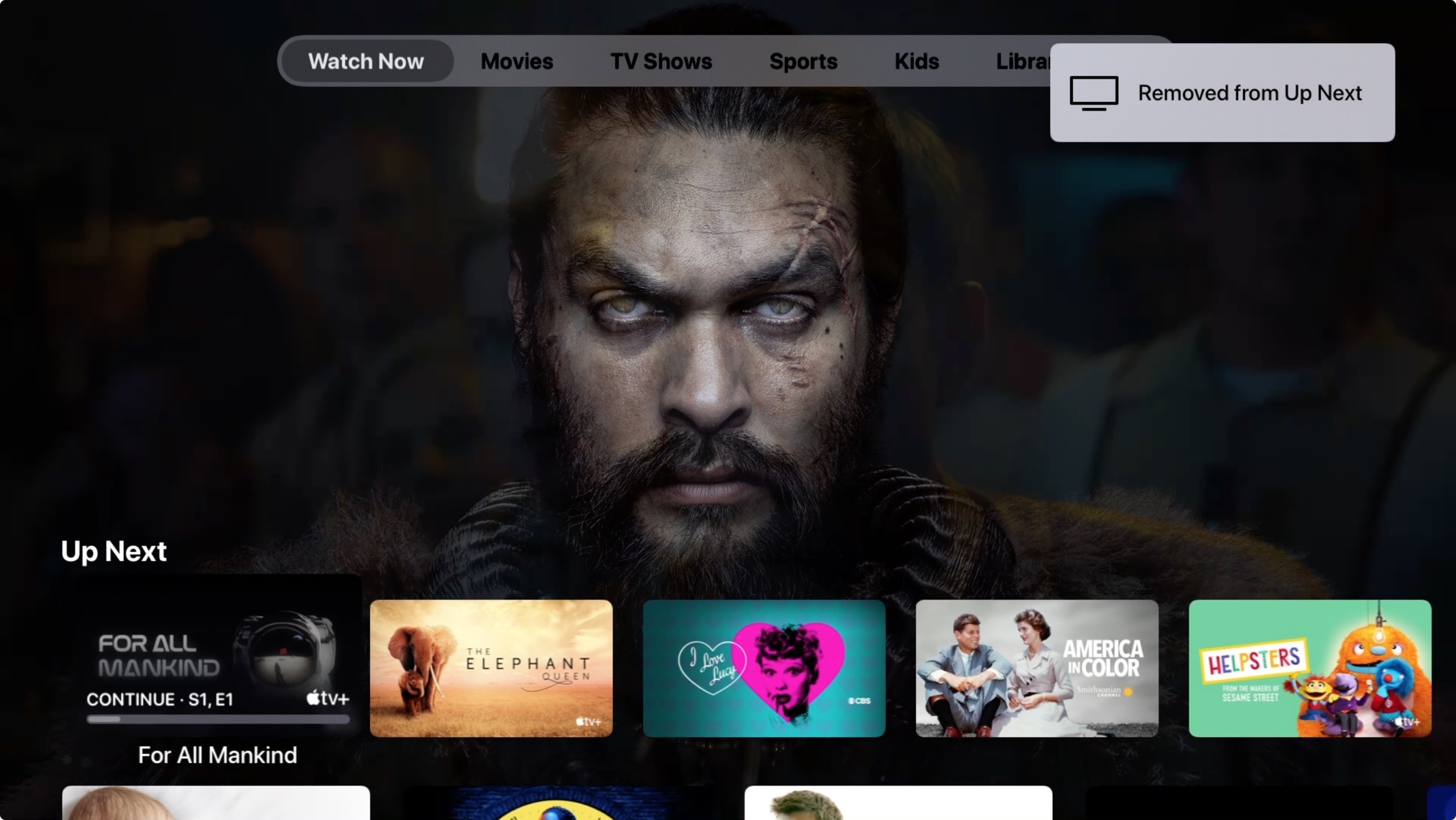
Do you have too many shows in your Up Next queue that you’ll never watch? Learn how to remove episodes from Up Next in the TV app on your iPhone, iPad, Mac, and Apple TV.
How to remove items from the Up Next queue in the Apple TV app
From the latest news to the most comprehensive tutorials, learn how to get the most out of your iPad with our step-by-step guides and expert tips.
Do you have too many shows in your Up Next queue that you’ll never watch? Learn how to remove episodes from Up Next in the TV app on your iPhone, iPad, Mac, and Apple TV.

Safari iCloud tabs enable you to access and view open tabs across your Apple devices, so you can continue your browsing sessions across your iPhone, iPad, Mac, and Vision Pro. Follow along with us as we show you how to set up and use iCloud tabs in Safari.
The iOS 13.3 software update that dropped today brought a bunch of bug fixes to iPhones and iPads around the world along with new features like Screen Time Communication Limits, a handy Memoji Stickers toggle for the stock keyboard and more. But there's one particular feature that we'd like to highlight because Apple has tucked it away as a side-note in the bug-fixes section of the iOS 13.3 changelog. I'm talking about trimming videos in Photos.
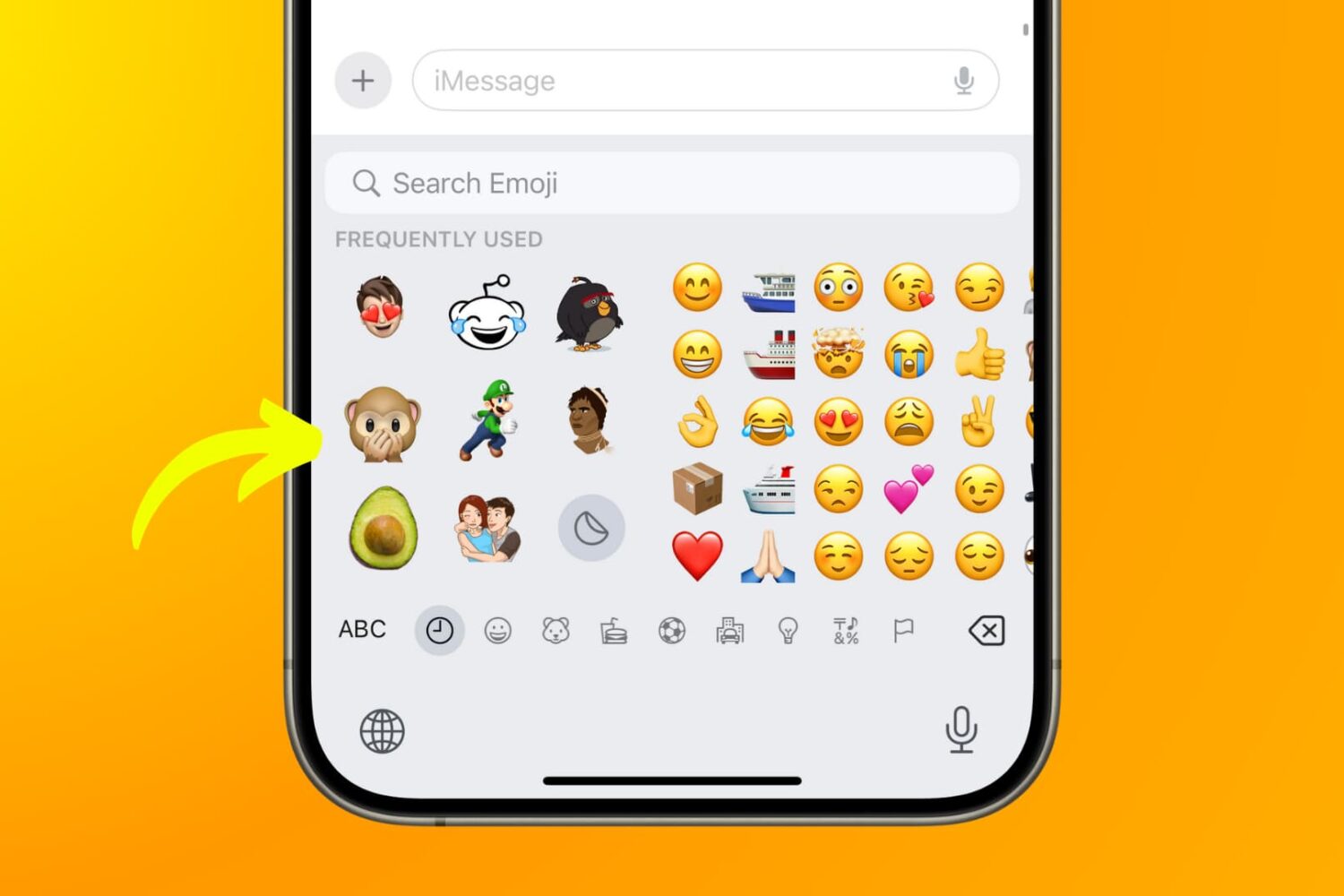
Learn how to remove the Memoji and Animoji stickers from your iPhone’s Emoji keyboard and get back the standard iOS emoji picker if you don’t use the stickers or no longer want them there.
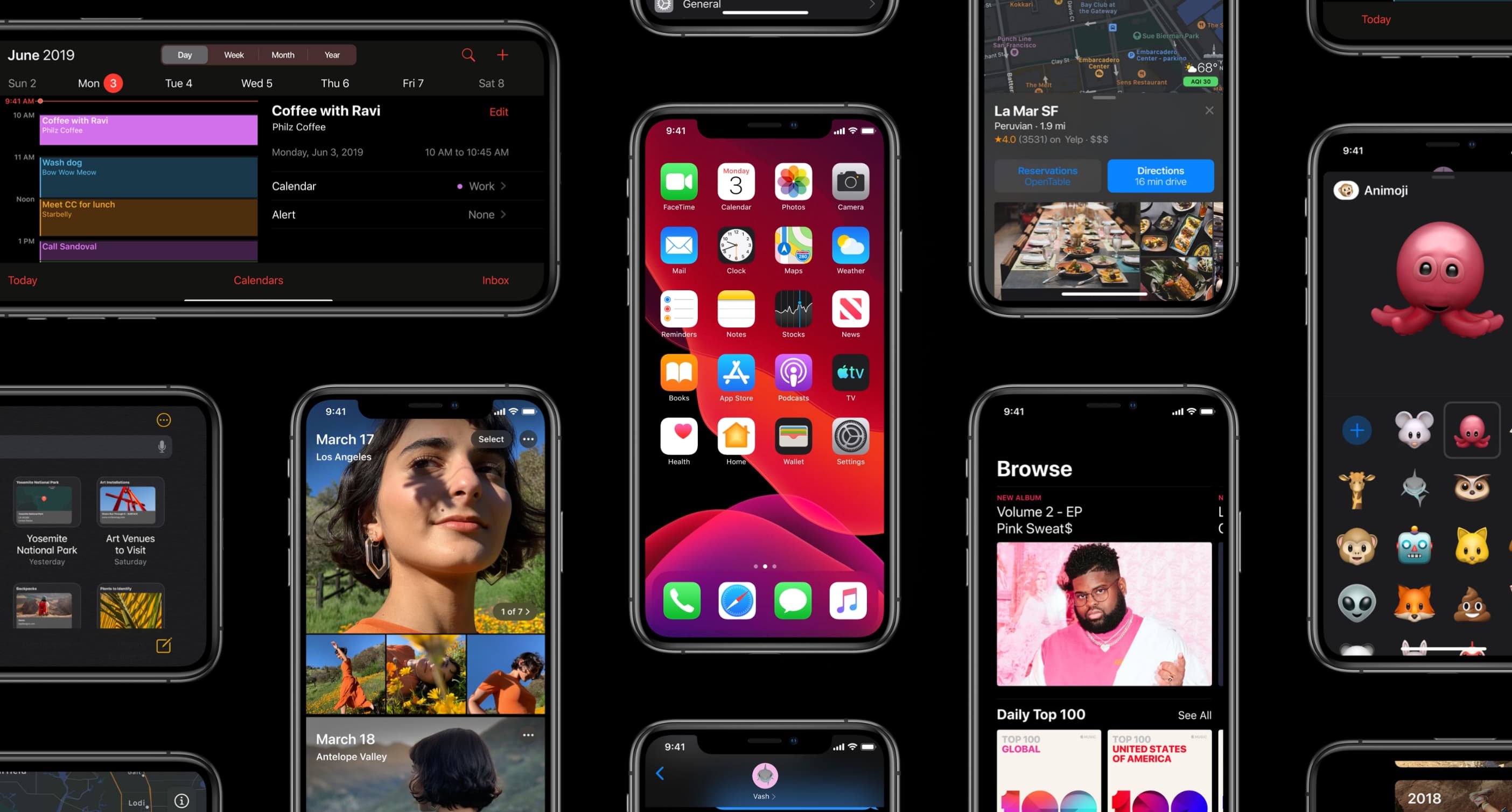
Apple today released iPadOS and iOS 13.3, the third major software update to the mobile operating system powering the iPhone, iPad and iPod touch following its launch in September. The update is available as an over-t
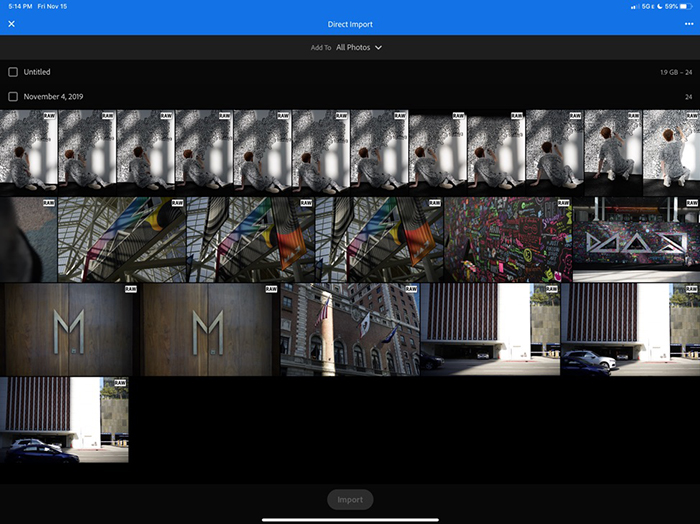
Photoshop maker Adobe today released an update to its mobile Lightroom app for iPhone and iPad that takes advantage of support for external storage devices in iOS 13 and iPadOS to enable users to directly import images into the app, bypassing the camera roll.

In this segment of our 2019 Holiday Gift Guide, you will find our favorite gift ideas for iPhone and iPad users.
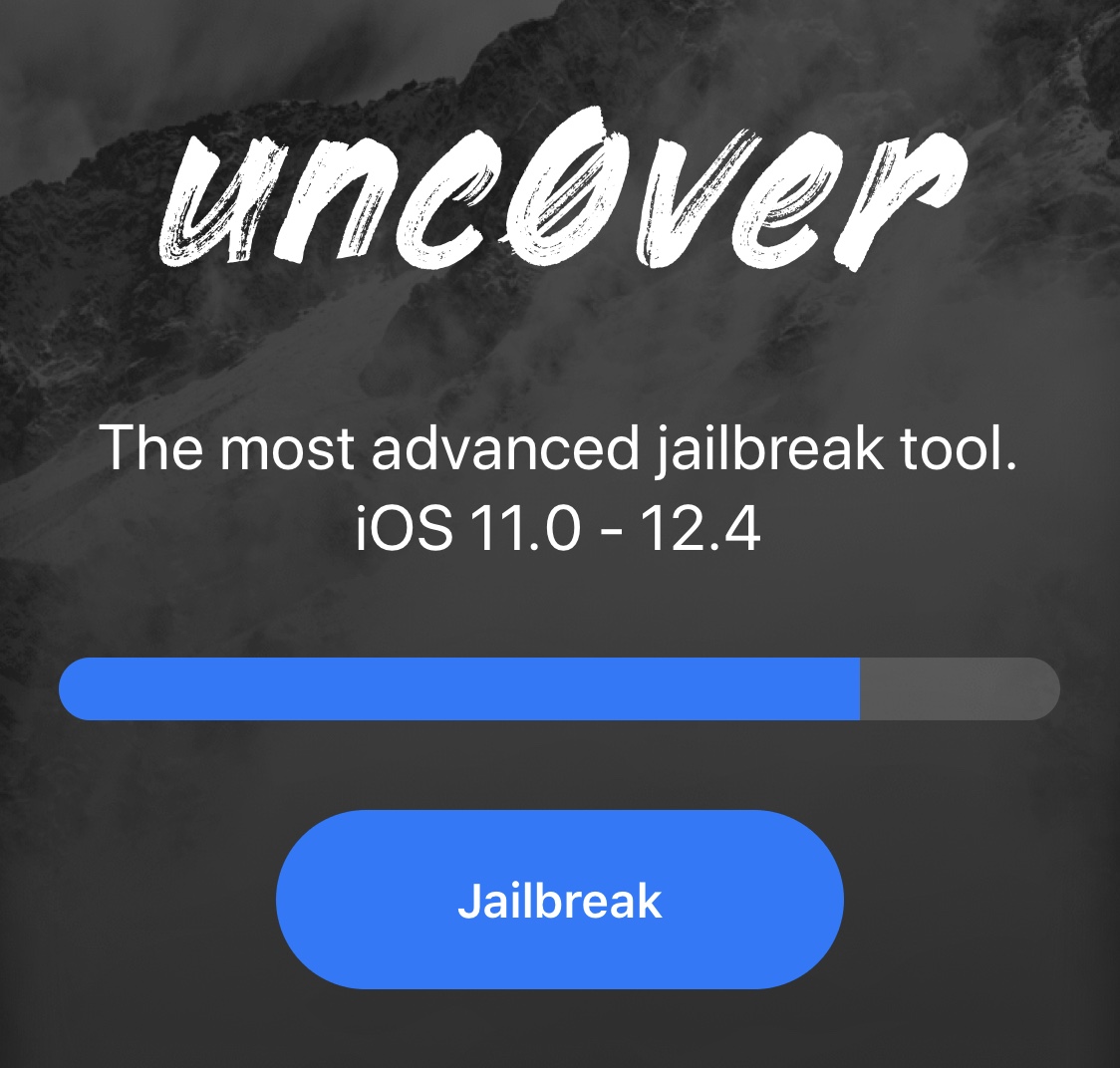
Pwn20wnd updated the unc0ver jailbreak tool at the start of last week with seemingly negligible bug fixes and improvements, but as it would seem, the hacker didn’t stop there.
We learned from an announcement via Twitter late Sunday morning that Pwn20wnd had been working on iOS 12.4.1 support on devices as new as A12, but a shortage of beta testers due to the Cydia Impactor problem inevitably delayed a public beta launch in the past week. Fortunately, that update finally appears to be ready to public testing:
Tweaking your iOS device may soon become significantly easier with the introduction of an exceptionally captivating project dubbed Supercharge led by iOS developer Kabir Oberai and designer Alessandro Chiarlitti, and contributed to by others.
Supercharge aims to become a platform that will make the process of tweaking your iPhone or iPad easier, whether you’re jailbroken or not. The work is being advertised as an innovative new tweak editor that will empower users with the ability to create and modify tweaks without writing a single line of code. Moreover, users will be able to share their works with other Supercharge users.

The checkra1n team is currently developing the first public jailbreak for iOS 13, and for those already taking advantage of the public beta during its initial public testing phases, we’d totally understand if you wanted to find some interesting jailbreak tweaks to trick out your newly liberated handset. The same goes for those who are already enjoying jailbreaks on Chimera, Electra, or unc0ver.
In this roundup, we’ll talk about all the latest jailbreak tweaks released from Monday, December 2nd to Sunday, December 8th. As usual, we’ll kick things off by talking about our favorites first and then wrap things up with an outline of the rest afterward.
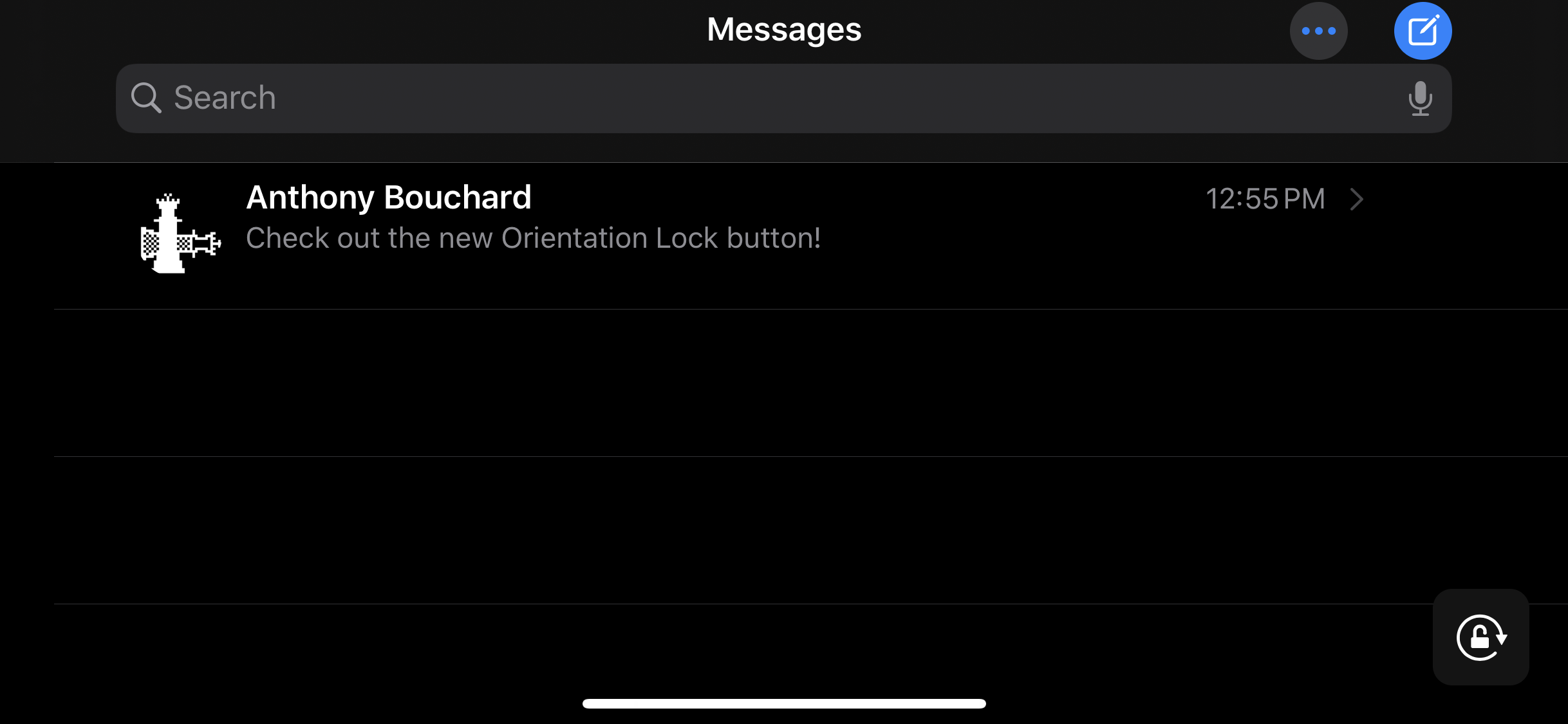
The ability to switch between landscape and portrait orientation on the iPhone can be godsend in certain situations, but in certain situations, it can be a real pain in the (redacted) — especially when in bed and your iPhone thinks laying on your side means that you want landscape orientation.
Apple combats this problem with iOS’ optional Rotation Lock feature, but this necessitates an additional step on the user’s part. For that reason, iOS developer Ubik has made a new and free jailbreak tweak called Oriental, which aims to make display rotation smarter for the iOS platform in general.

If you’re in search of a subtle way to augment iOS’ native notification system, then you might want to turn your attention to that of a newly released and free jailbreak tweak called Blots by iOS developer Antique.
As you accumulate missed notifications, Blots displays colored dots at the top of your display, just underneath the Status Bar. These dots are specifically colorized to match the dominant color of the app icon for which the notification represents.