iPad

From the latest news to the most comprehensive tutorials, learn how to get the most out of your iPad with our step-by-step guides and expert tips.

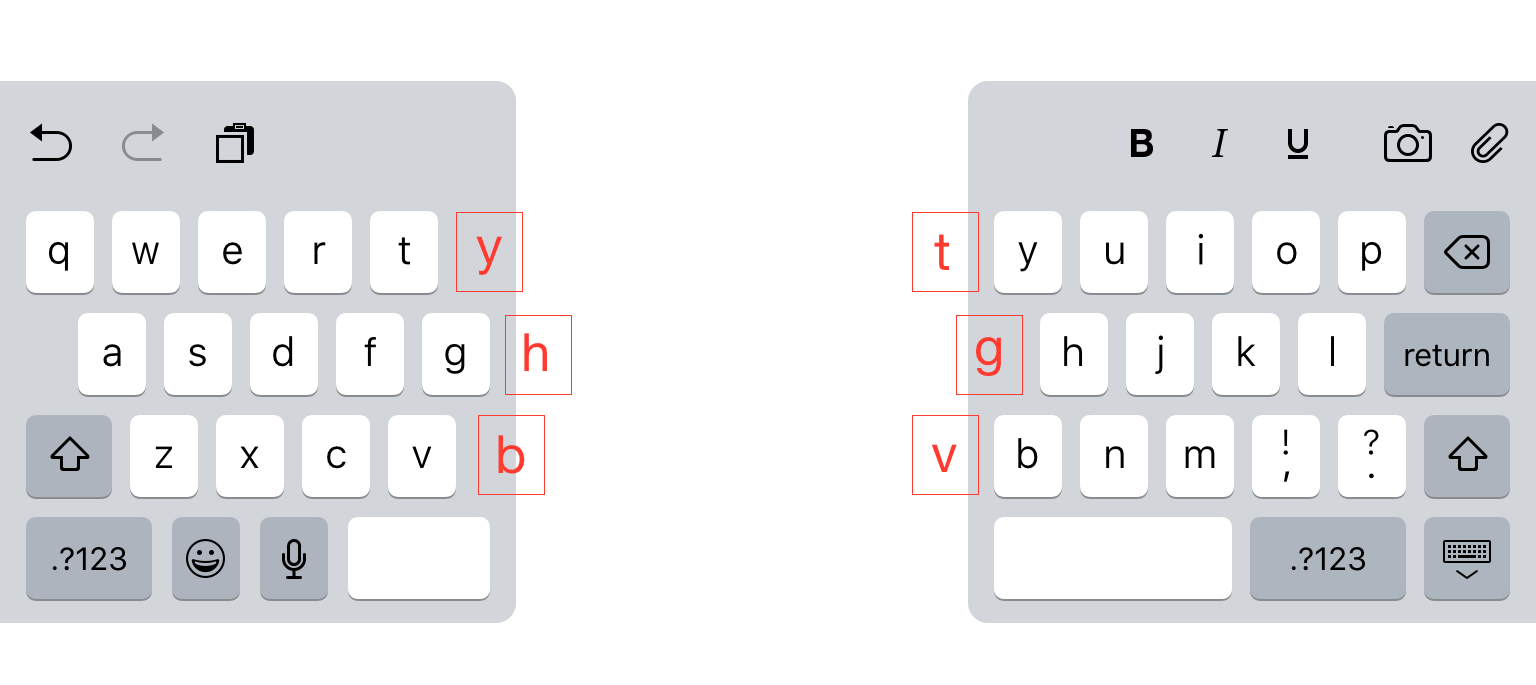
6 hidden keys on the iPad split keyboard

The ability to split up the iPad's keyboard is one of my favorite lesser-known features in iOS. I don't use it all the time. But it really comes in handy when I need to rattle off an email or conjure up other large bodies of text.

Apple obviously put a lot of thought into getting the split keyboard just the right size for its tablet, and it shows. In fact, there are even some elements of the keyboard that you can't see. Did you know there are hidden keys on the iPad split keyboard?
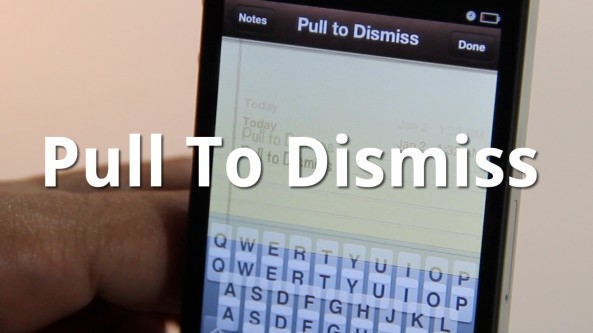
Easily Dismiss Your Keyboard With Pull To Dismiss

Is your iPhone's keyboard getting in the way? If so, then you may want to give Pull To Dismiss a try.

Pull To Dismiss is the latest jailbreak tweak from Ryan Petrich that allows you to easily dismiss your iPhone's keyboard with a simple pull. It works similar to pull to refresh, except instead of refreshing the content on the page, it dismisses your keyboard...

Microsoft Joins the iPad Accessory Game With a $50 Keyboard

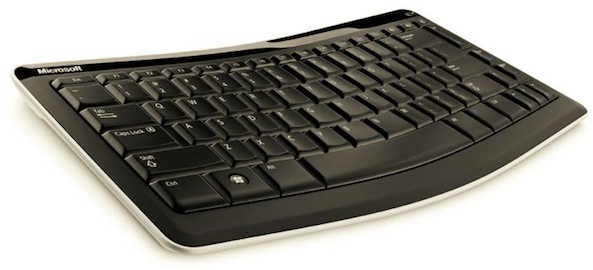
Microsoft is on something of an Apple jaunt at the moment. The Windows and Office king has already been releasing iOS apps quicker than anyone else over the last few days, and it has now decided to join the lucrative iOS device accessory market with the Mobile Keyboard 5000.

Despite pushing its upcoming Windows 8 as the true tablet operating system, Microsoft has announced a new Bluetooth mobile keyboard for use with the iPad. It will also in theory worth with Android tablets and presumably future Windows 8 devices (it will not work with the Kindle Fire, by the way).

As far as hardware keyboards go, this offering from Microsoft doesn't look bad at all, assuming you can overlook those Windows keys.

iStation Keyboard and Speaker Dock: Retro Class Comes to the iPad

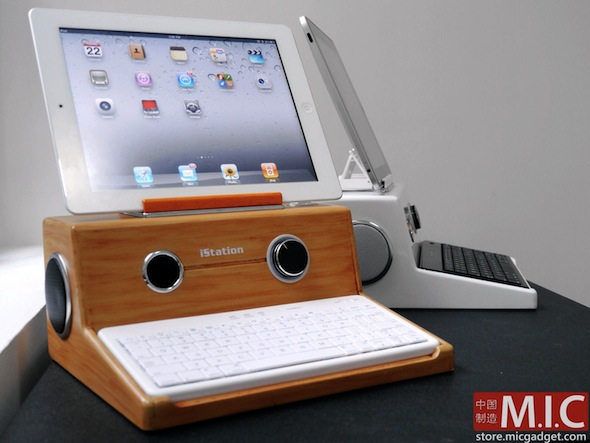
Normally, something going by the name of "iStation" would make us cringe, but this time around we're going to make an exception. This particular iStation takes us back to our youth, and we love it!

This iStation is an iPad stand that also doubles as a home for speakers and a Bluetooth keyboard, both of which are included in the $140 asking price. Once everything is hooked up and switched on, the whole thing gives the effect of an old-school computer, just like we used to have when we were kids. (Stop laughing in the back there, we're not that old!)

Call us crazy, but there is just something appealing about taking a state-of-the-art tablet and making it look like an old PC. No, really...

Get Haptic Feedback on the iPad with the TouchFire Keyboard

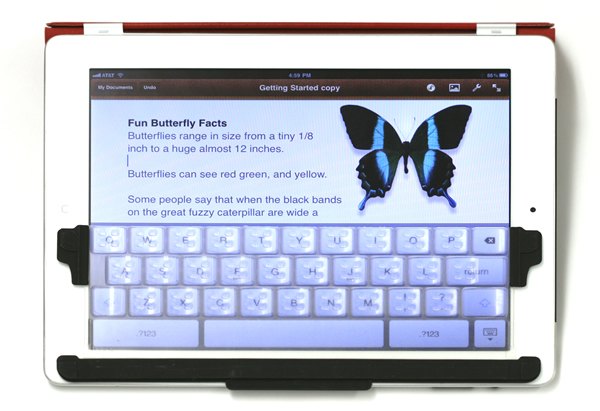
Those with good memories, or at least those that can remember back to January of 2010, will probably remember the intense debate that raged around the original iPad. While many decided that it was purely a content consumption device, others argued that the on-screen keyboard's generous size would make it a device that could be used to create content, too.

Fast forward to today, halfway through the iPad 2's life cycle, and we're not really any wiser as to how useful the iPad is as a content creation device. Most of our misgivings come down to that software keyboard and its inability to offer any long term writing usefulness.

Part of the problem is the complete lack of haptic feedback, and as if by magic, one Kickstarter project is aiming to put that problem right.

Say Hello to the World’s Thinnest iPad 2 Keyboard Case

If you're an iPad user, the chances are you want to keep it looking in tip-top condition. It's also entirely possible that you've chosen a lovely case to help in the preservation of your iPad, like one of Apple's own Smart Covers.

The problem with most iPad cases is the sheer size. After all, why spend the cash on arguably the nicest looking tablet out there to have it hidden away in a giant case?

Things get worse if you want to have the added functionality of a bluetooth keyboard built right into your iPad's case. Adding hardware undoubtedly adds size, but as one new startup is showing , that doesn't always have to be the case...

iPad 2 Case with Keyboard Helps You Type On the Go at a Reasonable Price [Sponsored]

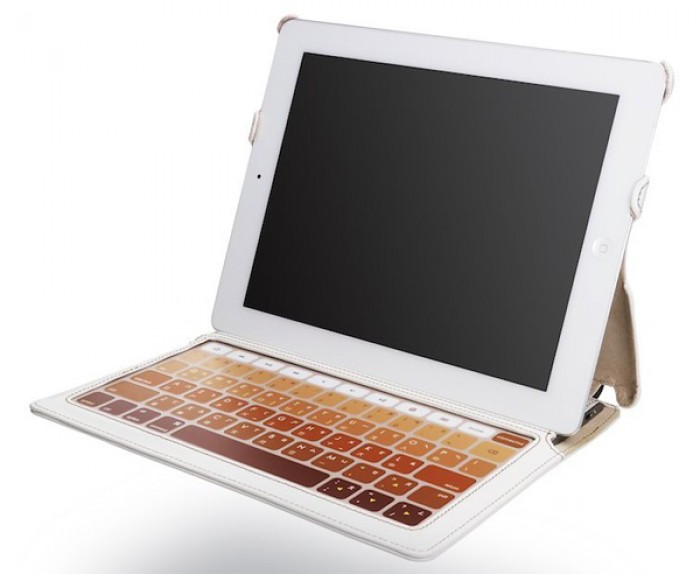
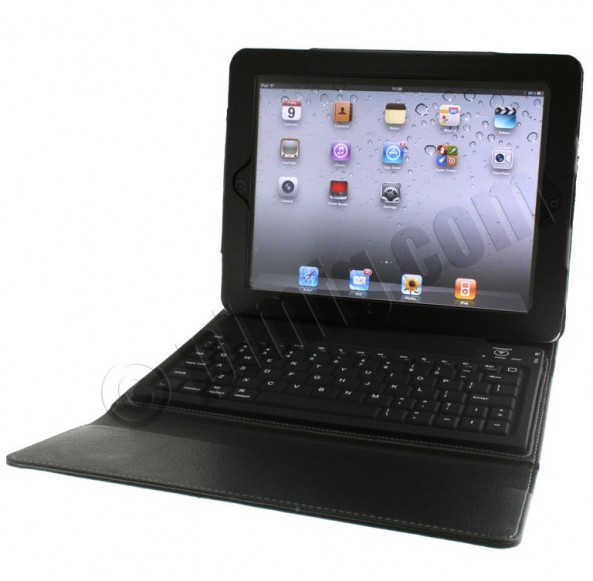
Do you need a nice, leather iPad 2 case with a built-in keyboard for a reasonable price? The we have a case for you. The iPad 2 Case with Keyboard protects your iPad while at the same time offering you a kickstand and full keyboard for typing.

At only $34, this case is one of the best deals you can find on a case/keyboard combo for the iPad. We've got more details below.

SmartKeyboard Concept Gives the iPhone a Physical Keyboard Based on the iPad’s Smart Cover

When Apple introduced the iPad 2, the Smart Cover also debuted as a new accessory for the device. Apple designed the iPad 2 with magnets that interface with the Smart Cover to wake the device from sleep when opened.

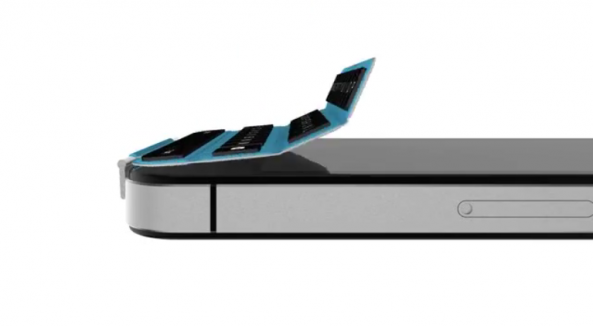
The iPhone's virtual keyboard is a fantastic replacement for a physical keyboard, but some consider the lack of physical buttons to be the iPhone's main downfall. A genius new concept takes the Smart Cover approach to offering a detachable physical keyboard for the iPhone...

WINGStand Offers a Unique Keyboard Stand for the iPad and iPhone

We just love Kickstarter projects here at iDownloadBlog. Not long ago we told you about The Infinite Loop, an iDevice stand with a "difference." Today, RazorianFly drew our attention to another stand on good ol' Kickstarter, and we just love it. Judging by the fact the project has already smashed its target funding, it seems we're not the only one!

Put together by a Mechanical Engineering and Design student called Daniel Haarburger, The WINGStand is an ingenious little stand that offers a way to keep an iPhone, iPad or pretty much any tablet in an upright position, perfect for reading recipes and the like.

But that's not all. The WINGStand has a party trick, and it's a trick that makes it stand out from the crowd, and the reason this writer has already offered up his hard earned (well, earned) money...

Aluminum Keyboard Buddy Case Turns Your iPad Into a MacBook Air

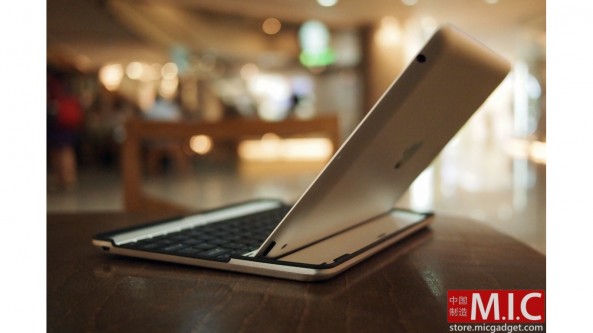
There's plenty of great cases for the iPad out there, but few third party cases can turn your iPad into a MacBook Air lookalike. The Aluminum Keyboard Buddy Case does just that, and it gives you the best portable keyboard experience we've seen on the iPad.

This case looks like it could have been designed by Apple, and it's convenient, foldable layout makes it the optimal keyboard addition for the iPad on the go.

New in iOS 5: ‘Find on Page’ Search from iPad Keyboard

The "Find on Page" feature in Safari isn't new, as it was introduced with iOS 4.2. Up until iOS 5, to use this feature, you had to tap the “Google” search bar at the top right and start typing. As Google gave you suggestions, you also had the “on this page” option appearing at the bottom.

iOS 5 is making this feature much smoother on the iPad, as it brings it directly to the keyboard...

New in iOS 5: Split Keyboard

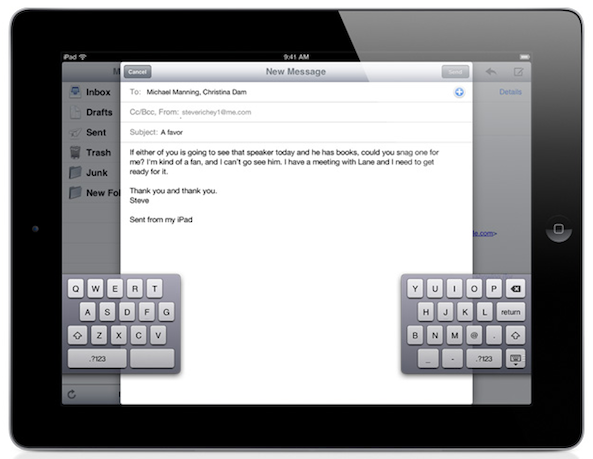
If you own an iPad, you know how hard it can be to type on the keyboard with your thumbs like you do on the iPhone. iOS 5 is about to change that with the introduction of a split keyboard option.

To activate this, simply tap the keyboard icon at the bottom right of the keyboard and it will give you 2 options: undock, which lets you use the keyboard higher or lower on the screen, and split, which let's you undock and split the keyboard just like it is in the image above...