iOS

iOS 10 will be available this fall as a free upgrade

A developer preview of iOS 10 will be released to members of the Apple Developer Program following the WWDC 2016 keynote this morning at San Francisco's Bill Graham Civic Auditorium. According to Apple, iOS 10 will release for everyone this fall for the iPhone, iPod touch and iPad, likely ahead of the iPhone 7 introduction.

Here’s all-new Apple Music redesign from the ground up

The beautiful new design language in a revamped Apple Music is now a reality. According to Apple, the first tab within the app is now Library that gives you quick access to your songs as well as your downloaded music. A new Recently Added section makes it easy to pinpoint new songs and albums you've added to your library.

New in iOS 10’s Photos: Maps view, Memories, facial recognition and more

Photos in iOS 10 is receiving a major upgrade with several major new features and a few noteworthy improvements. For starters, Photos in iOS 10 has a dedicated Maps view similar to iPhoto for Mac which lets you browse your photos on a world map, based on where you took them.

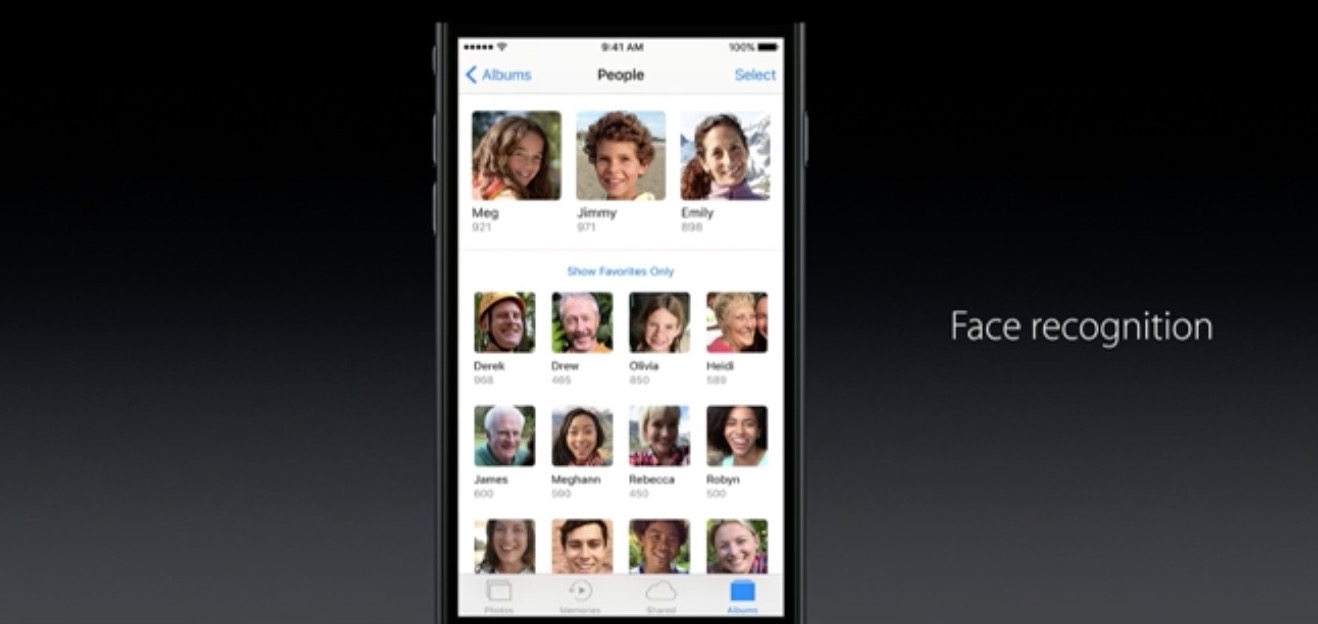
More importantly, Photos now features facial, object and scene recognition that uses advanced computer vision and deep learning techniques to recognize objects on photos locally on the device, taking advantage of the power of Apple's A-series of processors.

Here’s iOS 10’s revamped Lock screen with widgets, Raise to Wake, rich notifications and more

Apple is holding its anticipated keynote presentation at the Bill Graham Civic Auditorium in San Francisco this morning, which has kicked off the five-day WWDC 2016 developers conference, and they just announced iOS 10, the tenth major version of the mobile operation system powering the iPhone, iPod touch and iPad.

For iOS 10, there's a completely redesigned Lock screen that now makes it easy to respond to notifications with a lot richer 3D Touch support, the ability to enjoy widgets full screen, a time-saving feature called Raise to Wake and more.

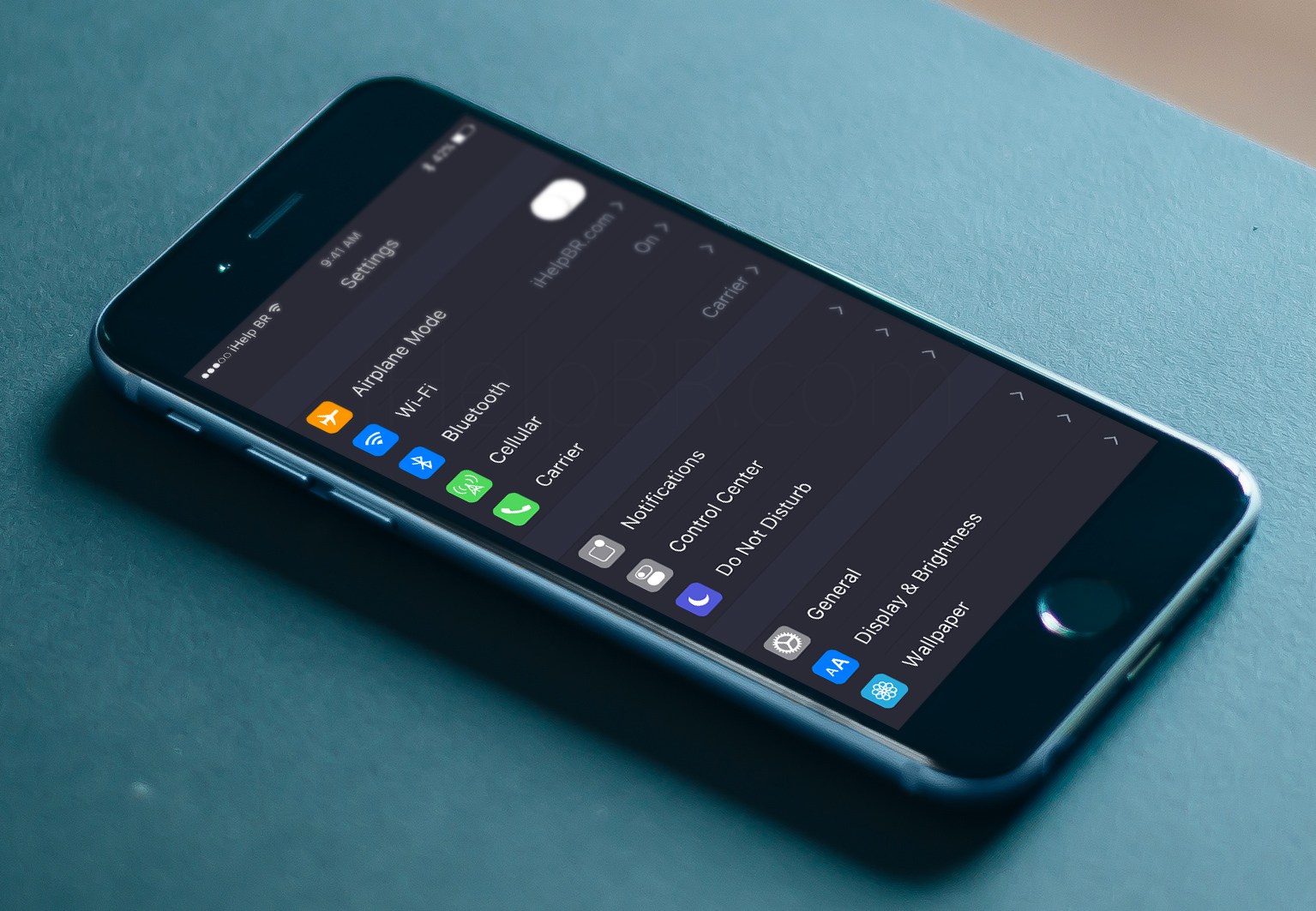
Siri is trolling us ahead of WWDC keynote with vague hints of dark mode in iOS 10

Go ahead, pull an iPhone out of your pocket right now, press and hold the Home button and tell Siri to please “turn on dark mode”.

Much to your surprise, instead of responding with a “I didn't quite get that”, “I don't understand” or some such, she'll inform you that “I'm not able to change that setting”.

As noted by AppleInsider, the wording is unusual given that iOS currently contains no reference to any kind of dark mode. Is Apple trolling us ahead of the keynote?

Jailbreak tweaks of the week: CoySIM, SnapOldStory, & more…

The jailbreak scene has really been running dry lately with the lack of any new jailbreak for Apple's latest iOS releases. Nevertheless, Cydia is still alive with a few releases that we cover throughout the week.

In this post, we'll show you everything that was released in Cydia this week, starting with our favorites. Then, we'll show you all of the rest of them.

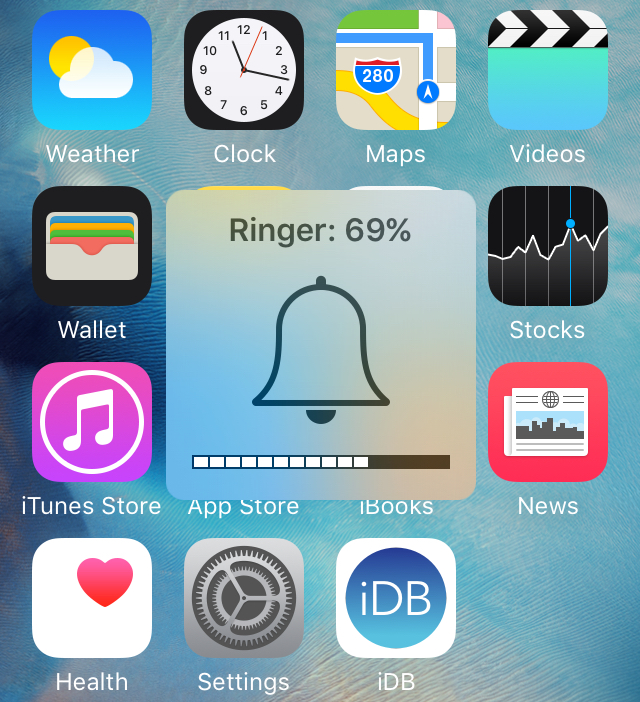
VolumePercentage shows the numeric volume level in your iPhone’s volume HUD

On any normal day, your iPhone or iPad's volume HUD shows an icon in the middle, along with little rectangles at the bottom of the indicator that illustrate how high your volume level is.

But if you want something a little more informative, then a new free jailbreak tweak called VolumePercentage will give you an even better idea of what your volume level is by showing you an actual volume percentage in the volume HUD.

How to have iCloud sync your calendar subscriptions across Mac, iPhone, and iPad

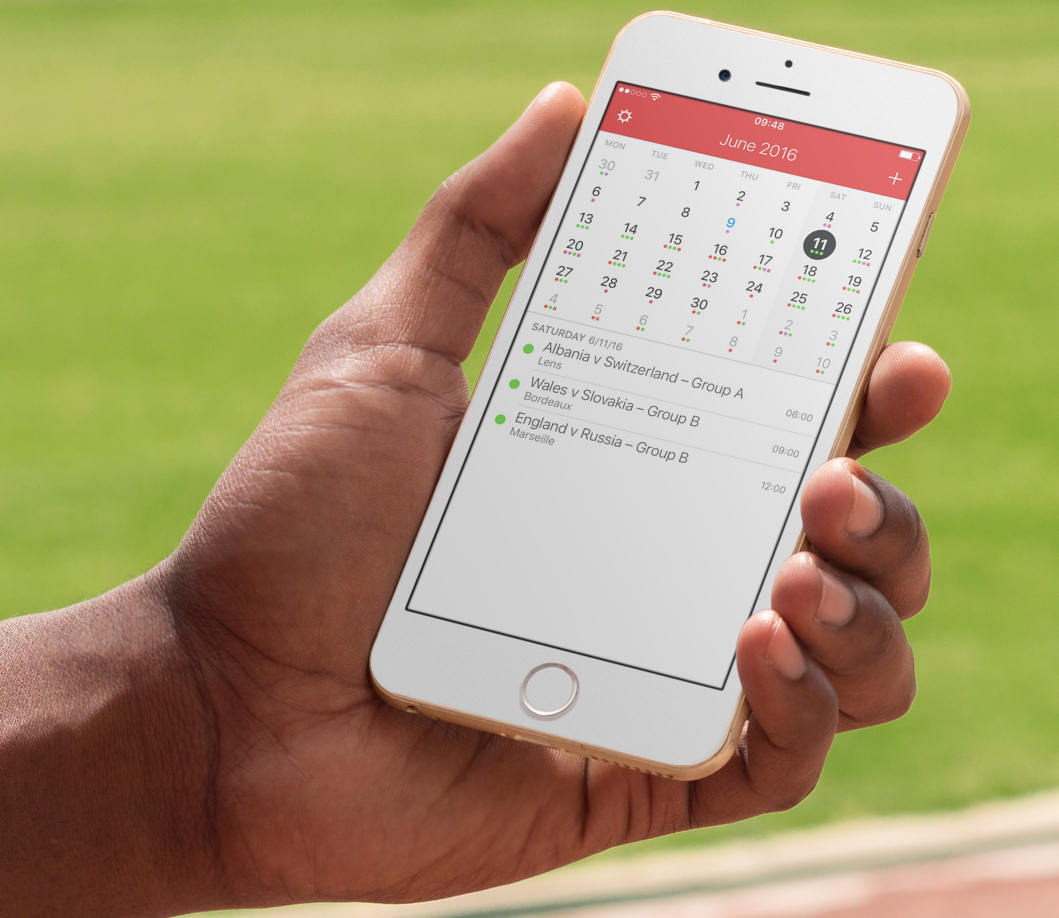
I recently wrote a post describing how to add the schedule of the Euro 2016 to your iPhone, Mac, or iPad calendar app in order to keep up with the competition. As described in my post, subscribing to this calendar (or any other calendar) directly from your iPhone or iPad, will only add the calendar locally on the device, but it won't sync across all your other devices like an iCloud calendar would.

iDB reader Kyler emailed us earlier today asking how he can subscribe to a calendar while adding it to his iCloud account to make sure the calendar events sync to his iPhone, iPad, and Mac, without having to manually subscribe to the calendar on each device. This is what we're going to do look at in this post.