iOS

Jailbreak tweaks of the week: Columba for iOS 9, Force Delete, & more…

These past few weeks have felt pretty stale for the jailbreak community, but this week has seen a slight resurgence. Unfortunately, with no public announcements from reputable jailbreak teams at this point in time, there's still no news as to when a public jailbreak for iOS 10 may drop.

Regardless, developers continue to make tweaks for iOS 9. In this roundup, we'll show you everything that was released this week, starting with our favorites.

Apple issues iOS 10.2 beta 5 to developers

Apple on Friday released a fifth beta of iOS 10.2 (build 14C89) to its registered developers enrolled in the Apple Developer Program. The updated beta software can be deployed over-the-air through Settings → General → Software Update on an iPhone, iPod touch or iPad which has installed a prior iOS 10.2 beta and an appropriate configuration profile. The full installer can be downloaded from Apple's dedicated portal for developers at developer.apple.com.

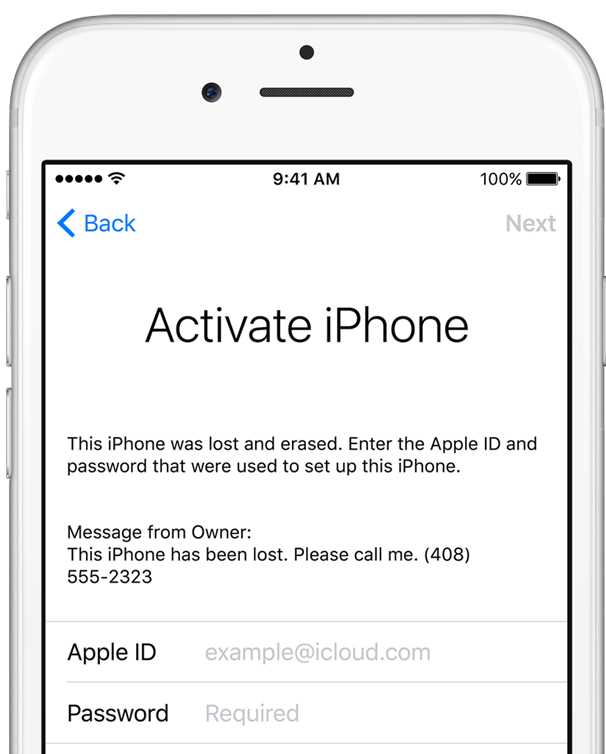
iOS 10.1.1 bug allows researchers to bypass Activation Lock protection on iPhone and iPad

Back in November, India-based security researcher Hemanth Joseph discovered a bug in iOS 10.1 which permitted him to bypass Apple's anti-theft Activation Lock feature by entering an excessively long string of characters in the Wi-Fi setup text fields.

Apple has patched the flaw in iOS 10.1.1 but now, as noted by SecurityWeek, researchers at Vulnerability Lab have managed to find another method of bypassing Activation Lock protection on an iPhone, iPad or iPod touch with iOS 10.1.1 and they posted video evidence to prove it.

Columba: a biteSMS alternative offering Quick Compose/Reply, scheduled messages, and more

Although biteSMS is no longer supported on the latest versions of iOS, a jailbreak tweak called Columba for iOS 9 brings some of the functionality biteSMS users loved to jailbroken iOS 9 devices.

Columba for iOS 9 comes complete with Quick Compose and Quick Reply, as well as a slew of other must-have features for sending and receiving messages from your jailbroken iPhone.

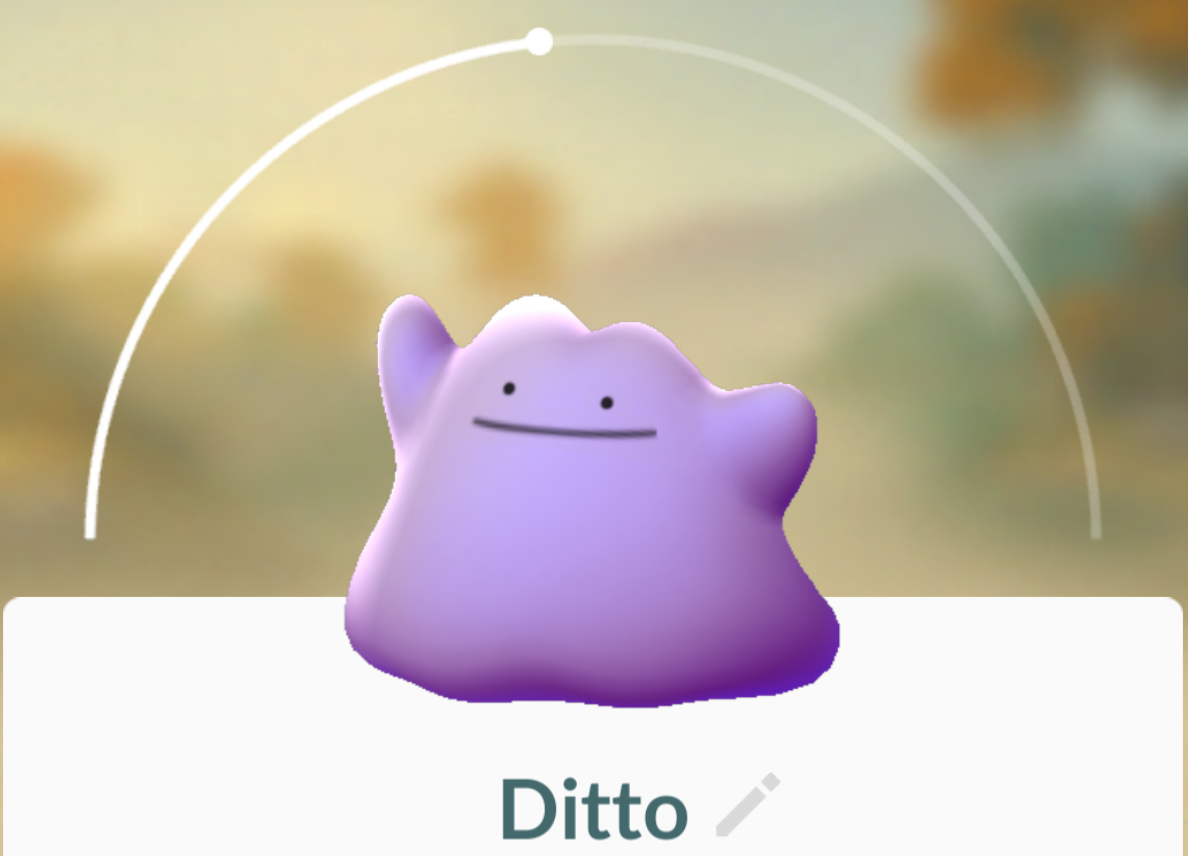
Everything you need to know about Ditto in Pokémon GO

Ditto was released in a server-side Pokémon GO update last week, and while many players have already caught the shape-shifting purple Pokémon, others are still having trouble trying to bag it for their Pokédex collection.

In this piece, we’ll talk about everything you’ll need to know about catching and using Ditto in Pokémon GO.

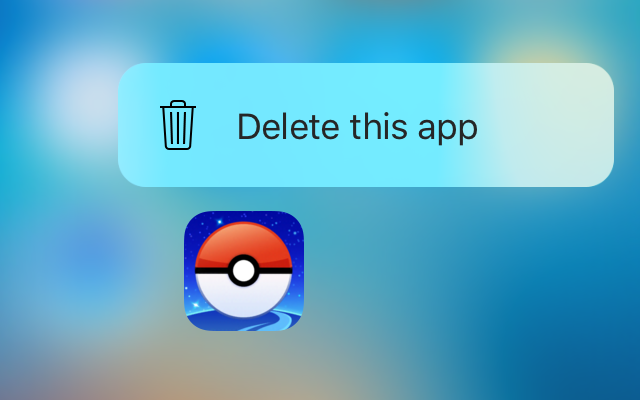
Force Delete lets you delete or hide apps with a 3D Touch gesture

Force Delete is a new free jailbreak tweak in Cydia that lets you utilize your 3D Touch display to delete apps from your device.

While the tweak is designed primarily for the purpose of letting you delete the apps you’ve downloaded from the App Store, the tweak can even hide system apps from your Home screen if you wanted to do that instead.

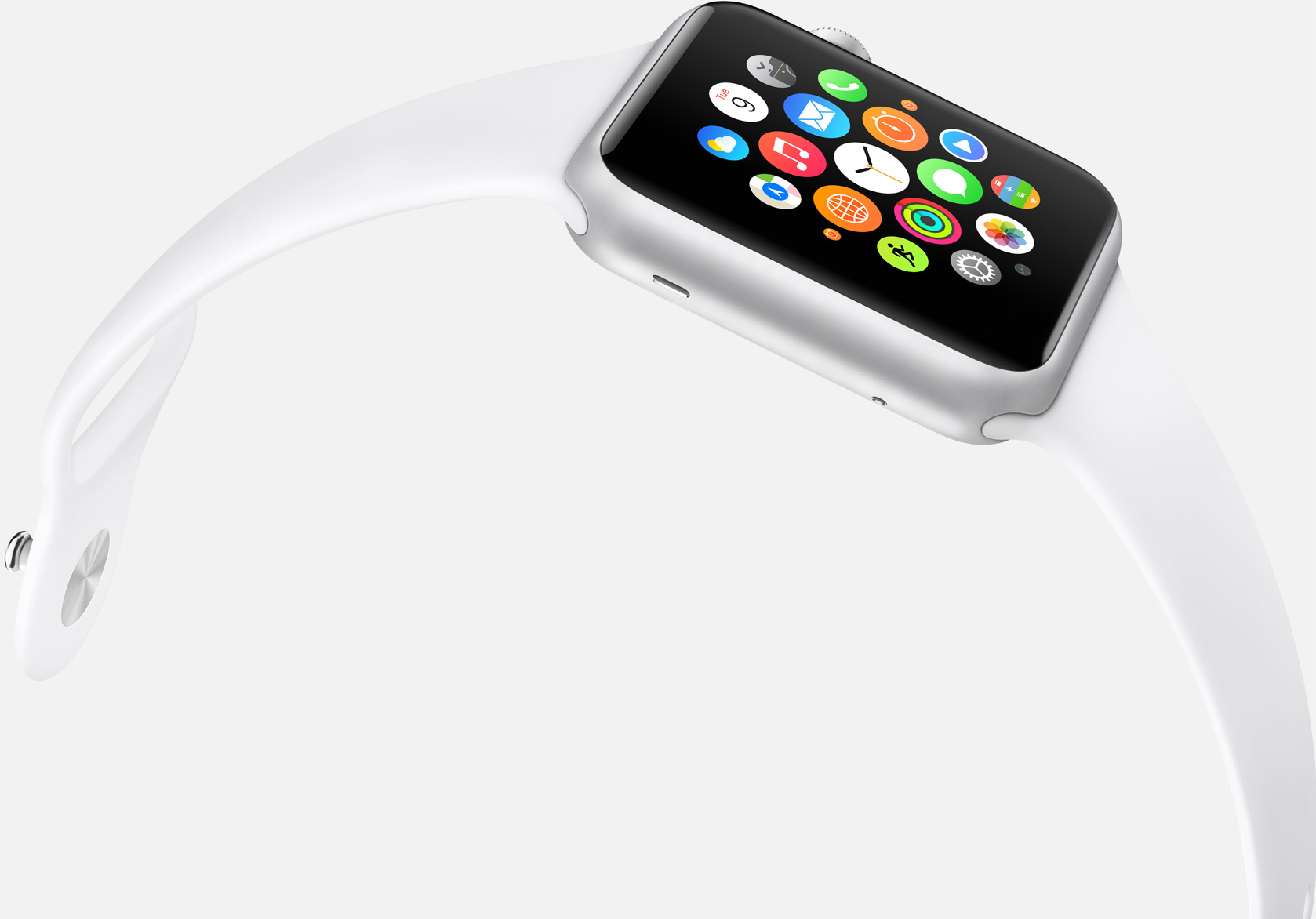
Is watchOS 4 finally going to get the Home screen right?

Much was made of Apple’s third major software overhaul for watchOS this year with Control Center and the Dock seeing the light of day, finally making for a much beefier experience on our wrists. The one other central interface of Apple Watch received no love though, meaning users are still embroiled in a love-hate relationship with their watch’s Home screen. It is easy to let patience wear thin with respect to Apple not pushing the Home screen on Watch forward, then again it took Apple more than a couple of years to refine the iPhone’s Home screen, just to put matters into perspective.

Regardless of the pace at which Apple is planning to shape up the screen accessed by pressing the crown, design and functionality changes are eventually going to take place. It’s a highly emotive topic and any watch owner will be able to raise one or two aspects they either dislike about the Home screen or wished to be fundamentally different. Personally, with the arrival of my snappier Series 2 watch, the Home screen is about the only qualm I still have with Apple's youngest product line. So there, let me add my voice to what the Home screen in watchOS 4 needs to implement in order to catch up with the rest of the operating system.
LockLaunchApp brings up to six app shortcuts to your Lock screen

We’ve all got those special apps on our iPhones that we use more than the others, and a jailbreak tweak called LockLaunchApp intends to make accessing them easier.

As the name suggests, it will put an app launcher on your iPhone’s Lock screen that can support up to six of your favorite apps, and best of all, you can customize the appearance of the launcher too.