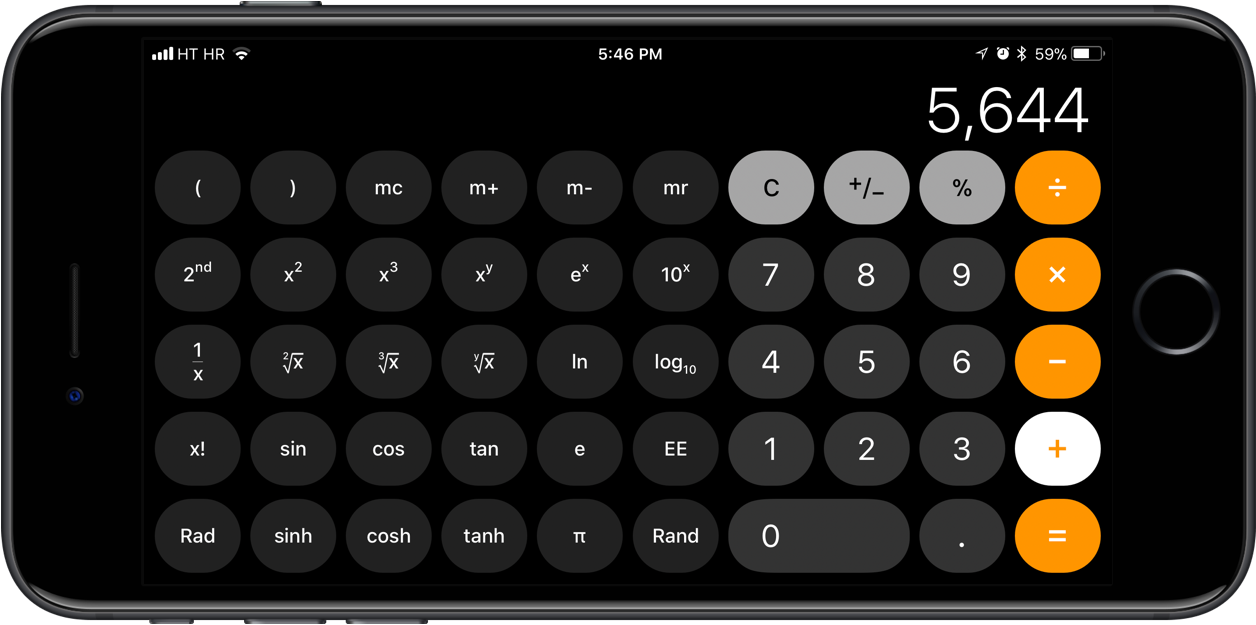
As we reported, Apple's Calculator app on iOS 11 suffers from a lag when typing too quickly.
iOS 11.2 fixes the Calculator input lag
As we reported, Apple's Calculator app on iOS 11 suffers from a lag when typing too quickly.
Although the upcoming iOS 11.1 software update is still in testing, Apple on Monday issued the all-new iOS 11.2, tvOS 11.2 and watchOS 4.2 betas to its registered developers and members of the paid Apple Developer Program.
It seems like jailbreak developers are still kicking along with a pretty decent jailbreak tweak here and there, and in this roundup. We'll go over every tweak released throughout the last week.
As usual, we'll start by showing off our favorites and then we'll outline the rest of them afterward. So without further ado, let's get started!
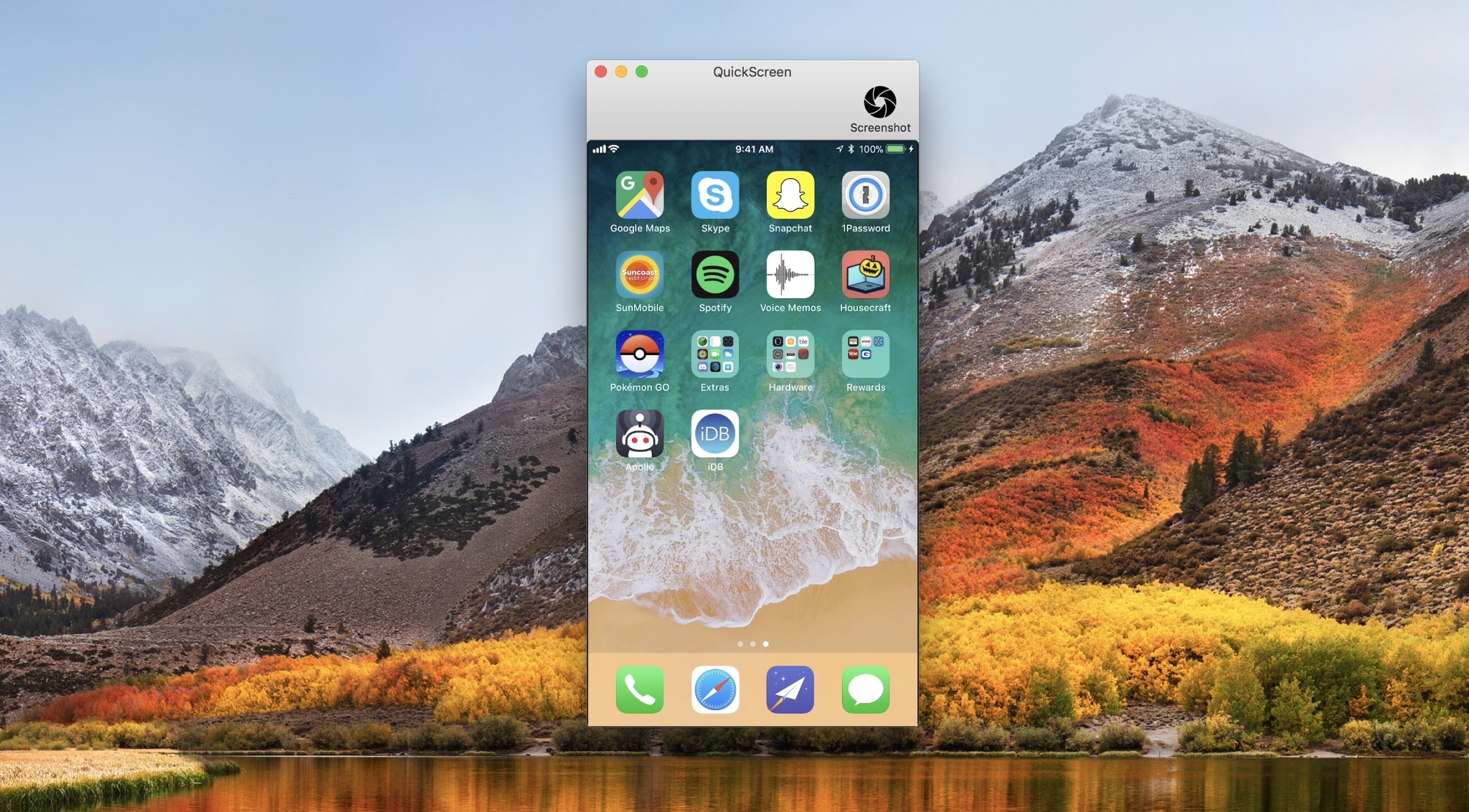
QuickScreen is a convenient new Mac utility by Frogg GmbH that lets you demo your iPhone’s screen directly on your computer’s display.
Designed with ease-of-use in mind, all you have to do to get started with QuickScreen is plug your iPhone or iPad into your machine with a MFi-certified Lightning cable, and the app detects its display automatically.
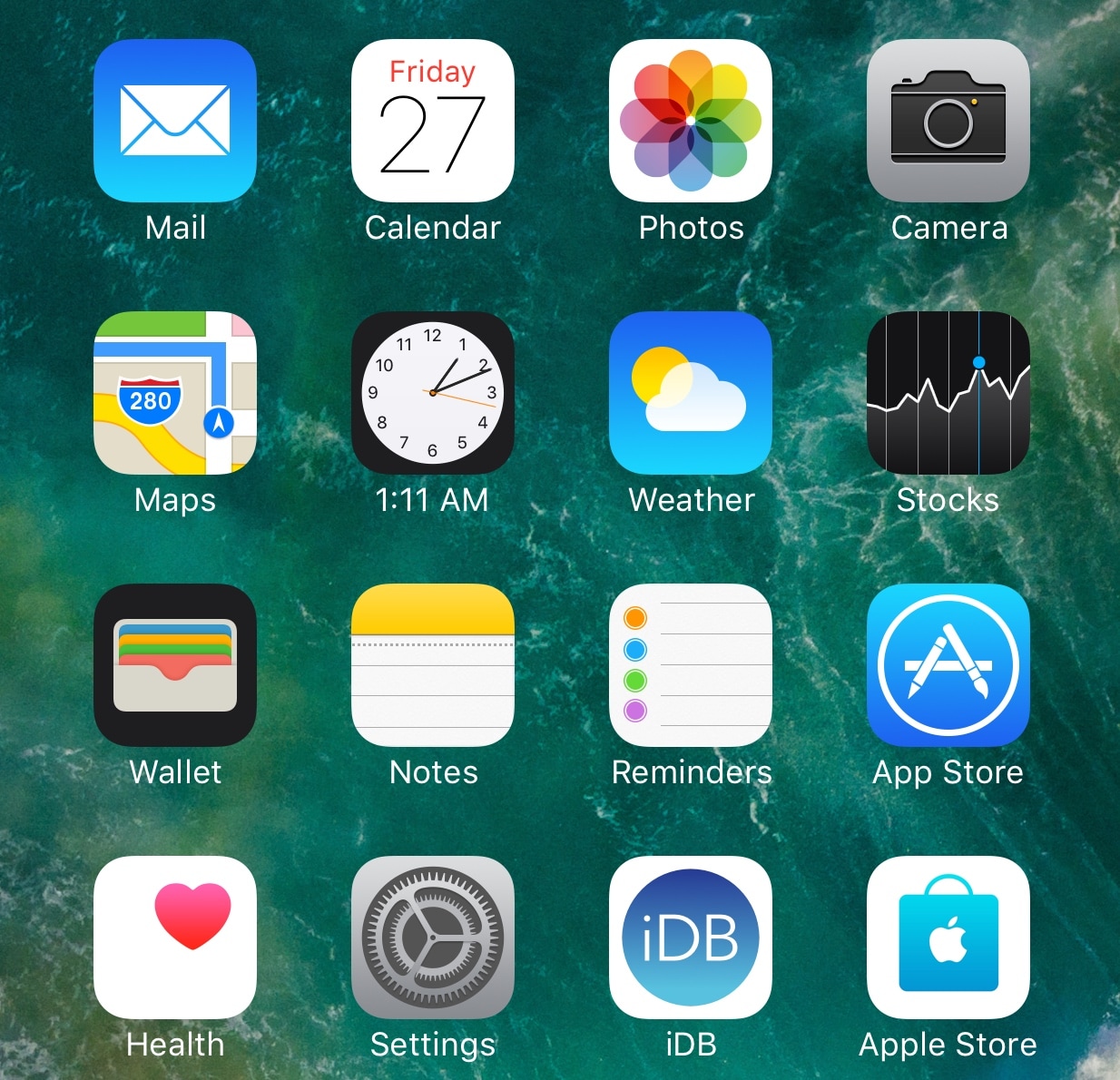
Looking for a way to spice up the Home screen on your jailbroken device with supplementary information? You’re in luck!
A new free jailbreak tweak known as LivelyClock by iOS developer Cole Cabral modifies the Clock app icon's label to make it display the current time in digital form, as shown above.
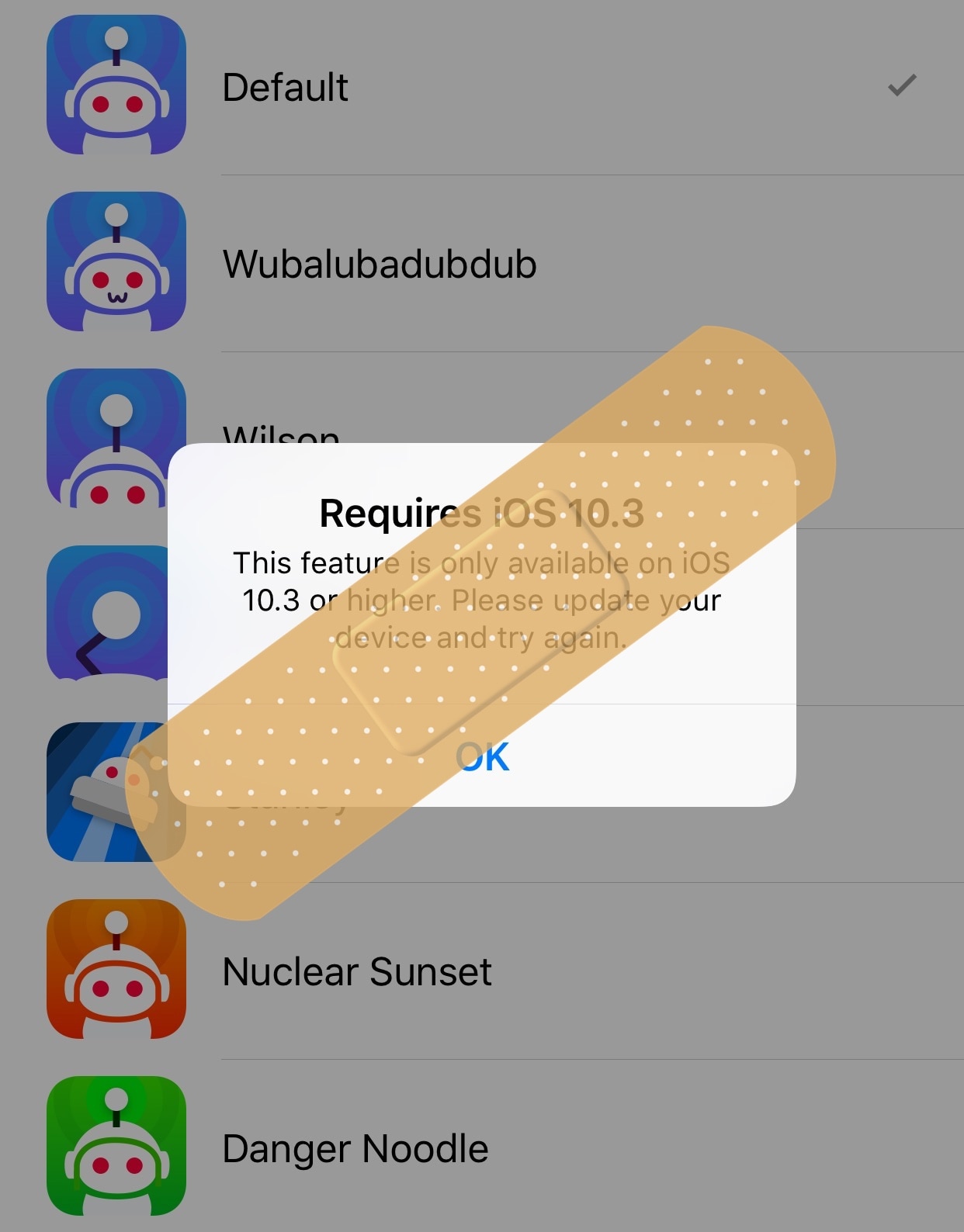
A plethora of Redditors are already content with the new Apollo client released earlier this week, but jailbreakers are learning that not every feature included in the app works on their devices because some require iOS 10.3 or later.
If you find yourself in this predicament, then you might want to try a new free jailbreak tweak called ApolloJustCompatible by iOS developer Squ1dd13, as it hides those features on devices that run earlier versions of iOS.
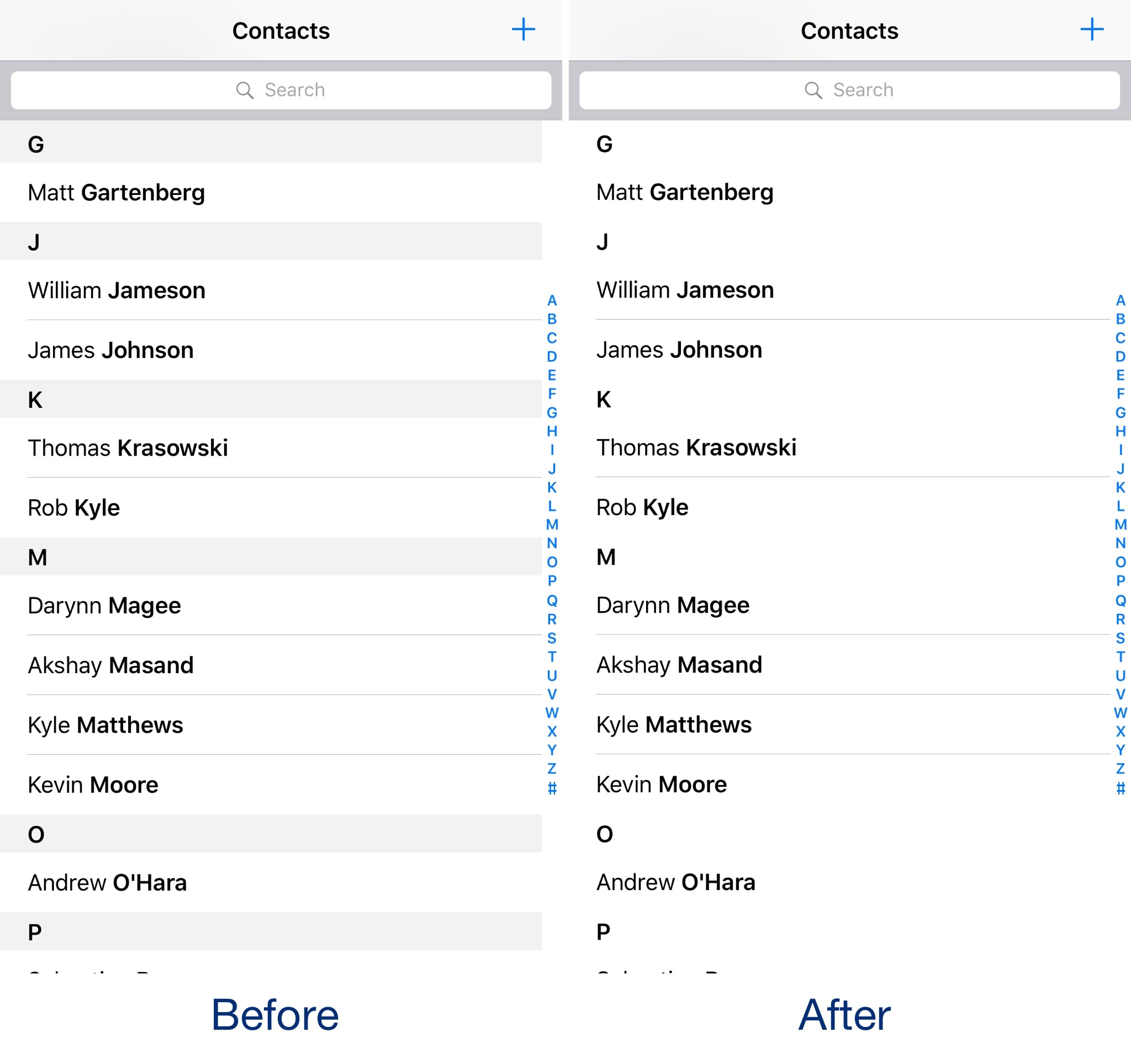
If you own an iPhone, then the native Contacts app is your go-to storage vault for all the contact information for friends and family. Out of the box, the app doesn’t look that bad. Nevertheless, tweak developers still come up with ways to tweak the interface ever so slightly.
One of the newest of such tweaks to hit the Cydia store is a new free jailbreak tweak called TinyContactView by iOS developer CydiaGeek. Once installed, parts of the native Contacts app UI vanish from sight.
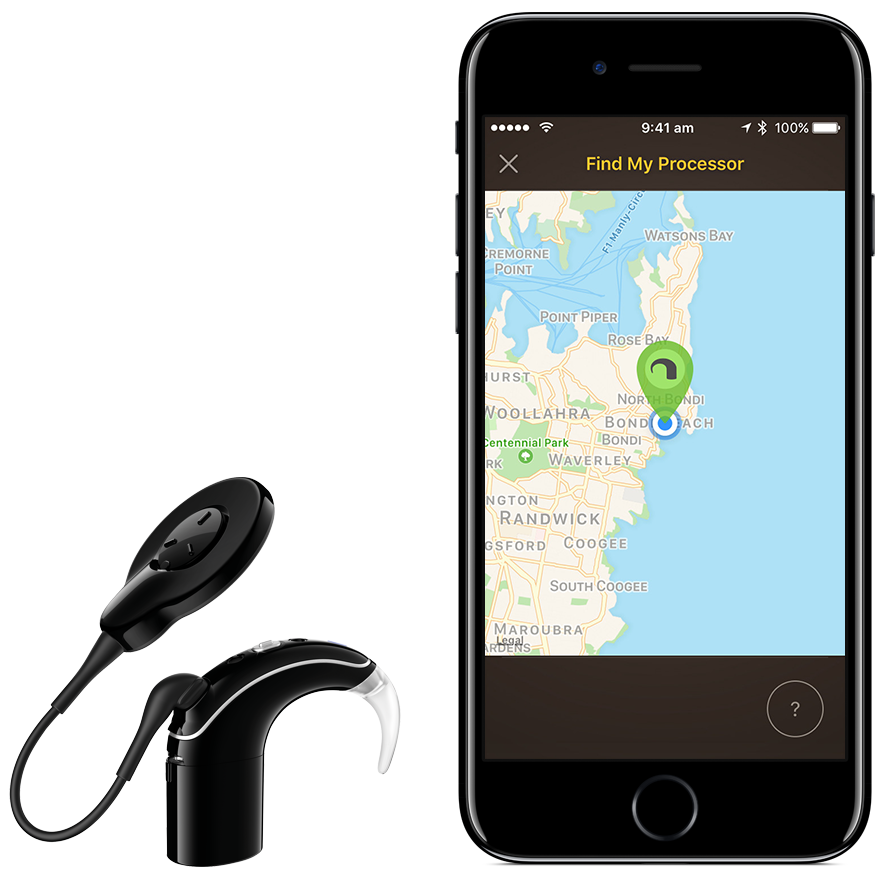
As we reported, Apple and Australian hearing aids maker Cochlear struck a partnership in July. Today, Cochlear released its first product born out of that partnership—a tiny “Made for iOS”-certified hearing implant that can stream audio wirelessly from an iOS device directly to a surgically embedded Nucleus 7 sound processor.
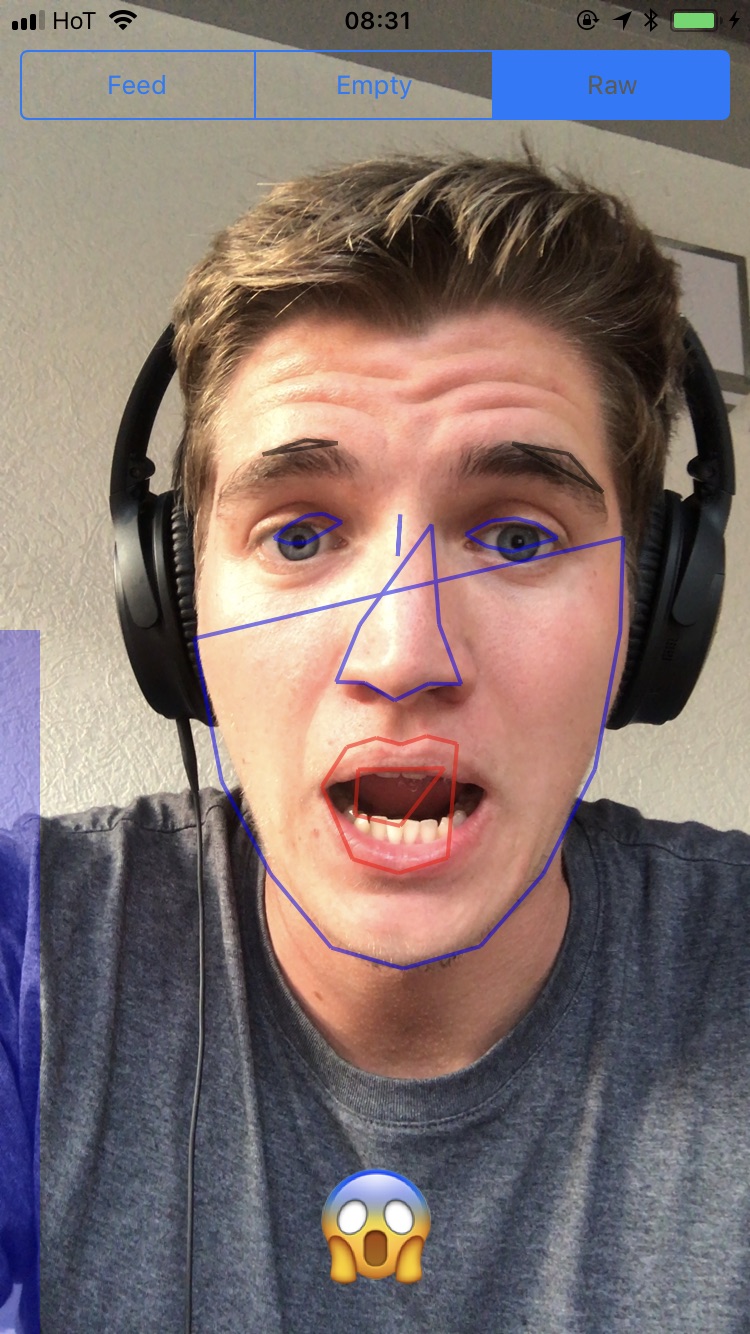
Felix Krause, researcher and founder of Fastlane.Tools, has created a proof-of-concept app which demonstrates how easily a rogue app could exploit iOS camera permissions to secretly take pictures and shoot video of the user when running in the foreground.
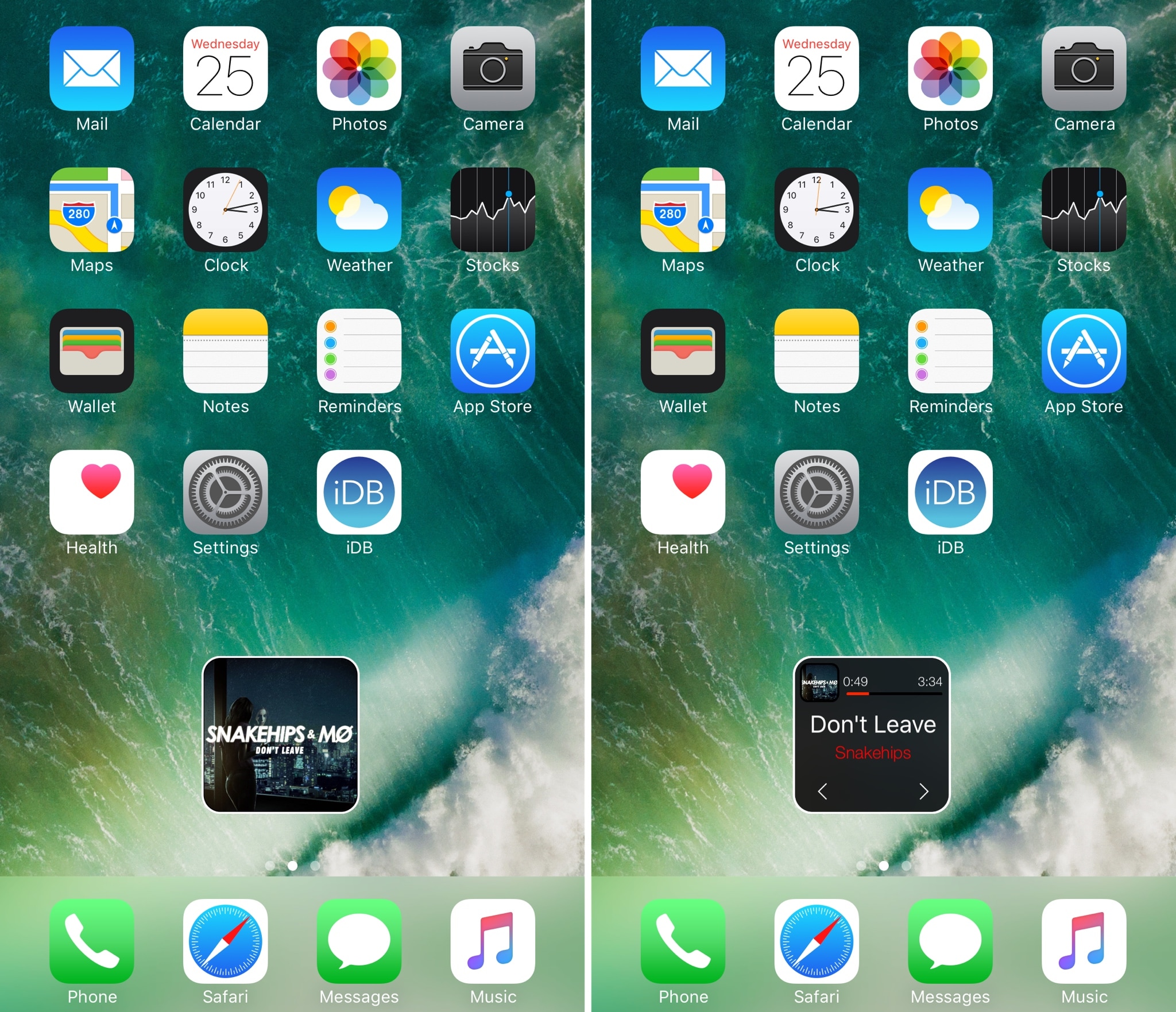
If one thing’s for sure, it’s that little music player interfaces are popular projects for jailbreak community developers. Continuing the long bloodline of these kinds of releases is a new jailbreak tweak called MicroPlayer by iOS developer IndieDevKB.
As the name implies, MicroPlayer is essentially a tiny music player interface that you can use to control your music whenever it’s playing.
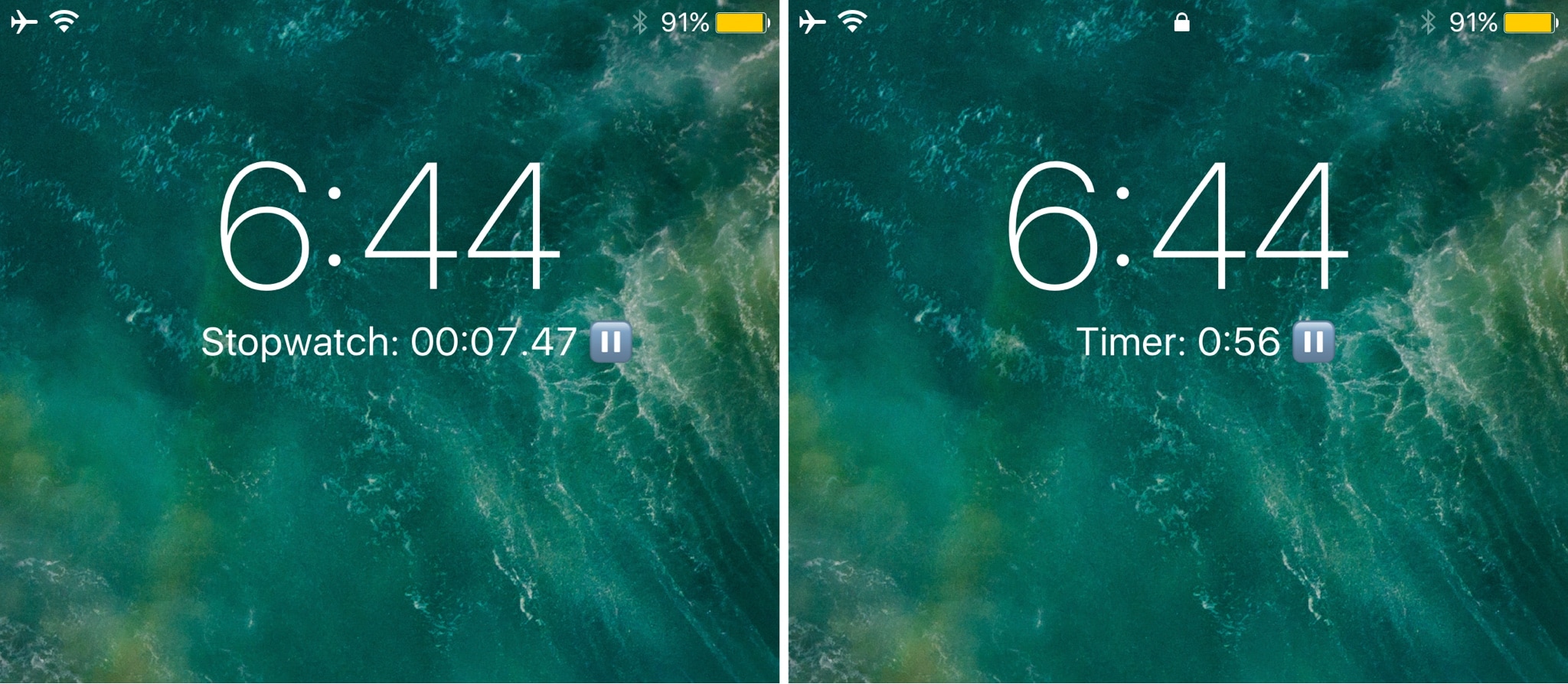
Are you one to use stopwatches or timers frequently? If so, then you might like the convenience of a new jailbreak tweak release called Simple Timer (iOS 10) by iOS developer NeinZedd9.
This tweak speeds up your access to handy stopwatch and timer functions from the Lock screen by letting you bypass the stock gestures in Control Center entirely.
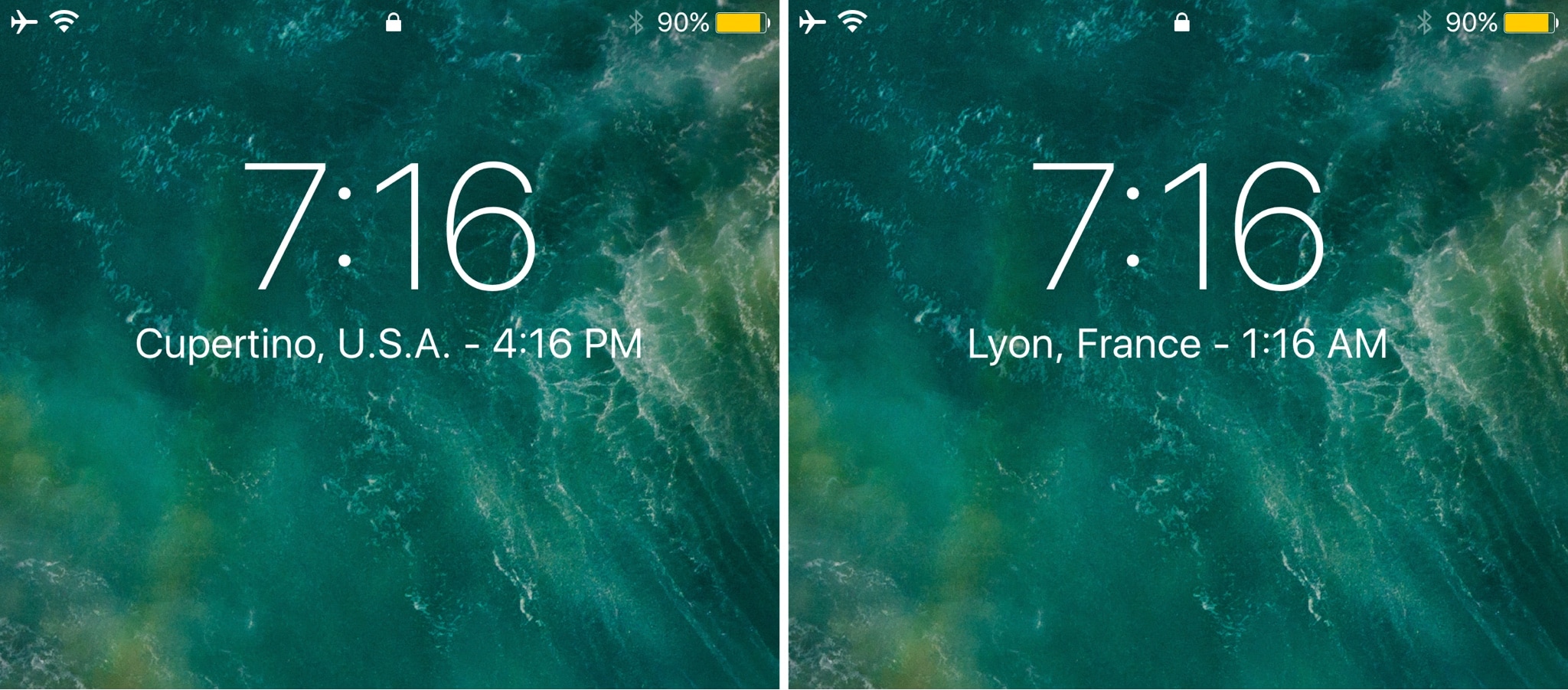
If you keep track of several time zones around the globe, then the World Clock tab in the native Clock app can be your best friend. Nevertheless, it takes an effort to find, launch, and check the Clock app whenever you want to know what time it is in another part of the world.
Enter Simple WorldClock, a new free jailbreak tweak by iOS developer NeinZedd9 that puts all your World Clocks under the large time display on the Lock screen.