iOS

How to change iPad trackpad or mouse scrolling speed so pages move slower or faster

iPad with keyboard, trackpad, and Apple Pencil

iPad scrolling speed can be adjusted to your liking when using a trackpad or mouse with your tablet. By adjusting the iPad trackpad scroll speed value to your liking, you can make Safari webpages, Office documents, your Photos library, and other scrollable content move faster or slower than the default value. Follow along with us to learn how to adjust the iPad scrolling speed for the connected trackpad and/or mouse to your liking with just a few taps.

Jailbreak tweaks of the week: BetterQueuing, MessageUnread, and more…

There sure have been some spicy jailbreak tweak releases lately, and that's one reason why we're all fired up about showing you the latest and greatest ways to modify your pwned iPhone or iPad.

In this roundup, we'll show you all the latest jailbreak tweak releases from Monday, May 11th to Sunday, May 17th. As usual, we'll kick things off by discussing our favorite releases first and then wrap things up with an outline of the rest afterward.

Calendate replaces the Calendar app icon’s label with the current month

Apple designed iOS’ Calendar app to present the current date as a large number on the Home Screen icon itself. I have just one gripe though – most traditional calendars also display the current month somewhere, but Apple’s dynamic Calendar app icon doesn’t seem to follow this tradition.

If you’re interested in aligning your iOS Calendar app icon experience with the traditional paper calendar experience, then you’re certain to appreciate a newly released and free jailbreak tweak dubbed Calendate by iOS developer ArtikusHG.

Chapters lets iPhone users name individual Home Screen pages

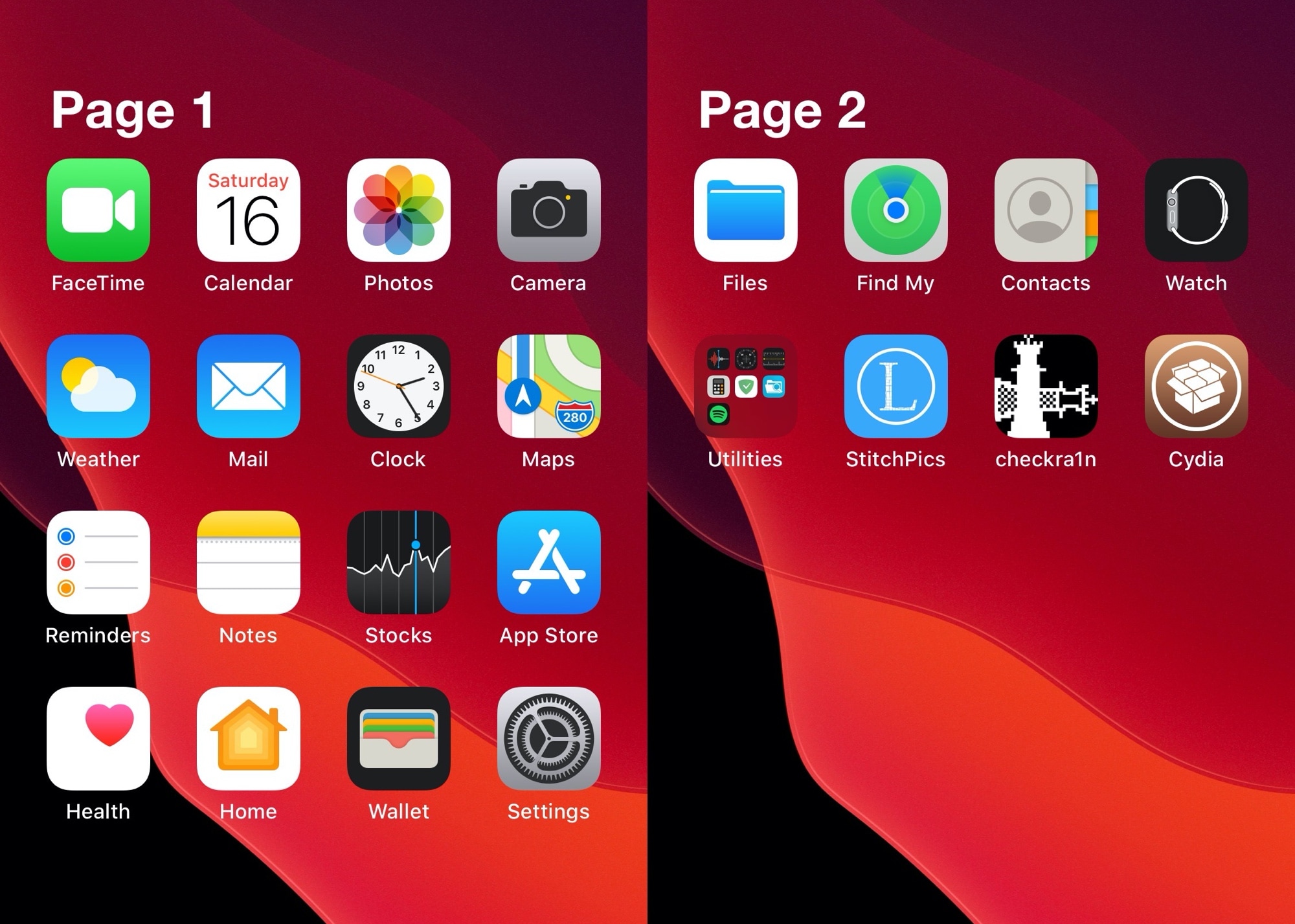
The iPhone’s Home Screen has always been somewhat bland. The introduction of folders in iOS 4 brought with it a new dimension of app icon organization, but even to this day, I still find myself asking for more on my iOS 13 devices.

If you’re on the same page as me and looking for an interesting new way to organize your Home Screen’s app icons, then we think you’ll enjoy a newly released and free jailbreak tweak dubbed Chapters by iOS developer Kritanta. Simply put, this tweak lets users label each one of their Home screen’s pages.
Zenumbra shows how many packages you’ve installed from each repo in Zebra

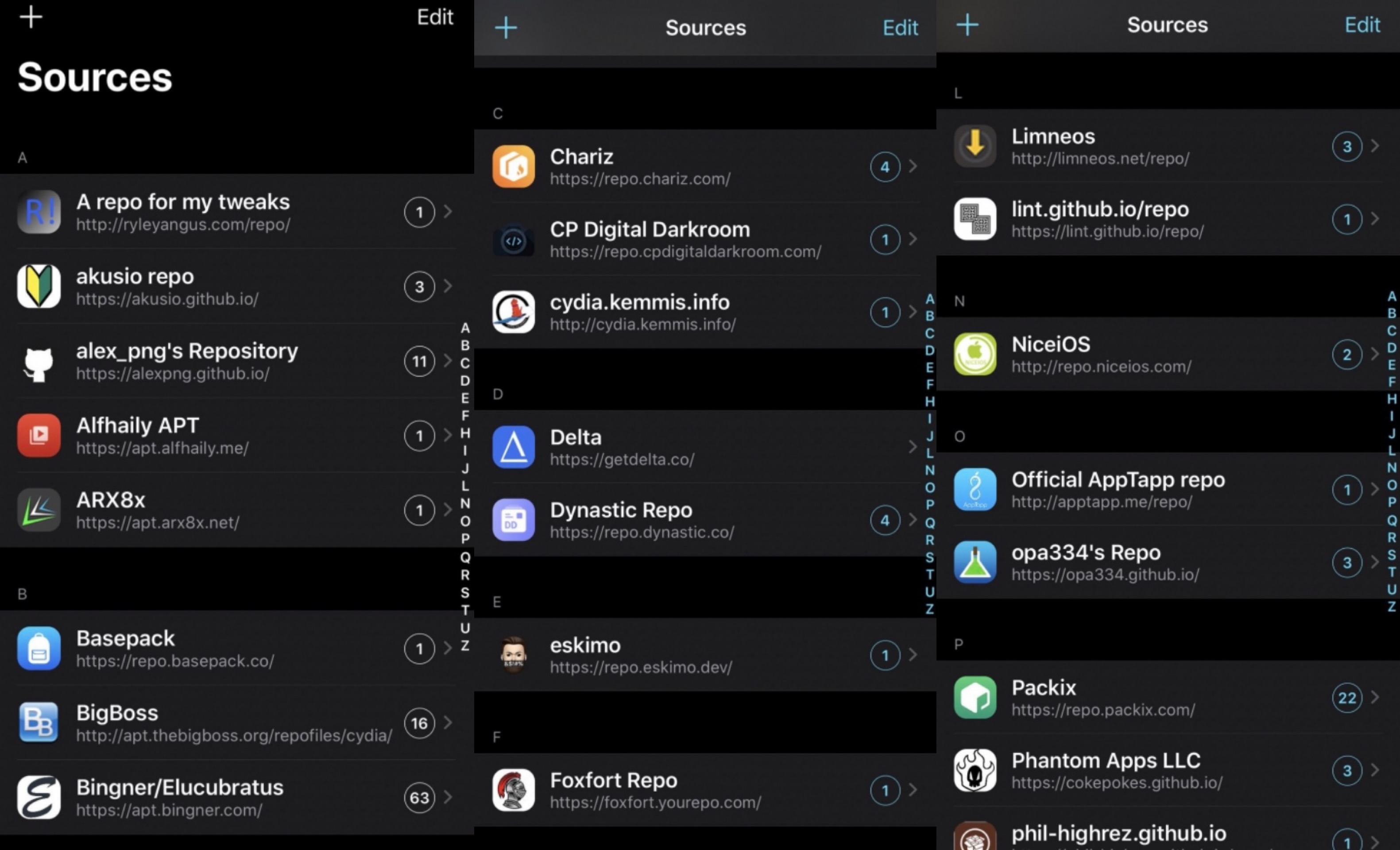
If you use the popular third-party Zebra package manager instead of Cydia for your jailbreak add-on installation needs, then you might be interested in knowing that there’s a new, free jailbreak tweak that can help you keep track of where the bulk of your packages are coming from.

Say hello to Zenumbra, a tweak created by iOS developer FoxfortMobile that displays a count of the number of tweaks you have installed from each of your repositories.

ColorMyHome lets jailbreakers add a fresh coat of paint to the Home Bar

If you have an iPhone newer than the iPhone X, except for a few select budget handsets, then you probably have a Home Bar instead of a Home Button. Apple designed it to be omnifunctional, providing users with a means of getting to the App Switcher, Home Screen, and navigating between recently used apps; but one thing they seem to have forgotten is customization.

Fortunately, jailbreakers don’t need to put up with a bland Home Bar experience. That’s because a newly released and free jailbreak tweak called ColorMyHome by iOS developer TheLazyITGuy enables Home Bar colorization on liberated handsets.

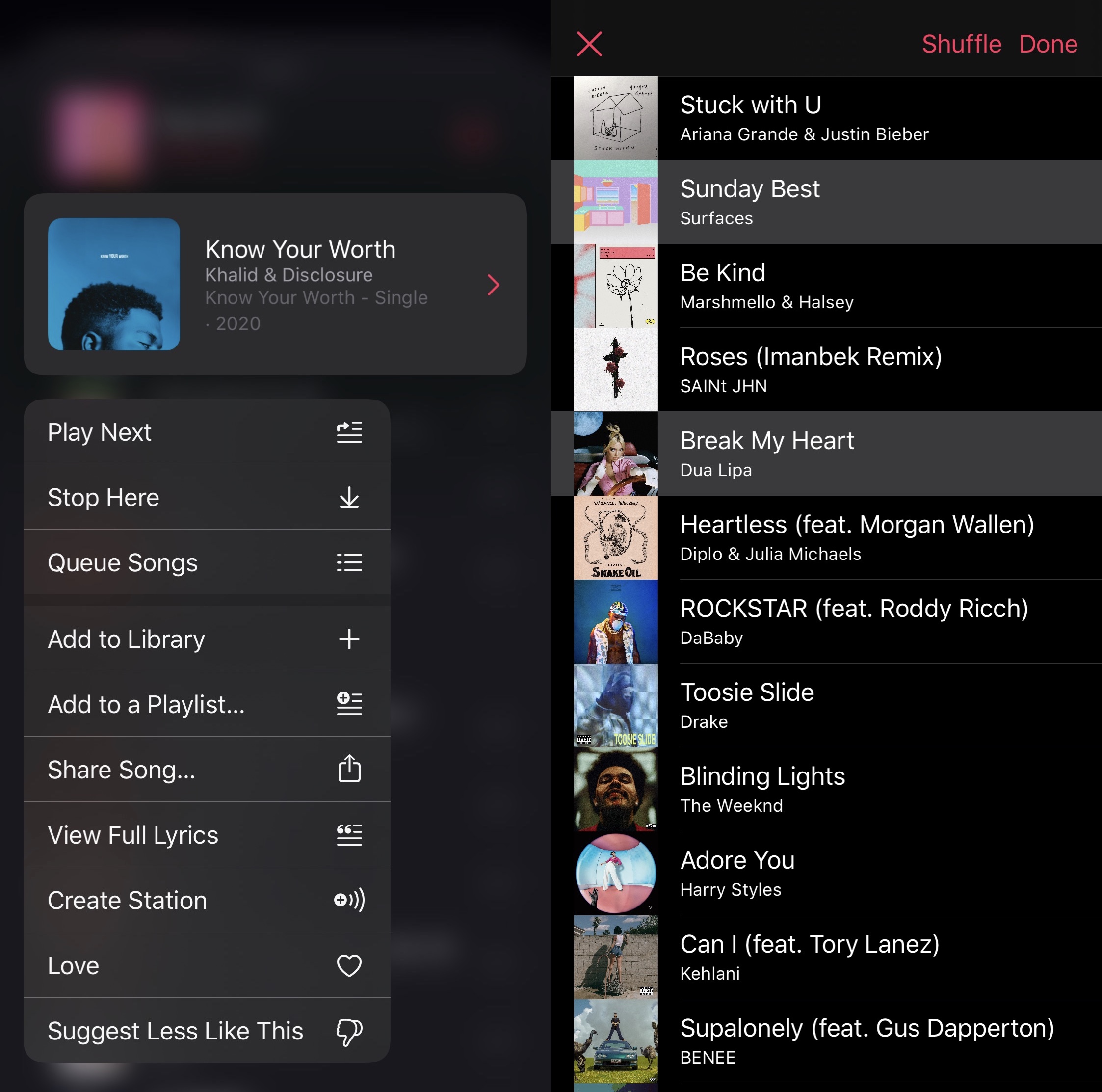
BetterQueuing unlocks powerful music-queuing features in Apple Music

If you use Apple Music as your primary means of media consumption, then you might find yourself somewhat limited by the options presented when you perform a Haptic Touch gesture on songs in a particular playlist, especially in the song-queuing department.

BetterQueuing is a newly released and free jailbreak tweak by iOS developer Arandomdev1 that brings improved song-queuing capabilities to this particular interface, and as shown in the screenshot examples above, it provides users with a myriad of new ways to interact with their queued playlists with little effort overall.

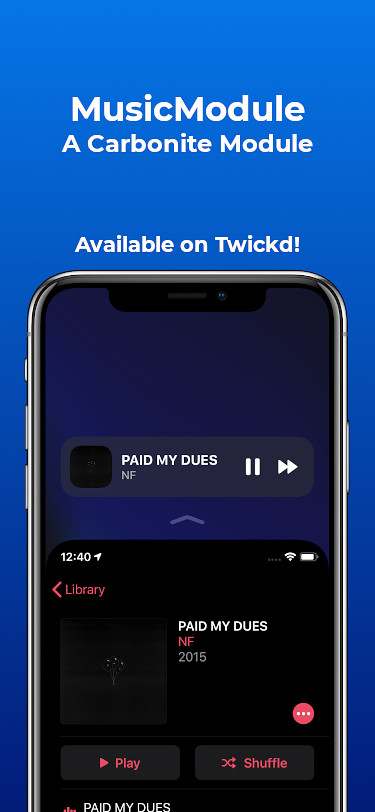
This tweak adds a Music widget to iOS’ Reachability interface

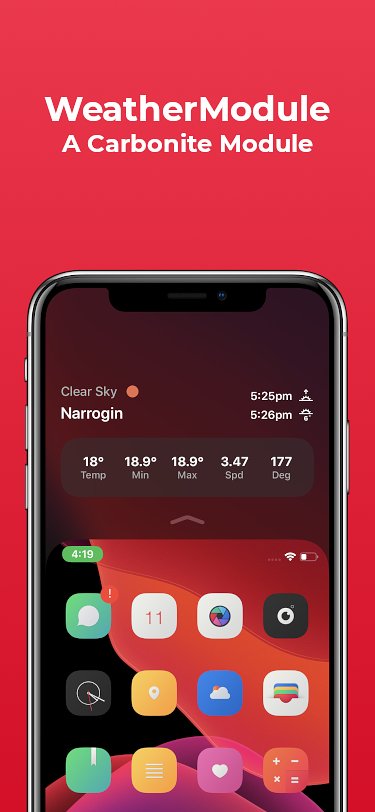
Earlier in the week, we showed you an add-on for jailbroken handsets called WeatherModule that could add an informative weather display to your Reachability interface via the Carbonite jailbreak tweak. But if you’re not crazy about checking the weather every five minutes, then you were probably wondering what other options might be available to you.

Yet another newly released add-on called MusicModule is now available for free compliments of iOS developer Antique. Just as the name implies, this add-on adds a functional music control widget to your Reachability interface with the help of Carbonite’s existing framework.

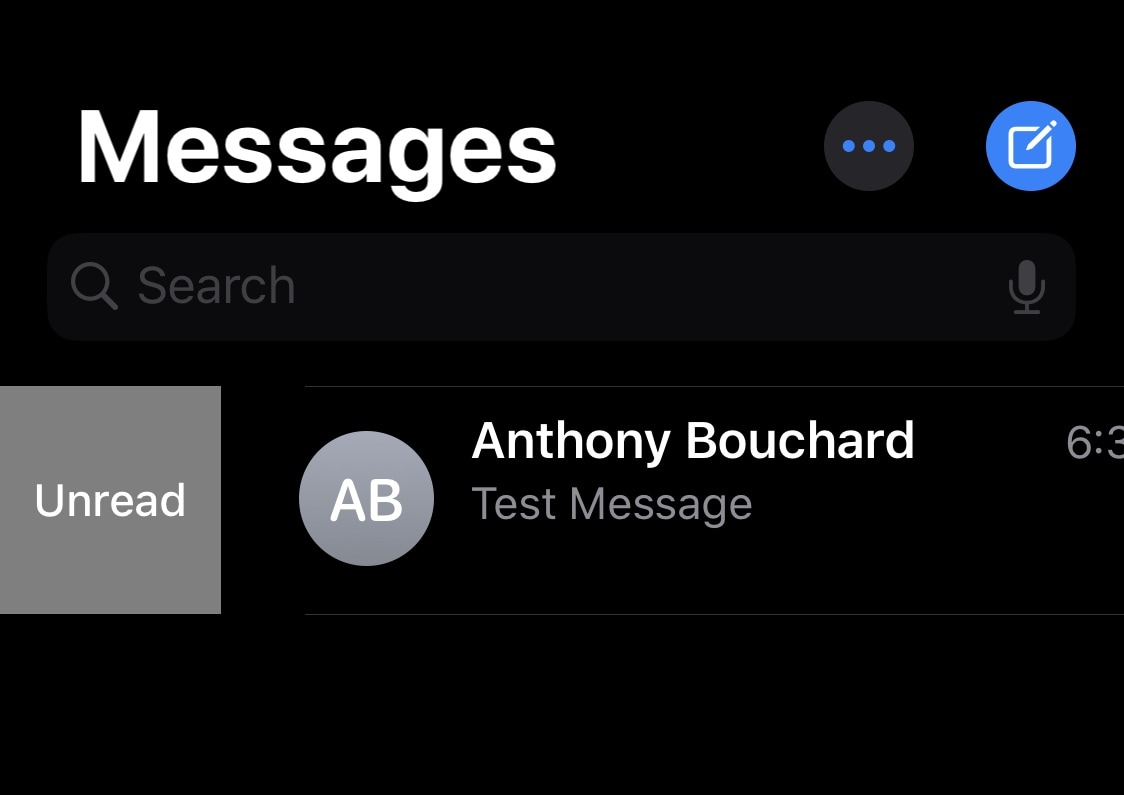
MessageUnread lets users mark read messages as unread in iOS

Raise your hand if you’ve preemptively tapped on an unread conversation in your Messages app by accident before, only to find yourself too busy to read or respond to the message and later forget to look back at it because the notification indicator had disappeared as a result. *Raises hand slowly*

If you joined me in the hand raise of shame, then don’t fret because we’ve all been there before. Fortunately, a newly released and free jailbreak tweak dubbed MessageUnread by iOS developer Greg0109 can remedy this unfortunate experience by letting users mark read conversation threads in the Messages app as unread instead.

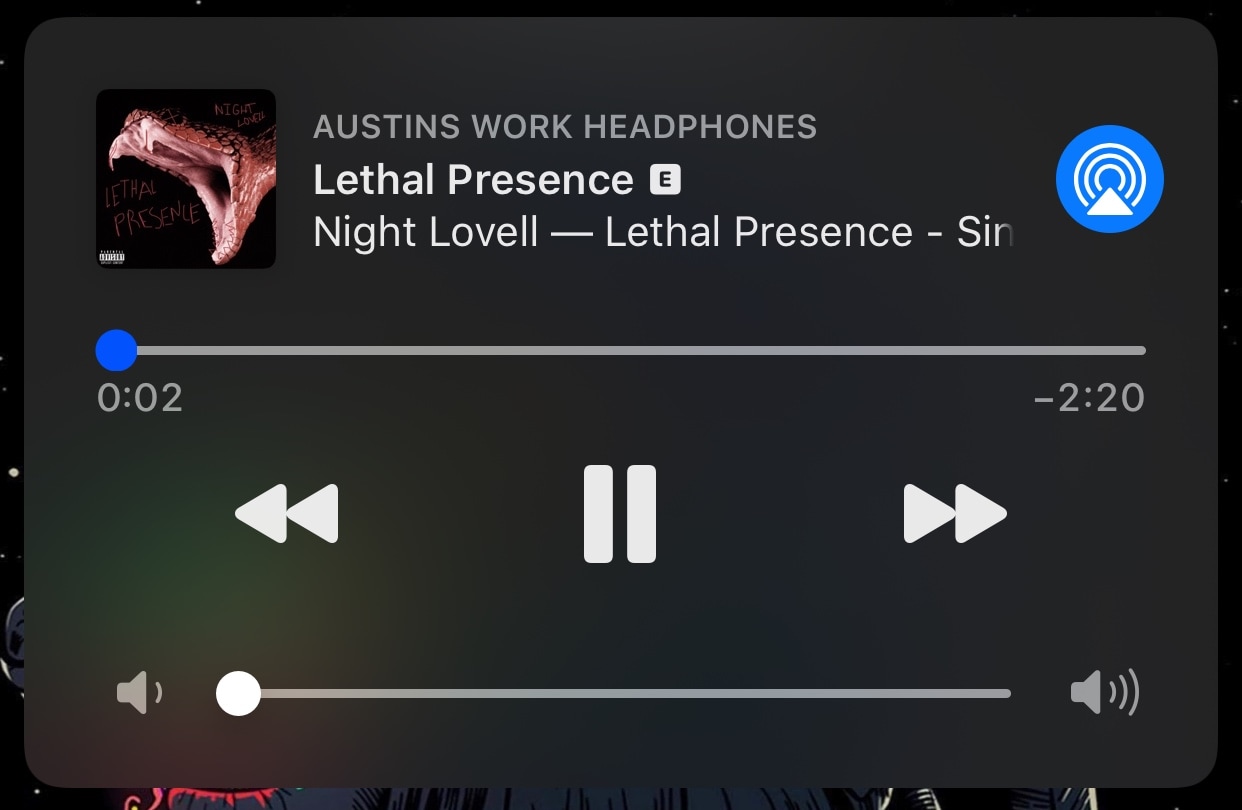
LetMeScrub improves the Now Playing widget’s music scrubber experience

One of the things that has always irked me about the Lock screen’s Now Playing widget in iOS is the difficulty of scrubbing through music from the interface to position myself somewhere else in the song. Fortunately, jailbreakers now have an easy way around this tedious feat.

Say hello to LetMeScrub, a newly released and free jailbreak tweak by iOS developer TheLazyITGuy that not only enhances song scrubbing on the Lock screen via the Now Playing widget, but also brings customizability to the scrubber’s grabber itself.

GamingNotification brings animated RGB effects to your iPhone’s notifications

If you’re a PC gamer at heart and your entire desk is brimming with unicorn barf colored RGB accessories, then perhaps the one thing missing in your life is an iPhone decked out with the same colorful swag. Fortunately, that shortcoming can be solved with a newly released jailbreak tweak.

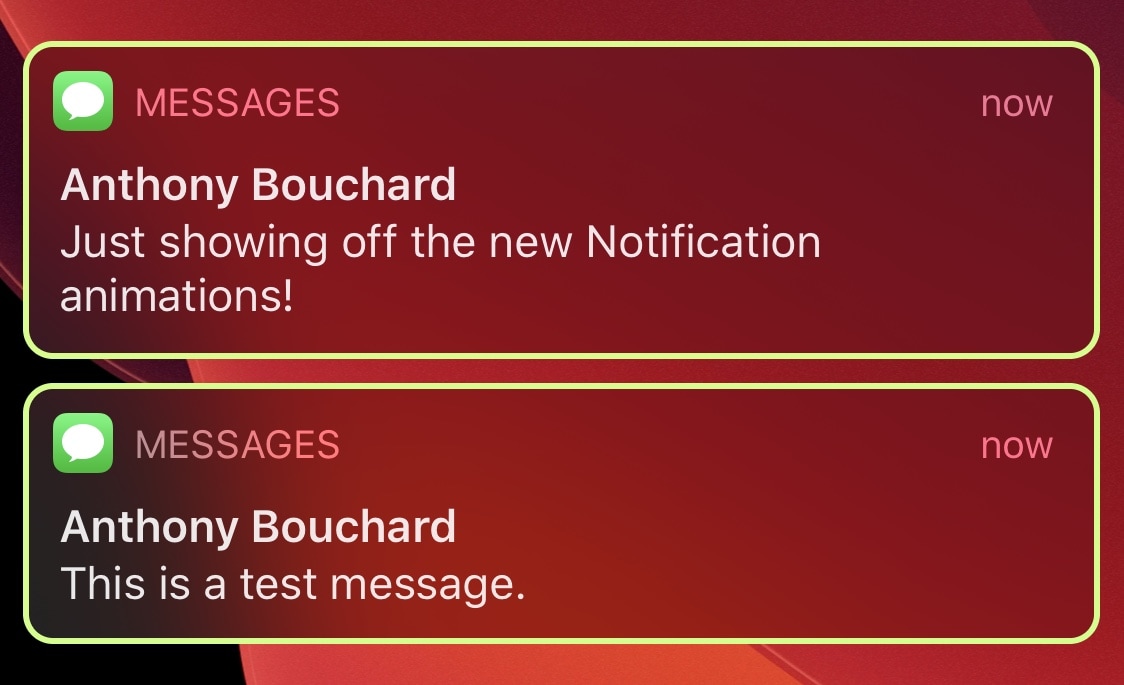
Enter GamingNotification, an add-on created by iOS developer Minazuki that brings configurable animated RGB borders to your iPhone’s incoming notification banners and Today widgets.

How to disable COVID-19 exposure notification and logging on your iPhone

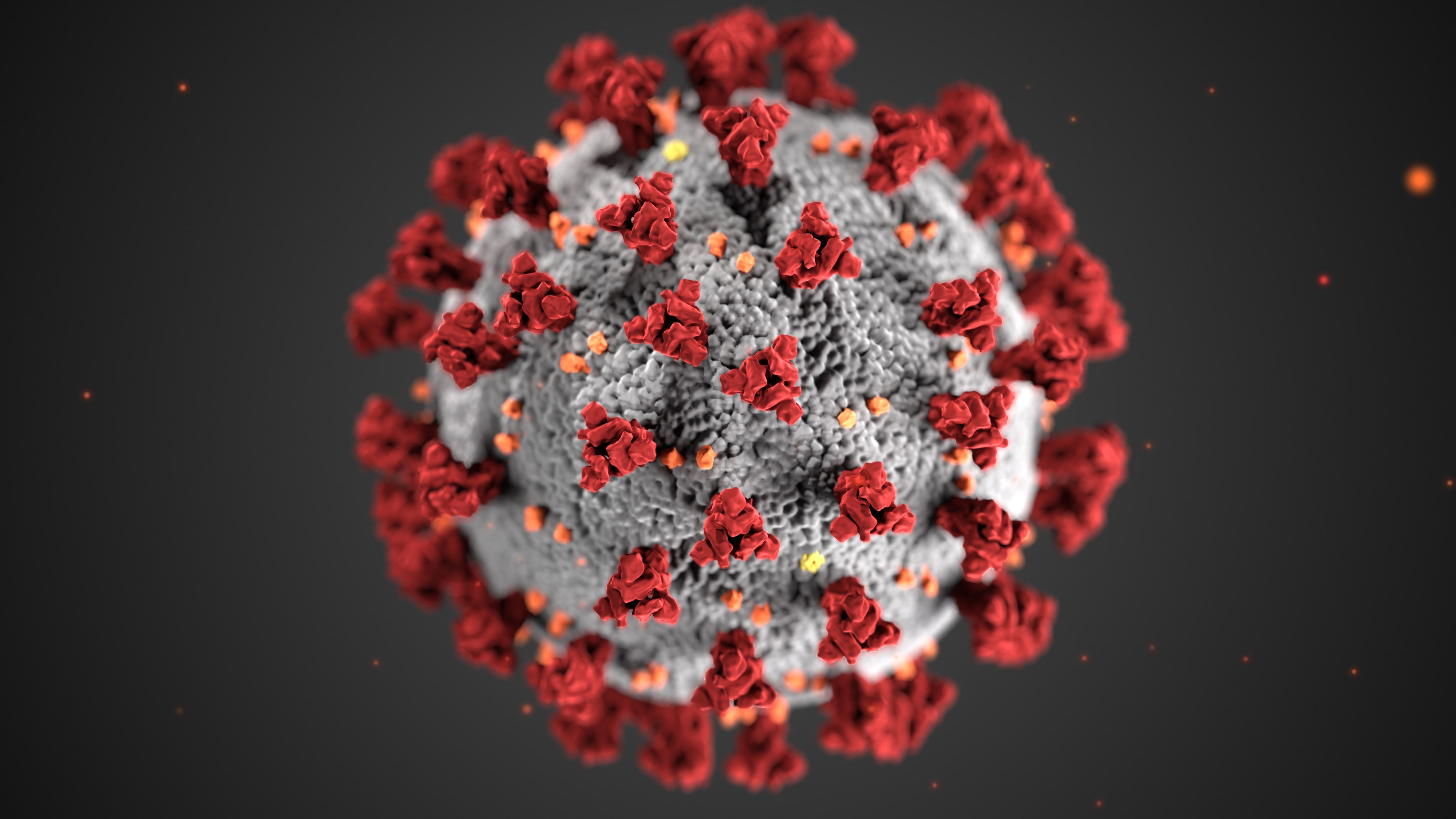
The COVID-19 exposure notification in iOS 13.5 informs you whether you may have contracted the coronavirus by coming into contact with someone who's been diagnosed with COVID-19. This secure, private contact-tracing technology works in tandem with apps from public health authority developers that are installed on your device. If you'd rather opt-out, however, follow along with our step-by-step tutorial that teaches you how to disable the COVID-19 exposure notification at the system level to stop exposure logging and contact-tracing via Bluetooth.