iOS

Eclipse Dark Mode Colors brings advanced personalizations to Dark Mode on iOS & iPadOS

Apple listened to our cries of desperation and finally integrated a native dark mode into iOS 13. Albeit limited in at least some capacity by way of color options and app support, it was a mild starting point that helped a lot of people realize the full potential and beauty of their iPhones’ OLED displays.

So if you’re on iOS 13 or later and you’re looking to get more out of dark mode, what should you do now? Allow us to point you to Eclipse Dark Mode Colors (iOS 13+), the latest iteration of iOS developer Guillermo Morán’s popular dark mode tweak that brings custom color schemes and a slew of other options to iOS’ native dark mode implementation.

Add some character to your iPhone’s alert messages with Snell

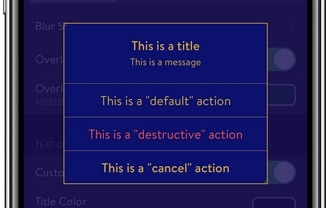
Jailbreakers who are searching for a unique way to customize their iPhone running iOS 13 will almost certainly want to turn their attention to the likes of a newly released jailbreak tweak called Snell by iOS developer Samg_is_a_Ninja.

Snell allows users to alter and configure the aesthetics of iOS’ alert pop-ups, and as depicted in the series of screenshot examples above, the tweak provides a whole lot more than just colorization, but also the ability to change how the interface looks entirely.

This tweak makes it easier to discern when a note was created & last modified

If you’re anything like me, then you might take advantage of your iPhone’s Notes app somewhat frequently to jot down important memos to yourself.

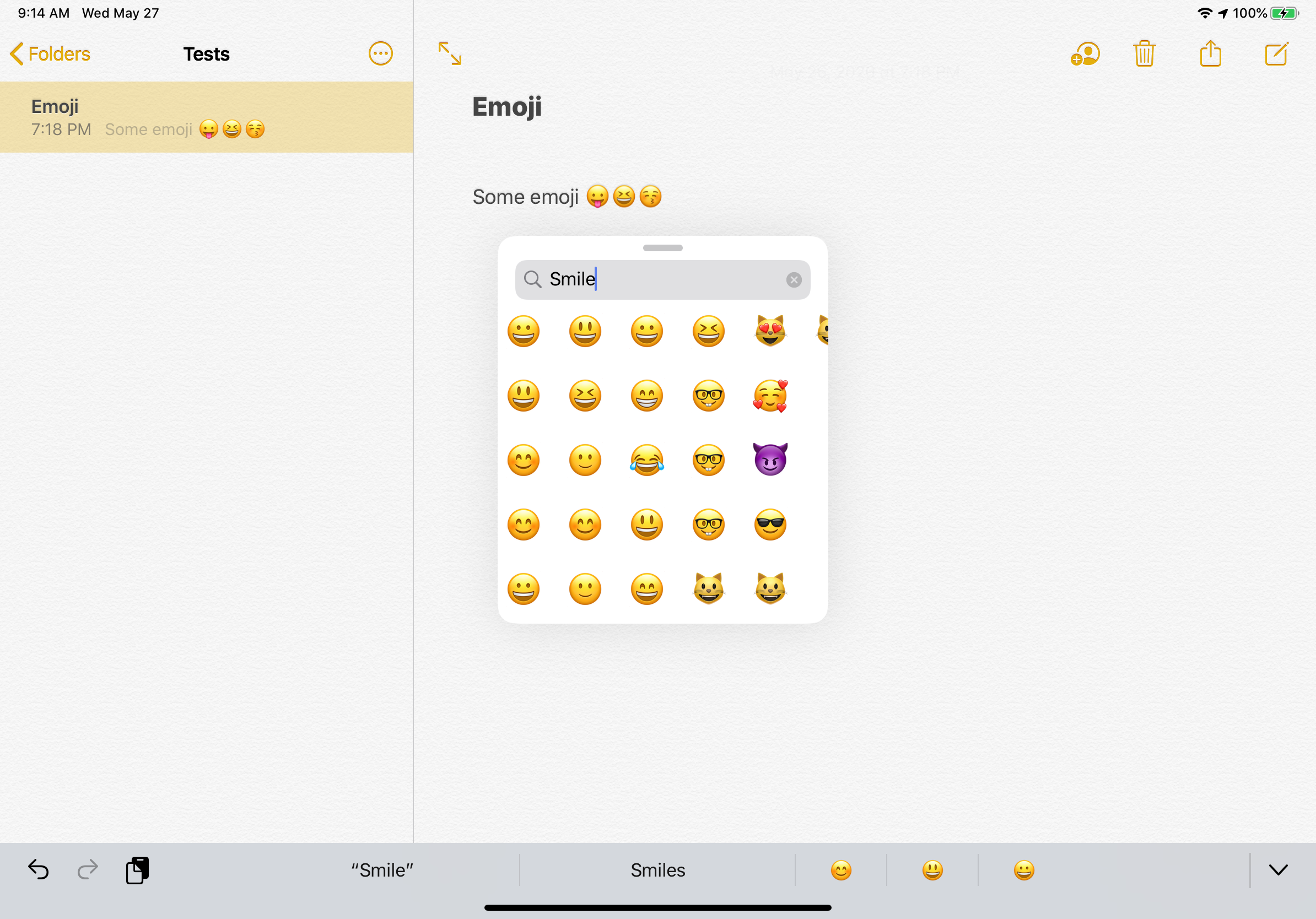
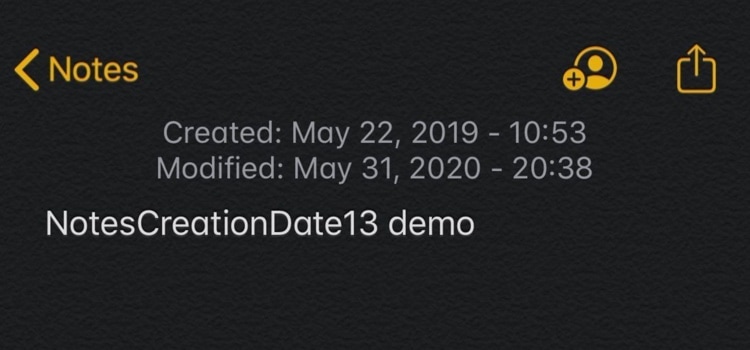
One problem that may arise while using Apple’s Notes app is that it can be tough to discern when Notes were first created, and that’s something that a newly released and free jailbreak tweak called NotesCreationDate13 by iOS developer gilshahar7 tries to address.

Jailbreak tweaks of the week: Dayn, Hub, Photon, and more…

Thanks to a brand-new 0day exploit, the unc0ver jailbreak now supports iOS 13.5 on all the handsets that can run it. So that just leaves us with one question: what should be we install on our pwned handset?

In this roundup, we’ll discuss all the latest jailbreak tweaks released from Monday, May 25th to Sunday, May 31st. As usual, we’ll kick things off by discussing our favorites first and then wrap things up with an outline of the rest afterward.

Replay adds repeat and shuffle buttons to iOS’ Now Playing widget

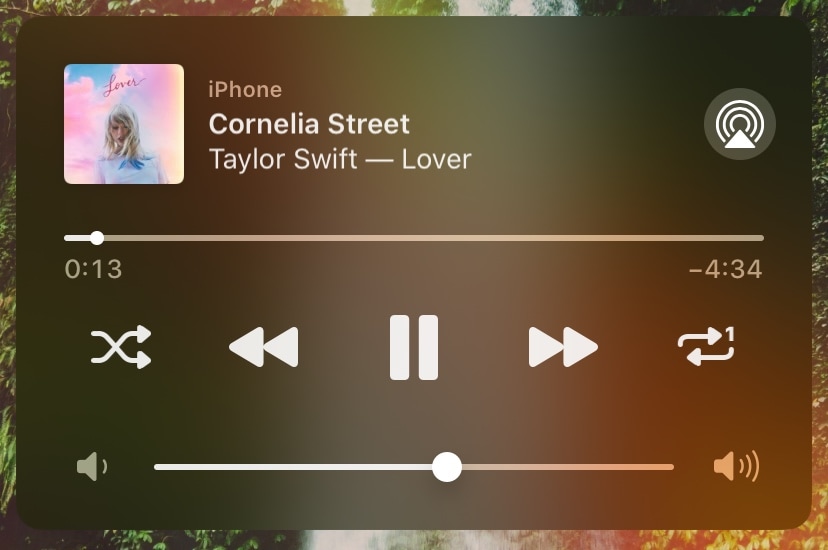
Given just how invested Apple seems to be in the music industry today, it continues to baffle me to this very day that the company’s own Now Playing widget for the iPhone and iPad lacks two seemingly imperative media controls that I would otherwise use all the bleeping time: Repeat and Shuffle.

If you agree with me here, then I think you’re going to love a new free jailbreak tweak release dubbed Replay by iOS developer Simalary, because it effectively brings the two aforementioned controls to iOS’ Now Playing widget in every instance where it would normally appear.

Dynamik automatically fetches fresh iPhone wallpapers from your favorite subreddits

Some people are happy with the stock wallpapers that come with their iPhones, while others will be happy with the plethora of images they can find while searching the web. No matter which camp you identify with we at iDownloadBlog understand the constant struggle that befalls folks who enjoy changing things up frequently, which is one of the reasons why our own Jim Gresham publishes weekly wallpaper-centric pieces.

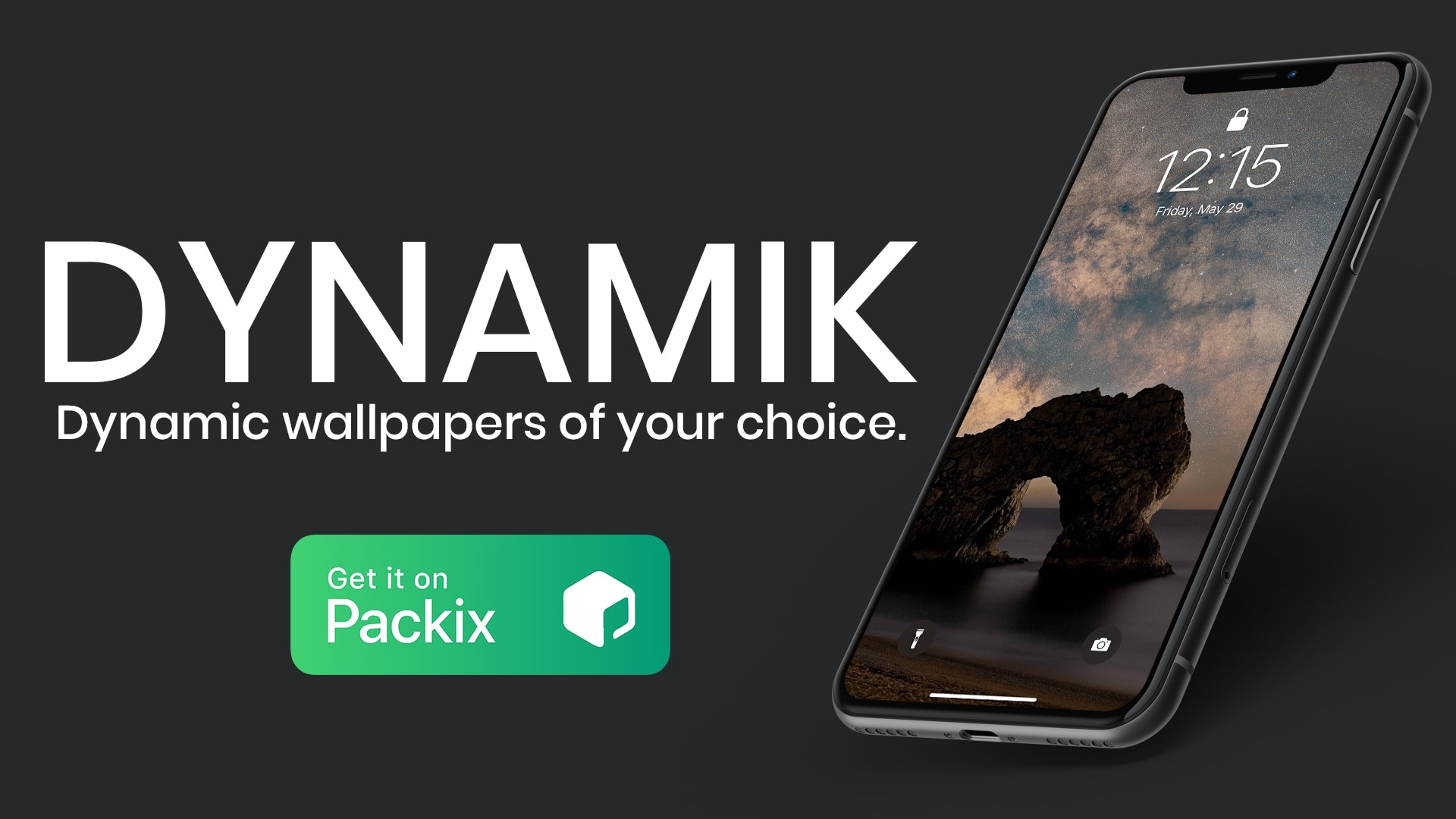
But if even that isn’t frequent enough of a change for you and you have a jailbroken device at your disposal, then you might take an interest in a newly released and free jailbreak tweak named Dynamik by iOS developer JeffResc.

This tweak permits iPhone display brightness adjustments via the volume buttons

It’s easy to change your iPhone’s volume level thanks to a duo of omnipresent volume buttons on the edge of your display. But when your iPhone’s display is too bright or dim, users are compelled to navigate touch interfaces like Control Center, which can sometimes be a challenge if the display is too dim to perceive during the brighter hours of the day.

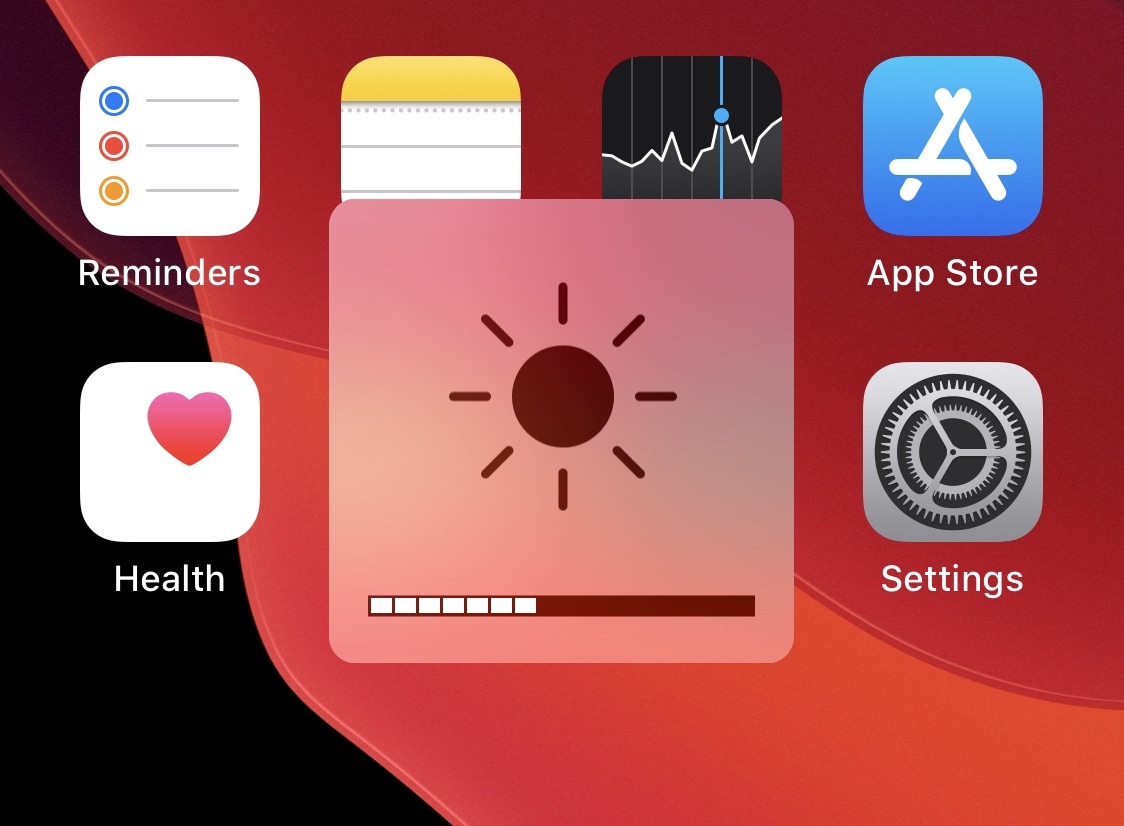
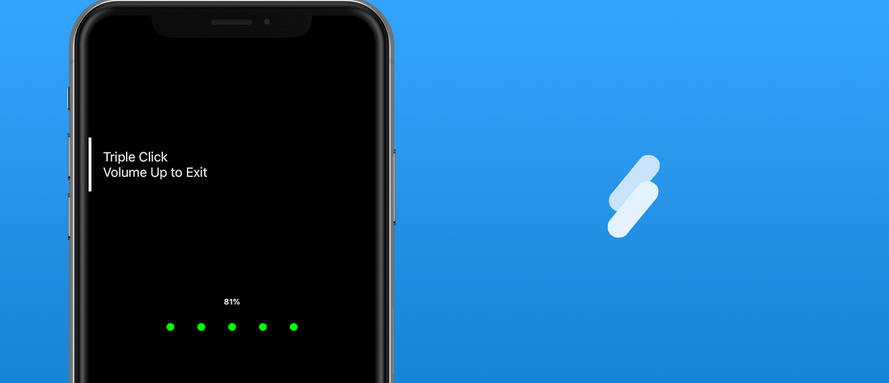
If you ever wished that changing your iPhone’s display brightness could be as effortless as adjusting the volume, then you’ll welcome a new and free jailbreak tweak called VolumeBrightness by iOS developer Gilshahar7, as it fundamentally lets you toggle between display brightness and volume mode when using your handset’s volume buttons.

Ryan Petrich’s new Powercuff tweak can extend your iPhone’s battery life

Low Power Mode.

Most people are supremely familiar with the iPhone’s native Low Power Mode setting, which can be toggled from Control Center or Settings to reduce the handset’s power draw and extend its battery life in specific situations. But what if you could do more to extend your battery life further?

Famed iOS developer Ryan Petrich was doing a bit of digging into iOS 13 when he happened upon some peculiar settings buried deep within the mobile operating system’s resources. According to Petrich, these settings can benefit the end user by reducing power draw on the handset’s battery, and so he released a new and free jailbreak tweak called Powercuff to bring these options into the light for anyone with a pwned handset:

CCBalance adds an audio balance slider to Control Center

Whether you have a hearing impairment, a faulty iPhone speaker, or a poorly recorded piece of audio that you want to listen to, having the ability to adjust your handset’s audio balance is sometime some audio connoisseurs might consider an essential feature. So why does Apple make it such a PITA to access?

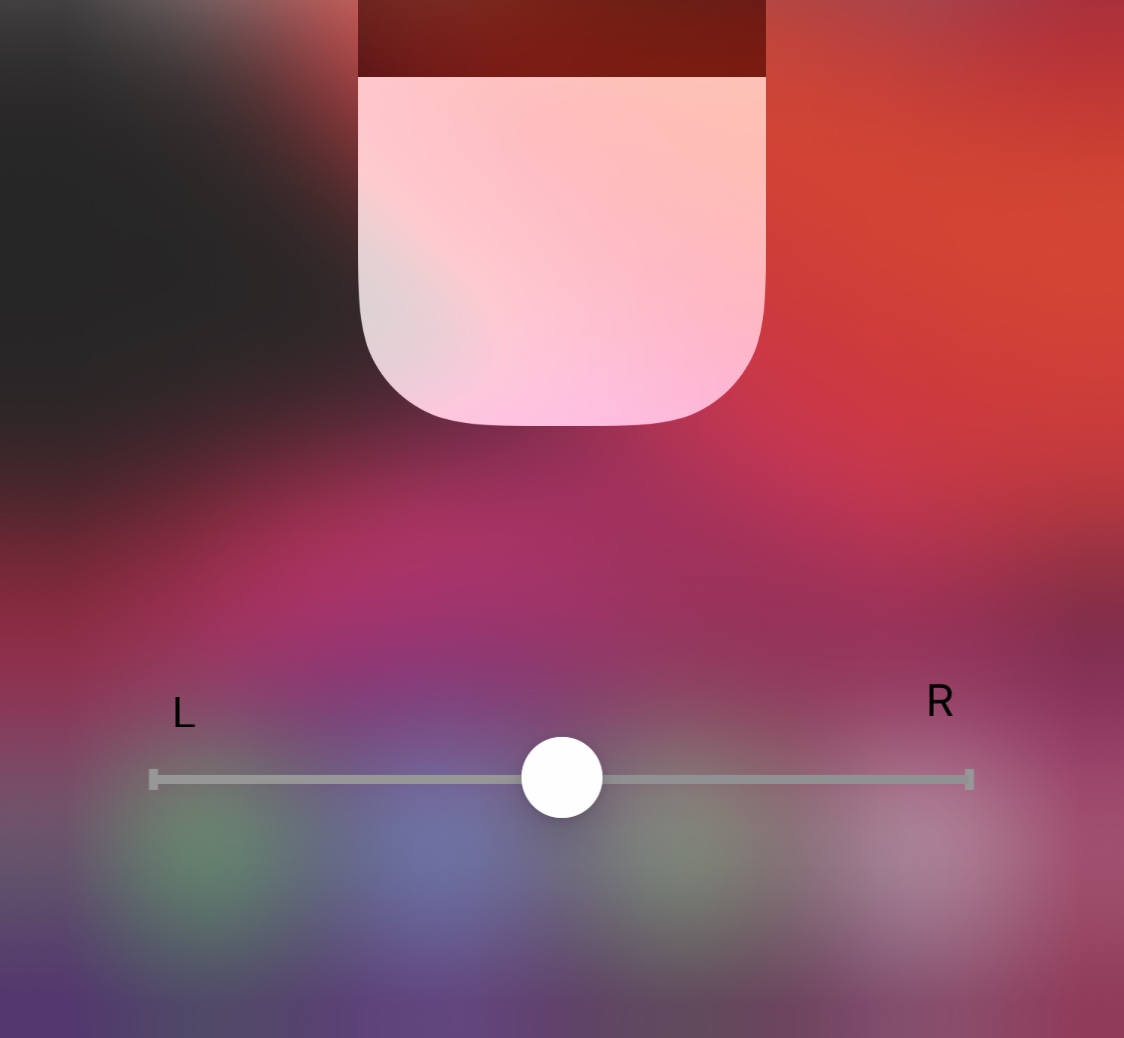
iOS developer KingPuffdaddi recognized that something needed to be done about this, and a newly released jailbreak tweak called CCBalance was conceived. And just as the name implies, this tweak adds an audio balance control to Control Center.

Hub is a powerful all-in-one interface for jailbroken iPhones

One of the first things that you’ll want to do after jailbreaking iOS 13 is familiarize yourself with powerful jailbreak tweaks that augment your handset’s native functionality, and a new release called Hub by iOS developer iOSthemem0d is a great place to start whether you’re new to the jailbreaking scene or not.

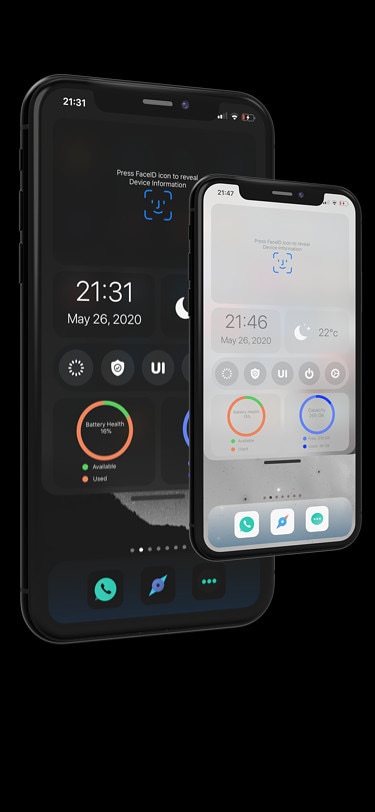
As depicted in the screenshot examples above, Hub is an omni-functional interface where users can access a plethora of their iPhone’s most essential features in one place. Complete with shortcuts to toggles and apps, a faster way to multitask, and central access to handy on-the-fly modules, Hub is something that can benefit most people in more ways than one.