iOS

AutoLockX prevents apps from overriding Apple’s Auto Lock feature

As many iPhone owners already know, the iOS operating system provides users with a feature called Auto Lock that, when configured by the end user, can automatically lock the handset after a pre-defined amount of idle time. In other words, when your handset isn’t being actively used, it goes to sleep to save power and to secure your important data.

Auto Lock takes effect in most circumstances, however there are a few exemptions in which the feature gets overridden, such as during media (video) playback and while playing certain games. Some users like this because of its convenience, while others find it to be a concern both in terms of battery life and data security.
Apple unsigns iOS 14.2, 14.2.1, and 12.4.9, thwarting downgrades

After officially launching iOS 14.3 to the public last month with new features and improvements, Apple has closed the signing window for iOS & iPadOS 14.2 & 14.2.1, a move that prevents affected iPhone and iPad owners from restoring their handset’s firmware version to anything but the current iOS & iPadOS 14.3 release.

In addition to iOS & iPadOS 14.2 & 14.2.1, the company has officially started unsigning iOS 12.4.9, which prevents older handsets that are incapable of being upgraded to iOS or iPadOS 13 from downgrading from the newer iOS 12.5 release.

LottieStatusBar brings Lottie-inspired animations to the Status Bar

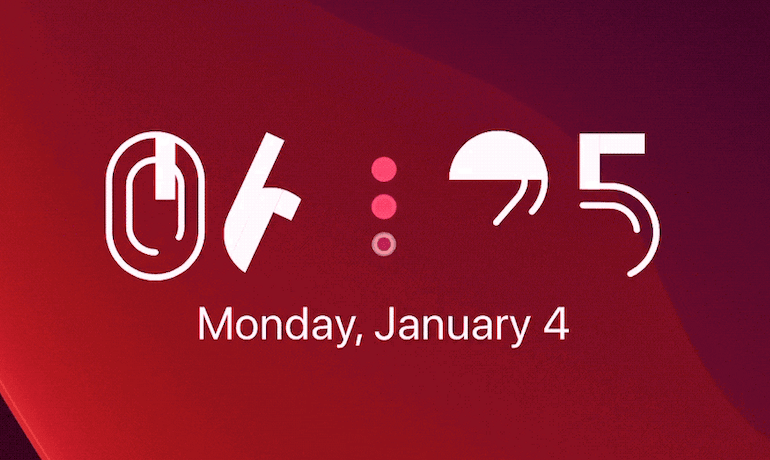
It was only a couple of days ago that we showed you a jailbreak tweak dubbed LottieLockscreen by iOS developer MiRO. In a nutshell, it brought fun and quirky Lottie-style animations to the Lock Screen on jailbroken iPhones. The tweak’s popularity rapidly gained momentum following its release, and as such, we knew it would only be a matter of time before the developer expanded the concept to other interfaces of iOS.

LottieStatusBar is the latest of such expansions, and just as the tweak’s rather conspicuous name implies, it ports these Lottie-style animations to the handset’s Status Bar.

Give your older iPhone a bevy of modern handset features with Little12

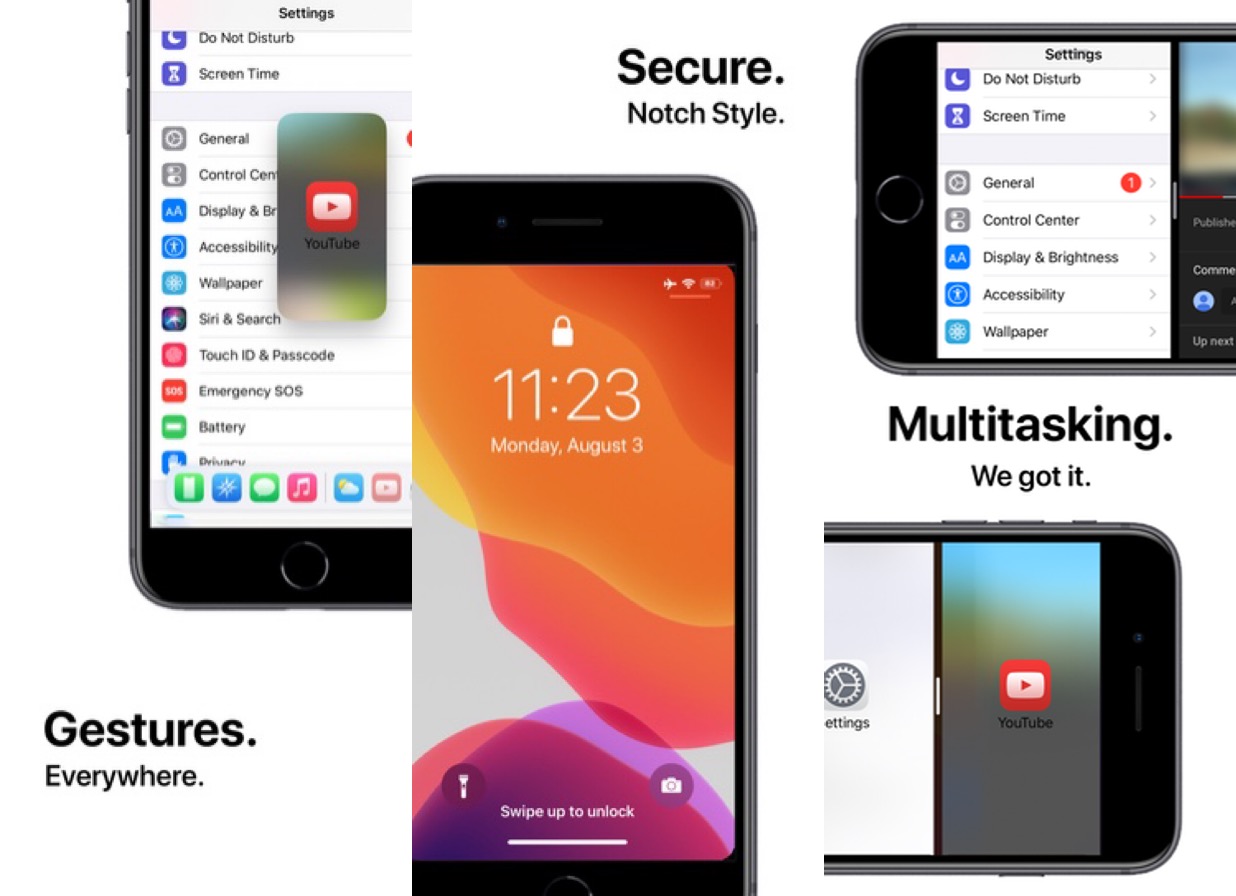
When Apple launched the iPhone X back in 2018, we knew the company was transitioning into a new hardware era. It wasn’t long before Apple ditched Home Button-equipped handsets altogether, paving the way for a more advanced gesture-driven user experience that could be enjoyed on a larger edge-to-edge display.

For those who still have an older Home Button-equipped iPhone, the user experience isn’t quite as robust as it would be on a notched handset by comparison. For that reason, iOS developer Ryan Nair launched Little12, a free jailbreak tweak that back-ports several of the gestures and features from notched devices (and then some) to non-notched devices.

ButterflyEffect adds animated butterflies to the Home & Lock Screens

Do you enjoy butterflies? If you answered ‘yes’ to that question, then you might find yourself intrigued by a new, free, and rather conspicuously-named jailbreak tweak dubbed ButterflyEffect by iOS developer Pixelomer.

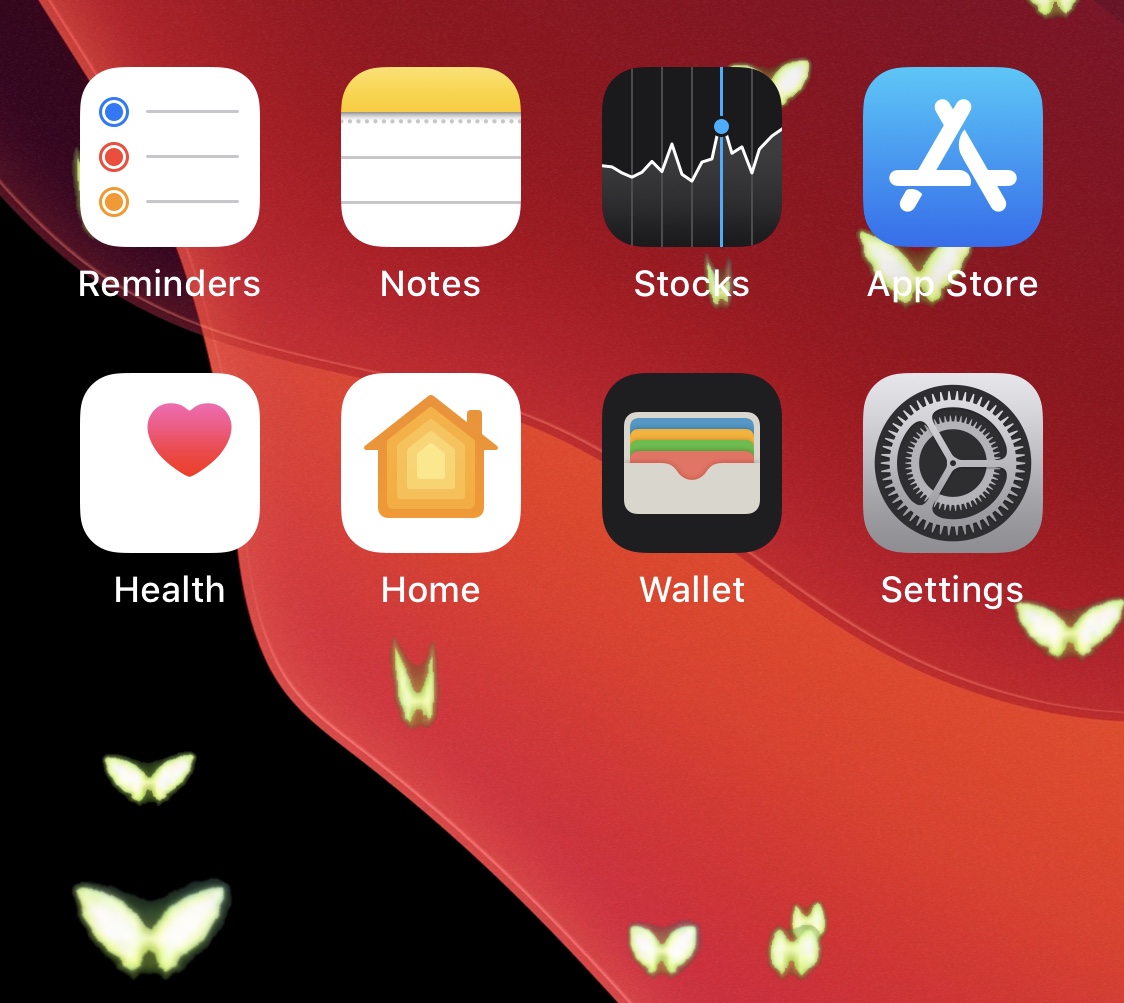
At first glance, ButterflyEffect causes animated butterfly-themed sprites to flutter over the top of your Home Screen and Lock Screen wallpapers. These animations traverse your screen from the bottom to the top and move slowly enough to be noticed, yet fast enough not to get in the way of your wallpaper viewing pleasure.

LottieLockscreen gives the Lock Screen quirky Lottie-style animations

One of the things I appreciate most about having a jailbroken iPhone at my disposal is that I can simply download a single jailbreak tweak and suddenly have a user interface that transcends the appearance of any stock handset in circulation. Whether you’re into making a native interface look more impressive than it does out of the box, or you want something flashy that will garner attention from anyone around you, there’s something for everyone.

One of the latest of such jailbreak tweaks is a new and free release dubbed LottieLockscreen by iOS developer MiRO, and as you’re about to witness for yourself, the tweak takes various angles of approach for augmenting the Lock Screen’s aesthetics.

TimerIcon gives the Clock app an animated timer countdown icon

It was only yesterday that we showed you a jailbreak tweak dubbed Gears, which animated the Settings app icon on the Home Screen such that the gears depicted inside the icon actually rotated, much like one used by the OTA software update mechanism from the days of iOS 7.

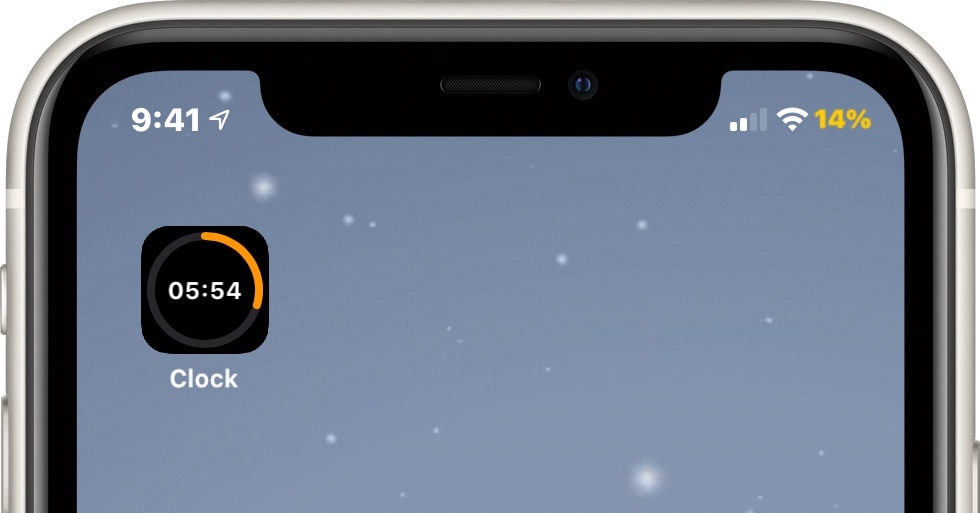
Today, we look at an entirely different type of animated Home Screen icon – one that impacts the likes of the Clock app to depict the current state of any active timers you might have counting down in the background. Such an icon is brought to us by way of a new jailbreak tweak called TimerIcon by iOS developer Idefix0202.

Customize your jailbroken iPhone’s locking animation with AnimeMyScreen Pro

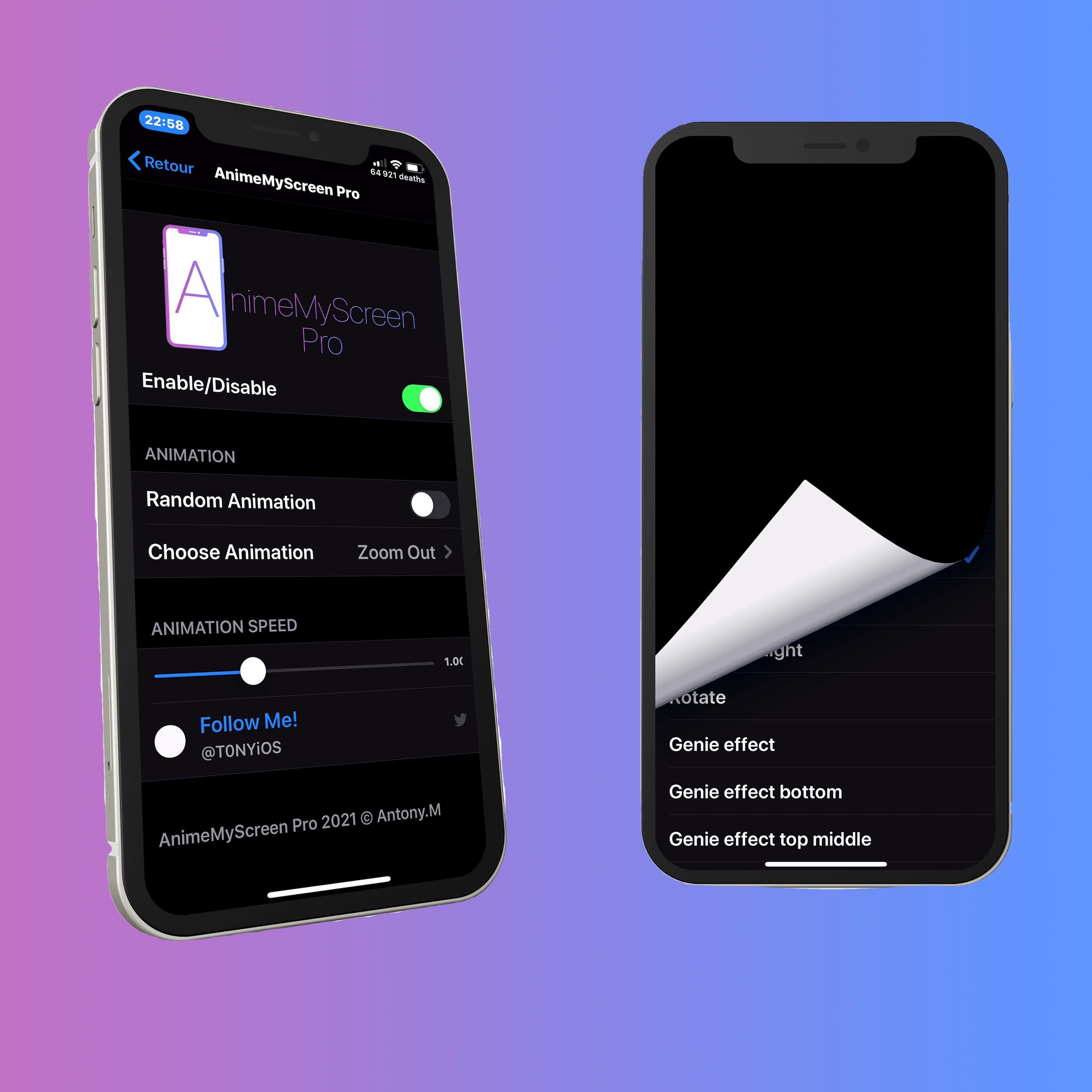
Many jailbreakers are deeply familiar with the concept of customizing their handset’s user interface and its animations. While there’s certainly no shortage of jailbreak tweaks available for facilitating this task, we’re excited to show you one of the latest releases dubbed AnimeMyScreen Pro by iOS developer Antony M.

You may recall a similarly named jailbreak tweak called AnimeMyBadges that was released approximately one month ago, and while that tweak focused primarily on the animations of notification badges, AnimeMyScreen Pro is instead used to customize the animation you’d see when locking your handset.

Jailbreak tweaks of the week: Restriction, SmartVolumeControl3, and more…

The jailbreak community is in an interesting position right now. As we await an updated jailbreak solution for all the latest firmware versions on the latest Apple handsets, we still continue to witness new and exciting add-ons for current jailbroken devices.

This piece will discuss all the latest jailbreak tweak releases and news from Monday, December 28th to Sunday, January 3rd. As always, we’ll begin by talking about our favorite releases first and then wrap everything up with an outline of everything else at the end.