iOS

Can Samsung sway you away from the iPhone?

A new year, a new flagship smartphone. Not Apple this time, but rather from Samsung. The company revealed its latest effort earlier this week, unveiling the Galaxy S21 lineup for the world to see. There are three handsets to choose from this year, but the question is: can Samsung sway you away from the iPhone?

Does the Chimera jailbreak work on the newly released iOS 12.5.1?

On Monday, we reported on Apple's point update release of iOS 12.5.1 for older devices which cannot run iOS 13 and higher. The only stated change in the update was a fix for a bug in the COVID-19 exposure notifications feature, which Apple had previously added to older firmwares to allow more device owners to make use of it.

Although the release notes didn't mention any other changes, it would not have been unusual for Apple to have taken the opportunity to patch the vulnerabilities used by iOS 12.x jailbreaks, such as the Chimera jailbreak for iOS 12-12.5. The update could also have rendered the jailbreak tool unusable accidentally. Unrelated changes in the firmware, or hard-coded firmware support in the Chimera app itself, could also have required an update to the tool for it to work again.

SmartVolumeMixer2 offers seamless control over all your iPhone’s different volume levels

Depending on your surroundings, you might fine-tune your handset’s volume level so that you can hear music, videos, or even voice messages and phone calls. In most cases, we do this by pressing the volume up or down buttons on the side of the device, or perhaps by opening Control Center and dragging the slider to a comfortable listening level.

What many people don’t know, however, is that iOS & iPadOS play host to several different volume level settings. One of those controls your media playback volume, while another controls your phone call volume. You also have individual volume levels for connected Bluetooth devices, notification sounds, and even Siri’s voice.

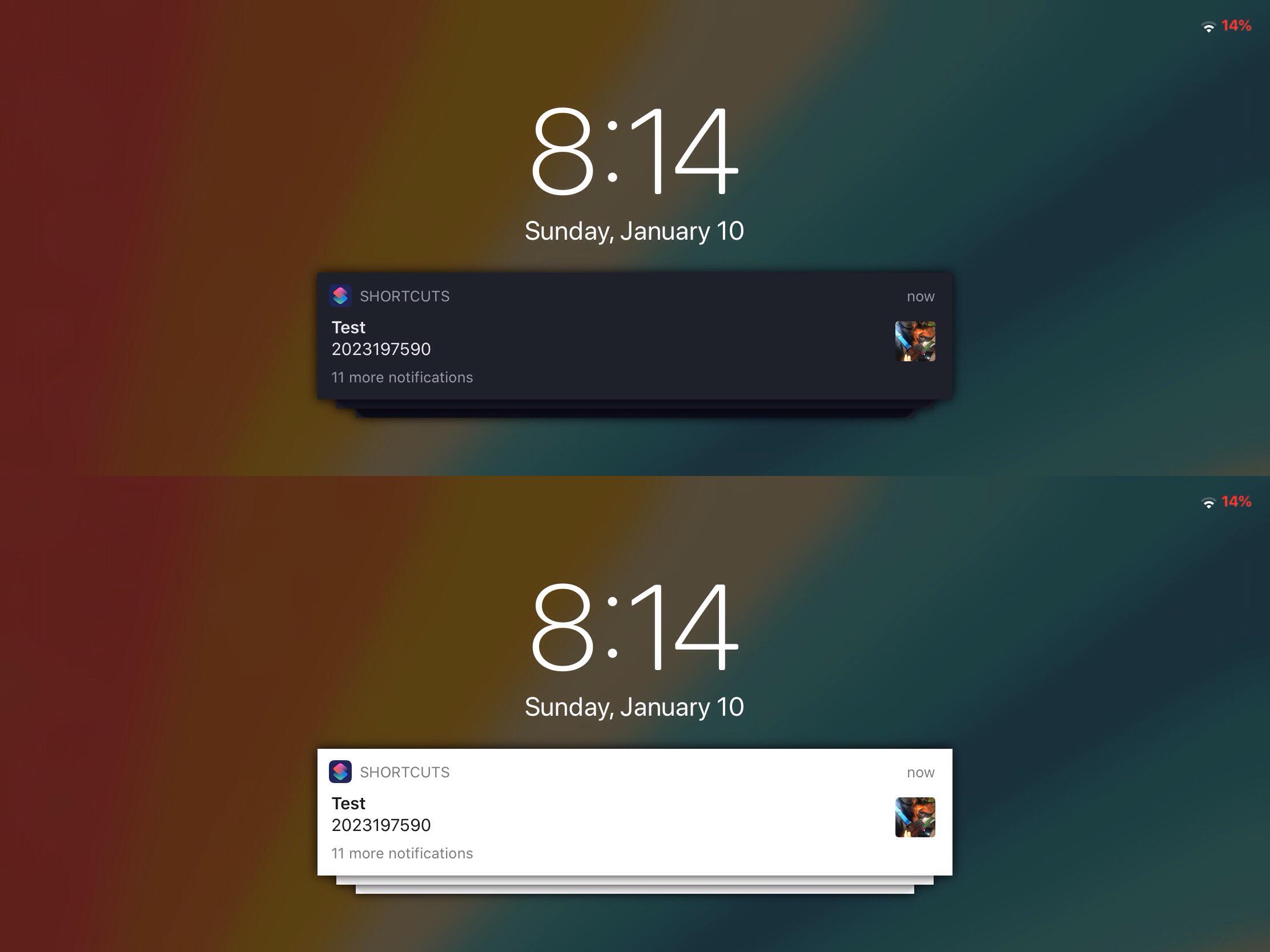
Starscape: A curious new aesthetic for banner notifications on jailbroken handsets

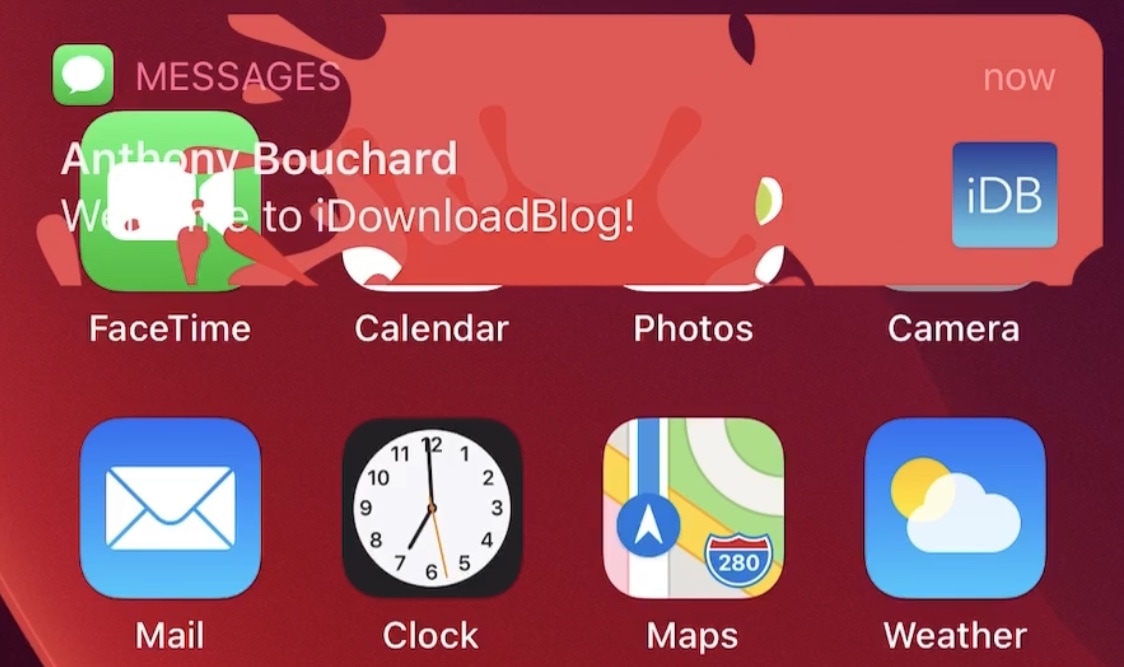
Banner notifications are a critical component of the notification system found on iPhones, iPod touches, and iPads. Whenever you miss a notification, regardless of which app it’s coming from, the operating system displays a banner to keep you in the loop of what’s going on.

Like many things in Apple’s fully integrated software ecosystem, banner notifications aren’t aesthetically customizable. With that in mind, it’s easy to see why banner notifications are often the topic of interest with respect to jailbreak tweaks.

Substitute picks up more minor changes in new v2.0.5 update

If you use the unc0ver jailbreak, then you might recall a Substitute update that was released just yesterday evening, bringing the tweak injection package up to version 2.0.4. It was just one of several updates to be released since Substitute received its major v2.0 rebranding shortly after the start of the new year, but it would be far from the last…

This Thursday evening, Substitute received yet another update. The package now sports the version number 2.0.5, however for the average jailbreaker, this update isn’t quite as imperative as yesterday’s would have been.

Get Lottie-style notification banner animations on your jailbroken iPhone with LottieNotifications

Since the start of January, we’ve witnessed and covered a number of jailbreak tweak releases intended to port fun and quicky Lottie-style notifications to the iOS and iPadOS platforms.

LottieLockscreen was the first of such releases, and as the name implies, it offered Lottie-style animations for the Lock Screen. A few days later, LottieStatusBar became available, and it brought similar animations to the Status Bar. Today, we’re looking at another addition to the Lottie tweak family.

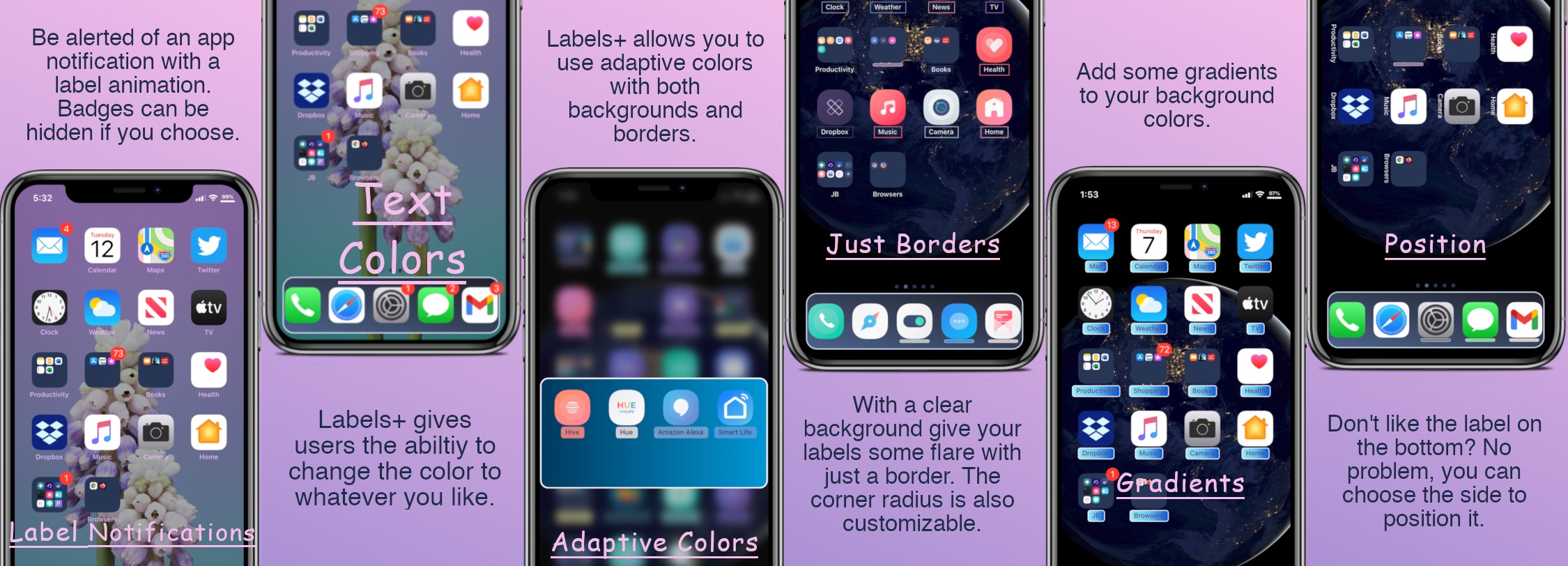
Jailbreakers can customize their Home Screen’s app icon labels with Labels+

One of the things we just can’t help but notice about the Home Screen is the fact that each individual app icon sports its own label — typically designating the respective app’s name.

Apple doesn’t provide users with much customization when it comes to the Home Screen’s app icon labels. The only arguable exceptions are that the icon labels may switch between black and white depending on the color of the Home Screen’s wallpaper and that users may embolden the app icon labels by enabling bold text system-wide.

MShut subtracts muted conversations from the Messages app’s badge count

A feature of the Messages app that I find absolutely indispensable is the ability to mute individual conversations that I don’t feel like responding to or receiving notifications from. This lets me continue receiving messages and responding to those I want while not being pestered by those that I’ve muted.

As great as this feature is, I’ve found that that missed messages from muted conversations still count against the Messages app’s notification badge count. This means that even if you’re trying to ignore someone in particular, the Messages still serves you with unwanted badge notifications for that specific conversation — and worse — bunches those missed notifications with others from the conversations you actually care about.

Substitute updated to version 2.0.4 with performance and stability fixes

If you’ve been paying attention to the unc0ver team as of late, then you likely caught wind of the team’s plans in November to release Substitute version 2.0 with significant speed and performance improvements. Substitute is the primary tweak injection method used by the unc0ver jailbreak, which means that it loads user-installed jailbreak tweaks and extensions.

The unc0ver team’s plans were realized just last week after Sam Bingner unleashed the update on his personal repository, which comes pre-added to Cydia out of the box on the unc0ver jailbreak. While the update was somewhat shaky for a small subset of users at first, a couple of smaller subsequent Substitute updates quickly addressed that.

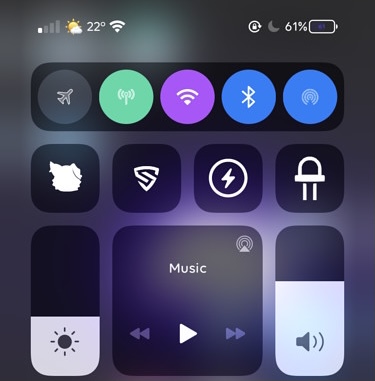
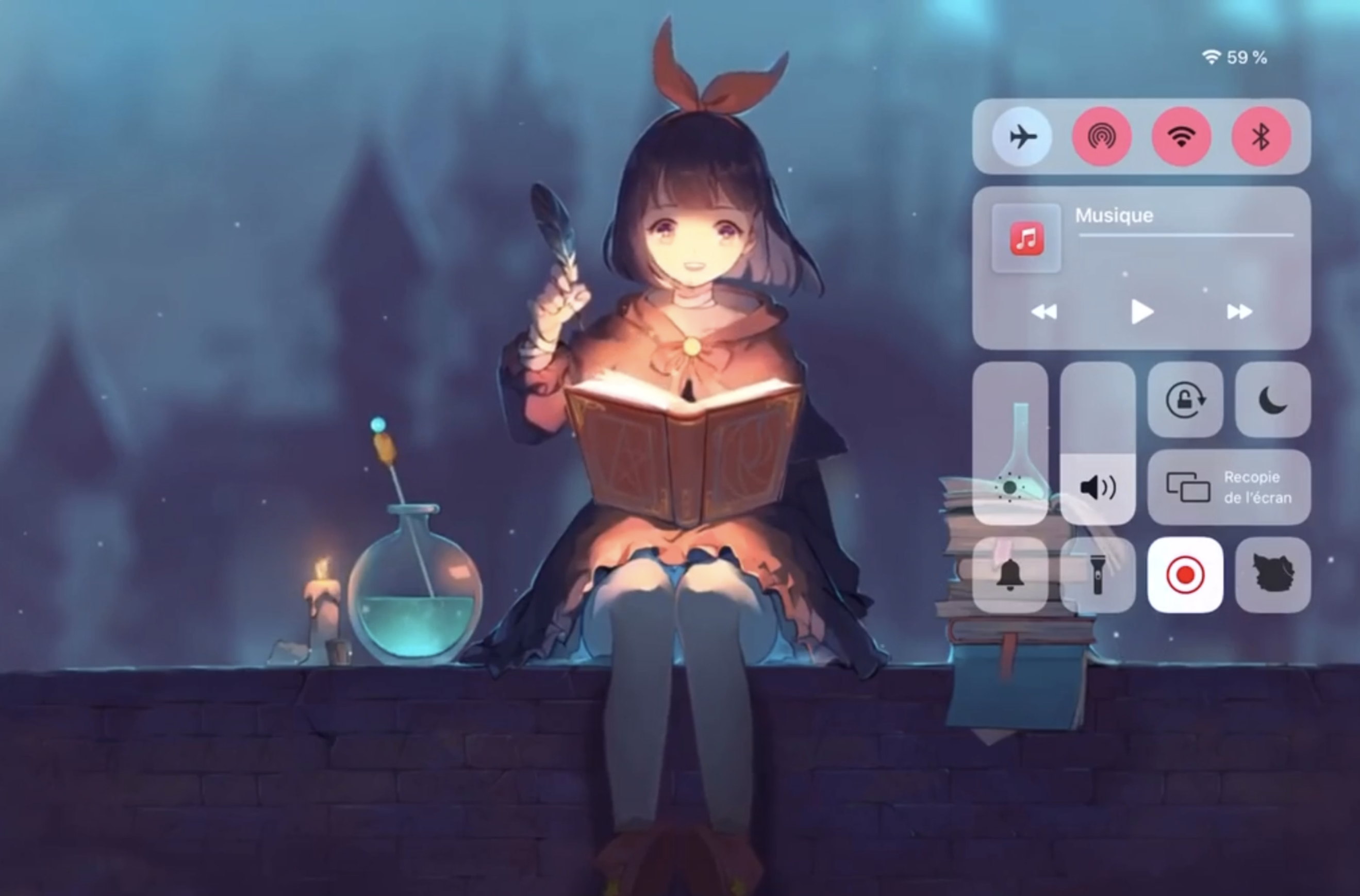
Colorize Control Center’s connectivity module toggles with Aestea Revived

One of my favorite elements of Control Center is the connectivity module, which resides on the top shelf of the interface and provides nearly all of the toggle buttons for my handset’s wireless radios, including Bluetooth, Cellular, Wi-Fi, and a handy button for immediate access to Airplane Mode, among other things.

As much as I like the connectivity module in terms of its functionality, I’ve always thought that it would be more exciting if Apple provided a way for users to colorize the user experience to suit their tastes. While it doesn’t seem that Apple shares the same interests that I do, a free jailbreak tweak dubbed Aestea Revived by iOS developers Litten and Luki120 certainly hits close to home on the subject.

ReachSpring lets jailbreakers respring with the native Reachability gesture

Respring screen.

Jailbreakers know just how valuable the ability to respring their device can be, as it’s often used for saving settings that have been applied to third-party jailbreak tweaks, or for installing or uninstalling those very same extensions. With that in mind, it can be incredibly useful to be able to respring on a whim.

While most jailbreak tweaks offer some type of respring shortcut in their preference pane, not all of them do, and a newly released and free jailbreak tweak called ReachSpring by iOS developer Luki120 ensures that an honest respring is never more than a simple gesture away.