iOS 9

Dreaded Wi-Fi and networking issues are a thing of the past in iOS 9 and El Capitan

It's no secret Mac users are always more or less complaining about various Wi-Fi problems.

But if Apple's support forums and the Interwebs are an indication, the level of annoyance with the networking stack in Apple's desktop and mobile operating systems has seemingly skyrocketed following the release of iOS 8 and OS X Yosemite in the fall of last year.

Indeed, my MacBook Air running Yosemite drops Wi-Fi connection several times per day and takes about thirty seconds to re-connect to my home Wi-Fi after waking from sleep. Before Yosemite, I would be online literally as soon as I opened the lid.

Having installed El Capitan on my MacBook Air yesterday along with iOS 9 on my iPad Air, I'm happy to report that the vast majority of Wi-Fi problems plaguing users have become a thing of the past, here's why.
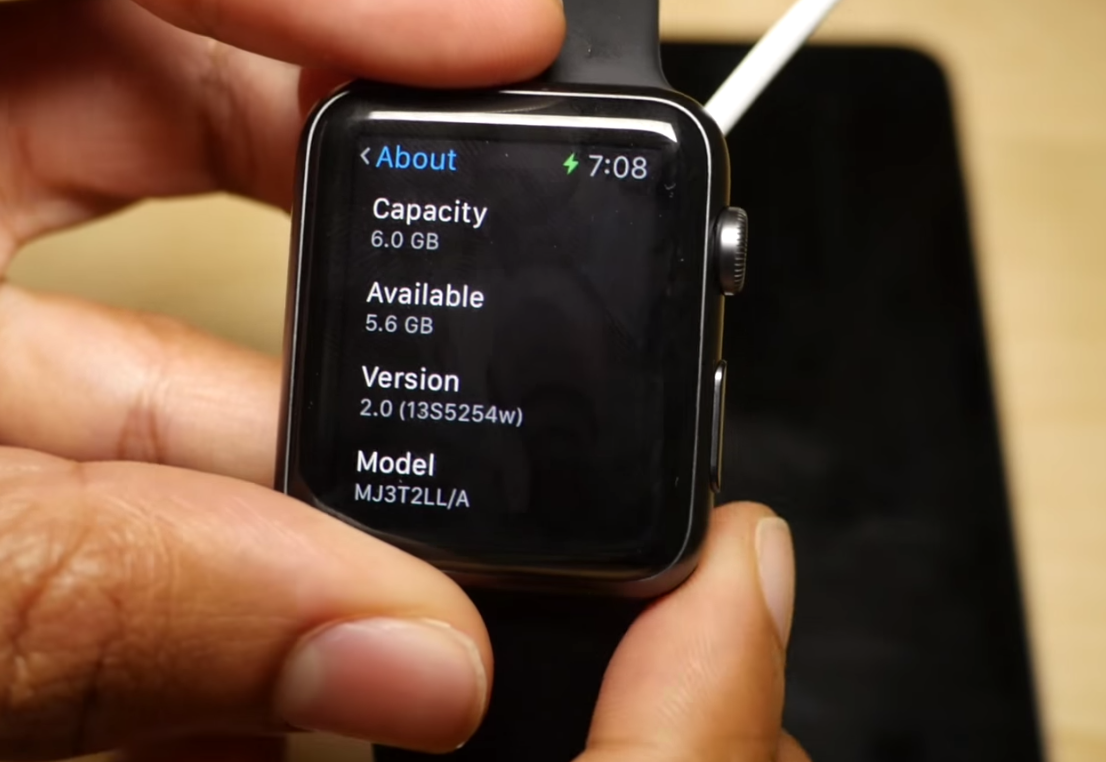
You probably shouldn’t update to watchOS 2 unless you’re genuinely a developer

Every time a beta is released, we always provide tutorials for those of you who may be developers, but to be honest, we know that even some of you non-developers with paid access to developer accounts will upgrade to the betas as well. Of course, that's your own decision.

But with watchOS, things are different. You really shouldn't upgrade to watchOS 2 unless you truly are a developer, or at the very least, you should thoroughly understand what you're getting in to. Why is this? We explain in this post.

WWDC 2015 keynote posted to iTunes as a downloadable high-definition video podcast

Following promotional footage for Apple Music that the Cupertino company posted to its YouTube channel along with the inspirational 'App Effect' video, the entire keynote presentation has now been uploaded to iTunes and made available to everyone in the form of a video podcast.

In case you haven't had a chance to sit through the whole keynote talk yesterday, you can now download the video to your Mac, iPhone, iPod touch or iPad and watch it on your own time.

A look at iOS 9’s jailbreak-inspired features

iOS 9 has brought a lot of new features to the table, and many of those features have been borrowed, whether by coincidence or not, from already existing jailbreak tweaks. In this post, I summarize some of the tweaks that have been natively added to iOS 9 beta 1. Did your favorite tweak make the cut?

Event recap: everything we learned from Apple’s WWDC 2015 keynote

Well, that’s all folks. Apple's WWDC 2015 keynote has come and gone. We now have a good idea of what the future looks like for the company's Mac OS, iOS and watchOS platforms, as well as what its plans are for the streaming music space.

A lot has happened in the last 12 hours, and we understand that it might have been difficult to keep track of everything. So as usual, we’ve put together this awesome roundup for you, of everything important that happened at today’s event.

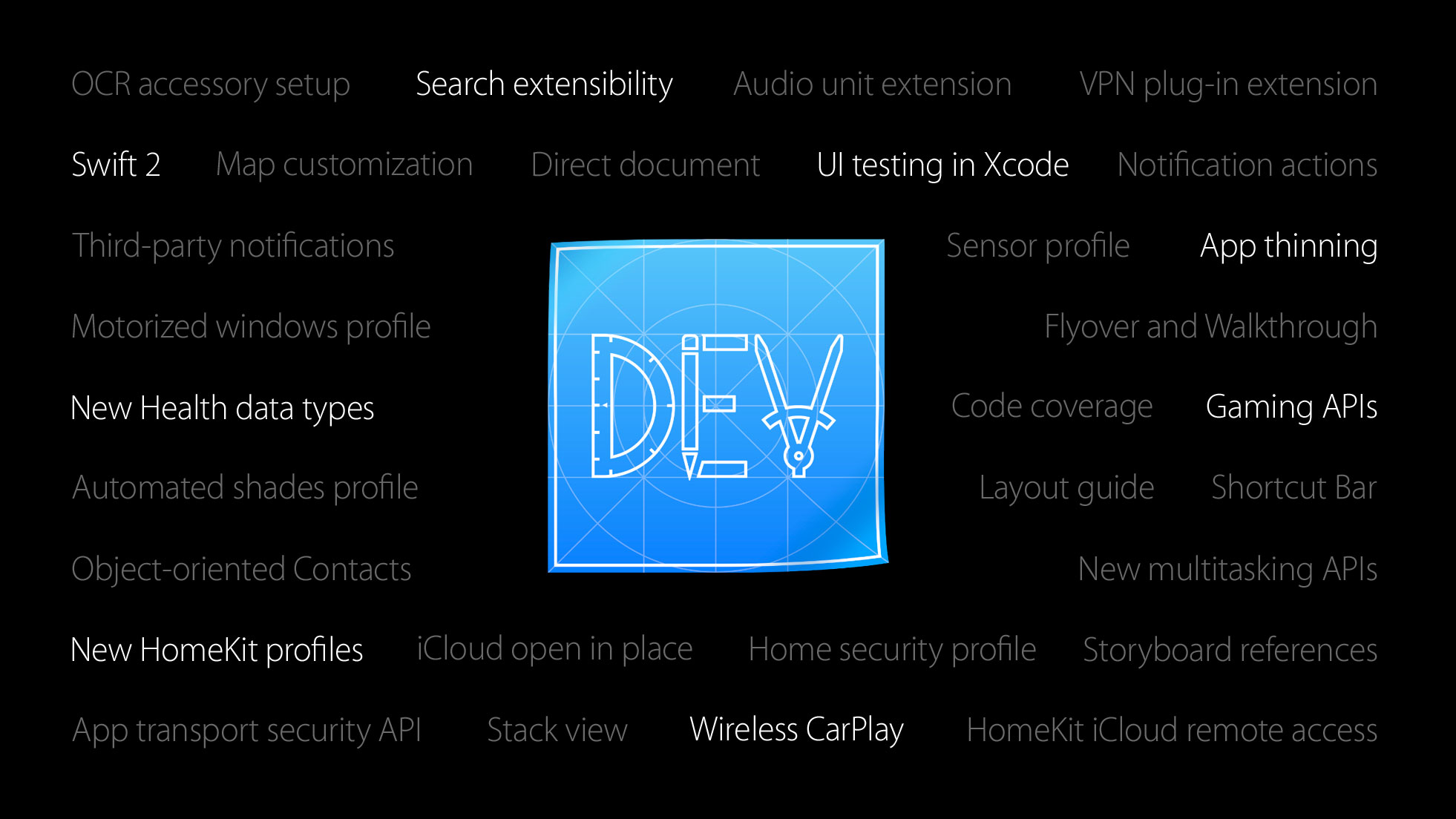
New iOS 9 features Apple didn’t mention today

During Apple's WWDC keynote this morning, it offered up a preview of iOS 9. It discussed a number of major new features in the upcoming OS update, including a smarter Siri, improved Maps and better battery life.

But as usual, there are a number of new features in iOS 9 that Apple didn't really talk about today. The slide you see above gives you an idea of what some of those features might be.

The new official iOS 9 wallpaper for iPhone

Earlier today, during Apple's WWDC 2015 media event, the Cupertino company announced software updates to iOS, OS X, and watchOS. As with previous software updates, Apple always highlights a new title wallpaper for the announcement.

The iOS 9 wallpaper, showed several times during the presentation, pictures the inner curl of a beautifully blue wave. Naturally, we already received requests for the image. Step inside for your reward.

The big keyboard refinements in iOS 9

During its WWDC presentation today, Apple introduced several new enhancements for its keyboard in iOS on iPhone and iPad. These changes include a redesigned shift key for distinguishing capital letters, lowercase, and caps lock. Additionally, key lettering now switches between upper and lowercase depending on which variation of a letter will be typed, which is another tool Apple is using to more clearly define what letter case mode the shift key is in, and adds ShowCase to the list of jailbreak tweaks Apple has turned into stock features with iOS 9.

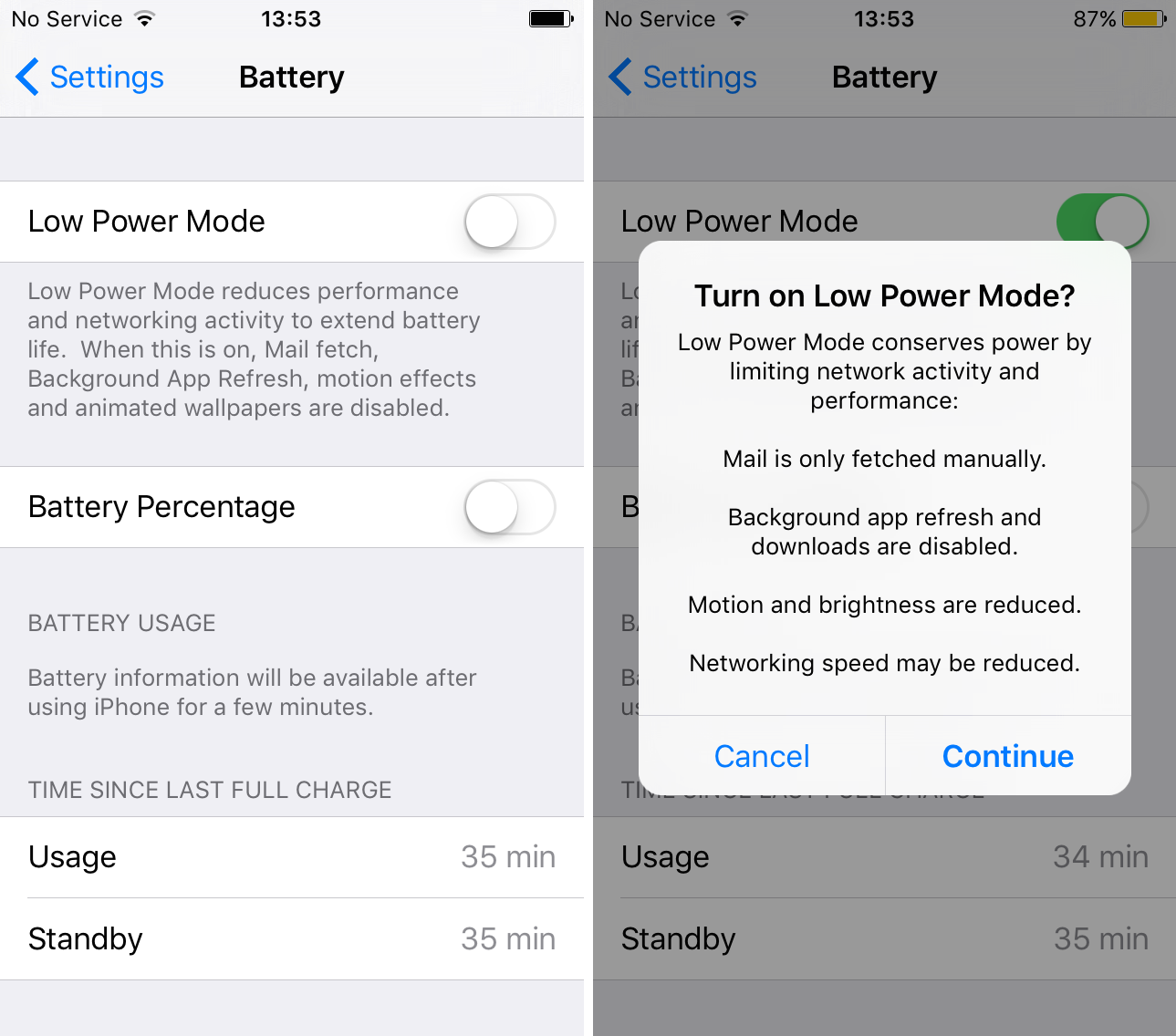
How Low Power Mode works in iOS 9

One of the more significant new features in iOS 9 Apple mentioned during its keynote today is called "Low Power Mode." Similar to Power Reserve on the Apple Watch, this feature is designed to extend the battery life of your device.

First it should be noted that because of the under-the-hood improvements in iOS 9, Apple says battery life for the average user will increase by up to one hour. If you need more, Lower Power Mode gives you up to 3 additional hours.

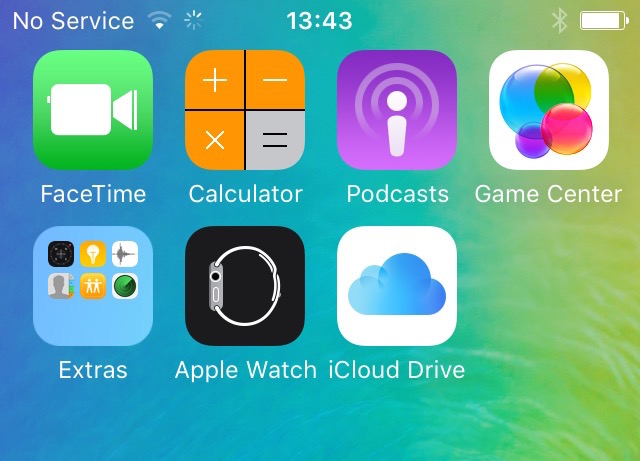
iOS 9 includes a standalone iCloud Drive app

Since Apple's WWDC keynote ended a few hours ago, we've installed the iOS 9 beta and begun digging for new stuff. Apple previewed a handful of the software's features at the event, but as usual, there are a number of additions and improvements it didn't talk about.

One of those features is a standalone iCloud Drive app. It's not immediately apparent, but while launching an app we received a pop-up asking us if we wanted to install it. We were also able to access it via the Settings app iCloud > iCloud Drive > Show on Home Screen.

OS X El Capitan and iOS 9 developer betas now available for download

Apple has just seeded the first beta versions of OS X El Capitan and iOS 9. Registered iOS and Mac developers can log into Developer Center to access the betas, as well as release notes and other info. Apple says iOS 9 will be compatible with the same devices as iOS 8, so devices with A5 chips and newer should work.