iOS 9

AT&T Wi-Fi calling rolling out to some iOS 9 beta users

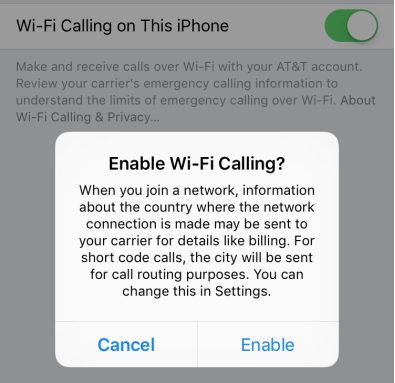
AT&T on Tuesday began rolling out support for Wi-Fi calling to some iPhone users running iOS 9 beta 5. The feature was added when that beta was released to developers last week, but testers on the AT&T network are only just now able to activate it.

For those unfamiliar with Wi-Fi calling, it allows iPhone users to place phone calls over Wi-Fi instead of their cellular network. The feature was first activated for T-Mobile in iOS 8, and users have reported better call quality and improved battery life.
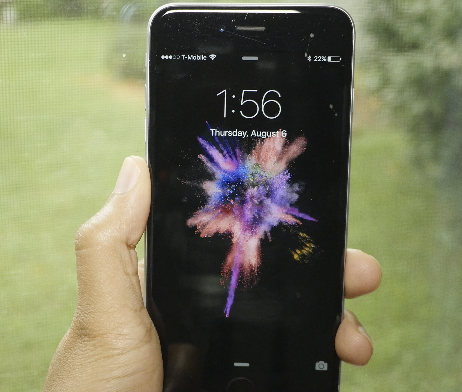
Download the new iOS 9 beta 5 wallpapers

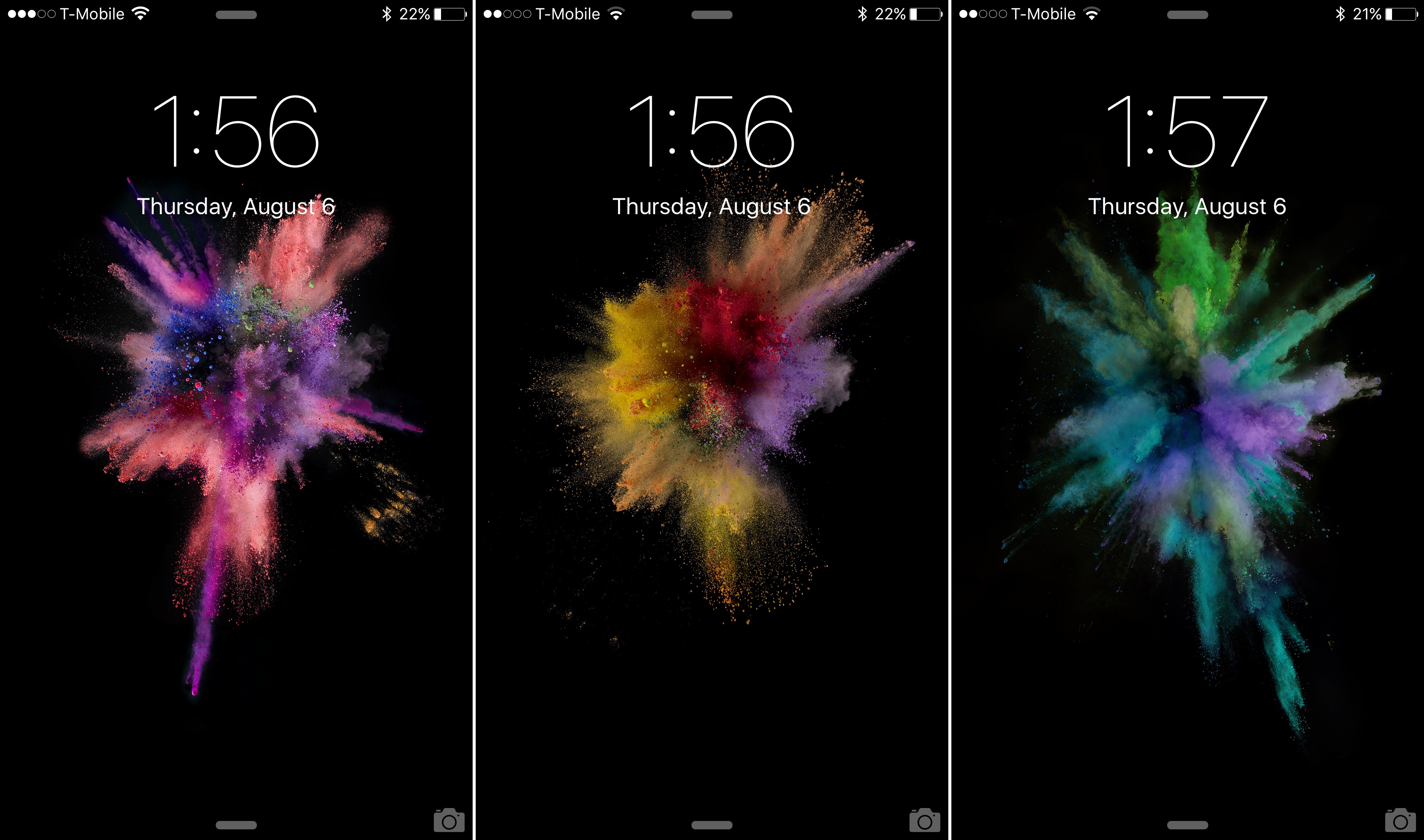
As we reported earlier, Apple has added over a dozen new wallpapers to iOS 9. The iOS 9 beta 5 release brought several new wallpapers to the table, while omitting many of the staple wallpapers that we've been accustomed to over the years.

In this post, we provide you with a download link to many of the new wallpapers. If you want to have Apple's new wallpapers for iOS 9 on your device, but you aren't running the latest iOS 9 beta 5 release, then don't fret, you can download them here.

A look at the 15 new wallpapers in iOS 9 beta 5

As we noted in our iOS 9 beta 5 release post, Apple has added 15 new wallpapers to iOS for the iPhone and the iPad. Along with adding 15 new wallpapers comes the removal of some of the popular legacy wallpapers—including last year's iOS 8 wallpaper.

In this post, we'll walk you through each of the new 15 wallpapers. These updates come with specific themes, including abstract, nature, and color themes. Which of the new 15 wallpapers included in iOS 9 is your favorite?

Apple seeds iOS 9 beta 5 to developers, beta 3 to public testers: here’s what’s new

Apple on Thursday seeded the fifth beta of iOS 9 to developers. The update is available to registered developers as an over-the-air download via the Settings app for those on beta 4, or as a standalone download from Apple's developer portal.

Today's release comes more than two weeks after Apple released the fourth beta to developers, which brought about redesigned Settings icons and other changes, and two months after it first unveiled the software during its WWDC keynote.

Apple’s TestFlight app receives support for native Watch apps and iOS 9’s App Thinning technologies

TestFlight, an online service for over-the-air installation and testing of mobile applications that was purchased by Apple last year, in its most recent version 1.2 update has introduced support for testing upcoming iOS 9 features, including native Apple Watch applications with watchOS 2.

In addition, the application has been optimized with support for App Thinning, a set of Apple-provided optimization technologies designed to reduce download sizes of iOS 9 and Apple Watch apps by tailoring app delivery to the capabilities of the user’s particular device.

Apple releases iOS 9 beta 2 to the public

Apple on Wednesday released the second public beta of iOS 9 to testers. The seed comes just 24 hours after beta 4 of iOS 9 was pushed to developers, and roughly two weeks after Apple dropped the first public beta.

Beta 2 is available to anyone in Apple's public testing program, either via the web portal or as an over-the-air update for folks already on beta 1. If you're looking for help updating to iOS 9, we have a great tutorial here.

How to update the iOS 9 public beta to iOS 9 beta 4

It's possible to update to the latest developer version of the iOS 9 beta directly from the iOS 9 public beta. If you want the latest and greatest updates offered by iOS 9 beta 4, but you're currently running the public beta, listen up—it's super-easy to upgrade to the latest developer version of the iOS 9 beta.

Hands-on with iOS 9 beta 4

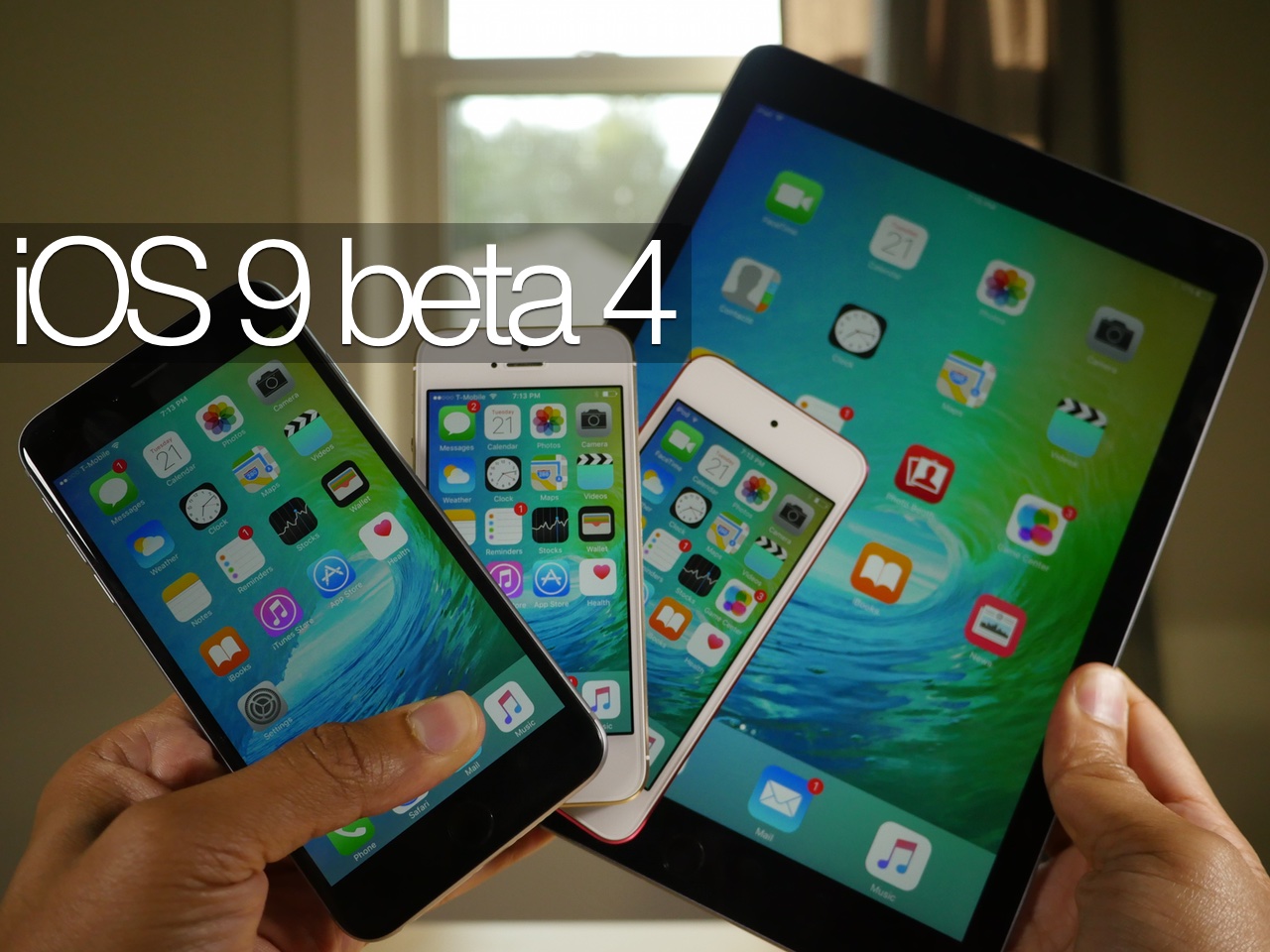
I've been playing with iOS 9 beta 4 on my iPod touch, iPhone and iPad for the last few hours, and I'd like to share my thoughts on the beta release.

First and foremost, this is the first beta firmware to work on the iPod touch 6th generation, and as expected, it runs like a champ. The iOS 9 beta on the old iPod touch 5th generation was barely usable due to the device's lack of power, but this new iPod touch handles things with no issues.

Another big feature is the return of Home Sharing. As promised by Apple executive Eddy Cue, Home Sharing is now back where it belongs in the Music section of the Settings app.

I've created a video walkthrough to showcase many of the new features found in iOS 9 beta 4. Have a look and let me know what you think about this latest beta release.

Apple launches public betas for iOS 9 and OS X El Capitan

Apple on Thursday launched public betas for iOS 9 and OS X El Capitan. Apple has been releasing developer betas of the software since WWDC in June, and this afternoon it added the updates to its public beta testing program.

Folks interested in trying out the betas can sign up via Apple's Beta Software Program portal. Once you're signed up, you'll be asked to register your devices and install beta configuration profiles, and then you can download the betas.

A look at Apple’s new, more secure 2-factor authentication in iOS 9 and El Capitan

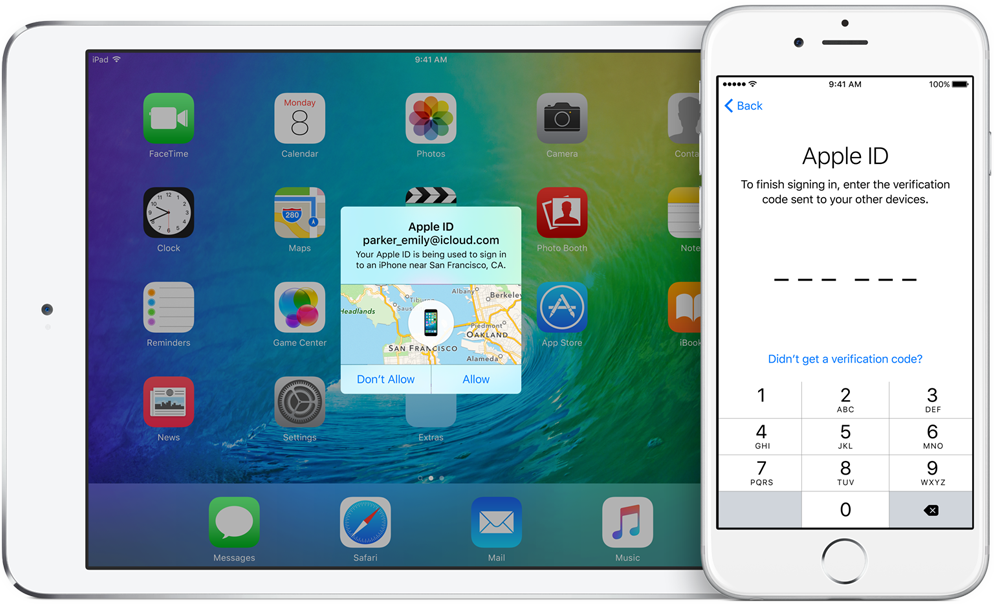
At WWDC, Apple has made a promise to step up security with native two-factor authentication in iOS 9 and OS X El Capitan. Before today, the feature was unavailable on iOS 9 betas prior to beta 3.

But with today's release of iOS 9 beta 3, the new system has made its debut, with some users offered the option to upgrade their Apple ID to use the new two-factor authentication.

Here's what you need to know about this new system, how it increases your security and how it's different from Apple's existing two-step verification process.

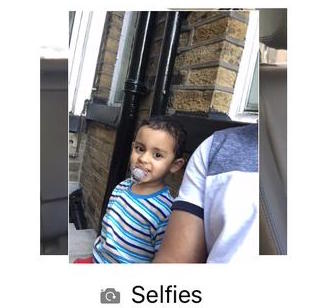
Cool new feature in iOS 9 beta 3: dedicated ‘Selfies’ and ‘Screenshots’ folders in Photos app

Having been combing through the newly released iOS 9 beta 3 for iPhone, iPod touch and iPad in search of new features, I've stumbled upon something that instantly brought a smile to my face: a pair of brand new dedicated folders inside the Photos app.

One aggregates screenshots taken by holding down the power and Home button at the same time. The other is for face shots you take with your iPhone's front-facing camera, as first noted by The Verge.