iOS 7

How to hide apps, folders, and place folders within folders on iOS 7

It seems like every time there's a new version of iOS released, users find a way to utilize glitches to their advantage. We all remember the Newsstand glitch found in iOS 6, and various other glitches and tricks to hide folders, apps, nest folders, etc.

Similar glitches were discovered to work in the beta version of iOS 7, and many of them remain in the final build. In the video that follows, I'll show you how to use these glitches to hide apps, hide folders, and to nest folders within folders.

No, it's not the most ideal method for achieving such results, but until we get a jailbreak, or until Apple allows end users to further customize their device, this will have to do.

Poll: who’s upgraded to iOS 7?

We now know nearly one out of each three iOS users has upgraded to iOS 7 in the first sixteen hours of its availability. Have you? We're only asking you to tell us whether or not you upgraded by now, in order to get a better understanding of the iOS 7 adoption rates thus far.

This being a non-scientific YES/NO poll means readers who haven't upgraded yet but are planning to should of course vote with a 'no'...

Nearly one-third of iOS users upgraded to iOS 7 in the first 16 hours

Adoption of Apple's new version of iOS is off to a fast start. Nearly a third of iOS device owners have already upgraded to iOS 7 just 16 hours after the software was released. According to Mixpanel, by Thursday at 10:28am ET some 31.8 percent of iPhones, iPads and iPods had adopted the new operating system, noted for its flat design and a number of new features. Apple officially released the software on Wednesday at 1pm ET...

iOS 7 now prevents some non-certified Lightning cables from charging your device

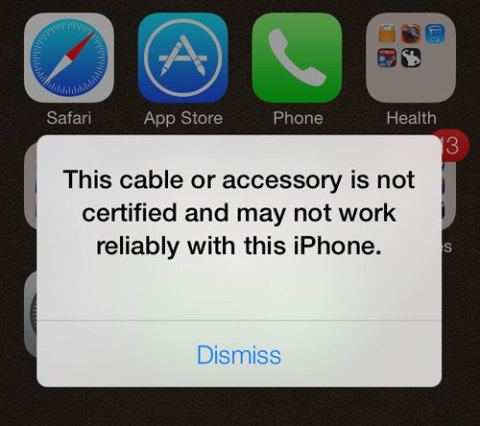
Back in June, we discovered Apple implemented a warning in iOS 7 Beta builds to caution people against using non-certified Lightning cables, many of which contain cracked authentication chips.

Specifically, connecting an accessory to an iOS 7 Beta device through a non-certified Lightning cable produced a prompt saying “This cable or accessory is not certified and may not work reliably with this iPhone”.

It seems the company has thrown down the gauntlet to unauthorized accessory makers over the use of unapproved Lightning cables because folks have confirmed that the shipping version of iOS 7 now in fact blocks such cables, preventing them from actually charging your iPhone...

Apple adds ‘Designed for iOS 7’ App Store section

Following The Great Flattening earlier today, Apple has added a new section to its App Store designed to highlight apps that are optimized for the iOS 7 appearance and technologies that make this OS update arguably the most important in Apple's history.

The all-new 'Designed for iOS 7' section advertises apps like Evernote, OmniFocus 2, NBC, OpenTable, Perfect Weather and other third-party software featuring the iOS 7 style design. Jump past the fold for the full breakdown...

iOS 7 walkthrough

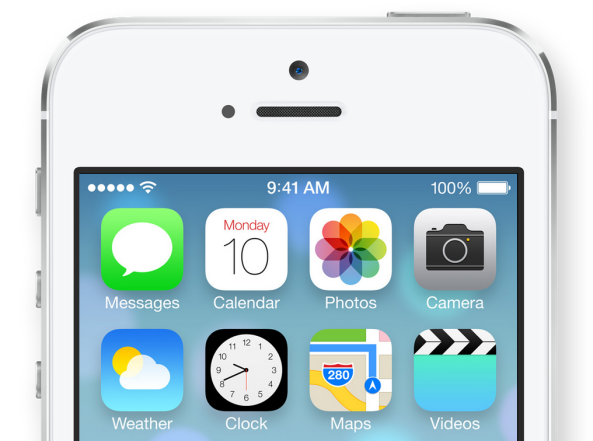
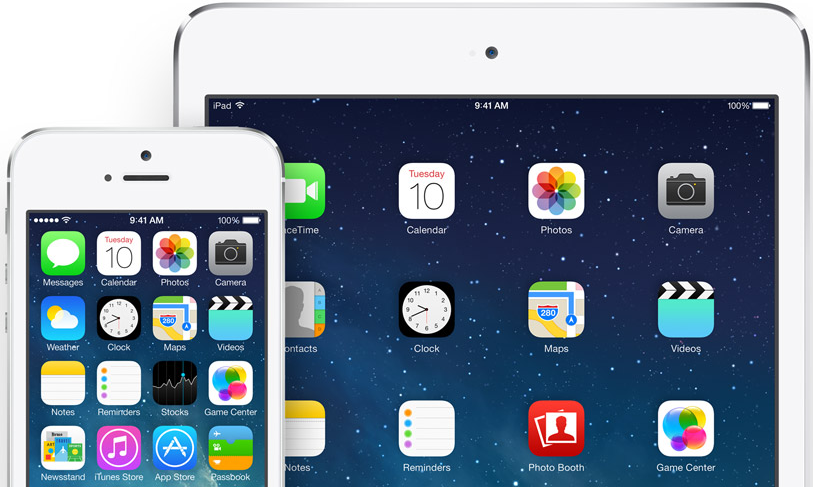
iOS 7, as you're likely already quite aware of, is an absolute huge departure from the status quo. Apple has completely abandoned the design concepts that it established in the 2007 debut of the iPhone, which have been prevalent up until now. The operating system that was once known as iPhone OS, now resides on numerous devices, from various iterations of iPhones, to iPads to iPod touches. The design language has been fairly consistent across the board since its inception.

So why the big change? After iOS head-honcho Scott Forstall's ouster, Apple decided it was time to go in another direction. Its operating system, looking a bit long in the tooth, was in dire need of an overhaul. With Forstall gone and renowned hardware design specialist/Steve Jobs right-hand-man Jonathan Ive now in control, iOS is headed in a remarkably different direction.

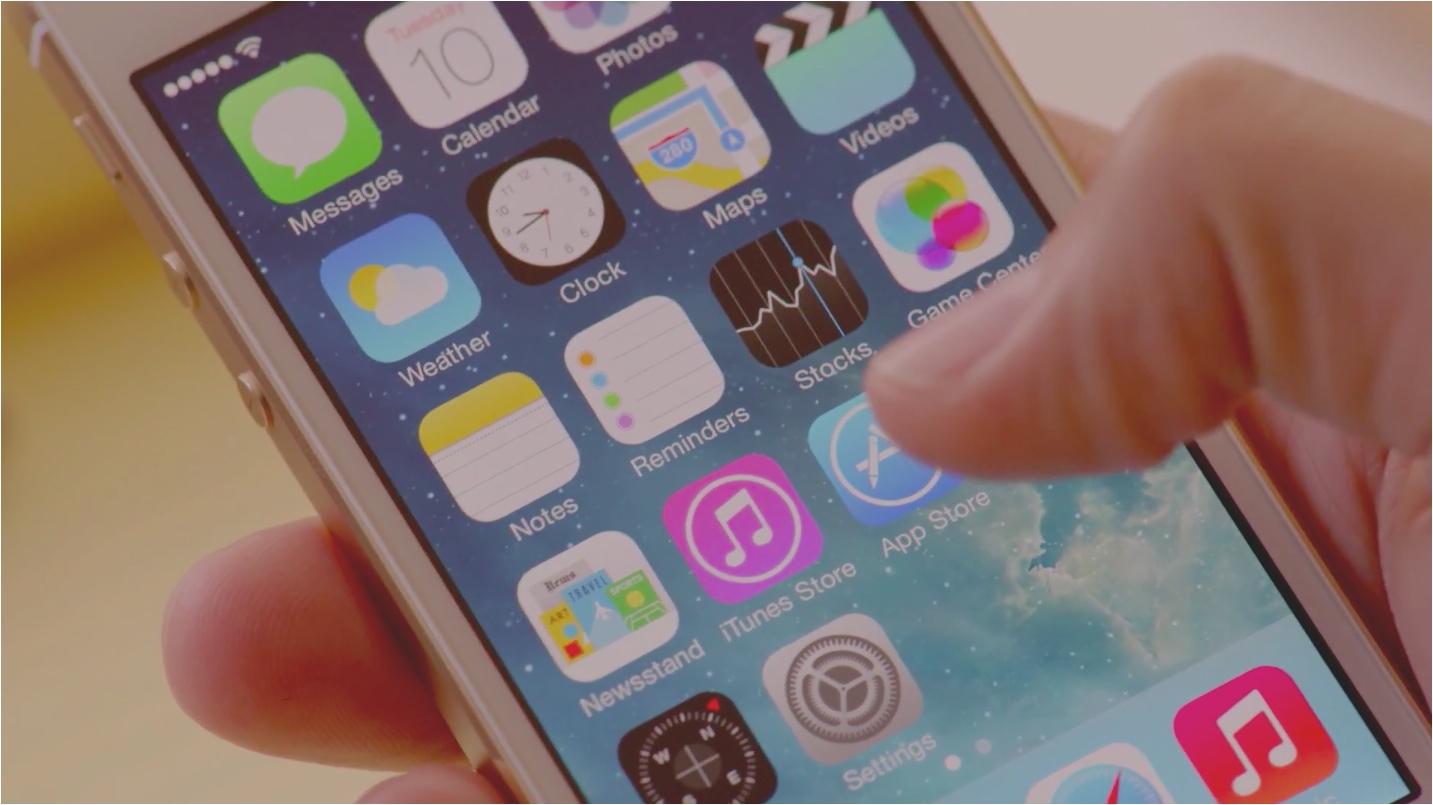
iOS 7 is the result of said new direction, and it's a radical departure from iOS of old. All of the design language, from the biggest feature down to the smallest, has been completely replaced with something new. Even the ringtones and alerts that we've grown to love (or hate) from previous iterations of iOS have been replaced.

What we have now is an operating system that feels slightly familiar, but is basically a completely new experience, at least from a visual and sensory perspective. For that reason, we've deemed it appropriate to go in-depth with many of the various aspects of change in this walkthrough. The goal of this walkthrough is to provide you with a complete and comprehensive look into what makes iOS 7 tick.

iOS 7 represents a bold new direction for Apple post Steve Jobs. It's a huge step for a company that has lived in the shadow of its beloved co-founder since his passing. This is the first footstep out of that shadow. This, ladies and gentlemen, is iOS 7.

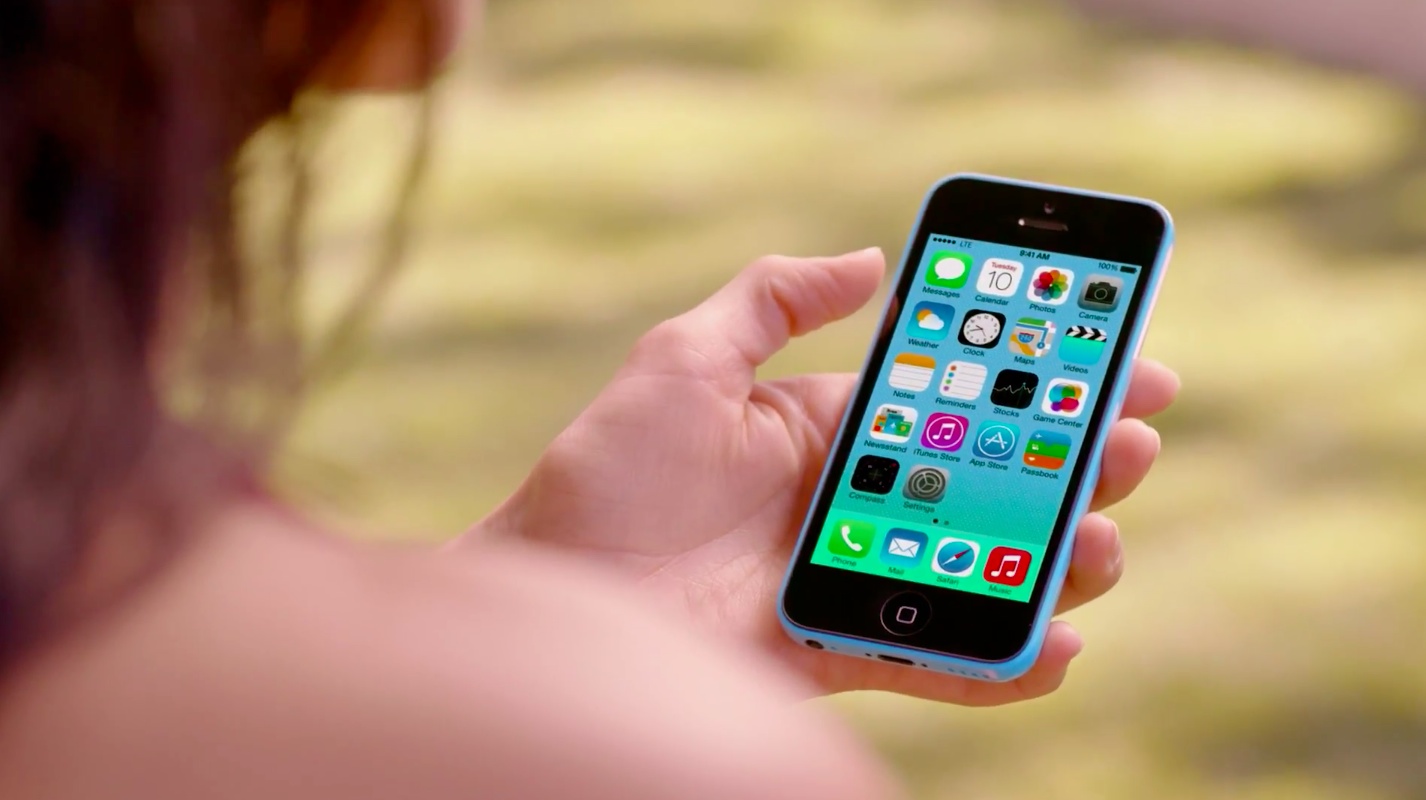
Apple posts new ‘Designed Together’ ad showcasing iOS 7, iPhone 5c

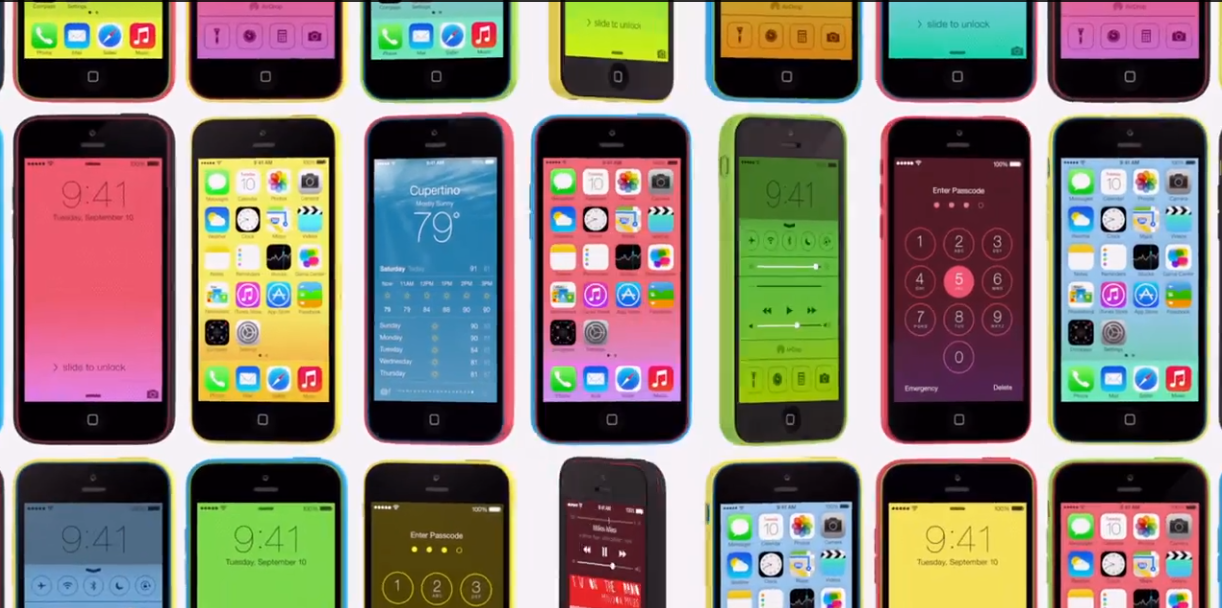
Following the release of iOS 7 this morning, Apple has posted a new advertisement showcasing the redesigned software alongside the all-new iPhone 5c.

The ad is entitled 'Designed Together,' and similar to Apple's recent 'Plastic Perfected' commercial, there's no voiceover or dialogue. Instead, all you hear is catchy background music as various elements of iOS 7 and the iPhone 5c are displayed across the screen...

Direct download links for iOS 7

Apple's just let iOS 7 out of the cage (what, you haven't heard?). Although the firm initially released the software as an over-the-air update weighing in at 1+ gigabyte, some folks like yours truly prefer starting afresh with each major new iOS release.

There are plenty of reasons to do that, from getting rid of the junk amassed from previous updates for maximum speed to rethinking which apps to install and how you want your devices set up. If you're going to do a clean install, you're going to need direct download links for iOS 7 that I've included for your pleasure right after the break...

A running list of major iOS 7 app updates

With Apple releasing iOS 7 today, a number of popular apps have posted updates in order to make sure they work properly with the new firmware. Some are just minor compatibility updates, and others are complete redesigns.

Instead of trying to do individual posts about each of these updates, we've decided to keep a running list of all of them so that you can get an idea of which applications have been updated and what the new versions look like...

A comprehensive list of iOS 7 features

Since it was unveiled on June 10, 2013, iOS 7 has seen six beta and one final GM releases before it was made available to the general public today. If the overall look and feel of iOS 7 hasn't changed much since Apple first demo'd it on stage during WWDC, the mobile operating system has been constantly improved on with the usual "bug fixes and stability enhancements," but most importantly with new features.

These new iOS 7 features are sometimes obvious, but often very subtle. Over the course of the last three months, we've made it our mission to build a list of features that are new to iOS 7. It is not an exhaustive list, but this is probably as comprehensive as it gets. If you want to know all iOS 7 can do for you, you've come to the right place...

iOS 7: what you need to know before updating

Today is the big day as Apple has finally unleashed iOS 7 to the public. Billed as the biggest change to iOS since the original iPhone (it really is), iOS 7 provides a distinctively new yet familiar visual feel to it while offering a host of nice enhancements that make it a worthwhile upgrade.

The mobile operating system is available as a free update to owners of supported iPhone, iPad and iPod touch devices. Here's a recap of what's new in iOS 7, why it matters and some sound advice on the steps you should take prior to deploying iOS 7 on your devices...

iOS 7 is out, get downloading

Like clockwork, Apple has just released the long anticipated iOS 7 software update. Packed with innovative new features and rocking the controversial Jony Ive-approved user interface overhaul, the seventh iteration of Apple's mobile operating system for iOS devices is now available to owners of the iPhone 4 and later, iPad 2 and later, iPad mini and fifth-generation iPod touch.

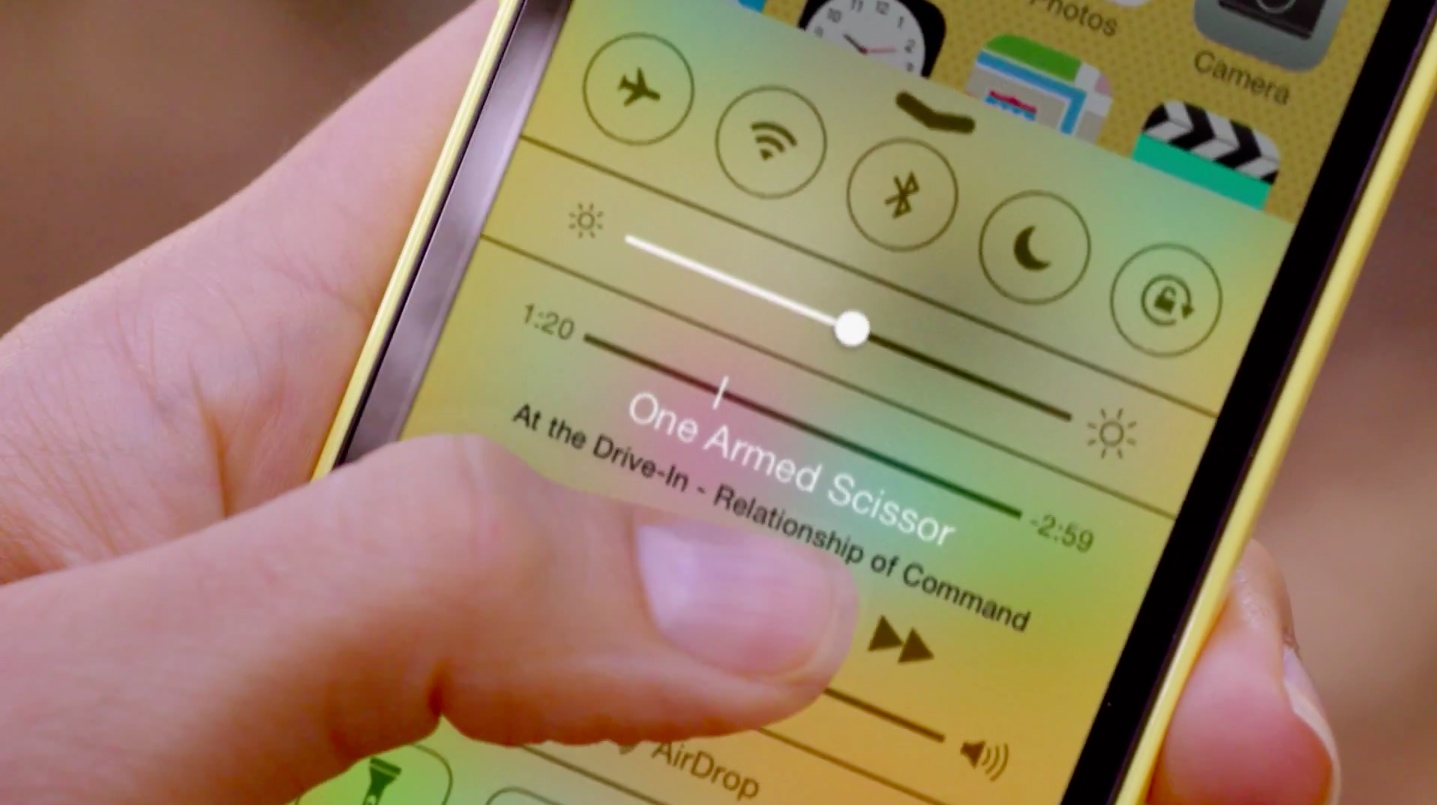
Building on its predecessor, iOS 7 comes packed with new features such as Control Center, AirDrop wireless file sharing, Vimeo and Flickr integration, ad-supported iTunes Radio, FaceTime audio calls and more. It also improves upon the existing feature set with such stuff as enhanced alerts, the improved Notification Center, smoother multitasking, improvements to Siri, Safari, Photos and many other stock apps...