iDownloadBlog reader Niles Mitchell is back with another cool video in his excellent "Will It Work” series, showing an iPhone successfully interfacing with a Clik! drive from Iomega.
Video: iPhone connected to Iomega’s Clik! disk
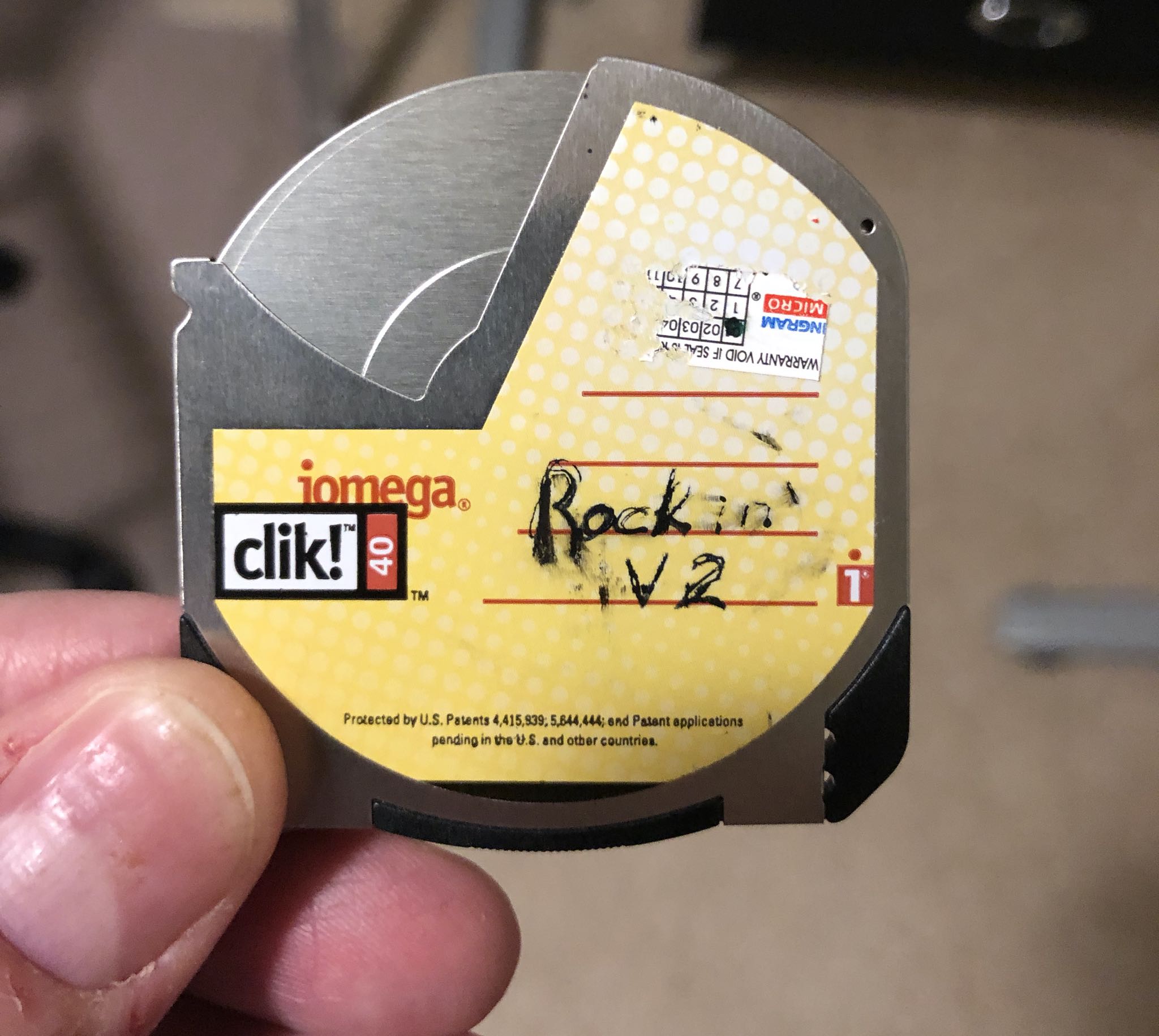
iDownloadBlog reader Niles Mitchell is back with another cool video in his excellent "Will It Work” series, showing an iPhone successfully interfacing with a Clik! drive from Iomega.
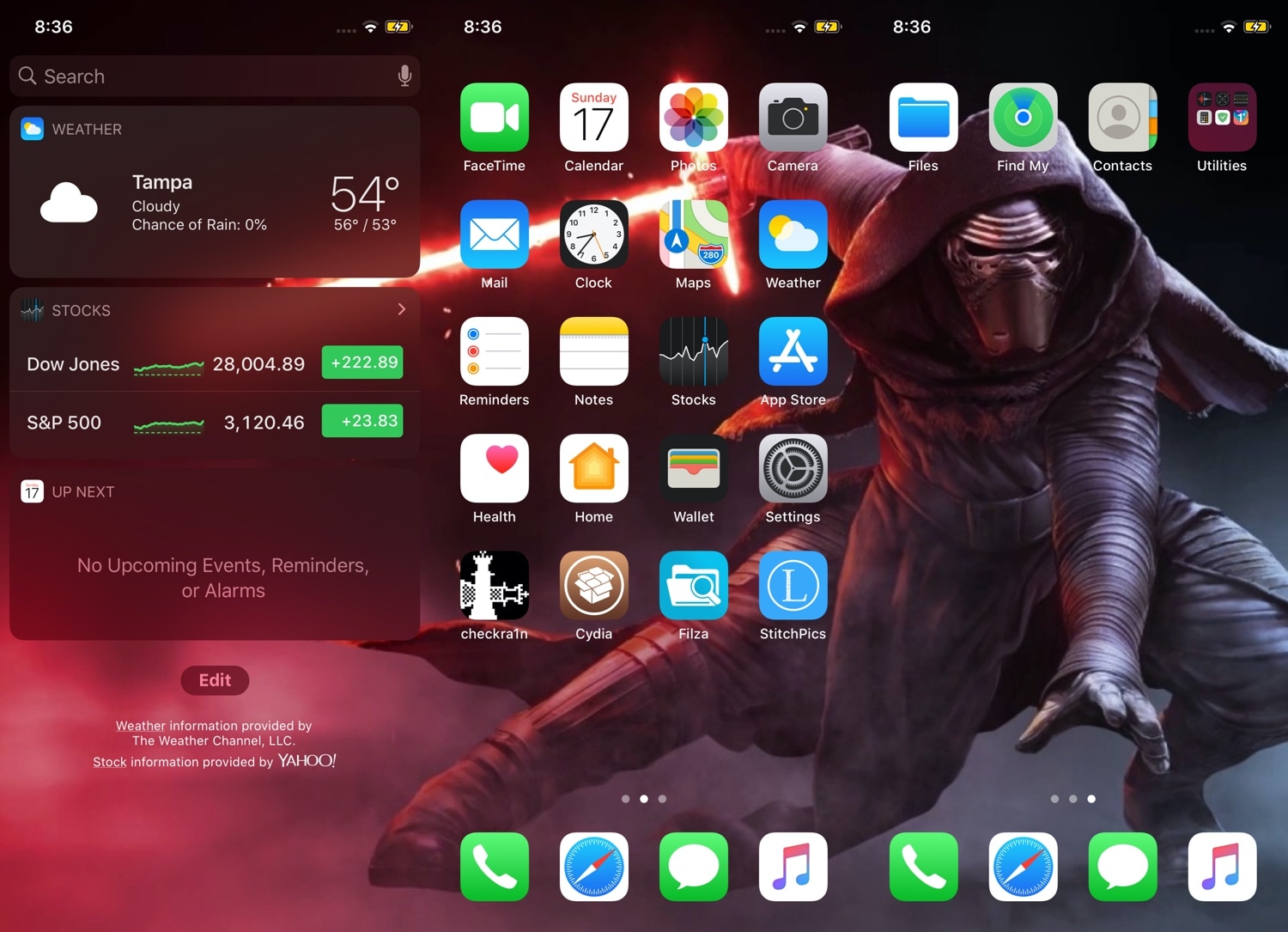
If you’re anything like me and you change your wallpaper somewhat frequently, then you might've noticed how some of the best wallpapers are optimized for horizontally-oriented displays such as laptops and tablets rather than vertical ones found in smartphones.
Applying these types of wallpapers on your iPhone generally results in an unpleasant viewing experience, but with the help of a newly released jailbreak tweak called Continuity by iOS developer Johnny Waity, you can make even the widest of wallpapers look fascinating on your tall smartphone display.
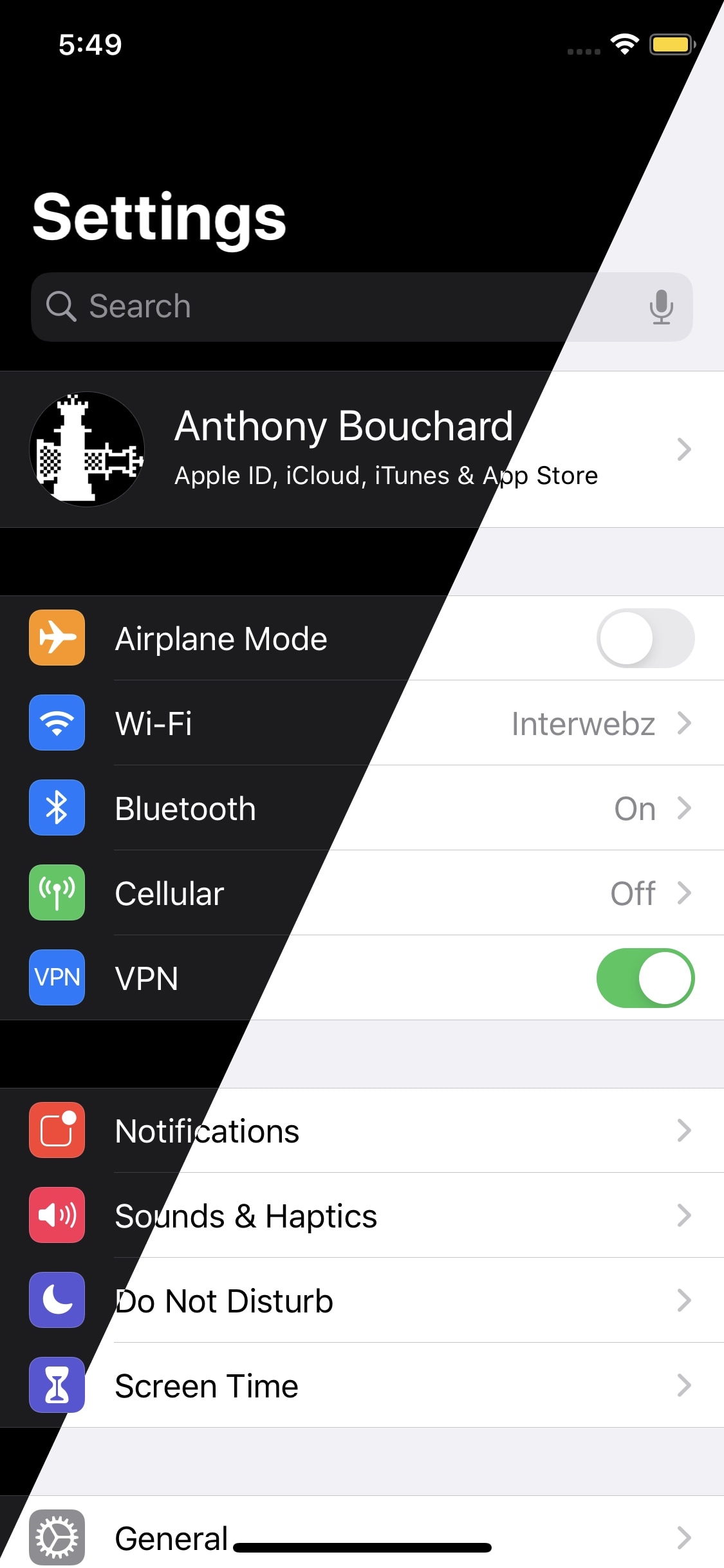
Dark mode is one of my favorite new features in iOS 13, but Apple doesn’t give you too many options as far as switching between dark and light mode is concerned apart from doing so manually and automatically based on the time of day it is.
An iOS developer by the name of Smokin1337 recognized that this as something that could be improved, and with that in mind, a new and free jailbreak tweak called AdaptiveDarkMode was conceived.
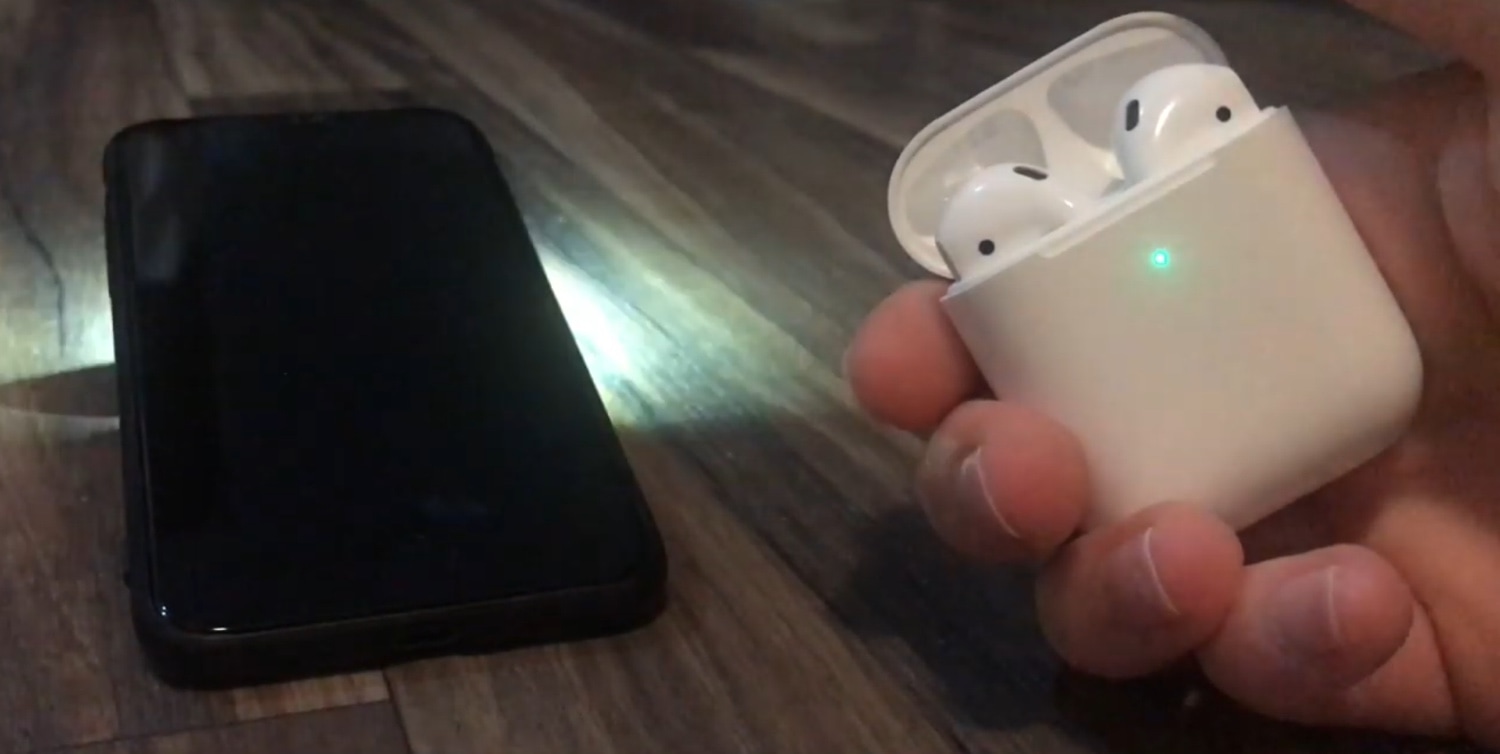
Have you ever misplaced your iPhone somewhere in your home, but had immediate access to a paired Bluetooth device? If so, then you might be excited to learn about a new jailbreak tweak called BlueFinder by iOS developer AnthoPak.
From what we can gather, BlueFinder lets you use a paired Bluetooth accessory to trigger an audible ringing sound on your misplaced handset. This has significant advantages for clumsy folk who consistently drop their iPhone between the sofa cushions or leave their handset somewhere in the house and forget where they put it.
The checkra1n team is out with another update for the checkm8 bootrom exploit-based checkra1n jailbreak Friday afternoon, this time bringing the tool up to version 0.9.5 beta.
The new version was announced just this afternoon via Twitter, signaling bug fixes and DFU mode-related improvements:
Apple stopped signing iOS 13.2 Thursday evening, a move that inhibits iPhone, iPad, and iPod touch owners from downgrading their handset’s software from the latest iOS 13.2.2 release.
It’s common practice for the Cupertino-based tech company to unsign older software sometime after a newer gets released. Doing so facilitates (sometimes involuntary) software upgrades, which ensures that the majority of iOS device users take advantage of the latest new features, bug fixes, and security improvements.
It was only a few hours ago that the checkra1n team updated the checkra1n public beta jailbreak to v0.9.3 with a somewhat lengthy change log, but as it would seem, they weren’t yet finished crunching bugs.
In a Tweet shared later this afternoon, the checkra1n team shared news about a second update to the jailbreak tool, this time bringing it up to v0.9.3.2:
The checkra1n team is out with another update for the checkra1n public beta on Wednesday, this time bringing the checkm8 bootrom exploit-centric jailbreak up to v0.9.3.
The checkra1n team announced the update just this afternoon via Twitter, adding that it fixes a substantial number of bugs:

One of my favorite upgrades in iOS 13 is the updated ringer/silent HUD. Rather than taking up the entire center of the display, iOS 13’s ringer/silent HUD appears near the top, and it looks much sleeker with its smaller footprint and subtle colorization.
If you’re jailbroken on iOS 12 instead of iOS 13, then you might be excited to learn about a newly released jailbreak tweak called XIIIHUD-Mute by iOS developer XCXiao, as it ports the iOS 13 ringer/silent HUD experience to the older mobile operating system. Examples of the tweak are depicted in the screenshot examples above.
Earlier today, Apple seeded the second developer beta of iOS 13.3 (and iPadOS 13.3). Now, a few details are starting to surface.
In late October, Apple released iOS 13.2 and iPadOS 13.2 to the public. Now the company is looking ahead to the mobile operating system's next minor update.
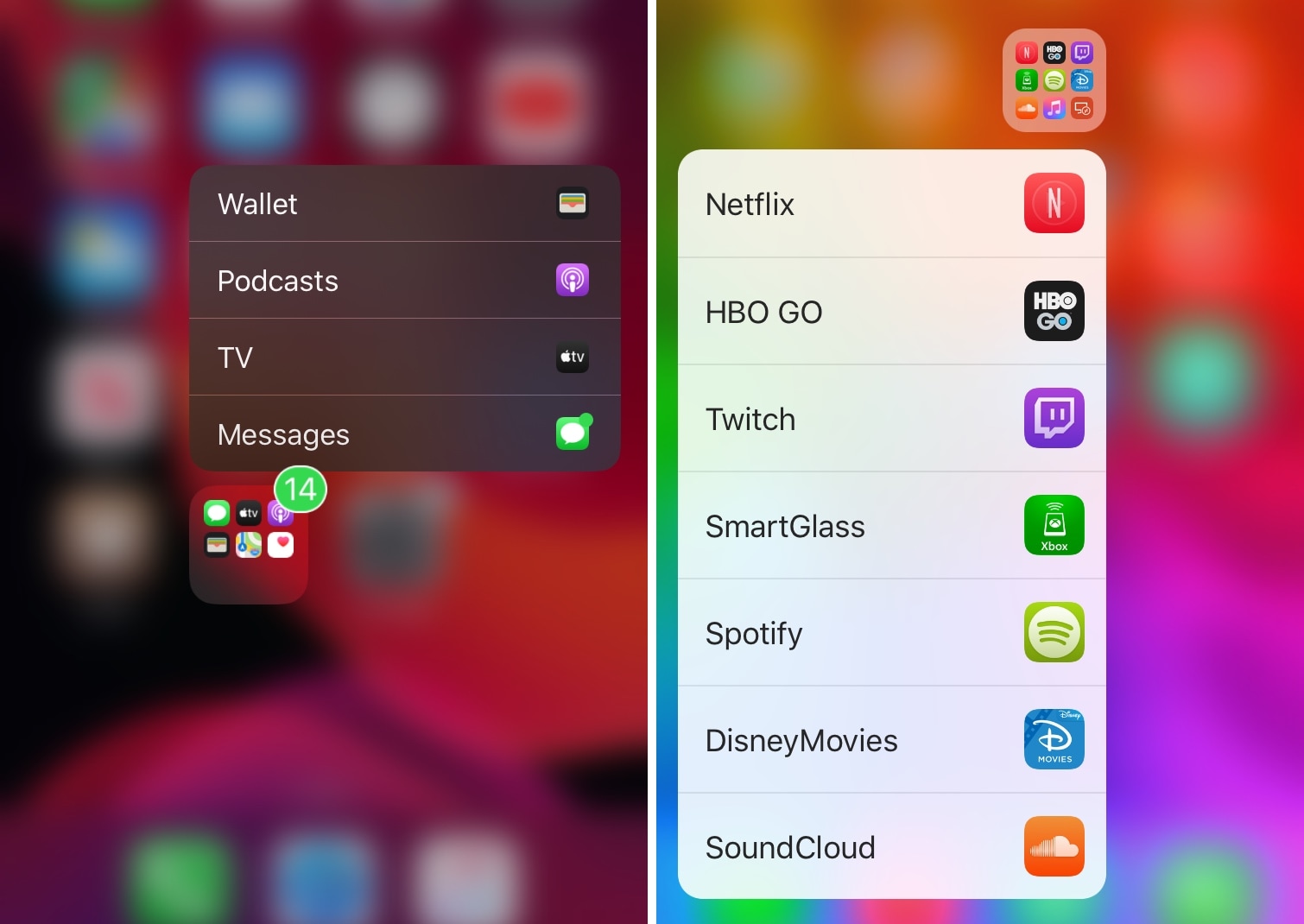
If your iPhone’s Home screen is chock-full of application icons, then you might use folders to help you organize them. On the other hand, having too many folders can quickly create the illusion of an application labyrinth that makes navigating your Home screen more confusing than it’s worth.
Those familiar with the circumstances described above just might take a liking to Manila, a new and free jailbreak tweak by iOS developer David Goldman that lets you launch apps from your folders with a Haptic Touch or 3D Touch gesture.